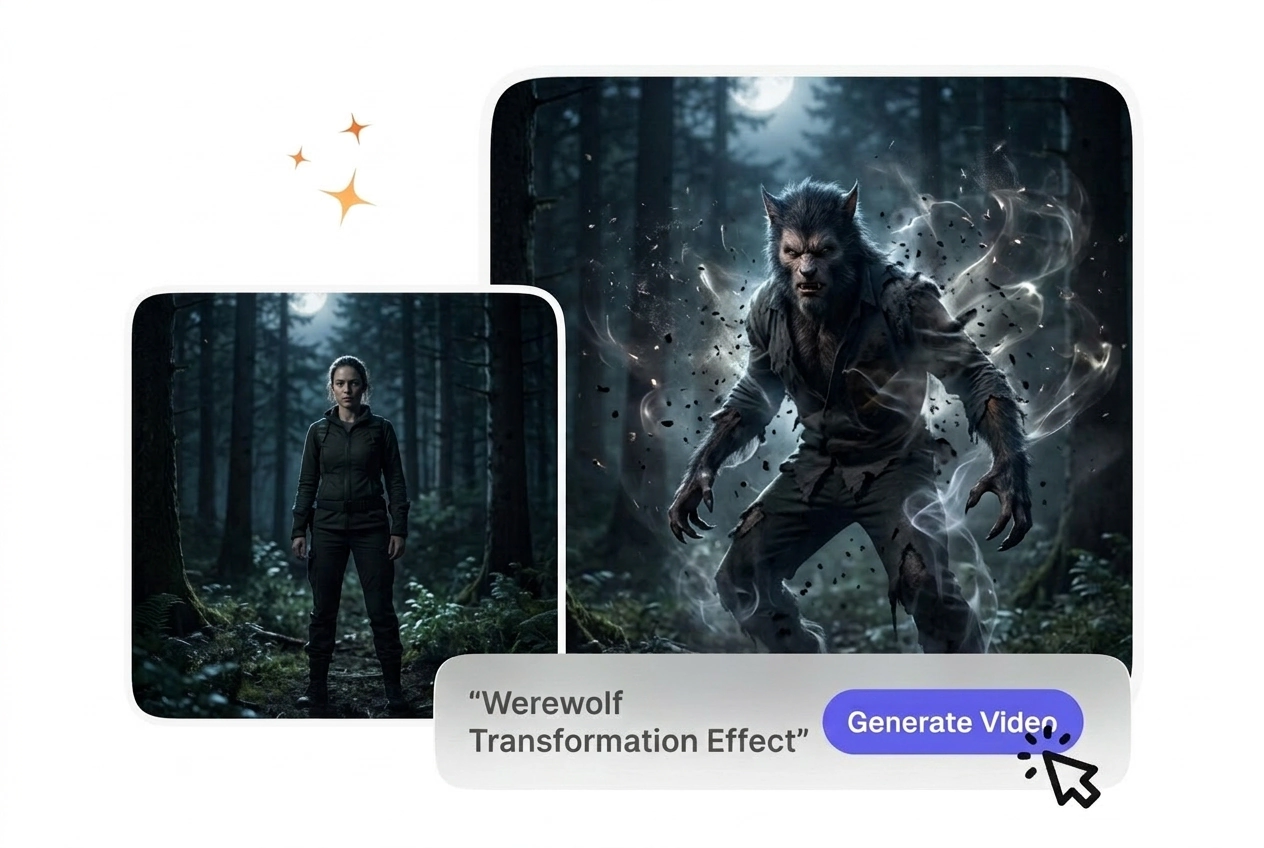

Gerador de Vídeo de Transformação em Lobisomem Grátis

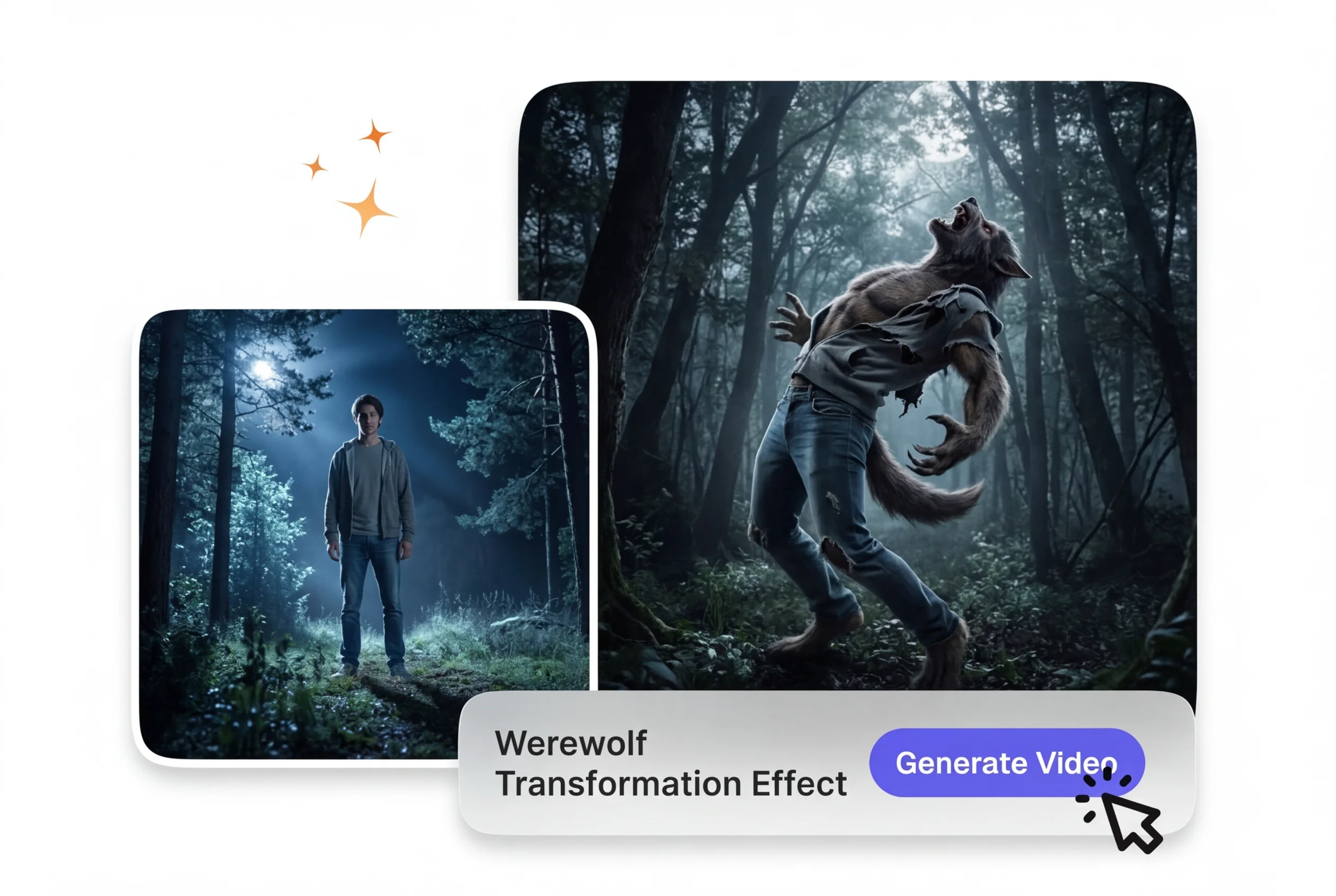
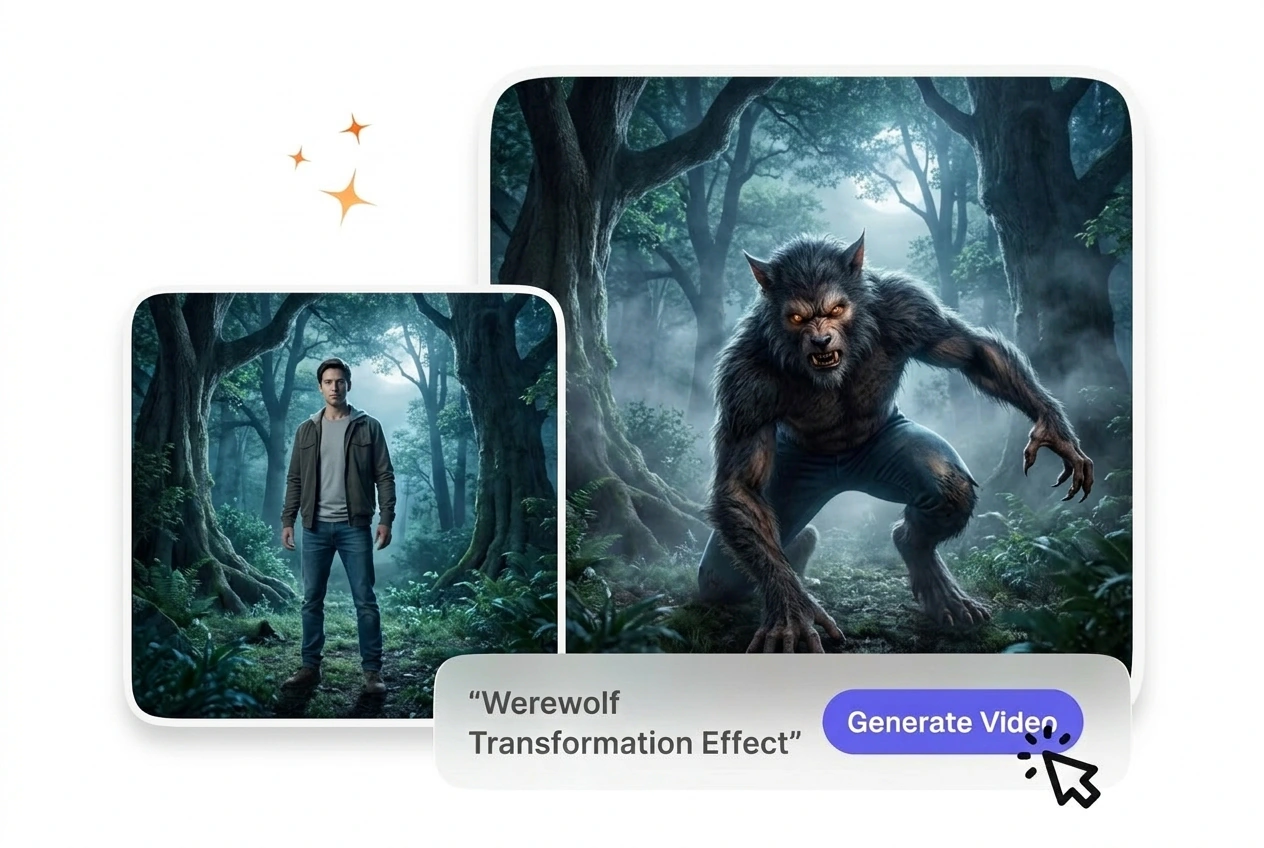
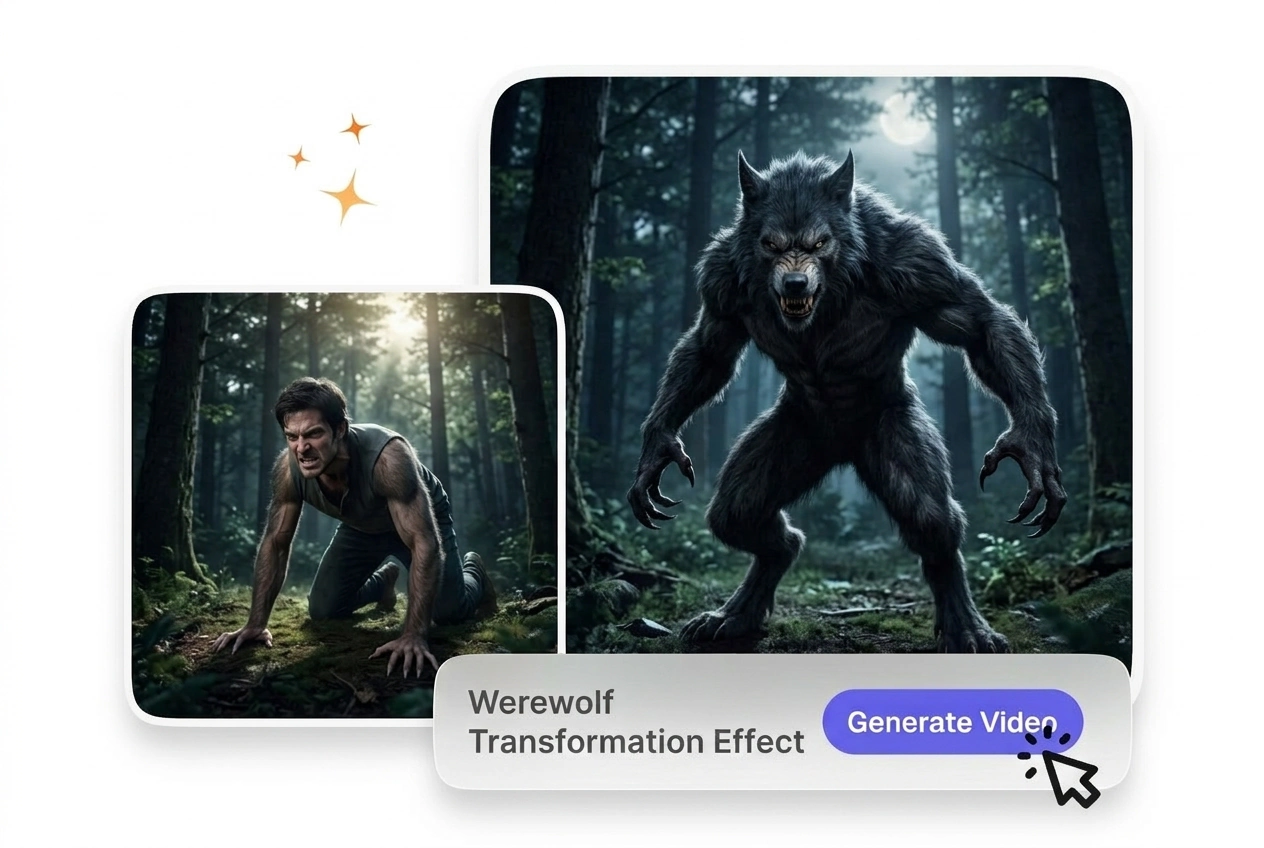
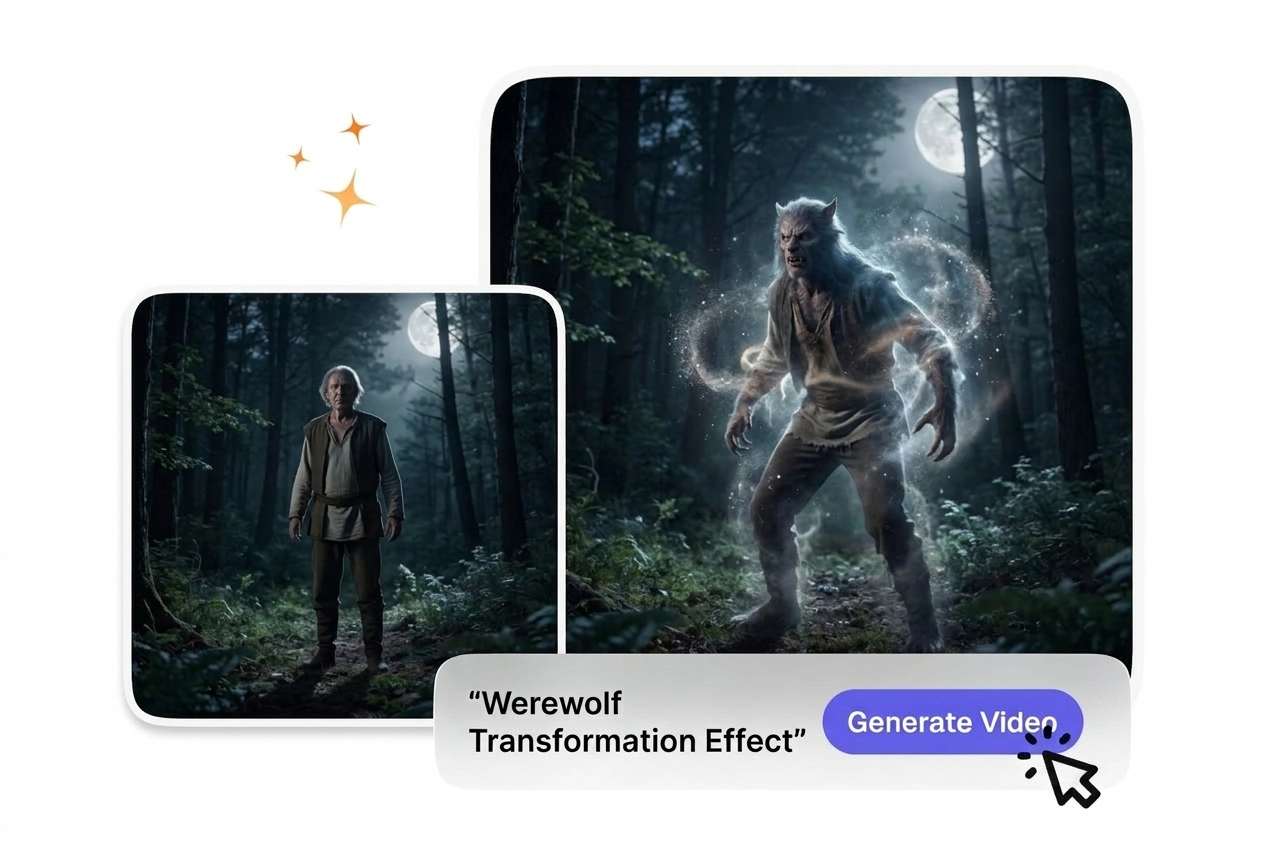
O efeito de transformação em lobisomem transforma um clipe de origem em uma mudança de criatura em estágios, mantendo o assunto e o movimento originais. Filmagens frontais com detalhes faciais nítidos geralmente oferecem pré-visualizações mais precisas e resultados de transformação mais estáveis.

Gerador de Efeito de Transformação em Lobisomem

O VideoAI cria um efeito de transformação em lobisomem realista a partir do seu frame inicial e comando de texto. Traços faciais nítidos garantem os resultados de metamorfose mais previsíveis.

Werewolf Transformation Effect VideoAI hero showcase image
Quem Usa Este Efeito de Transformação em Lobisomem

Diretores de curtas de terror, profissionais de marketing de jogos indie e criadores de conteúdo de fantasia utilizam esta ferramenta para gerar metamorfoses de criaturas previsíveis sem a necessidade de softwares complexos de rigging 3D.

Horror director using Werewolf Transformation Effect tool
Diretores de Curtas de Terror

Cineastas independentes precisam de transformações de criaturas com aspeto prático em orçamentos reduzidos. Basta carregar um frame de um ator bem iluminado e a VideoAI gera a sequência. Isto mantém a sua produção em andamento, preservando um tom visual consistente nas suas cenas de terror.


Game marketer creating Werewolf Transformation Effect asset
Marketing de Jogos Indie

As campanhas promocionais exigem recursos visuais impactantes que expliquem rapidamente as mecânicas das personagens. Quando precisa de um clipe promocional rápido, este gerador oferece uma transição de metamorfose em lobo fiável. O vídeo resultante demonstra claramente as habilidades das suas personagens a potenciais jogadores.

Creator making full moon werewolf video online
Criadores de Conteúdo de Fantasia

Canais de redes sociais prosperam com ganchos visuais envolventes e explicações de lore. Ao inserir um prompt descritivo detalhando o ambiente sob o luar, a VideoAI ajusta a atmosfera. Esta abordagem entrega um vídeo de lobisomem sob a lua cheia de alta qualidade para o seu público.

How to Make a Werewolf Transformation Effect Video

Upload your starting human portrait, define your desired creature traits in the prompt, and let VideoAI render the complete morphing sequence for you.

Step 1

Upload Starting Frame

You provide a clear portrait image as the base reference. VideoAI analyzes the facial structure and lighting, then prepares the exact foundation needed for a smooth lycanthrope transition AI sequence.

Step 2

Write Your Prompt

If you want specific fur colors or glowing eyes, describe them clearly in the text field. VideoAI reads these detailed instructions so the final generated output matches your exact creative vision perfectly.

Step 3

Generate and Export

You click generate, and the system processes the morphing animation based on your inputs. After that, you simply download the finished file to use in your preferred video editing software.

Features of the Werewolf Transformation Effect AI

VideoAI provides specific controls to shape your creature design. You adjust the pacing and visual details to match your exact storytelling requirements.

Customizable fur generation in Werewolf Transformation Effect

Customizable Fur Generation

VideoAI reads your text prompt to determine the length and color of the creature hair. You type your preferences, and the engine applies them during the morph. Werewolf Transformation Effect works best with highly descriptive text inputs.

Bone structure morphing for Werewolf Transformation Effect

Bone Structure Morphing

The system maps the facial landmarks of your starting human portrait to guide the anatomical changes. You do not need to manually plot tracking points. The resulting AI Werewolf Transformation Effect looks natural, provided the source face is clearly visible.

Adjustable morph pacing in Werewolf Transformation Effect

Adjustable Morph Pacing

When you need to match a specific audio beat, you can speed up Werewolf Transformation Effect sequences or slow them down. You select the duration before generating. Extreme slow-motion may require higher resolution source images for optimal clarity.

Atmospheric lighting control for Werewolf Transformation Effect

Atmospheric Lighting Control

VideoAI adjusts the environmental lighting based on your text prompt to simulate moonlight or dark forests. You describe the setting, and the tool blends the subject into that environment. Complex lighting works best with neutral starting portraits.

Werewolf Transformation Effect FAQ

Can I use a video file as my starting point, or do I need a single still image frame?

No, VideoAI requires a still image as the starting frame to generate the animation. For the cleanest results, upload a high-resolution portrait with clear lighting. This ensures the AI video Transition generator accurately maps the facial features.

How do I make the Werewolf Transformation Effect play more slowly or dramatically before I export?

Sure, you can adjust the duration settings before you click generate. Longer durations create a slow Werewolf Transition, which requires more processing time. This helps creators match the visual pacing to slower, more dramatic audio tracks.

Can I download a werewolf transformation video for free, and will free exports show a watermark?

You can export to your device for review; free access often shows a watermark and tight caps. Free output is not cleared for commercial client work or paid distribution. Open the pricing plan page for paid membership and commercial terms.

Can I control fur, teeth, and other creature details using my text prompt?

Yes, your text prompt dictates the final look of the creature. Vague prompts yield unpredictable results, so describe the fur and teeth explicitly. This gives you the precise control needed for a professional AI Transition free of random artifacts.

Does VideoAI add sound effects or music to the werewolf transition, or is it video-only?

No problem, but VideoAI focuses entirely on the visual generation process. You must add your own sound effects in your editing software later. This ensures your Free Werewolf Transformation Effect Video matches your specific audio mix perfectly.

Experimente o Efeito de Transformação em Lobisomem Hoje

Faça o upload do seu frame inicial e veja como o VideoAI lida com o seu conceito de criatura. Você pode ajustar o prompt e exportar seu arquivo final rapidamente.