

动作视频剪辑师
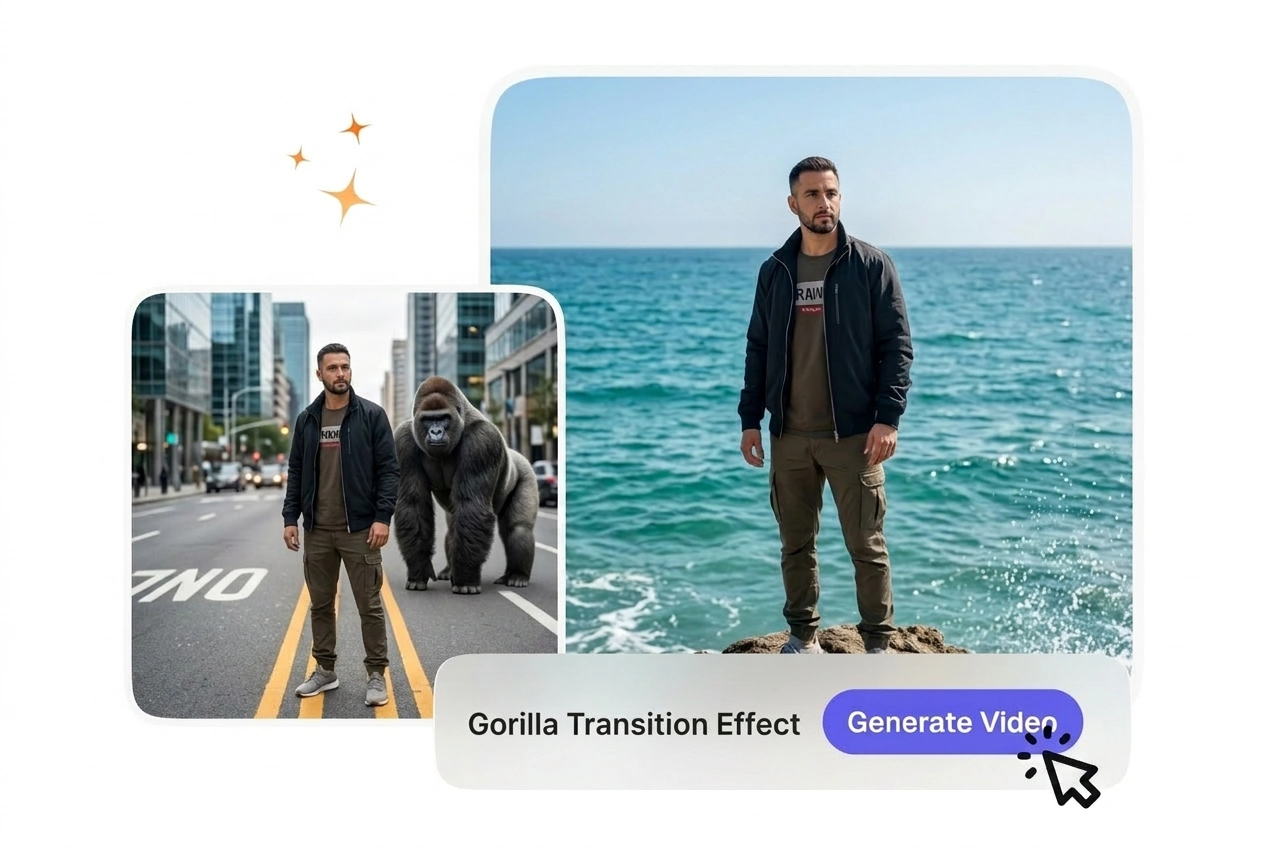
动作和运动类视频剪辑师需要与素材能量相匹配的转场。Gorilla 猩猩转场动效在剪接点之间传递原始的力量感和动能,让你的节奏保持紧凑有力,牢牢吸引观众。你只需上传帧,在提示词中设置强度,AI Gorilla 转换视频即可完美契合每一个节拍。
大猩猩转场特效通过在素材上叠加以大猩猩为主题的转场,将原始剪辑转化为充满力量感的场景变换。稳定的构图和简单的背景通常能产生更可预测的渲染效果,并使预览结果更容易评估。
利用原始的野性动作创建动感的大猩猩转场效果,完美衔接您的视频场景。上传起始帧和结束帧,描述您想要的互动效果,即可获得一段制作精美的 AI 猩猩转场视频,直接用于剪辑制作。
Gorilla 猩猩转场特效非常适合希望实现大胆、令人难忘的场景切换,且无需花费数小时进行手动动画或特效制作的创作者。
动作和运动类视频剪辑师需要与素材能量相匹配的转场。Gorilla 猩猩转场动效在剪接点之间传递原始的力量感和动能,让你的节奏保持紧凑有力,牢牢吸引观众。你只需上传帧,在提示词中设置强度,AI Gorilla 转换视频即可完美契合每一个节拍。

游戏频道依赖于游戏片段与评论之间快速、有冲击力的剪辑。Gorilla 猩猩转场特效增加了鲜明的个性和视觉冲击力,且不会拖慢你的更新计划。你可以一键获得免费的 Gorilla 转场视频,然后直接进入下一场景。大多数创作者完成整段剪辑的时间仅为传统特效的一半。
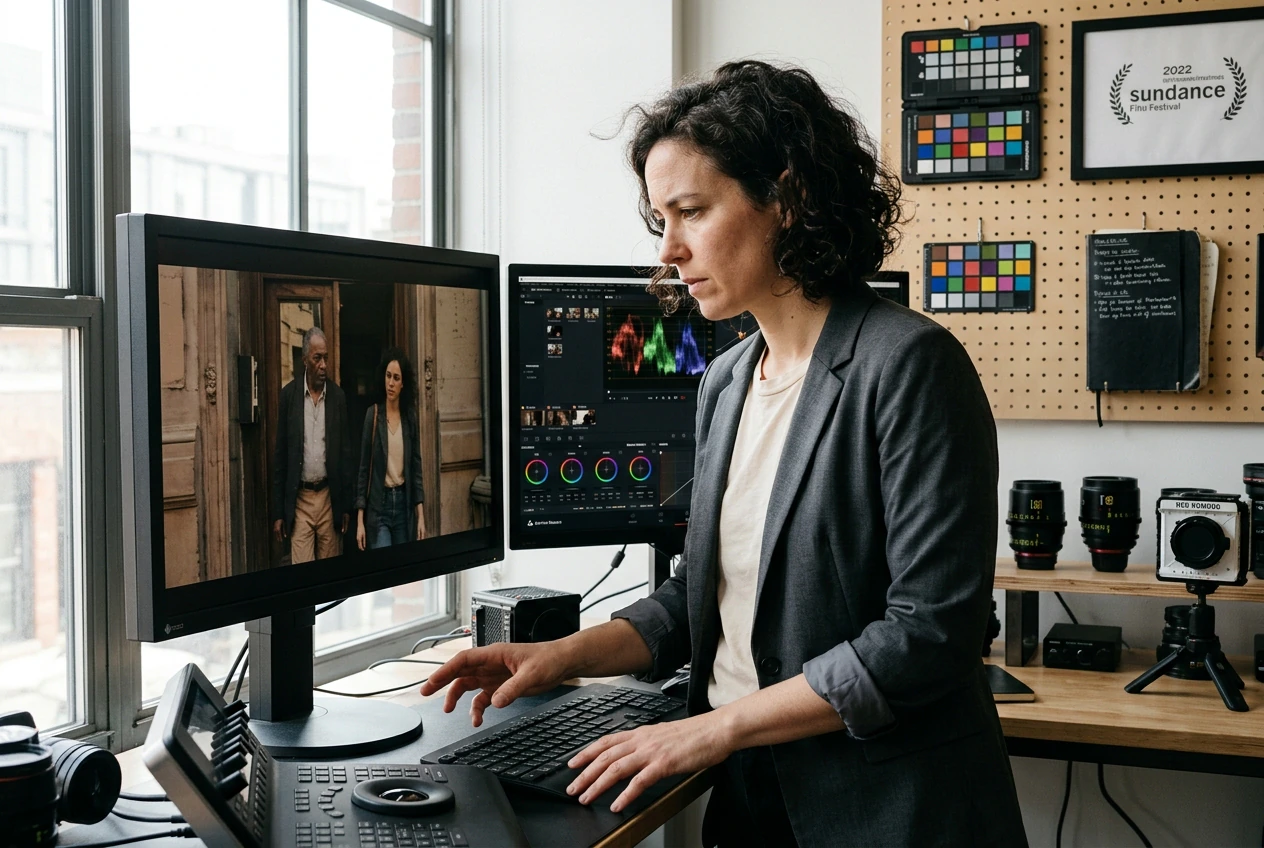
宣传视频和预告片需要能抓住注意力并传达强度的转场。最佳的 Gorilla 猩猩转场视频效果结合了动态感与存在感,让你的产品或服务显得大胆且令人难忘。你可以通过提示词控制节奏和基调,让每一次转场在强化信息的同时,不会掩盖内容本身的采光。
仅需三个简单步骤,即可将素材帧转变为完整的大猩猩转场视频。无需任何动画经验,只需清晰的画面和明确的动作创意。
从原始素材中选择起始帧和结束帧。这些帧将定义大猩猩转场动作的场景边界。确保两帧光线充足且主体位置清晰,以便 AI 大猩猩转场视频能在两者之间生成平滑的动作。
描述你想要的大猩猩互动方式和力度。例如“大猩猩捶胸并在画面间摆动”或“大猩猩穿过转场冲刺”。提示词将引导 AI 转场效果的强度和风格。提示词越具体,效果越符合预期。
点击生成,即可在几秒钟内预览大猩猩转场视频。如果动作效果符合预期,请以首选格式导出并放入时间轴。如果你想调整节奏或强度,只需微调提示词并重新生成,无需从头开始。
Built-in tools help you control every aspect of your gorilla transition motion, from frame alignment to export settings, without learning new software.
The tool reads the position and lighting of your start and end frames to build a gorilla transition effect that connects them naturally. You don't need to match lighting or angles perfectly; the AI gorilla transfer video adapts to your source material. Works best when your frames show clear subject boundaries and distinct lighting zones.
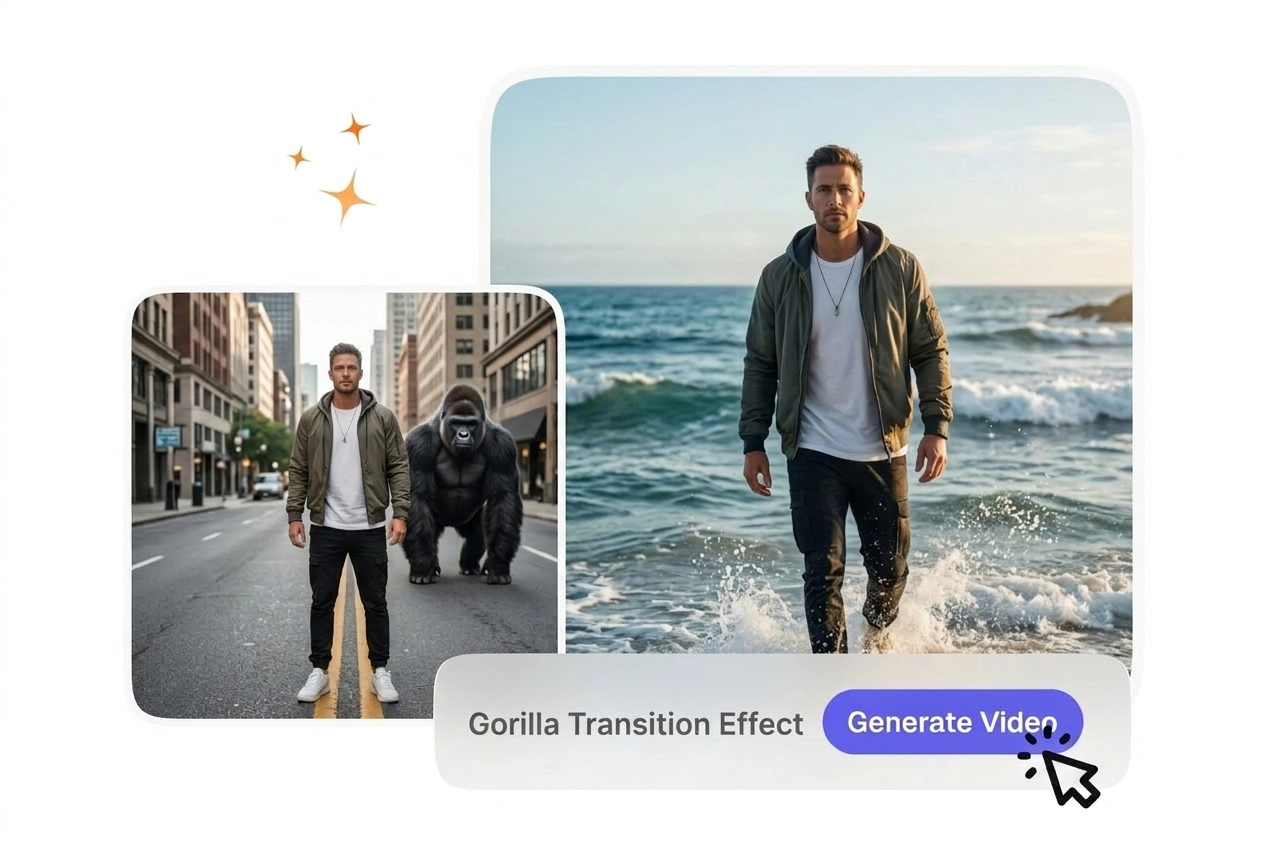
Control the energy and style of your gorilla transition motion entirely through your text prompt. Describe the speed, gesture, and tone you want, and the AI adjusts the effect to match. If your prompt is vague, the output may feel generic; specific language like 'aggressive chest pound' yields sharper results than 'gorilla moves.'
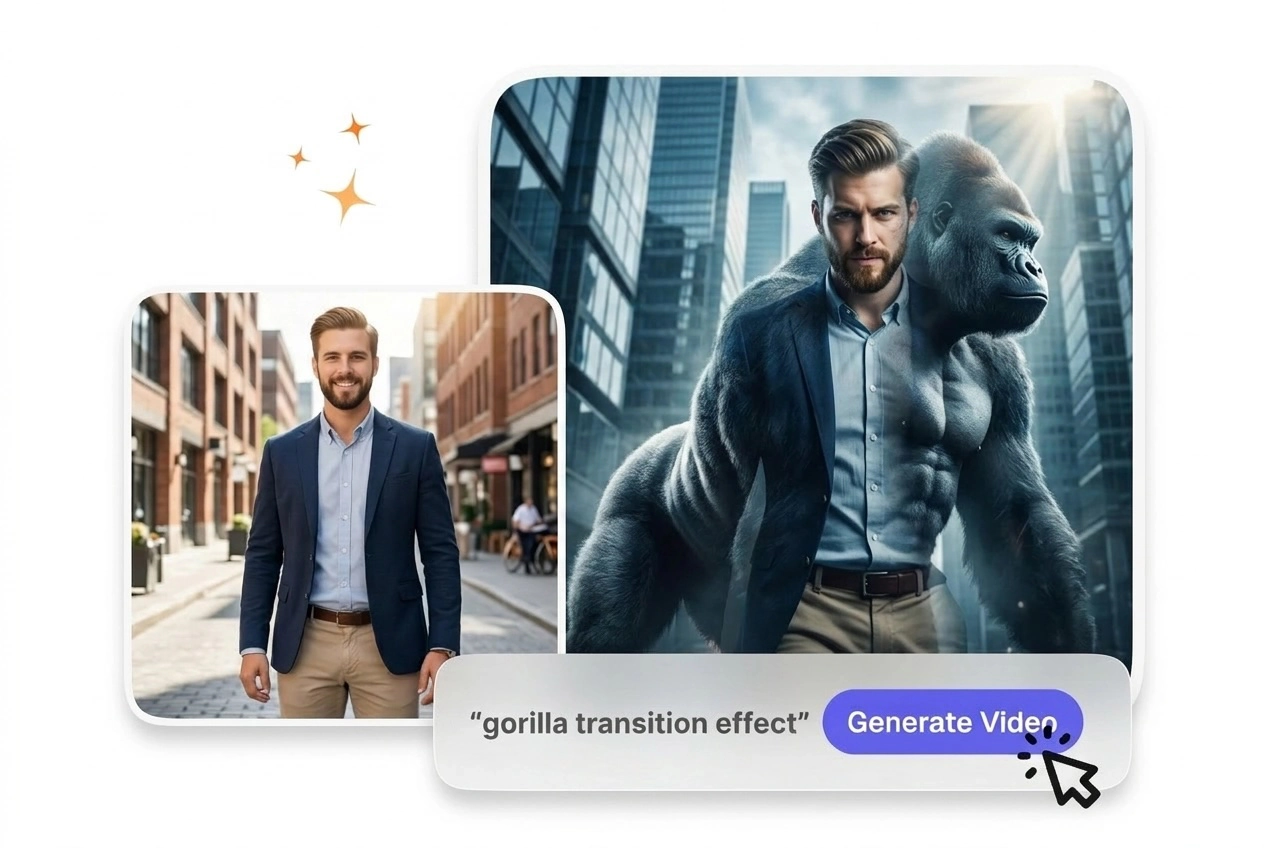
Once your gorilla transition video preview looks right, export in MP4, WebM, or your timeline's native format without extra steps. Most creators finish a best gorilla transition video in under five minutes from upload to export. No rendering queue, no hidden settings to tweak.
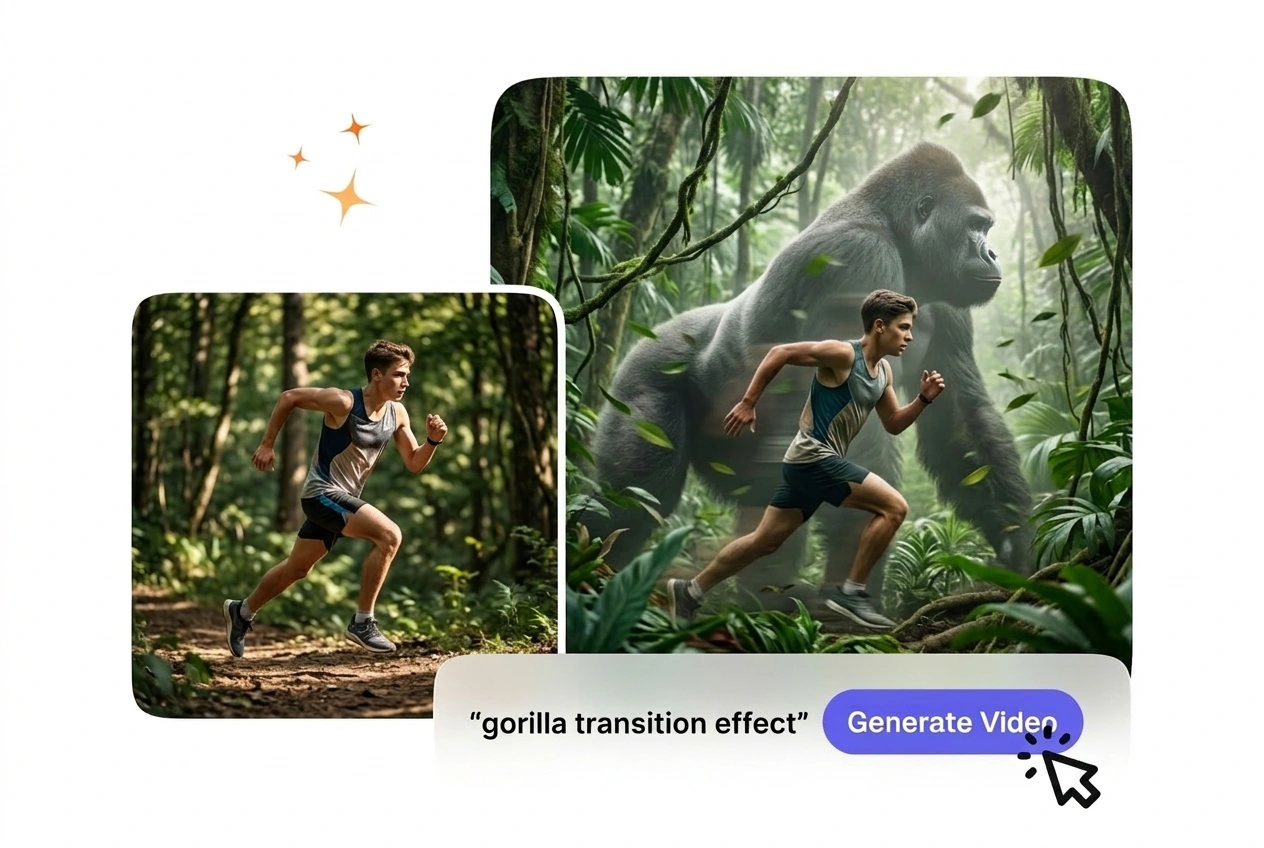
Try your first gorilla transition effect at no cost and see how the AI gorilla transfer video handles your specific frames and prompt. You get a full-quality preview before committing to a subscription. This lets you test the tool on your actual footage and decide if the style fits your edit.
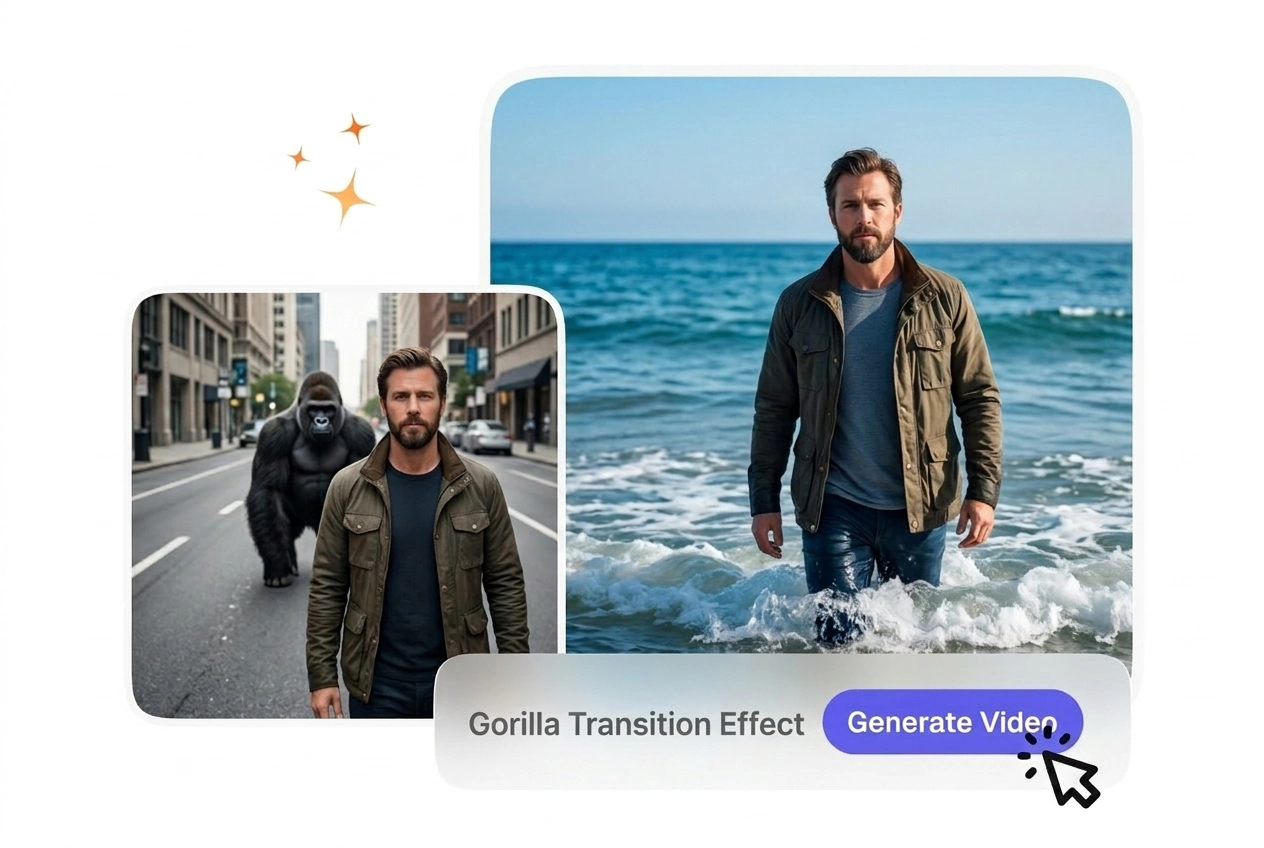
You can upload PNG, JPG, or WebP frames as your start and end images for the gorilla transition video. Ensure your frames are at least 720p for clean output. When your source frames are high-resolution and well-lit, the AI gorilla transfer video quality improves noticeably. Most creators use screenshots or exported frames from their editing software.