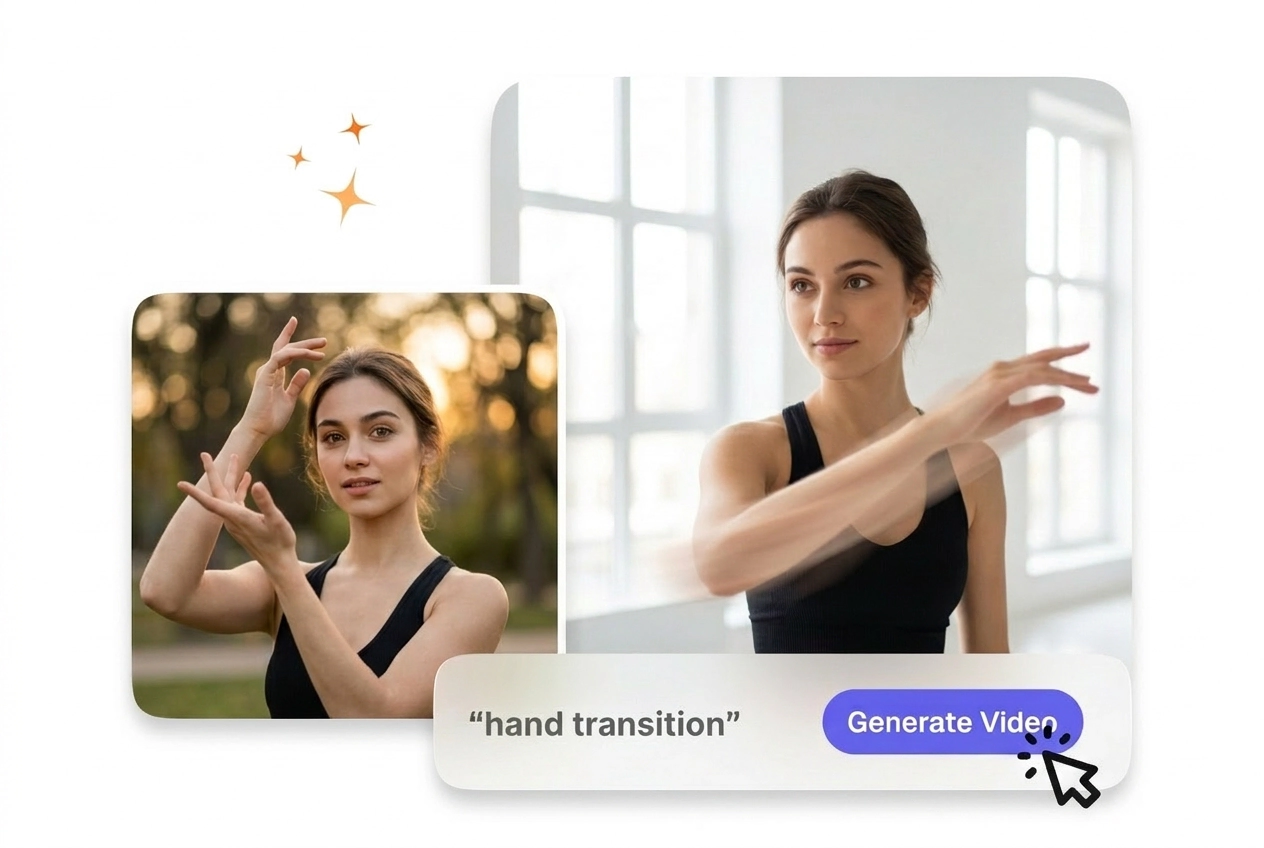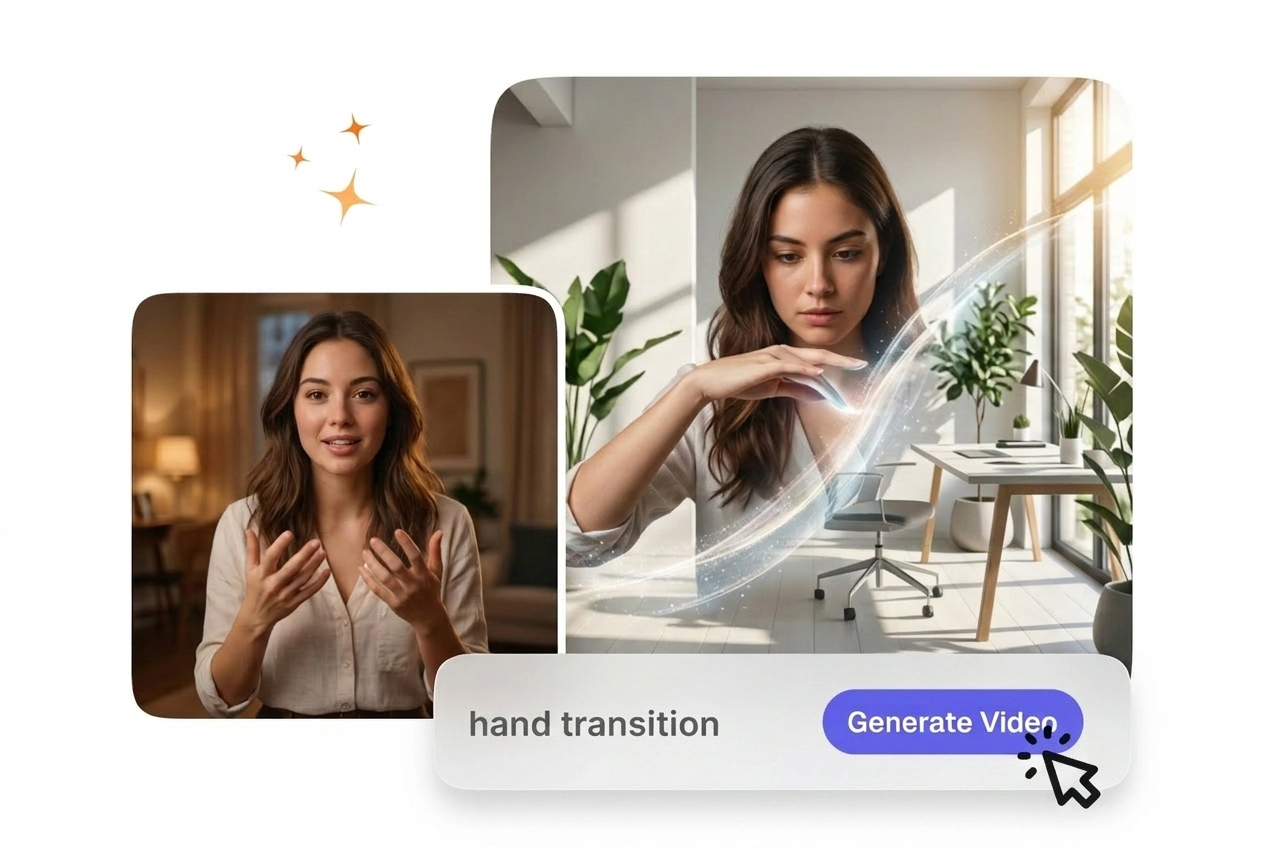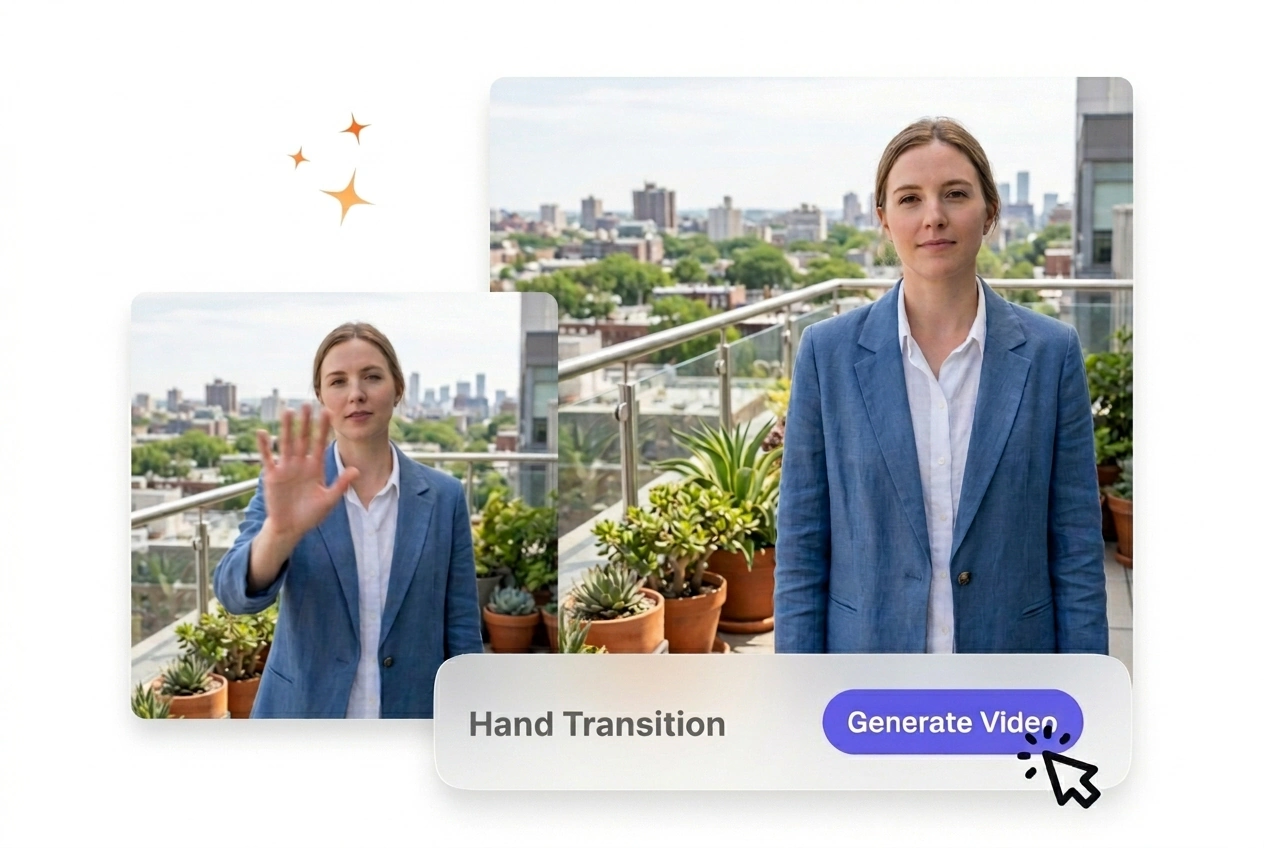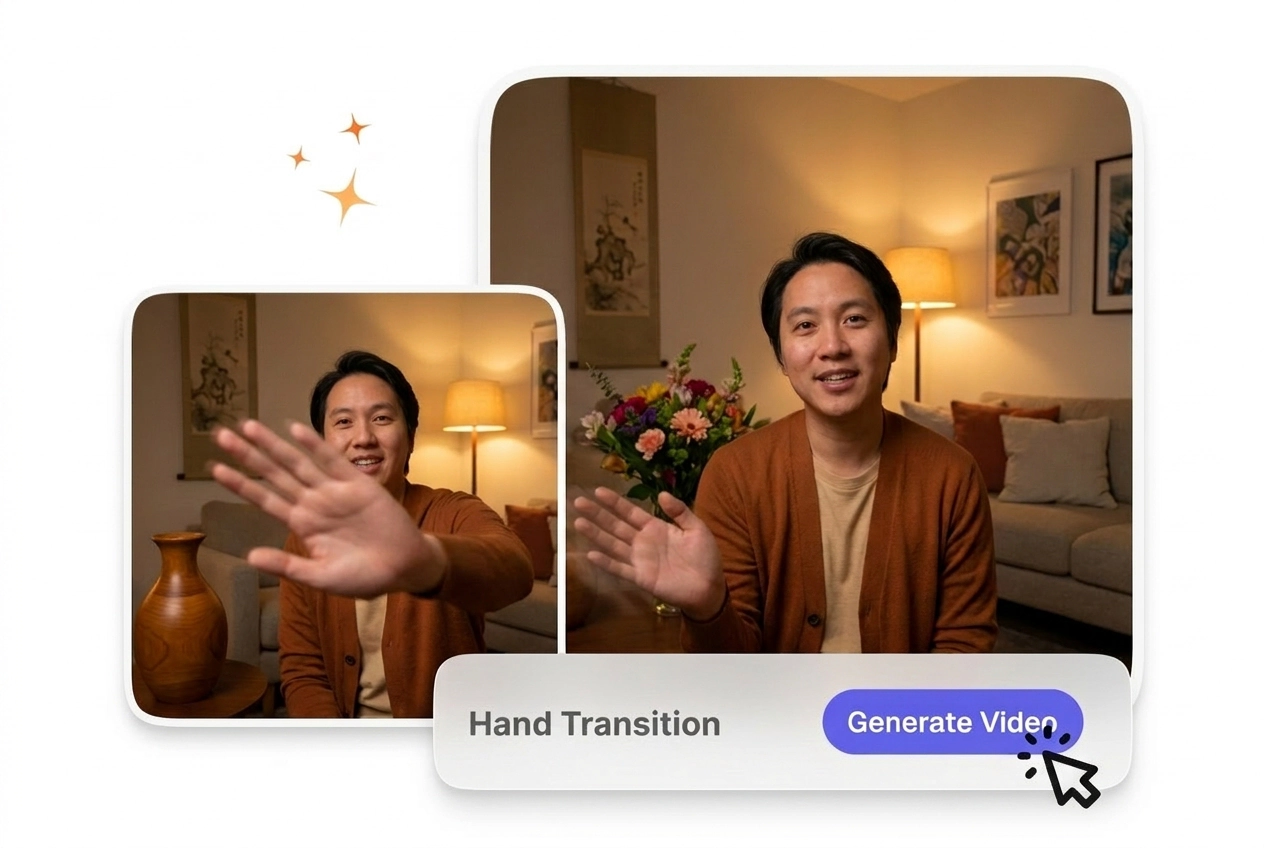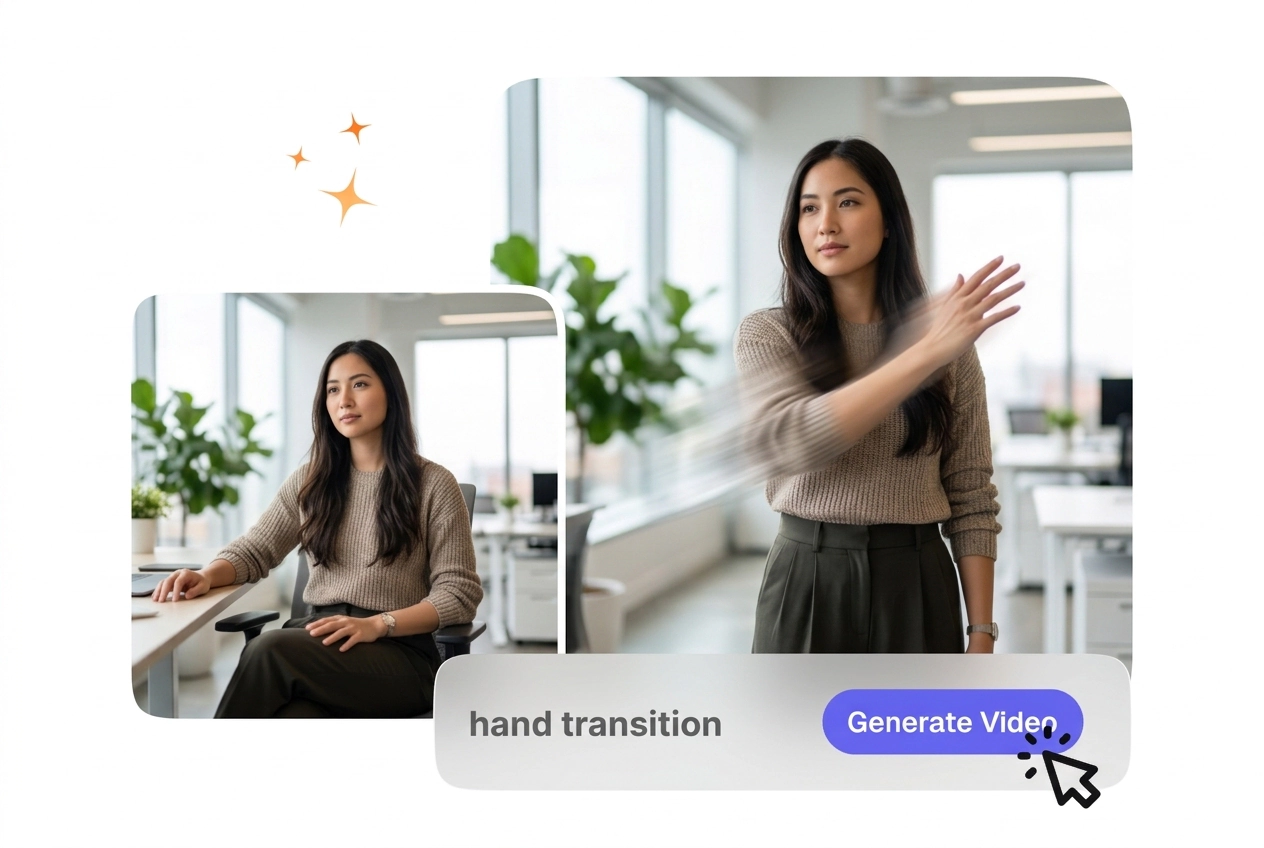

無料ハンドトランジション動画ジェネレーター

ハンドトランジションは、手によるシーンチェンジを追加し、明確な視覚的ハンドオフでクリップを次の瞬間へと移動させます。フレームが安定しており、前景の被写体がシンプルなクリップは、通常、プレビューの精度が高く、よりクリーンな出力で書き出されます。

Create a Clean Hand Transition

VideoAI builds a smooth hand wipe video transition from your frames and prompt. This effect works best with clear foreground subjects.

Hand Transition VideoAI hero showcase example preview
このハンドトランジションはどんな人に最適?

教育関係者、個人事業主、そして初めて動画制作に挑戦するクリエイターが、シーンを繋ぐためにこのツールを活用しています。自然で予測可能な動きにより、視聴者の集中力を途切れさせません。

Instructor using Hand Transition for lesson video
オンライン講座の講師

講師には、生徒の気を散らすことなくレッスンをサポートする視覚効果が必要です。スライドや事例の切り替えにシンプルなハンドスワイプを適用。一定のペースを保つことで、視聴者の離脱を防ぎ、学習効果を高めます。

Marketer applying Hand Transition to product clip
プロダクトマーケター

商品の紹介動画を投稿する個人事業主にとって、複雑な編集ソフトに割く時間はありません。AIによるパームトランジションスタイルを選んで素早く書き出し。週次のプロモーション投稿も、10分足らずで完成します。

Beginner creating Hand Transition instagram reel post
SNS初心者

初心者は設定の多さに迷いがちですが、VideoAIはTikTok向けのハンドトランジションに最適なプリセットをあらかじめ用意。推奨される基本設定から少し調整するだけで、クオリティの高い動画を簡単に書き出せます。

AIハンドトランジションの仕組み

以下の手順に従って、AIハンドトランジションを生成しましょう。リファレンスフレームを提供すると、システムがそれらを繋ぐ動きを構築します。

ステップ 1

フレームをアップロードする

開始フレームと、オプションで終了フレームをアップロードしてシーンを定義します。VideoAIが視覚データを読み取り、ワークスペースを準備します。明るい照明環境であれば、システムがメインの被写体をより正確に特定できます。

ステップ 2

プロンプトを入力する

プロンプトで方向を指定すると、動きはその経路に従います。希望するジェスチャーの説明を入力してください。システムはこのテキストを元に、自由なハンドトランジション効果を形作ります。

ステップ 3

動画を書き出す

入力内容に基づき、VideoAIが最終的なシーケンスをレンダリングします。プレビューを確認した後、ファイルをダウンロードしてください。生成されたクリップは、すぐにタイムラインに追加して公開できます。

手のトランジションエフェクト機能

ツールがどのように入力を処理してクリエイティブな手のトランジションを作成するかを理解しましょう。各機能により、最終的な出力に対して具体的なコントロールが可能になります。

Directional motion control Hand Transition effect demo

方向性モーションコントロール

鮮明な開始フレームをアップロードすると、エンジンがジェスチャーを正確にマッピングします。テキストプロンプトでスワイプの角度を定義できます。これは新製品の紹介に効果的ですが、抽象的な画像の場合は調整が必要になることがあります。

Pacing adjustment for Hand Transition effect output

ペーシングと速度の調整

システムがプロンプトを読み取り、手の表示トランジションの移動速度を決定します。ファイルを生成する前に、継続時間の設定を選択します。低速は教育コンテンツに適しており、高速なワイプはエネルギッシュなソーシャル投稿に最適です。

Custom gesture generation Hand Transition effect preview

カスタムジェスチャー生成

VideoAIがテキストを解釈し、特定のフィンガーワイプトランジションや手のひらの動きを作成します。シーンに必要な正確な手の形を説明します。複雑なジェスチャーの場合、生成された動きを完全に自然に見せるために、非常に詳細な記述のプロンプトが必要になります。

Style matching engine Hand Transition effect result

スタイルマッチングエンジン

AIビデオトランジションジェネレーターがリファレンス画像を分析し、照明と色を一致させます。出力を手動でカラーグレーディングする必要はありません。これにより、最初のフレームの照明が適切であれば、視覚的な一貫性が確保されます。

Hand Transition Common Questions

Why does the hand swipe in my transition look blurry, and what can I change to fix it?

If the gesture looks blurry, try using a reference image with sharper contrast. The system needs distinct edges to render clean motion. This adjustment helps creators achieve professional results without needing external image enhancement tools.

Can I control how fast the hand wipe transition plays before I generate the video?

Absolutely, you control the duration through your initial settings before generating. Extremely fast transitions might lose some finger detail during the movement. Adjusting the speed helps educators match the visual change to their speaking pace.

Does the hand transition generator support vertical, square, and other aspect ratios for social posts?

Sure, the tool supports vertical aspect ratios perfectly for mobile content. You must select the correct dimensions before uploading your starting frames. This feature saves time for marketers building a hand motion transition video for various social platforms.

Do I need prior video editing experience to create a hand transition in VideoAI?

No prior timeline experience is strictly necessary to use this generator. You simply need a clear idea of your desired start and end points. This straightforward process allows beginners to produce an AI transition free from complex software.

What happens to the transition if my start frame and end frame have very different lighting or exposure?

The system attempts to blend the lighting between your two uploaded frames. Drastic exposure differences might cause a noticeable flicker during the wipe. Keeping your reference images visually similar ensures the most natural looking final output.

ハンドトランジションを開始しましょう

フレームをアップロードして、VideoAIが画像をどのように処理するかを確認しましょう。プロンプトを一度設定し、クリーンなファイルをエクスポートして、最終的なモーションをレビューします。