
AI Clothes Wrinkle Remover
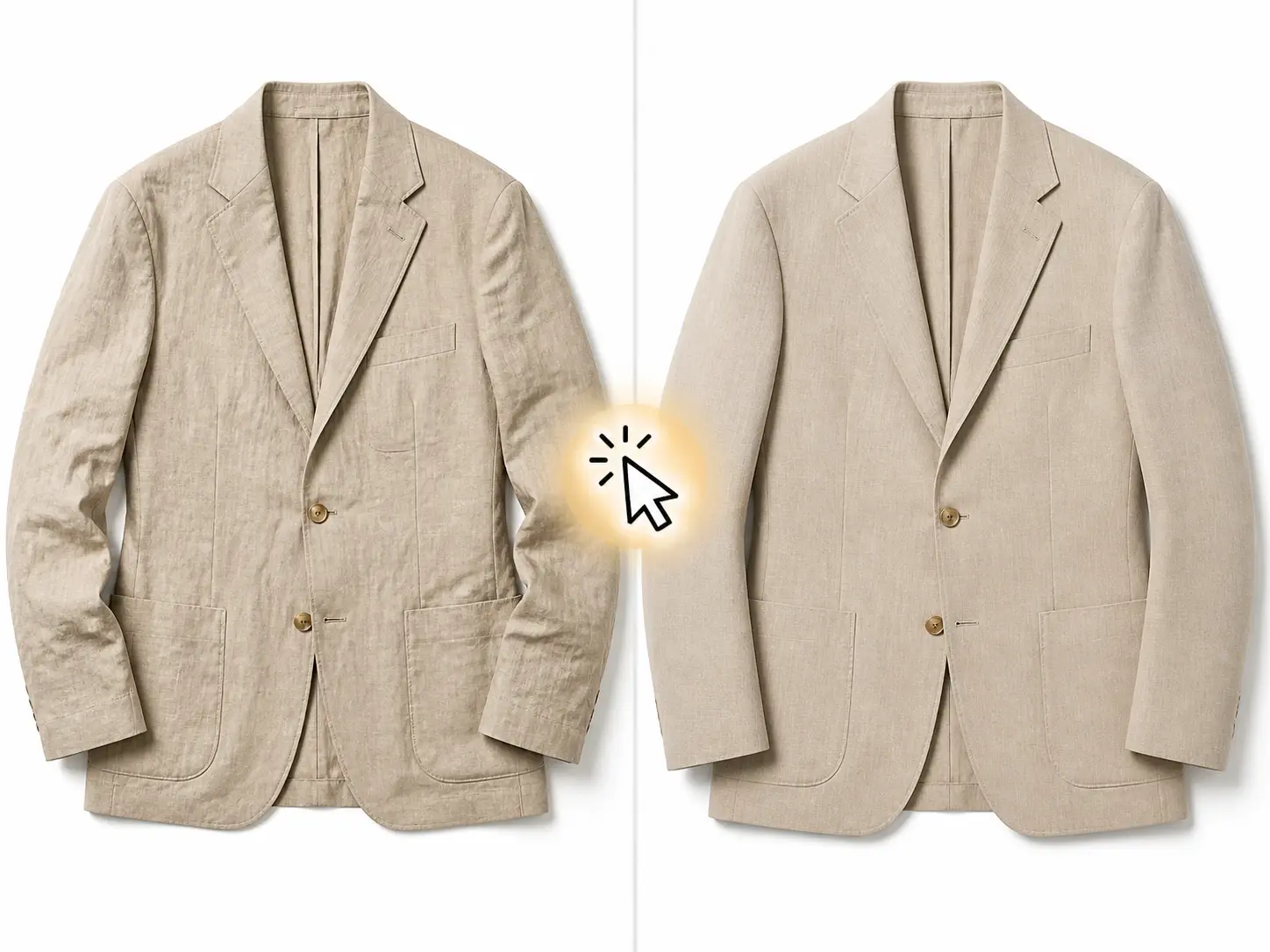
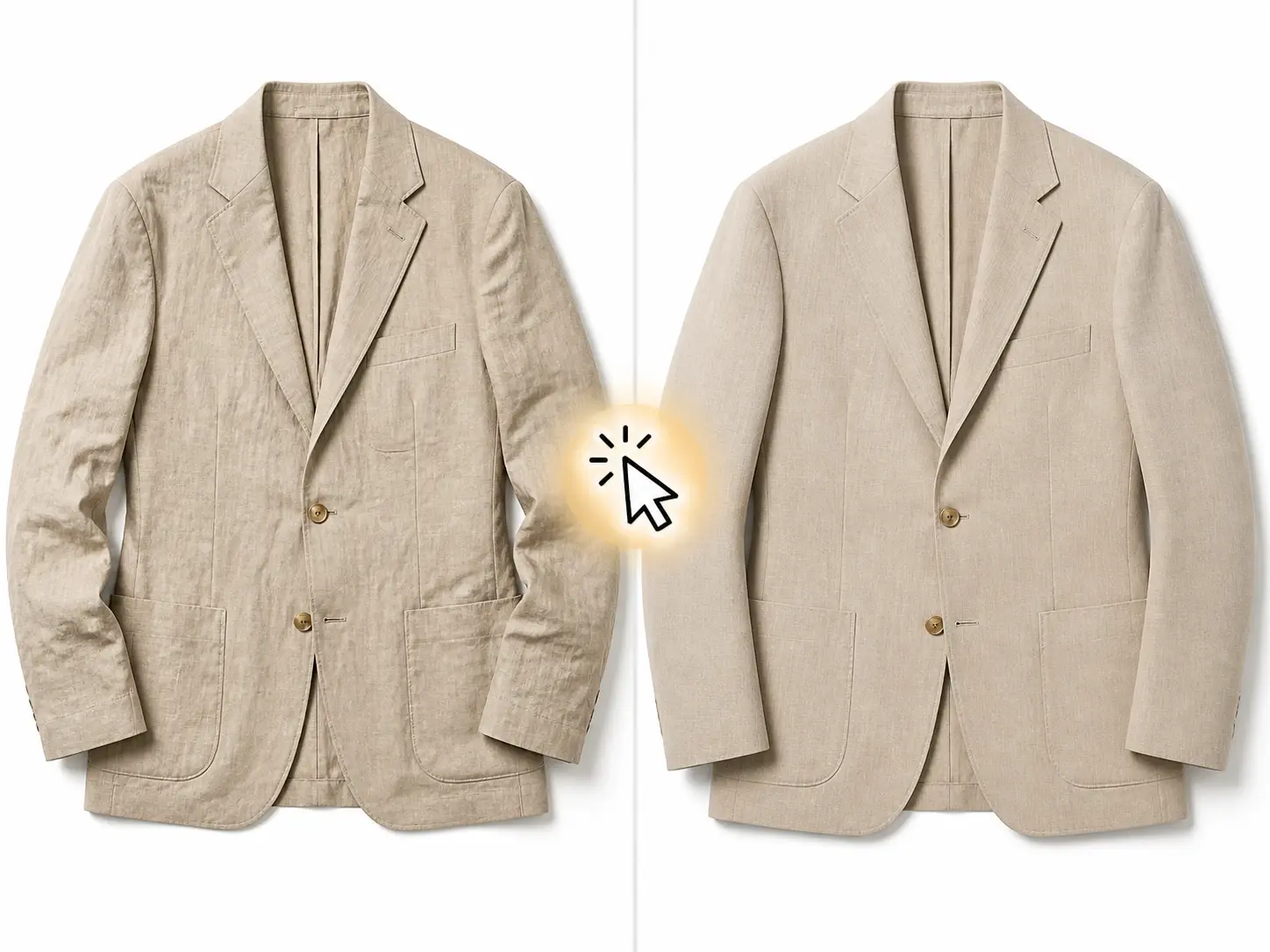
Remove wrinkles from any garment in your photo and keep the fabric looking natural. The tool detects clothing areas in your image and smooths out creases without losing texture or color. Upload a portrait, product shot, or outfit photo and export a cleaner version in one pass.
Who Uses the Clothes Wrinkle Remover
Ecommerce Product Photographer
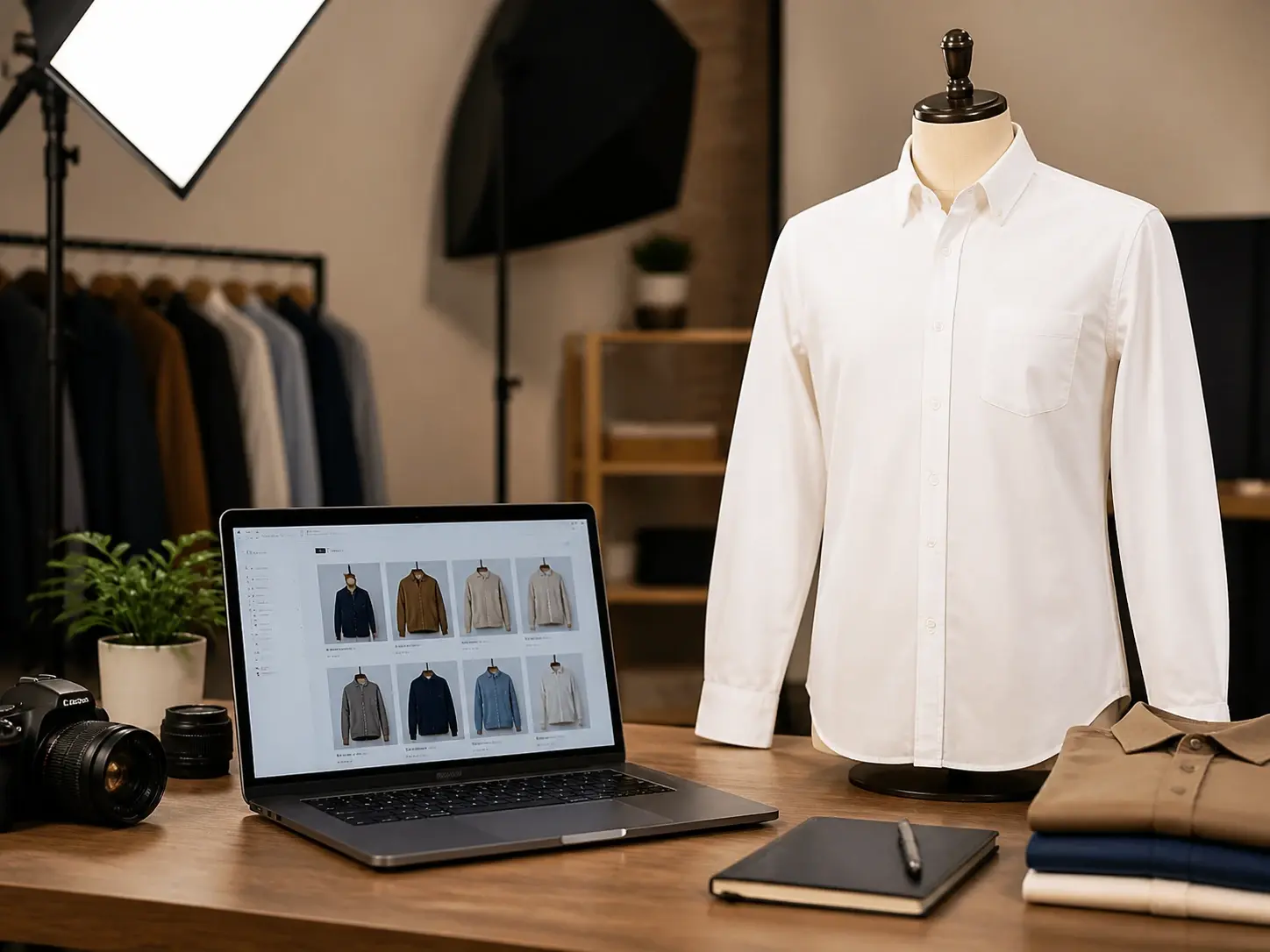
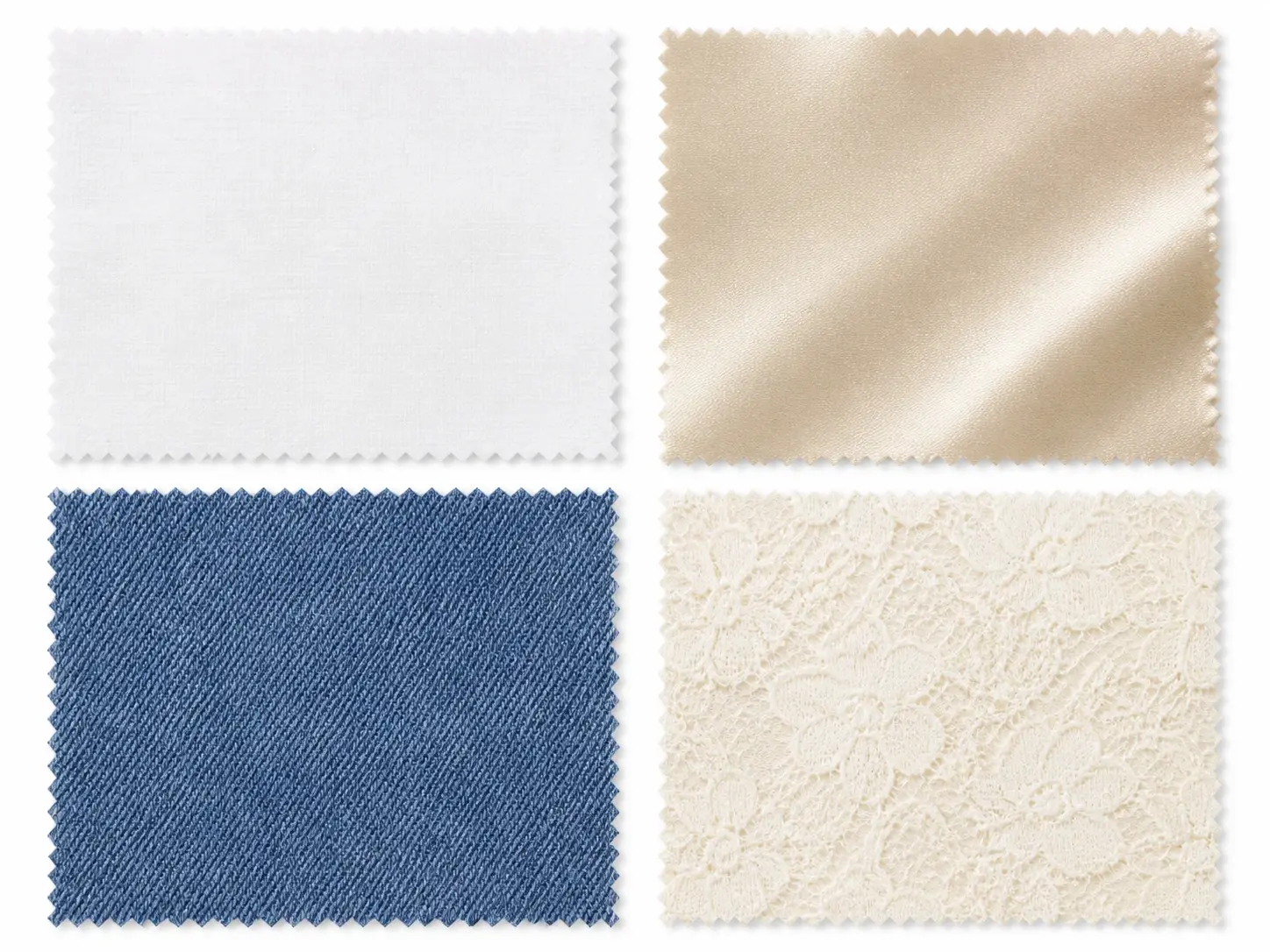
Product images with visible creases make listings look unfinished. Upload your garment photos and remove clothes wrinkles across cotton, silk, denim, or lace. The output keeps the original fabric grain so the listing image looks accurate and professional.
How Clothes Wrinkle Remover Works
Three simple steps take you from creased garment photo to clean asset. No manual masking, no Photoshop gymnastics. The editor reads the fabric and handles the rest for daily publishing workflows.
Upload the Photo
Drop in your garment image or reference photo. Works with product flats, portrait shots, and outfit content. Keep lighting clean for the best result the AI wrinkle remover can deliver.
AI Scans Fabric
The model auto identifies the clothing region and locates every crease. It reads fabric weight and texture so it knows where to smooth and where to leave detail alone.
Export Clean Shot
Get a clean image back in seconds. Check the result, reroll if needed, and ship the final garment asset. The fabric texture stays intact so the output looks pressed, not plastic.
Clothes Wrinkle Remover Features
Each feature targets a specific part of the wrinkle removal process so you stay in control of the output.
Automatic Wrinkle Detection
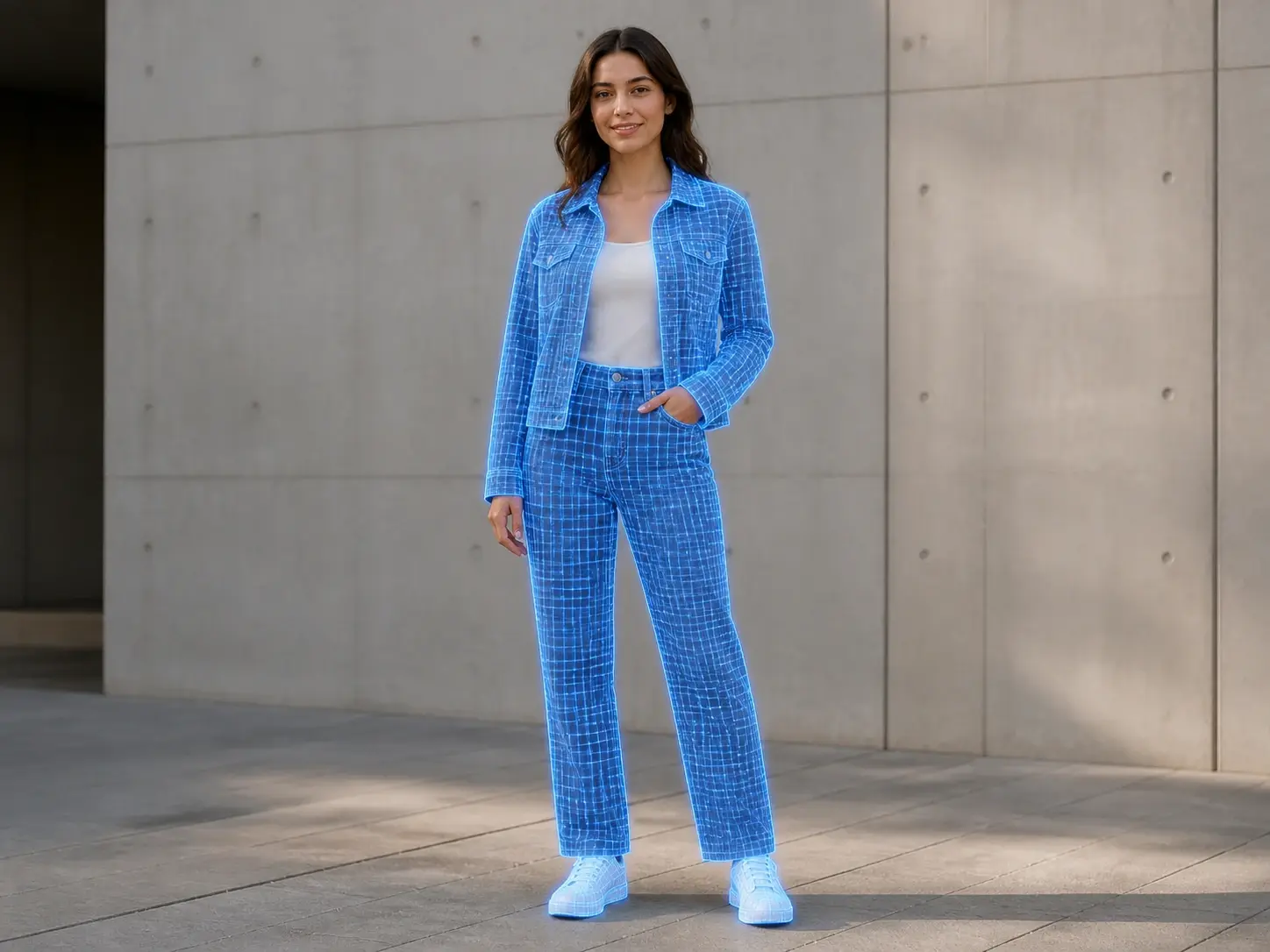
The AI scans the garment area in your photo and marks creases, folds, and pressure lines that affect the overall look. You see the detected zones before any correction is applied. The clothes wrinkle remover works best with front facing garment shots where fabric edges are clearly visible.
Fabric Texture Preservation
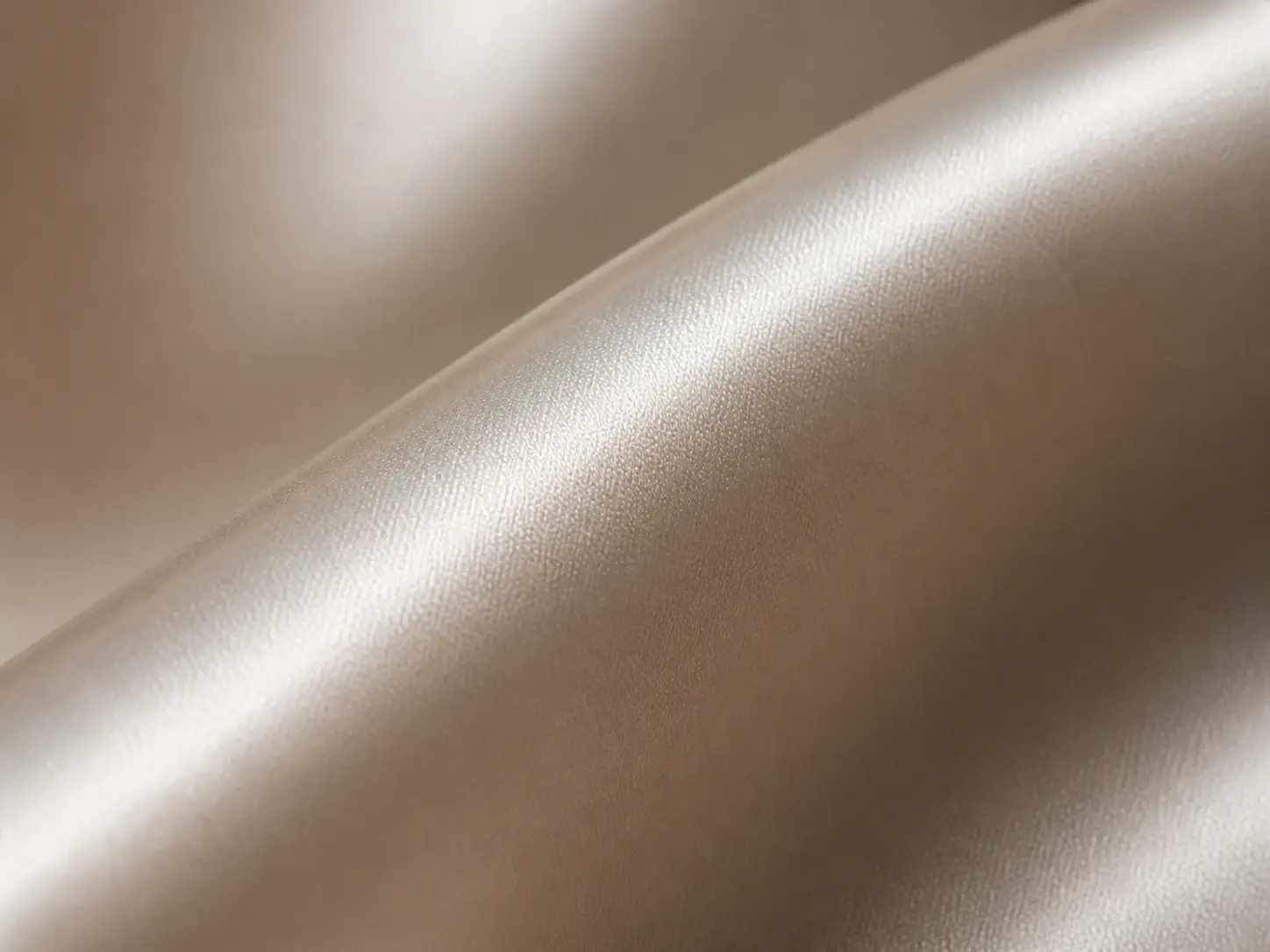
The tool removes wrinkles while keeping the weave, grain, and surface pattern of the original material intact. You do not need to add texture back manually after the correction. Cotton, silk, linen, and denim each retain their characteristic look.
Batch Garment Processing
Upload multiple garment images and the AI applies the clothes wrinkle remover to each one in sequence. Review each result individually and approve or adjust before exporting. Best suited for product catalogues where consistency across images matters.
Color Safe Correction
Wrinkle shadows can shift perceived color, especially on white or pastel fabrics. The AI corrects the fold shadow without altering the garment color. The exported image matches the true fabric shade you started with.
Clothes Wrinkle Remover Questions

Try the Clothes Wrinkle Remover on Your Photo
Upload a garment image and see how the AI smooths out creases while keeping the fabric texture intact.
Get Started