


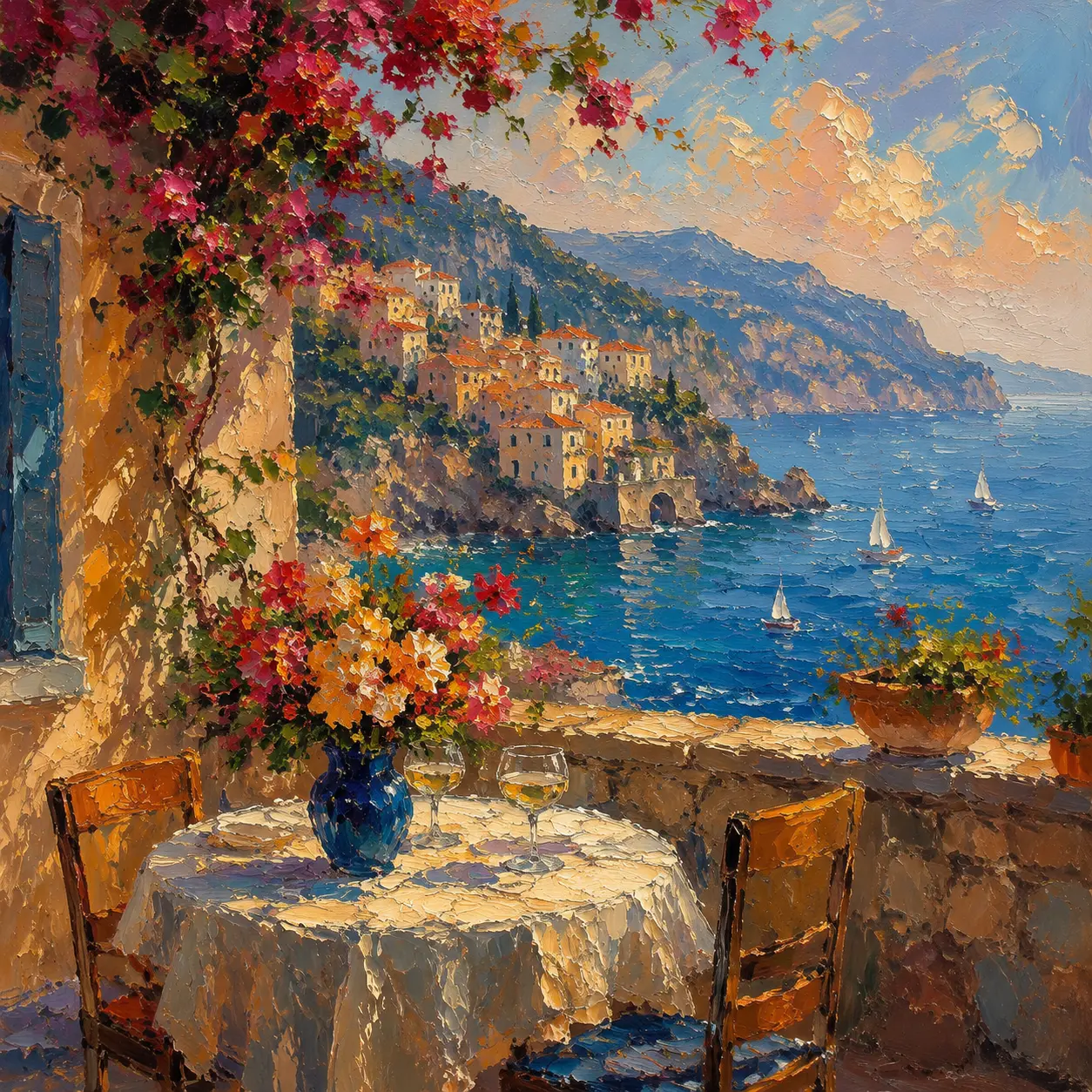
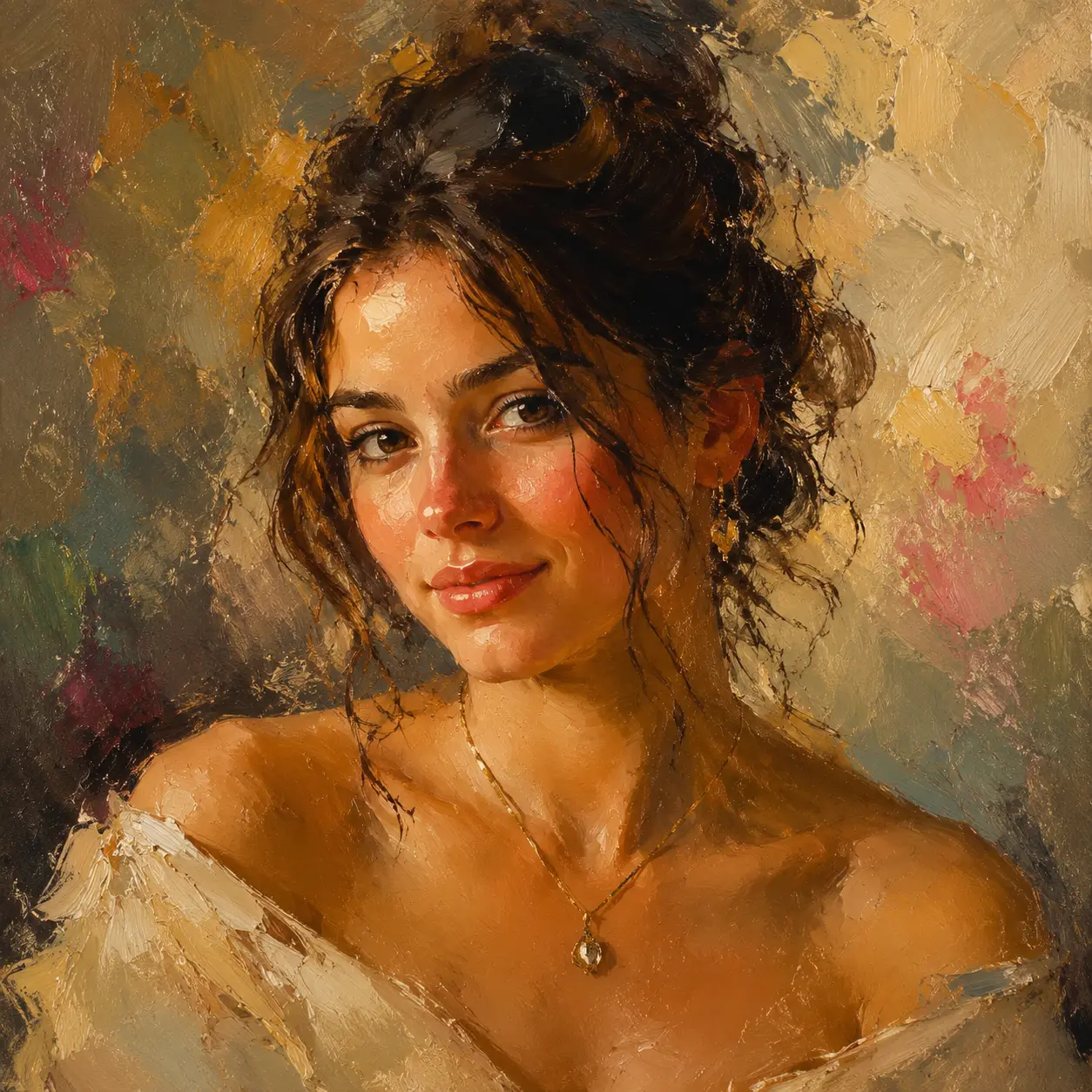
Your Photos Deserve a Style
Style transfer lets you turn photos into art by applying a reference style to your original image. Upload a photo, pick a style or provide a reference image, and the ai style transfer engine reproduces the look while keeping your subject intact. Whether you want watercolor, oil paint, sketch, anime, or pop art, the tool handles the image style transfer in seconds. The result preserves your composition and subject while changing the visual language entirely. If you need consistent branding visuals, this process keeps every output aligned to one aesthetic. When you want to restyle image content for social media, the output is sized and ready to post. Use it for personal gifts, marketing assets, or pure artistic exploration.
Try It Now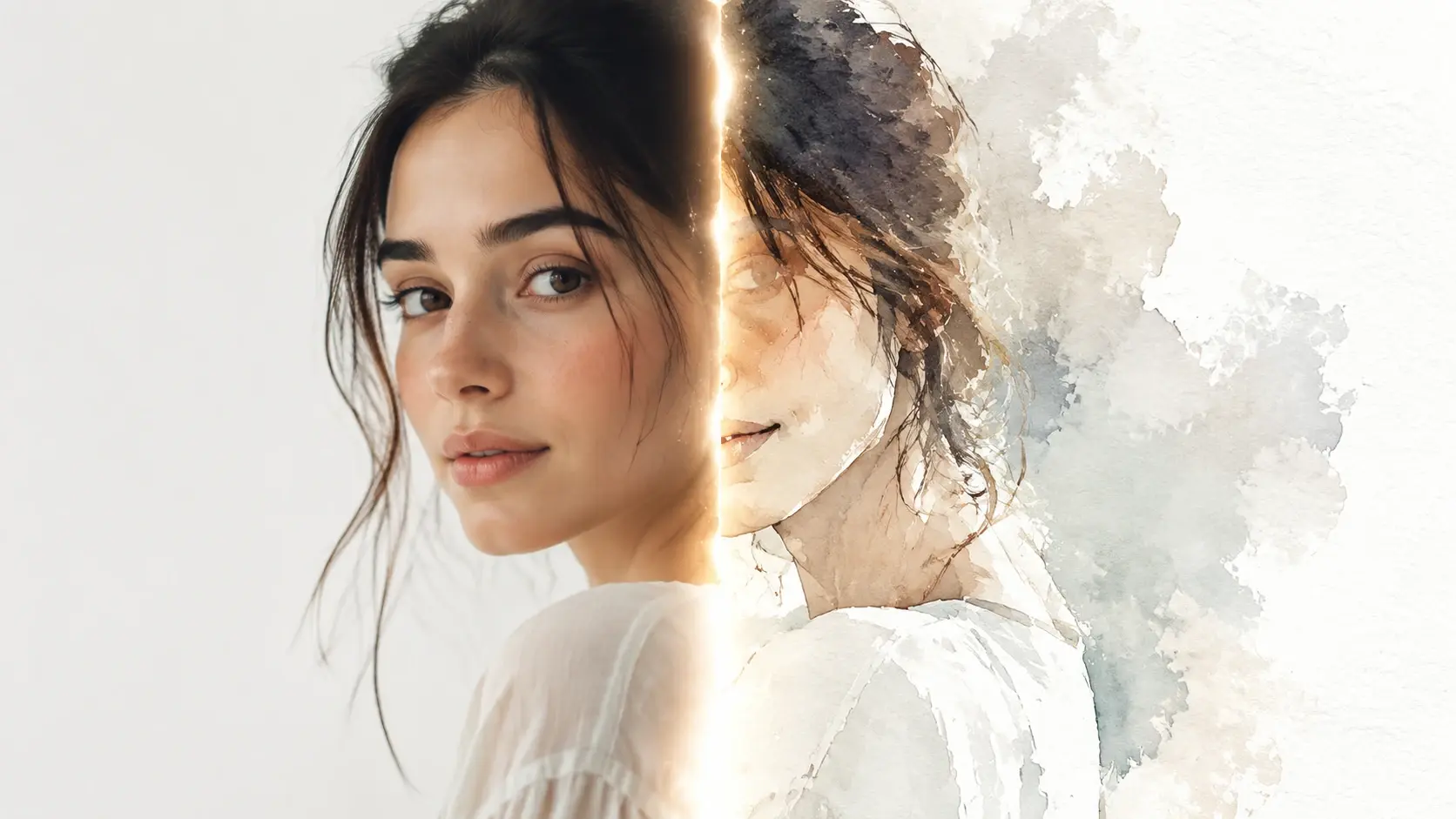
Core Style Transfer Features
Four capabilities that make this style transfer tool practical for daily creative work.
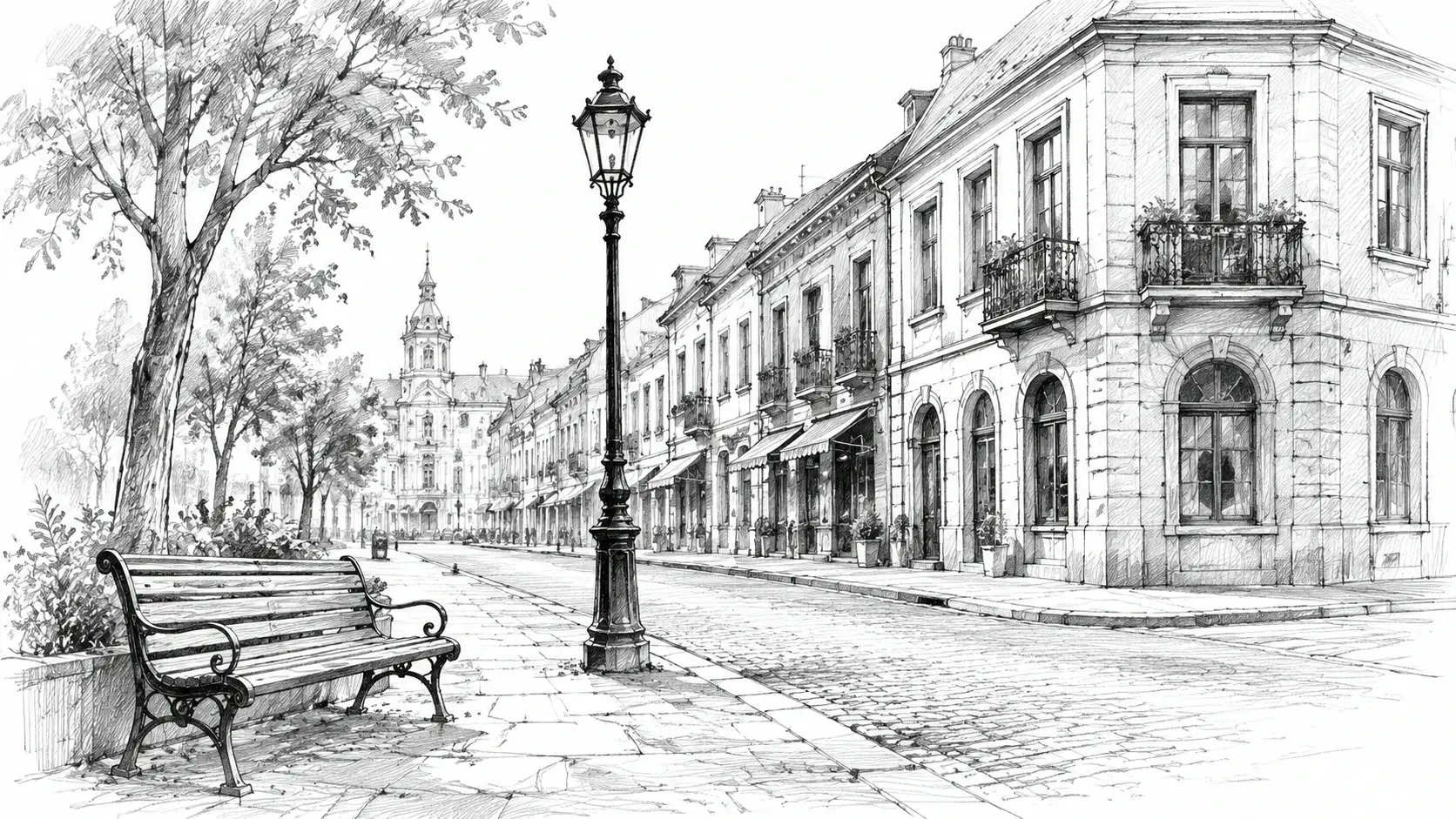
Reference Based Style Transfer
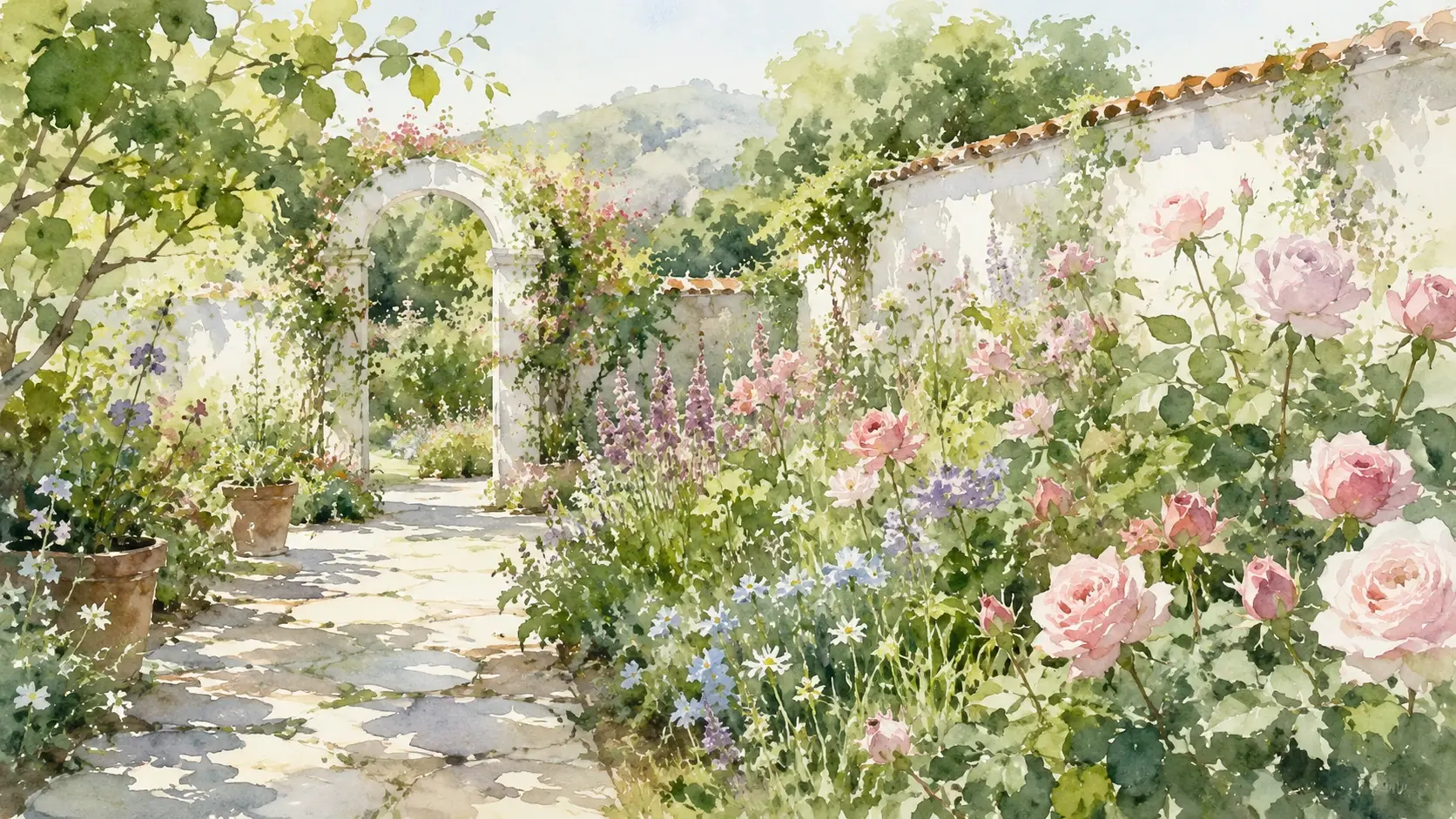
Upload a reference image and the tool extracts its visual style, then applies that look to your photo. The image style transfer process reads color palette, brush texture, and lighting from the reference. Your original subject stays recognizable while adopting the new aesthetic. When you supply a painting as a reference, the output carries the same brushwork and tone without copying the painting itself. This makes it easy to change image style across a batch of photos using one reference.
Multiple Art Style Presets
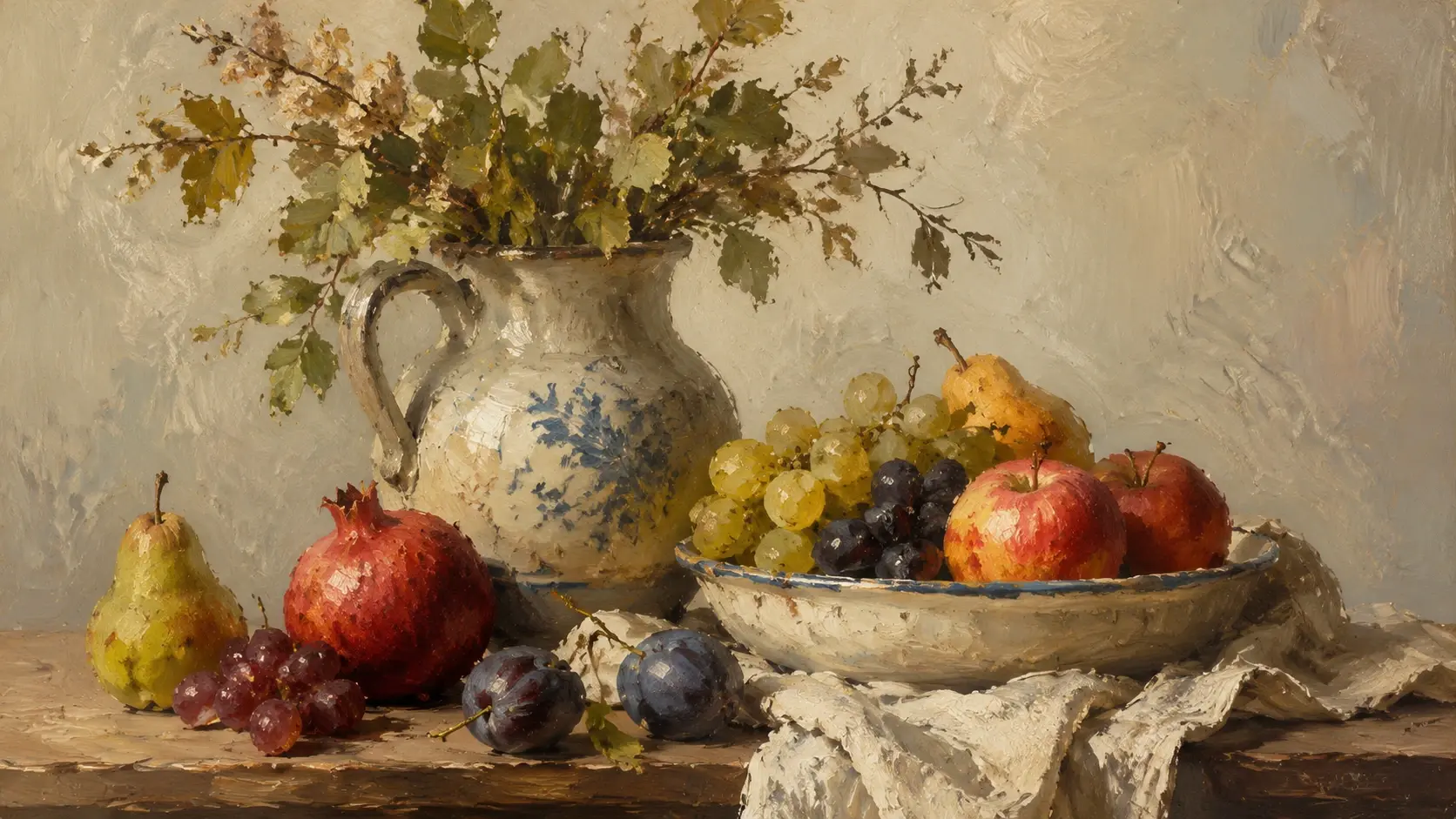
Choose from watercolor, sketch, oil paint, pop art, pixel art, cyberpunk, Ghibli, Van Gogh, and manga presets. Each preset is tuned to reproduce the defining characteristics of that art form. If you are unsure which direction to take, browse the preset gallery and preview the result before committing. The ai image style changer applies the selected preset to your upload and returns the styled version in seconds. No manual adjustment is needed after selection.
Subject Preservation Engine
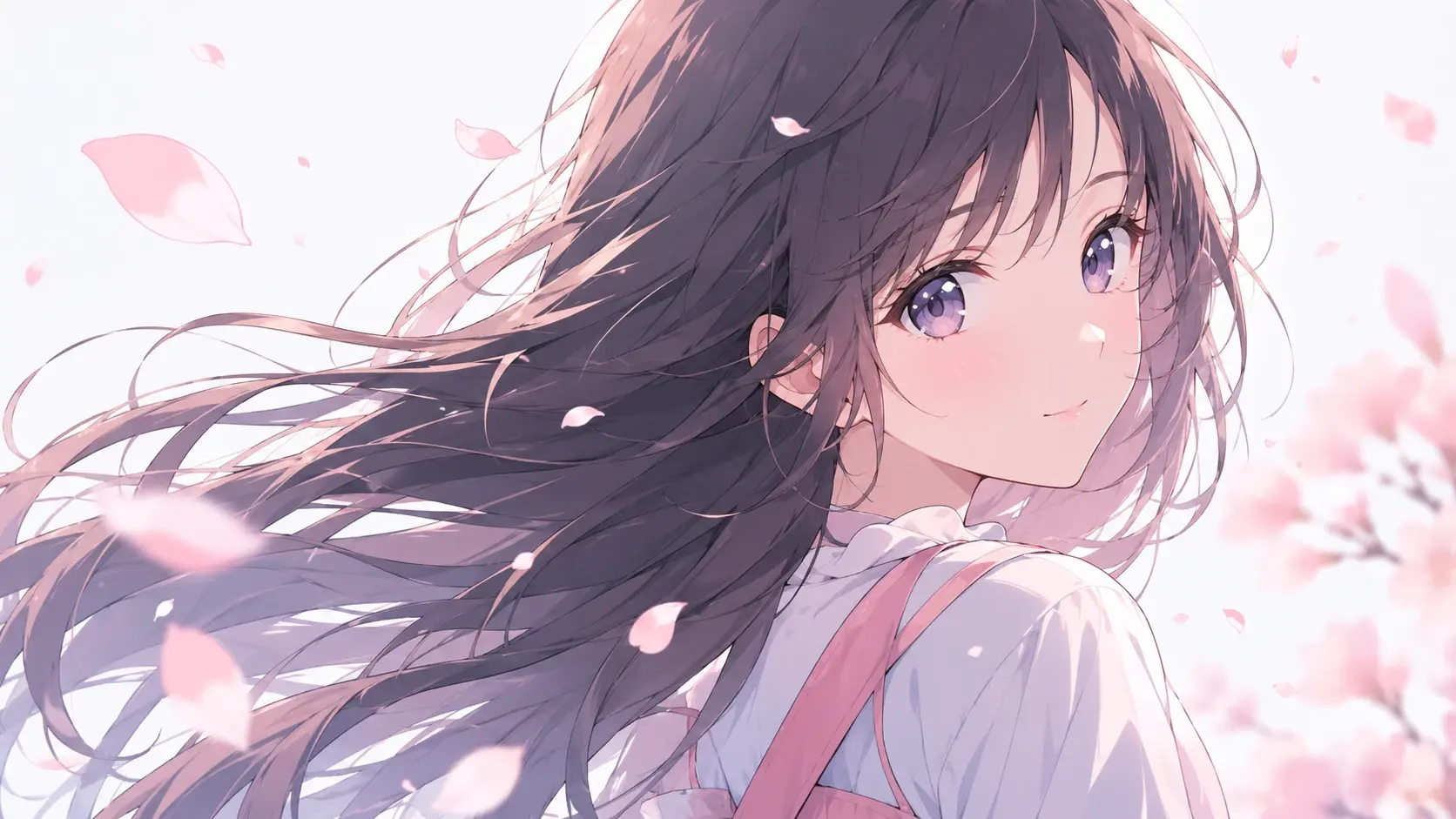
The style transfer engine identifies the primary subject in your photo and locks its structure during the style transformation. Facial features, body proportions, and object shapes remain accurate even under heavy artistic filters. This matters when you convert photo to anime style or apply a painterly effect to a portrait. The subject stays true to the original while everything else adapts to the new visual language.
Adjustable Intensity Control
Slide between a light variation and a full restyle image output. Low intensity keeps most of the original photograph visible with subtle artistic touches. High intensity produces a result that looks hand drawn or painted from scratch. When you need a middle ground for marketing materials, set the slider to fifty percent and get a polished image to art conversion that still reads as a photo at first glance. The image style changer gives you full control over how far the style transformation goes.
How Creators Use Style Transfer
Four real scenarios where style transfer fits into a working creative pipeline.
Social Media Content Batches
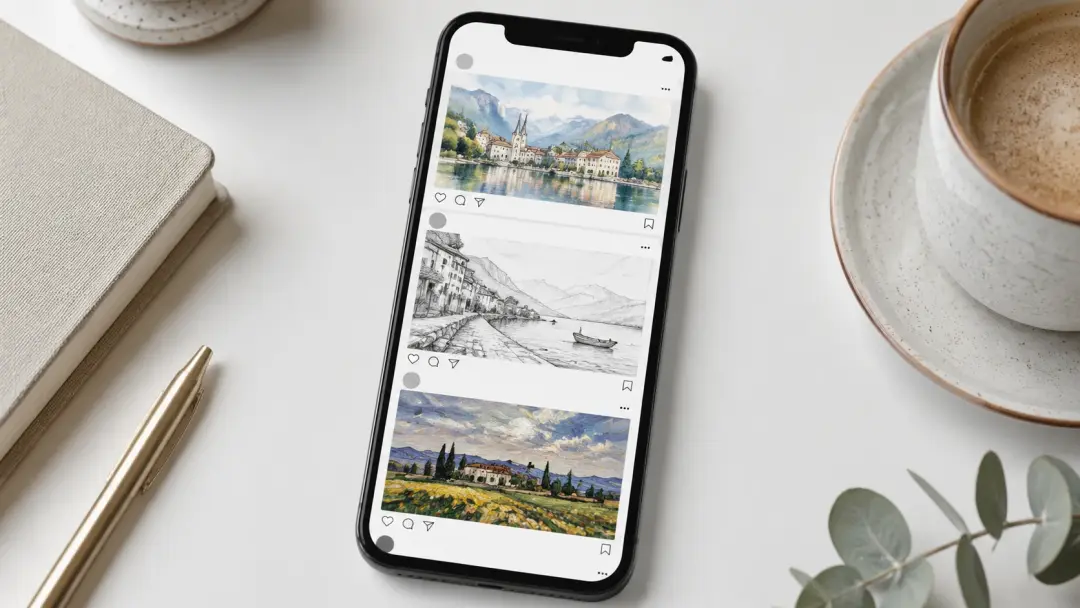
A consistent visual style across posts builds brand recognition faster than random filters. Upload your weekly batch of product photos and apply one style transfer preset to all of them. The ai style transfer engine processes each file with the same reference, so your feed looks cohesive. When you switch themes for a campaign, just swap the reference image and rerun the batch.
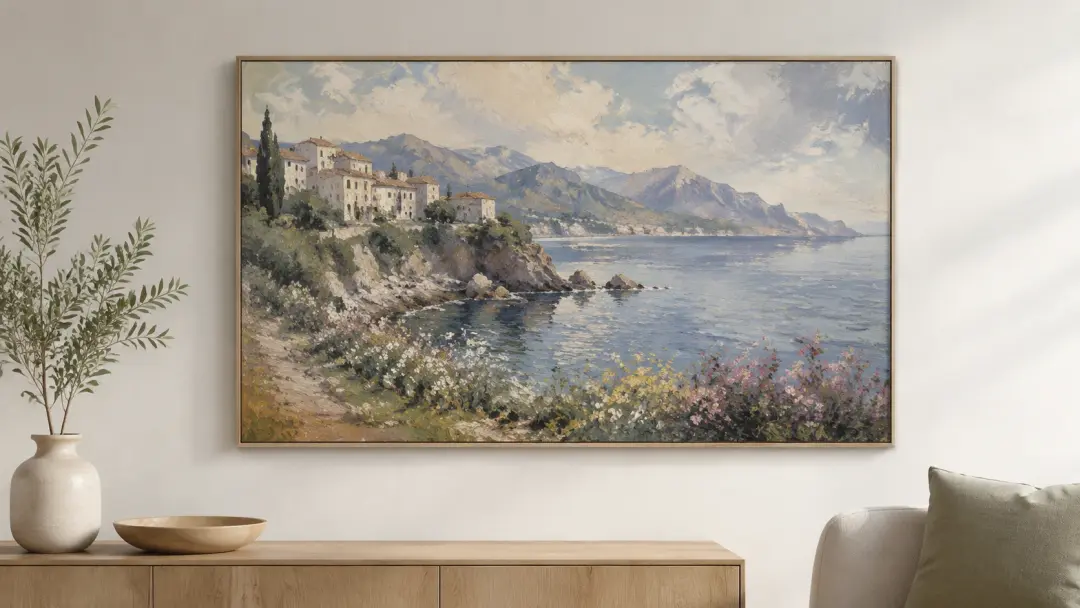
Custom Art Prints and Gifts
Turn a family photo into a watercolor portrait or convert photo to anime style for a personalized gift. The image style transfer process keeps faces and poses intact while adding the artistic layer. Print the output on canvas, a mug, or a greeting card. If you want a Van Gogh effect on a landscape shot, select that preset and download the high resolution result ready for print.
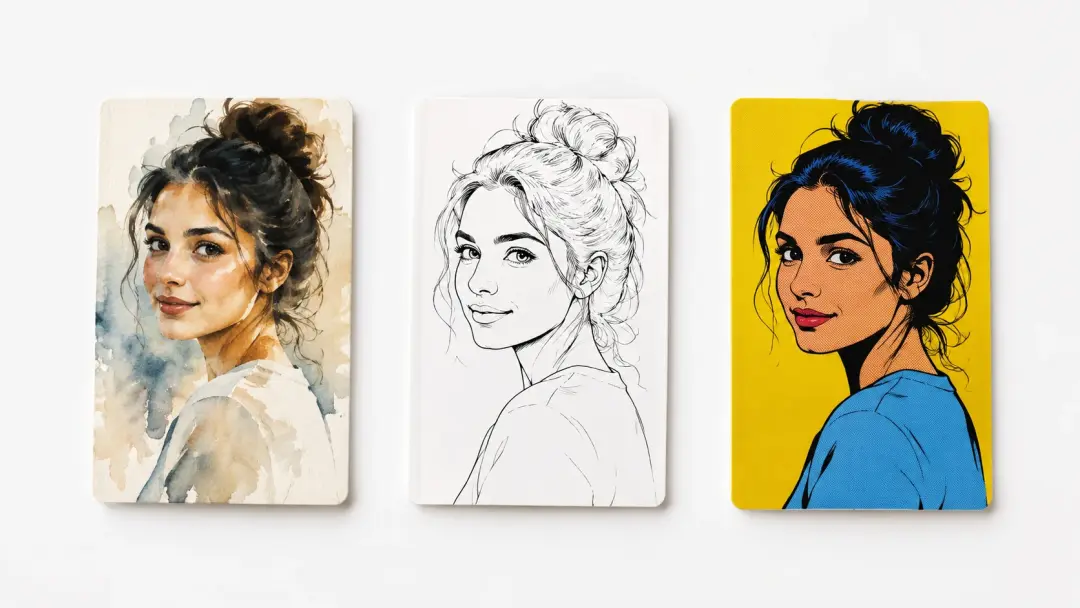
Marketing and Ad Creatives
Ad visuals need to stand out in a crowded feed. Use the ai image style changer to turn standard product photography into illustrated or painted versions that stop the scroll. The style transformation keeps the product recognizable while giving it a distinctive look. Test multiple art directions by applying different presets to the same base image and comparing click rates.
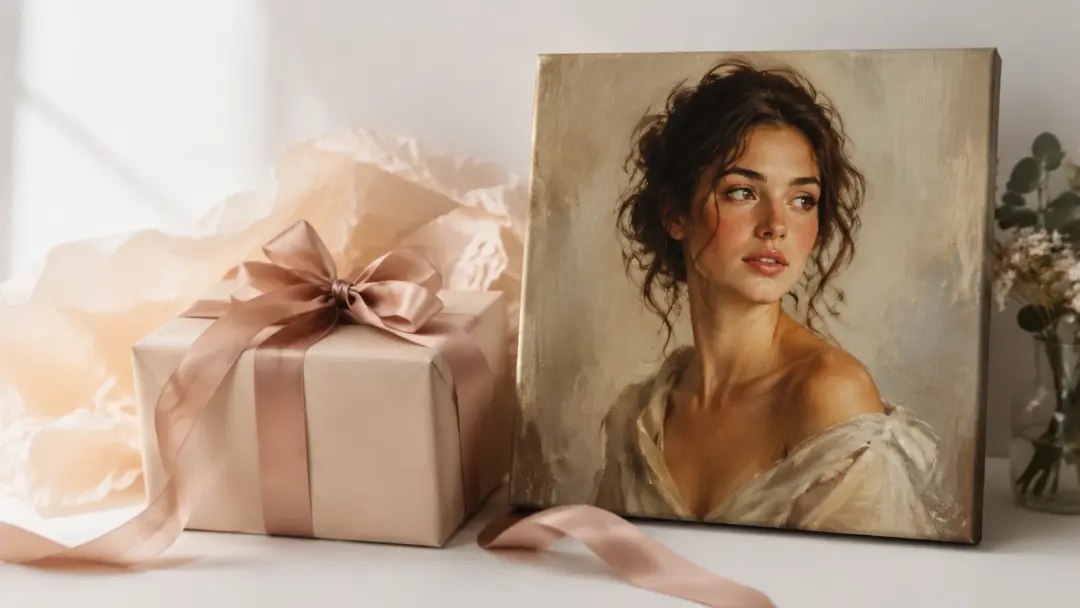
Concept Art Exploration
Artists and designers use image style transfer to explore visual directions before committing to a final piece. Snap a reference photo, apply a cyberpunk or Ghibli preset, and evaluate whether that aesthetic works for the project. The restyle image function lets you iterate quickly without sketching each variation by hand. When a direction clicks, use the output as a guide for the finished artwork.
What Users Say
I used the style transfer tool to change image style on 40 product photos in one afternoon. Every output matched the same watercolor look, which saved me days of manual editing.
Ava Chen
Ecommerce Brand Manager
The ai style transfer presets are accurate. I picked the Van Gogh option and the output carried the right brushwork and color temperature without looking like a cheap filter.
Marco Rivera
Freelance Illustrator
I convert photo to anime style for birthday gifts. The subject preservation is solid. My friends always recognize themselves in the final print.
Yuki Tanaka
Hobbyist Creator
Our ad team tested five different style transfer presets on the same hero image. Click rates jumped 18 percent on the oil paint version compared to the original photo.
Diana Holt
Performance Marketing Lead
The image style changer handles batch uploads without slowing down. I restyle image sets of 20 photos at a time and the quality stays consistent across every file.
Leo Park
Social Media Manager
I use the ai image style changer to explore concept art directions before I start painting. It saves hours of rough sketching and gives me a clear reference to work from.
Sara Nilsson
Concept Artist
Common Questions
Try Style Transfer on Your Photo
Upload a photo, choose an art style, and see the style transfer result in seconds. Your subject stays intact while the visual style changes completely.
Get Started