

One Tool for Every Video Task
VideoAI brings together video editing, generation, and enhancement in a single workspace. Describe the scene you need and the AI Video Editor builds it from scratch, or upload existing footage and trim video segments, cut video sections, and swap backgrounds without switching apps. The text to video ai workflow accepts a written prompt, produces a draft clip, and lets you refine pacing and composition before export.
Try It Now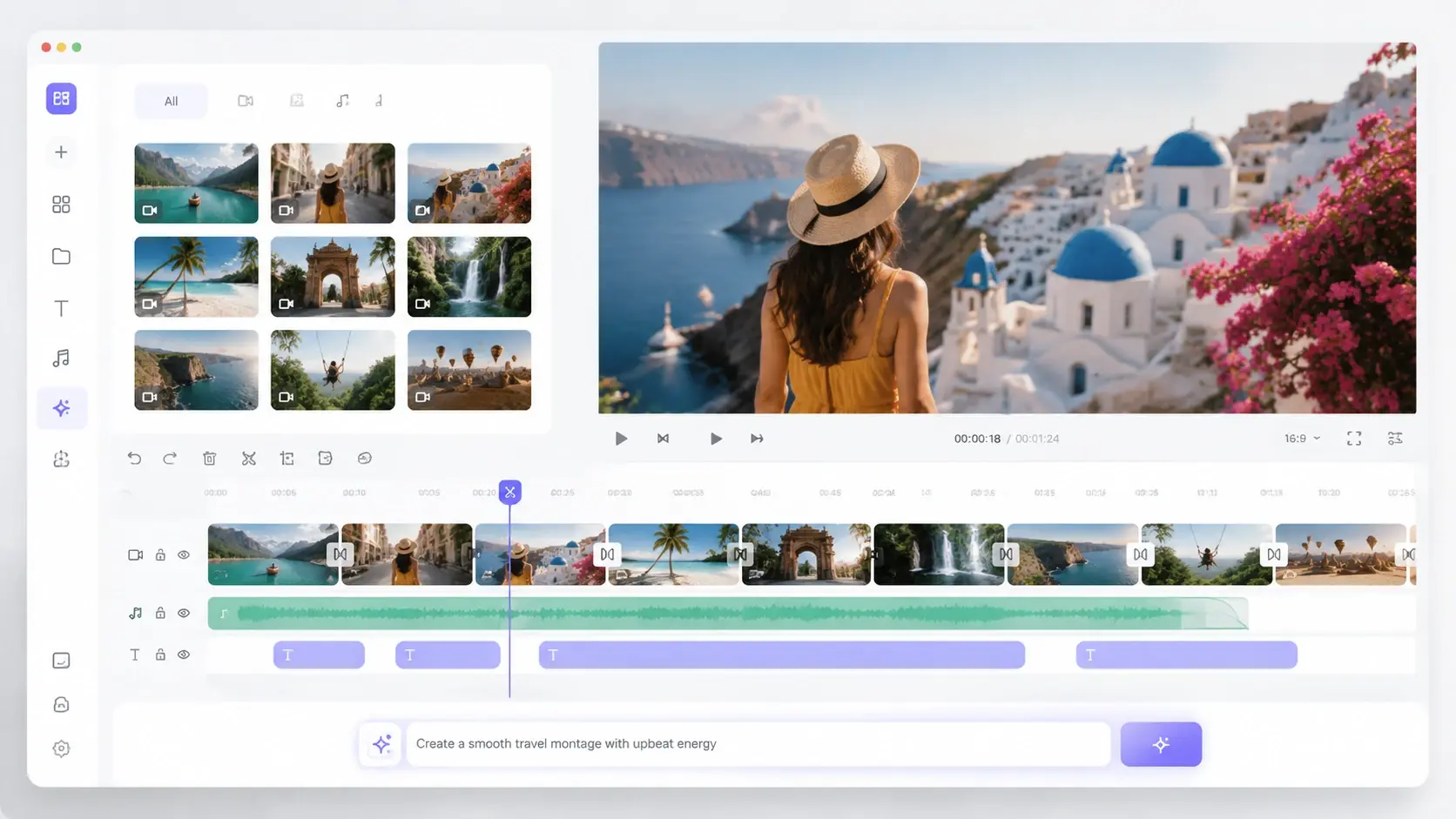
Built for Working Creators
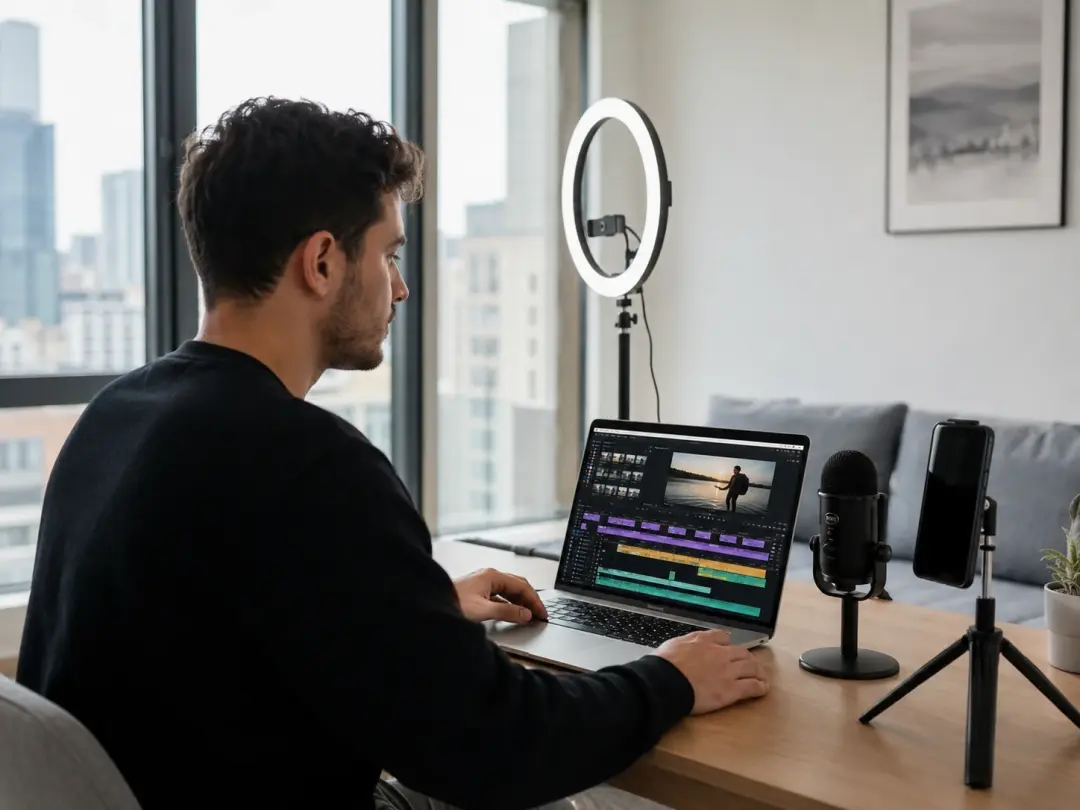
Short Form Content Creator
Posting daily clips across platforms means every minute in the edit timeline counts. When you need a quick scene change or a background swap between takes, the AI Video Editor handles it in one pass. Upload your footage, mark the segment, describe the change, and export a ready file. The trim video tool removes dead air so the final cut stays tight for vertical feeds.
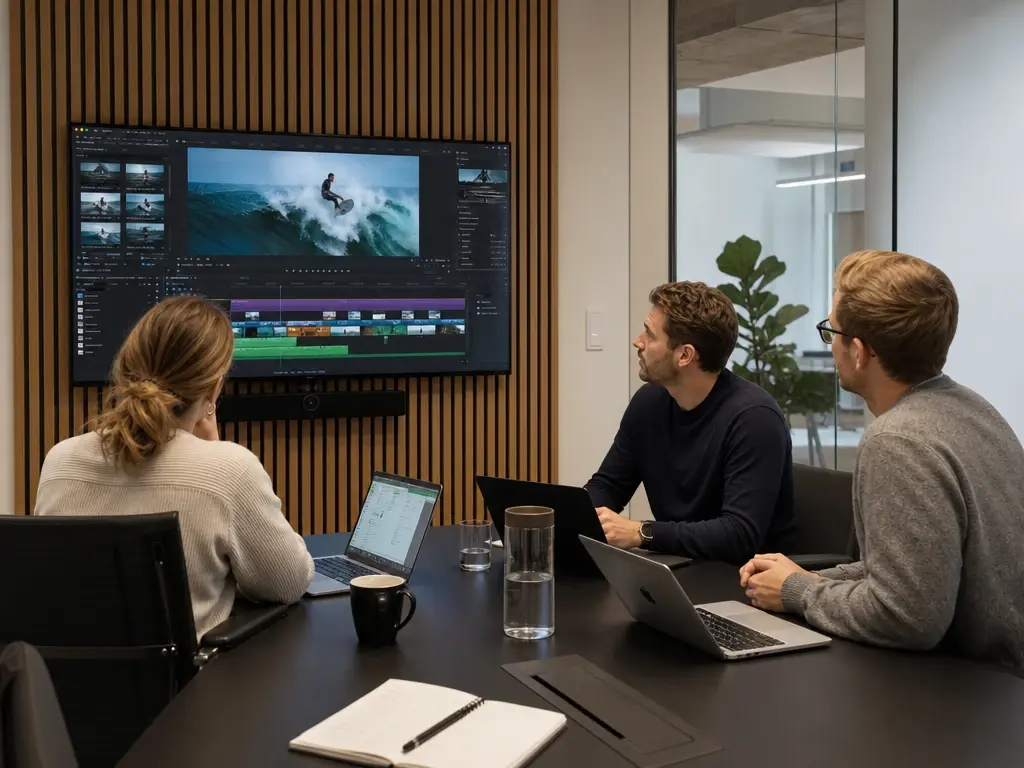
Brand Marketing Team
Campaign videos often require multiple versions for different channels. The AI Video Editor lets a small team produce variations from one source clip by adjusting length, replacing on screen text, and shifting the color grade per channel. If your brief calls for a fifteen second cut and a thirty second cut from the same footage, set two export profiles and render both without re editing from scratch.
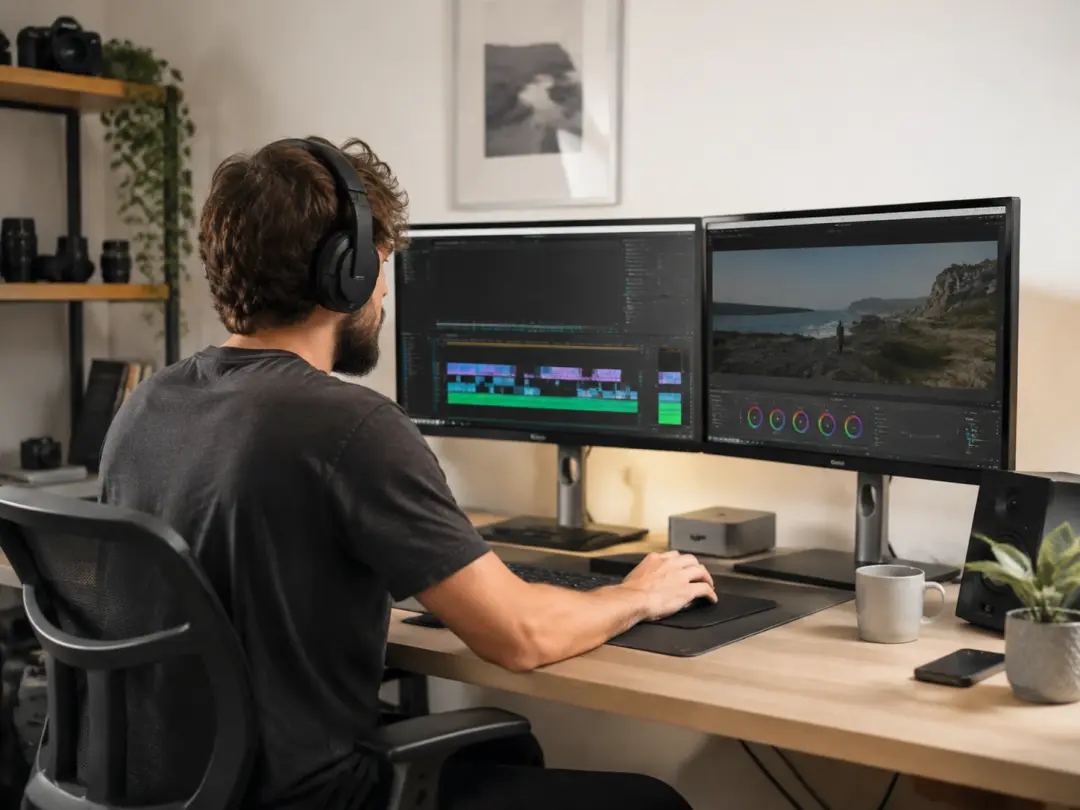
Freelance Video Producer
Client revision rounds eat into billable hours. The AI Video Editor isolates the section the client flagged, applies the requested change, and leaves the surrounding footage untouched. If a client asks to replace a background in one scene, you point the tool at that segment and describe the new backdrop. The rest of the timeline stays locked.
Core Editing and Generation Tools
Four capabilities that make this AI Video Editor a complete production workspace.
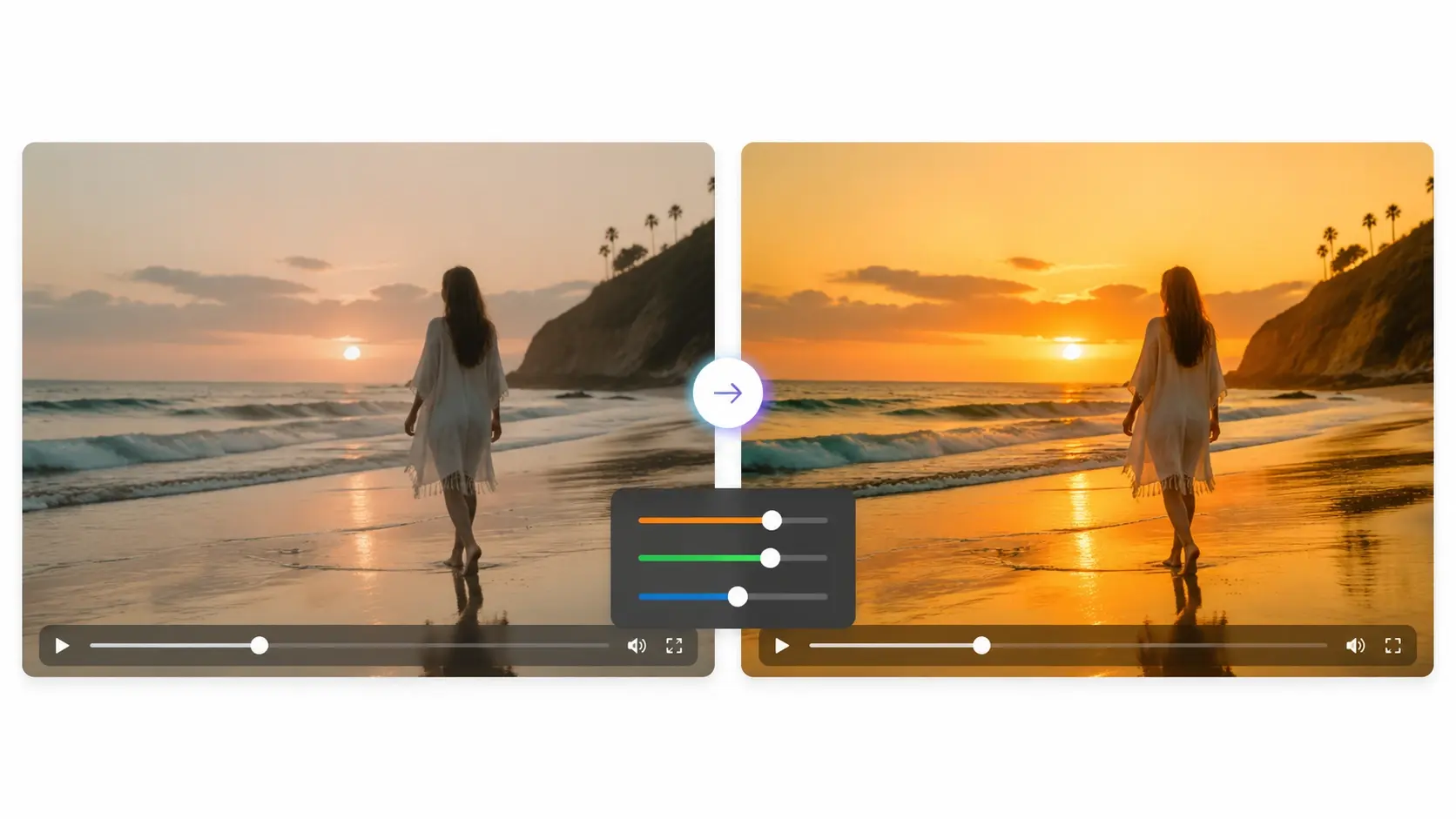
Text Driven Editing
Write what you want changed and the AI Video Editor interprets the instruction. Describe a color shift, a subject removal, or a scene reorder and the tool applies it to the selected clip. You review a preview before confirming, so nothing commits until you approve. Works best when the prompt names the exact subject and the intended result.
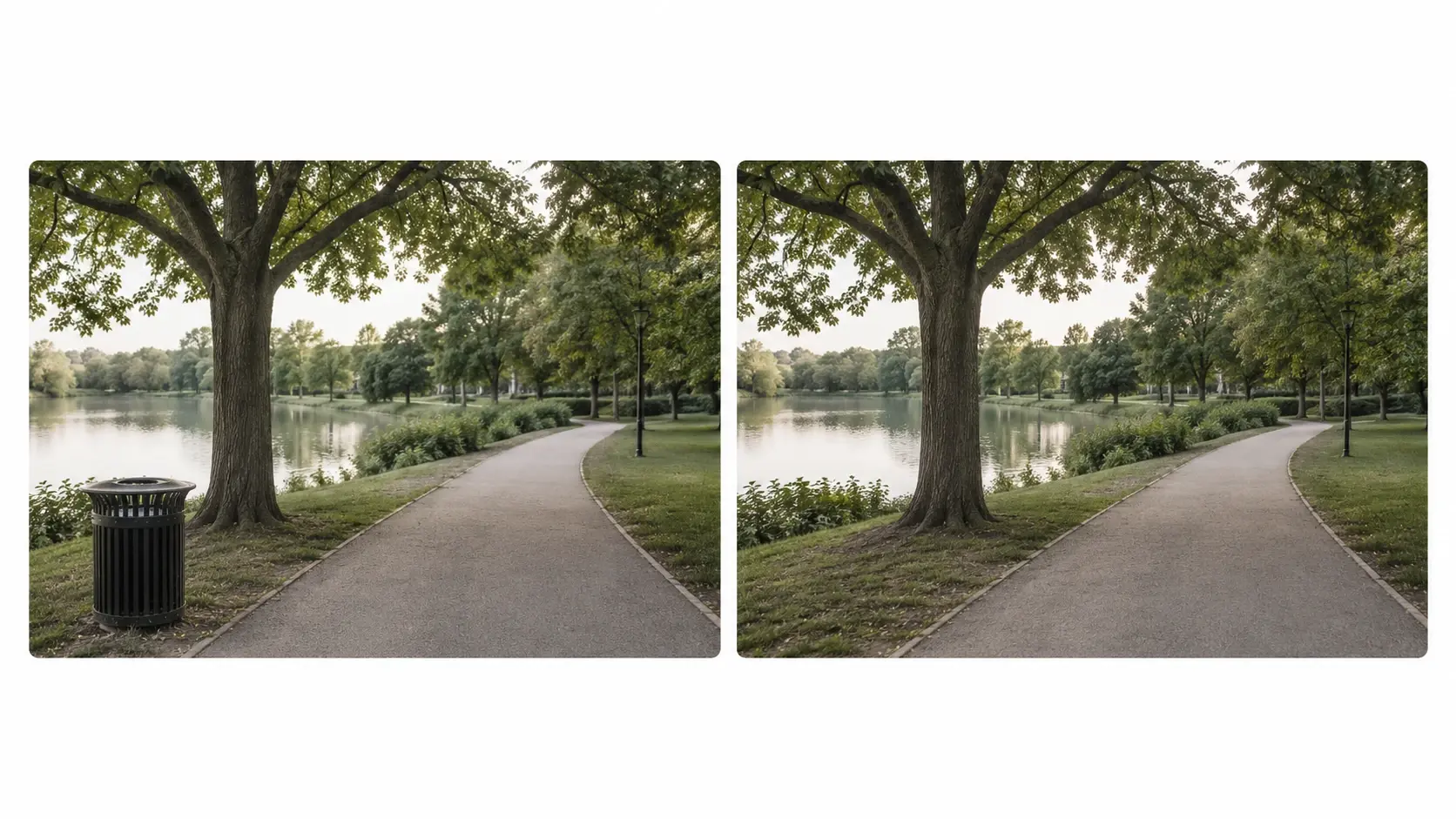
Smart Object Removal
Select an object in the frame and the AI Video Editor erases it while filling the gap with surrounding visual data. The tool tracks the object across frames so you do not need to mask each one individually. When the background behind the object has consistent lighting, the fill blends cleanly on the first pass.

Background Replacement
The AI Video Editor separates the foreground subject from the background and drops in a new scene you describe or upload. Edges stay clean when the subject has clear contrast against the original backdrop. You can swap backgrounds across an entire clip or limit the change to a marked section for a targeted effect.
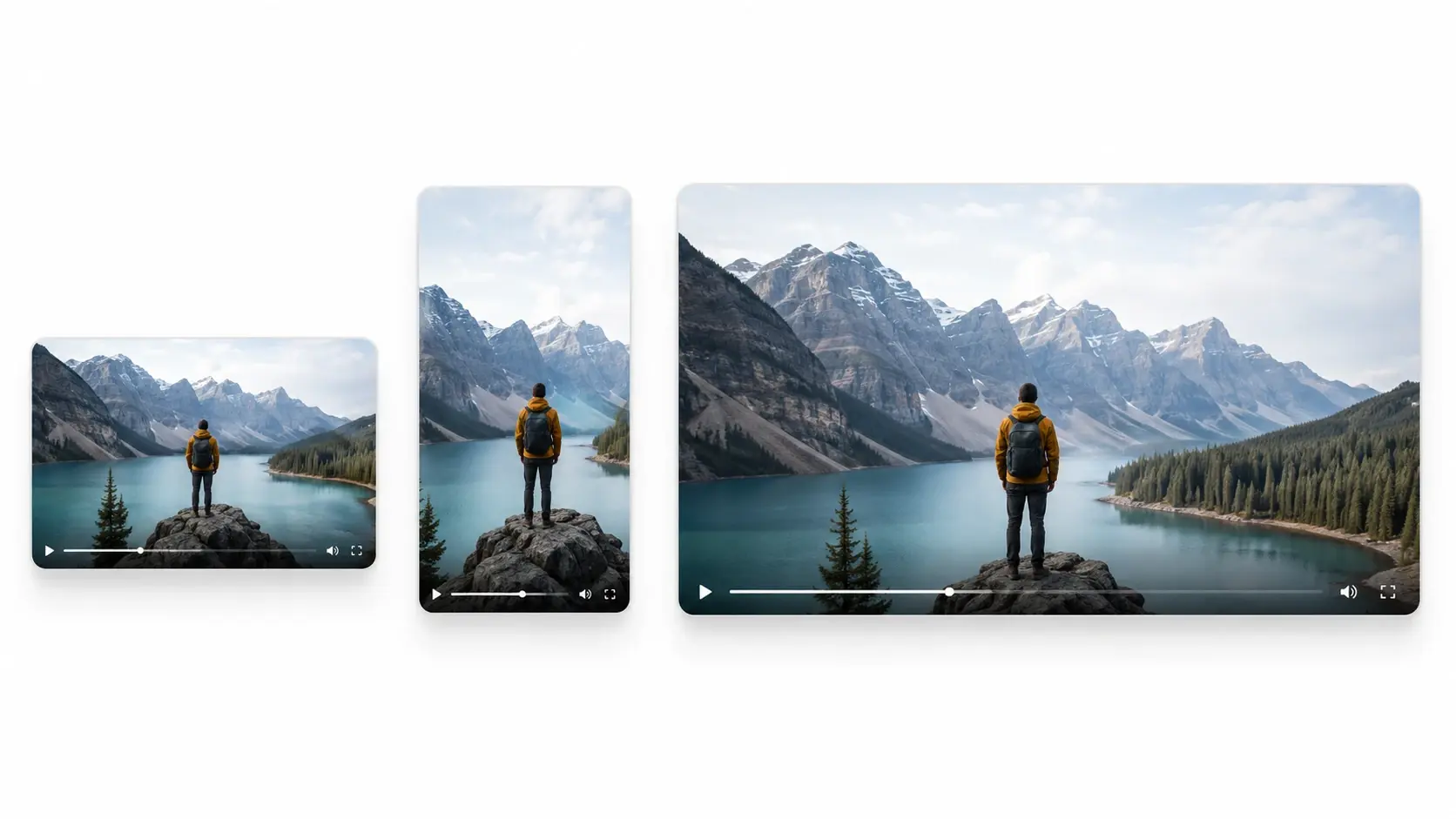
Full Workflow Export
Go from a raw prompt or source clip to a finished file without leaving the AI Video Editor. The workflow covers generation, trim video passes, color correction, and final render in sequence. Export settings let you pick resolution, format, and frame rate before the file builds. Each step saves to the project so you can revisit any stage later.
What Creators Have Made
Four real production scenarios completed inside the AI Video Editor.
Product Demo Clip
A small ecommerce team used the AI Video Editor to cut video of a product unboxing into a thirty second highlight reel. They wrote a prompt to remove packaging clutter from three key frames and trimmed the intro to start at the product reveal. The ai video maker workflow generated a title card from text and attached it to the opening frame.
Tutorial Walkthrough
An educator recorded a screen capture and used the AI Video Editor to trim video pauses, enhance video sharpness on diagram close ups, and add a clean background behind the talking head intro. The video quality enhancer sharpened text on screen so viewers could read code samples at normal playback speed.
Social Promo Reel
A freelance creator assembled four source clips into a reel using the AI Video Editor. Each clip got a background swap to match a single brand color palette, and the video trimmer removed transition dead space between segments. The final export fit the sixty second window for vertical ad placement.
Event Recap Video
A conference organizer uploaded two hours of stage footage and used the AI Video Editor to cut video down to a five minute recap. The tool identified speaker transitions and suggested cut points. After confirming the markers, the organizer added a generated intro built from a text prompt. The online video editor made the entire process accessible from a browser without local software.
Common Questions

Try Your First AI Video Edit
Upload a clip or write a prompt and see what the AI Video Editor produces. The workspace handles generation, trimming, and export in one session so you move from idea to finished file without switching tools.
Get Started