

AI Image Realism Enhancer
The AI image realism enhancer from VideoAI puts real skin texture back into your AI portrait, so the face reads as photographed while the person, the framing, and the lighting stay as you made them.
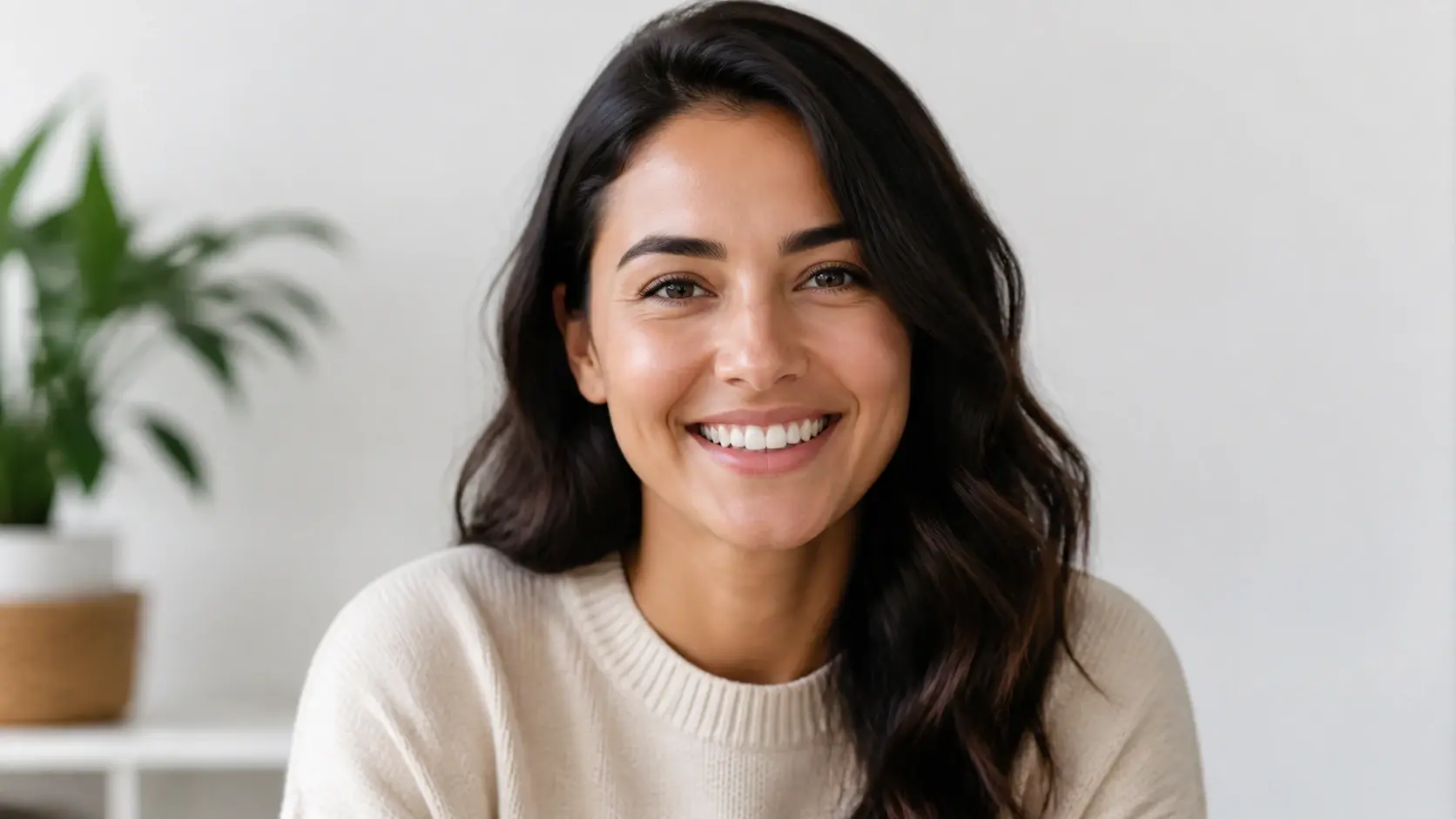
AI Image Realism Enhancer In Three Steps
Upload your AI portrait, let the AI image realism enhancer read the face, and download the version with real skin brought back.
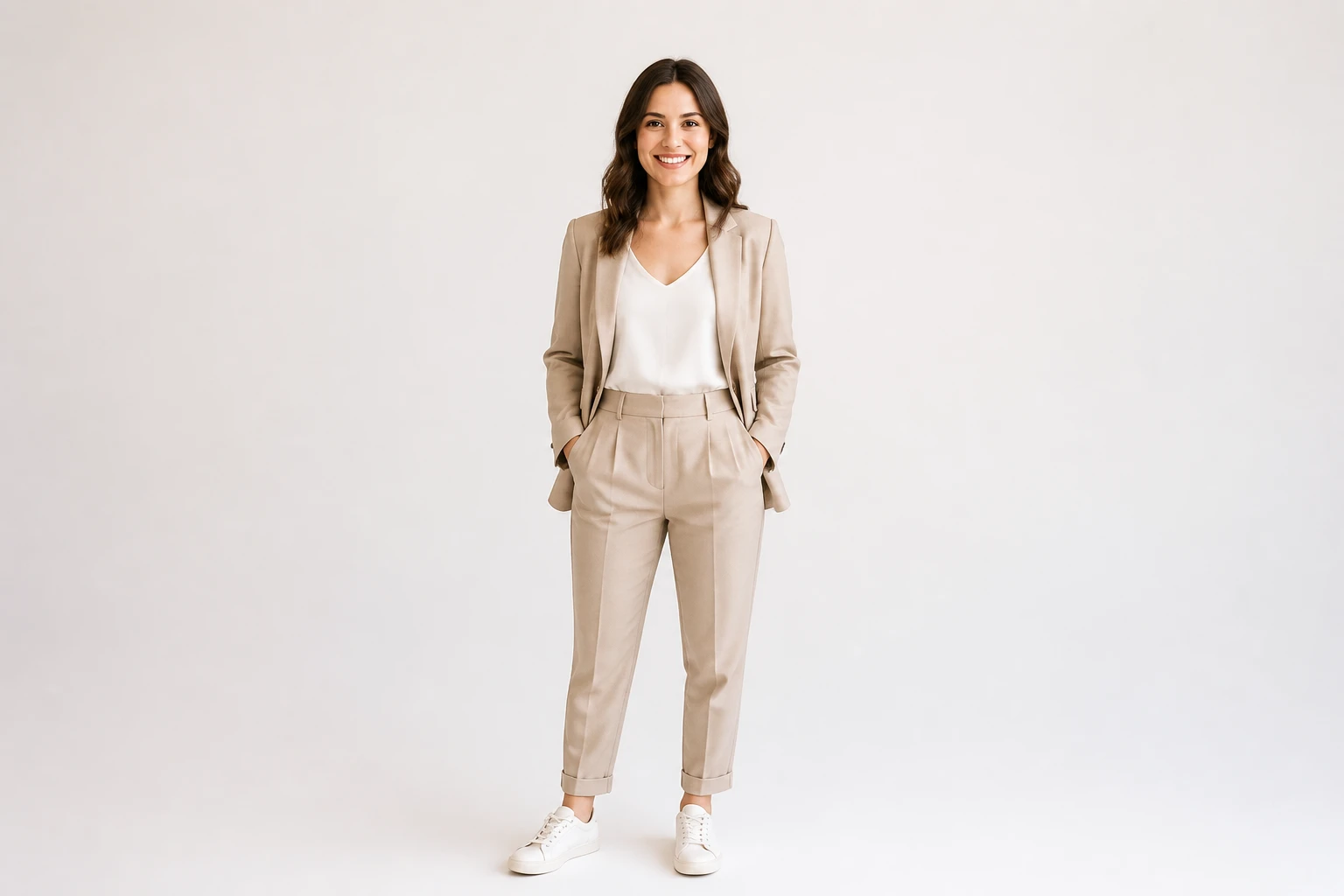
Where The AI Image Realism Enhancer Fits
Different AI portraits share one tell, and that is skin that falls apart the moment someone zooms in.
AI Avatar Realistic
Your AI avatar looks fine as a thumbnail, yet at full size the skin turns waxy. Send it through and the pores and fine lines return, so it lands as a realistic ai face rather than a rendered mask.
From Text To Image Headshots
A portrait you built with a text to image tool passes when it is small, then breaks down the moment a client opens it. One pass rebuilds the skin, an easy way to convert an image to realistic AI quality that you can hand over as a full screen headshot.
Digital Characters For A Portfolio
A digital character sheet is heading into your portfolio, where reviewers zoom to full resolution. Real texture keeps the skin realism intact, an ai portrait retouch that survives a close look instead of going flat.
On Model Shots For Storefronts
Model and product close ups carry a storefront, and plastic looking skin drags trust down across the whole set. Restore natural skin ai detail on the model and the fashion close up beside it reads as real photography.
Made For Creators Of AI Portraits
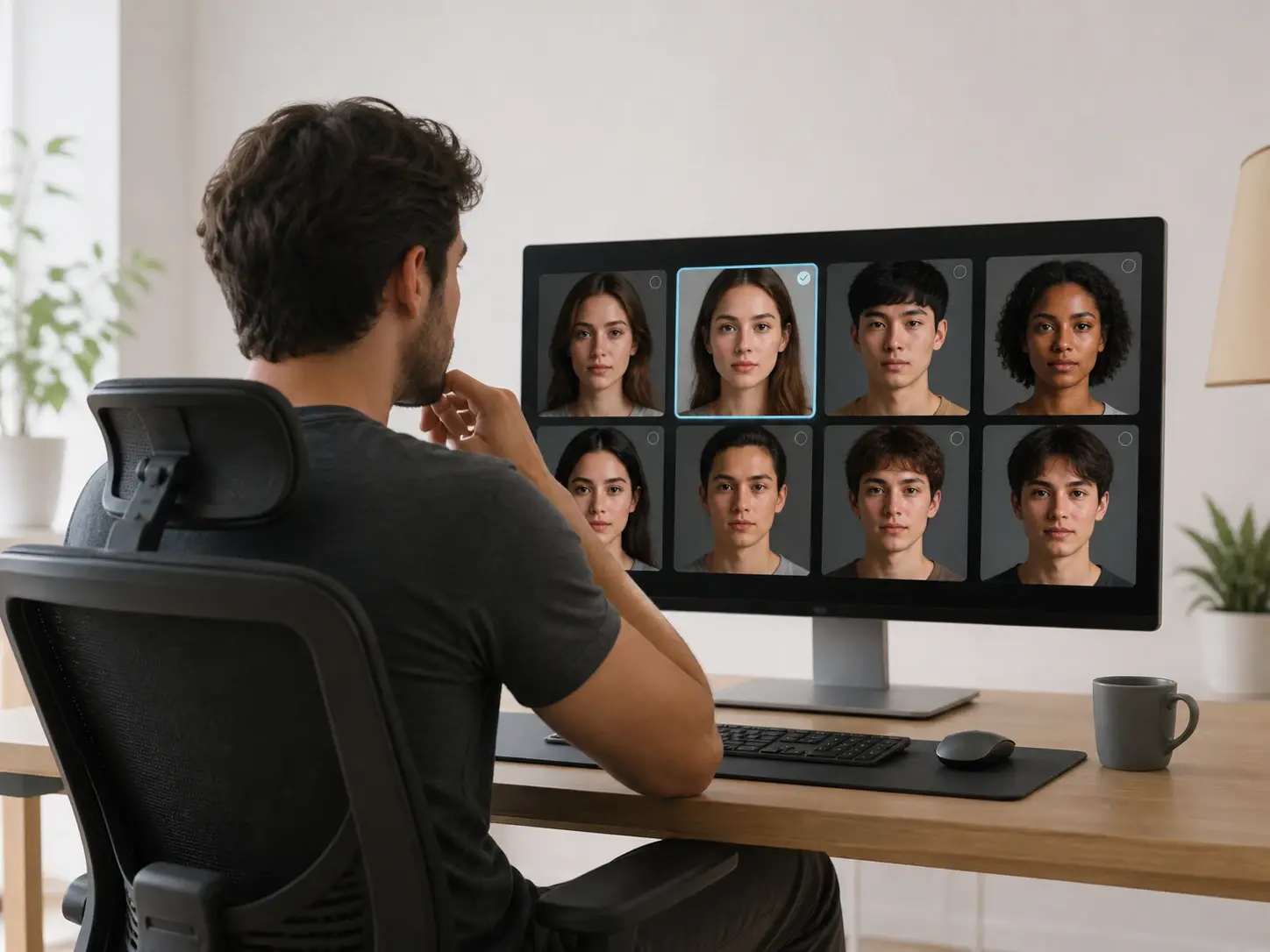
Creators Building AI People
You build AI portraits and digital humans all day, and the last mile is always skin. The AI image realism enhancer gives those faces the texture that turns a rough render into a realistic ai portrait instead of a synthetic one.
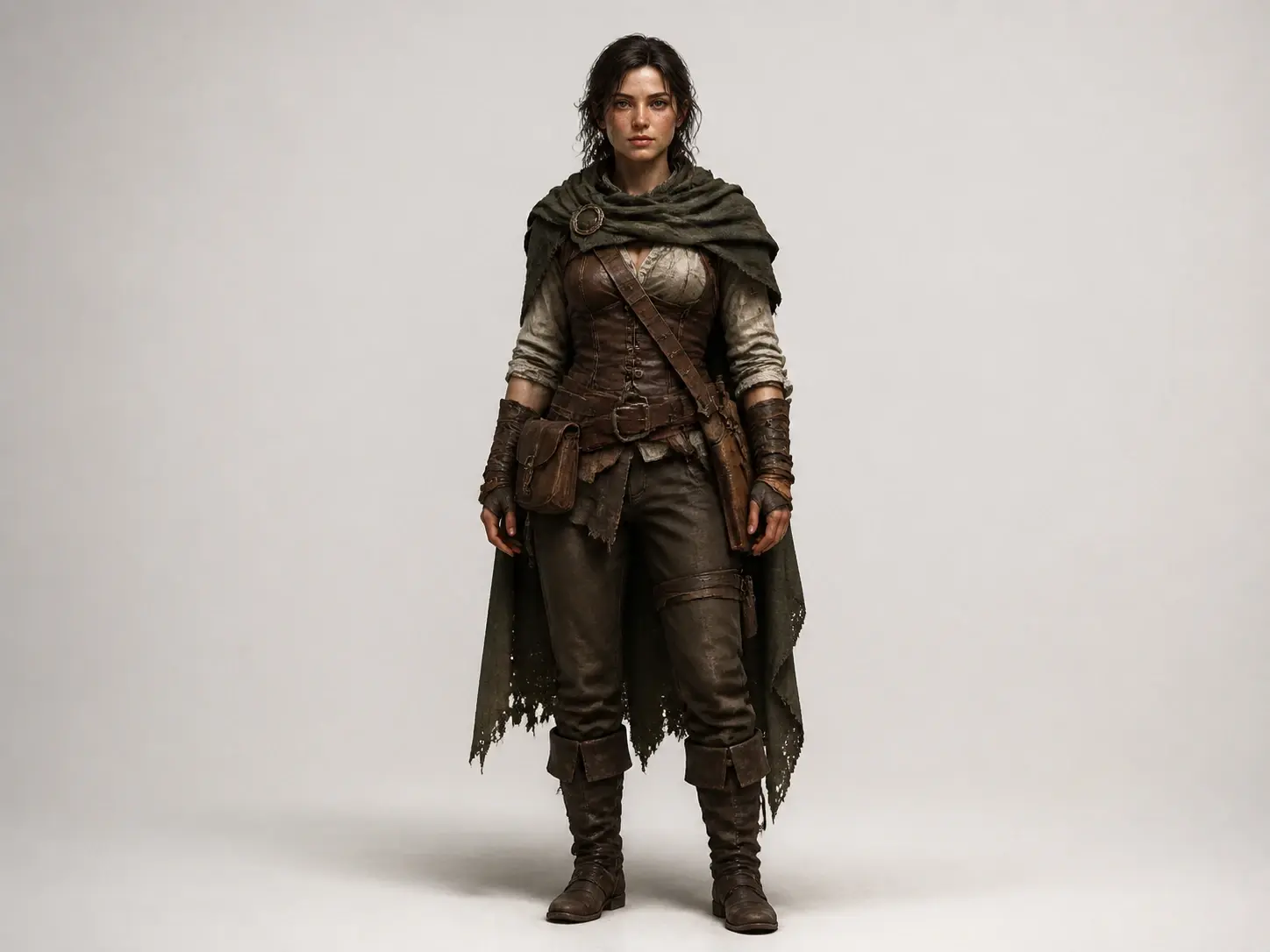
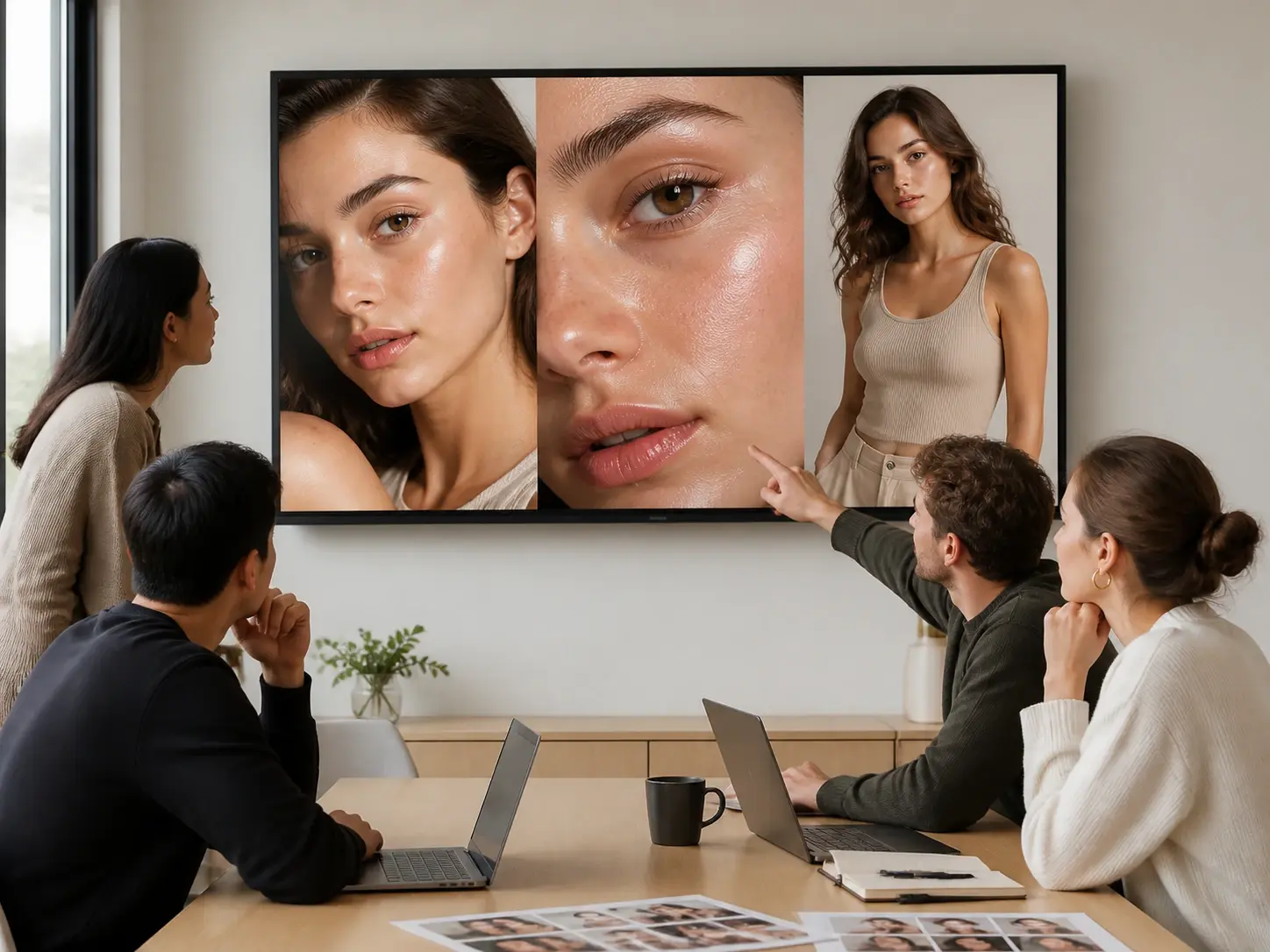
What The AI Image Realism Enhancer Delivers
Every result keeps the person you made and adds only what real skin actually has.
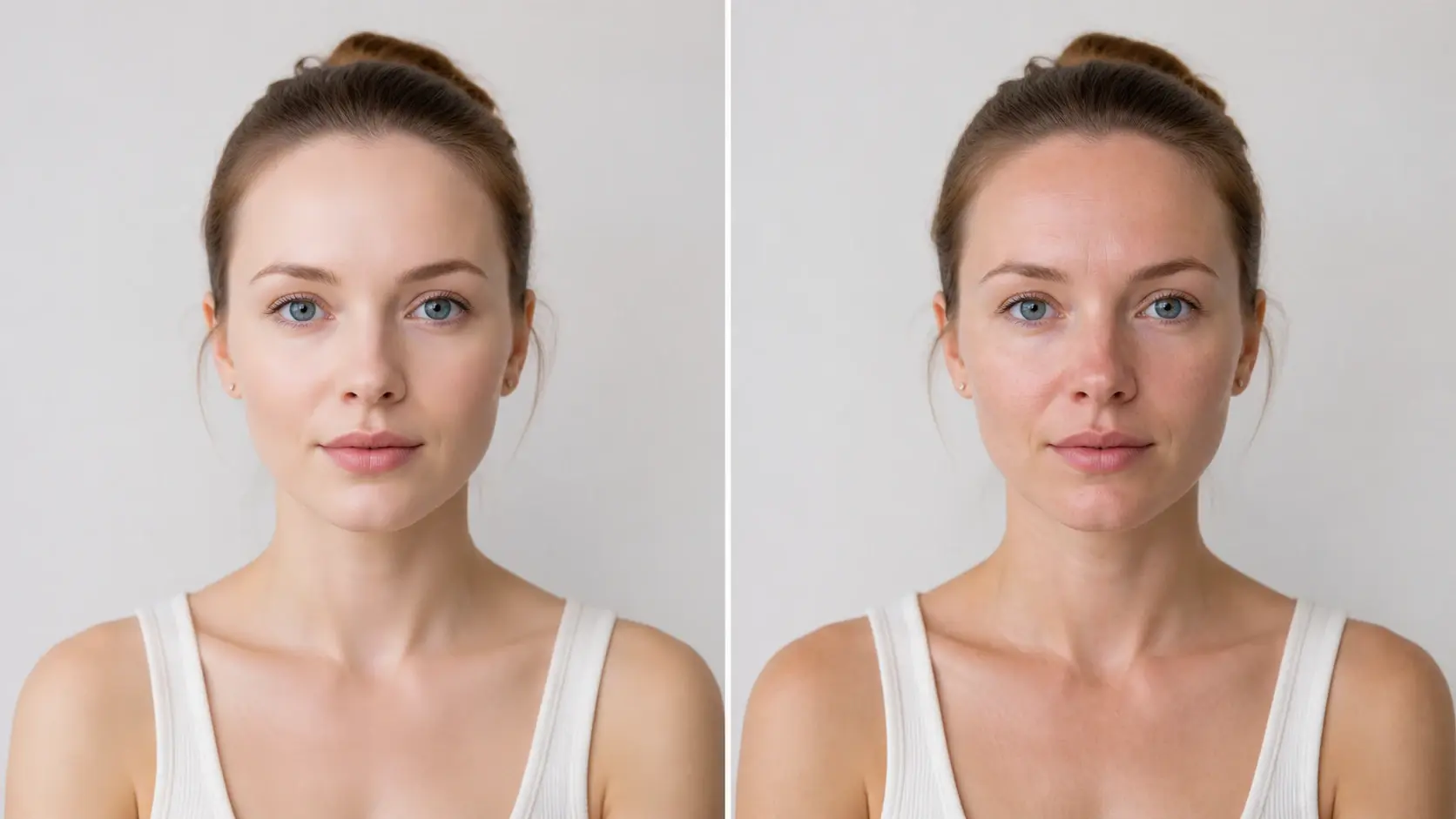
Real Pores And Fine Lines
The result brings back the micro detail a camera would catch, including pores, fine lines, stray hairs, and the natural unevenness of real skin. That texture is what pulls a face out of the uncanny valley ai look and into believable ai photo realism.
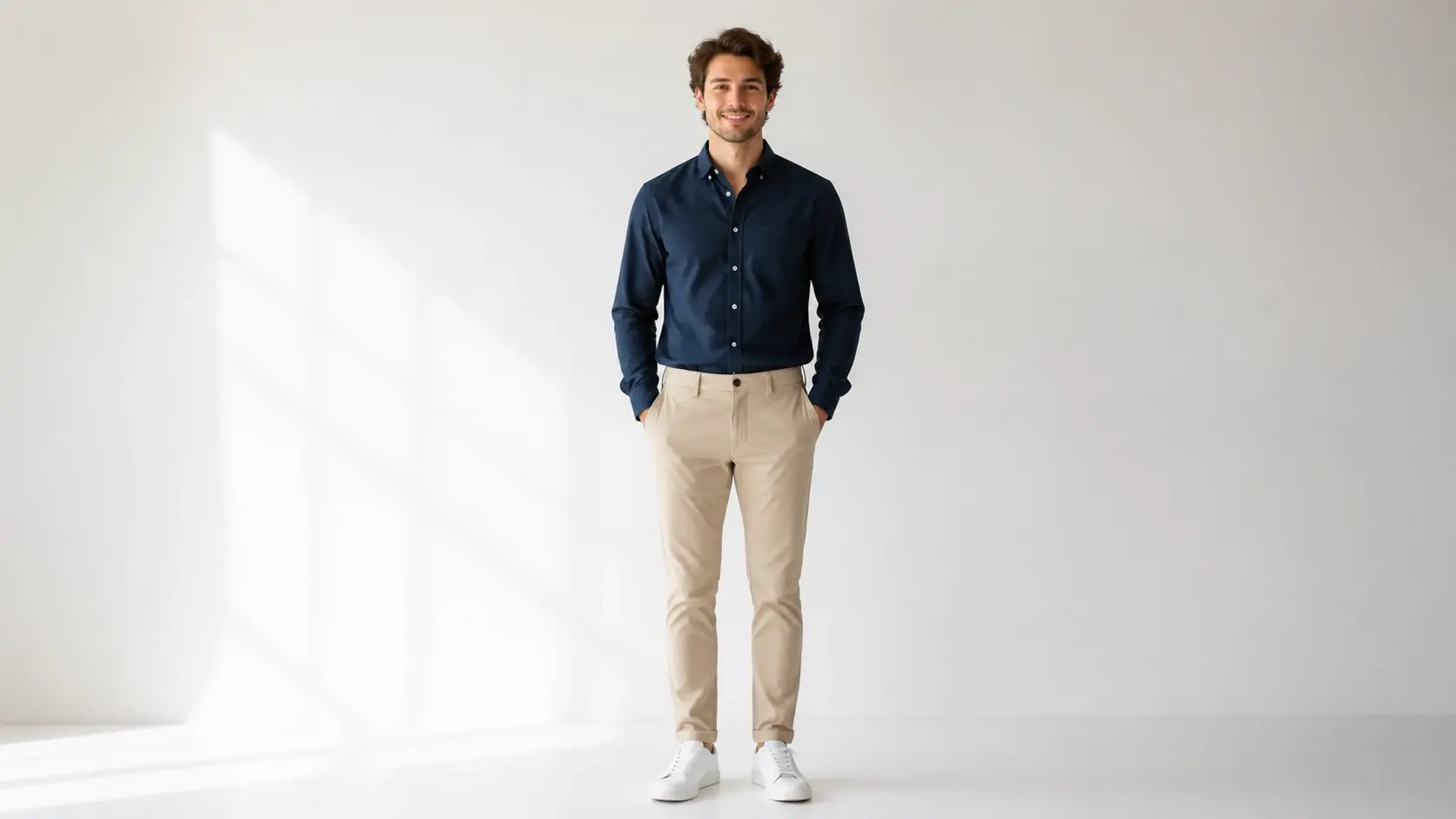
The Same Person, Preserved
Identity holds. The face, its proportions, the framing, and the light you set carry through, so it stays the same person now wearing real skin, the way to fix ai face problems without changing who it is.
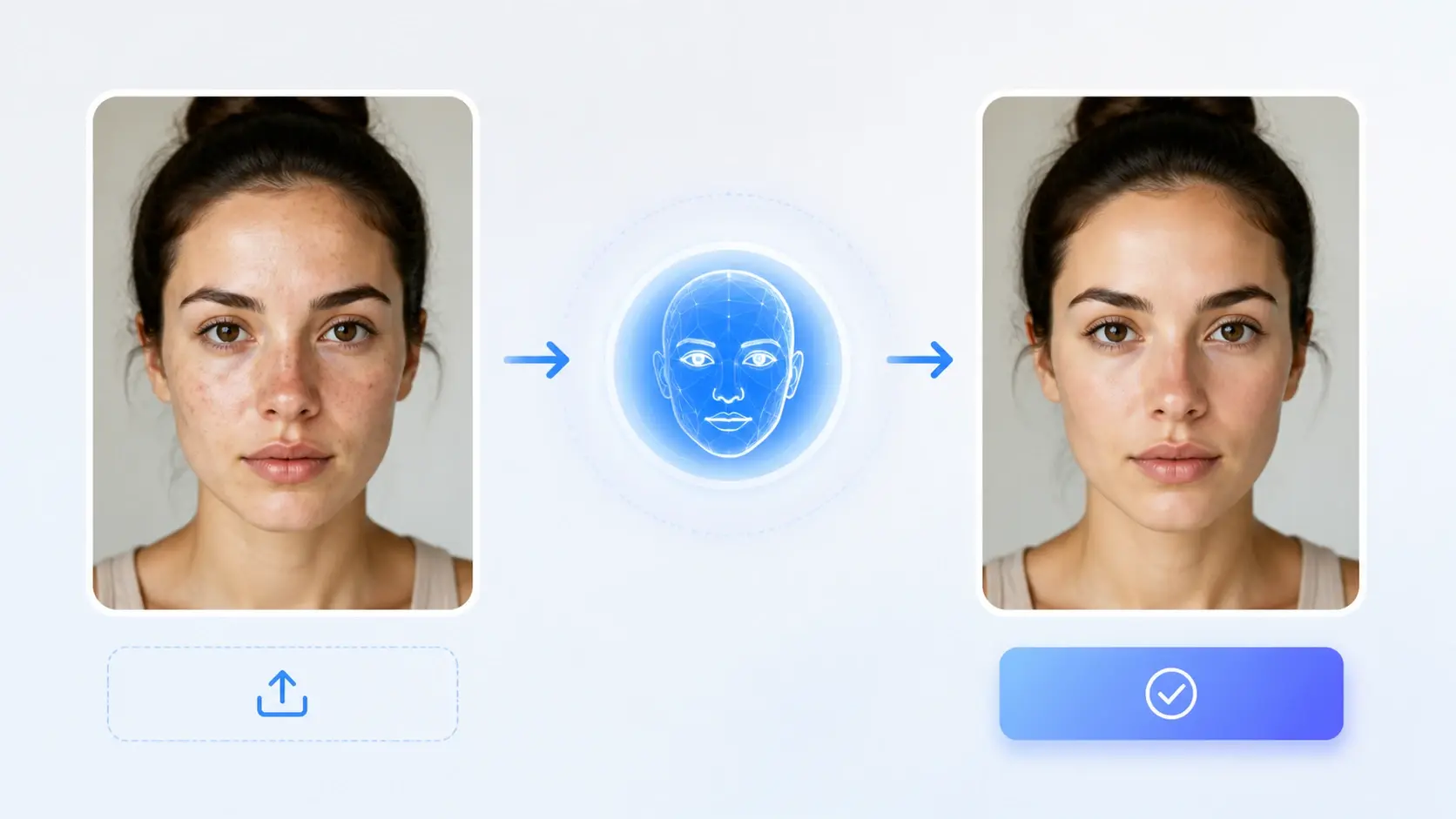
No Settings To Tune
Upload and generate, and that is the whole workflow. VideoAI judges each face for you and adds texture on its own, working like an automatic ai skin texture generator, so you never sit and tune a thing.
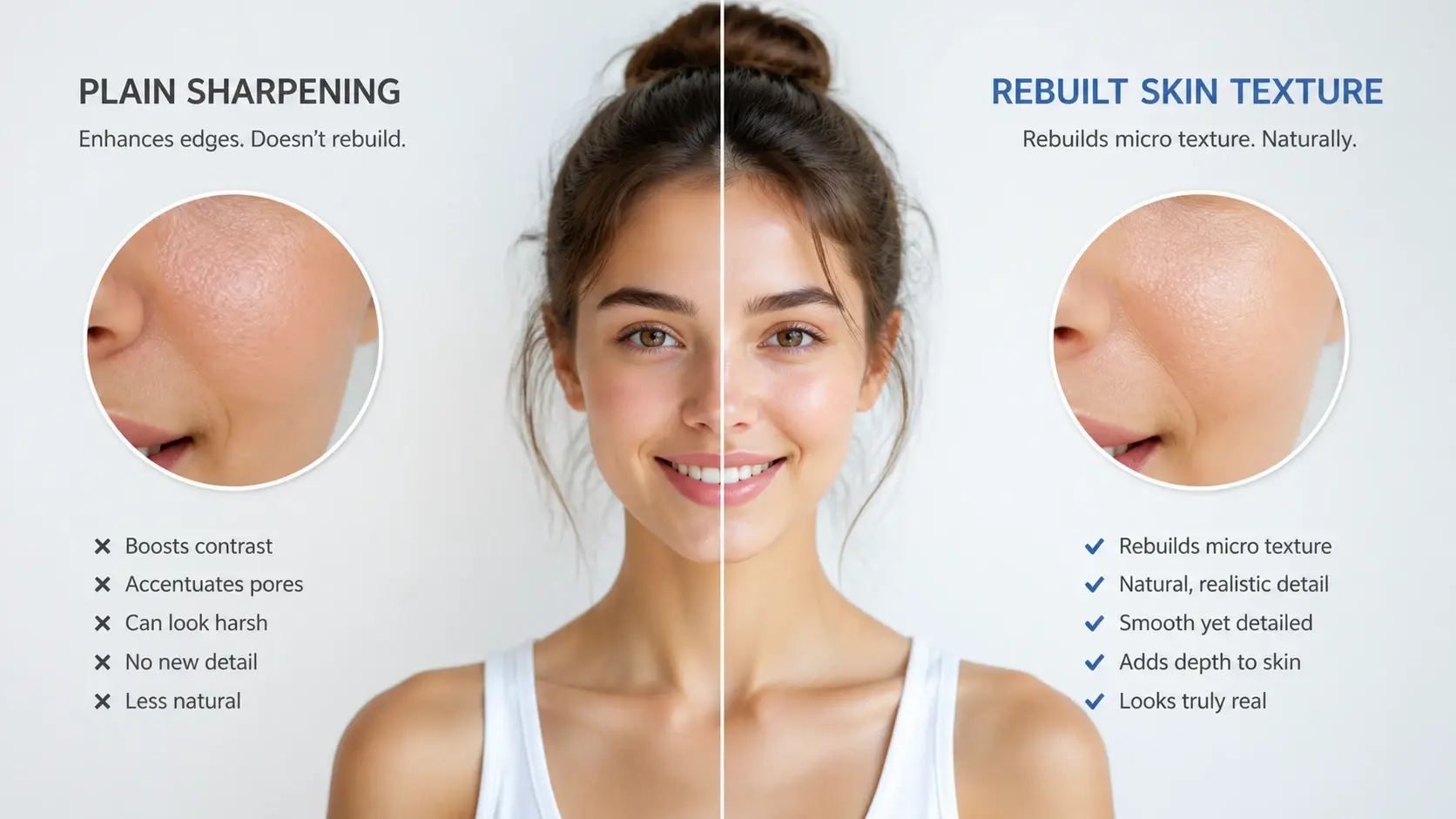
Rebuilt, Not Just Sharpened
This is not sharpening a blurry photo. Your AI portrait is already clean, so instead of recovering lost edges it builds micro texture the original never had, which is why a plain ai texture enhancer or upscaler cannot match the result.
Questions About Real Skin On AI Faces
Give Your AI Portrait Real Skin
Upload one AI portrait and let VideoAI bring the texture back, then download the version you like best.
Get Started