

Relight Any Photo
Upload a photo, choose where the light comes from and what color it is, and VideoAI can relight the shot while the people and objects stay exactly as you captured them.
Try It Now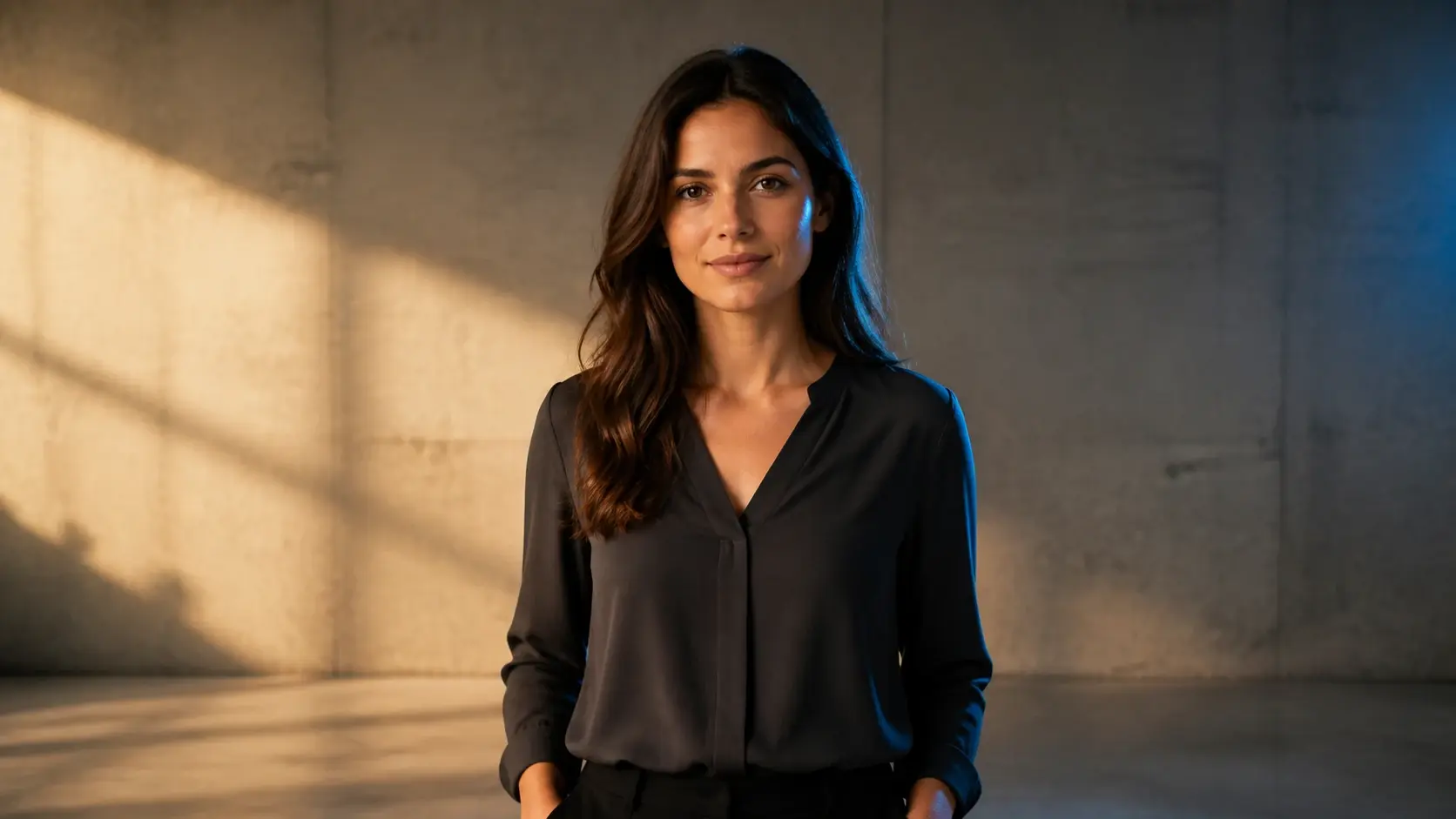
Relight A Photo In Three Steps
Three steps to fix lighting in photo uploads, from a hands on ai relight to a look copied from a reference you like.
Everyday Photos You Can Relight
From an overexposed frame to a dim indoor room, people relight photo after photo here every day.
Overexposed Photo Fix
Shooting straight into hard light blows out faces and the sky into one flat patch. Choose a softer direction and relight so the bright areas pull back and the lost detail returns. Reach for this when a bright frame has gone too far and needs its balance back.
Product Photo Lighting
A batch of items shot at home often carries messy shadows and uneven light that looks amateur on a product page. Relight with one clean, directed light so each item reads clearly and its colors look true. Best when the goods are fine but the light is letting them down.
Fix Backlit Photo
Standing against a window or a setting sun turns a subject into a dark silhouette. Bring the light back onto the near side of the person so the face reappears while the sky behind stays intact. Pick this when the background is worth keeping but the subject vanished into shadow.
Underexposed Photo Fix
The frame you grabbed when there simply was not enough light comes back muddy and dim. Instead of dragging up the brightness and lifting every bit of noise with it, give the scene a relight exactly where it needed the light. Choose this for a shot that was captured too dark rather than lit wrong.
Fix Dark Photo
Indoor rooms with dim yellow bulbs leave faces looking heavy and closed in. Relight by swapping the direction and color so that stuffy indoor cast lifts and the room feels open again. This fits any interior where the light was thin and the color was off.
Who Uses VideoAI To Relight
No Lights, Just A Phone
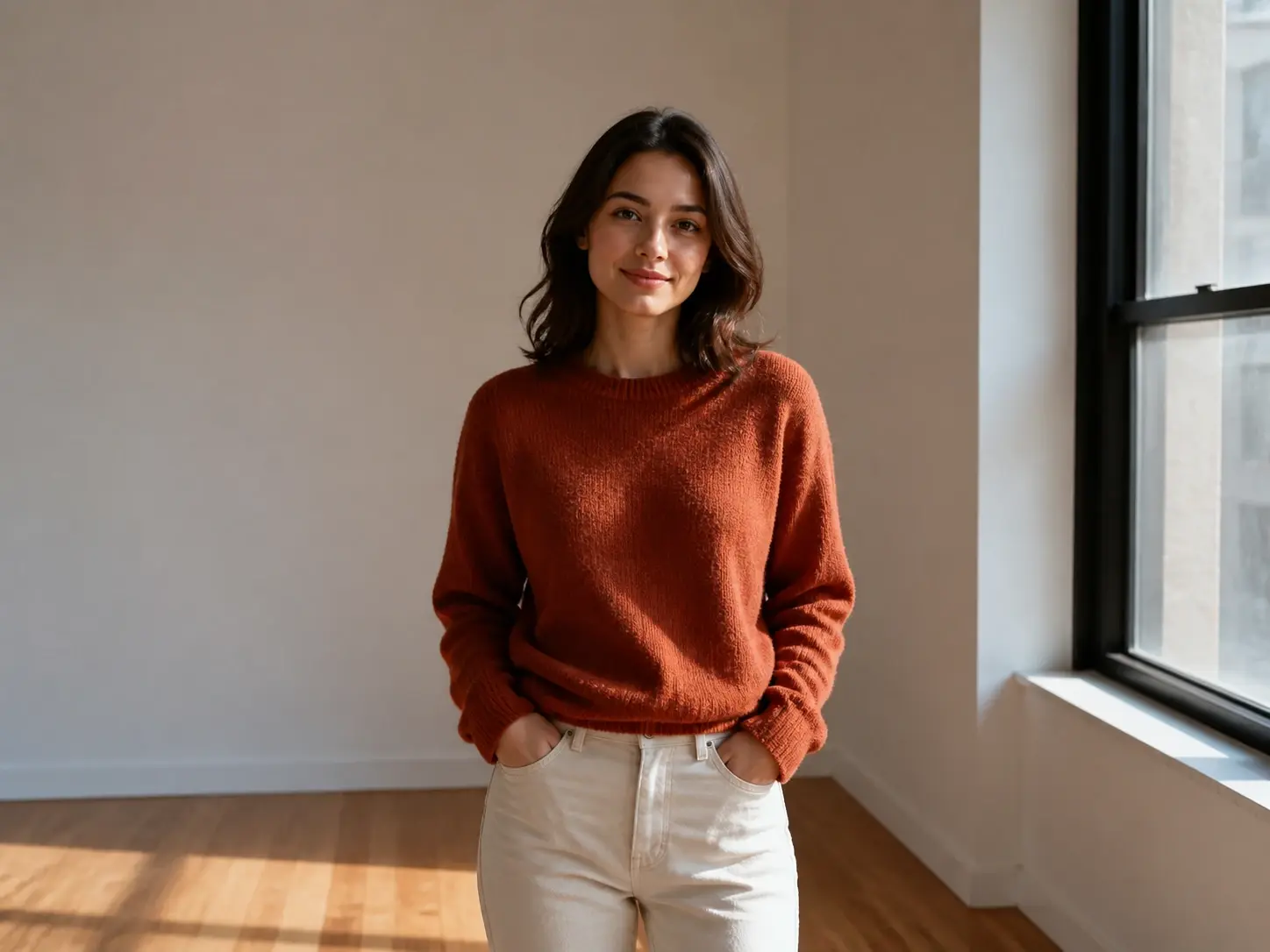
When the only gear is a phone and the light is whatever the window and ceiling give you, a good frame often waits on good weather. Shoot now and add the light afterward, choosing the direction that flatters the subject instead of hoping the room cooperates.

Controls That Shape How You Relight
Real control over ai relighting, from the direction the light comes from to the color it casts.
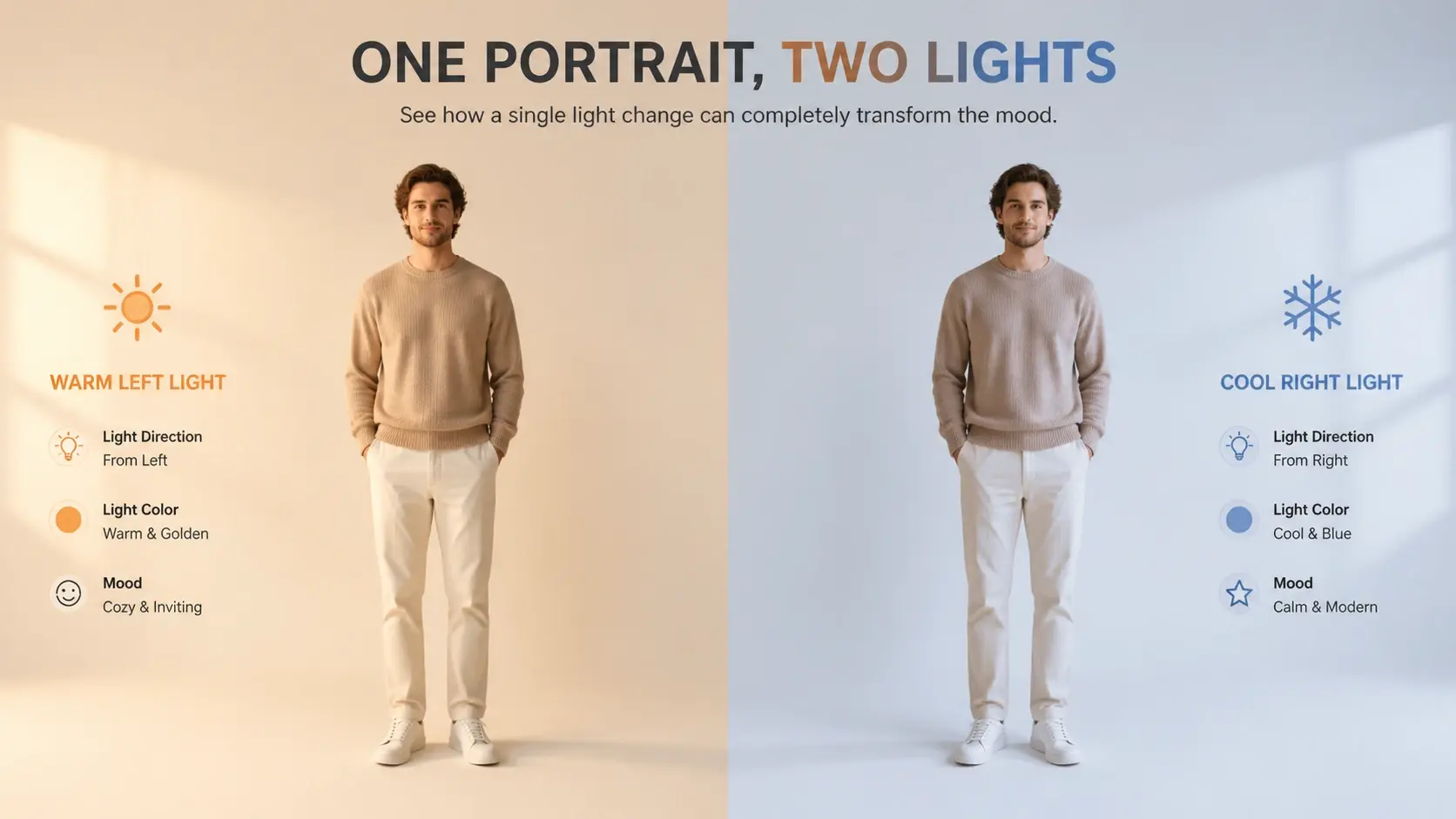
You Pick The Direction And Color
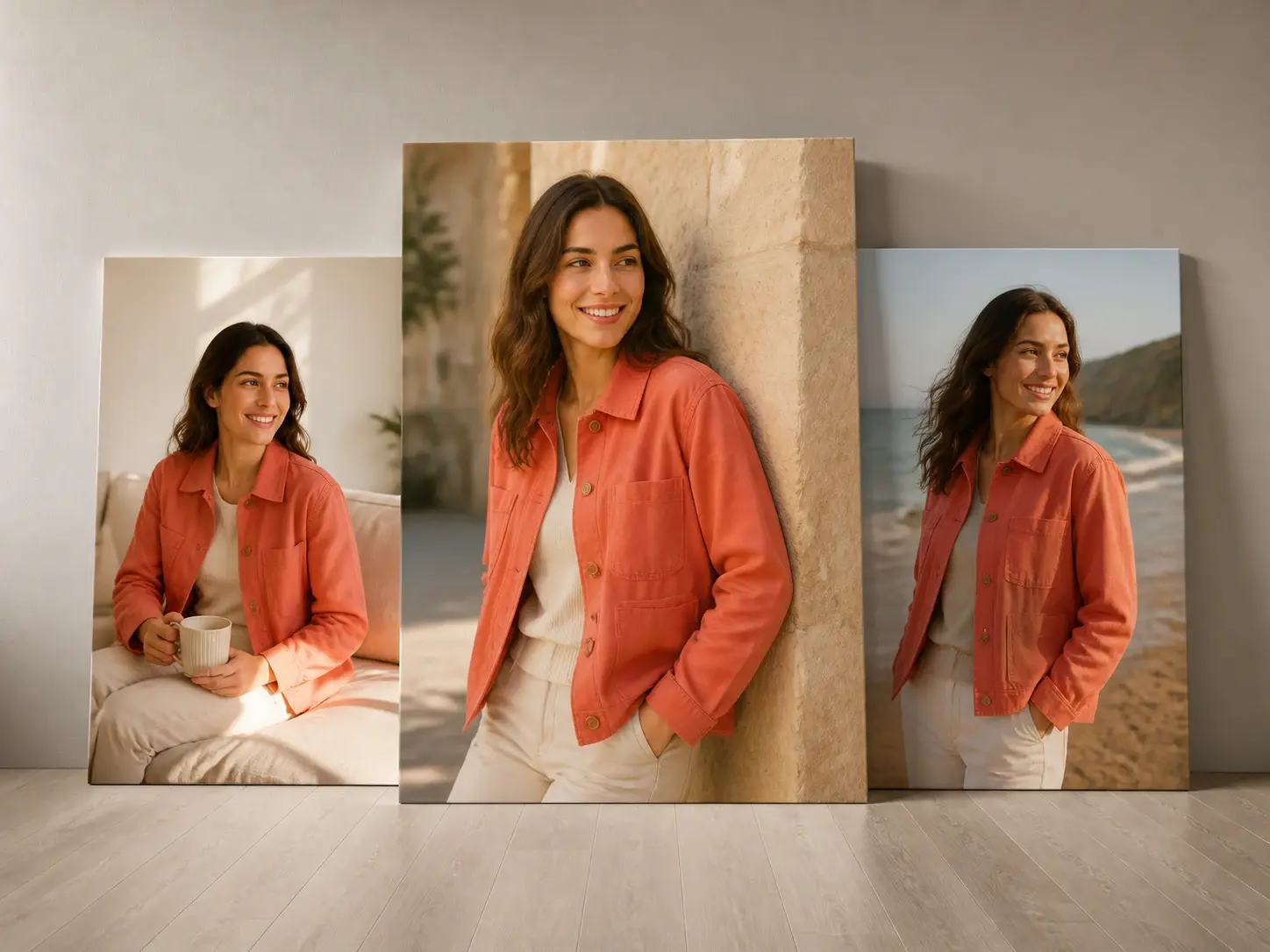
The light source direction and the light color are both yours to set, so one photo can carry a completely different mood after a single relight. As a photo lighting editor with relight ai at its core, VideoAI puts that choice in your hands instead of deciding for you.
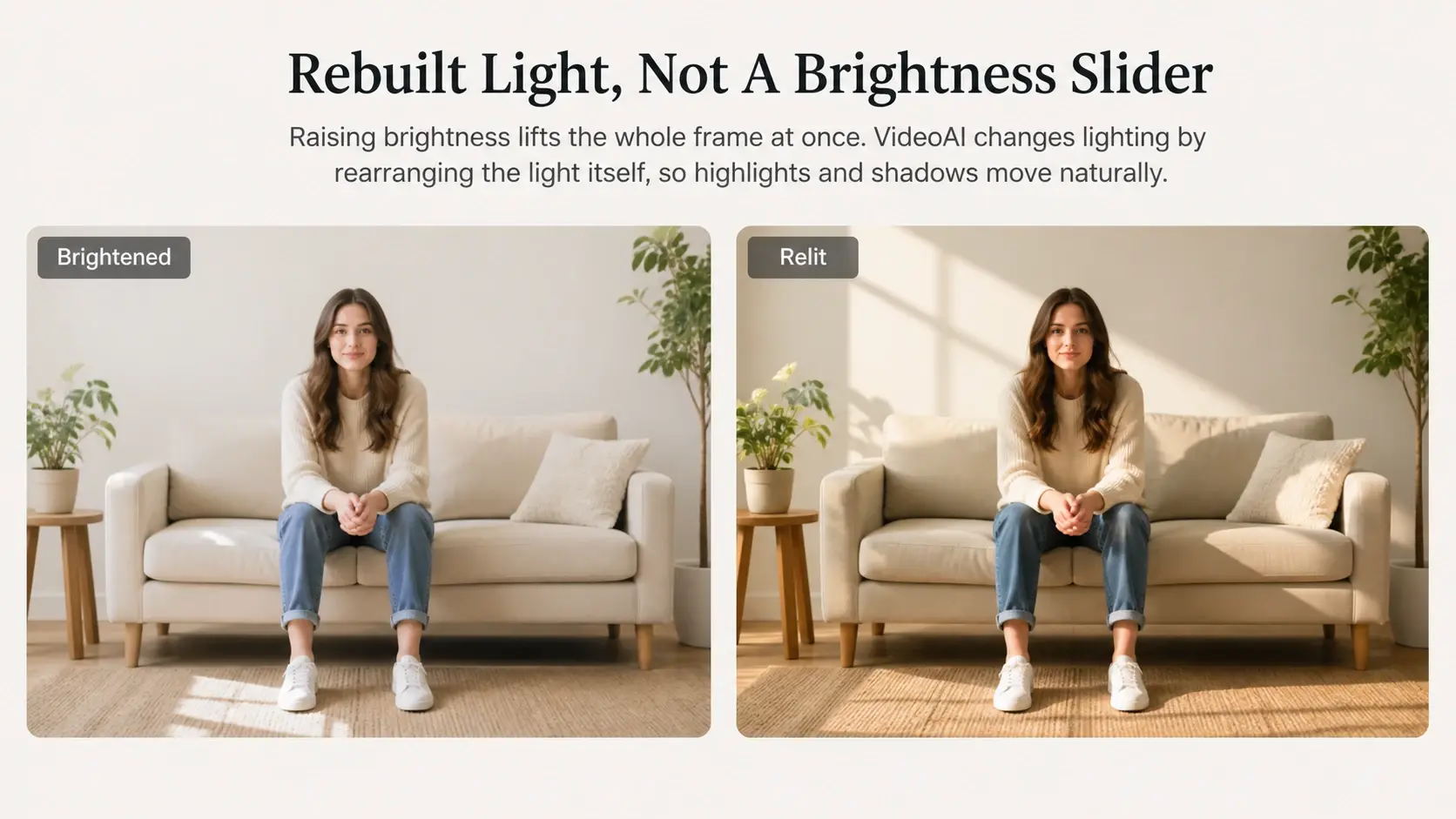
Rebuilt Light, Not A Brightness Slider
Raising brightness lifts the whole frame at once. VideoAI does something different: it can change lighting in photo after photo by rearranging the light itself, so where it lands and where the shadows fall both move while the people and objects stay as they were, which is what real image relighting means.
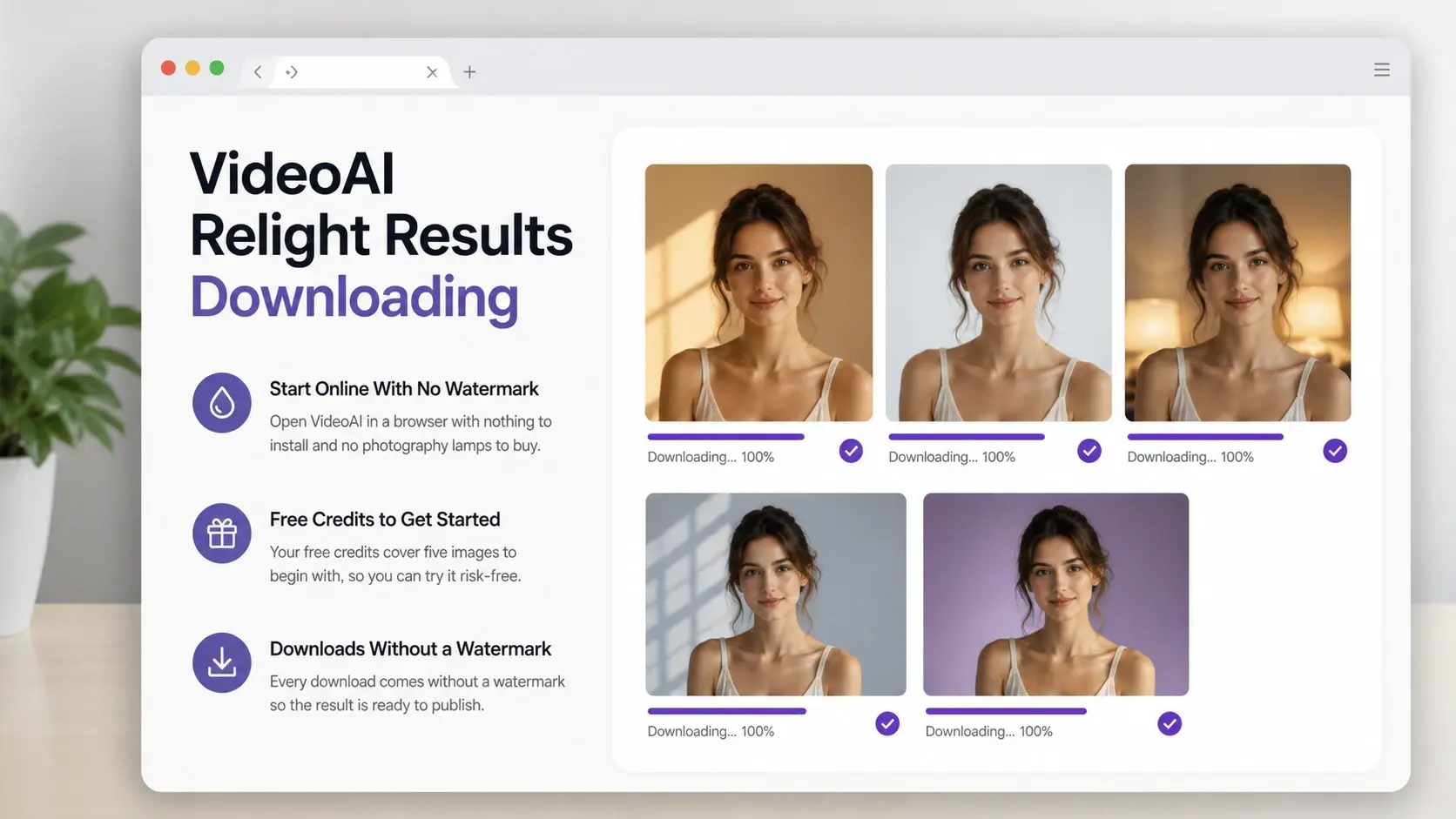
Start Online With No Watermark
Open VideoAI in a browser with nothing to install and no photography lamps to buy. Your free credits cover five images to begin with, and every download comes without a watermark so the result is ready to publish.
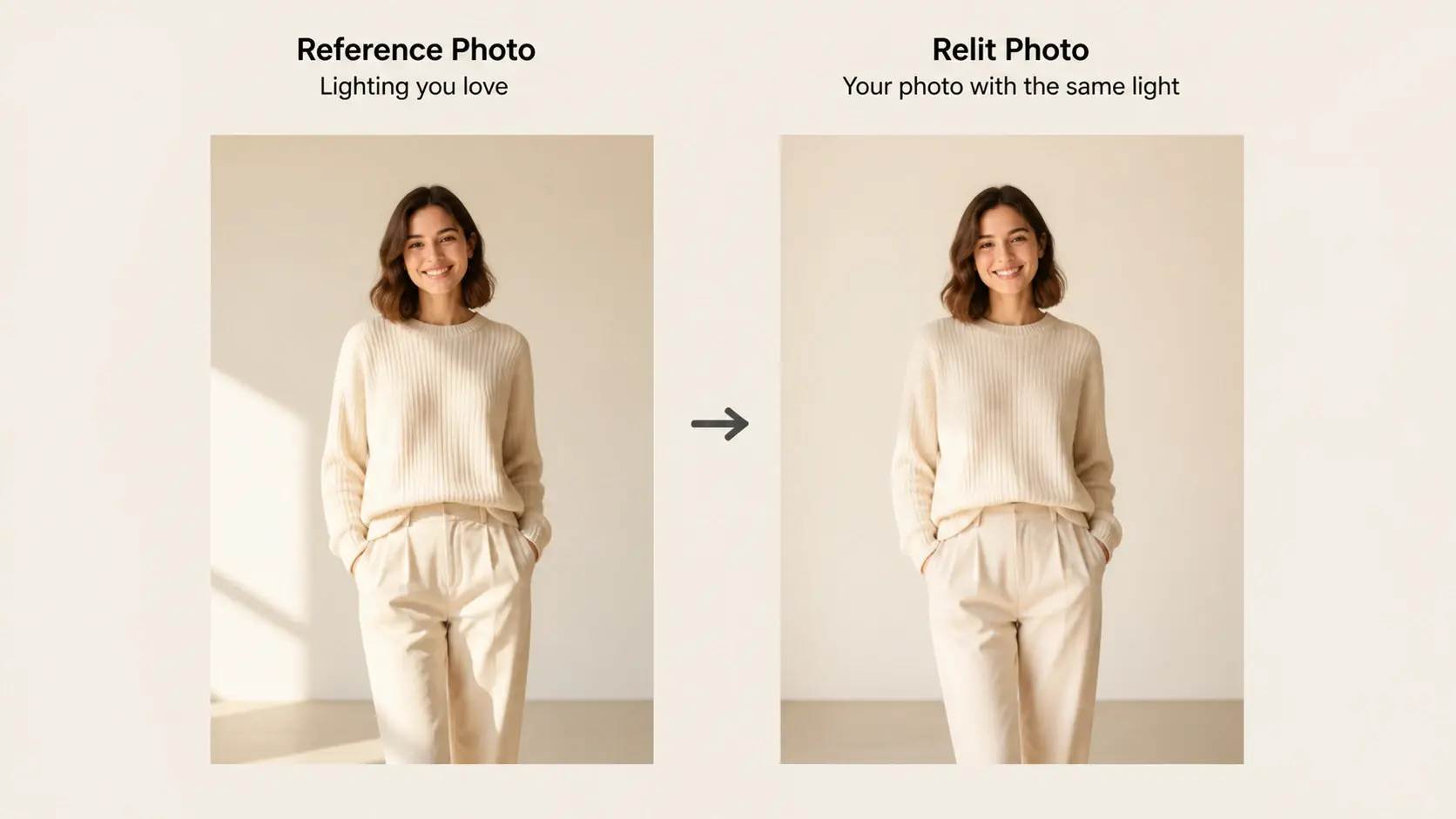
Match The Light From A Reference
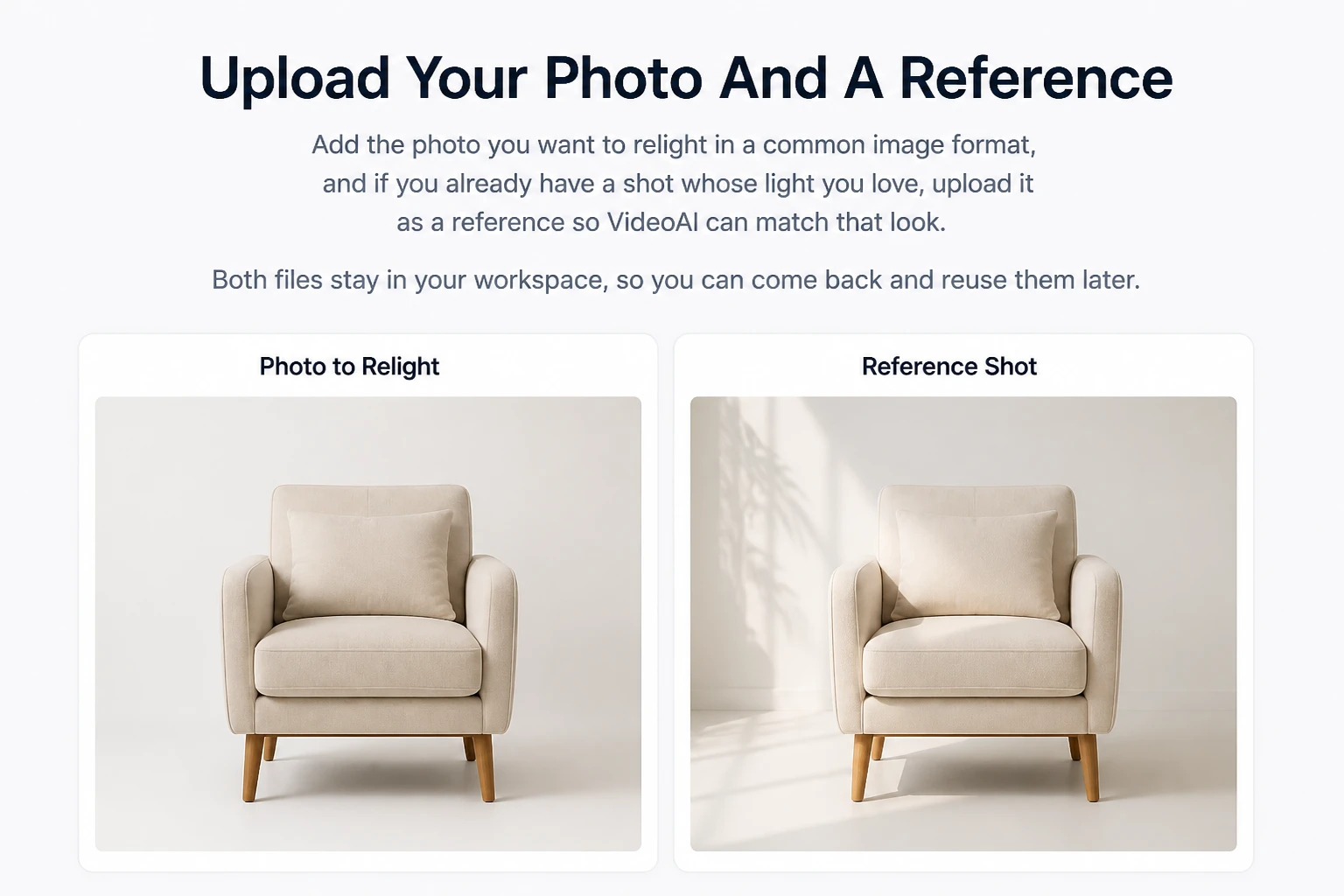
Seen a shot whose lighting is exactly right? Upload it as a reference and VideoAI will relight image uploads of your own to follow that source. It is a simple way to add light to photo subjects that slipped into shadow, carrying over the direction and tone but nothing else.
Questions About Relighting Your Photos
Relight Your Next Photo Today
Upload a shot, choose the light, and let VideoAI, a relight tool made for real photos, hand back the version you pictured.
Get Started