

Match Every Word to Every Mouth
The Lip Sync tool analyzes phoneme timing in your audio and maps corresponding mouth shapes onto the subject in your video. It handles dubbing, voiceover replacement, and multilingual adaptation without manual keyframing. Use it for lip sync video projects where the original dialogue no longer matches the final audio. When you switch a voiceover from English to Spanish, the tool recalculates jaw and lip positions frame by frame so the output still looks natural. The lip sync ai engine supports both recorded footage and static portraits, turning a single photo into a talking head with accurate lip match. Creators working on celebrity lip sync clips or lip sync animation sequences get consistent mouth movement across every frame of the output.
Try It Now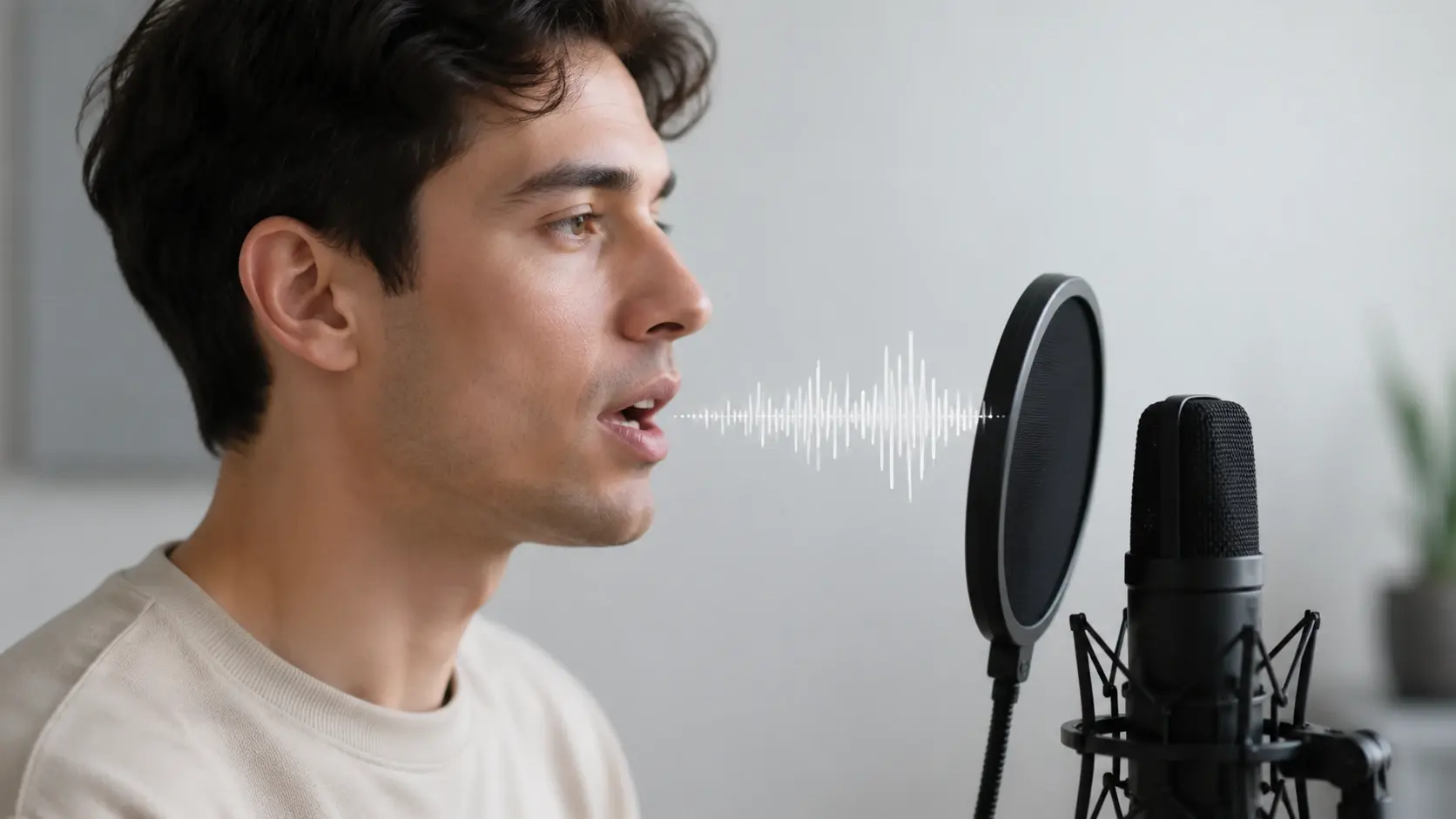
Core Capabilities
Four tools that handle different parts of the lip synchronization workflow.
Phoneme Mapping
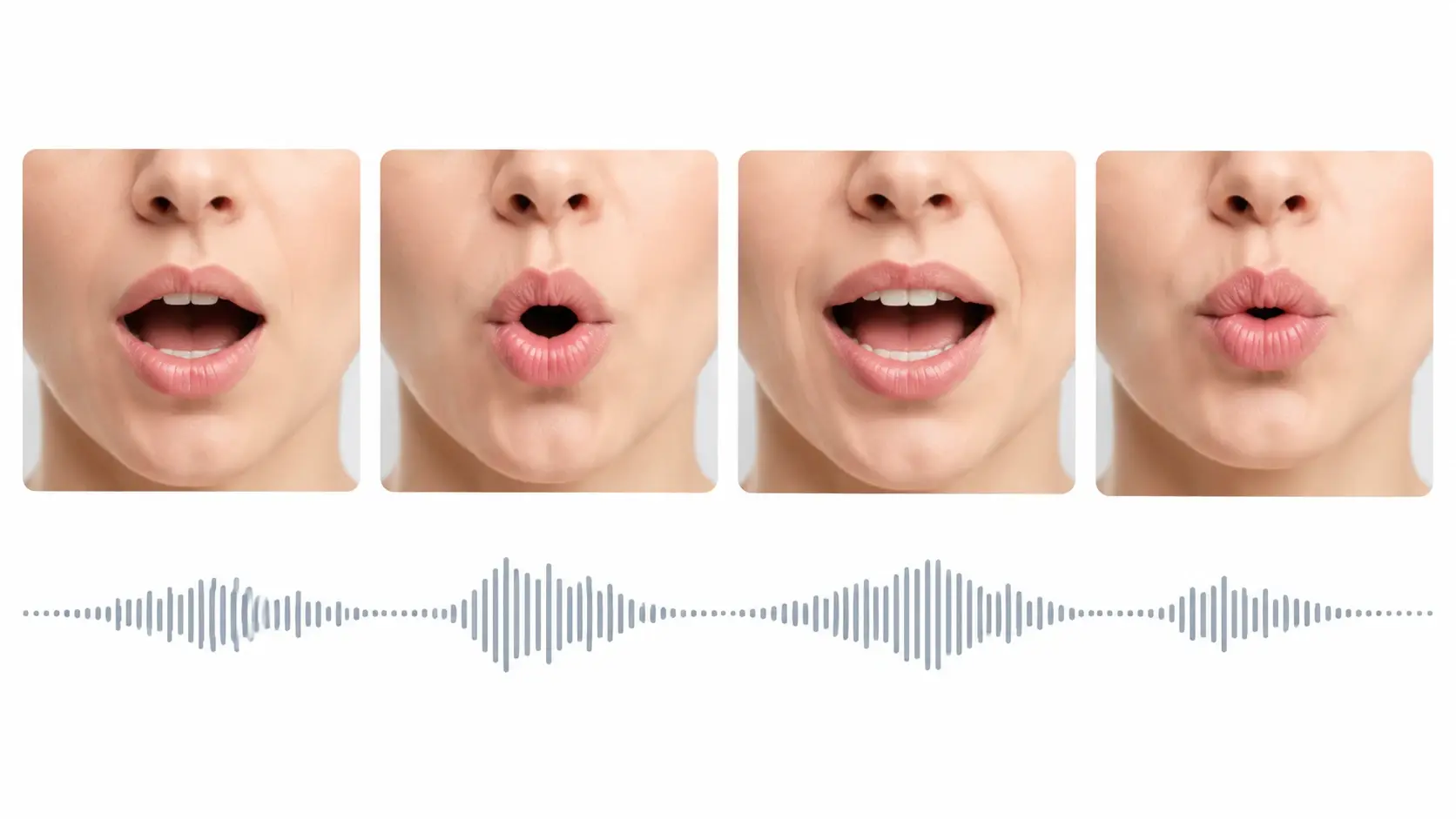
The Lip Sync tool breaks your audio into individual phonemes and pairs each sound with the correct mouth shape on the subject. You upload the audio file and select the target face in the clip. Output accuracy depends on audio clarity, so recordings with minimal background noise produce the cleanest lip match.
Multilingual Dubbing
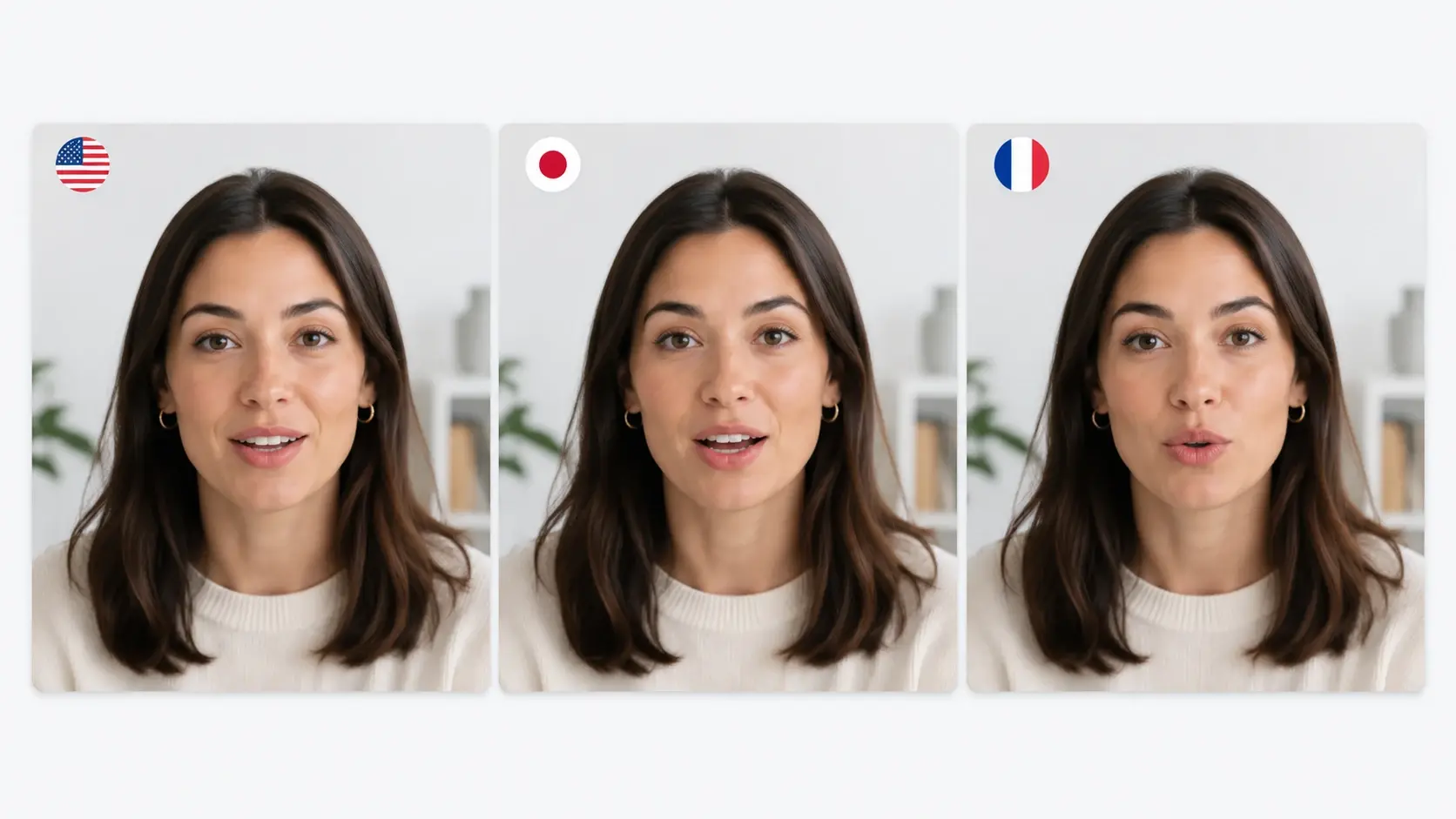
Switch dialogue to another language and the lip sync ai recalculates mouth positions for the new phoneme set. You provide the translated audio track and the tool does the rest. If the target language has wider jaw movements than the source, the tool stretches the mouth region proportionally to keep the lip synchronization natural.
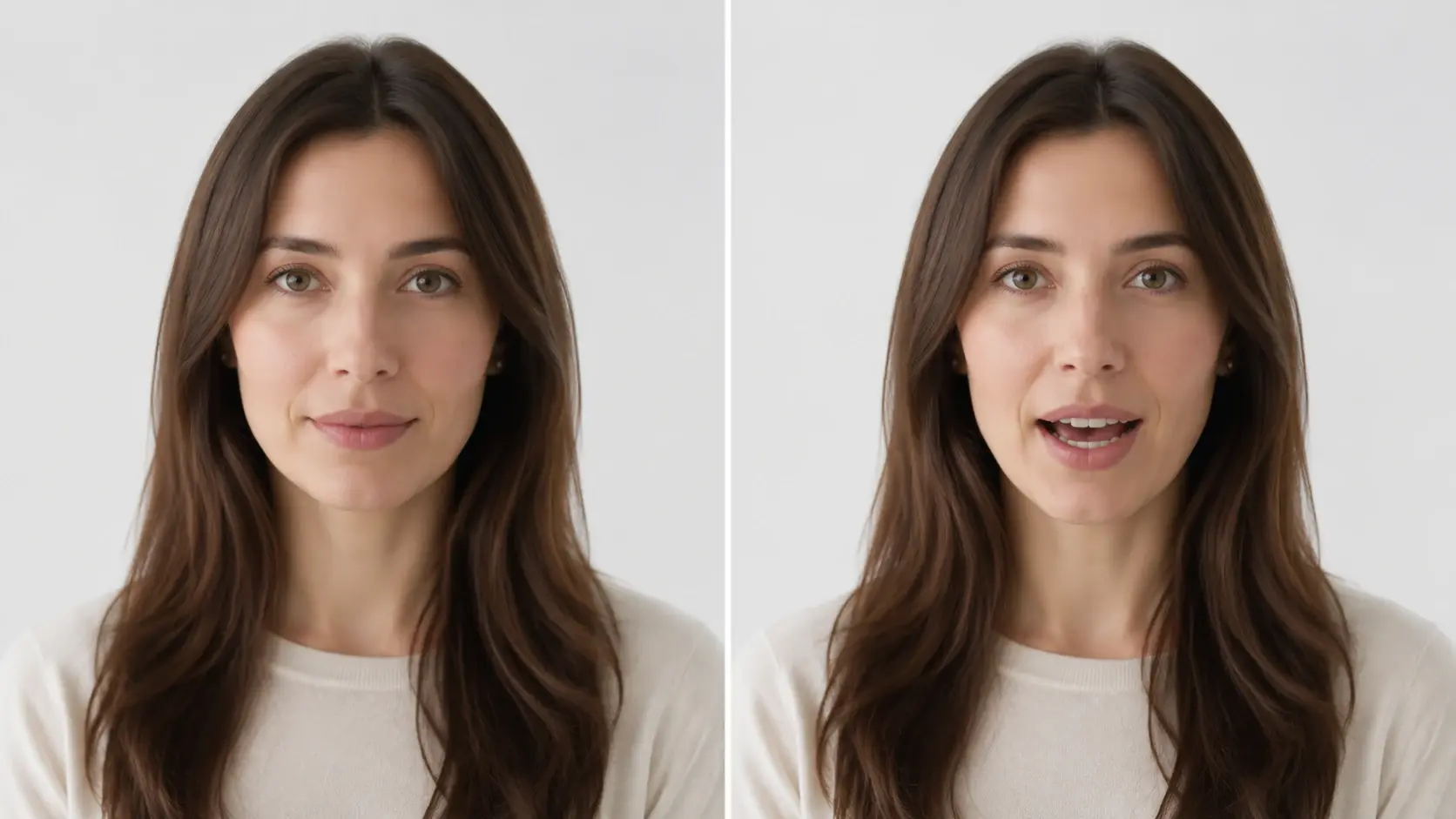
Photo to Talking Head
Upload a still portrait and an audio clip, and the tool generates a video lip sync ai output where the subject appears to speak. You select the face region and confirm the audio length. Works best with front facing photos where the mouth area is clearly visible and not obscured by accessories.
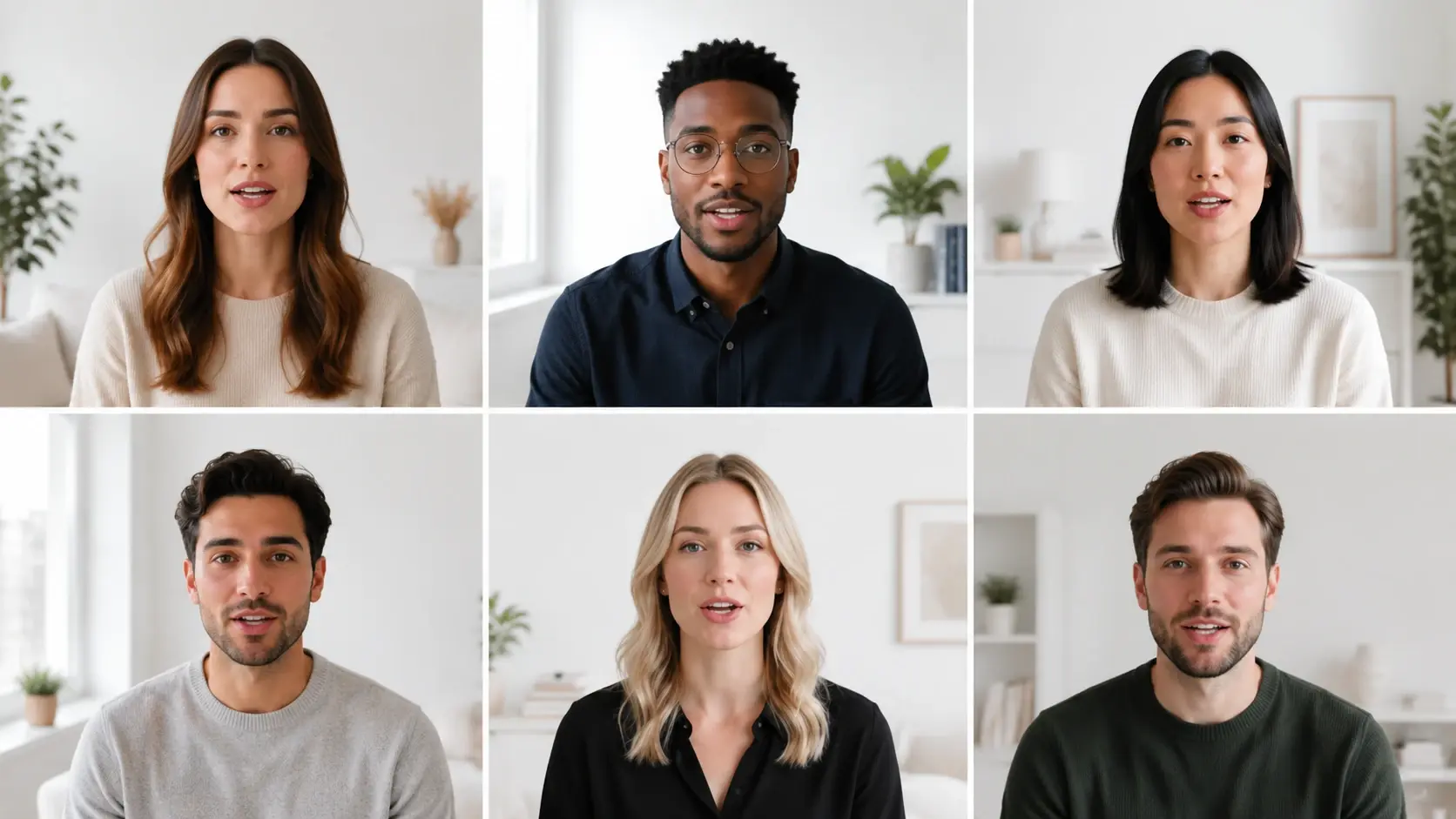
Batch Clip Processing
Load multiple clips and audio pairs into a single queue, and the tool processes each one in sequence. You set output format and resolution once, then start the batch. When your project includes ten or more clips for a series, this workflow saves time compared to processing each lip sync video individually.
Where Creators Use It
Four production scenarios where accurate lip synchronization solves a real editing problem.
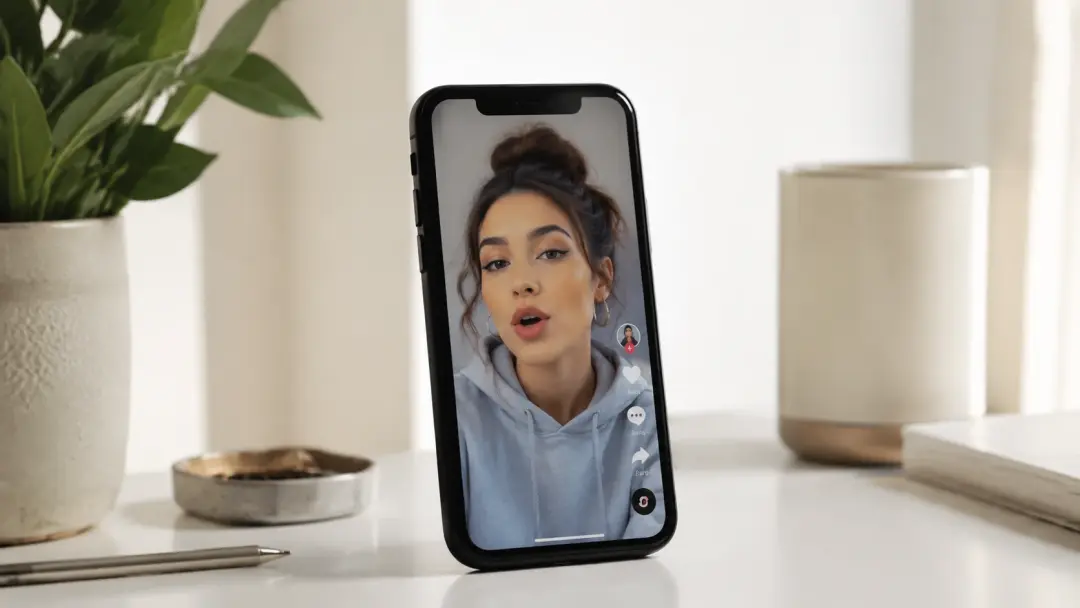
Short Form Content
Creators building celebrity lip sync clips for TikTok or Reels need mouth movement that matches the trending audio exactly. The tool maps each beat of the soundtrack to the subject face, so the final post looks polished. Upload the reference audio and your footage, and the tool delivers a ready to publish lip sync video in seconds.
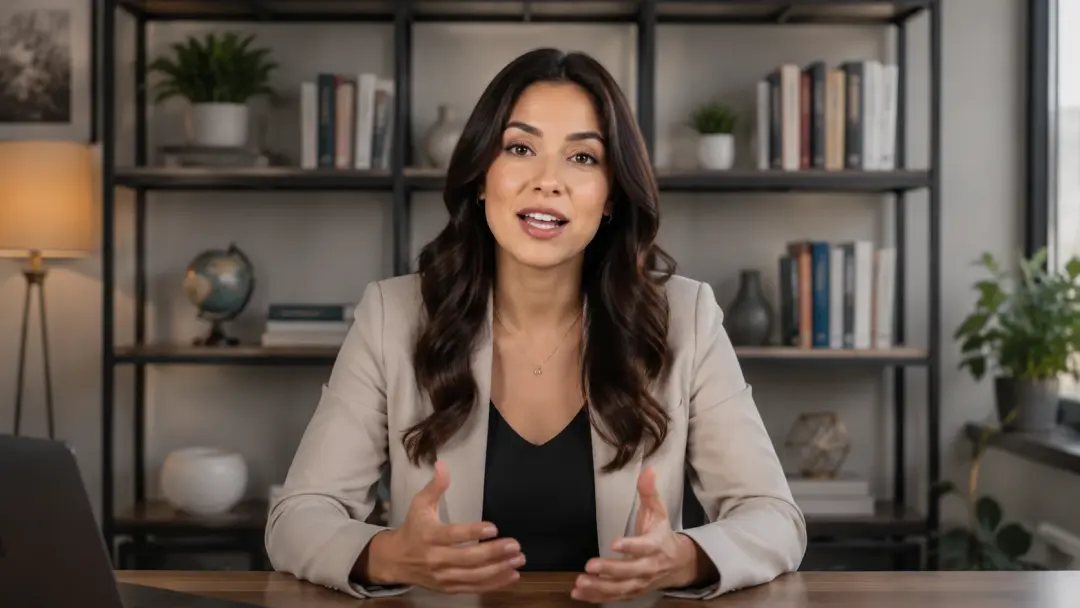
Course and Tutorial Dubbing
Educators localizing courses into new languages can replace the original voiceover and let the lip sync ai adjust the presenter mouth to the new track. The tool preserves head movement and expression while recalculating lip positions. This makes the best lip sync video ai choice for scaling a single recording to multiple markets without reshooting.
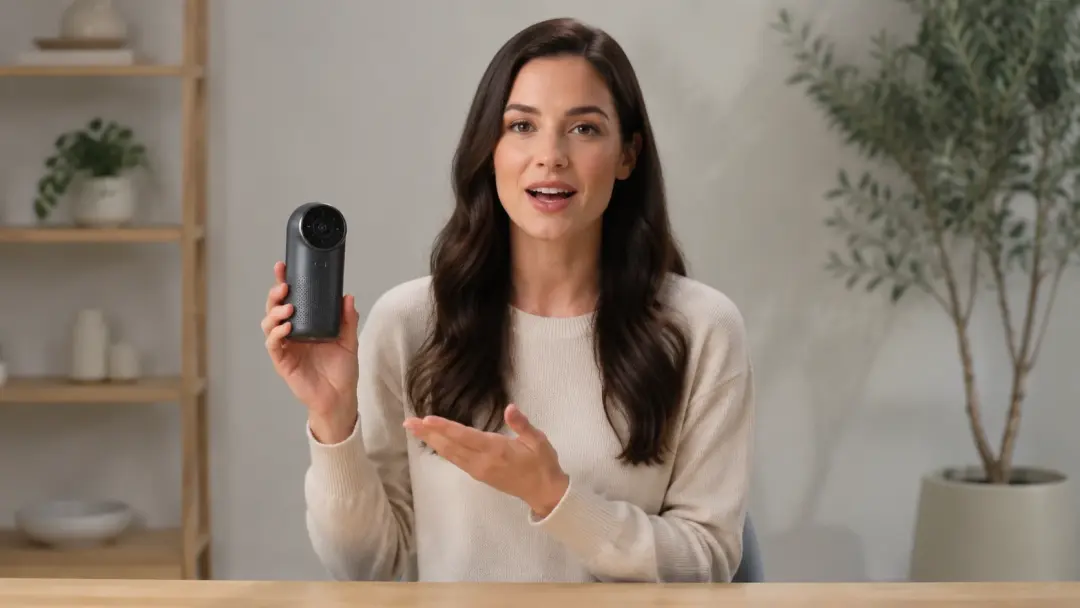
Product Demo Videos
Marketing teams updating a product demo with revised talking points no longer need to book a reshoot. Record the new script, feed it into the tool, and the original presenter delivers the updated lines on screen. The video lip sync ai adjusts mouth timing so the revised audio sits naturally over the existing footage.
Animation and Character Dialogue
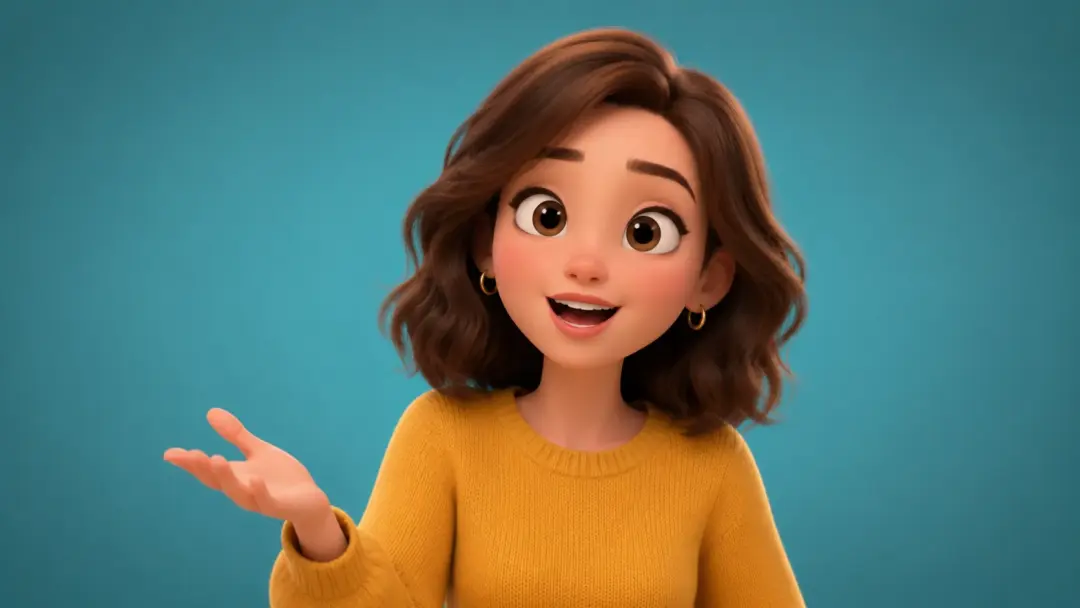
Animators working on lip sync animation can skip manual mouth keyframing by letting the tool generate mouth positions from the dialogue track. Select the character face region, upload the voice file, and the tool produces frame accurate lip movement. If the character design uses stylized proportions, adjust the mouth region mask before processing for a tighter lip match.
Tool vs Manual Work
Three common lip synchronization tasks compared to doing them by hand in a traditional editor.
Mouth Keyframing Speed
Manual mouth keyframing for a 60 second clip can take a skilled animator several hours. The tool processes the same clip in under a minute by reading the audio waveform and mapping mouth positions automatically. For projects with tight deadlines, this speed difference frees up time for other creative decisions.
Multilingual Consistency
Redoing lip positions by hand for each language version introduces inconsistency across cuts. The lip sync ai applies the same phoneme mapping logic to every language, so each version maintains the same quality. Lip synchronization stays uniform whether the output is in English, Japanese, or Portuguese.
Accuracy Across Angles
Traditional compositing struggles when the subject turns or tilts mid sentence. The tool tracks the face region across angle changes and adjusts the mouth overlay for each frame. The result is a clean lip sync video even when the subject moves throughout the shot.
Common Questions

Try Your First Lip Sync Clip
Upload a video and an audio track, pick the face, and see the aligned output. The tool handles phoneme mapping, mouth positioning, and frame rendering in one step.
Get Started