

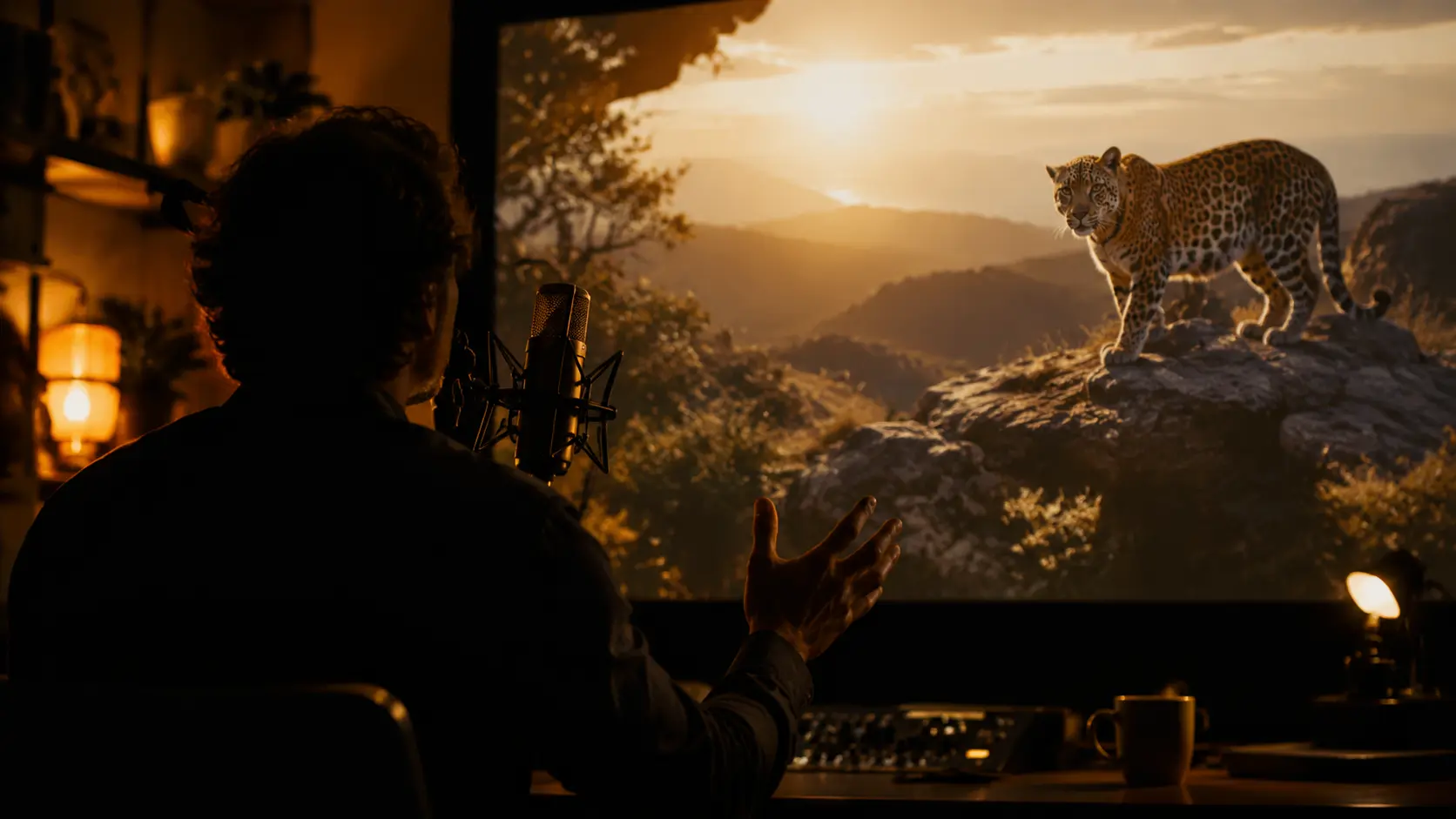
Create Voiceover from Text
Paste your text, pick a voice style, and the voiceover generator produces narration that sounds like a real speaker recorded it for your project. Preview the output, adjust the delivery, and export the audio track ready for your timeline.
Ways Creators Use It
The voiceover generator fits into production workflows where narration needs to match the content rather than sit on top of it.
Product Explainer Videos
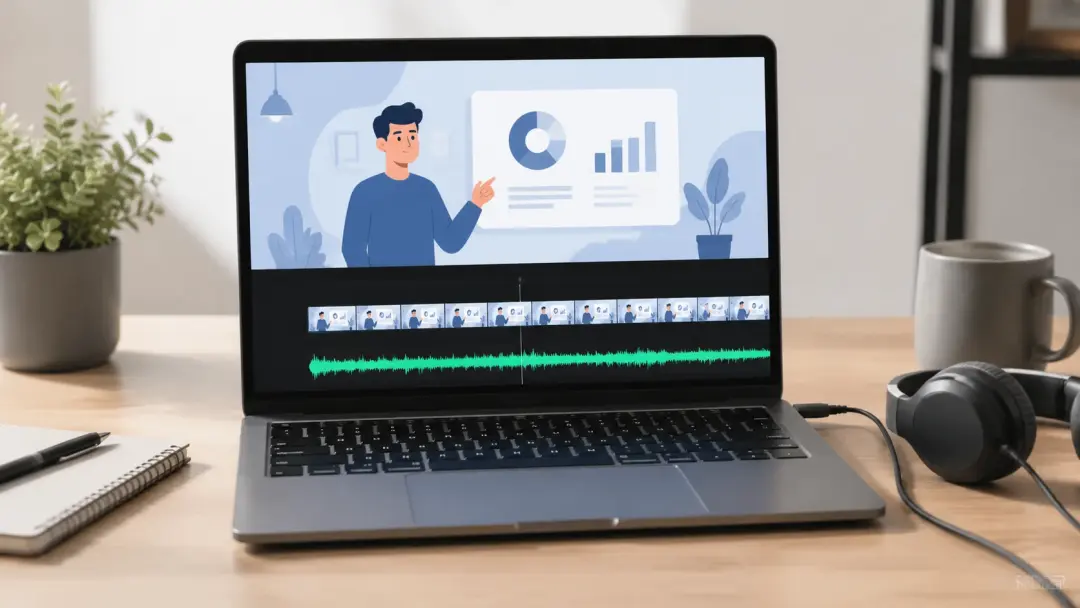
A product walkthrough needs narration that keeps pace with the visuals and holds viewer focus through each feature reveal. VideoAI works as an ai voiceover generator that reads your script and produces delivery matched to the scene rhythm. You paste your text, select the vocal tone, and the voiceover generator outputs a track timed to the video length. The result is narration that supports the product story without sounding robotic or rushed.
Social Media Ad Narration
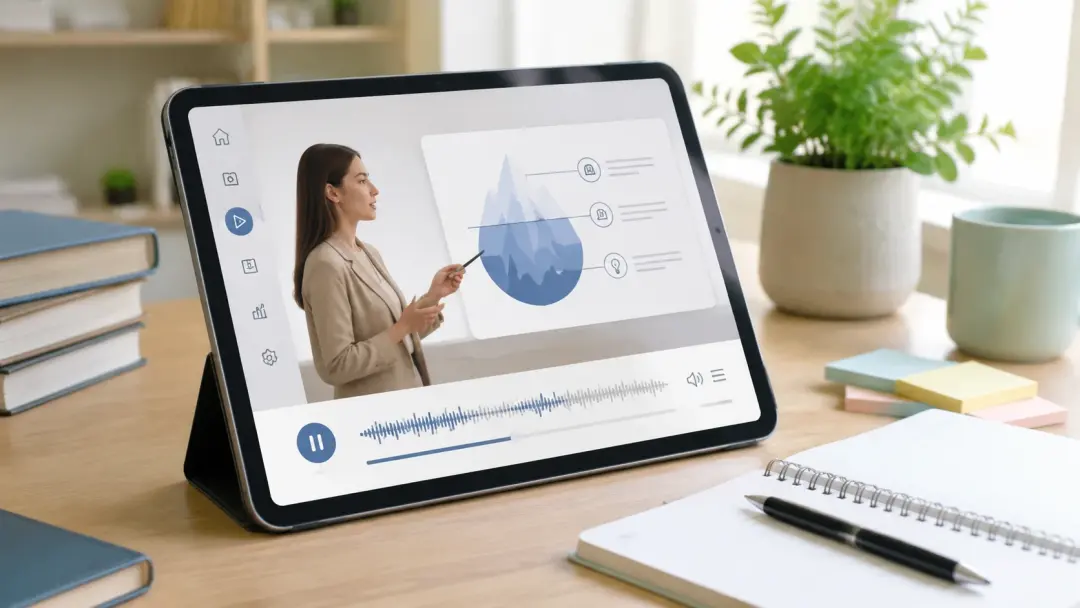
Short form ads depend on a confident vocal delivery that grabs attention in the opening seconds. When you need narration for a campaign clip, VideoAI lets you create ai voiceover tracks with the energy level your ad requires. Choose a voice, set the pacing, and the voiceover generator renders the audio in one pass. The output sits cleanly over your footage so the message lands before the viewer scrolls.
Online Course Lessons
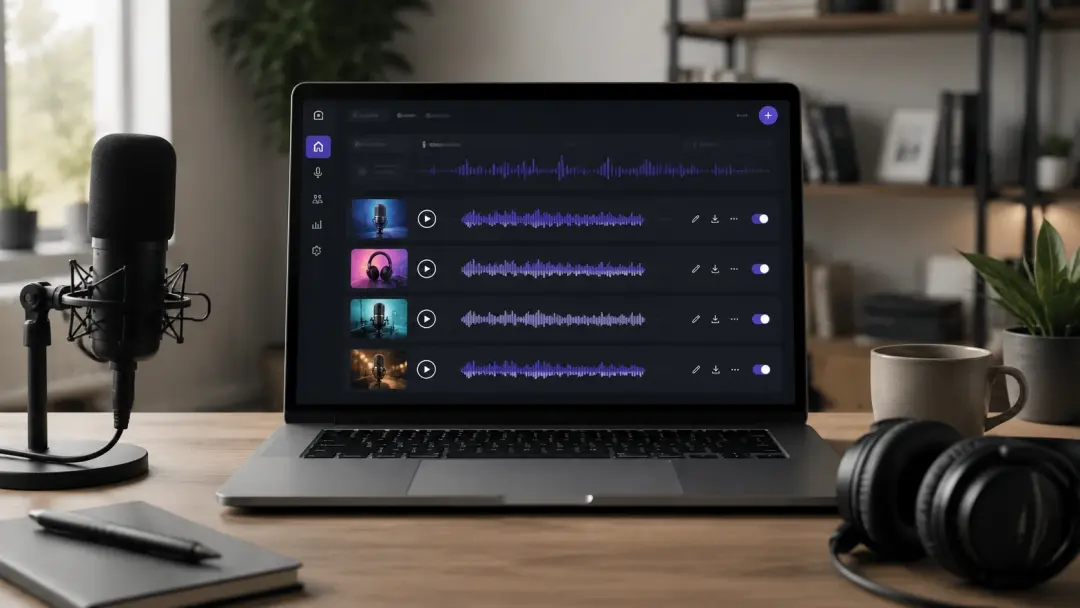
Tutorial content relies on clear, steady narration that guides the learner through each step without competing with on screen visuals. The voiceover generator reads your lesson script and produces a vocal track with consistent pacing across the full module. VideoAI gives you control over speed and tone so the narration matches the teaching rhythm you set. Each lesson gets a voice that sounds intentional rather than generic.
Documentary Style Narratives
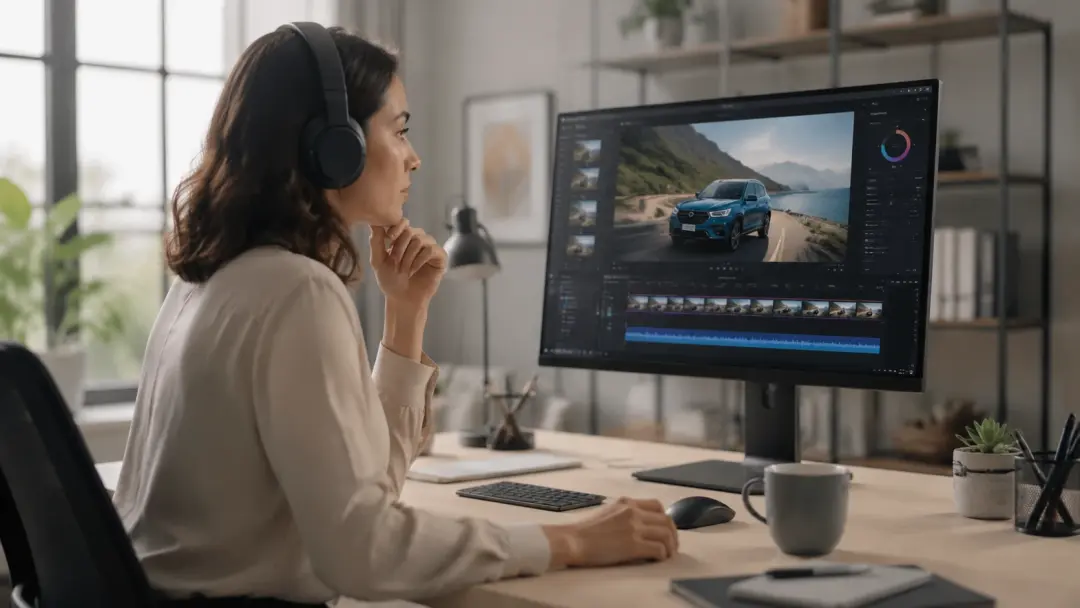
Documentary projects need a narrator voice that carries authority without overshadowing the footage. If your project calls for a specific vocal character, VideoAI acts as a narrative generator that shapes delivery around your script and scene context. The voiceover generator lets you preview different voice profiles before committing to the final take. You control the emotional register so the narration serves the story arc.
Examples You Can Produce
These examples show finished outputs creators build with the voiceover generator across different content formats and vocal styles.
Travel Vlog Narration
Upload your travel footage script and let VideoAI produce a warm, conversational voiceover that matches the location shifts in your edit. The voiceover generator places natural pauses at scene transitions so the narration feels connected to the visuals. You add voiceover to video with a vocal style that sounds like you recorded it on location rather than in a booth.
Podcast Intro Voiceover
Create a polished intro for your podcast using the voiceover generator to deliver your opening script with consistent energy across every episode. VideoAI lets you create voiceover tracks that maintain the same vocal identity so listeners recognize your show from the first second. The output is ready to drop into your audio editor without additional processing.
Training Video Walkthrough
Generate a clear instructional voiceover for corporate training content where every step needs to be heard without ambiguity. The voiceover generator produces ai generated voiceover tracks with measured pacing that supports comprehension across long modules. VideoAI handles the vocal consistency so each section sounds like the same narrator recorded it in one session.
Animated Story Narration
Bring animated sequences to life with a text to voiceover workflow that turns your character dialogue into expressive audio. The voiceover generator reads the emotional cues in your script and adjusts the vocal delivery to match the scene mood. If your story shifts tone between scenes, VideoAI produces separate takes that carry the right feeling for each moment.
What Creators Say
Feedback from creators who use the voiceover generator across different production contexts and content types.
The voiceover generator gave me a narrator voice that matched the tone of my travel series. I pasted the script, picked a warm vocal style, and had a usable track in minutes.
Elena Torres
Travel Content Creator
I use VideoAI to create ai voiceover tracks for product demos every week. The consistency across recordings means each video sounds like part of the same series.
James Okonkwo
Product Marketing Manager
As a course creator, the voiceover generator handles my lesson scripts with steady pacing that keeps students focused. The vocal quality holds up across forty minute modules.
Mei Lin Chen
Online Educator
The ai voiceover generator feature saved my documentary project. Field narration had gaps and VideoAI filled them with a voice that matched the original narrator closely.
Daniel Bergstrom
Independent Filmmaker
Running a small agency means we produce campaign voiceovers constantly. VideoAI reduced our audio production step from hours to under fifteen minutes per clip.
Amara Diallo
Creative Agency Director
I needed a voiceover generator that could handle character dialogue for my animated shorts. The vocal range and emotional control let me produce distinct voices per scene.
Luca Moretti
Animation Creator
Common Questions

Try Your First Voiceover Today
Paste your script, choose a voice, and let the voiceover generator produce narration that fits your video's tone and pacing. Preview the delivery, adjust the style, and export audio ready for your timeline.
Get Started