



Content creators
Streamline high-end video storytelling with cinematic depth, professional camera movements, and rapid scene pre-visualization.

Direct professional cinematic footage, control intricate camera motion, and extend scenes with seamless continuity using state-of-the-art video models in one unified studio.
Start creating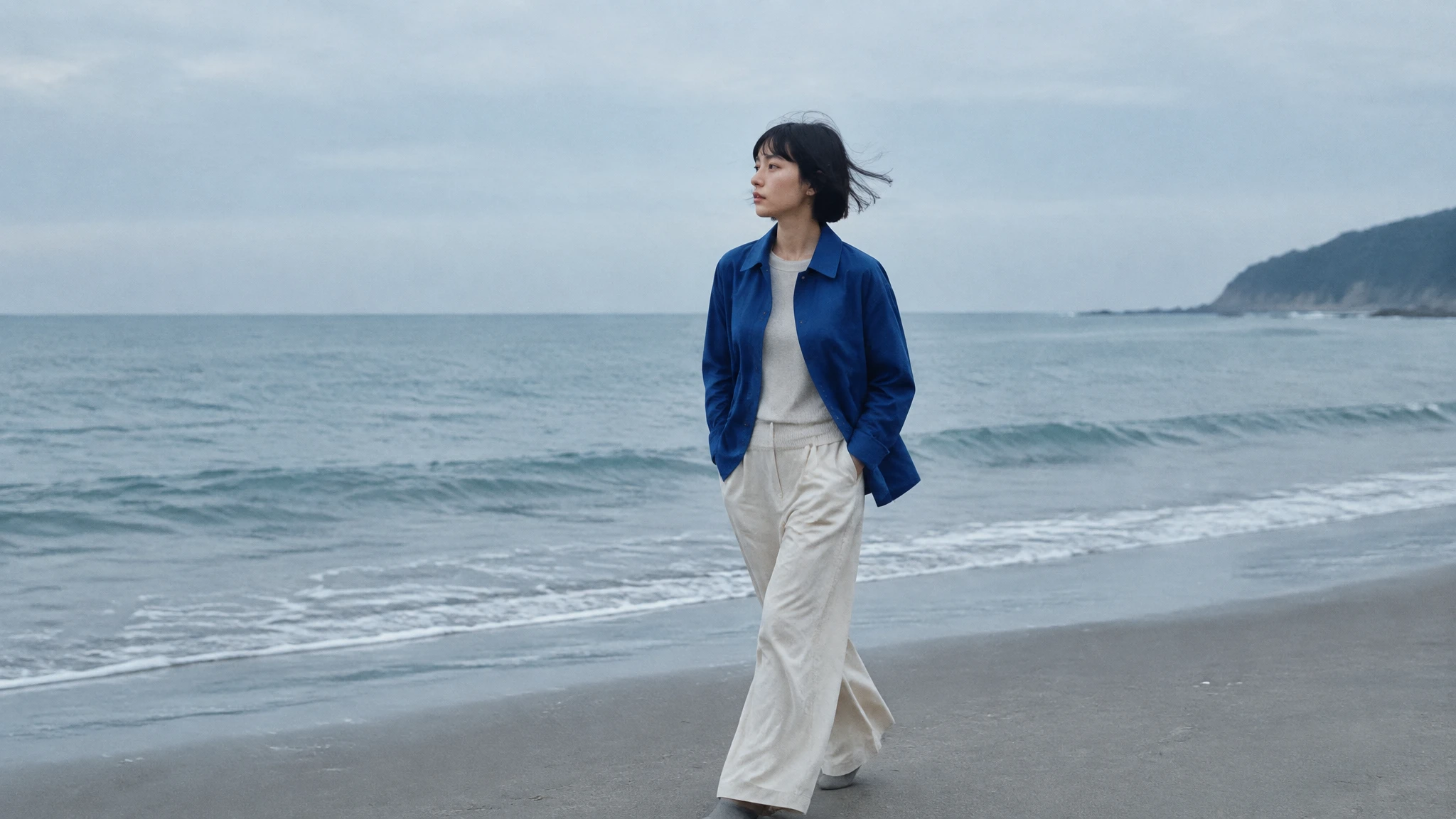
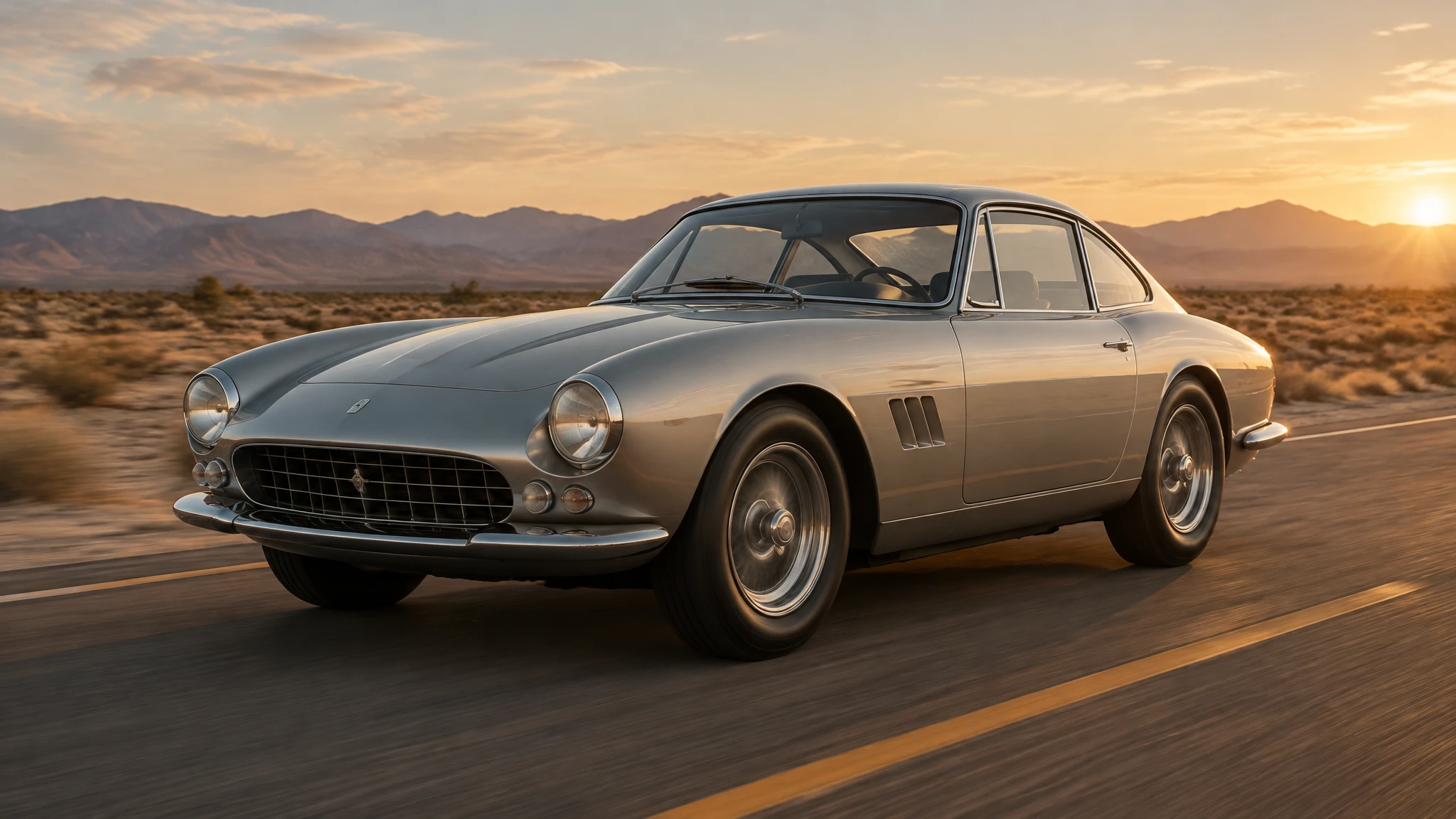
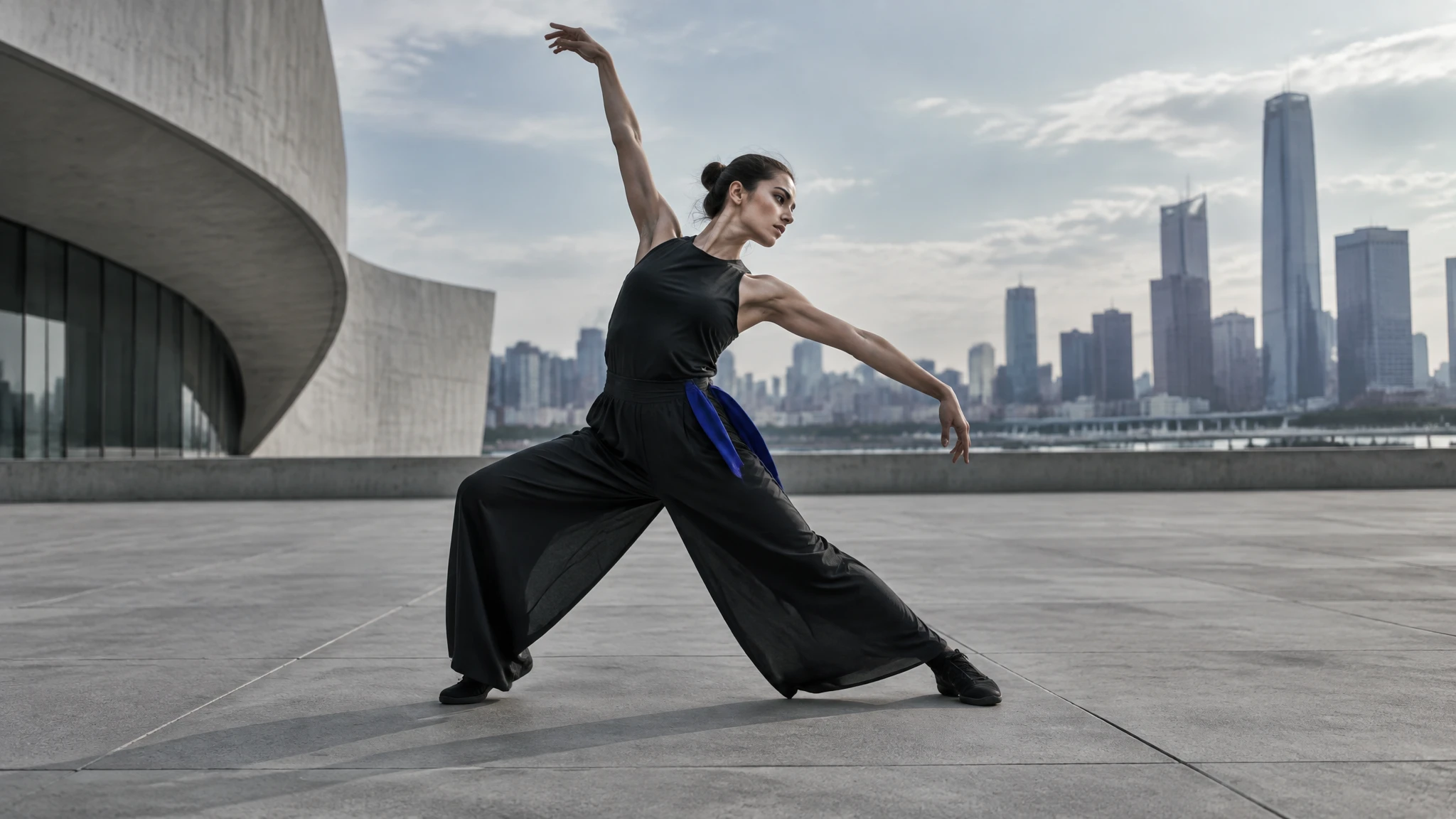
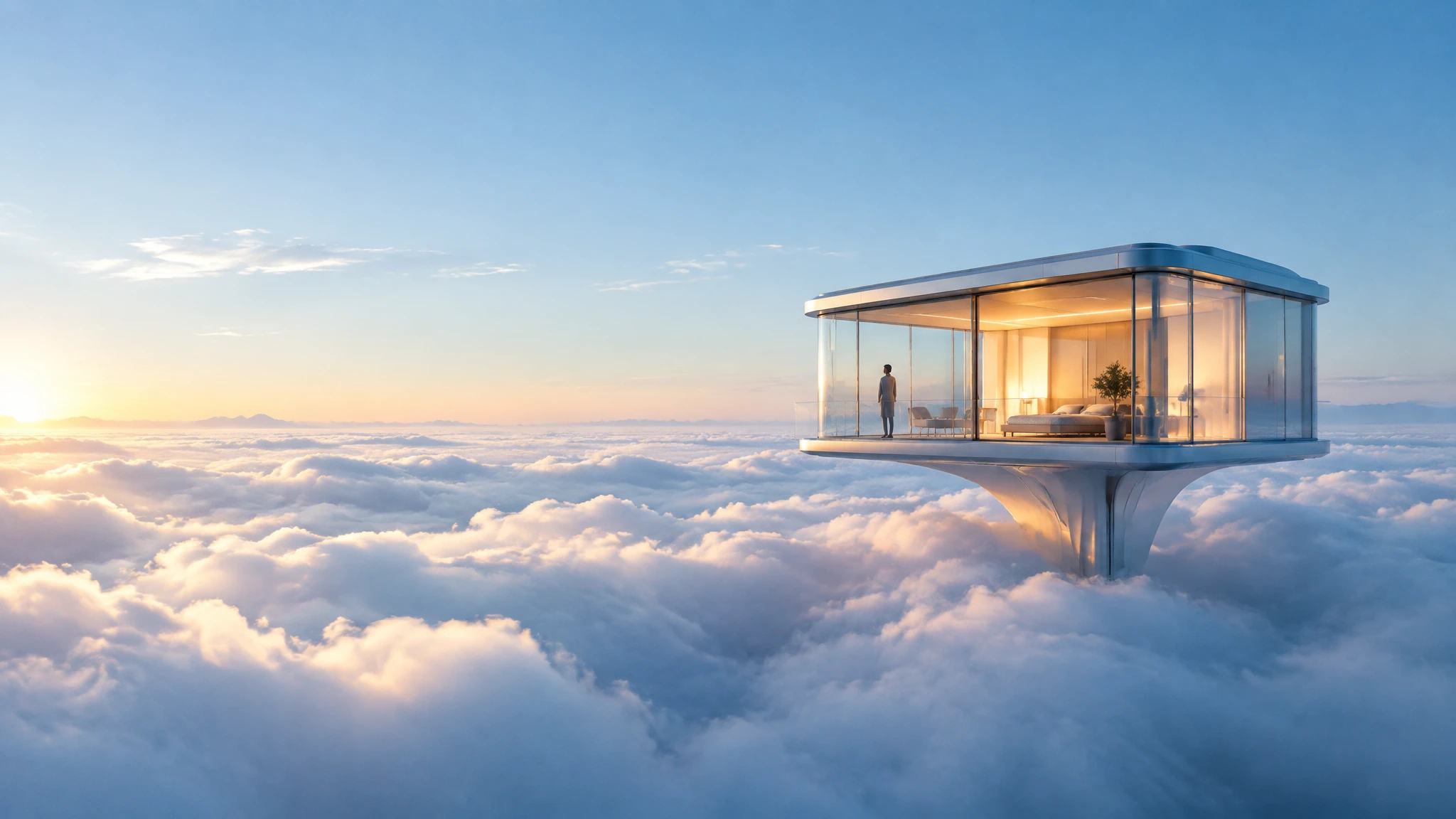
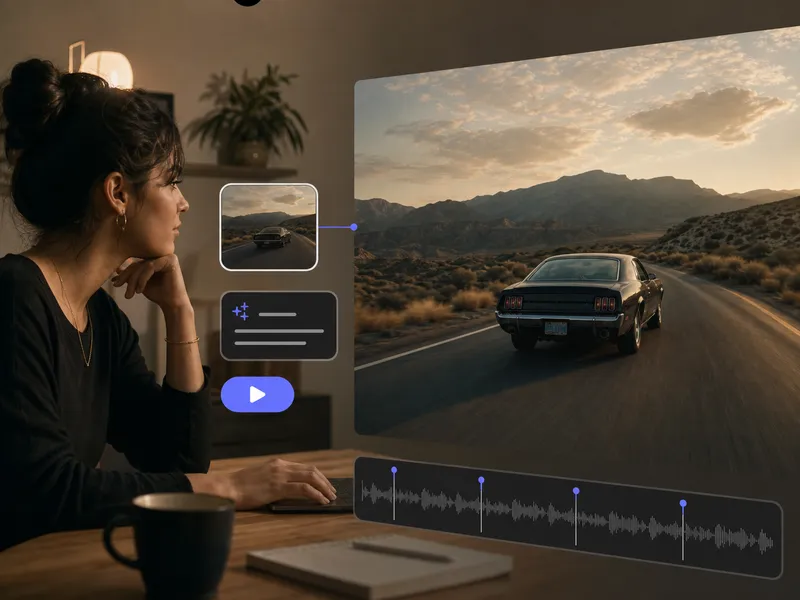
Start from text, a frame, or visual references, generate the shot with the workflow that fits the idea, and move directly into video editing.
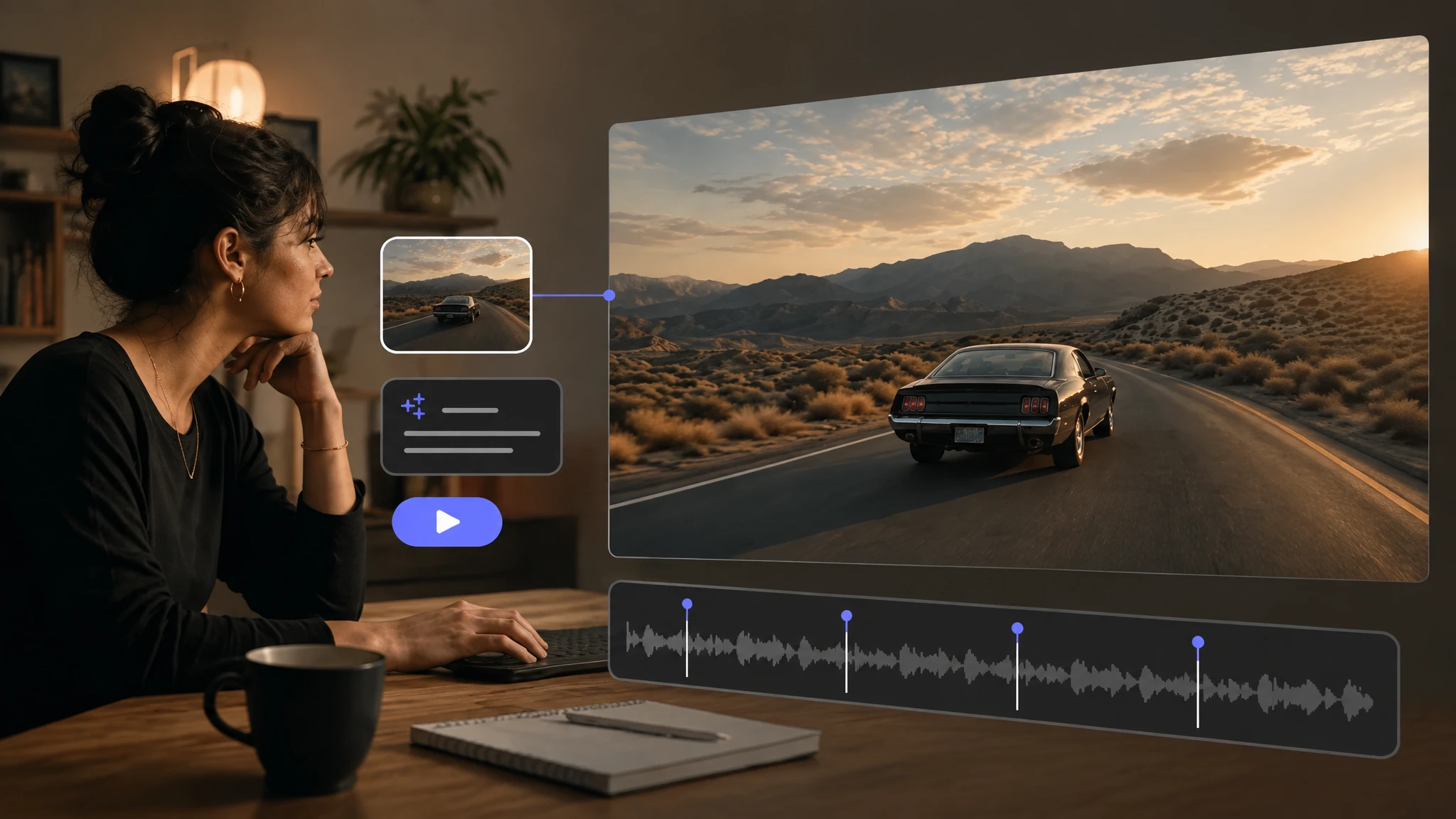
Combine a written direction with visual references to guide the subject, setting, style, and movement of a new clip.
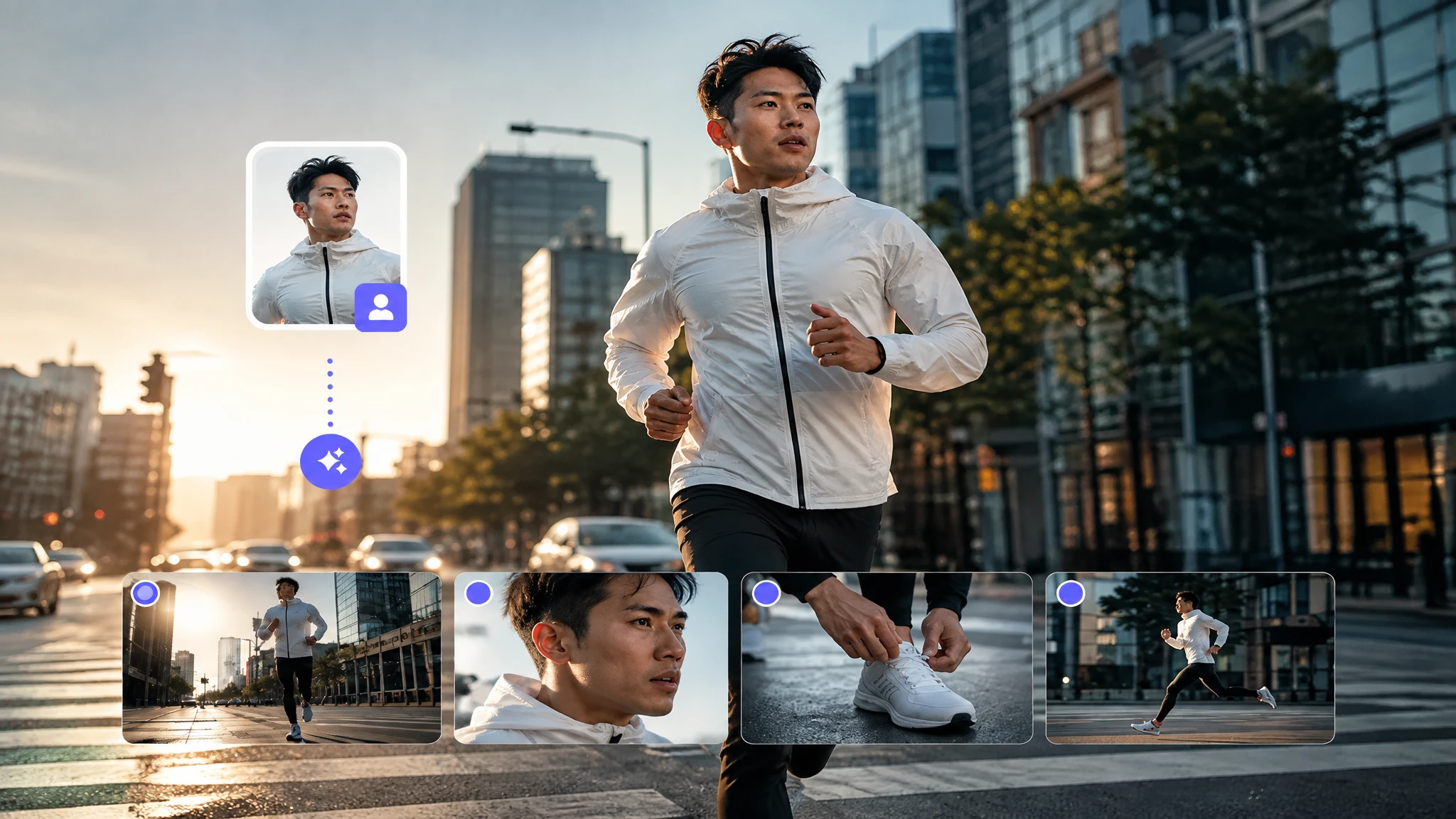
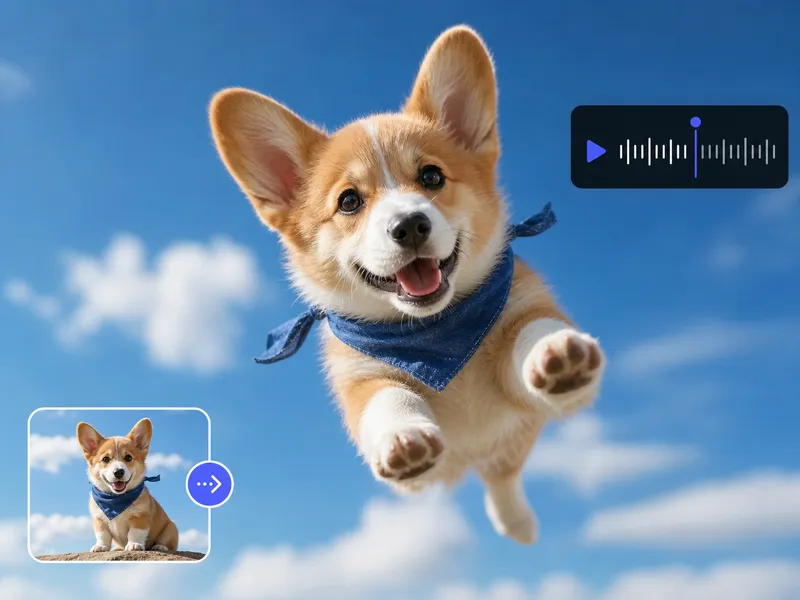
Start from an approved image, add motion direction, and use supported frame controls to define how the shot develops.
Turn one creative direction into a structured sequence of shots with clearer pacing, framing, and visual continuity.
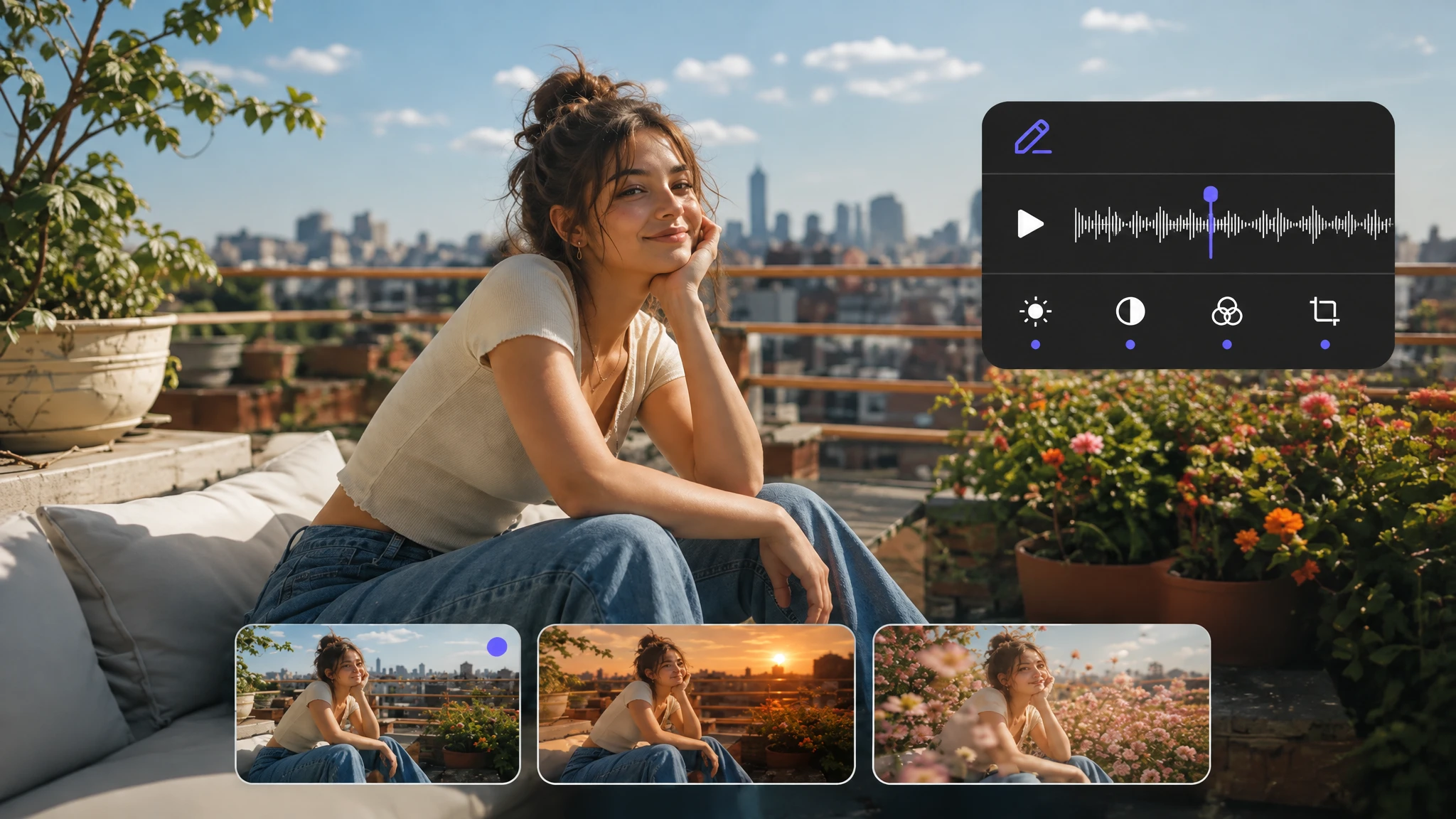
Select a generated or uploaded clip and describe the changes you need while preserving the useful parts of the original.
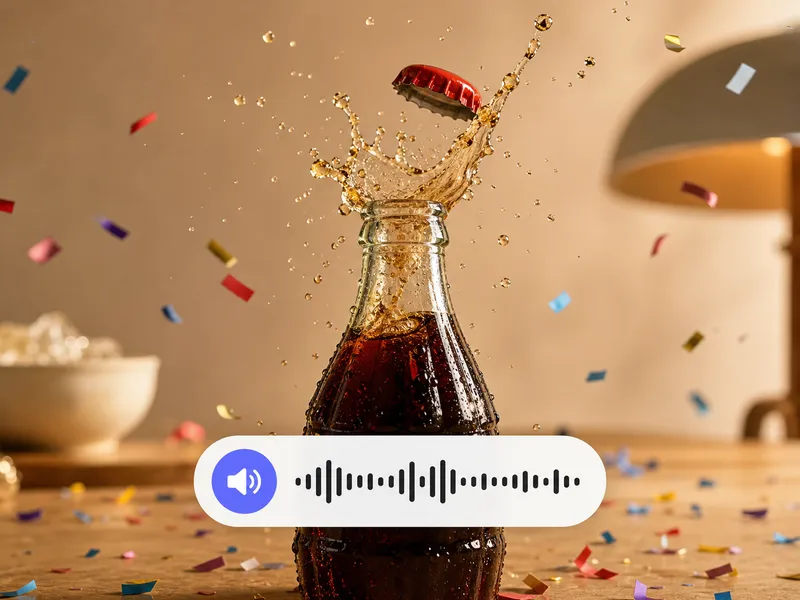
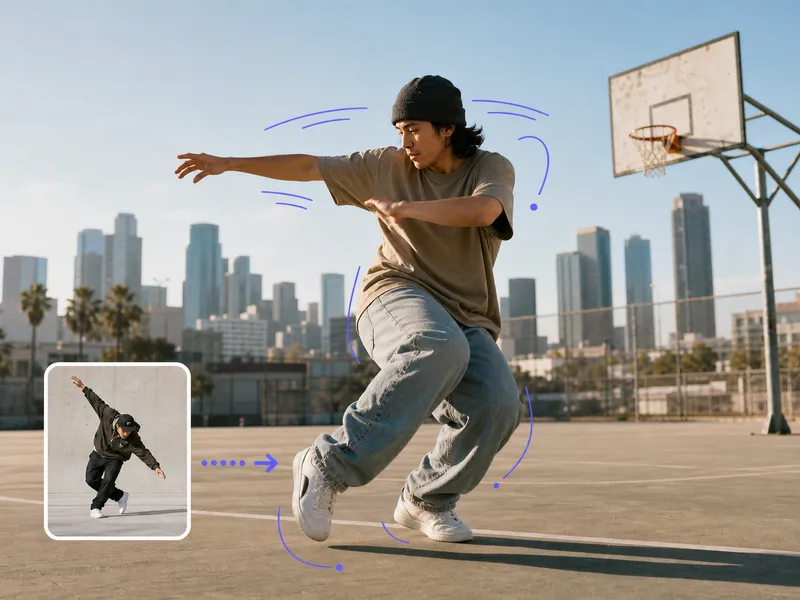
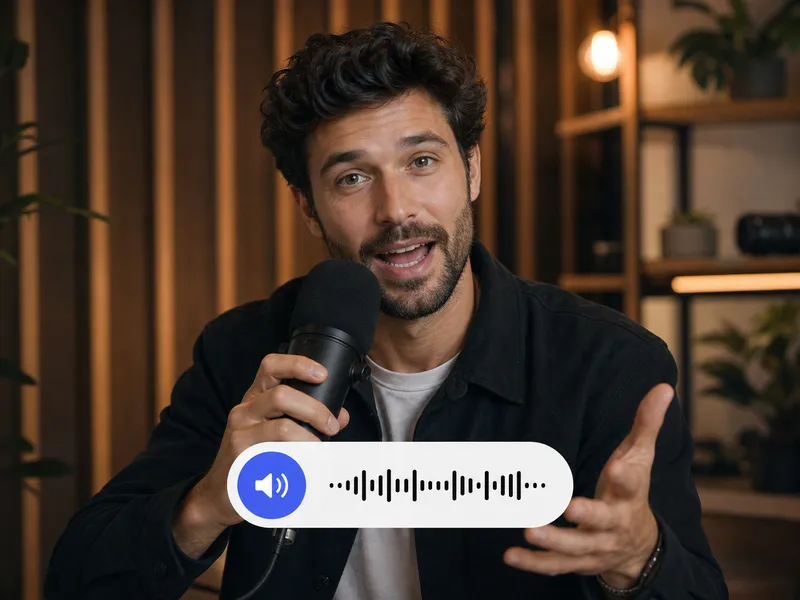
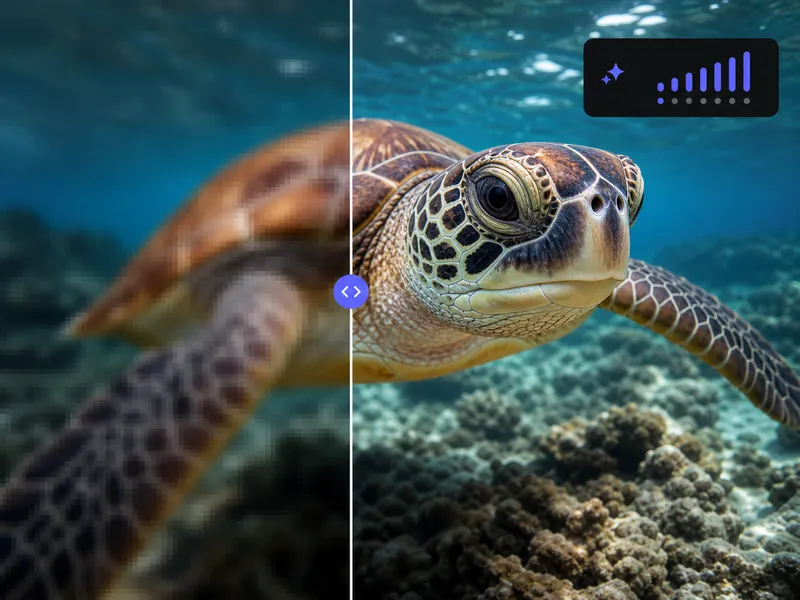
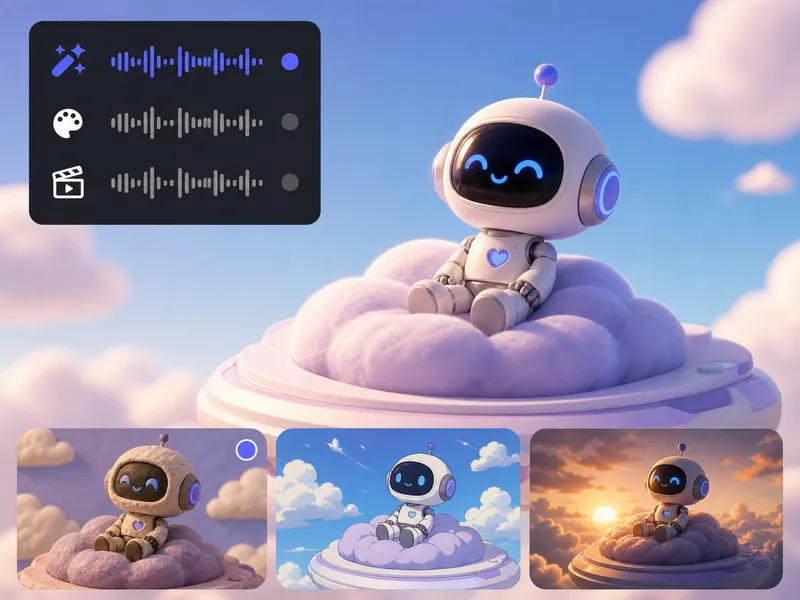
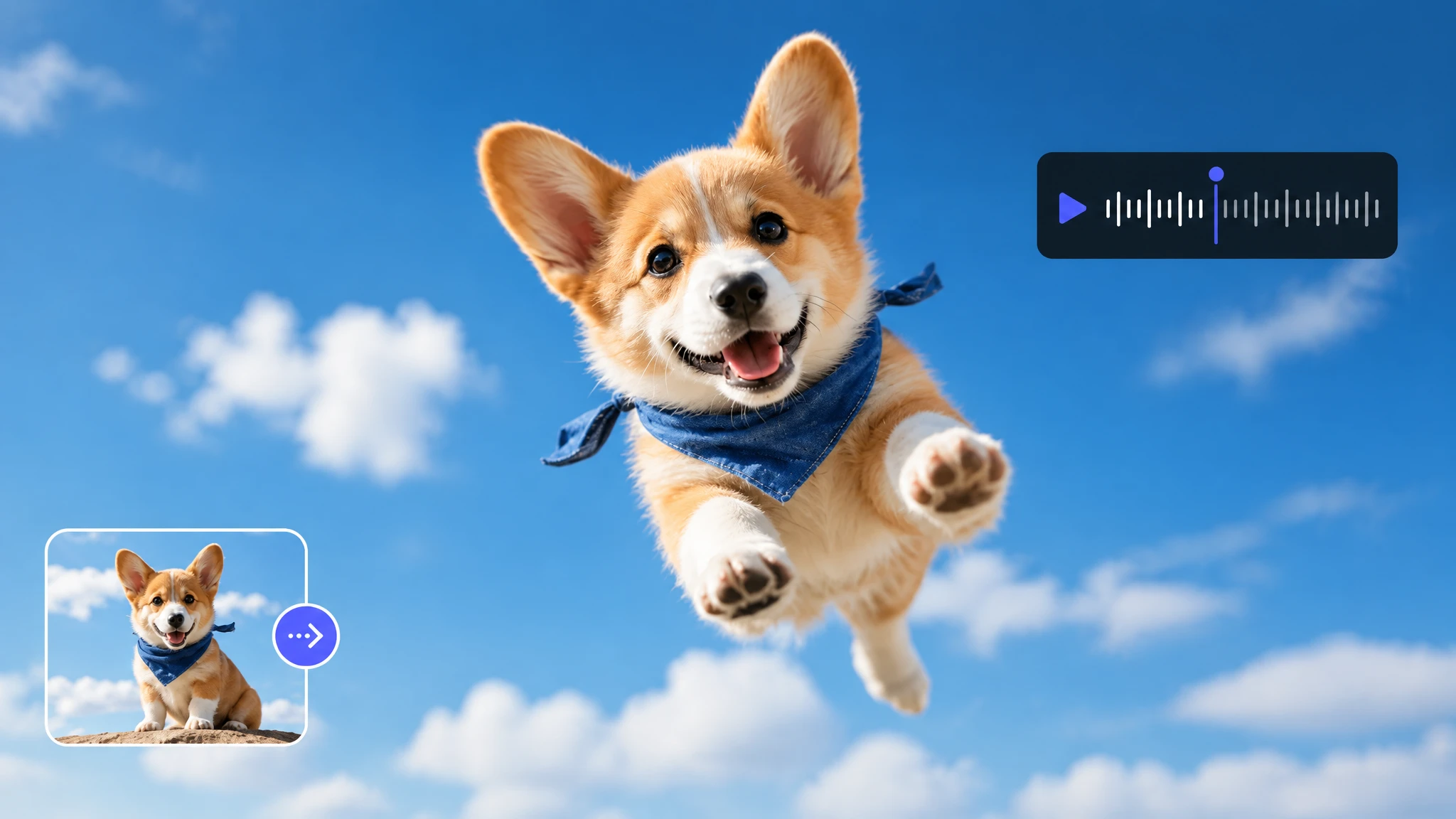
Synchronize motion and speech, extend the sequence, change its style, improve resolution, and add sound so the selected clip is ready to use.
Access premier video generation engines including Seedance 2.0, Kling 3.0, Gemini Omni Flash, and Minimax H3. Select the best model for realistic physics, camera motion, or character consistency.
Produce high-impact promotional clips, social video variations, and cinematic narrative scenes in minutes without expensive studio gear or extensive post-production cycles.
Streamline high-end video storytelling with cinematic depth, professional camera movements, and rapid scene pre-visualization.
Pre-visualize complex sequences, test camera moves, and produce mood reels before expensive commercial shoots.
Deliver polished brand campaigns and multi-channel commercial spots with consistent visual quality and precision color.
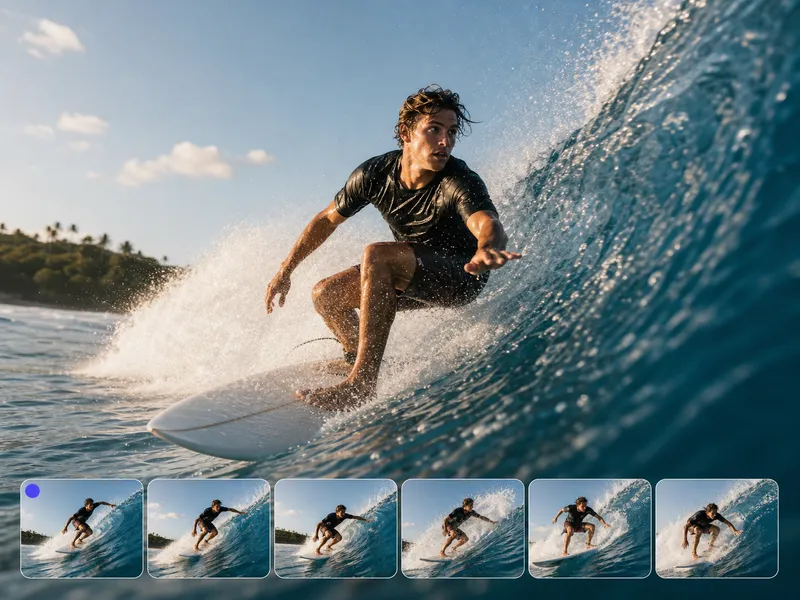
Take full control of motion, pacing, and visual storytelling. Generate dynamic clips from text or still frames, guide transitions, and produce compelling video assets tailored for any screen format.
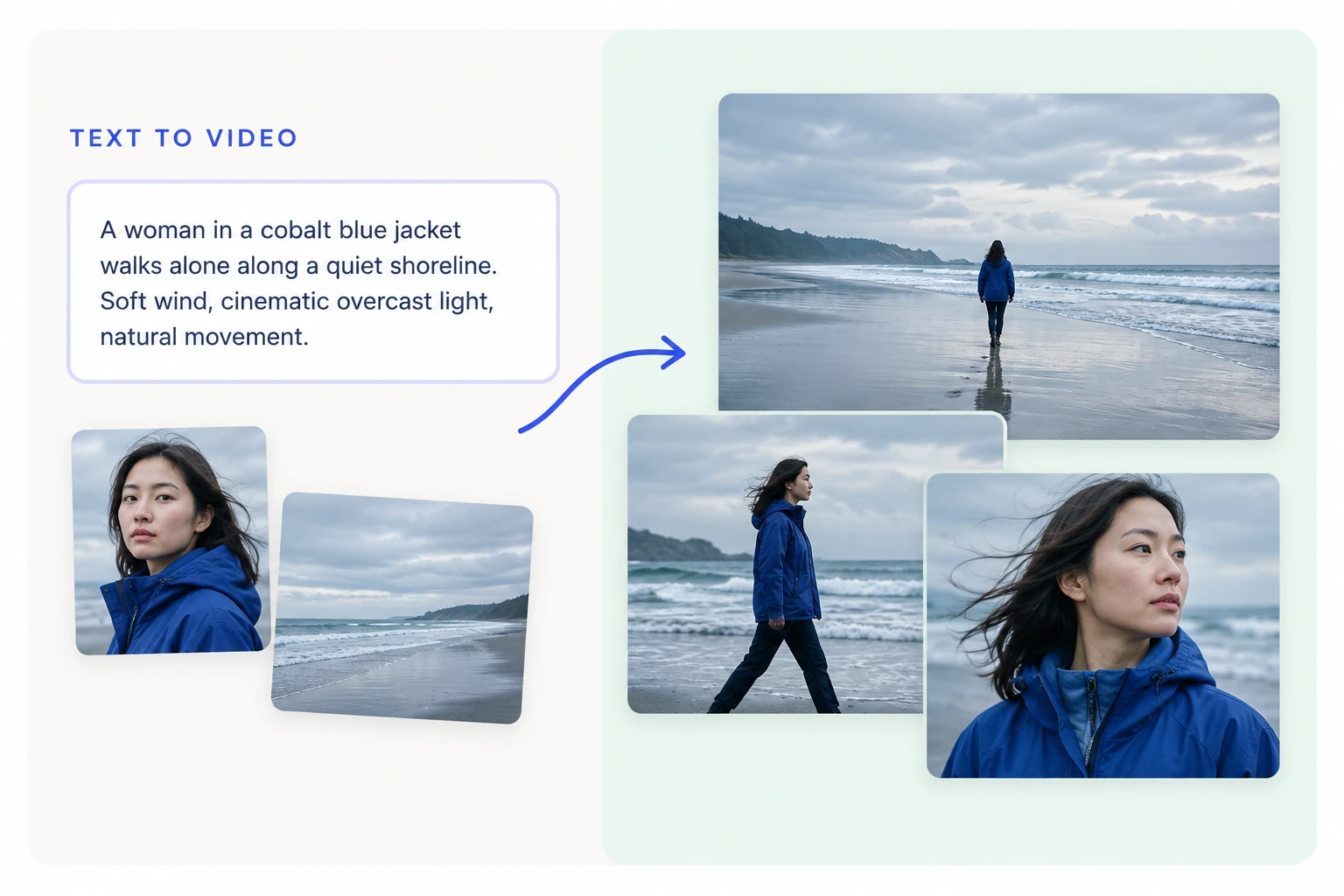
Choose top-tier generative video models to capture exact camera angles, lighting dynamics, and character motion.
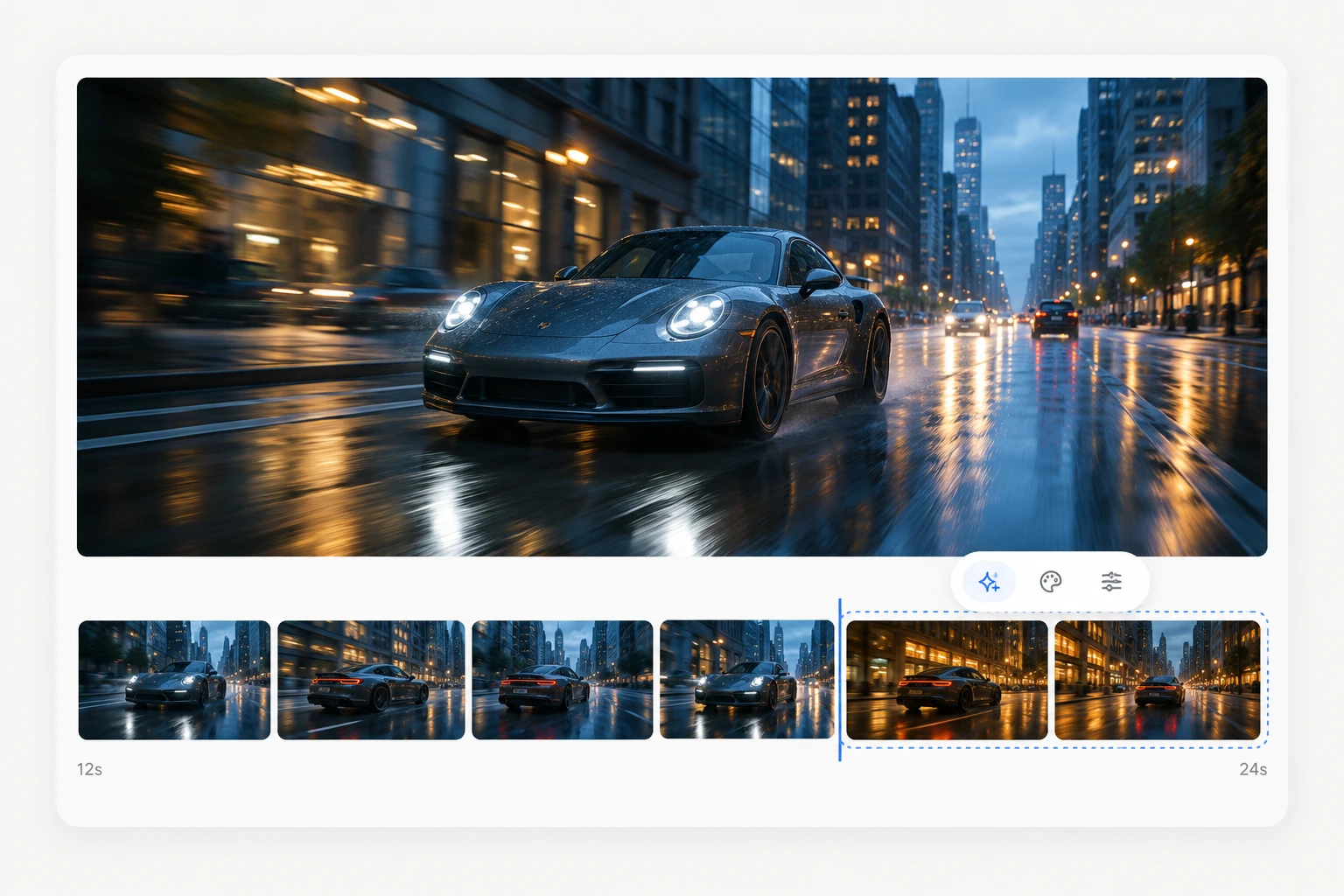
Anchor start and end frames to guide motion continuity and seamlessly extend clip durations.
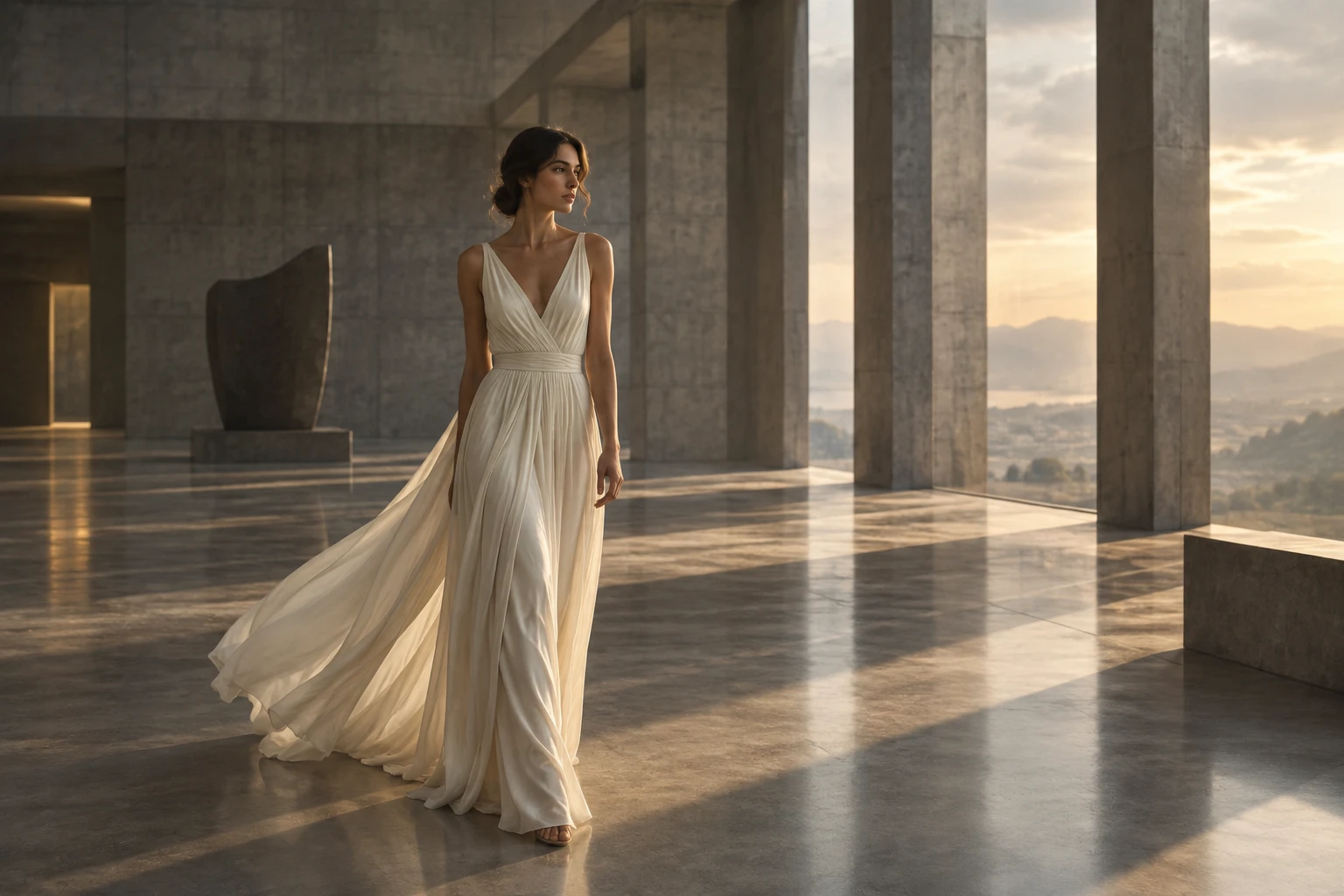
Polish pacing, restyle artistic color palettes, align lip-sync audio, and upscale footage to 4K resolution.
Direct camera movement, character motion, and visual tone in minutes with cutting-edge AI video models.