


Seed Audio 1.0 Builds Full Audio Scenes.
Describe the scene you want and seed audio 1.0 generates the whole audio in one pass. It layers multi character dialogue, background score, and room tone from that single description. It works as a full seed audio generator rather than plain text to speech, so podcasts, ads, games, and videos all get finished sound.
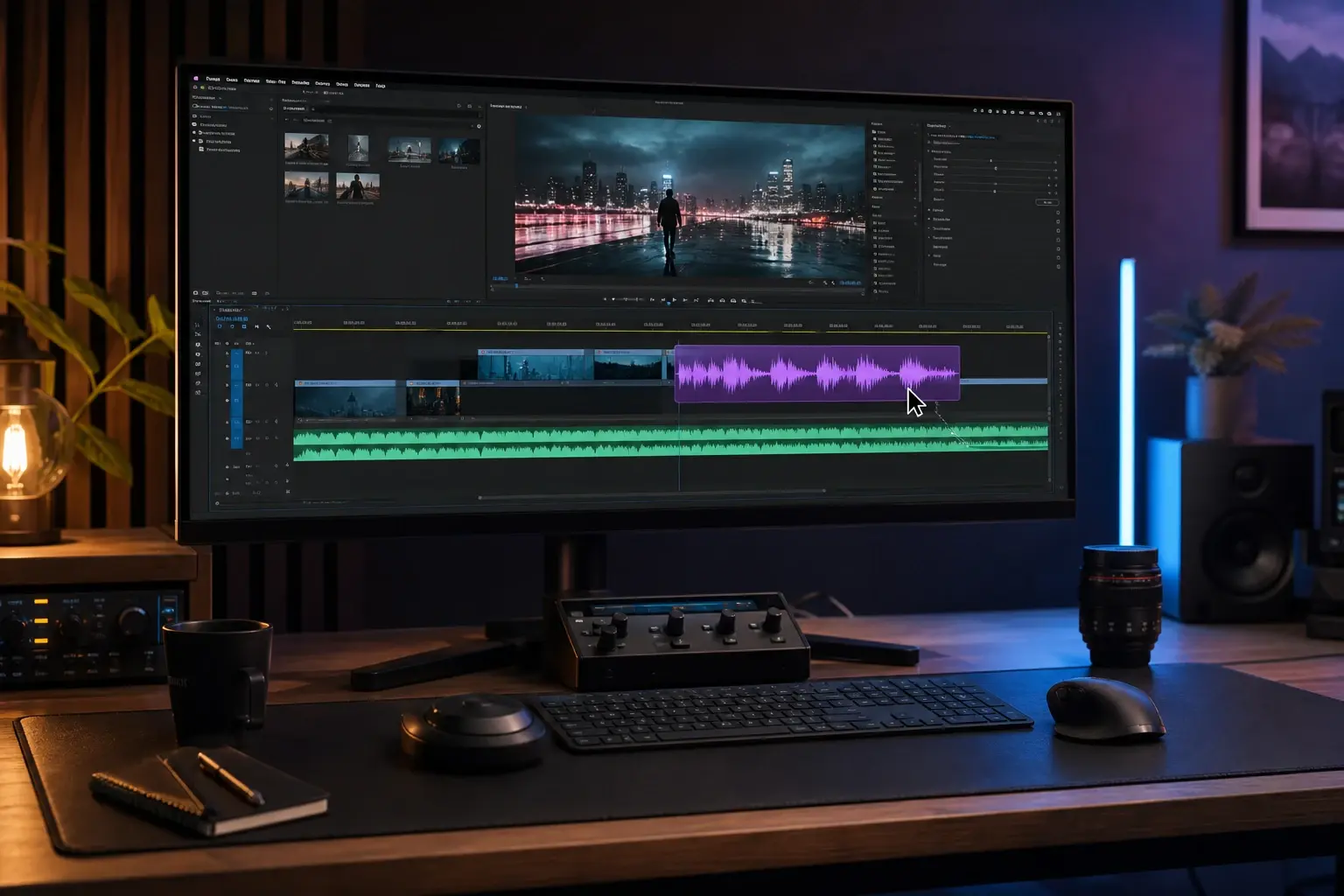
Who Reaches For Seed Audio 1.0
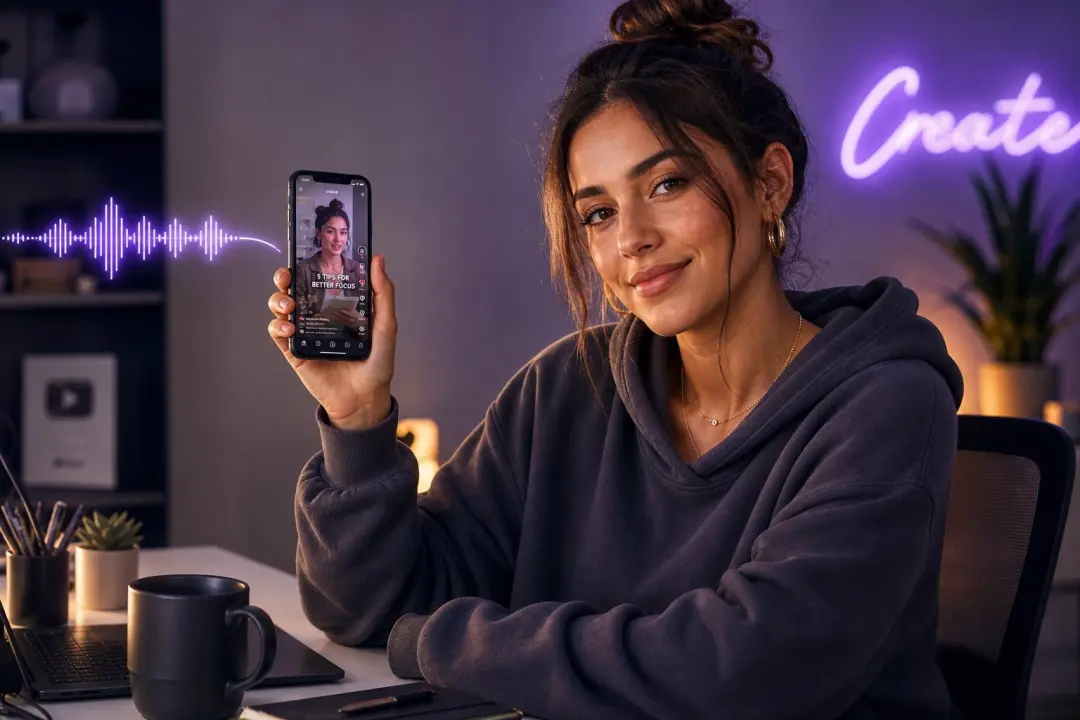
Podcast Producer
You need an intro, ad reads, and segment beds without booking a studio. Seed audio 1.0 generates a hosted voice, music, and transitions from a script, so an episode gets sound in one pass. When a segment needs a different tone, you set it in the prompt and regenerate.
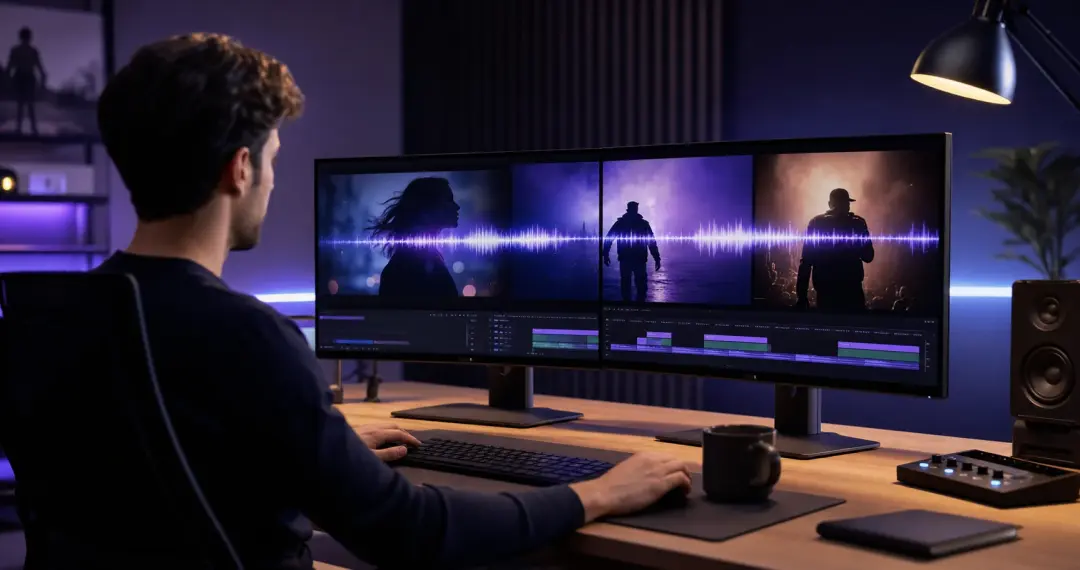
Short Video Creator
Your clips post daily and each one needs a voiceover and a background bed fast. Seed audio 1.0 scores the whole cut from one prompt, so the reel is ready before the trend fades. Name the pace and mood for a closer match.
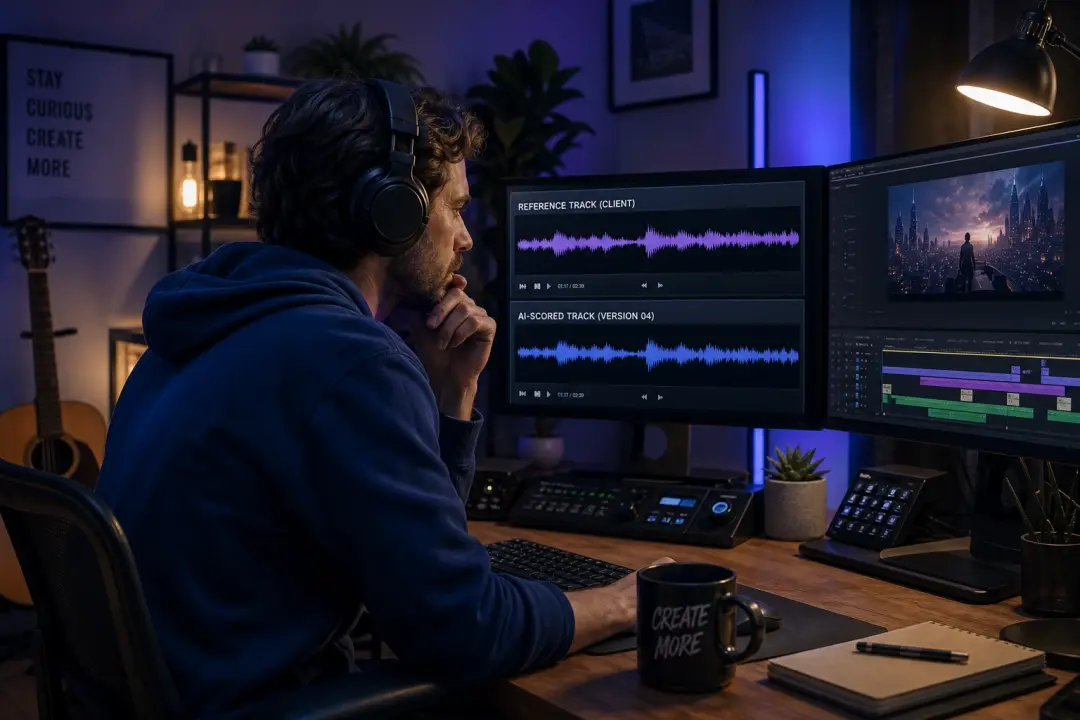
Game Audio Designer
You prototype scenes that need dialogue, ambience, and effect layers before final recording. Seed audio 1.0 returns a full sound bed and multi character lines from a description, so a level plays with audio early. Clear role notes give steadier character voices.
What Seed Audio 1.0 Can Make
Here is what the seed audio generator produces once you describe the scene.
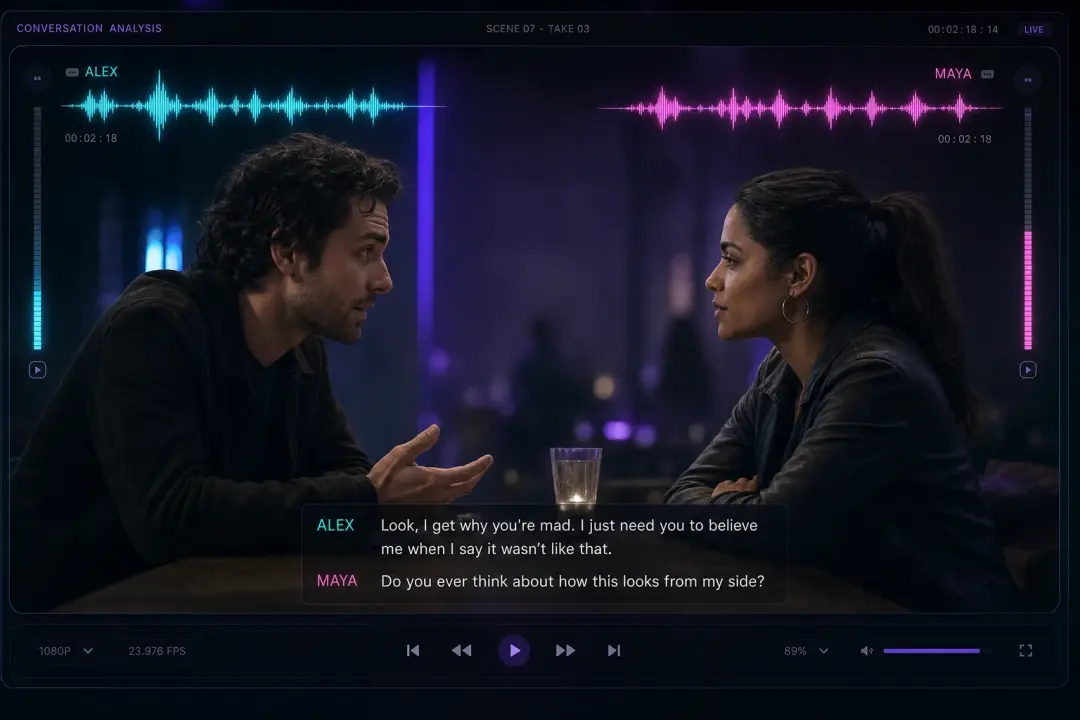
Multi Role Dialogue Scene
Write a short script with two or three speakers and seed audio 1.0 voices each role with a stable, distinct read in one pass. Assign a voice per character, then check the timing. Overlapping lines land best when you mark who speaks first.
Podcast Intro With Music
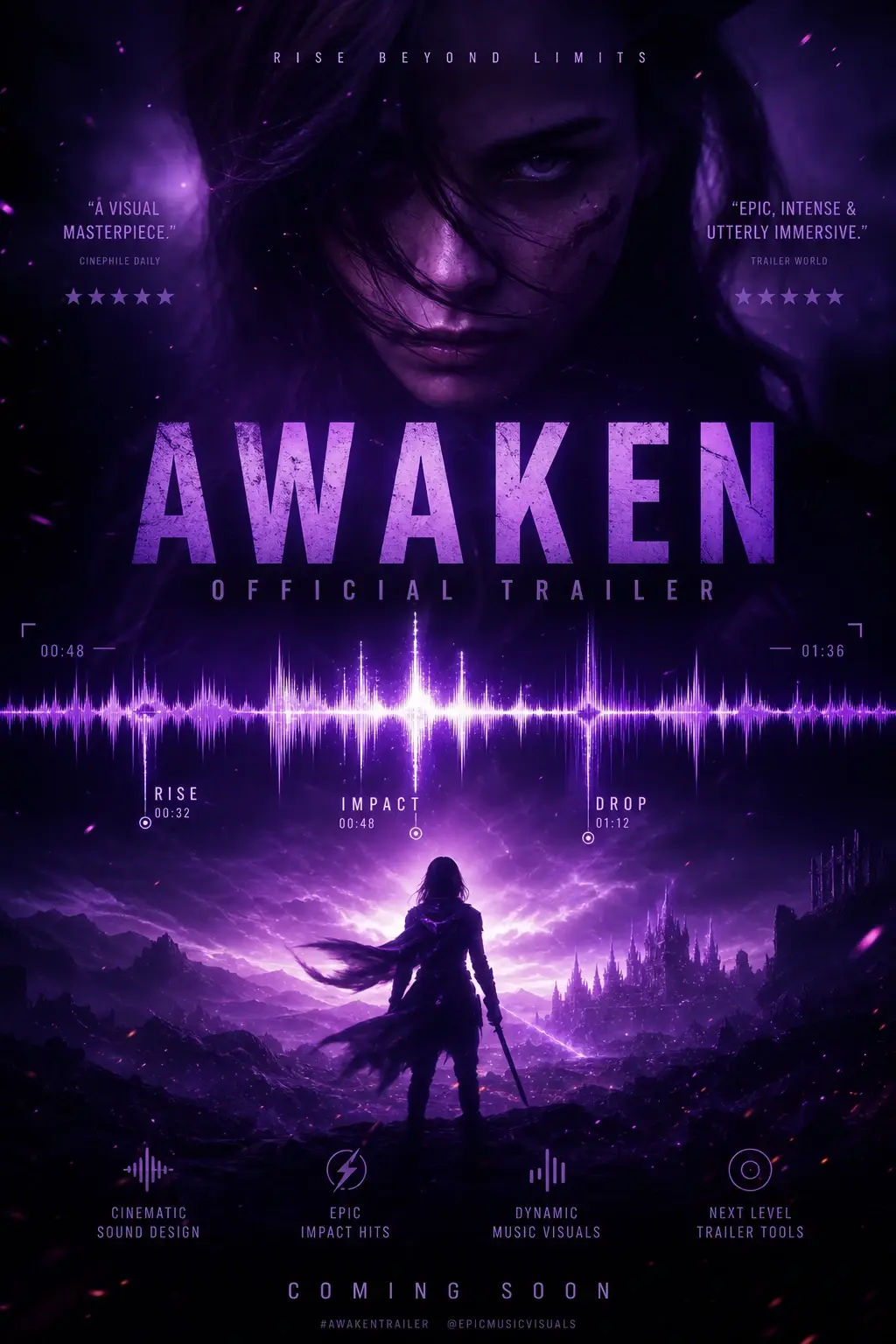
Describe the show and seed audio 1.0 builds a spoken intro over an original music bed that fits the genre. Set the length and energy in the prompt. A named genre gives a cleaner bed than a vague mood.

Game Ambience And Effects
Describe a location such as a market or a cave and seed audio 1.0 returns ambience plus the effect layers that sell the space. The bed sits under dialogue without masking it. A specific setting beats a generic one.
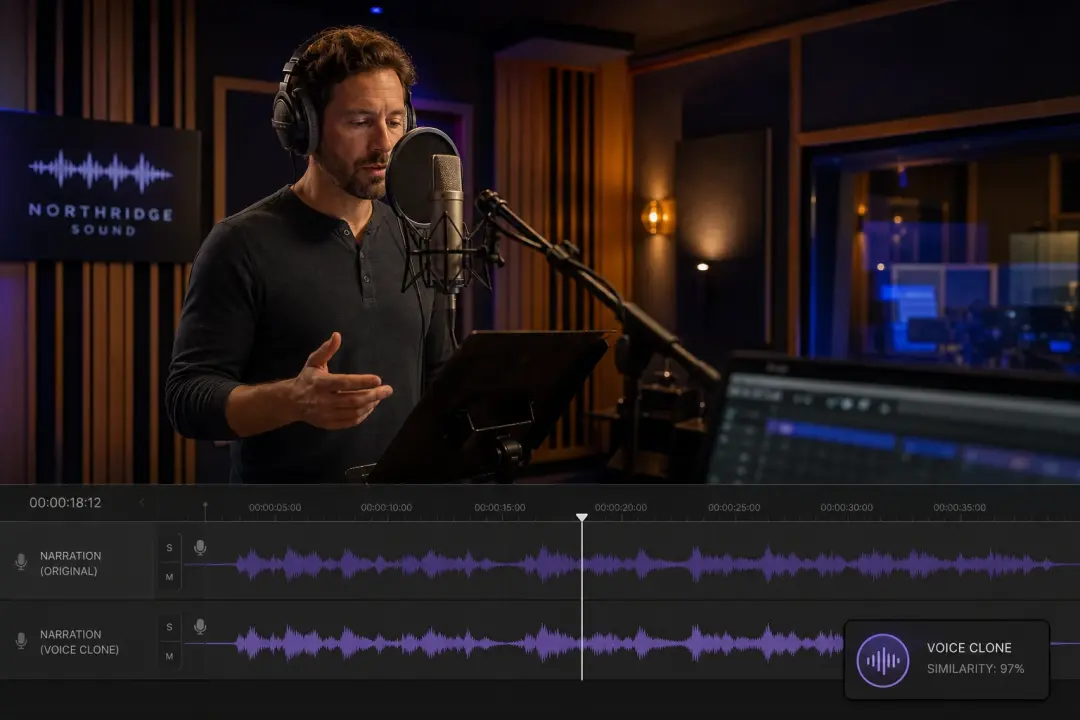
Cloned Reference Voice
Give a short clean reference and seed audio 1.0 reads new lines in that same voice across the whole piece. Keep the sample clear so the clone holds its tone. You confirm the read before export.
Seed Audio 1.0 vs Text To Speech
Here is how the model compares to older ways of getting audio.
Full Scene vs Flat Narration
Plain text to speech reads your words in one voice with no music or ambience. Seed audio 1.0 generates dialogue, score, and effects together as one scene. When the brief changes, you rewrite the prompt instead of re recording.
One Prompt vs Many Sources
Stock libraries make you search, audition, and license each track and effect on its own. Seed audio 1.0 returns voice, music, and sound from a single description. You still adjust the mix, but the starting point is assembled.
Your Voice vs Generic Reads
A stock voiceover sounds like everyone else who bought the same file. Seed audio 1.0 can clone a reference or use a preset so the read fits your project. If the reference is noisy, the clone loses detail.
Questions Creators Ask About The Sound

Start The Seed Audio Generator
Describe a scene, generate the voices, music, and effects, and hear the mix in minutes. VideoAI runs the model so podcasts, videos, and games get finished audio from one prompt.
Get Started