


Who Uses This Image Upscaler
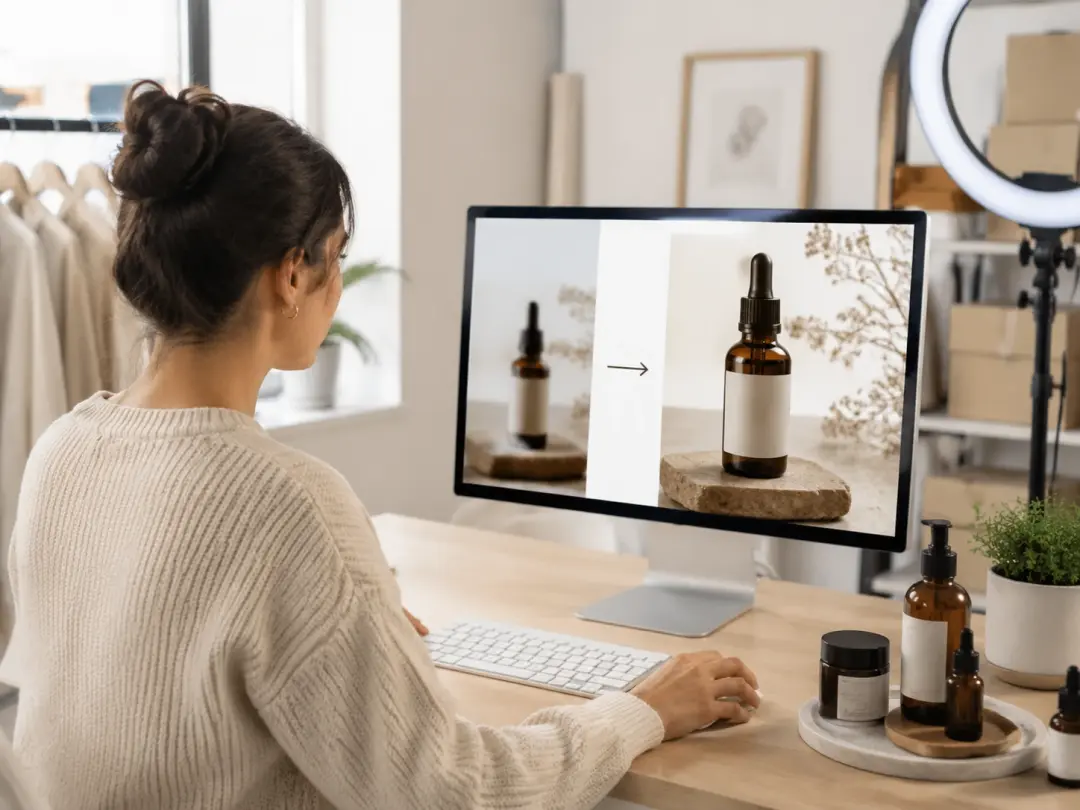
Ecommerce Store Owner
Product photos taken on a phone often lack the resolution needed for large catalog displays. The Image Upscaler increases pixel count while preserving textures, stitching, and label text. Upload a batch of product shots, select 4x enlargement, and export files sized for print or web. When your supplier sends low resolution samples, you can enlarge photo files and still meet your listing requirements.
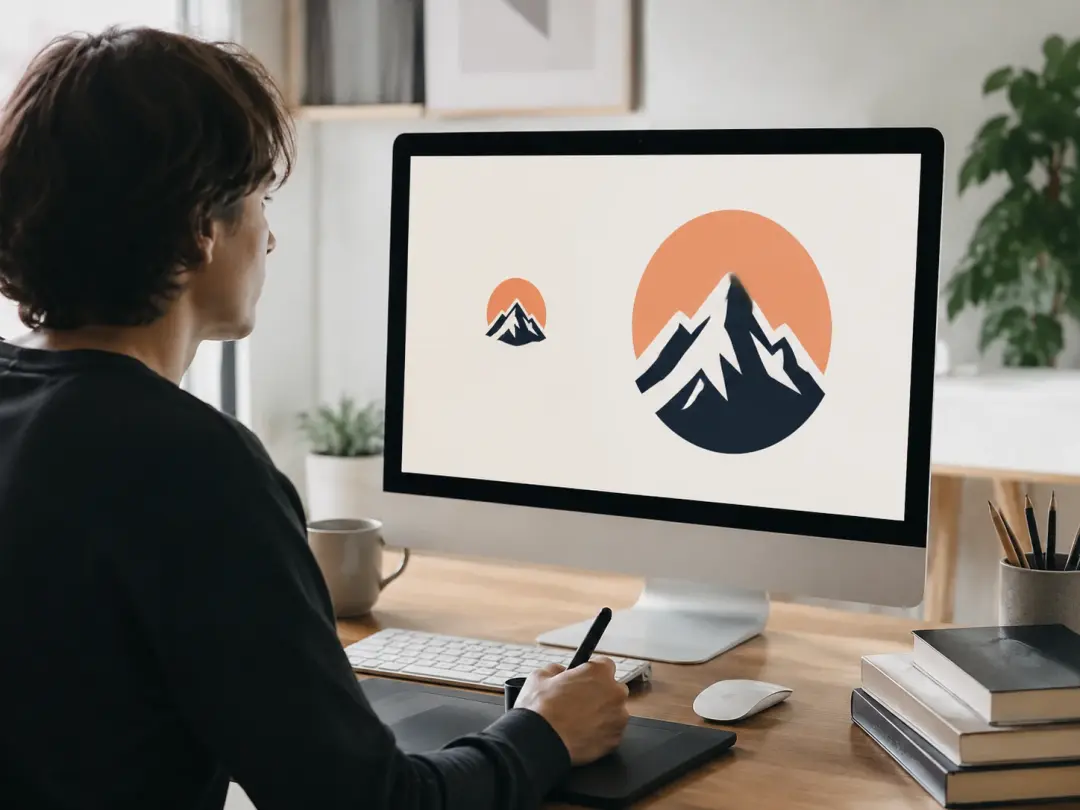
Graphic Designer
Client assets arrive in unpredictable sizes and formats. The Image Upscaler rescales raster artwork to the target dimension without blurring edges or flattening gradients. If a logo file arrives at 200 pixels wide and the billboard needs 4000, the photo enlarger rebuilds detail at every scale step. The result stays crisp enough for large format output.
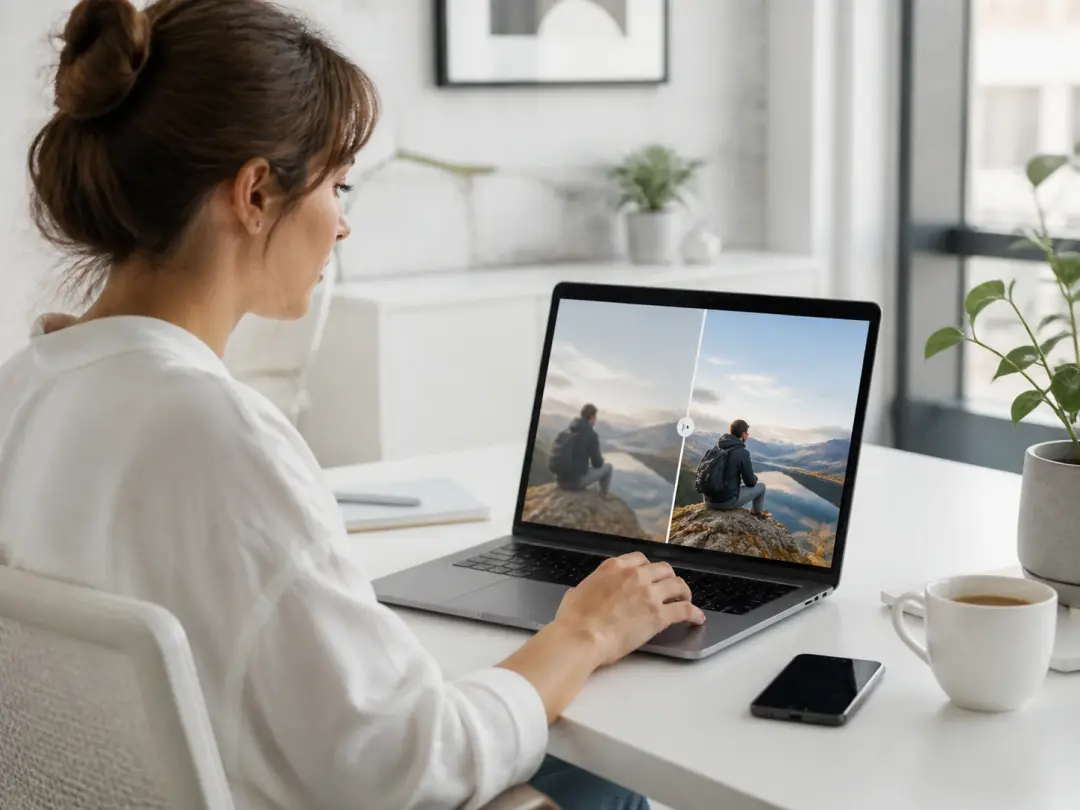
Social Media Marketer
Platform specs change and older content often falls below current resolution thresholds. The Image Upscaler brings archived posts up to spec so you can reuse proven visuals. If a viral post from last year needs a rerun at higher quality, the photo enhancer restores clarity and color accuracy. Repurposing existing assets saves hours of reshooting.
Core Features of the Upscaler
Four capabilities that define this AI Image Upscaler tool.
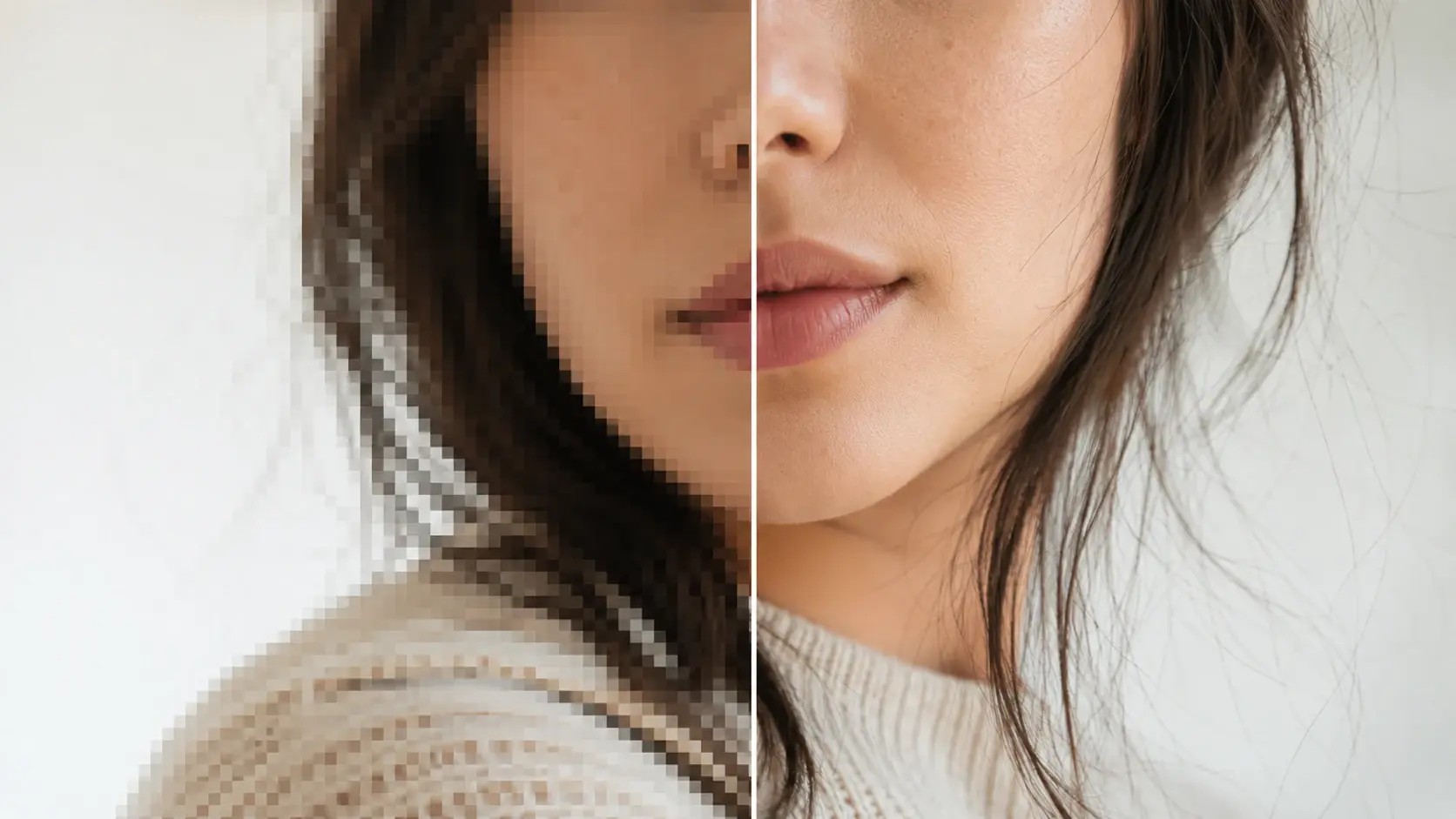
AI Detail Reconstruction
The Image Upscaler analyzes each region of your photo and rebuilds fine detail that standard interpolation misses. Hair strands, fabric weave, and skin pores reappear at higher resolution with natural accuracy. The AI model was trained on millions of photo pairs so it knows what real detail looks like at every scale. You can enlarge image without losing quality because the network fills in actual texture rather than blurred guesses.
2x and 4x Enlargement Options
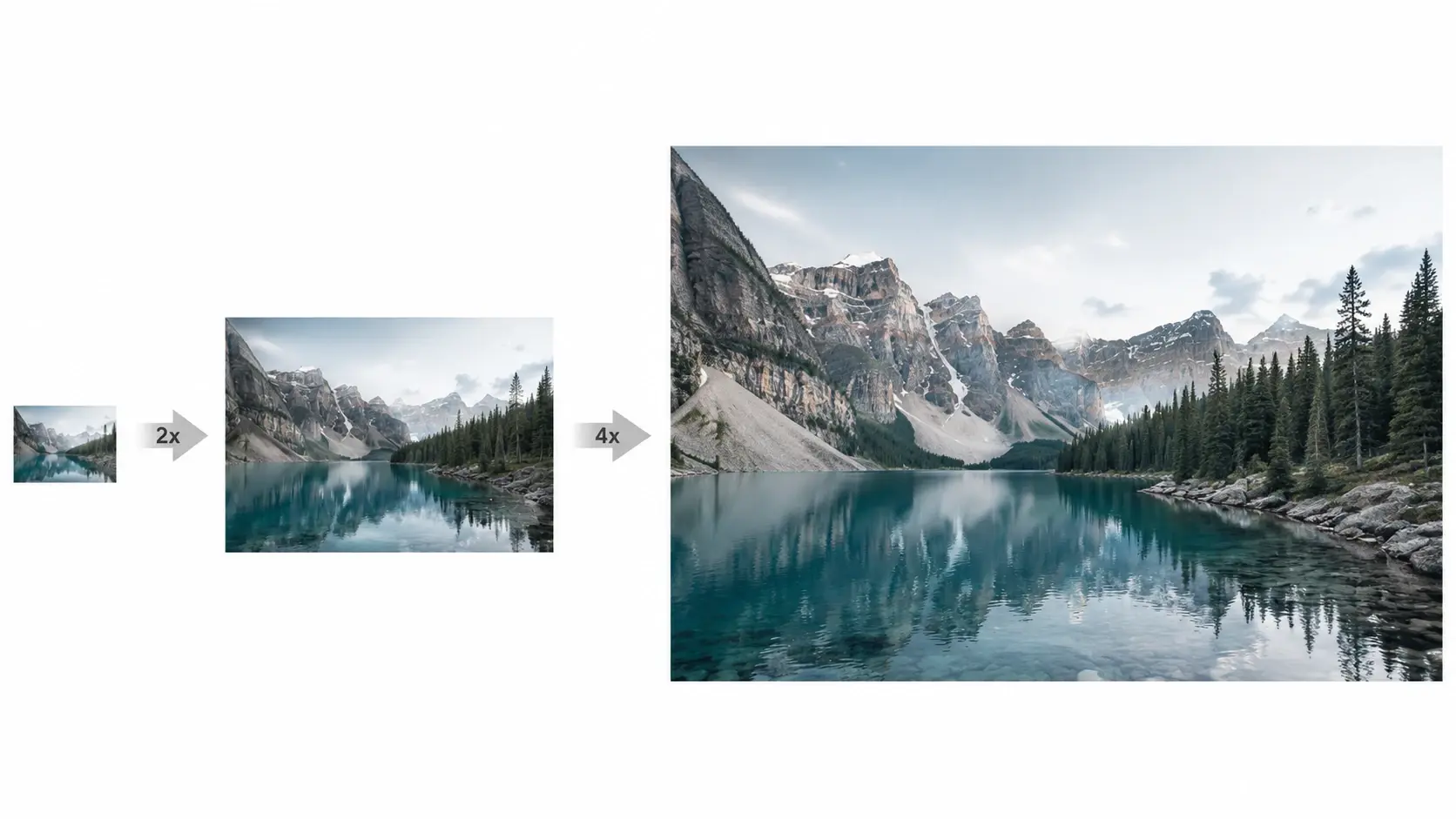
Choose the scale factor that fits your output need. The 2x mode doubles width and height for moderate size gains with minimal processing time. The 4x mode quadruples dimensions for print ready files and is ideal when you need a 4K Image Upscaler result. When your original file is already mid resolution, the 2x option delivers clean output in seconds.
Batch Processing Support
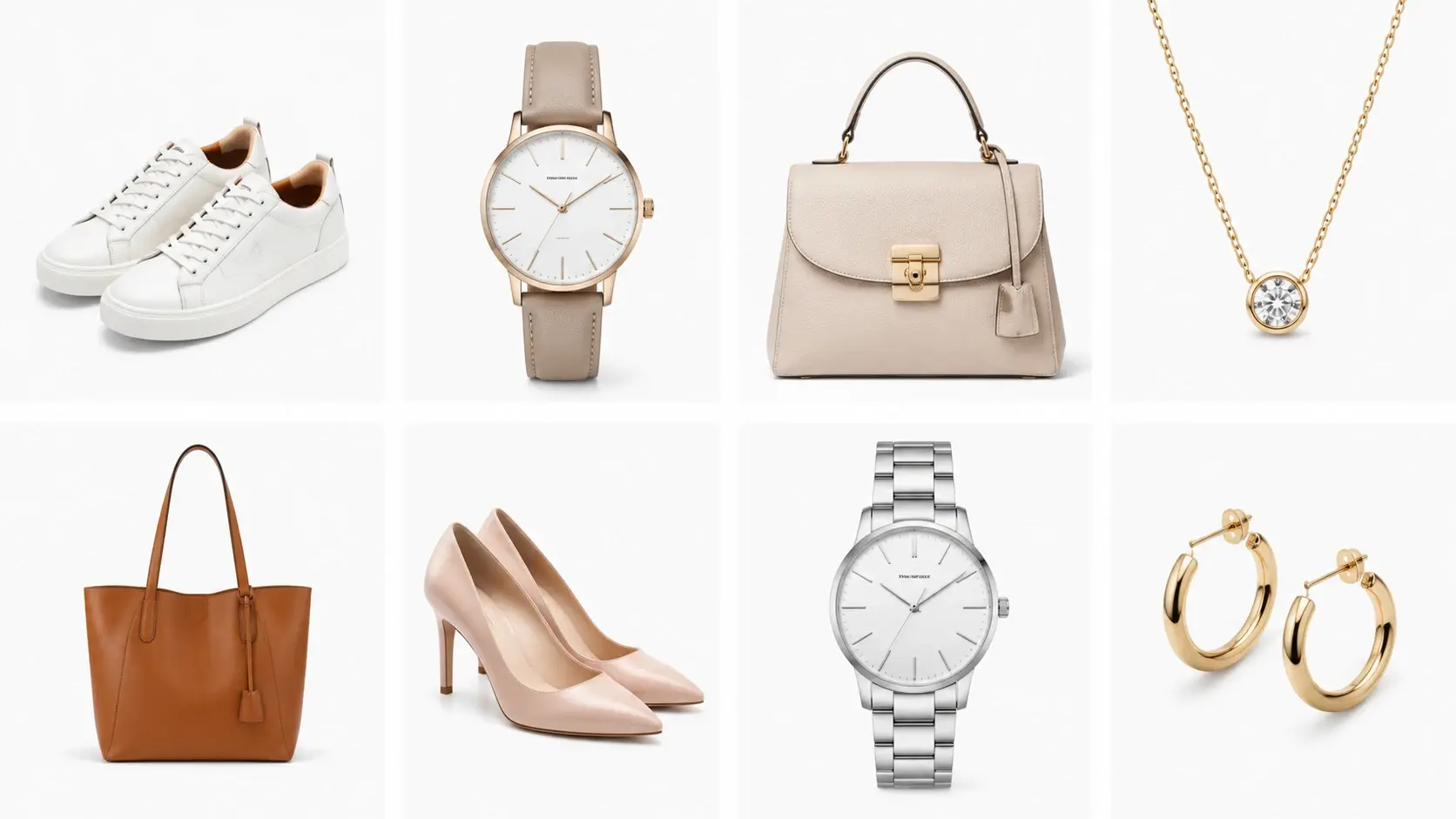
Upload multiple files and the Image Upscaler processes them in a single queue. Each file receives the same scale factor and quality settings, so output stays uniform across a full set. Product catalogs, event galleries, and archival scans all benefit from consistent batch handling. The photo upscaler applies identical treatment to every image without manual repetition.
Multi Format Output
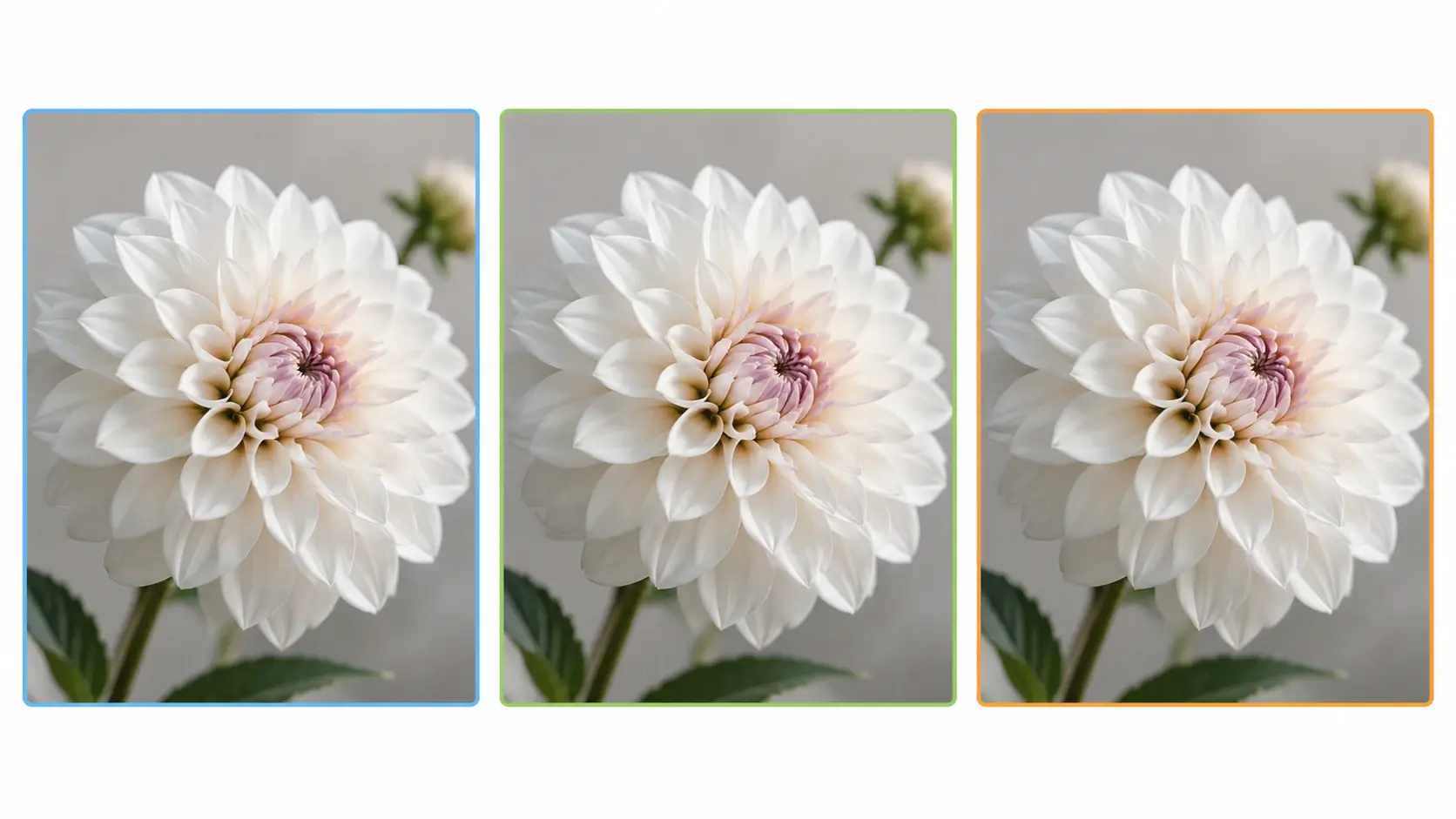
Export results as PNG, JPG, or WebP depending on your workflow. PNG preserves full quality for print and archival storage. JPG keeps file sizes small for web delivery. The Image Upscaler retains color depth and metadata across all formats so your enhanced files integrate into existing pipelines. You can upscale photo online and download in whichever format your project requires.
Real Results From the Upscaler
Four practical scenarios showing the Image Upscaler at work on real files.
Old Family Photo Restored
A scanned family portrait from the 1990s measured just 640 by 480 pixels. The Image Upscaler enlarged it to 2560 by 1920 with recovered facial detail and natural skin tones. Grain and compression artifacts were reduced while the original warmth of the photo remained. The final file was sharp enough to print as a framed 8 by 10 inch gift.
Product Listing Upgrade
A jewelry seller had 120 ring photos at 800 pixels wide. The free Image Upscaler processed the full batch to 3200 pixels in under ten minutes. Each stone facet and metal reflection came through clearly at the larger size. The updated listings saw higher click rates because shoppers could zoom in and inspect every detail.
Landscape Print Preparation
A travel photographer cropped a sunset shot and lost half the original resolution. The AI Image Upscaler rebuilt sky gradients, tree silhouettes, and water reflections at 4x scale. The output file met the printer minimum of 300 DPI at 24 by 36 inches. Color banding in the sky was absent because the model preserved smooth tonal transitions.
Game Asset Upscaling
An indie developer needed to upscale image assets from a retro sprite sheet to higher resolution for a remastered release. The Image Upscaler sharpened pixel edges and added subtle shading without distorting the original art style. If a character sprite measured 64 by 64, the 4x output at 256 by 256 retained the intended proportions. The enhance photo quality step saved weeks of manual redrawing.
What Users Say About It
Feedback from creators who use this Image Upscaler in their daily work.
I needed to enlarge photo files from an old camera for a client gallery. The Image Upscaler brought every shot up to print resolution without adding noise or smearing textures.
Rachel M.
Wedding Photographer
Our product team uploads hundreds of SKU photos each month. The photo upscaler handles batch jobs quickly and the output is consistent across every single file we process.
Daniel K.
Ecommerce Operations Lead
I tried to upscale image files with three other tools before finding this one. The AI Image Upscaler was the only option that kept fine text legible after a 4x enlargement.
Priya S.
Graphic Designer
As a photo enlarger this tool is reliable and fast. I upscale photo online every week for social posts and the quality holds up on high density phone screens.
Marcus T.
Social Media Manager
The free Image Upscaler plan gave me enough credits to test on real project files before committing. Output quality matched paid alternatives I had used previously.
Laura J.
Freelance Illustrator
I use the 4K Image Upscaler setting for archival scans of historical documents. The photo enhancer recovers faded ink and paper texture that flat interpolation destroys entirely.
Tom W.
Museum Archivist
Common Questions

Try the Image Upscaler Now
Upload a photo, pick your scale factor, and see the result. The Image Upscaler rebuilds detail at every pixel so your enlarged file stays sharp and ready to use.
Get Started