


Who Uses Video Style Transfer
Social Media Creator
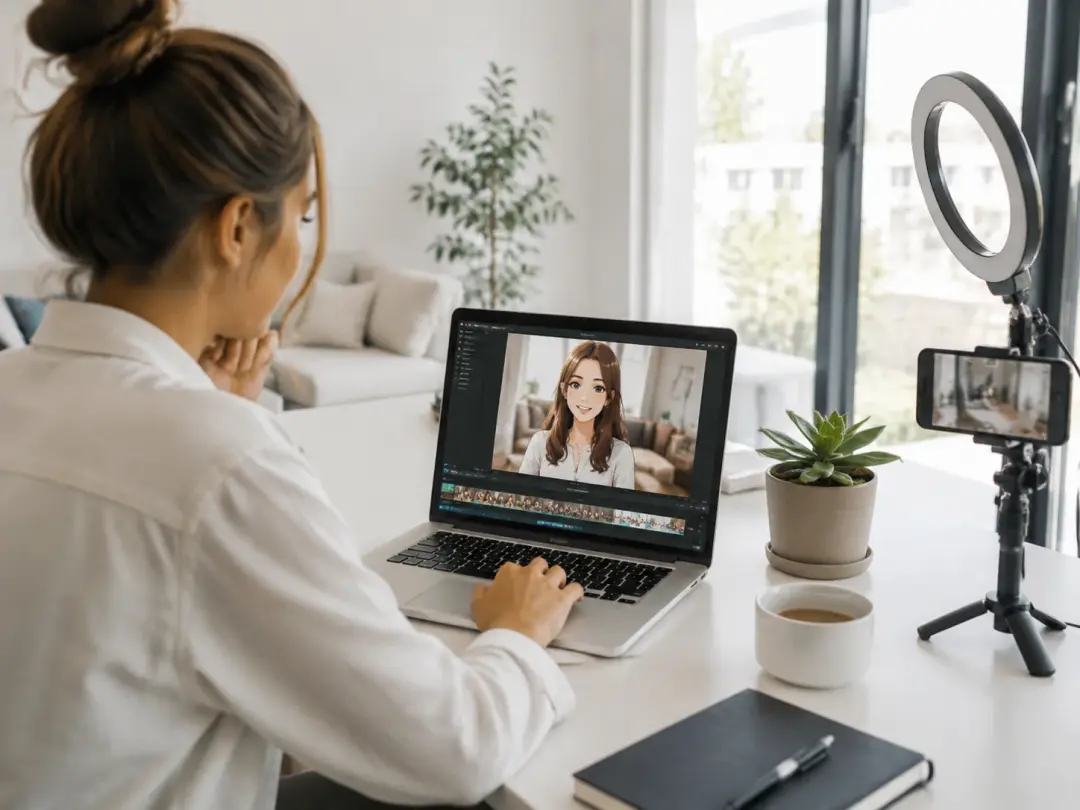
Standing out in a crowded feed requires a distinct visual identity. Video Style Transfer lets you restyle video content so every post carries the same artistic tone. Upload your weekly batch of clips and apply one reference image across all of them. The ai restyle video engine processes each file with identical settings, so your feed looks cohesive from the first frame to the last. Switching campaigns takes just a new reference and a batch reprocess that finishes in minutes.
Independent Filmmaker
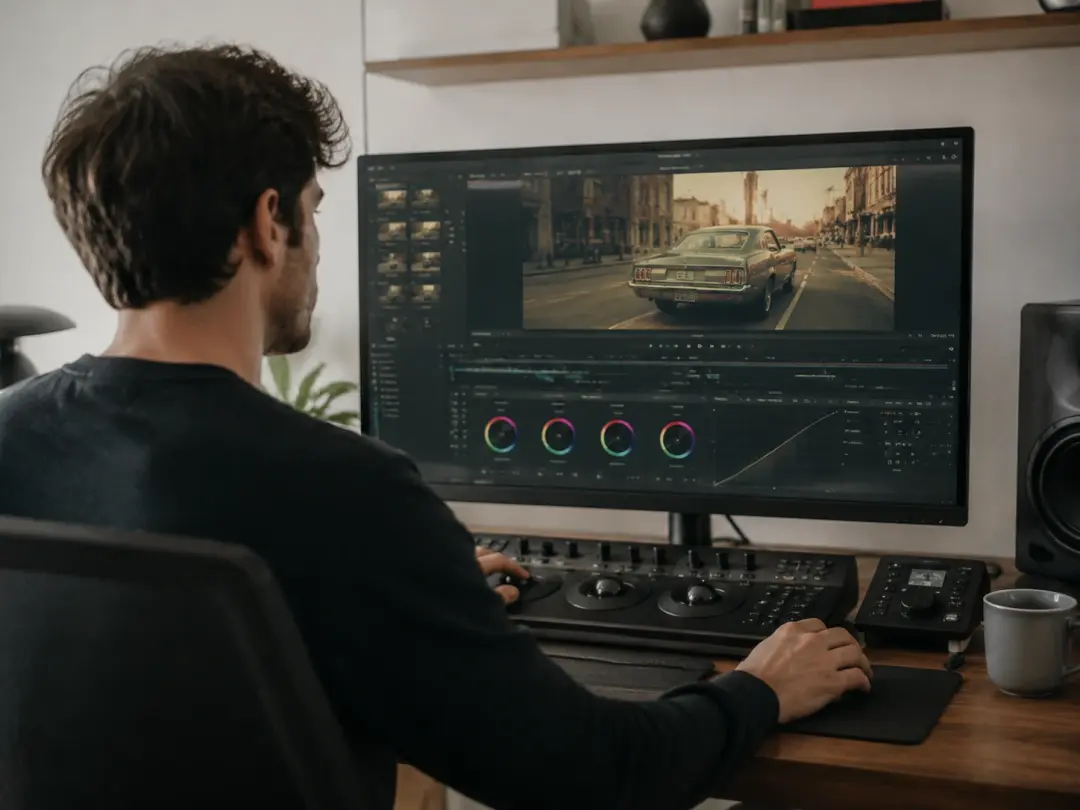
Post production color grading and visual effects can consume weeks. Video Style Transfer compresses that timeline by applying a complete visual overhaul to raw footage in one step. If you shot a scene in daylight but need a noir atmosphere, upload a noir reference and the tool redraws every frame. The video restyle workflow preserves actor movements and facial expressions while transforming the entire visual language of the scene.
Marketing Team
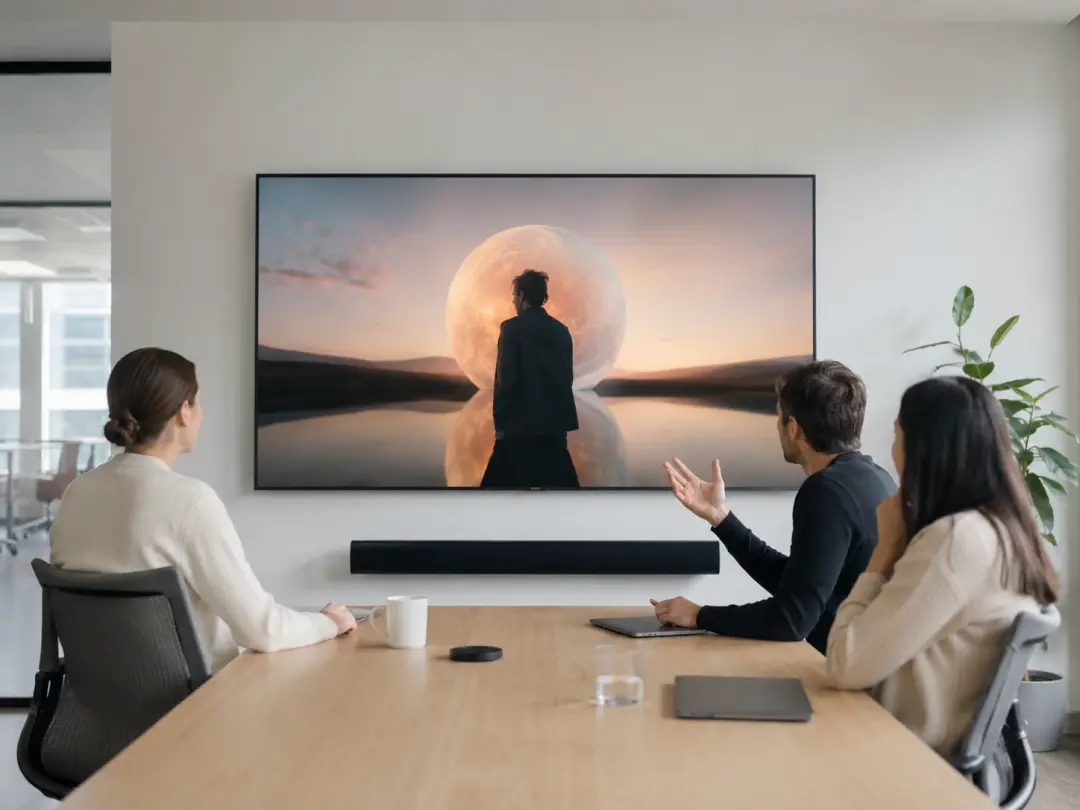
Campaign videos often need multiple visual treatments for different audiences. Video Style Transfer produces variations from one source clip by swapping the reference image per version. A single product demo can become a painterly brand story, an anime teaser, or a sketch explainer without reshooting. The change video style workflow saves production budget and lets your team test which visual direction earns the best engagement before committing to a full campaign.
Core Video Style Transfer Features
Four capabilities that make this Video Style Transfer tool practical for daily video production.
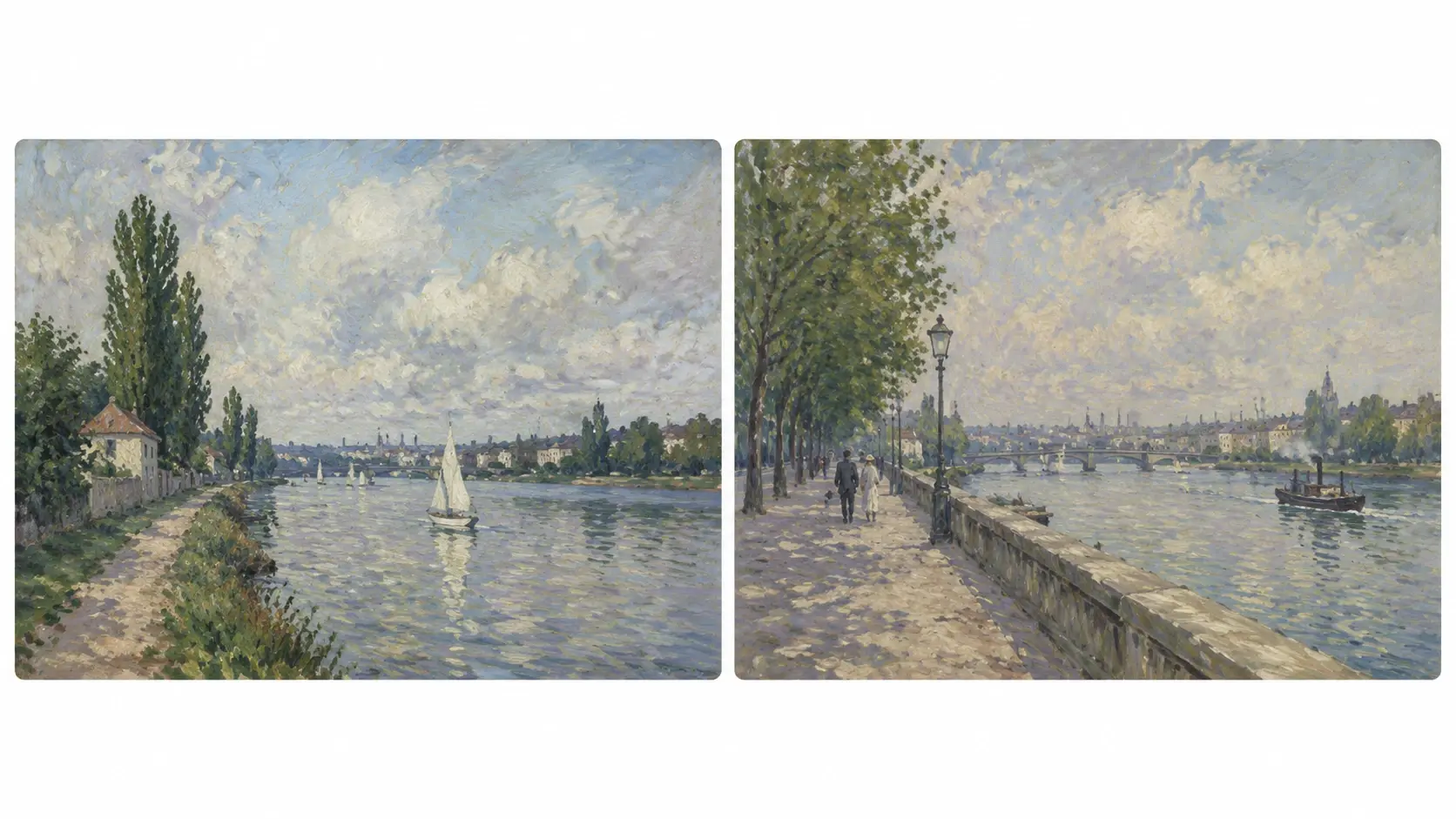
Reference Image Style Mapping
Upload a reference image and the Video Style Transfer engine extracts its color palette, texture, and lighting, then maps those elements onto your video frame by frame. The AI Video Style Transfer process reads the reference once and applies it consistently across every second of footage. Your original subjects stay recognizable while the surrounding visuals adopt the new aesthetic. Supplying a painting as a reference means the output carries the same brushwork and tone throughout the entire clip.
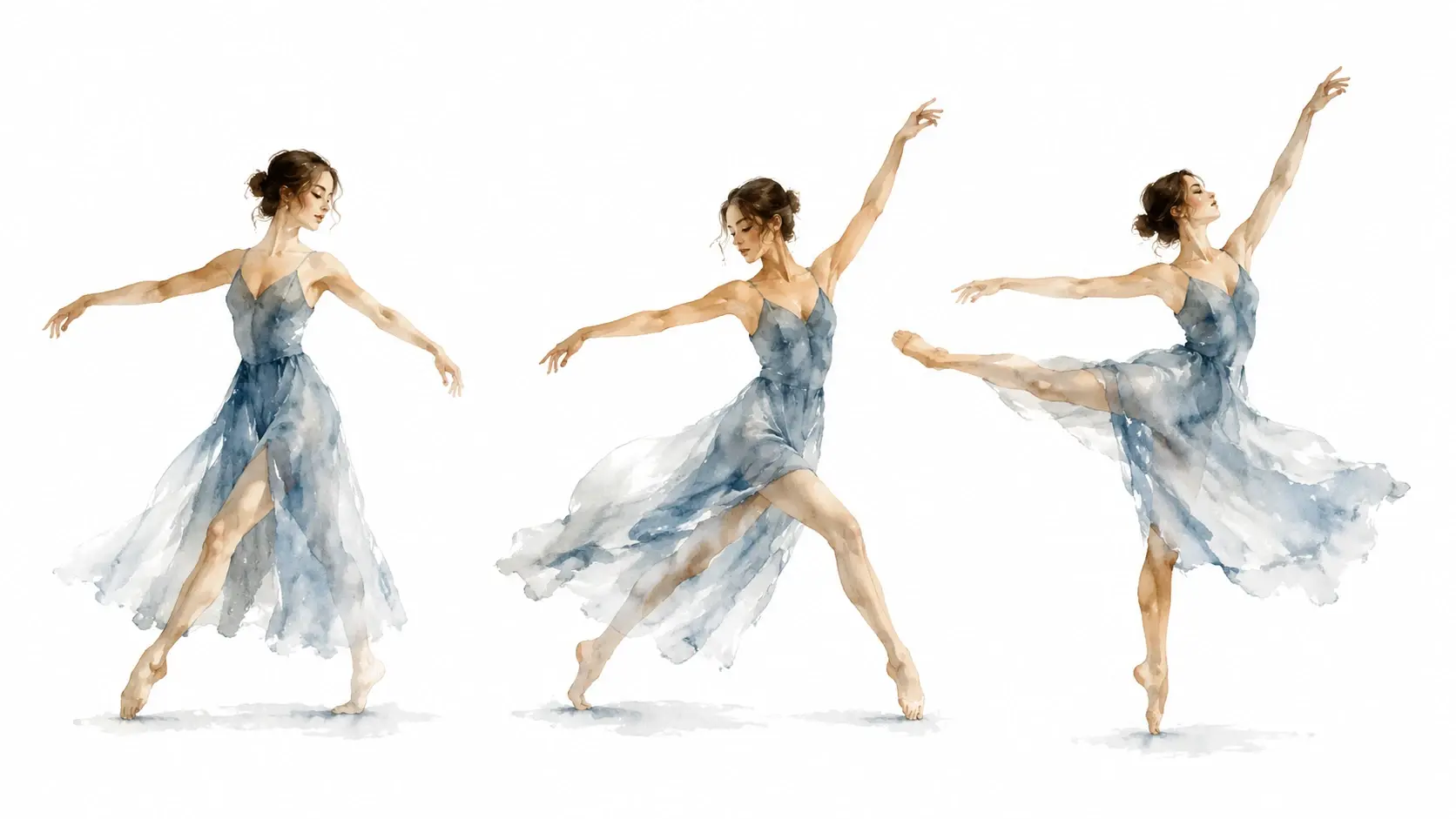
Motion Preservation Engine
The Video Style Transfer engine separates motion data from visual appearance before processing. It locks camera movement, subject gestures, and object trajectories, then redraws only the surface layer. This means a dancer keeps every step, a speaker keeps every gesture, and a car keeps its exact path. The restyle video ai pipeline ensures that no motion artifact appears in the output, even under heavy artistic transformation.
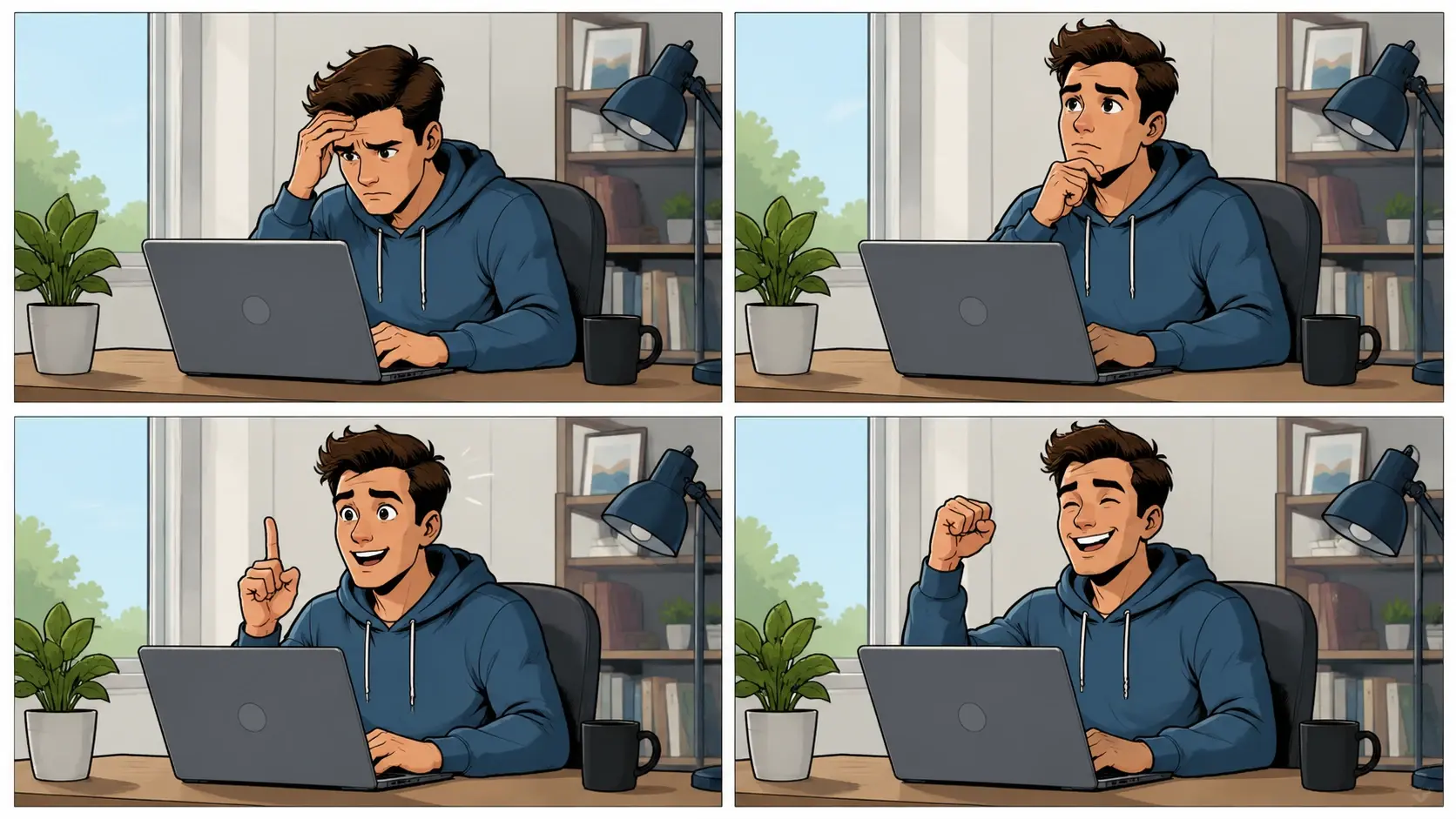
Frame Consistency Control
Flickering between frames ruins the viewing experience. The Video Style Transfer tool analyzes adjacent frames and forces color and texture continuity across the entire clip. Any frame that drifts from the target style gets corrected by the engine before rendering the next. This produces a smooth, watchable result that looks hand crafted rather than auto generated. The Video Makeover output maintains a stable visual tone from opening frame to closing frame.
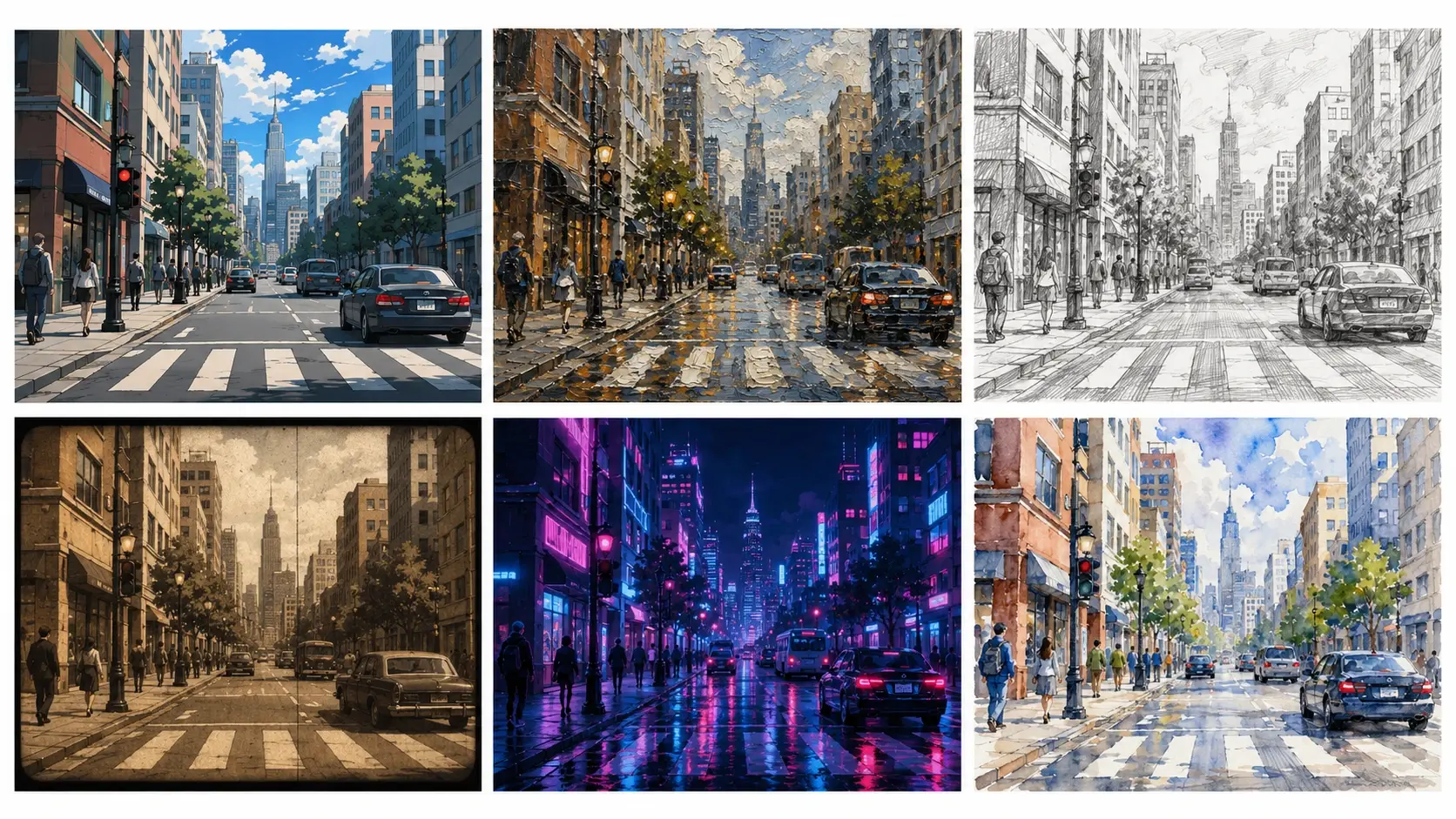
Preset Style Library
Browse anime, watercolor, oil paint, sketch, cyberpunk, Ghibli, and pop art presets built into the tool. Each preset is tuned to reproduce the defining characteristics of that visual tradition. When you want to convert video to anime style, select the anime preset and the engine handles line weight, shading, and color saturation automatically. No manual adjustment is needed after selection, though you can fine tune intensity before export.
What Creators Have Made
Four production scenarios completed with Video Style Transfer.
Anime Music Video
A musician filmed a performance clip on a phone camera and used Video Style Transfer to convert video to anime style for the official release. The ai restyle video engine redrew every frame with clean line art and vibrant shading while keeping lip sync and hand movements accurate. The result looked like a professional animation studio produced the video, and the entire process took under an hour from upload to export.
Brand Story Campaign
A skincare brand recorded a behind the scenes factory tour and applied a watercolor Video Style Transfer preset to the footage. The video restyle output softened hard industrial lines into gentle brushstrokes that matched the brand identity. Each frame kept the product packaging legible while everything else adopted the painted look. The marketing team used the styled clip across social channels without any additional post production.
Wedding Highlight Reel
A videographer applied an oil paint Video Style Transfer to ceremony highlights. The Restyle Video process turned standard reception footage into a cinematic art piece that felt like a living painting. Guest faces and venue details remained recognizable while the visual tone shifted to something timeless. The couple shared the reel online and it stood apart from every other wedding video in their feed.
Educational Explainer Clip
An educator recorded a whiteboard lesson and used Video Style Transfer to change video style from a raw classroom recording to a polished sketch animation. The AI Video Style Transfer engine traced marker strokes and diagrams into clean illustrated lines. Text on the board stayed readable while the background adopted a notebook paper texture. The finished clip looked designed from scratch, and students reported higher engagement compared to the untreated original.
Common Questions
Try Video Style Transfer on Your Clip
Upload a video, choose a visual style, and see the Video Style Transfer result in seconds. Your original motion stays intact while the entire look transforms to match your creative vision.
Get Started