

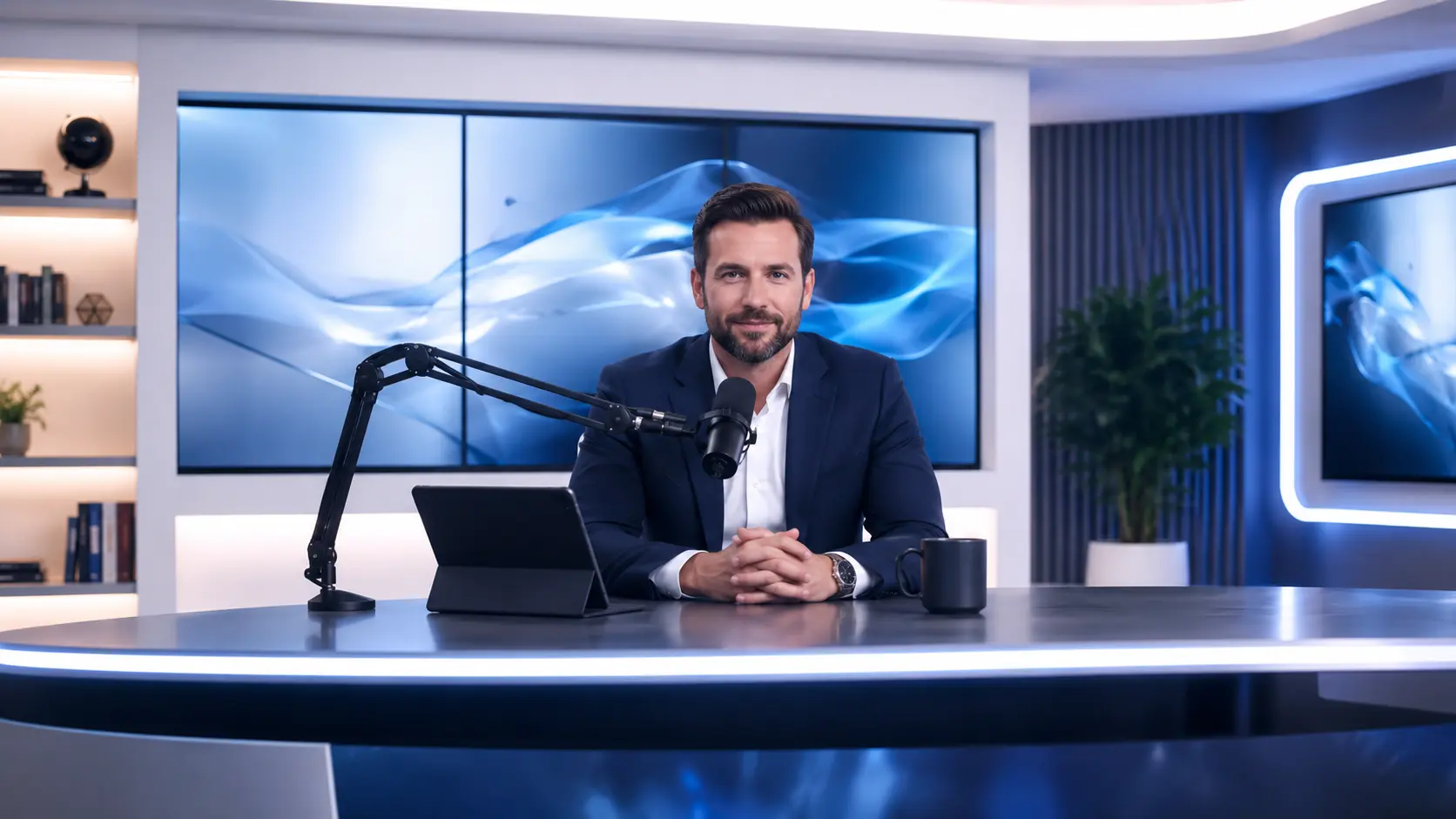
AI Voice Cloning for Creators
Upload a recording, let VideoAI build your custom voice profile, and generate new audio that keeps every detail of your original delivery. The voice cloner works from a brief sample so you spend less time recording and more time producing finished content. Try voice cloning on your next project and hear the result before you commit to a full production pass.
Try It Now
How Voice Cloning Works
Three steps take you from a raw voice sample to a finished clone voice ready for production audio.
Upload a Voice Sample
Record or upload a short audio clip of the voice you want to clone. VideoAI analyzes pitch, cadence, and tonal quality from the sample to build a voice modeling profile. A clear recording with minimal background noise gives the voice cloner the best starting point for an accurate voice clone.
Enter Your Script
Paste or type the text you want spoken in the cloned voice. VideoAI maps your script to the voice profile and prepares the audio generation pass. If your script includes multiple languages, the voice cloning engine adjusts pronunciation while keeping the original vocal character intact.
Generate and Export Audio
Hit generate and VideoAI produces the audio using your custom voice. Preview the output, adjust pacing or emphasis markers, then export the final file. When your narration needs a different tone for a specific section, regenerate that segment without reprocessing the entire script.
Examples You Can Create
These outputs show what creators produce with VideoAI Voice Cloning across different audio formats and content goals.
Podcast Episode Narration
Record one sample and use voice cloning to narrate an entire podcast episode in your own voice without sitting behind a microphone for the full session. VideoAI preserves your vocal rhythm and emotional delivery so the ai voice clone sounds natural across a long format. The voice simulator handles pacing shifts between conversational segments and structured reads.
Audiobook Chapter Production
Turn a manuscript chapter into spoken audio using your voice clone. VideoAI reads the text, applies your voice profile, and produces chapter length output with consistent tone. The voice copy maintains your reading style across paragraphs so listeners hear a steady narrator rather than a robotic reader.
Multilingual Video Voiceover
Clone voice output in a second language while keeping the original speaker's timbre and cadence. VideoAI maps pronunciation rules for the target language onto your voice modeling profile and generates the voiceover in one pass. When your video needs localized narration for a new market, the ai voice cloning workflow handles the language shift without a new recording session.
Social Media Audio Clips
Produce short audio clips for social posts using voice cloning from a single sample you recorded once. VideoAI generates each clip in your custom voice so the delivery stays recognizable across every post. The ai voice clone output matches your cadence and energy whether the clip is five seconds or two minutes long.
What Creators Say
Feedback from creators who use VideoAI Voice Cloning across podcasts, audiobooks, voiceovers, and social content.
Voice cloning saved me hours of studio time. I uploaded a two minute sample and VideoAI produced a full episode narration that sounded like me sitting behind the mic.
Daniel Ortiz
Independent Podcaster
The voice clone captured my reading cadence so well that listeners could not tell which chapters I recorded live and which ones came from VideoAI.
Lena Kowalski
Self Published Author
I needed a voiceover in three languages for the same campaign video. The ai voice cloning workflow preserved my vocal identity across each version without a new recording session.
Marco Bianchi
Marketing Campaign Manager
As a course creator, the voice simulator lets me update lessons without booking studio time. I paste the revised script and get audio that matches my original delivery.
Anika Patel
Online Course Instructor
I use voice cloning to produce daily social audio clips. The custom voice output stays consistent and I never have to re record when a script changes last minute.
Tyler Brooks
Social Media Content Creator
The voice copy feature matched my tone so closely that my team approved the output on the first pass. Voice cloning made our production cycle noticeably shorter.
Sofia Lindgren
Video Production Lead
Common Questions

Try Voice Cloning on Your Next Project
Upload a short voice sample, enter your script, and let VideoAI produce audio in your custom voice. Preview the clone voice output, adjust the delivery, and export production ready narration for podcasts, audiobooks, or voiceovers.
Get Started