

Your Voice, New Character
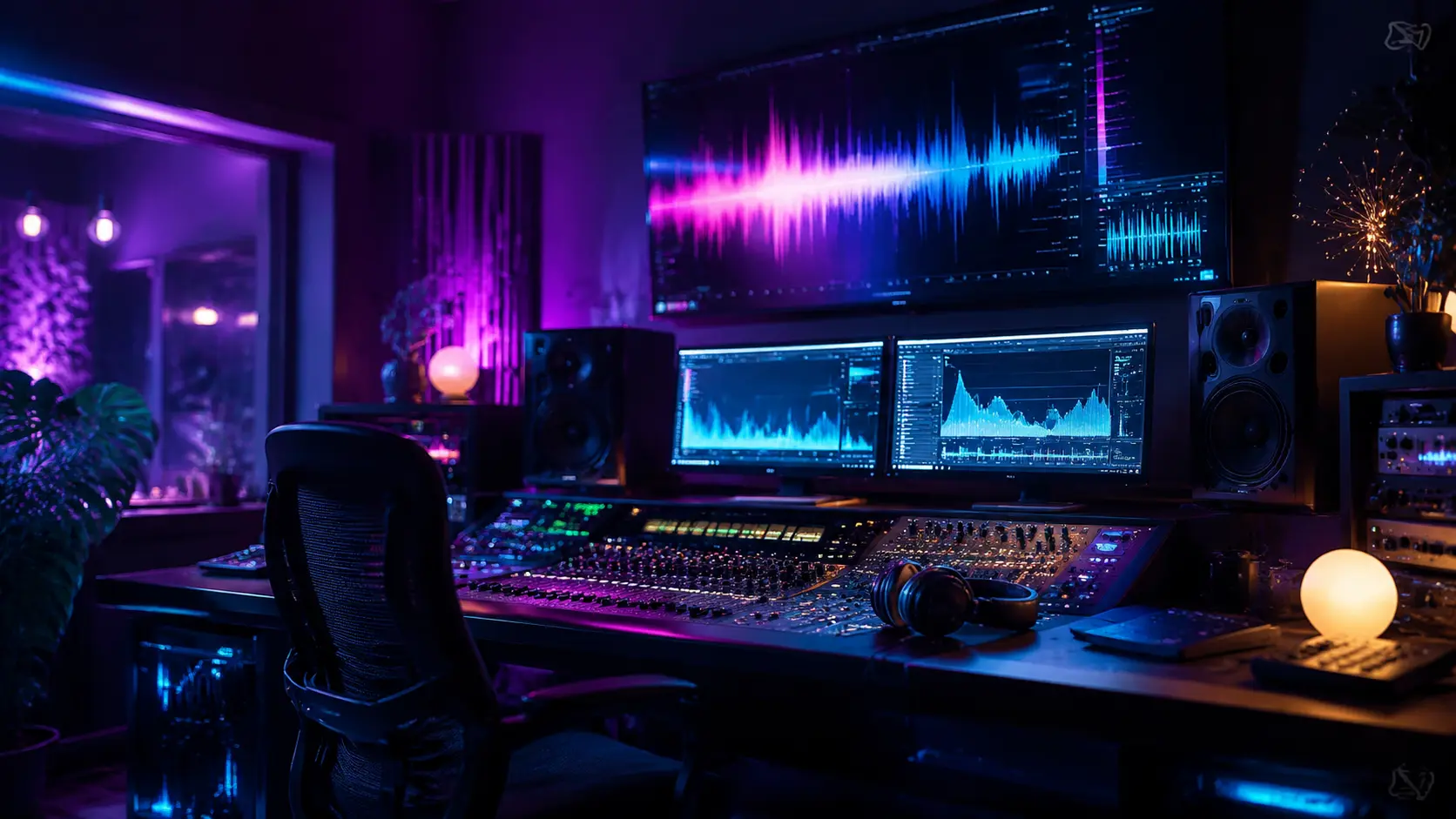
Upload a recording and select a voice style. VideoAI works as an ai voice changer that reads the pitch, cadence, and emotion in your audio, then maps those qualities onto the target voice profile. You can change voice tone for virtual characters, narration projects, or social content. The Voice Changer preserves the timing of your original delivery so the output sounds natural. Use it as a voice converter to produce multiple character voices from a single take, or apply voice alteration to match a specific creative direction.
Try It Now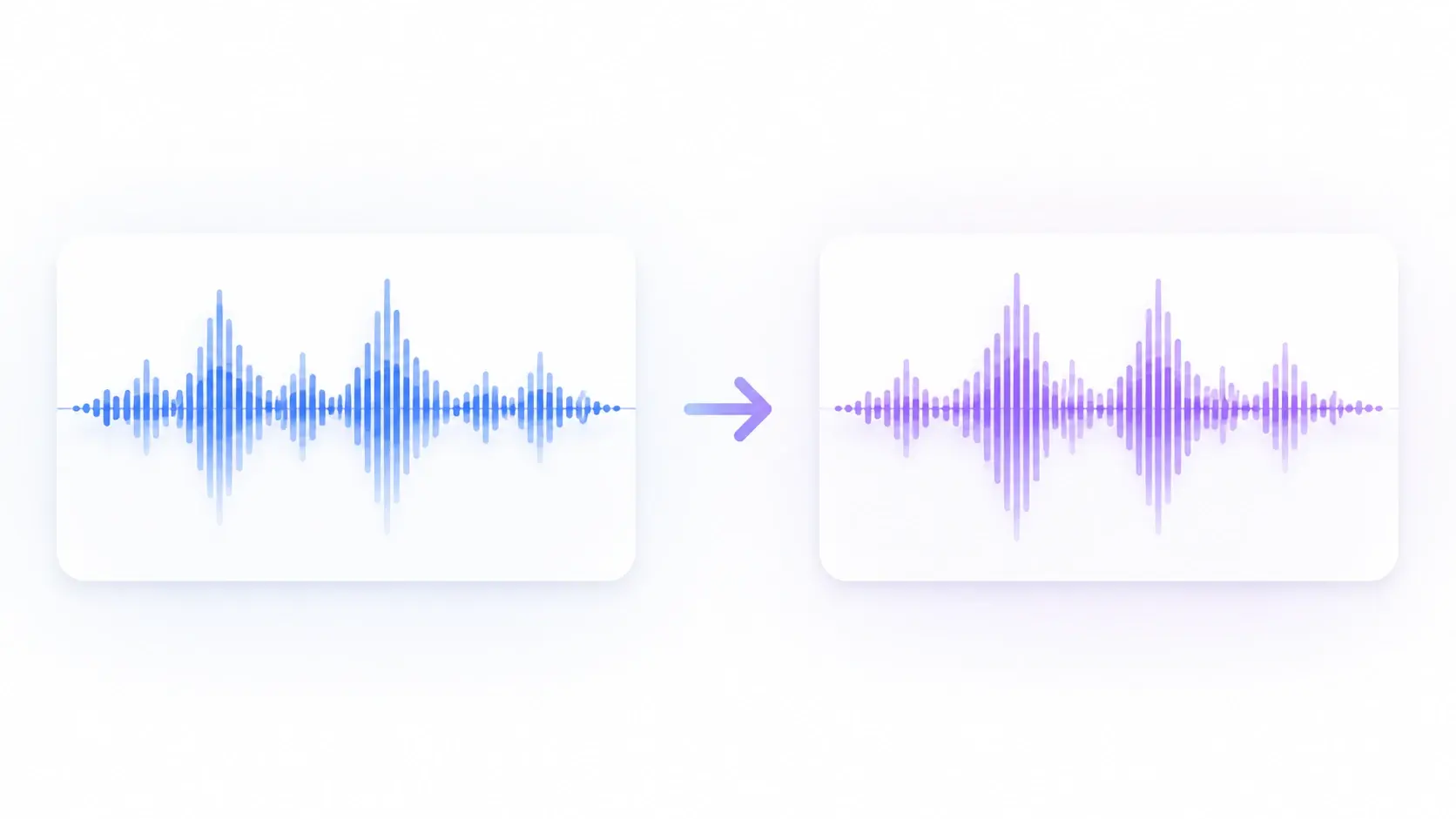
Three Steps to Change Voice
The Voice Changer follows a clear input, process, output flow for every recording.
Upload Your Recording
Drop your audio file into the Voice Changer. VideoAI reads the sample rate, bit depth, and vocal characteristics so the generated output will match the quality of your source. Then select the target voice style you want applied to the recording.
Preview the Output
The Voice Changer processes your file and generates a preview clip with the new vocal style applied. When the preview plays back, you hear the full emotional range of the original mapped onto the selected voice. Adjust the intensity or pick a different voice profile before committing.
Export the Final Audio
Review the converted clip from start to finish. The Voice Changer renders the final file at your source quality with the new voice baked in. You export in your preferred format and drop the result directly into your editing timeline or publishing workflow.
Where Creators Use It
The Voice Changer fits into real production contexts where vocal identity shapes the content.
Virtual Character Voiceovers
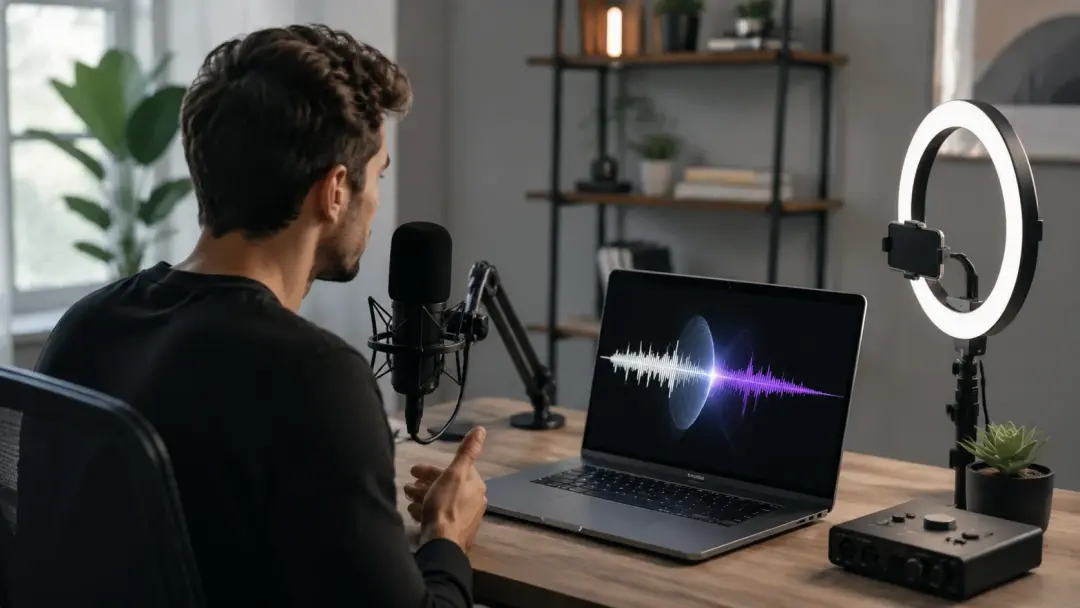
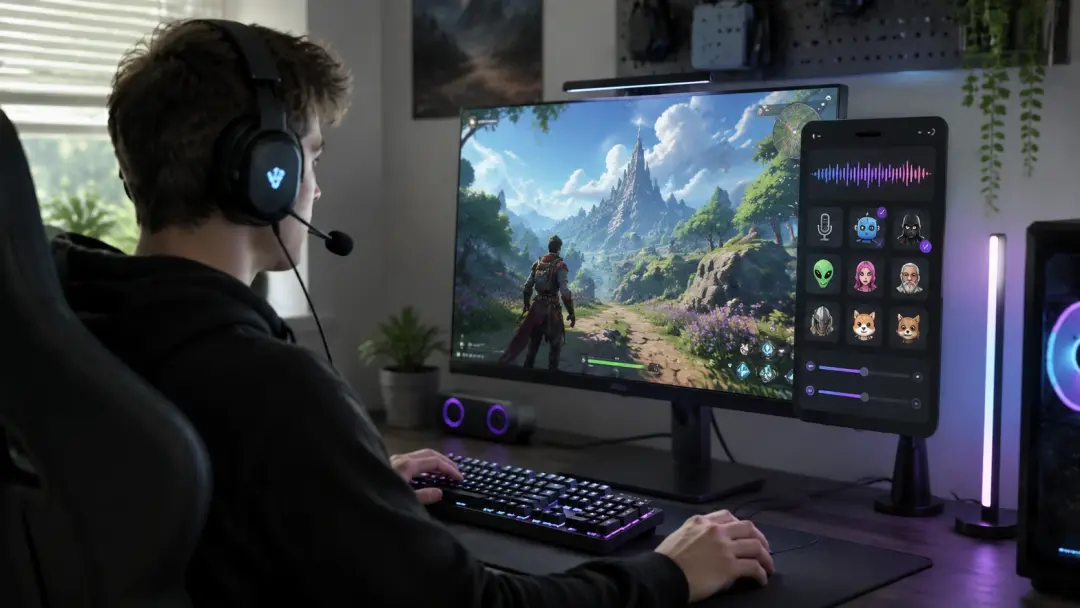
Gaming and animation projects need distinct character voices without hiring separate actors for each role. The Voice Changer lets you record one take and apply different vocal profiles to create multiple characters. You change voice identity per character while the delivery timing stays consistent across the cast. If a character needs a girl voice changer style, select that profile and the tool maps your performance onto it.

Podcast and Audio Content
Podcast creators sometimes need voice alteration for guest privacy or creative segments. The Voice Changer processes the recording and applies a modified vocal profile that disguises the speaker while preserving their natural cadence. You modify voice characteristics without losing the conversational flow that makes podcast content engaging. The best voice changer approach for podcasts keeps the emotional texture readable.
Social Media Audio Posts
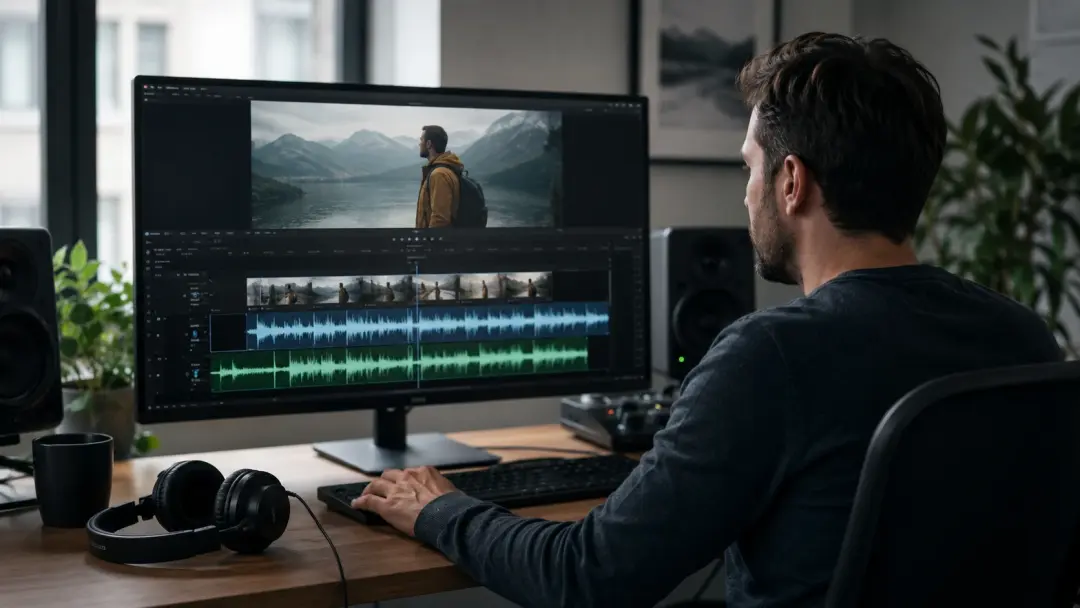
Short form audio clips depend on vocal variety to hold attention past the first second. VideoAI acts as a free voice changer that lets you swap between voice styles across clips in a single session. You edit voice tone to match the mood of each post without re recording. The Voice Changer makes it practical to produce multiple vocal takes from one recording.
Multilingual Narration
Creators producing content for global audiences need consistent vocal quality across language versions. The Voice Changer reads the emotional markers in your source recording and carries them into each language output. You use the voice converter to maintain the same vocal character whether the narration is in English, Spanish, or Japanese. The tool handles voice alteration across languages without requiring separate recordings for each version.
Tool vs Manual Voice Work
Three common voice production tasks compared to handling them manually in a traditional audio editor.
Character Voice Creation Speed
Manual voice acting for multiple characters requires separate recording sessions and often separate talent. The Voice Changer processes a single recording and outputs multiple character voices in minutes. For projects with tight deadlines, this approach to change voice identity saves hours of studio time and coordination.
Emotional Consistency
Traditional pitch shifting tools alter the frequency but strip the emotional nuance from the delivery. VideoAI maps emotion markers from your original performance onto the target voice so the output retains the intended feeling. You modify voice quality without sacrificing the subtle inflections that make a recording sound human.
Cross Language Vocal Match
Dubbing across languages by hand demands separate voice actors who approximate the original tone. The Voice Changer reads the vocal signature of your source and applies it across each language version. The result is a consistent voice converter output that sounds like the same speaker regardless of language.
Common Questions
Try Your First Voice Conversion
Upload a recording and let VideoAI analyze the vocal characteristics, apply the selected voice profile, and deliver a Voice Changer output that fits your creative direction. Preview the result, adjust the style, and export with a new voice built from your original performance.
Get Started