

Longer Clips, Same Quality
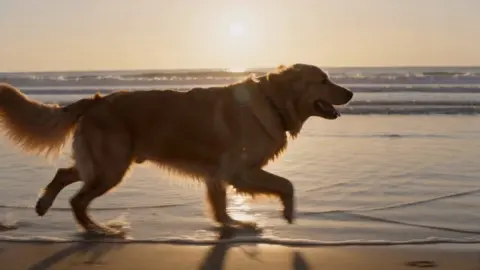
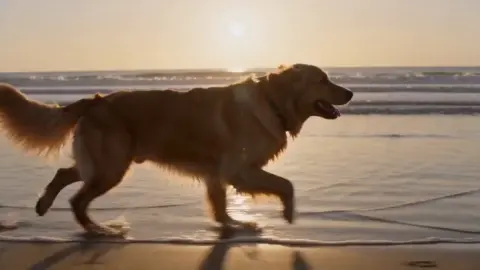
Upload a clip and describe how you want it extended. The AI Video Extender analyzes the last frames, predicts the next motion, and generates continuation footage that blends with the original. Extend video length for social platforms, expand video scenes for storytelling, or make video longer to meet a minimum duration requirement. The output keeps the resolution and color grade of your source.
Try It Now
Built for Creators Who Ship
Short Form Video Creator
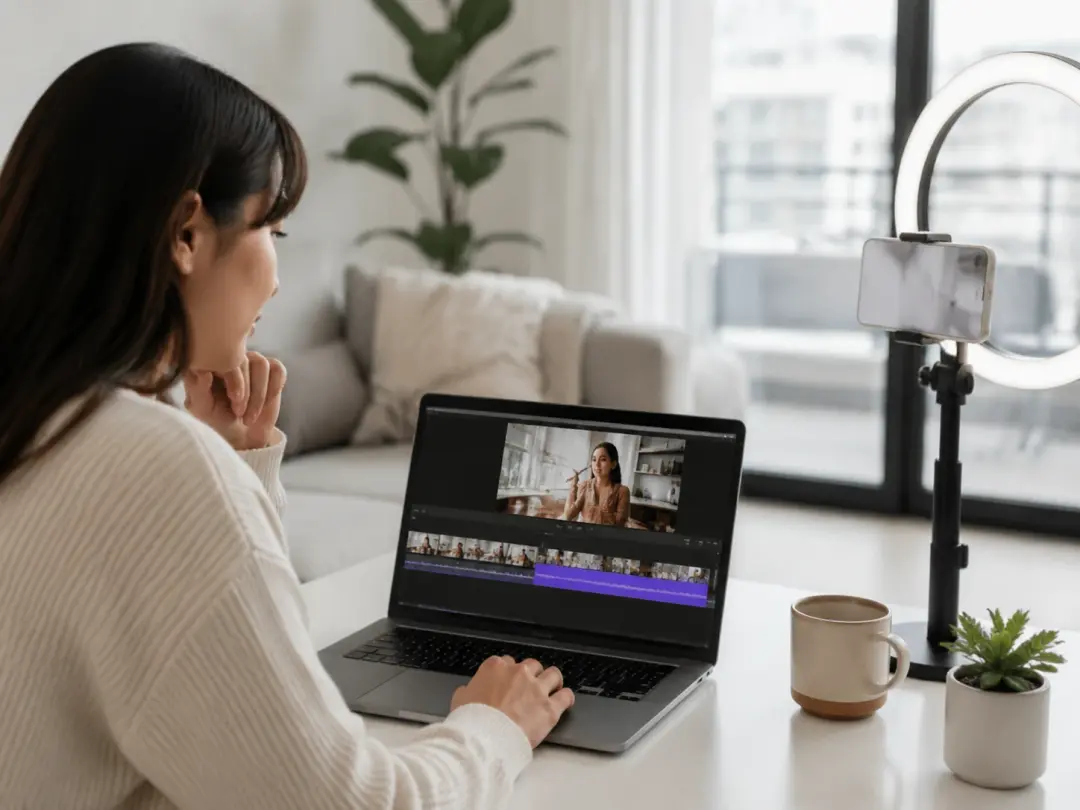
Platform algorithms reward clips that hold watch time past a threshold. When a clip falls two seconds short, reshooting wastes an afternoon. The AI Video Extender reads your final frames and generates continuation footage that matches the pacing so the clip hits the target duration. The extended section blends with the original and the viewer sees one continuous take.
Marketing Video Producer
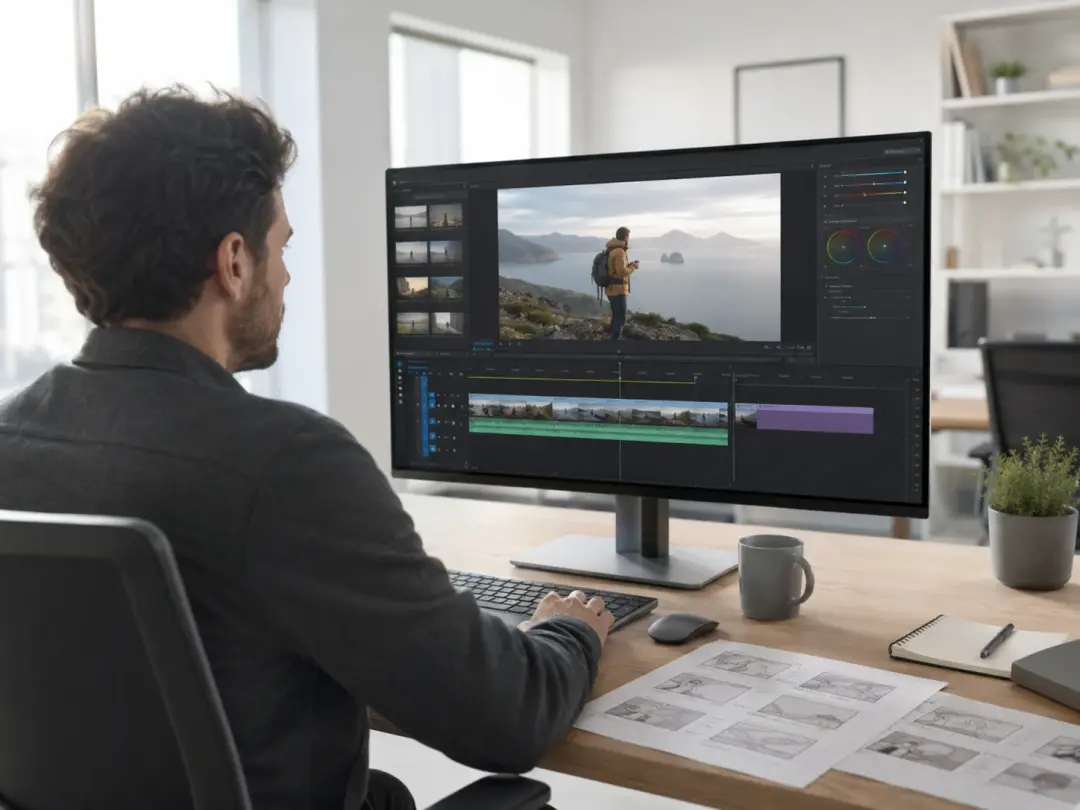
Campaign deliverables often require exact runtimes for ad slots or platform specs. If a product reveal clip runs three seconds short, the AI Video Extender can expand video length by generating matching frames at the end. You keep the original footage intact and add only what the timeline needs. The output maintains the brand color grade and resolution.
Freelance Video Editor
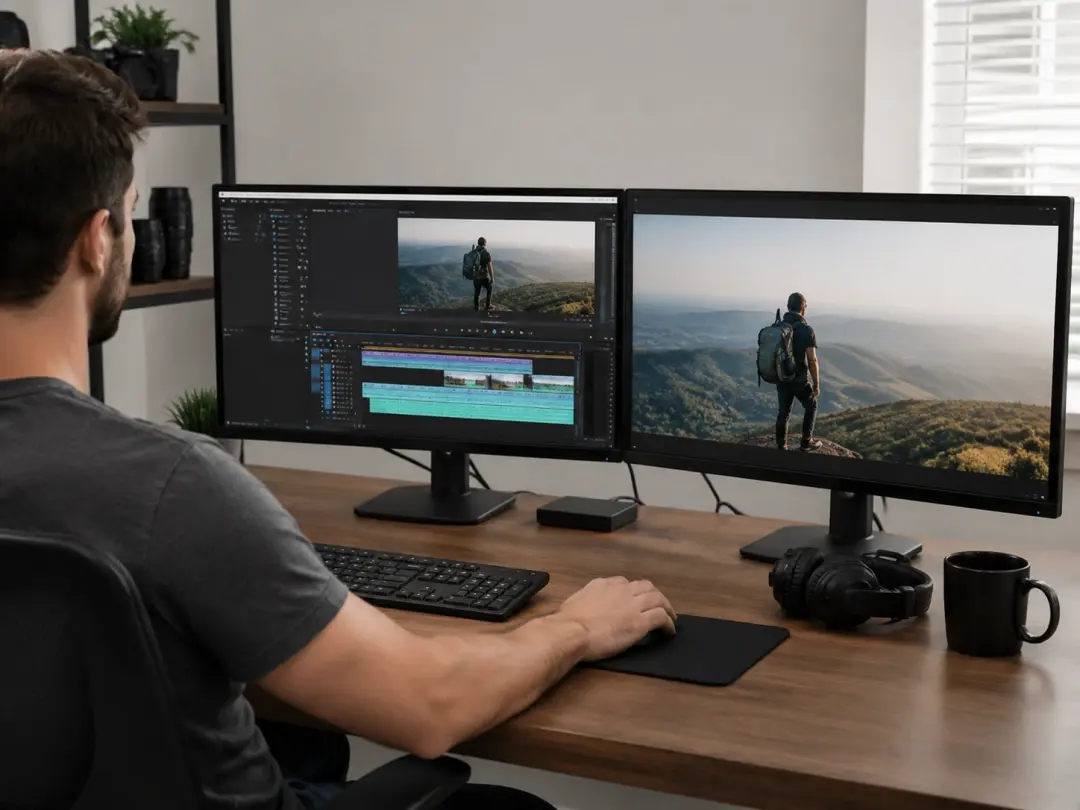
Client revisions sometimes ask for a longer hold on a closing shot or an extended transition between scenes. The AI Video Extender generates those extra frames from the existing footage rather than requiring a new shoot. You review the generated section, confirm the motion continuity, and export. If the extension needs a different pacing, adjust the prompt and regenerate.
Three Steps to Extend Video
The AI Video Extender follows a simple input, process, output flow.
Upload Your Clip
Drop your source clip into the AI Video Extender. VideoAI reads the resolution, frame rate, and color profile so the generated frames will match. Then describe the extension you need, such as a longer hold, a slow pan continuation, or additional motion in the scene.
Generate the Extension
The AI Video Extender analyzes the final frames of your clip and predicts what comes next based on the motion, lighting, and composition. It generates new frames that continue the scene. You preview the result before committing so you can adjust the prompt if the direction needs a change.
Review and Export
Watch the extended clip from start to finish. The AI Video Extender stitches the original and generated sections into one continuous file at the source resolution. If the join point feels abrupt, refine the prompt and regenerate. After that, export the final video in your preferred format.
What the Extender Delivers
Each feature solves a specific problem that creators face when they need to extend video clips.
Motion Prediction
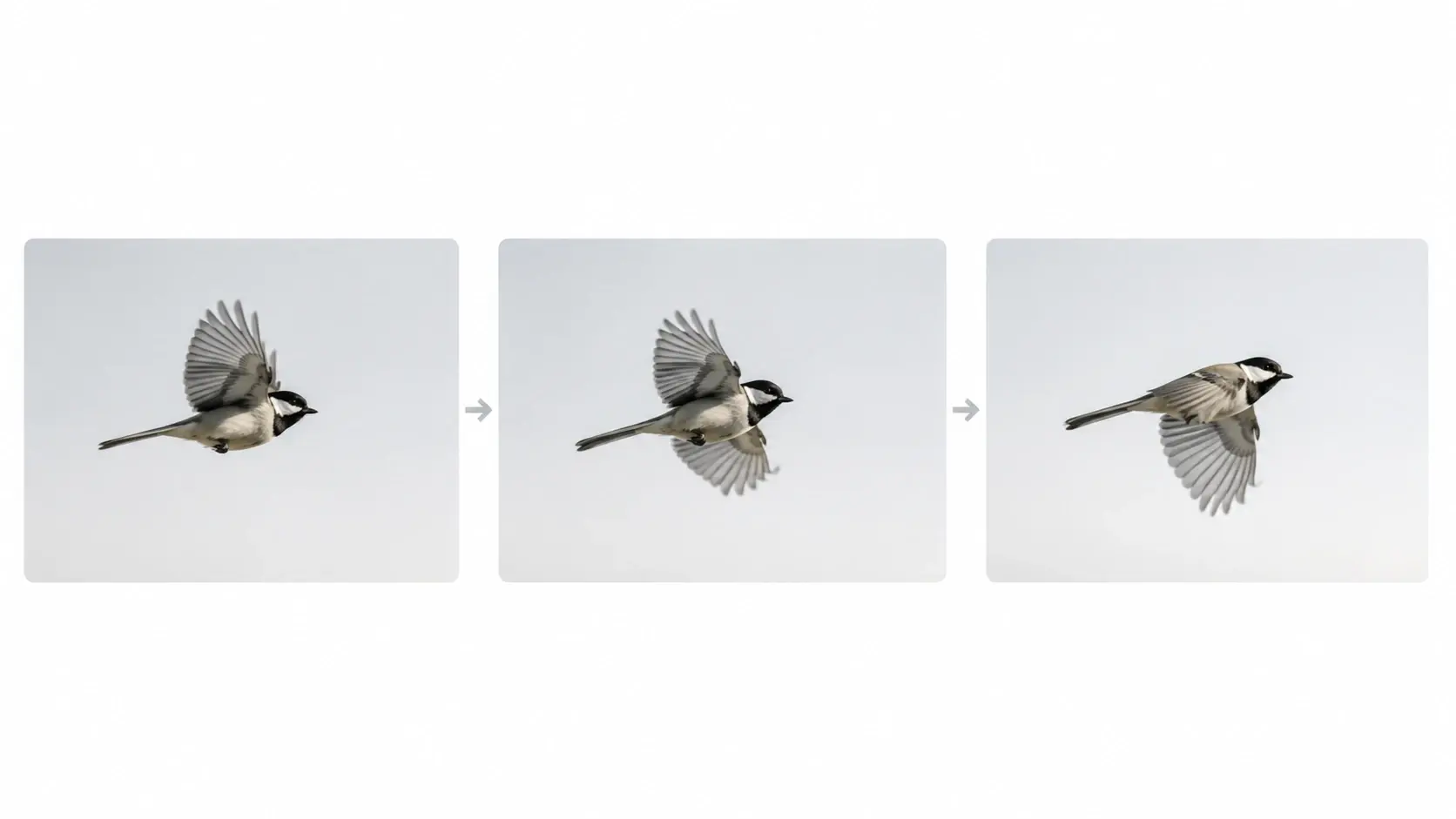
The AI Video Extender reads the velocity and direction of moving subjects in your final frames, then generates continuation footage where those subjects keep traveling on the same path. You do not need to draw motion guides or set keyframes. Works best with clips that have clear directional movement rather than rapid camera shakes.
Resolution Preservation
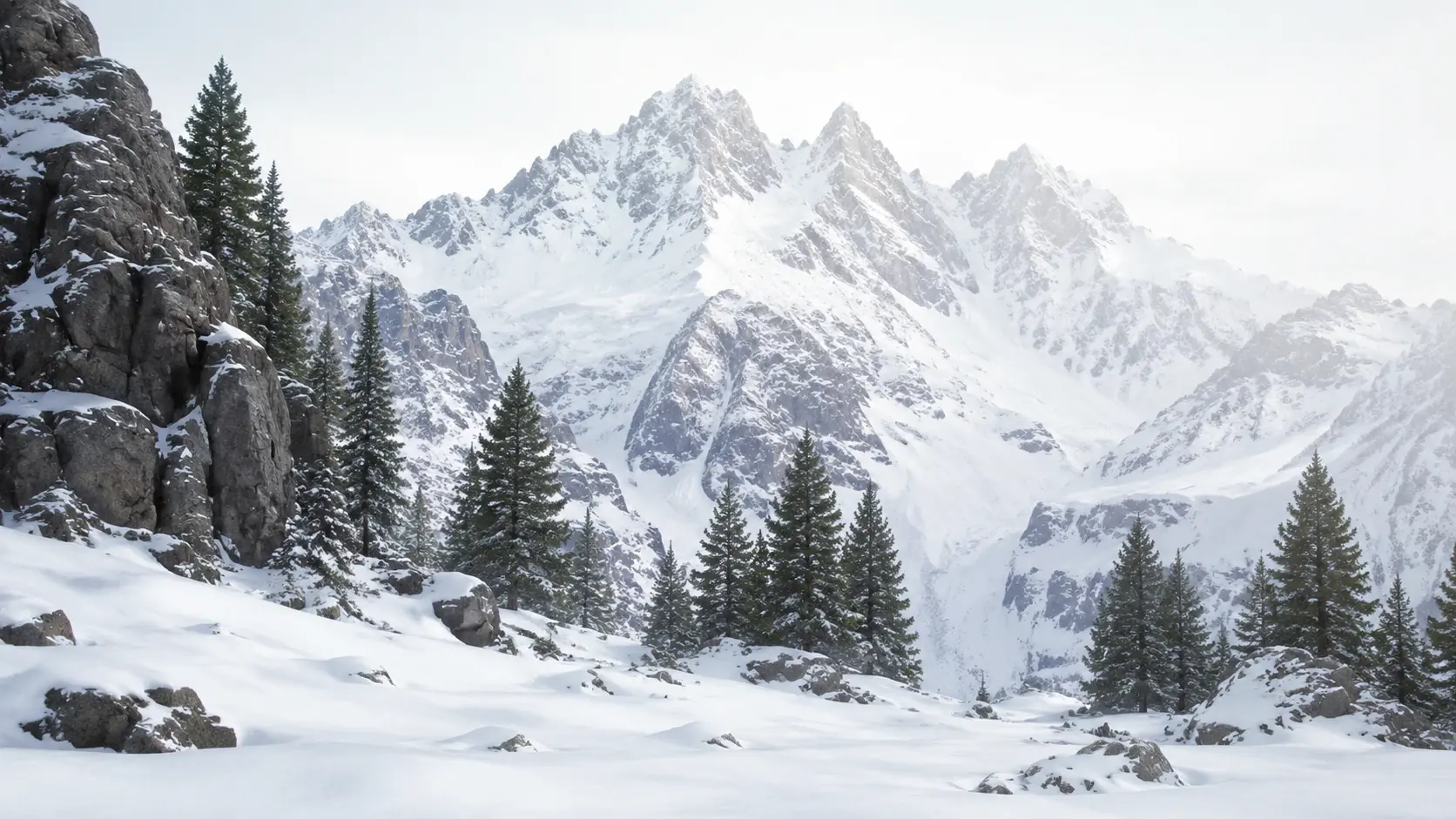
Generated frames match the pixel dimensions and color depth of your source clip so the extension does not introduce a visible quality drop. The AI Video Extender locks to the input resolution during generation. When your source is 4K, the output stays 4K without manual upscaling after the fact.

Scene Continuity Check
Before export, the AI Video Extender compares lighting, color temperature, and subject position across the join point between original and generated footage. It flags mismatches so you can adjust the prompt or regenerate that section. The check runs in seconds and reduces the chance of a visible seam in the final output.

Batch Clip Extension
Upload multiple clips and the AI Video Extender processes each one with the same extension settings. This is useful for creators who need to make video longer across an entire series or campaign. If one clip in the batch produces a weaker result, you can regenerate that single clip without reprocessing the rest.
Common Questions

Try Your First Video Extension
Upload a clip, describe how you want it continued, and the AI Video Extender generates matching frames that blend with your original footage. Preview the result and export when the extension fits.
Get Started