

AI Multi Shot Video Generator
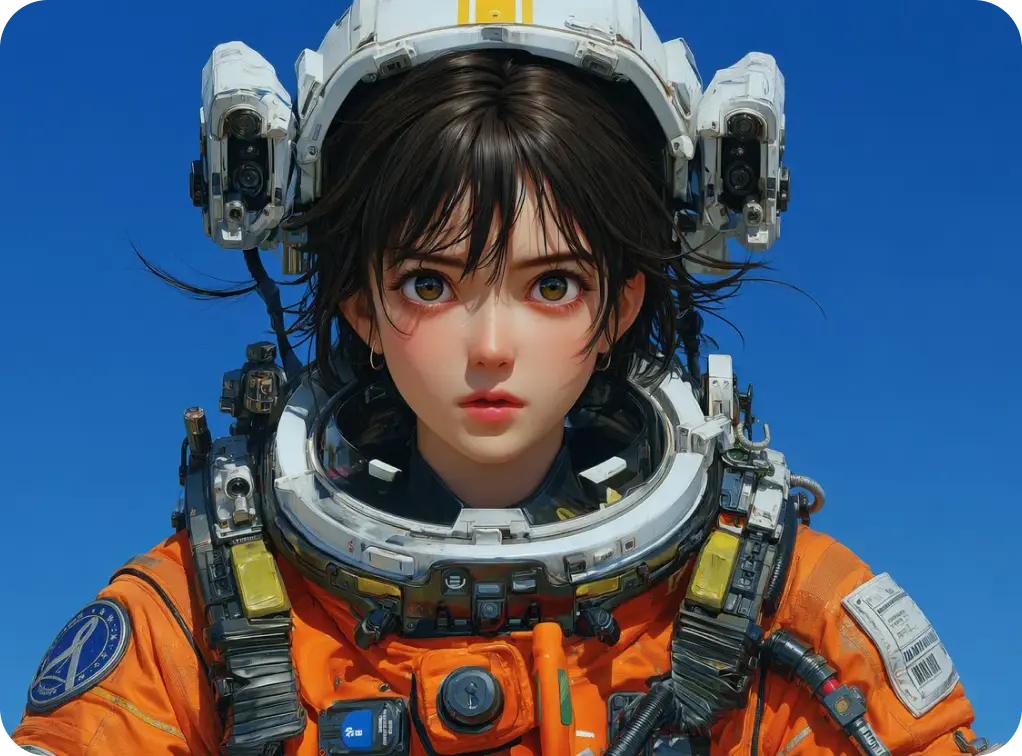
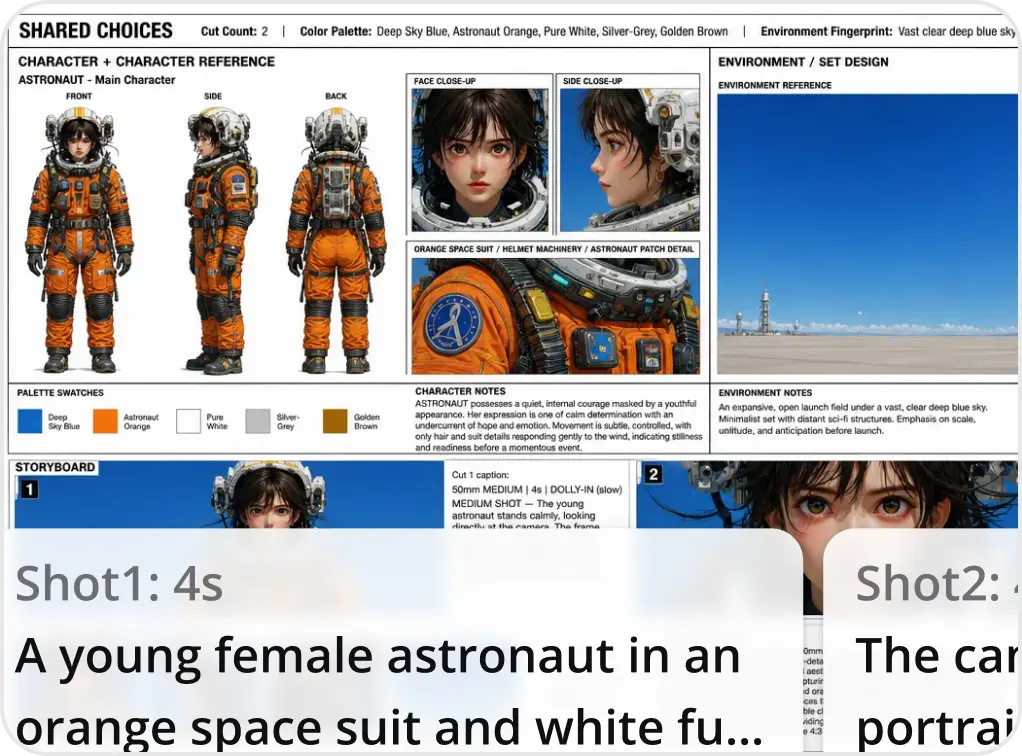
Upload your concept, review the generated shot plan, and export a complete multi shot video. Smart Shot handles camera motion, Smart Framing, and scene continuity so you focus on the creative direction instead of manual setup.
Who Uses Smart Shot
Short Form Creators
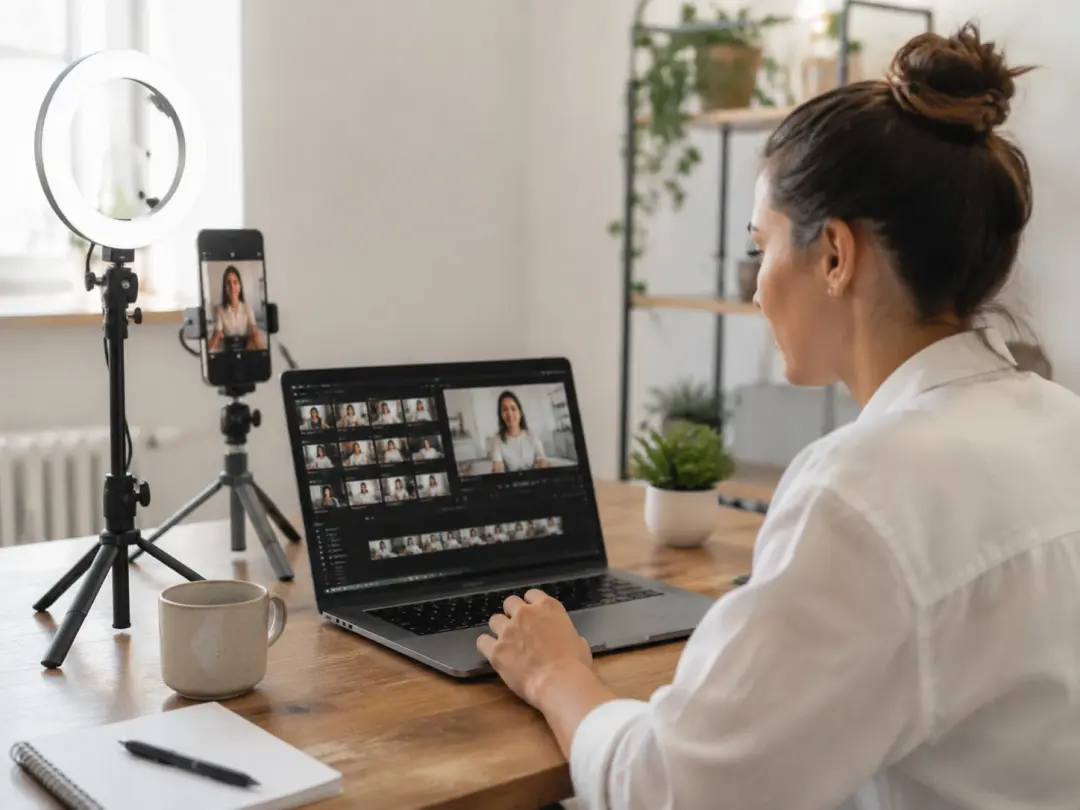
Daily posting schedules leave little room for manual shot planning. Smart Shot reads your concept and builds a shot list with varied camera angles, so each clip feels intentional without hours of pre production. When you need five posts by Friday, the Auto Shot workflow moves you from idea to export in minutes. Most creators find the first output ready to publish after a quick preview check.
Brand Content Teams
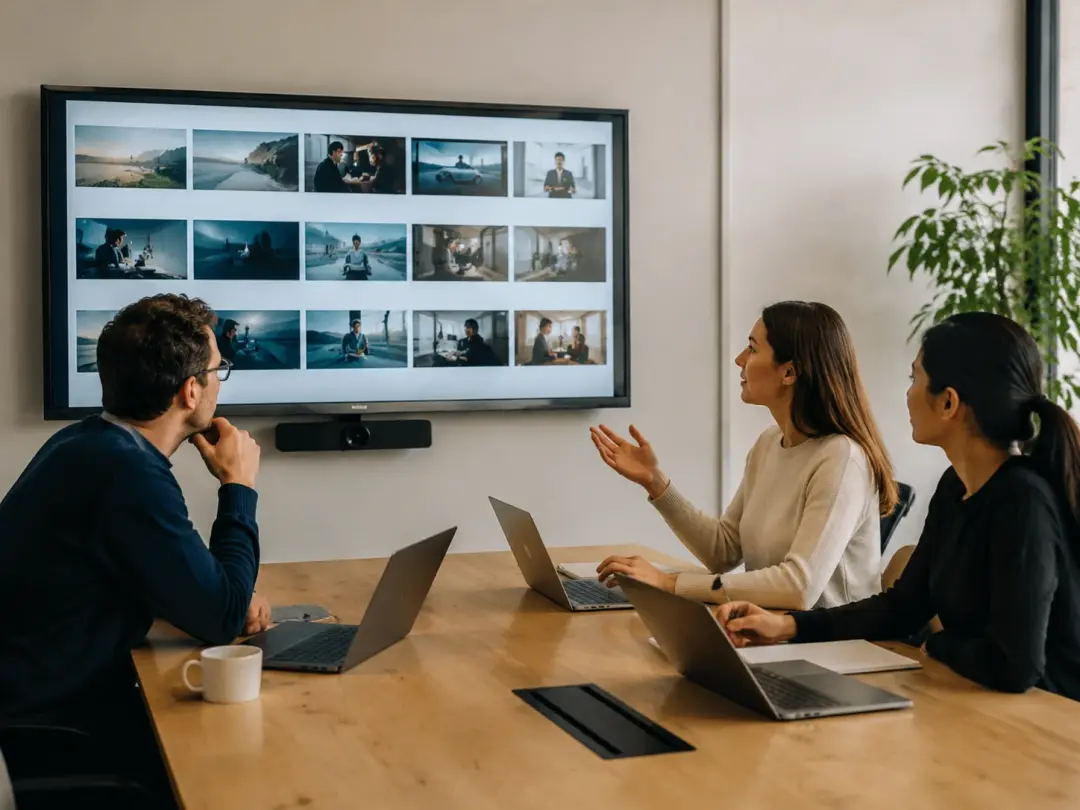
Campaign videos need consistent character appearance and scene continuity across multiple deliverables. Smart Shot locks character identity from your reference images and applies motion sync across every shot in the sequence. The team reviews the shot plan, adjusts pacing, and exports. Each deliverable matches the brand look without reshooting or manual compositing.
Freelance Video Producers
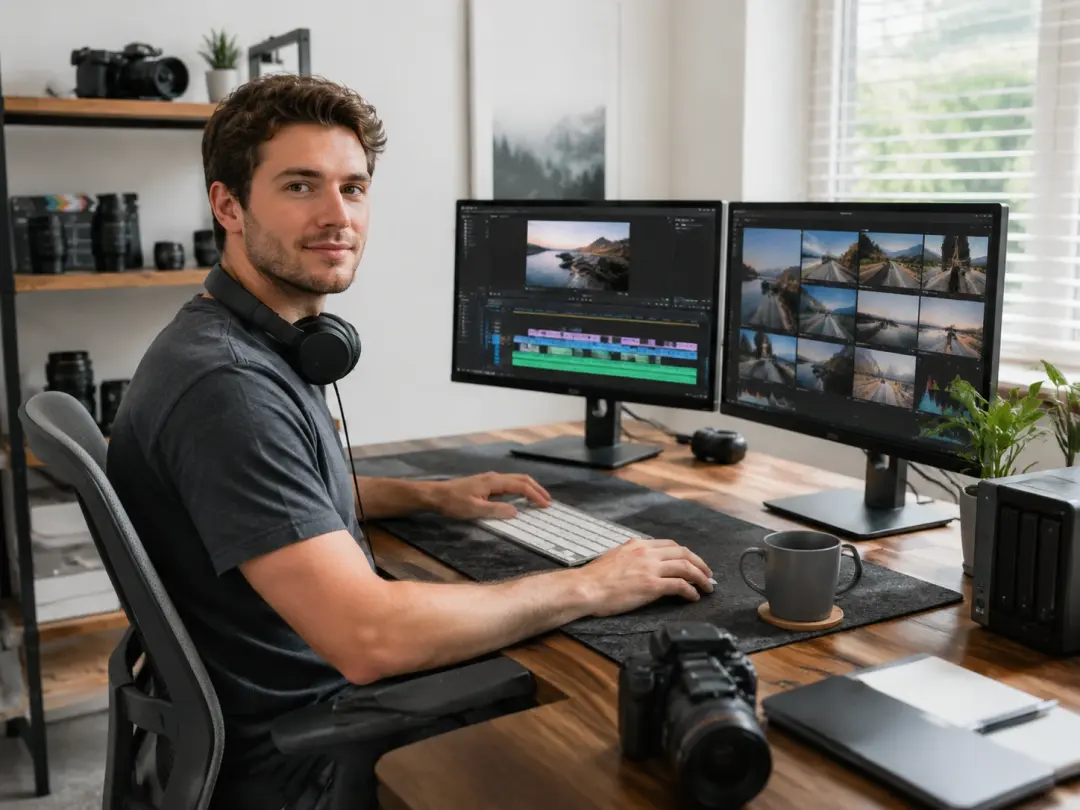
Client projects often require a polished multi shot edit on a tight timeline. Smart Shot generates a complete shot plan from a single brief, including camera motion direction and scene transitions. If the client requests a revision, you swap the reference and reprocess instead of rebuilding from scratch. The output maintains the cinematic quality that clients expect from a dedicated production.
Smart Shot Core Features
Four capabilities that shape how Smart Shot builds your video.
AI Shot Plan
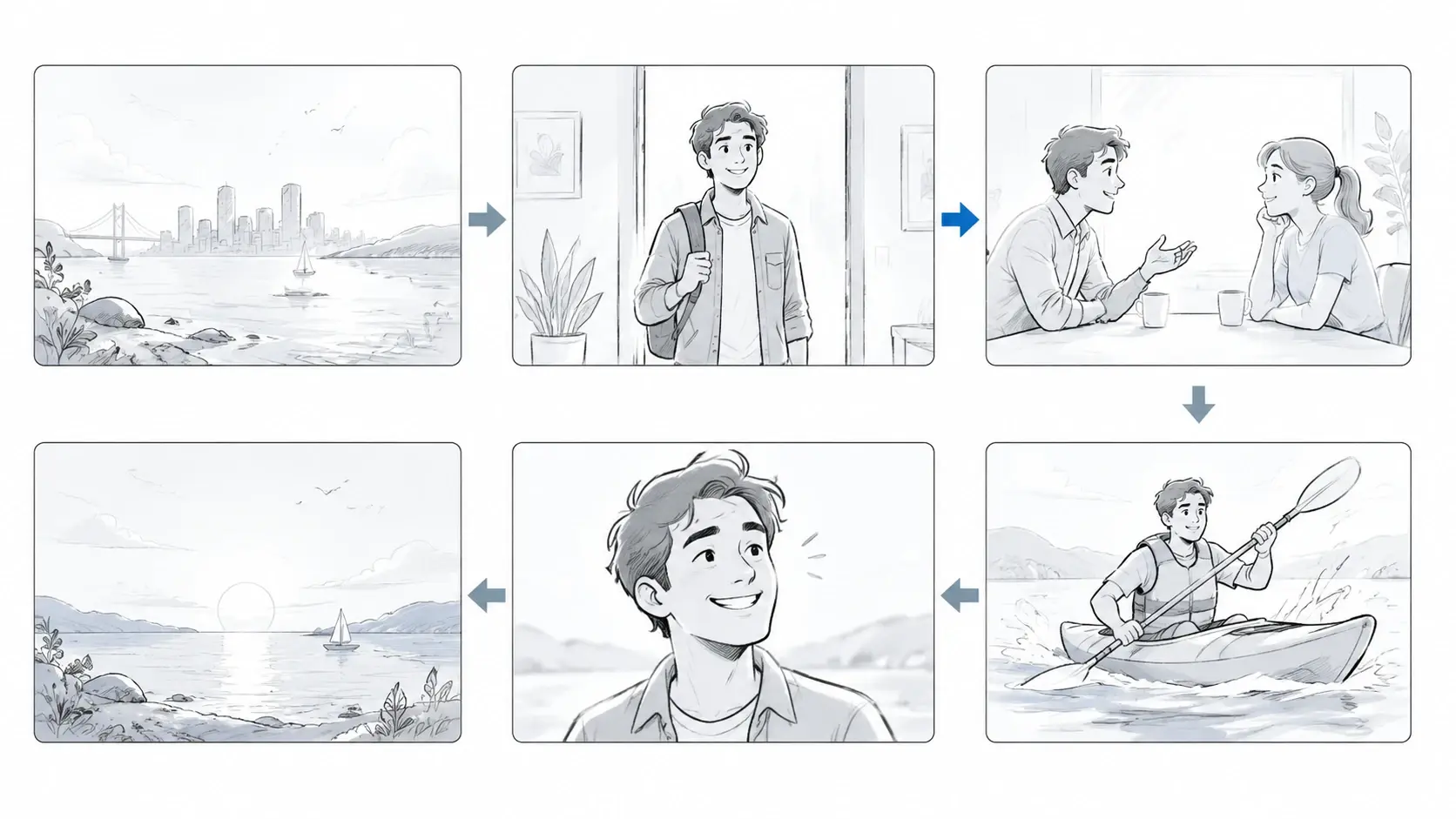
Smart Shot analyzes your concept and generates a structured shot plan with camera angles, subject positions, and timing markers for each segment. You review the plan in a visual timeline before any rendering begins. The preview lets you reorder or remove shots so the final sequence matches your creative intent. Works best with concepts that describe a clear subject and setting.
Camera Motion Control
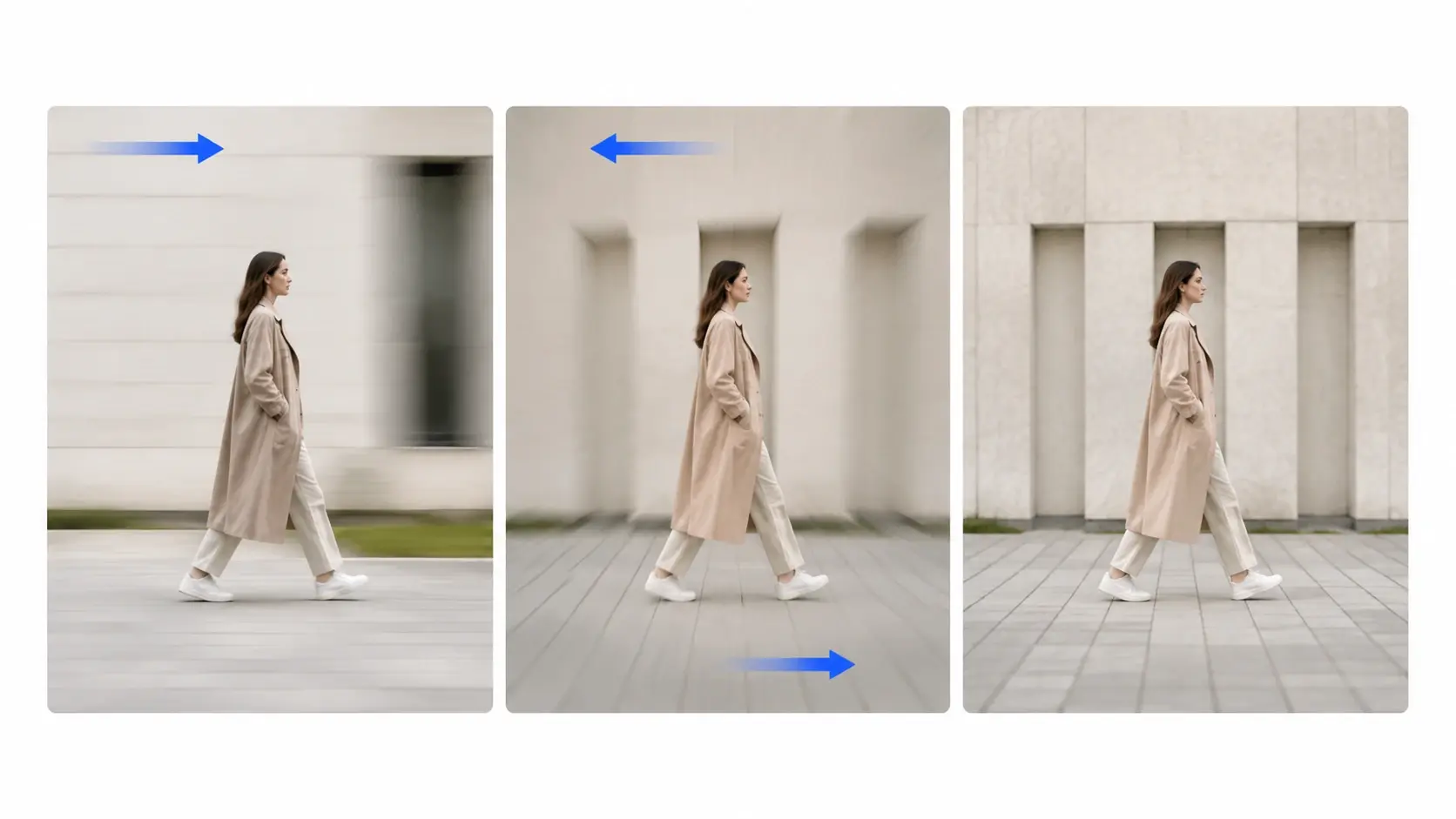
Each shot in the plan includes a camera motion directive such as pan, tilt, dolly, or static hold. Smart Shot applies these directives during rendering so the output has cinematic movement without manual keyframing. If a shot needs a different feel, you change the directive and re render only that segment. The camera motion stays smooth even at faster pacing.
Character Consistency Lock
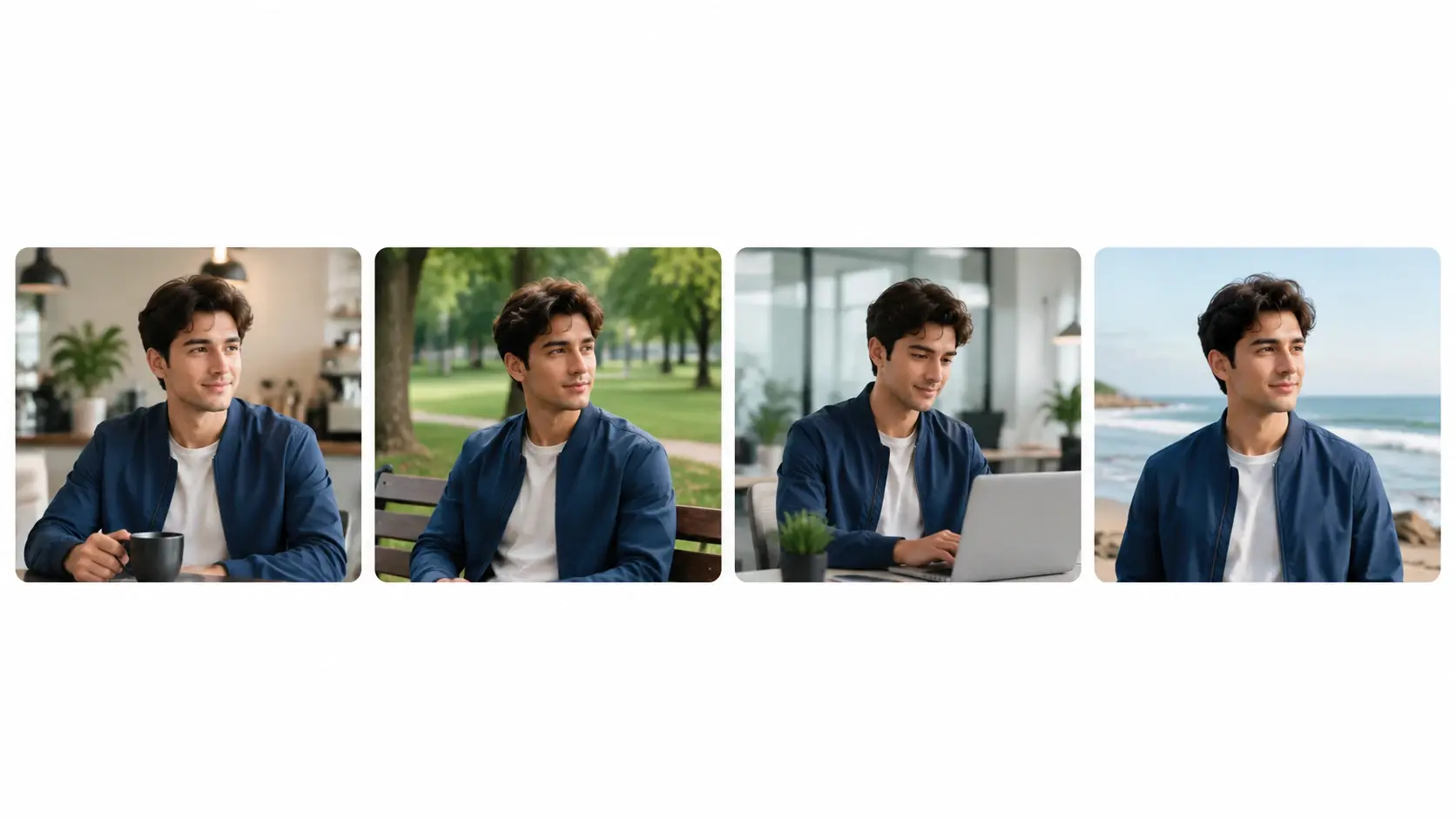
Smart Shot reads your reference image and locks facial features, clothing, and body proportions across every shot in the sequence. The lock holds even when camera motion changes the viewing angle or lighting shifts between scenes. You upload one reference per character and the system carries that identity through the full video. Smart Capture accuracy improves with clear, well lit reference photos.
Scene Continuity Engine
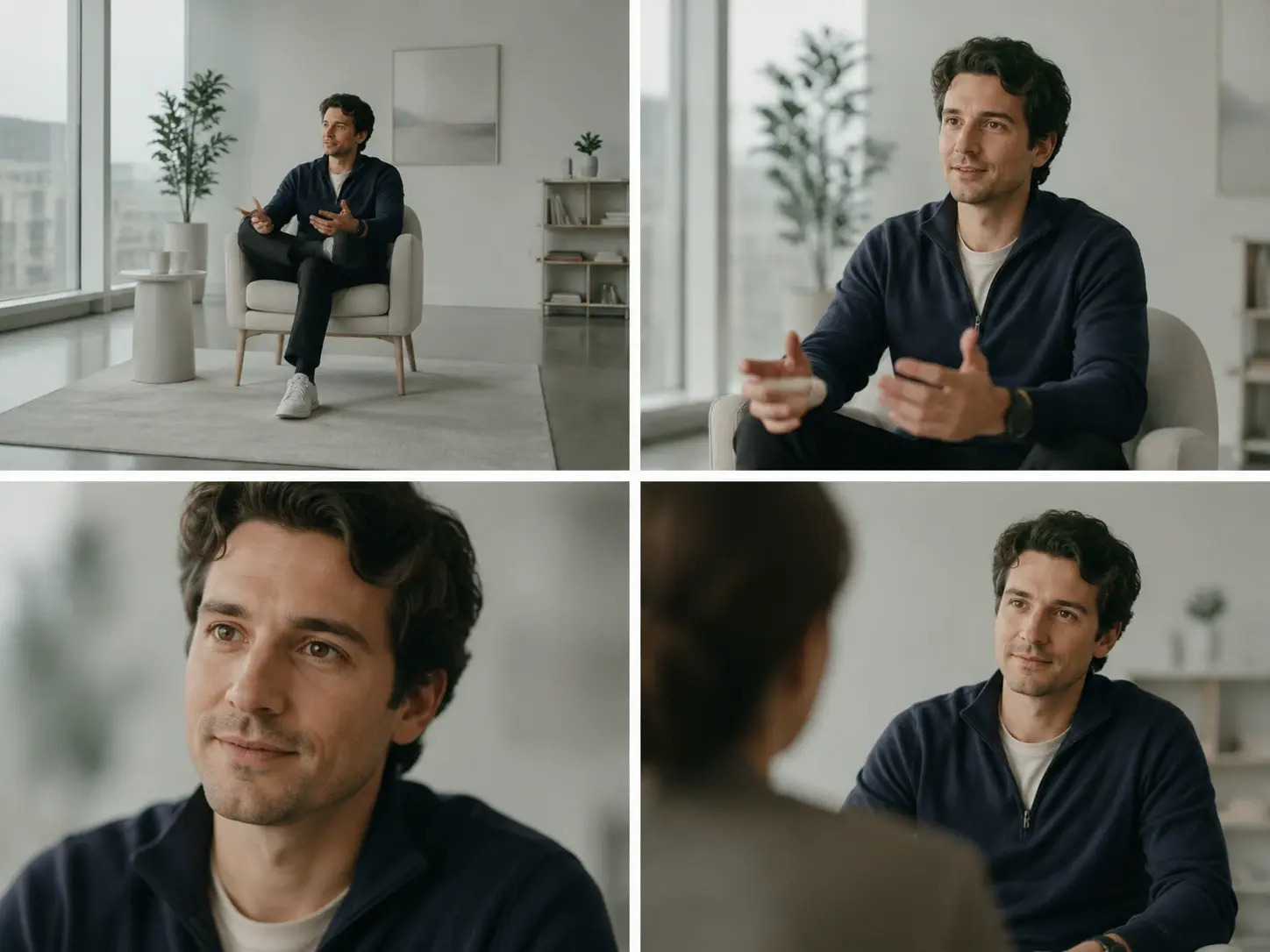
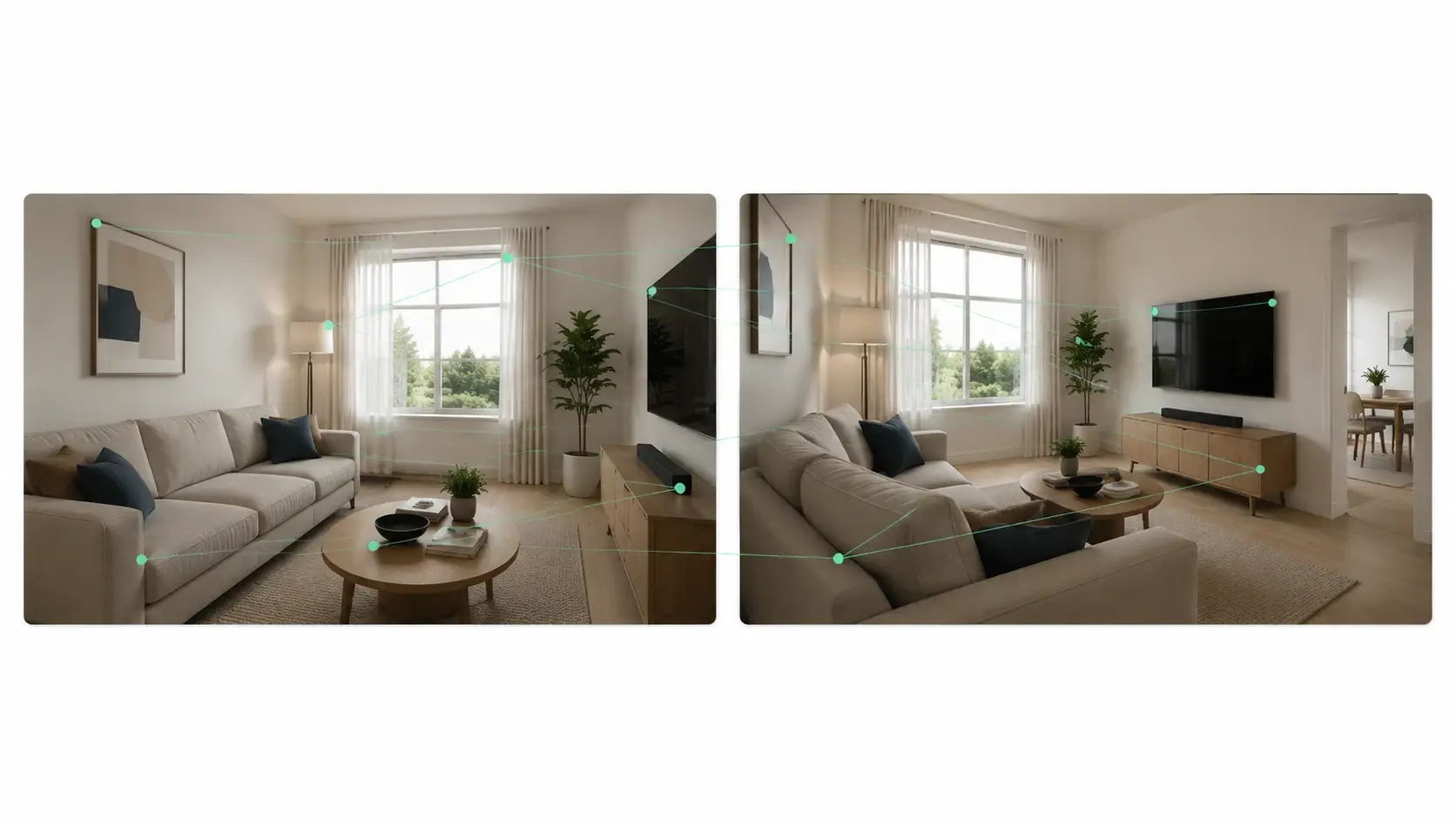
Backgrounds, props, and lighting conditions carry forward from one shot to the next without manual matching. Smart Shot tracks scene elements and applies them consistently so cuts feel like part of the same production. When you add a new shot to the middle of the plan, the engine adjusts surrounding frames to maintain visual continuity. The result is a Smart Cut between every segment that feels deliberate.
What Creators Say
Smart Shot cut my pre production time in half. The AI shot plan gave me a full sequence with camera angles I would have spent an afternoon mapping out manually.
Carlos Medina
Freelance Video Editor
Character consistency was always a pain point across multi shot edits. Smart Shot keeps every character looking the same from the wide shot to the close up, which saves hours of compositing.
Priya Nair
Brand Content Lead
I use the Auto Shot feature every morning to batch five clips for social. The shot plan is solid on the first pass and the camera motion choices feel natural.
Jalen Brooks
Short Form Creator
The scene continuity engine handled a twelve shot product video without a single background mismatch. My client approved the first draft, which almost never happens.
Mei Lin Chen
Commercial Video Producer
Smart Shot made it possible to prototype a music video concept before booking studio time. The motion sync between shots matched the beat and saved us a full day of reshoots.
Amir Hossain
Music Video Director
I teach a video production course and now use Smart Shot to show students how shot planning works. The visual timeline makes it easy to explain why certain camera motion choices support the story.
Rebecca Torres
Film Studies Educator
Common Questions
Try Your First Smart Shot Sequence
Upload a concept, review the AI generated shot plan, and export a complete multi shot video. Smart Shot handles camera motion, character consistency, and scene continuity in one pass.
Get Started