
AI Music Generator
AI Music Generator Key Features
Each feature shapes a specific part of your audio output. The AI Music Generator reads your clip and gives you control over the music direction.
Genre Style Selection
Pick from twelve styles including Cinematic, Lo fi, Electronic, Jazz, Pop, Rock, and Orchestral to create music matched to your project. The AI Music Generator applies the genre to clip mood data rather than producing a generic loop. Works best when the style matches your visual pacing.
Custom Duration Control
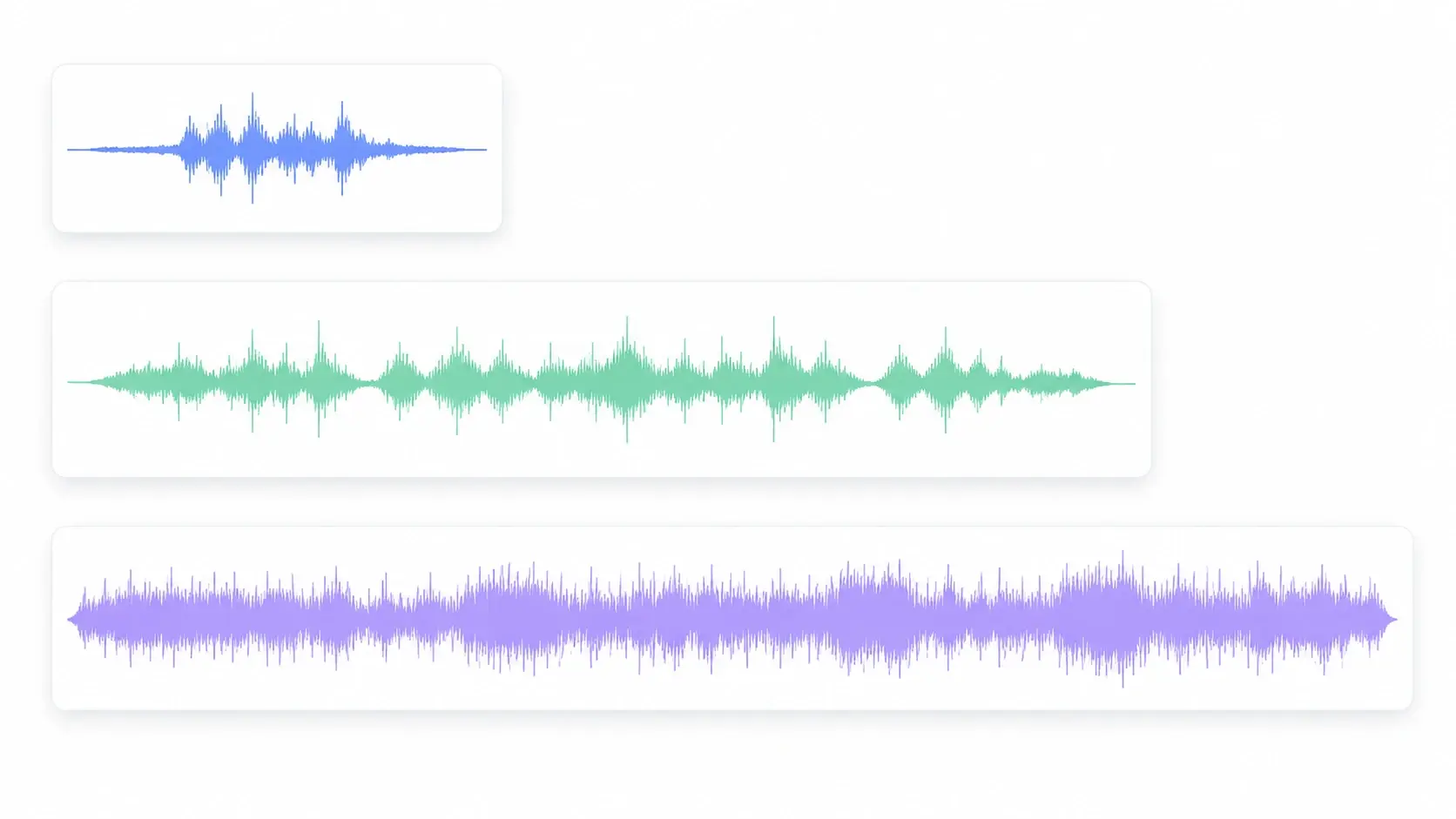
Set the target length before generation so the AI Music Generator output matches your video runtime without trimming. VideoAI structures musical phrasing around the specified duration. Clips under five minutes produce the cleanest results; longer outputs may need one refinement pass.
Prompt Based Refinement
Adjust the prompt, swap the genre, or shift the tempo and run the AI Music Generator again. Each iteration keeps video analysis data so you build on the previous pass. If the first output misses the mood, two rounds usually close the gap.
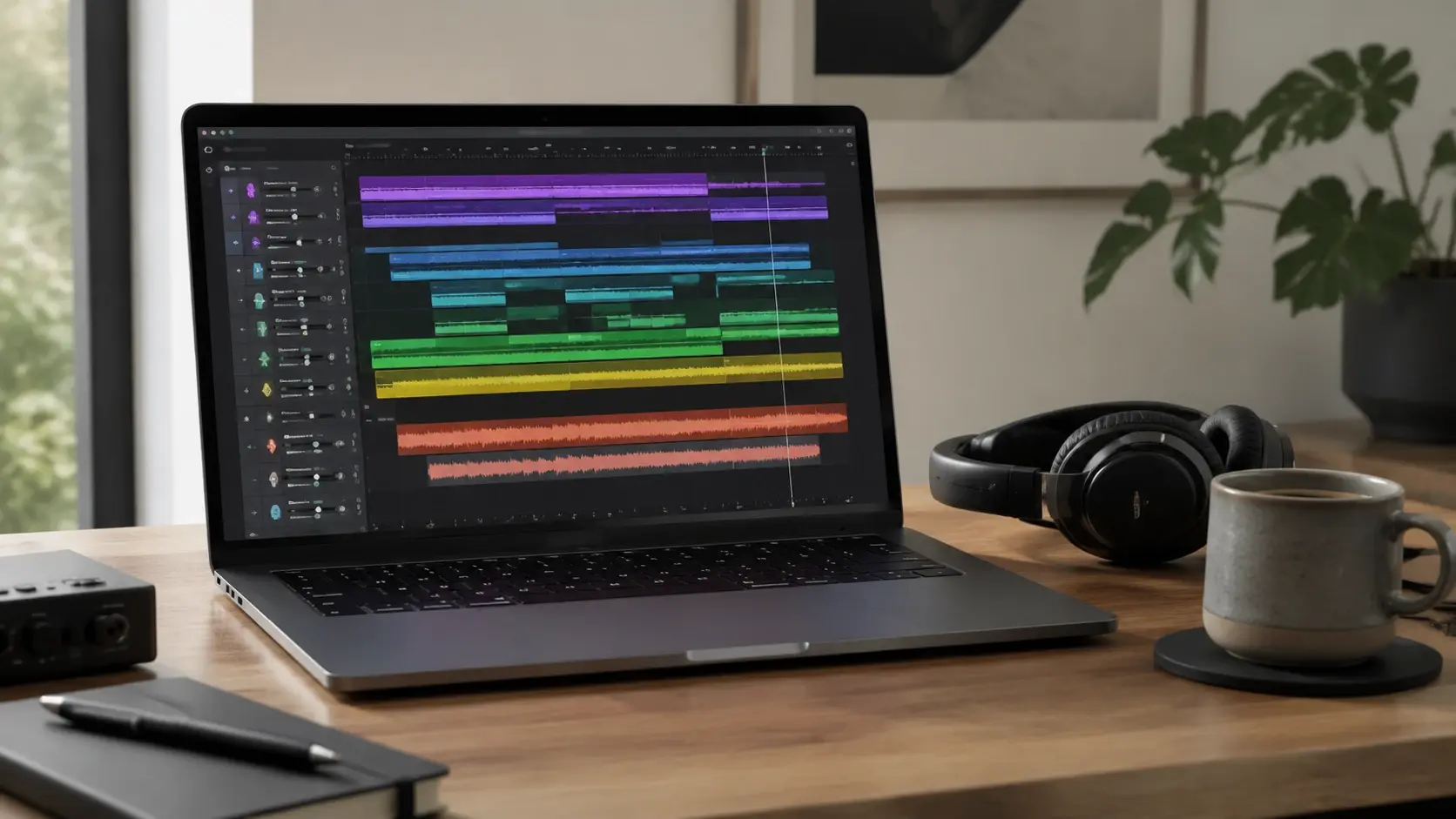
Video Mood Analysis
The AI Music Generator scans uploaded footage for emotional tone, pacing, and visual rhythm, then feeds that data into the generation step. Review the suggested prompt and adjust before the track renders. When your clip has consistent lighting, the mood reading is more precise.
AI Music Generator in Your Workflow
The AI Music Generator fits into real production workflows where the soundtrack needs to match the edit, not fill silence with a stock loop.
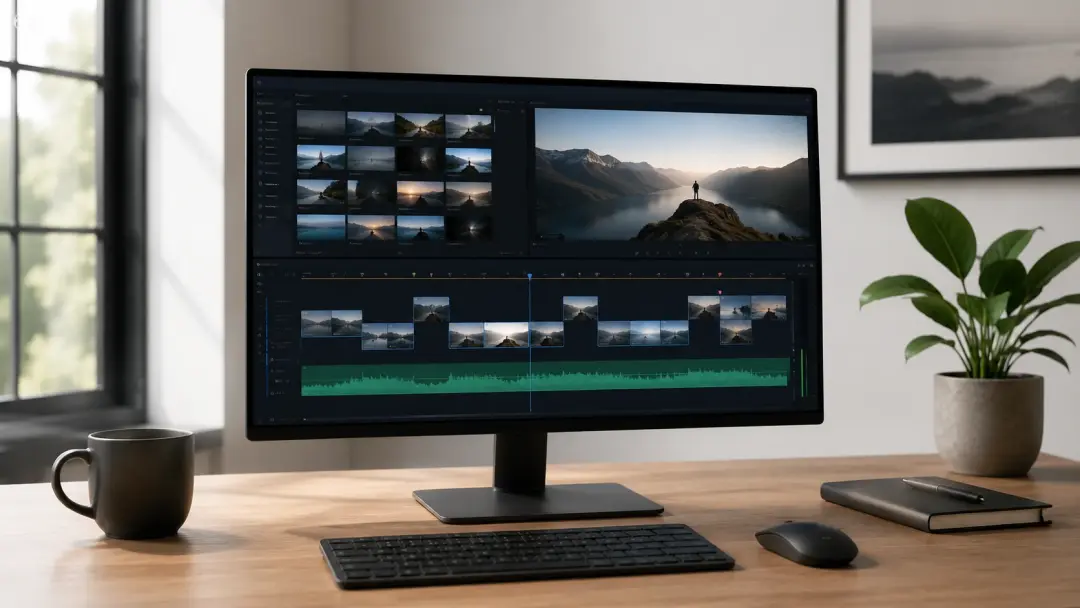
Social Video Soundtracks
You publish short videos regularly and the music needs to land fast. Upload a clip, choose a style, and use the AI Music Generator to preview the output before adding it to your timeline. The generated track works as a music maker tool for your posting rhythm.
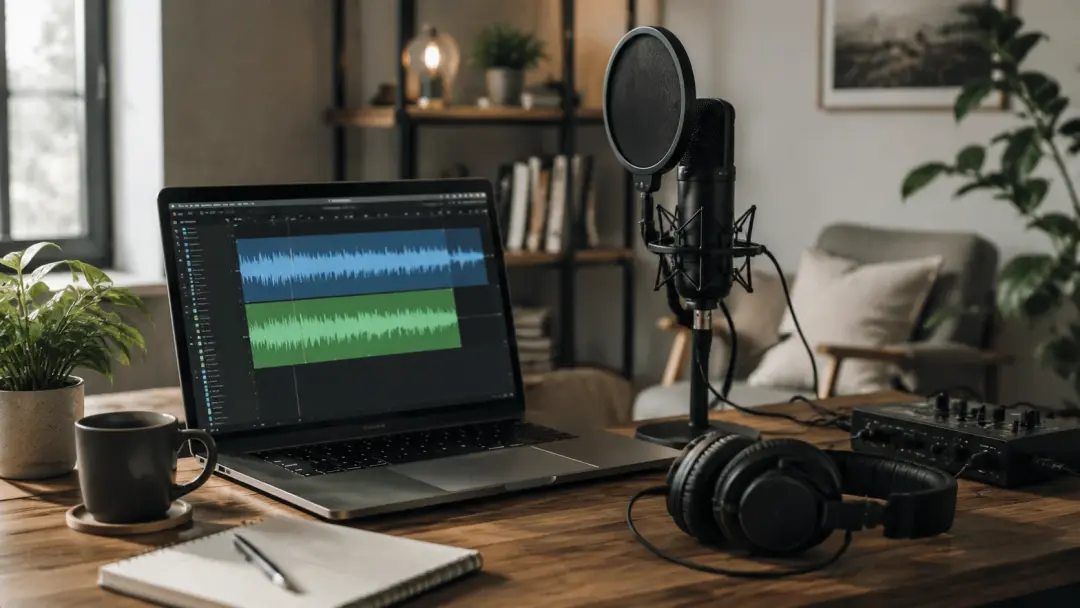
Brand Campaign Audio
A brand video needs audio that reinforces the campaign tone without triggering content flags. When you need consistency across a series, generate music from the same reference clip with the AI Music Generator. VideoAI carries the tone forward and reduces licensing friction.
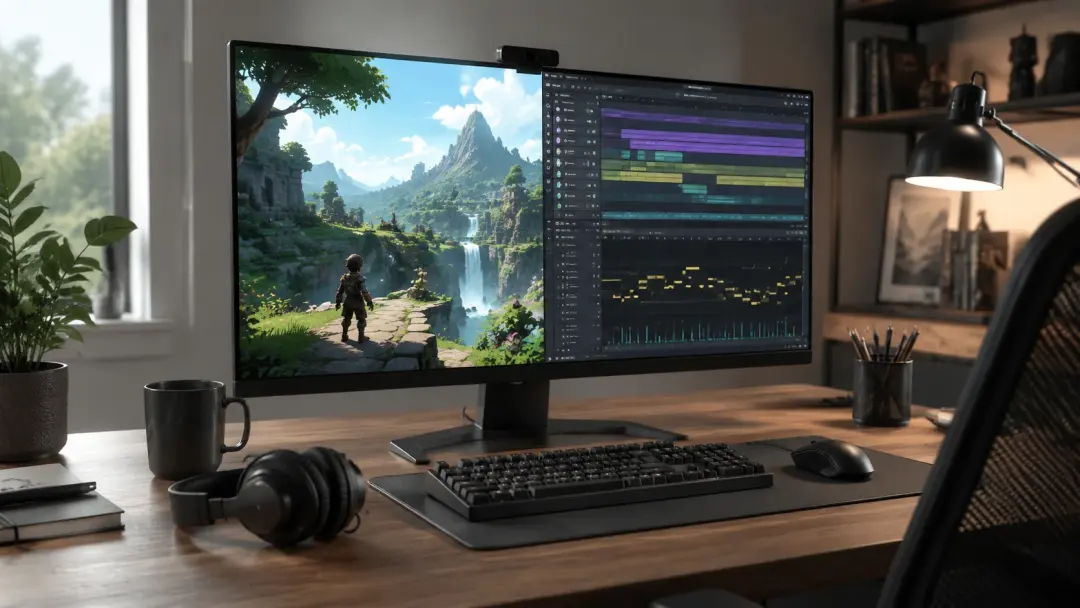
Game Scene Atmosphere
Game developers need background music that shifts with each level mood. Upload a scene reference and the AI Music Generator produces a loopable track matched to gameplay atmosphere. A new generation pass fits the updated scene without restarting audio work.
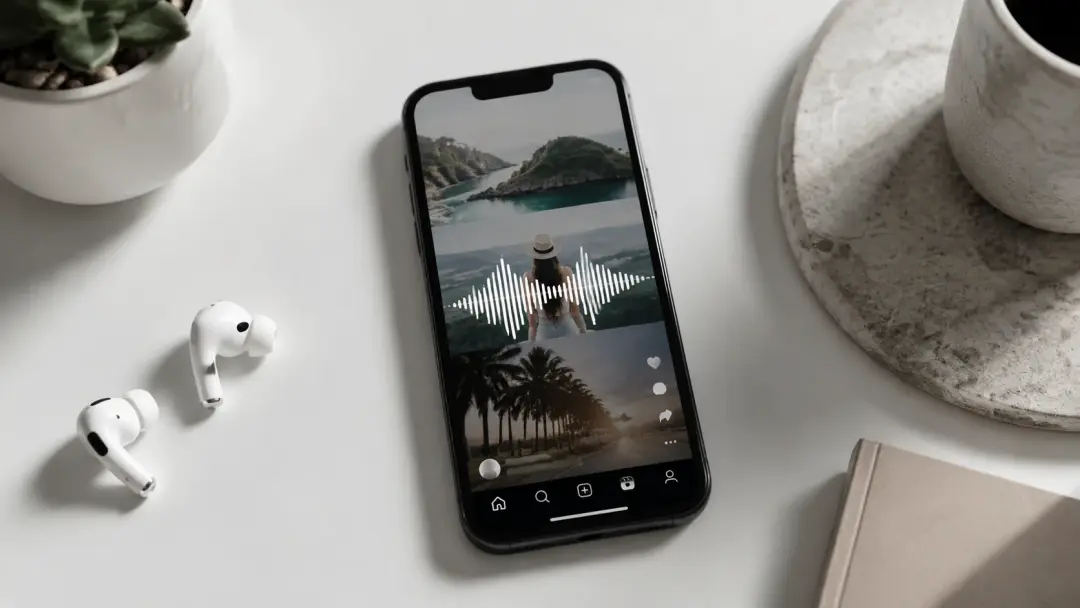
Tutorial Background Audio
Educational content needs background music that supports focus without competing with the narration. Use the AI Music Generator to produce low energy tracks in Lo fi or Acoustic styles that sit under the voiceover. You control the energy so the music serves the lesson pacing.
Create with the AI Music Generator
These examples show what finished outputs look like when you use the AI Music Generator across different content formats and creative directions.
Cinematic Travel Score
Upload a travel montage and create ai music that builds from a quiet acoustic opening into an orchestral swell timed to the landscape cuts. The output matches the visual rhythm and gives the footage an emotional arc composed for the sequence.
Lo fi Study Session Track
Generate Music in a Lo fi style for a study video with a tempo that holds attention without pulling focus. The track structures to your video runtime so it does not loop awkwardly. Set a longer duration and the phrasing adjusts to fill it.
Product Reveal Score
Create a Song in Electronic or Pop style timed to a product reveal where the energy peaks at the moment the product appears. The musical build aligns to clip pacing so the reveal lands with the right weight in the final edit.
Ambient Game Menu Music
Make Music for a game main menu using Orchestral or Cinematic style to produce a loopable ambient track. The output at the exact duration keeps the loop clean. This ai music video generator workflow pairs menu visuals with original audio.
AI Music Generator Creator Feedback
Real feedback from creators who use the AI Music Generator in daily production, covering different content formats, styles, and creative workflows.
The AI Music Generator cut my stock library search time in half. I uploaded a travel clip and had a cinematic track matched to the pacing within minutes. The mood detection caught visual shifts I would have scored by hand.
Priya Nair
Travel Content Creator
I needed a brand video soundtrack with no copyright risk and got an original track that fit the campaign tone. The platform checks passed without issues on every upload.
Marcus Webb
Brand Video Producer
Being able to ai generate music and refine the prompt until the track matched my game atmosphere was the workflow I wanted. Each iteration kept the scene data so I built on what worked.
Soren Lindqvist
Indie Game Developer
I create music for tutorial videos every week. The Lo fi outputs sit under the voiceover and the custom duration means I never trim a loop manually.
Amara Osei
Educator and Course Creator
The style options let me create digital music for different projects in the same week. Cinematic on Monday, R&B on Friday, and both tracks sound intentional.
Tomas Reyes
Freelance Video Editor
As a film student, having an ai music video generator that reads footage and suggests a direction made the audio process far less stressful. I focused on the story instead of hunting stock tracks.
Yuki Tanaka
Film Student
AI Music Generator Common Questions

Start with the AI Music Generator
Upload a clip, pick a style, and let the AI Music Generator produce music that moves with your footage. Adjust the prompt and refine until the soundtrack fits.
Get Started