
Change Photo Perspective
Who Benefits Most
Ecommerce Product Teams
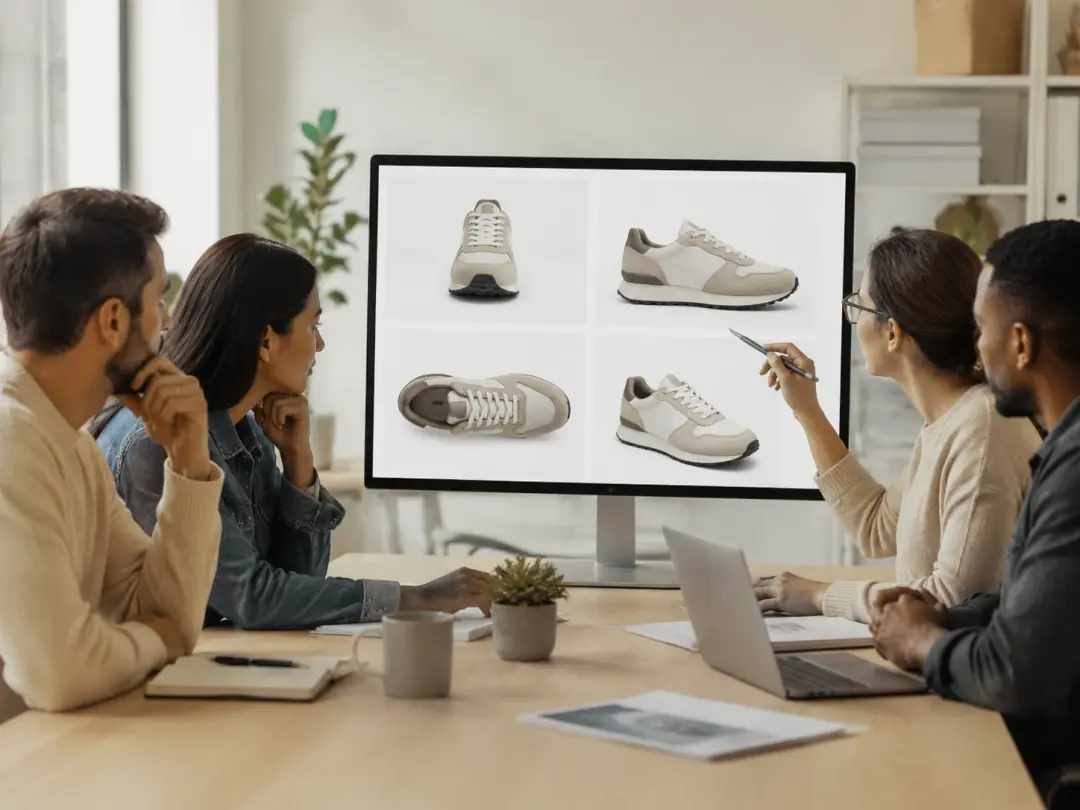
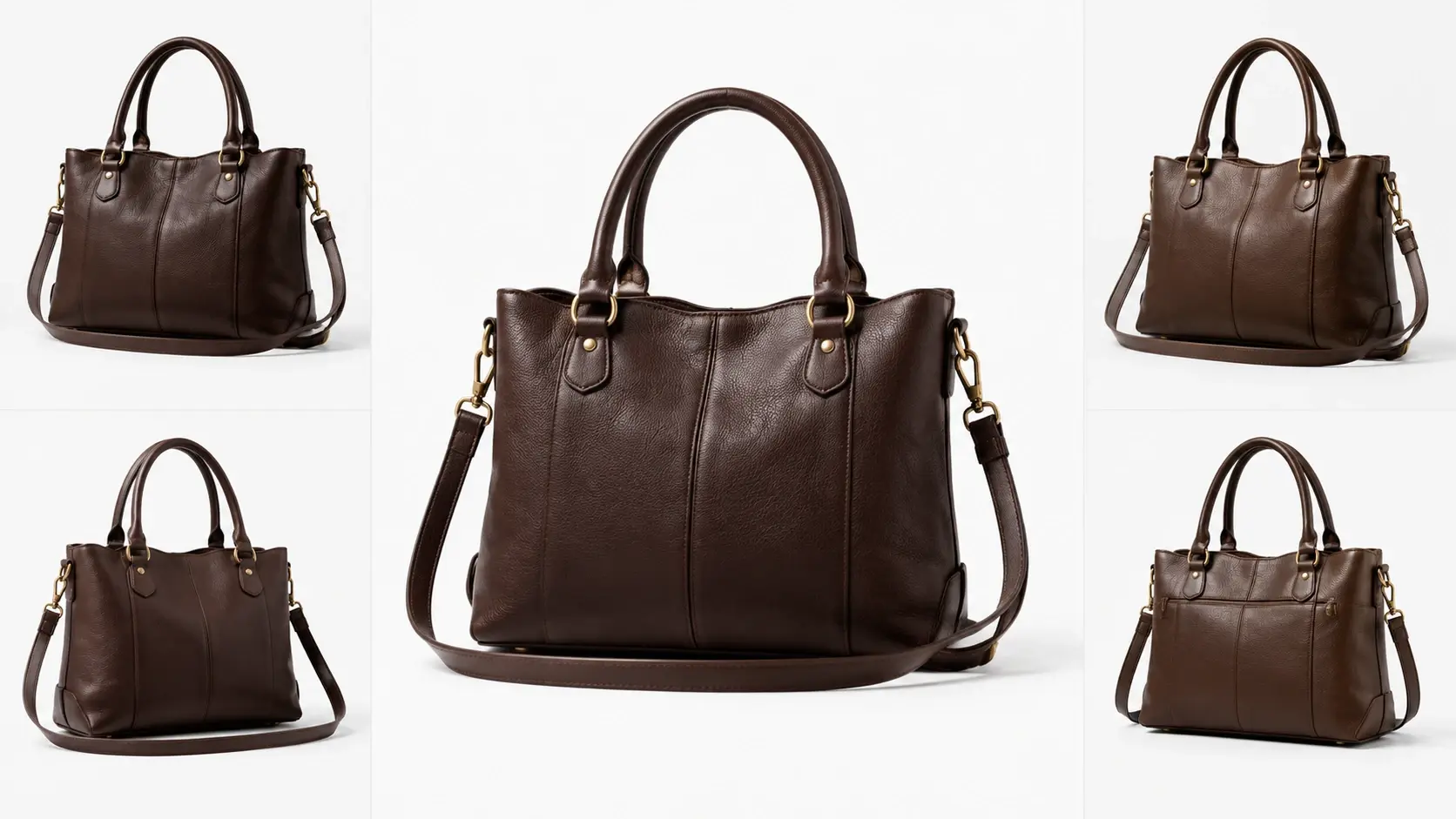
Product pages sell better with multiple viewing angles, but reshooting every item is costly. When you need a bird eye shot or a low angle detail view, you can change photo perspective with the Photo Angle Editor from a single upload. You keep the original lighting and proportions while adding the camera perspective your listing requires. If a client requests a last minute angle swap, you change photo perspective in seconds instead of booking a full studio session.
Fashion and Portrait Photographers
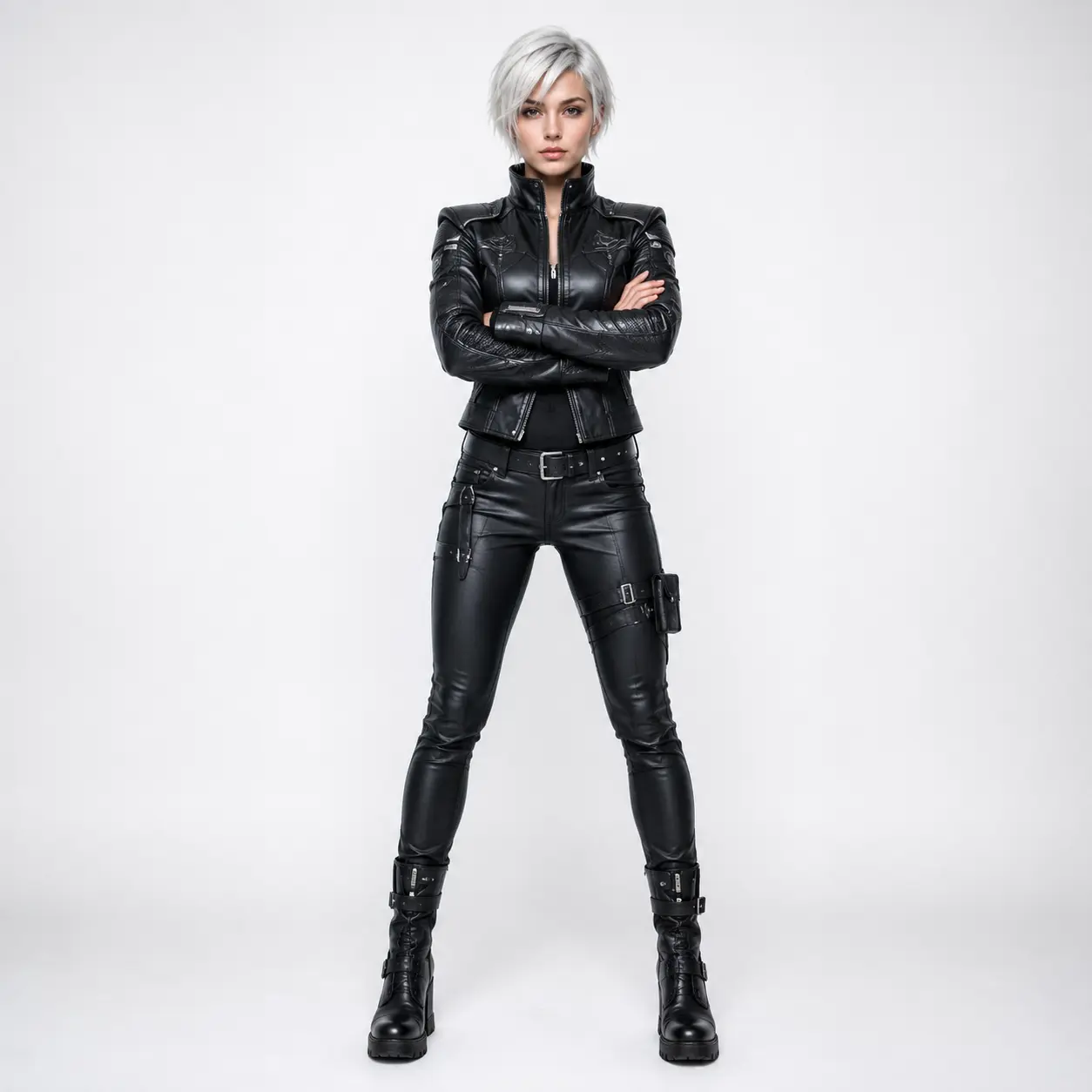
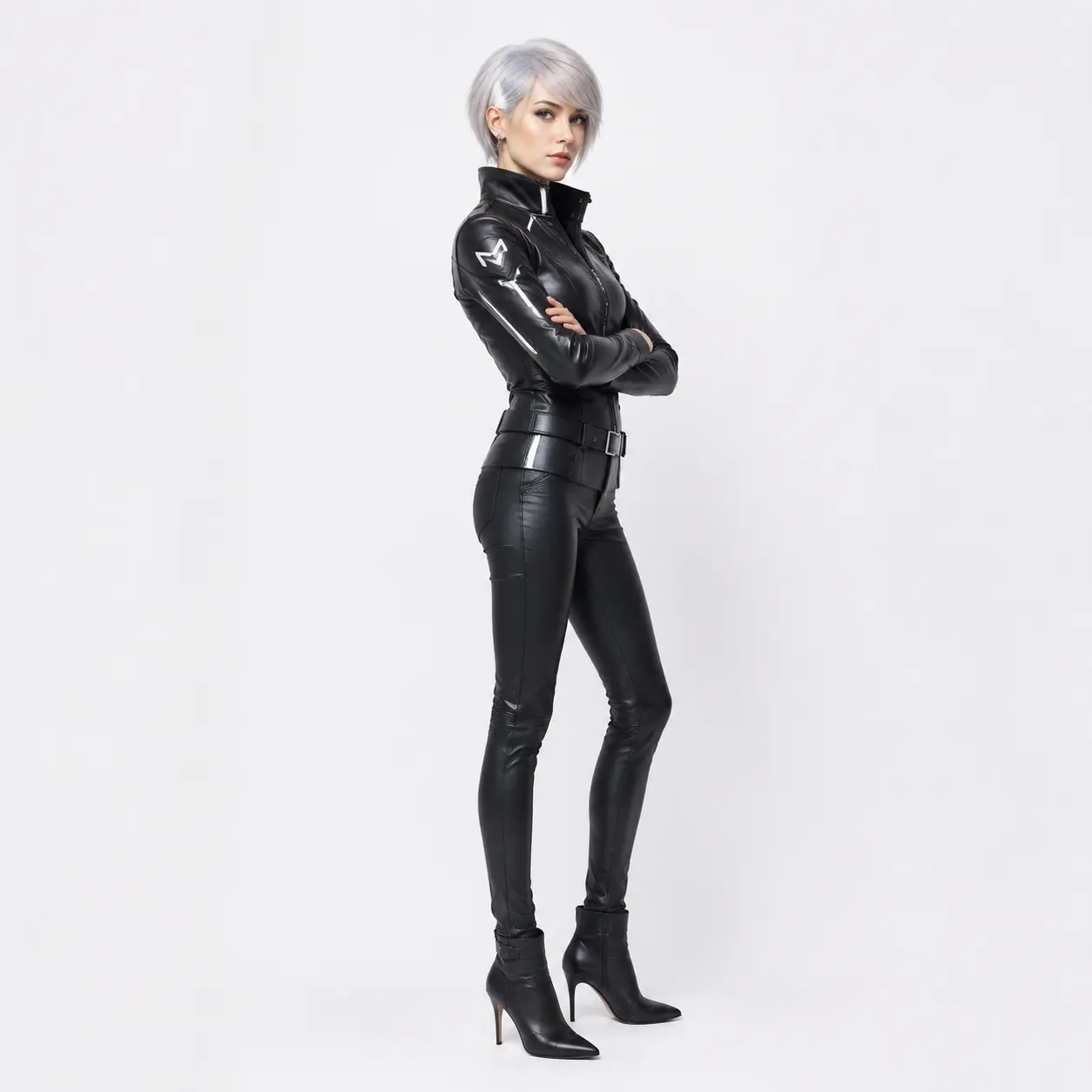
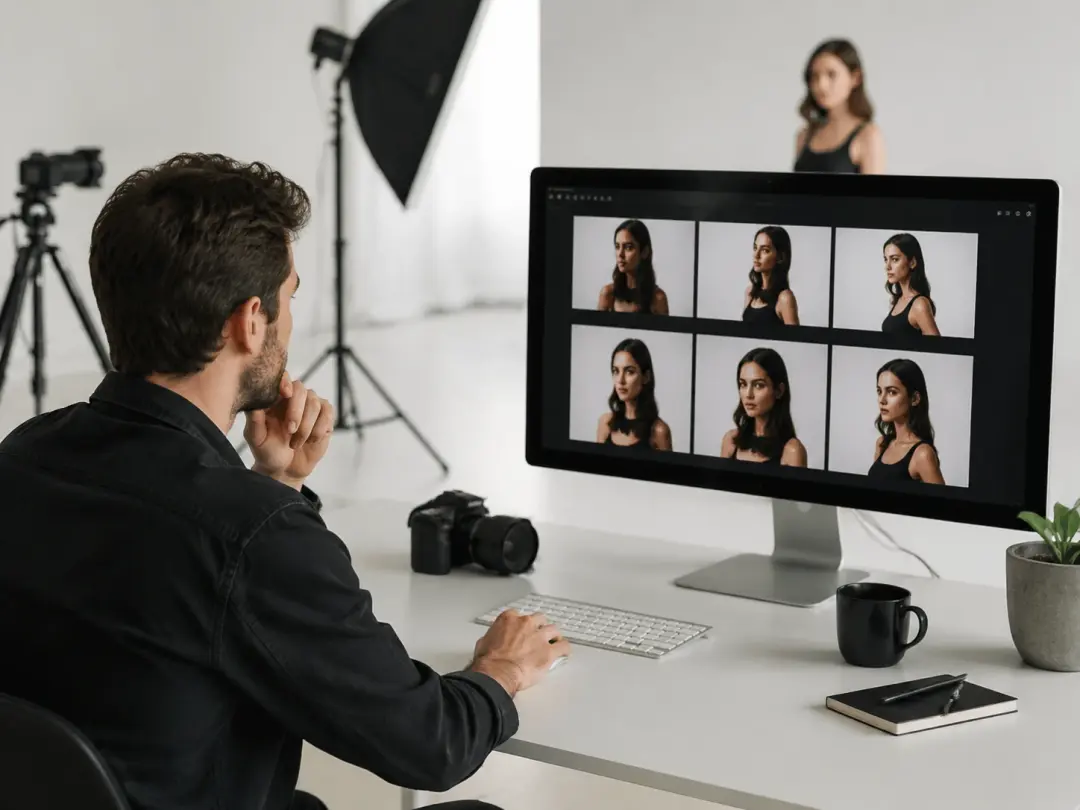
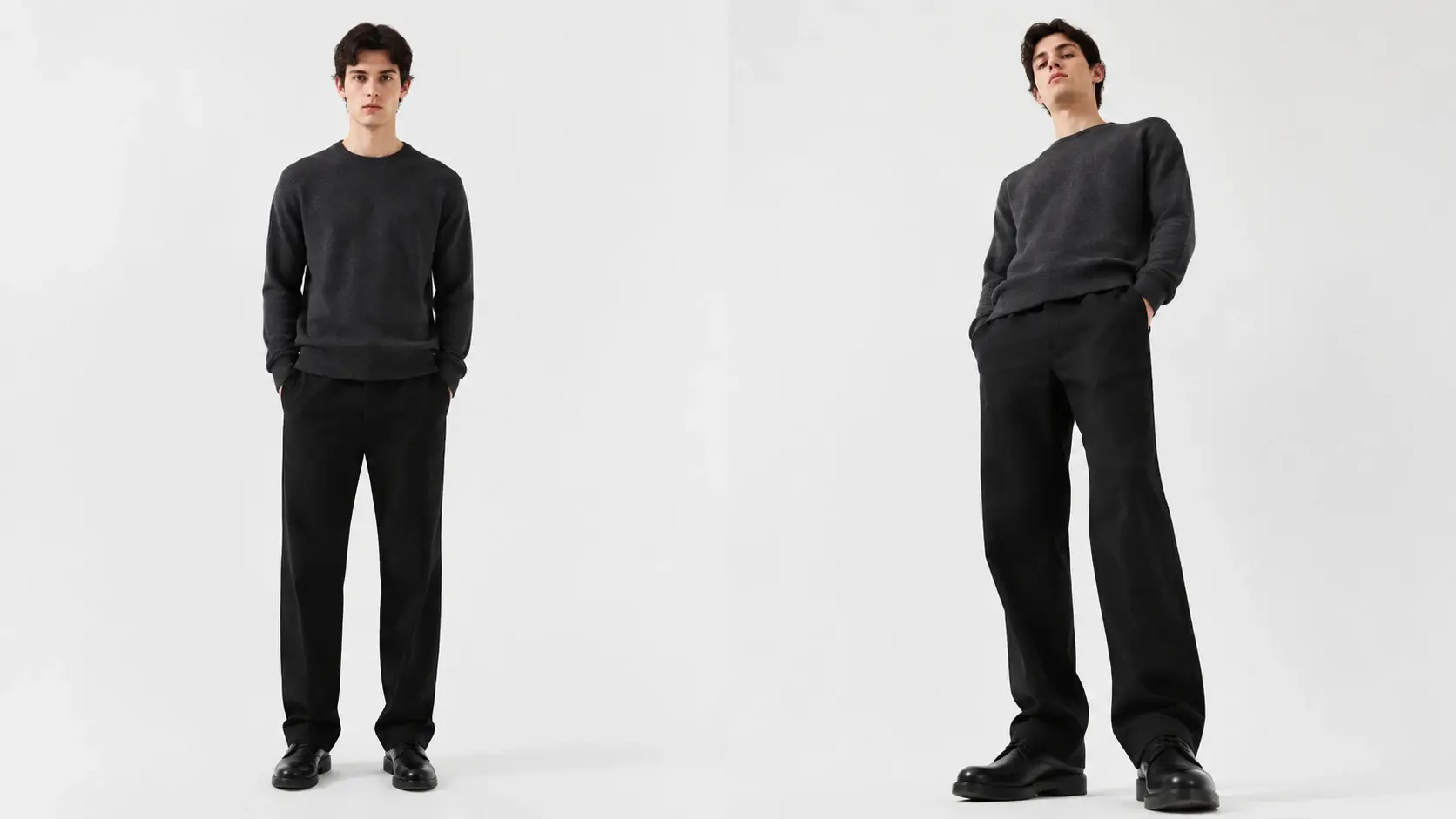
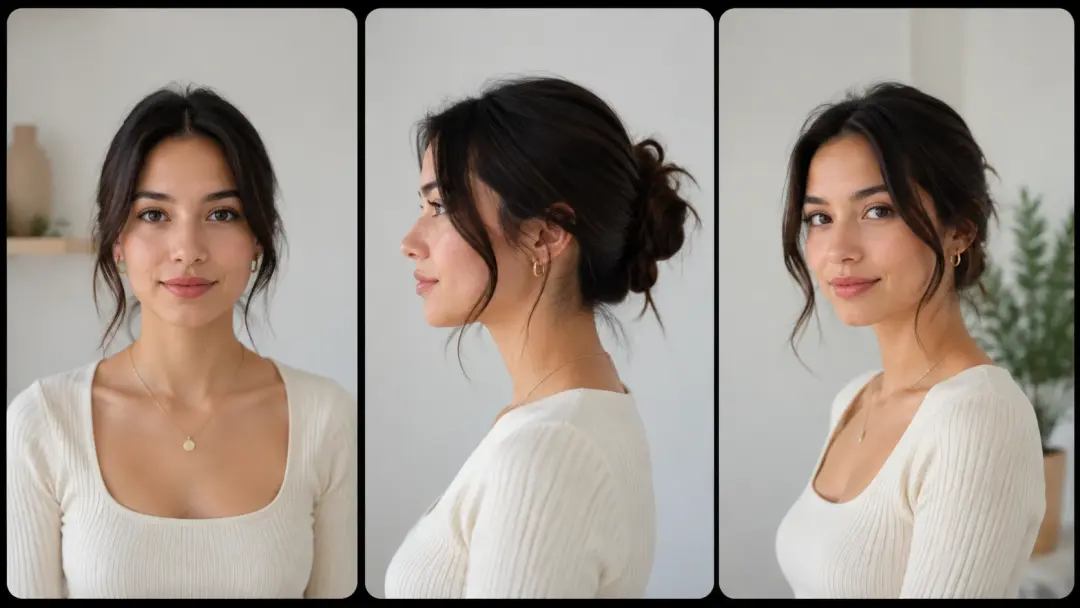
A single pose can tell different stories depending on the camera angle. Use shot control to change photo perspective from a frontal view to a side profile or a slightly elevated vantage point. The subject proportions and clothing folds stay accurate through each change. If a creative director wants to compare three angles, you change photo perspective on the original frame and deliver all three versions at once.
3D and Architectural Designers
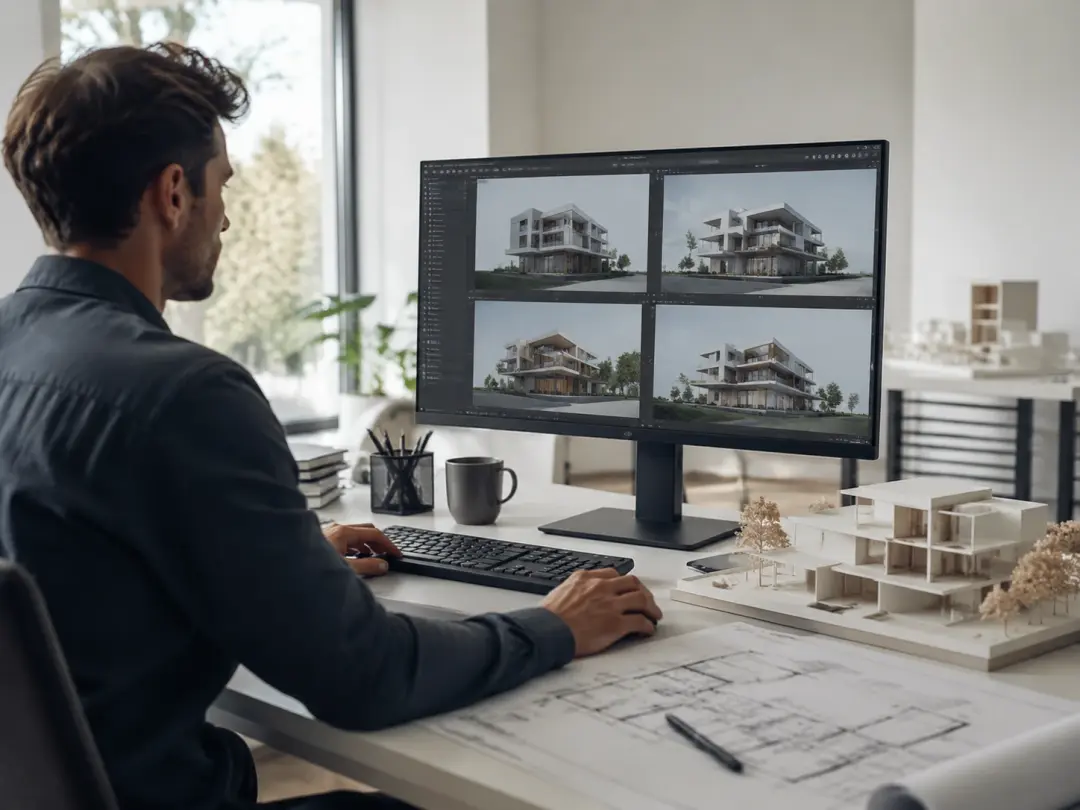
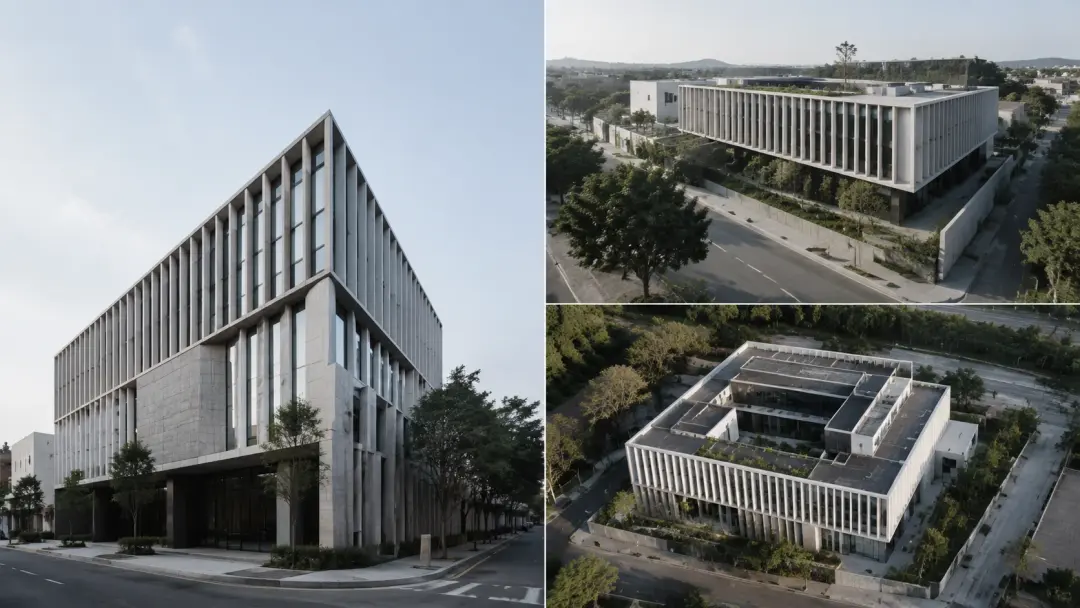
Renderings often need client facing views that were not part of the original camera setup. When the approved render only exists as a front elevation, you can change photo perspective to produce a three quarter view or a ground level shot. You change image perspective while the geometry and material detail carry through to the new angle. This removes the need to re render the entire scene for one additional viewpoint.
Core Feature Set
Four capabilities that make it practical to change photo perspective on any image.
One Click Angle Shift
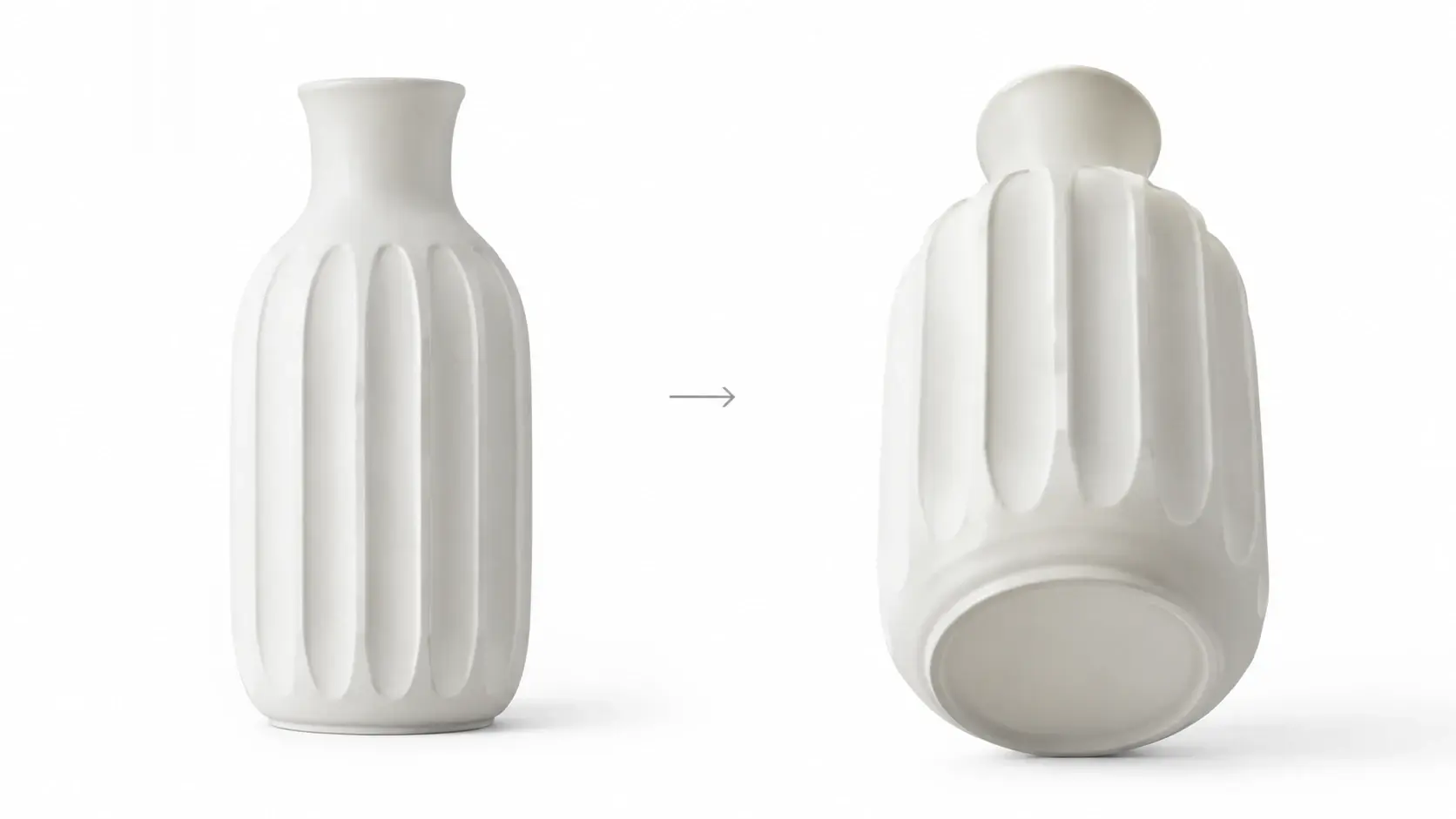
Select a target camera angle from the preset menu and the tool will change photo perspective automatically. The ai camera angle change process reads the depth information in your photo and reconstructs the scene from the new position. No manual warping or cropping is needed. When you pick a bird eye view, the tool will change photo perspective so the output looks like it was actually shot from above rather than digitally stretched.
Multiple Camera Angles
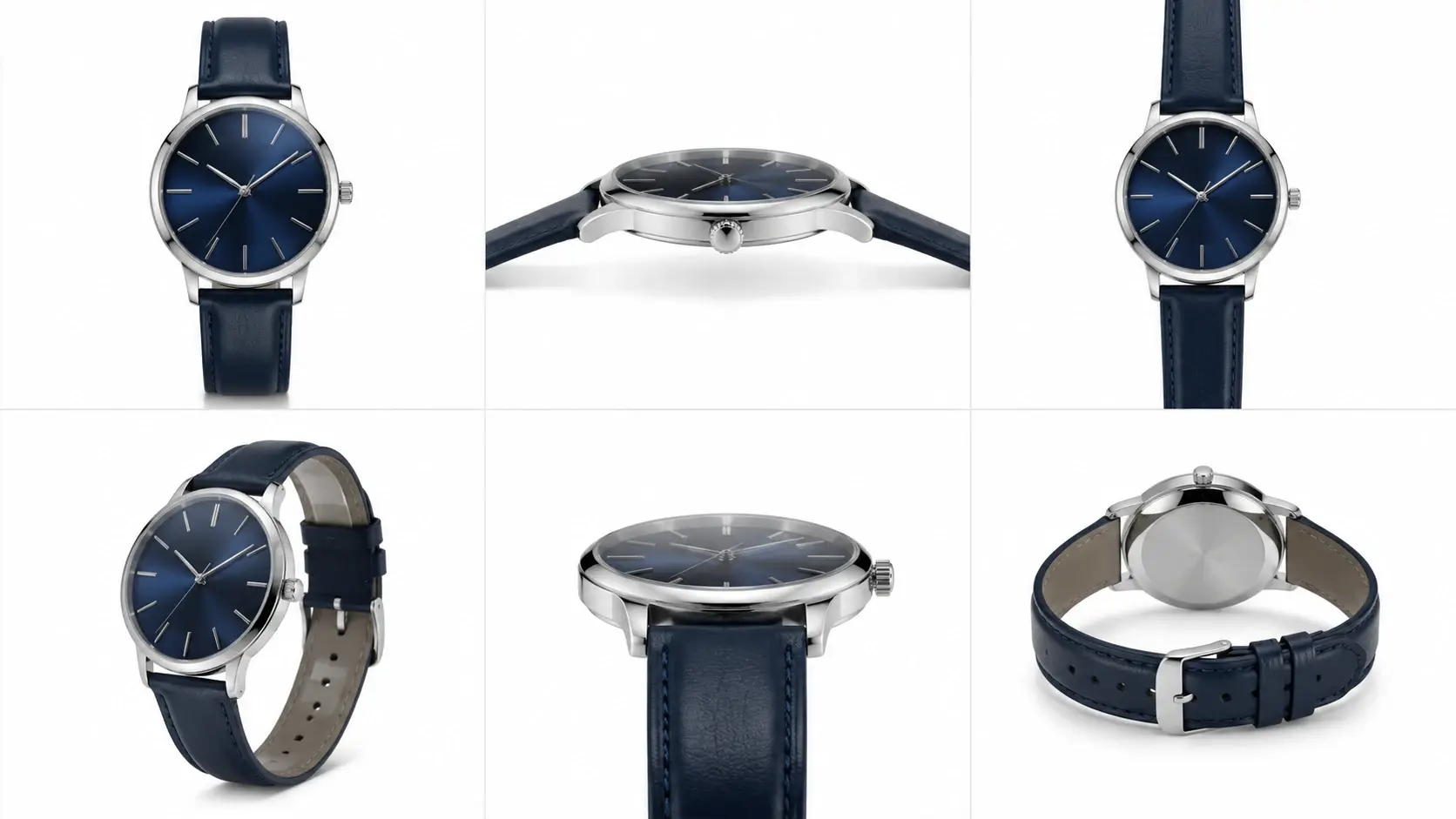
Choose from bird eye, back, side, close up, low angle, and frontal presets to change photo perspective. Each preset defines a specific camera perspective so the output matches what that real world shot would look like. You can also type a custom angle description to change photo perspective with fine control. The tool adjusts foreshortening, shadow direction, and occlusion based on the selected viewpoint.
Subject Proportion Preservation
When you change photo perspective on a flat image, there is a risk of distorting proportions. This feature locks the subject geometry so that heads, limbs, and product dimensions stay accurate after the angle shift. If you change camera angle on a portrait, the face shape remains natural. The same logic applies to rigid objects like furniture, electronics, and packaging.
Text and Image Control Modes
You can edit angle of photo by uploading a reference image that shows the desired viewpoint, or by typing a text description such as forty five degree overhead. The Camera Angle Control system interprets either input and generates the matching output. Combining both modes gives the most precise result when the target angle is unusual or highly specific.
Practical Use Cases
Four real scenarios where the ability to change photo perspective saves time and budget.
Product Catalog Expansion
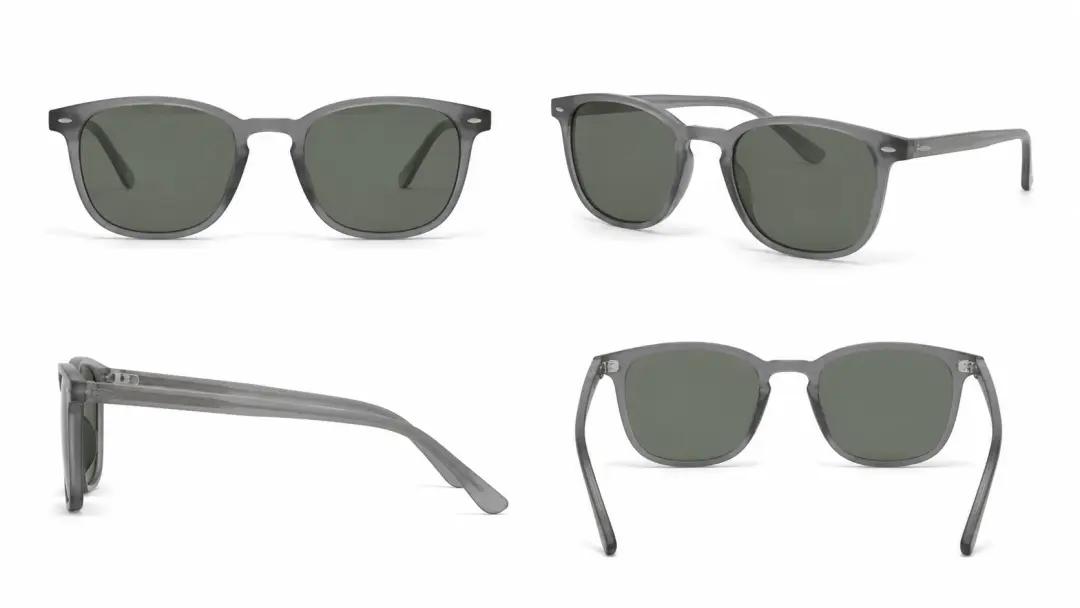
A single product photo becomes a full angle set when you change photo perspective without additional photography. Upload the hero shot, select three or four camera angles, and export each version. The Photo Angle Editor maintains color accuracy and surface texture across every output. Catalog teams change photo perspective on each SKU and cut their shoot schedule while still delivering the multi angle views that shoppers expect.
Social Media Ad Variations
Different platforms favor different compositions. A vertical close up works on short form video covers while a wide overhead suits feed posts. When you change photo perspective on one hero asset, you produce platform specific crops without reshooting. The shot control feature lets you change image perspective and test which camera perspective drives higher engagement before committing to a paid campaign.
Architectural Presentation Decks
Client presentations often require five or six viewpoints of the same building. If the 3D render pipeline only produced two, you can change photo perspective on the existing renders to fill the gaps. The ai camera angle change reconstructs elevation and material detail so each slide looks consistent with the original render quality.
Portrait Retouching Workflows
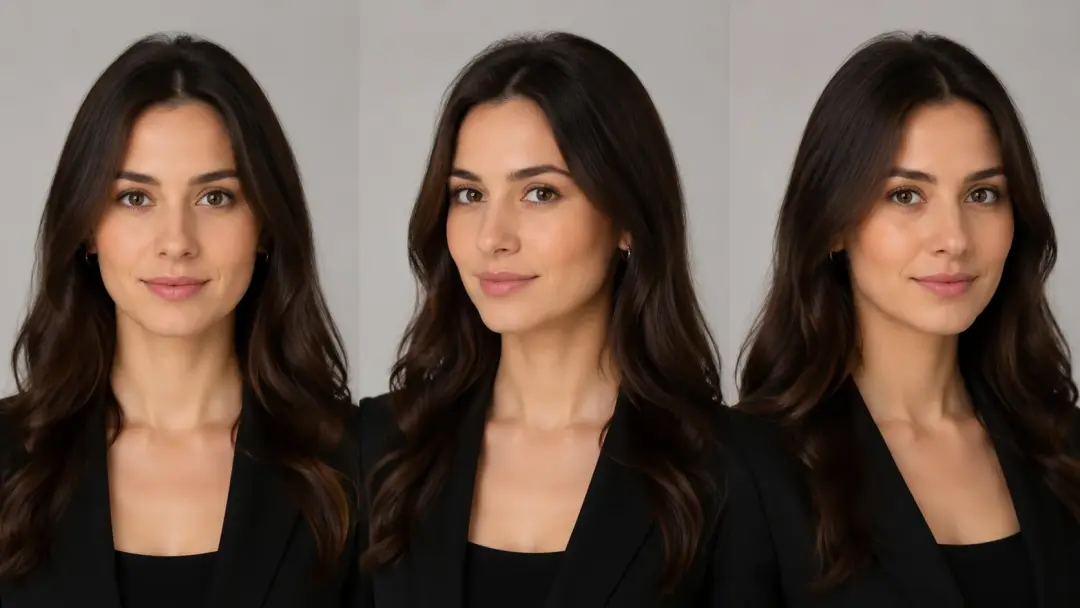
Headshot clients sometimes prefer a slightly different angle after the session ends. Rather than scheduling a reshoot, you can change photo perspective on the delivered file and present the alternative. You change camera angle while the subject identity, skin tone, and expression carry through to the new view. If the client approves, the final file is ready for use immediately.
AI Angle Change vs Reshooting
Three factors compared between using the tool to change photo perspective and organizing a new photo shoot.
Time to Deliver
A reshoot requires booking a location, setting up lighting, and processing raw files. The full cycle often takes days. You change photo perspective with the ai camera angle change tool and get a new camera perspective in under a minute from the same source file. Generating the angle digitally removes the logistics bottleneck entirely.
Cost Per Angle
Each additional camera setup in a physical shoot adds equipment, crew, and post production cost. The Camera Angle Control feature lets you change photo perspective and produce extra angles from one upload at no added shoot expense. For catalogs with hundreds of SKUs, the per image savings compound quickly across the full inventory.
Consistency Across Outputs
Lighting and color shift between physical setups even in a controlled studio. When you change photo perspective digitally, the tool carries the same lighting model and color profile into every output. The result is a uniform set of angles that match without manual color grading or retouching passes.
Common Questions
Try a New Angle on Your Photo
Upload an image, pick a camera angle, and see the result. The tool will change photo perspective and deliver a ready to use file in seconds.
Get Started