
AI Image Generator
Who Gets the Most From It
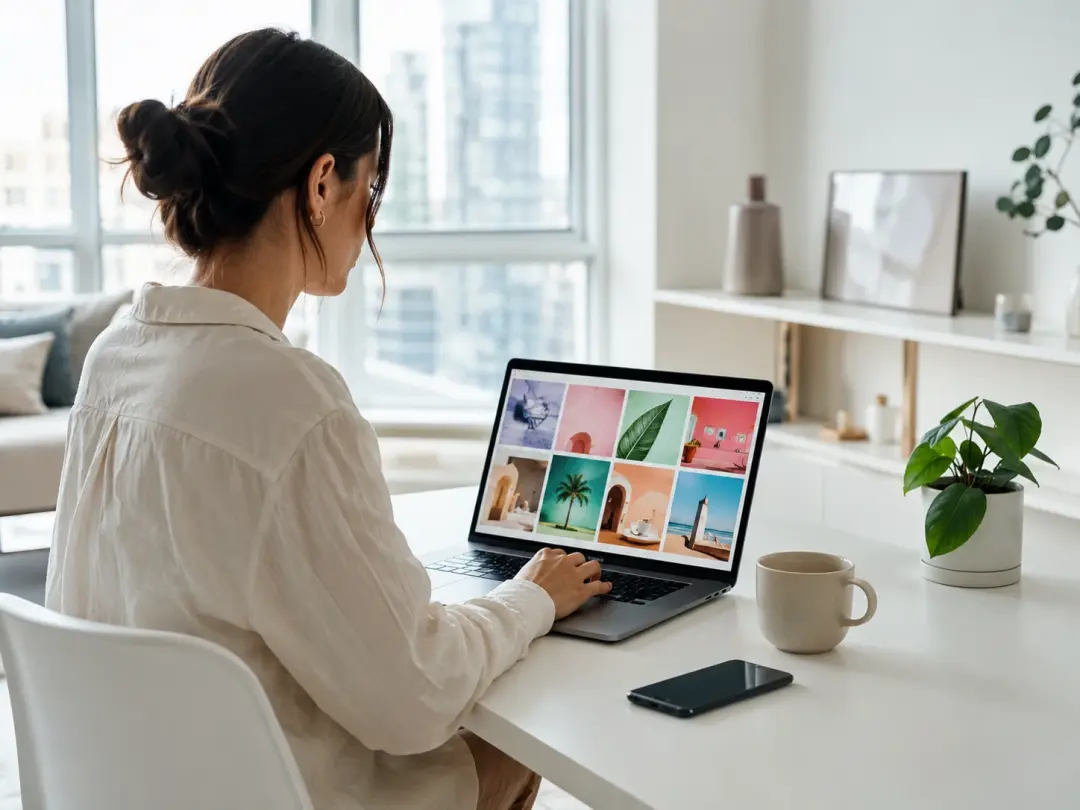
Social Media Content Creator
Posting schedules demand fresh visuals faster than manual design allows. The AI Image Generator reads your text prompt and produces a ready visual in seconds. Pick a style, set the dimensions for your platform, and export. When your campaign concept changes midweek, regenerate from an updated prompt instead of starting a new design file. Consistent output across posts keeps your feed looking intentional without extra retouching.
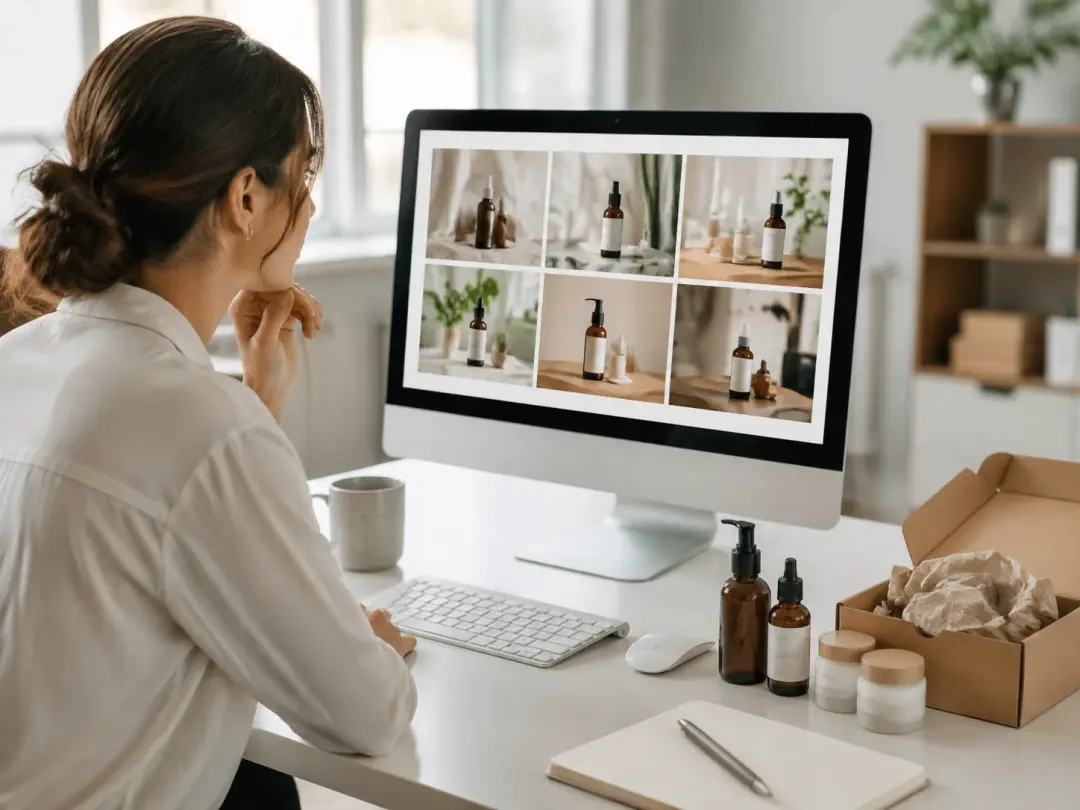
Ecommerce Product Marketer
Product listings need clean, on brand visuals across dozens of SKUs. Upload a reference photo and let the AI Image Generator produce variations with different backgrounds and lighting setups. Each output holds the product detail while matching your store layout. If your seasonal campaign requires a new color palette, adjust the prompt and regenerate the full set in one pass.
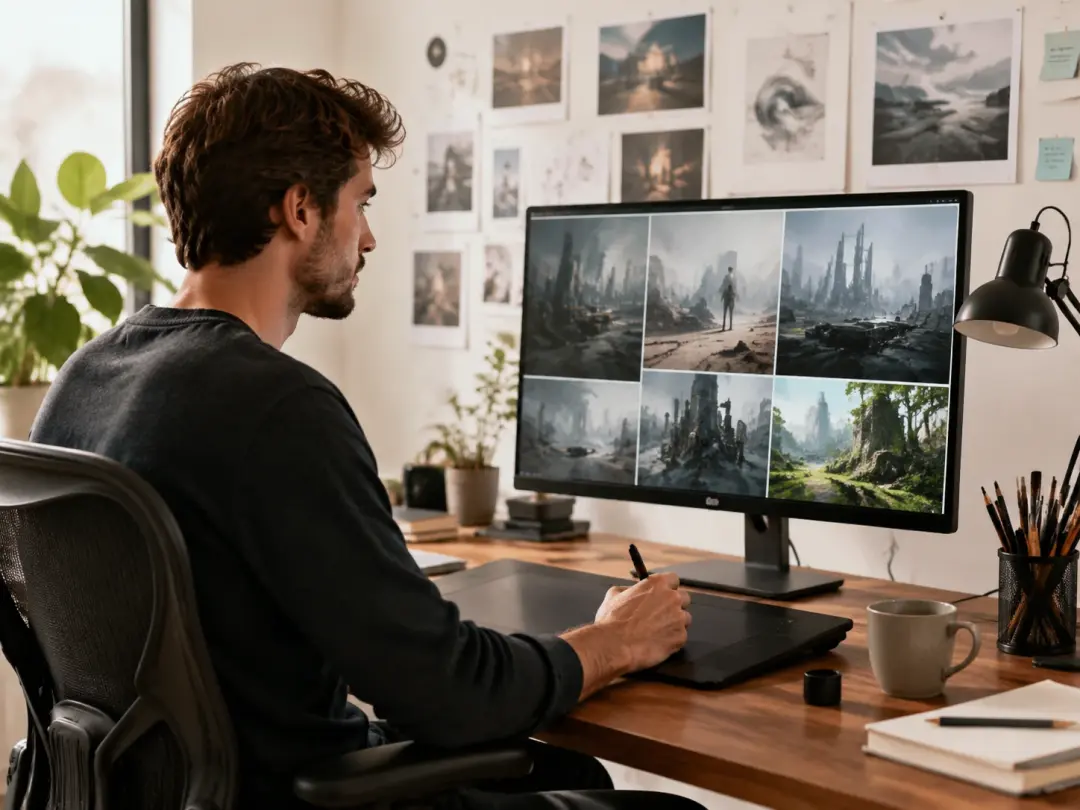
Freelance Graphic Designer
Client projects often start with a rough concept that needs quick visual exploration. Use the AI Image Generator as an image creator to draft three or four directions before committing to a final layout. The image to image workflow lets you feed a rough sketch and receive a polished concept. Faster concept rounds mean more time on the work that actually ships.
What the AI Image Generator Does
Four core capabilities that make this AI Image Generator useful for real production work.
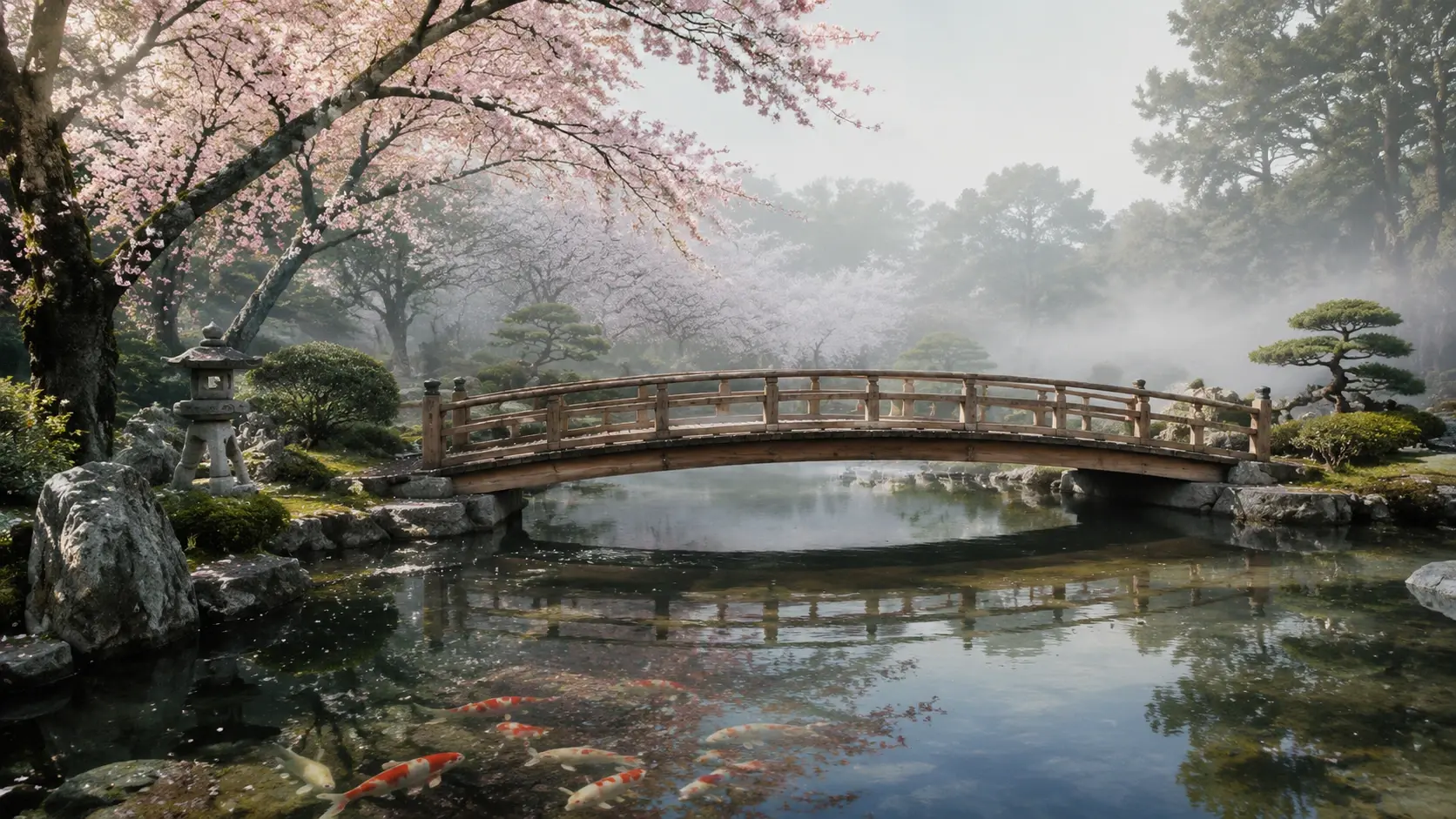
Text to Image Creation
Describe what you need and the AI Image Generator builds a visual from your prompt. The Text to Image AI mode interprets scene descriptions, color notes, and composition cues in one pass. You review the result, refine the prompt, and regenerate until the output matches your intent. Works best with specific descriptions rather than single word requests.
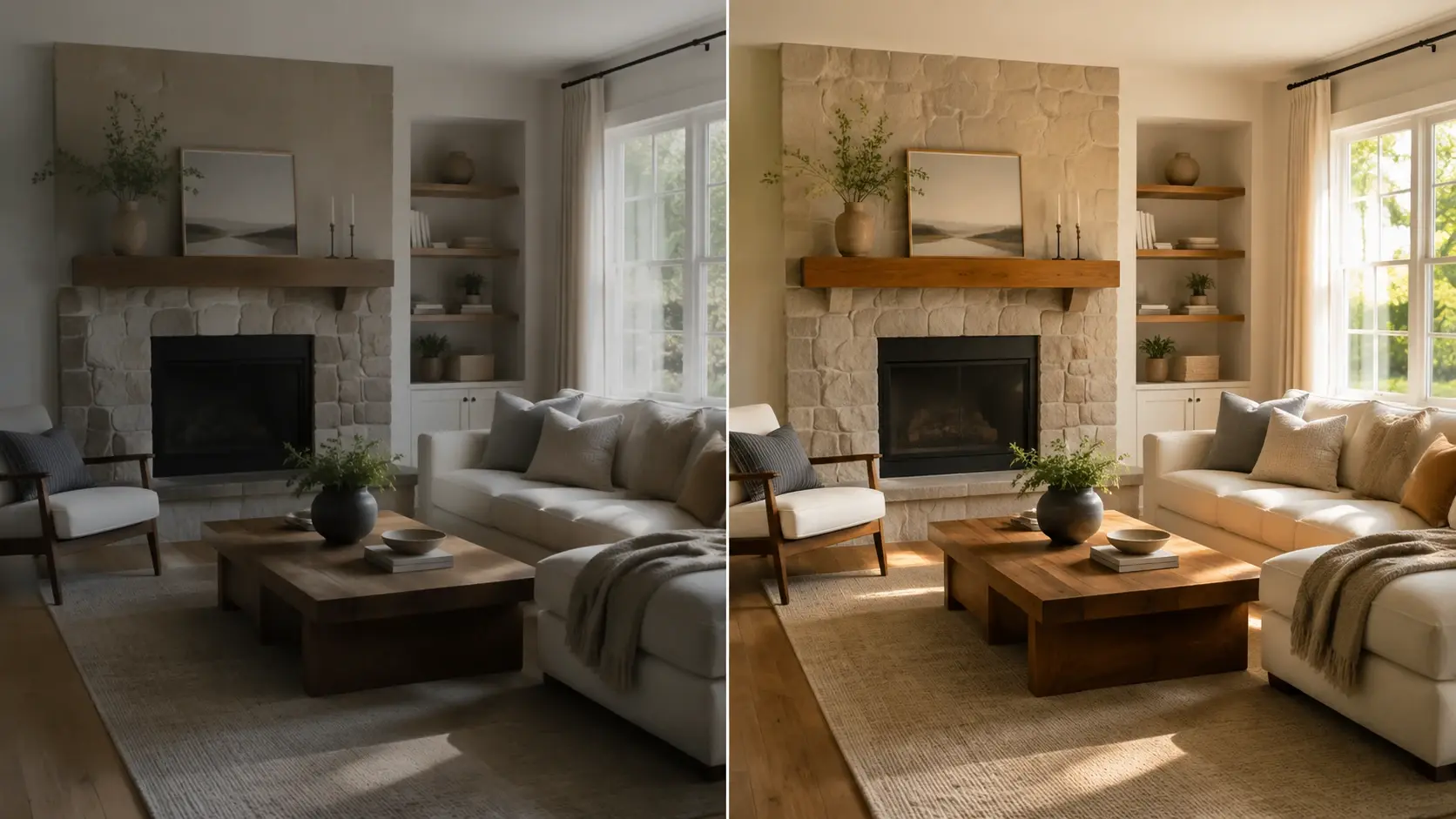
Image to Image Refinement
Upload a reference photo and the AI Image Generator reinterprets it in a new style or context. The image to image workflow preserves your original composition while applying the target look. When you need a product shot restyled for a different market, this mode handles the shift without a reshoot. Color accuracy depends on the clarity of your reference file.
Adjustable Output Dimensions
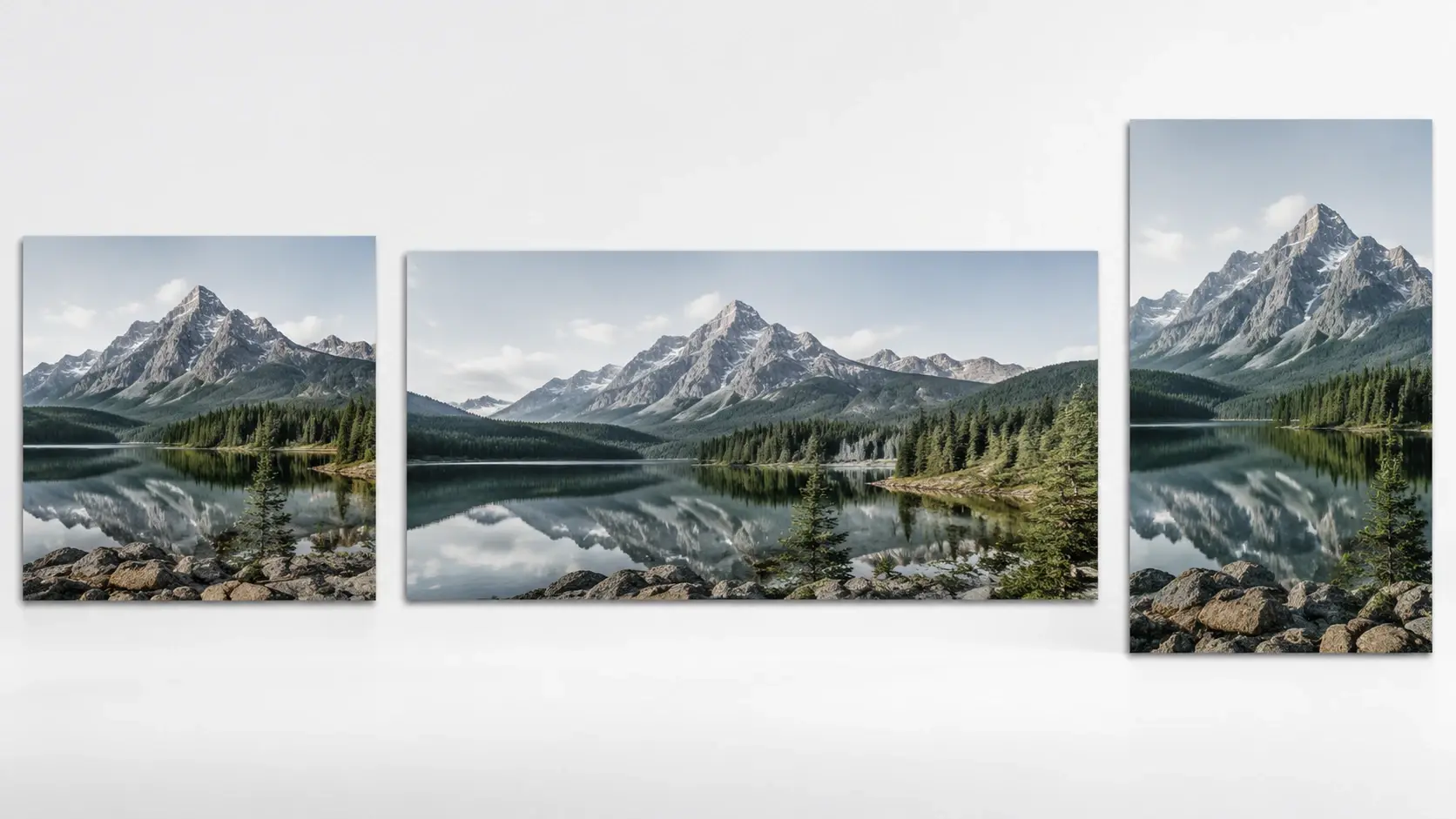
Set the exact width and height before generating so every output fits your target placement. The AI Image Generator supports standard social ratios, print sizes, and custom dimensions. No cropping or resizing after export. If your platform spec changes, update the dimensions and regenerate from the same prompt.
Built In Style Controls
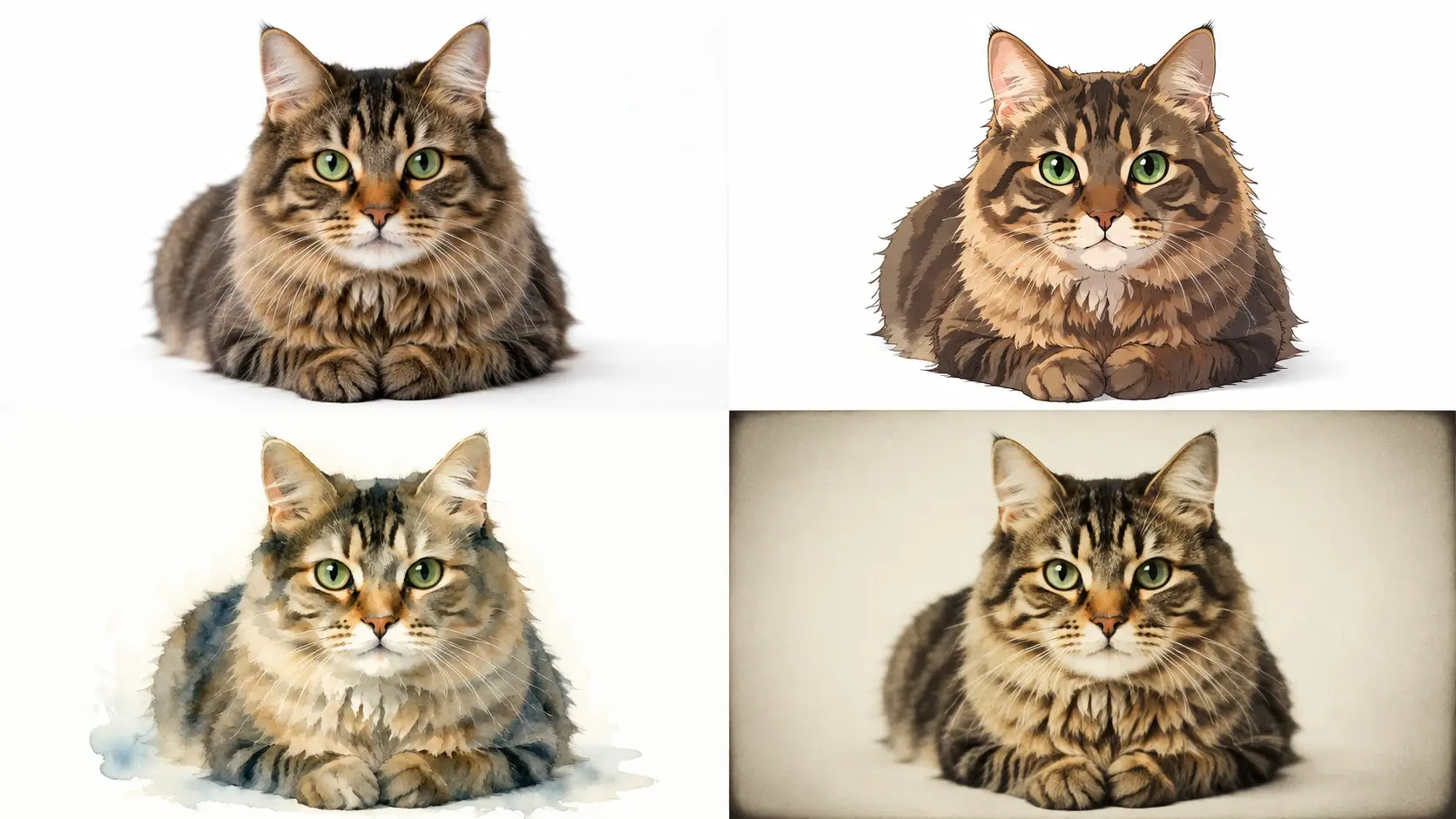
Choose from multiple visual styles and the AI Image Generator applies your selection consistently across every output. Realistic photo, illustration, watercolor, and flat design options are available from the style menu. Each style produces AI generated images that hold the same look across a batch. Review the preview, adjust intensity, and export the final version.
AI Image Generator vs Manual Design
Three common tasks compared to a traditional design workflow using this AI Image Generator.
Concept Exploration Speed
Manual concepting in a desktop editor takes hours of layering, masking, and adjusting. The AI Image Generator produces a first draft from a text prompt in seconds. When the creative direction shifts, update the description and regenerate rather than rebuilding from scratch. Faster iteration means more concepts reviewed per session.
Batch Visual Consistency
Editing 30 visuals by hand introduces subtle differences in lighting, color, and framing. The AI Image Generator applies the same style and prompt across every file, so the set looks uniform. Consistent output reduces review rounds for catalog and campaign teams who need a cohesive look across channels.
Production Cost Per Asset
Hiring a photographer or illustrator for each asset adds cost and lead time. The AI Image Generator handles most routine visuals at a fraction of the traditional budget. Reserve specialist work for hero assets and let the AI Photo Generator cover supporting visuals like banners, thumbnails, and social cards.
What Creators Say About It
Six users share how the AI Image Generator fits into their daily workflow.
I use the AI Image Generator for all my Instagram content. It keeps the visual style consistent across 30 posts a month without extra retouching.
Dana Okonkwo
Social Media Manager
The Text to Image Generator saves me hours every sprint. I type a scene description, pick the ratio, and get a usable draft on the first try.
Marco Pellegrini
UX Designer
Our ecommerce team replaced three stock photo subscriptions with this AI Image Generator. The product visuals match our brand better than generic stock ever did.
Lin Xiaomei
Ecommerce Director
As a freelance illustrator, I feed rough sketches into the image to image mode and get polished concepts back. Clients approve faster when they see a finished look early.
Jordan Abrams
Freelance Illustrator
The AI Photo Generator handles our weekly blog headers. I set the style once and generate a matching header for every article in the series.
Priya Venkatesh
Content Marketing Lead
I tested five tools before landing here. This is the best AI Image Generator for batch work because every output holds the same color temperature and framing.
Carlos Mendez
Brand Photographer
Common Questions
Try Your First AI Image Generation
Type a prompt or upload a reference photo, choose a style, and see what the AI Image Generator produces. The result is ready to download and use in your next project.
Get Started