
Background Remover


Clean Cuts, Zero Manual Work
Upload any photo and the Background Remover isolates the subject using AI detection that reads edges at the pixel level. It handles hair, fur, and semi transparent objects without manual tracing. Export with a transparent background or drop in a replacement color and download the finished file. When you need to remove background from image files for a product listing or social post, the entire process takes seconds. The ai background remover supports JPG, PNG, and WebP inputs and outputs PNG with full transparency. If you process images in bulk, batch mode applies the same background removal settings across every file in the queue.
Try It Now
Who Gets the Most From It

Ecommerce Seller
Product photos need white or transparent backgrounds to meet marketplace standards. The image background remover strips the original scene and exports a clean cutout ready for your listing. Upload the raw shot, let the AI detect the product edges, and download the result. When catalog updates require dozens of photos per week, the batch mode keeps your output consistent without manual masking.
Graphic Designer
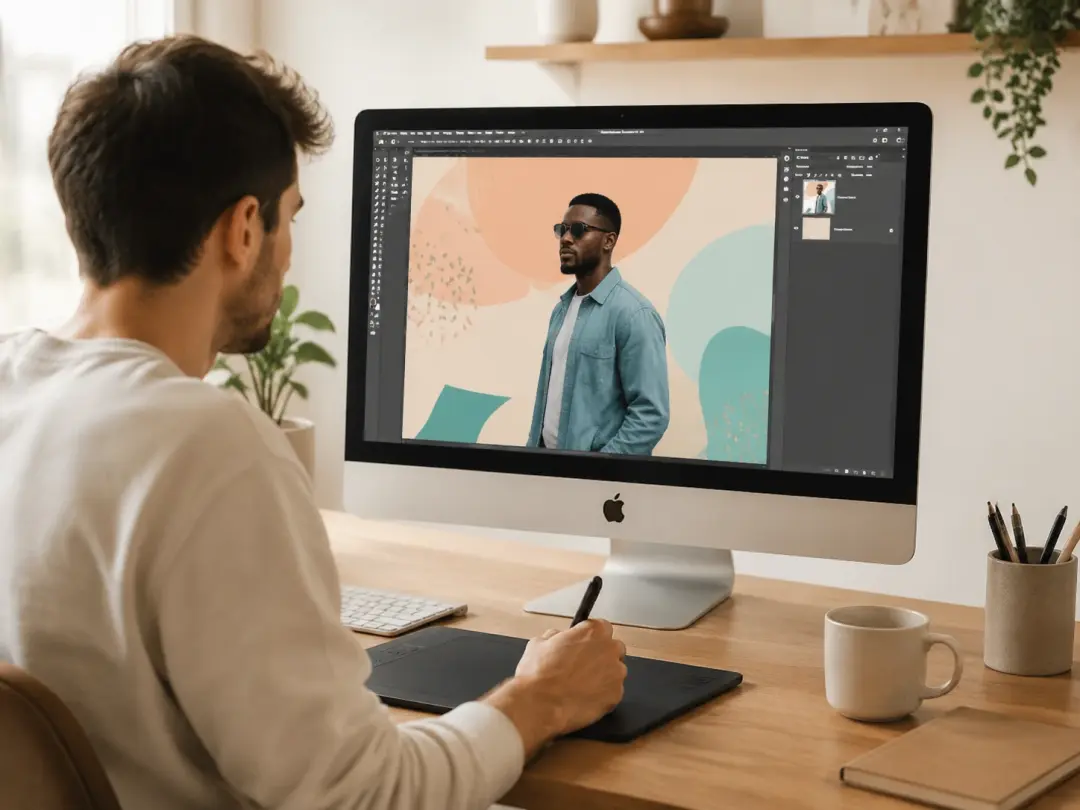
Compositing starts with a clean subject layer. The photo background remover separates the person or object from the scene so you can place it on any canvas. Edge quality matters here, and the AI handles fine details like hair strands and fabric edges. If the first pass misses a thin area, a second run with a tighter crop fixes it quickly.

Social Media Manager
Branded posts often need subjects on colored or patterned backgrounds. The online background remover lets you remove image background clutter and replace it with your brand palette in one step. When your content calendar calls for daily visuals, skipping manual cutout work saves hours each week and keeps your feed on schedule.
What the Tool Does
Core capabilities built into the Background Remover.
AI Subject Detection
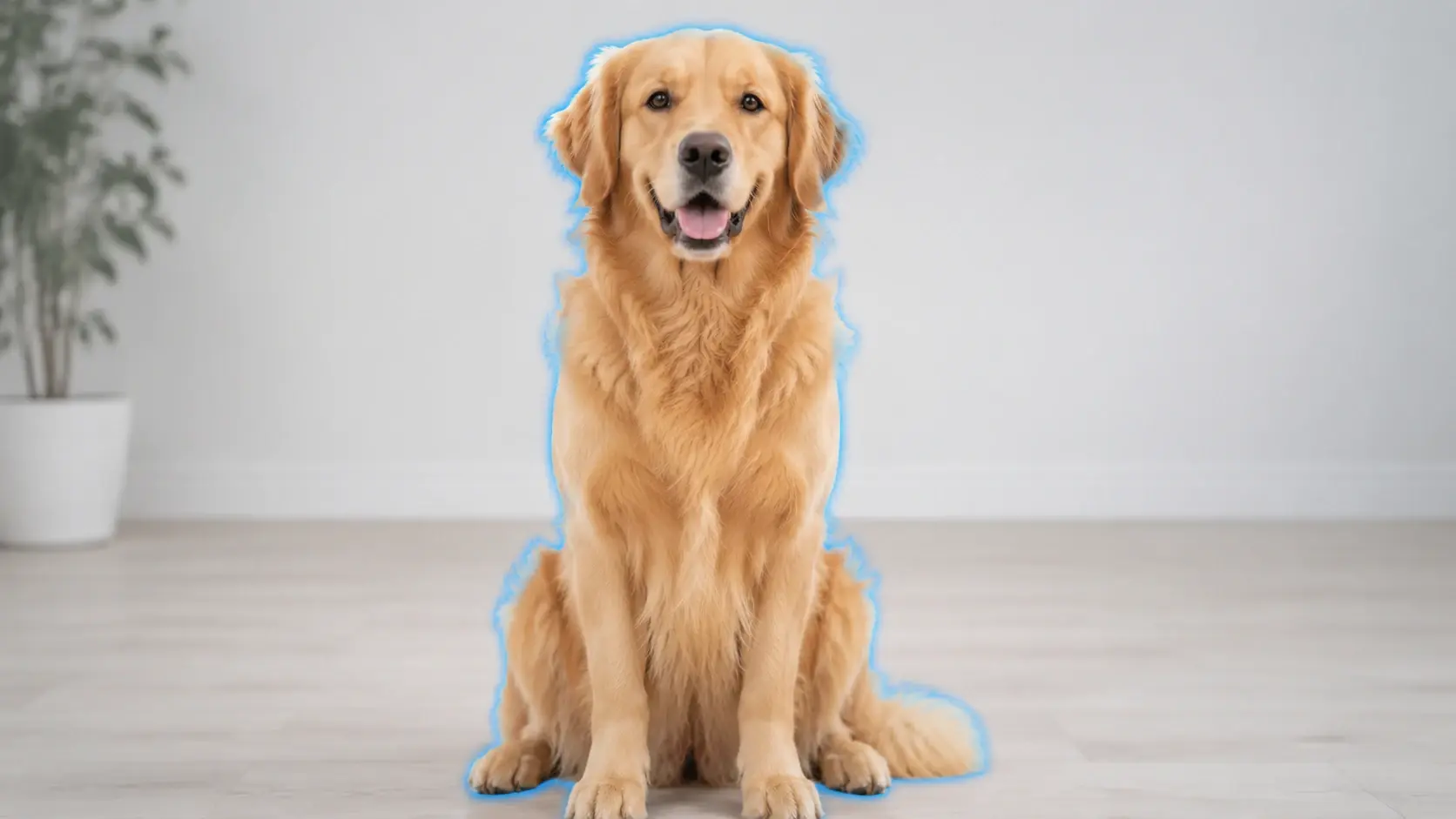
The ai background remover scans the uploaded image and identifies the primary subject automatically. It reads contrast, color boundaries, and depth cues to separate foreground from background. No manual selection or anchor points needed. The detection works on people, products, animals, and text overlays with equal accuracy across varied lighting conditions.

Precise Edge Handling
Hair, fur, lace, and translucent materials are the hardest edges to cut cleanly. The picture background remover processes these boundaries at sub pixel resolution, preserving fine strands and soft transitions. The result blends naturally onto any new background without visible halos or jagged lines around the subject outline.
Transparent and Custom Export
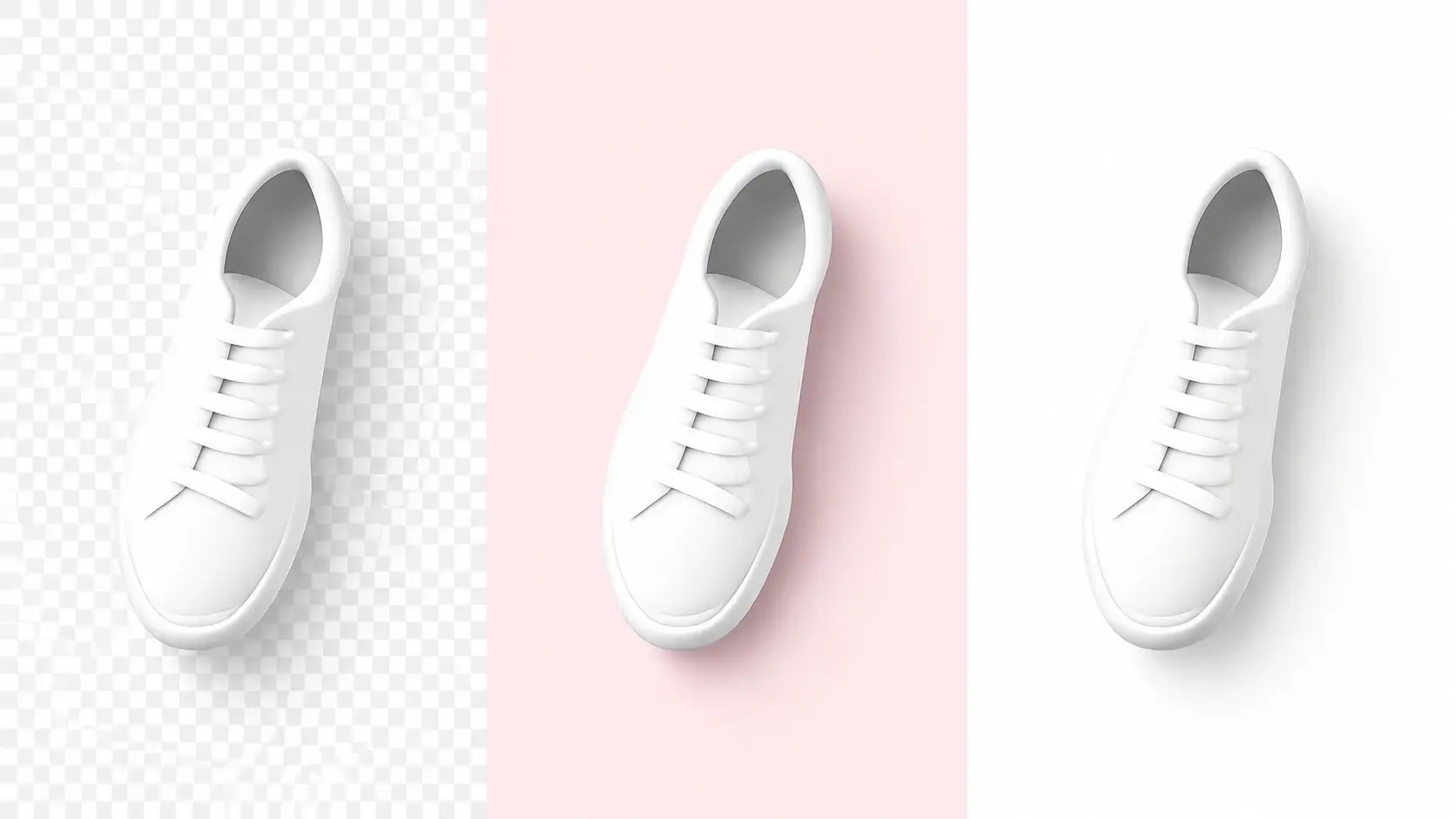
After background removal, export the subject on a transparent PNG or choose a solid color fill. The Background Remover also accepts custom hex values so the output matches your brand or project palette. Multi format support means you can save as PNG for transparency or JPG for smaller file size depending on the use case.

Batch Processing Mode
Processing one photo at a time works for single projects, but catalog and portfolio jobs need volume. The Background Remover accepts multiple uploads and applies the same removal settings to every file in the queue. Each output maintains consistent edge quality and export format so you can remove background online across an entire folder without repeating steps.
Ways to Use Your Cutouts
Four practical applications after you remove background from your photos.
Product on Lifestyle Scene
Start with a plain product shot, remove the background, and place the item onto a lifestyle scene that matches your brand story. A coffee mug moves from a white studio table to a sunlit kitchen counter. The Background Remover keeps the product edges sharp so the composite looks like a single photograph rather than a collage.
Team Headshot Consistency
Company headshots taken at different times end up with different backgrounds and lighting. Use the photo background remover to strip each portrait and place every team member on the same branded backdrop. The uniform result gives your about page a polished, cohesive look without rebooking a group photo session.
Sticker and Merch Design
Die cut stickers and print on demand merch need subjects with no background at all. The Background Remover outputs a transparent PNG that drops directly into your print template. If the design has thin elements like antennae or fine text, the edge handling preserves them so the final print matches the screen preview.
Presentation and Slide Visuals
Stock photos rarely match your slide background color. Remove background online from the stock image, keep just the subject, and layer it over your slide layout. The result integrates with your color scheme and avoids the boxed photo look that breaks visual flow in a deck.
Common Questions

Try the Background Remover Now
Upload a photo, let the AI detect your subject, and download a clean cutout with a transparent background. The Background Remover handles the edges so you do not have to.
Get Started