
Add Sound Effects to Video
Who Uses This Tool
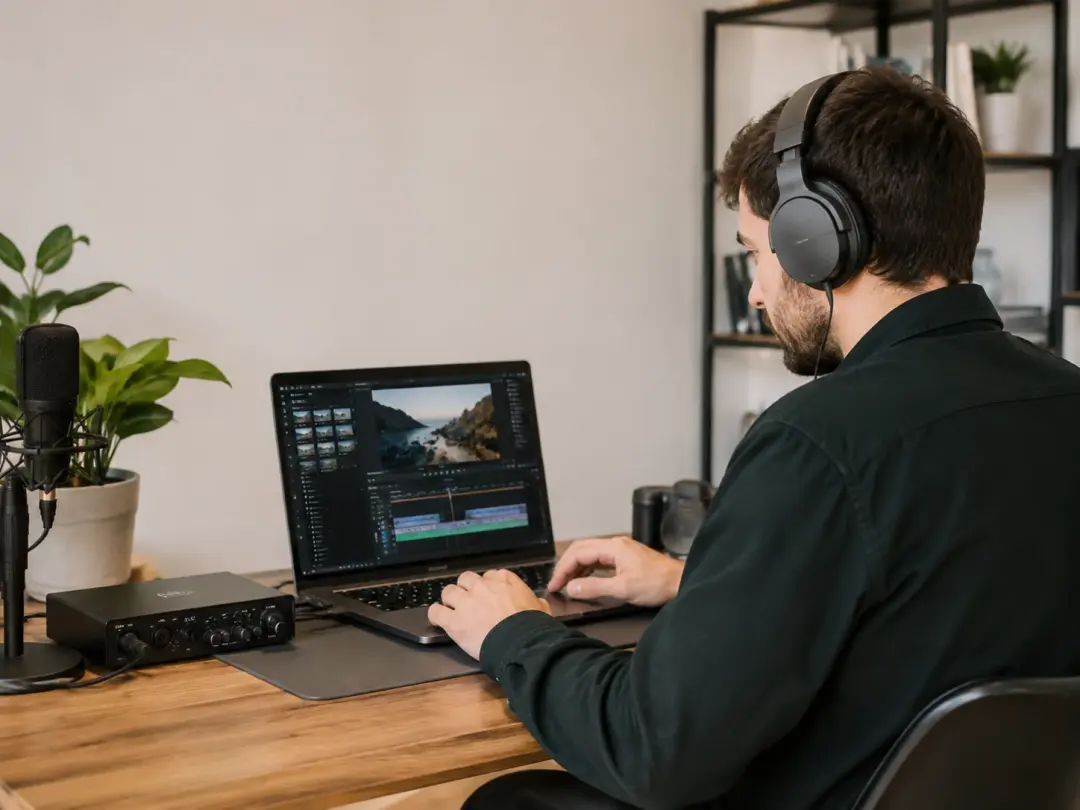
Short Form Video Creators
You publish clips daily and each one needs the right audio punch to hold attention past the first second. VideoAI lets you add sound effects to video by scanning the footage and suggesting SFX sound effects that match the action on screen. When you have a tight posting schedule, the auto sound effects workflow cuts the audio step from thirty minutes to under five. You add sound effects to video once, review the suggested placements, and export with the mix baked in.
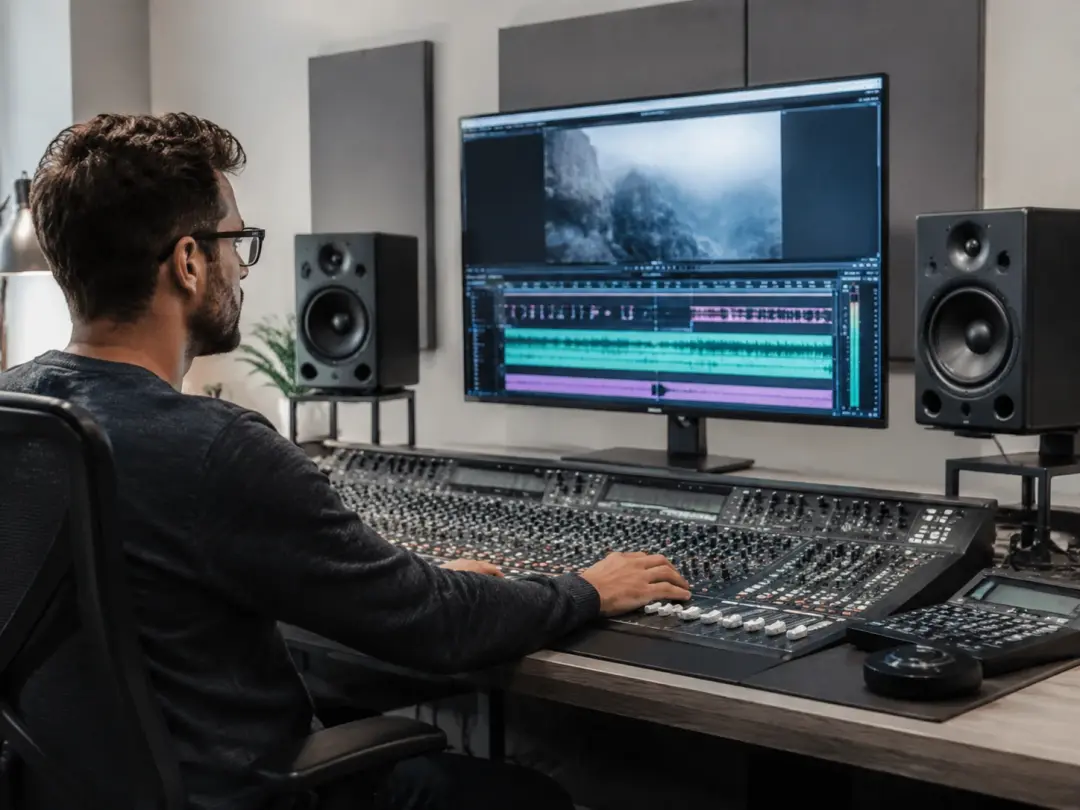
Brand Campaign Editors
Campaign videos need polished audio that reinforces the story without distracting from the product message. VideoAI works as an ai sound effect generator that reads your scene composition and proposes layered SFX matched to each visual beat. You add sound effects to video by approving or swapping each suggestion before the final render, so the output carries the campaign tone you set. This approach to add sound effects to video replaces manual searches through stock audio folders with a scene aware recommendation step.
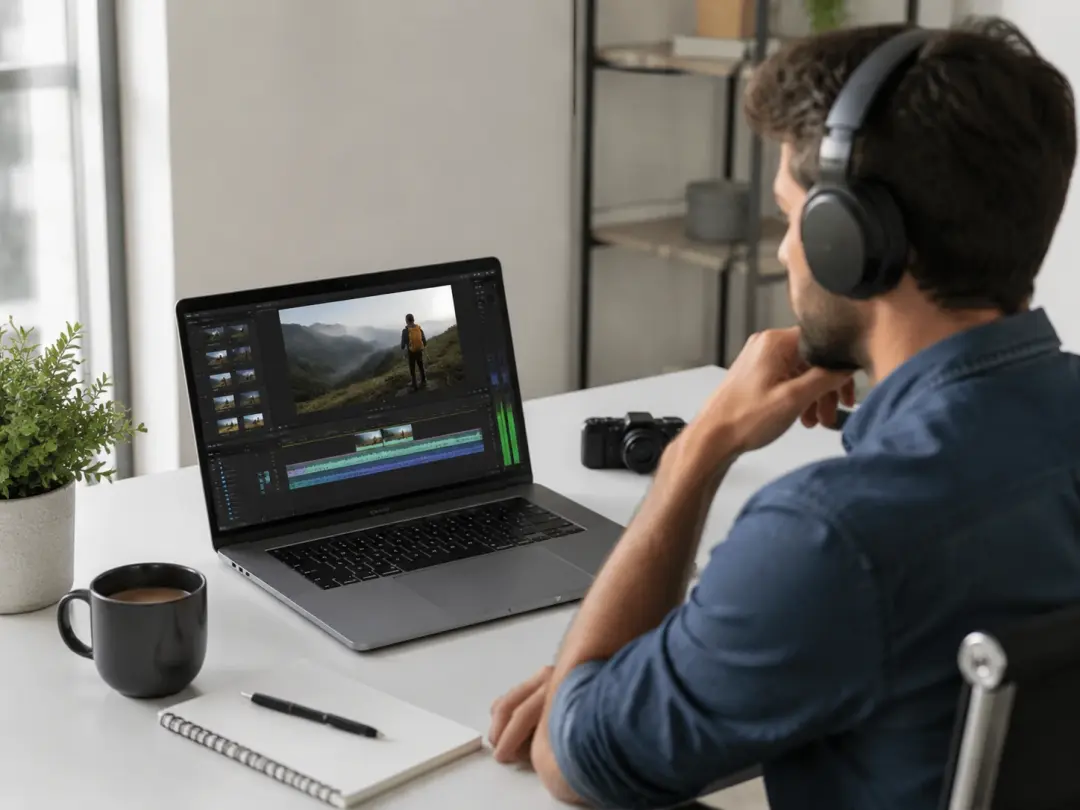
Educators and Tutorial Makers
Tutorial content benefits from subtle audio cues that guide the viewer through each step without competing with the narration. VideoAI helps you add sound effects to video by placing quiet markers at transition points and key moments your audience should notice. If your lesson involves on screen demonstrations, the ai sound effect to video pipeline reads the visual shift and layers a gentle cue underneath. You add sound effects to video that support the teaching rhythm rather than distract from it.
Practical Ways to Use It
VideoAI fits into real production contexts where you need to add sound effects to video as part of a larger edit, not as a standalone novelty.
Product Launch Trailers
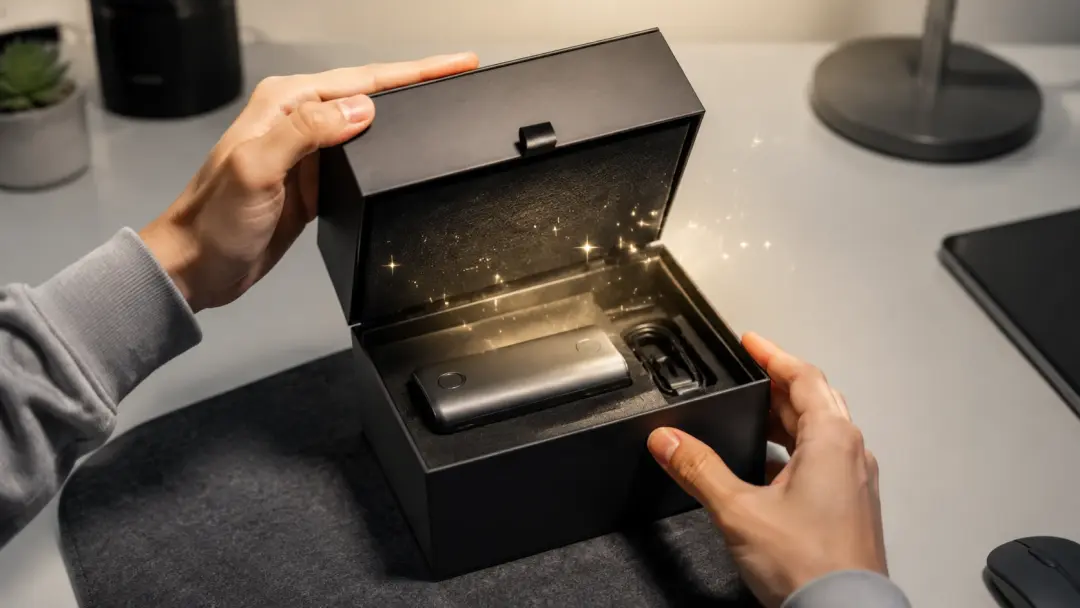
A product reveal needs audio that builds anticipation and punctuates the moment the product appears. VideoAI analyzes the clip structure and uses its ai sound effect generator to propose impact hits, risers, and ambient layers timed to your visual cuts. You add sound effects to video without sourcing each element from a separate library. The tool to add sound effects to video adjusts levels relative to your existing audio track so the mix stays balanced.

Social Media Compilations
Compilations move fast and every clip needs its own audio flavor to keep the viewer engaged. VideoAI lets you add sound effects to video and insert sound effect layers across multiple clips in a single pass, reading each segment and matching SFX sound effects to the on screen action. The auto sound effects engine handles repetitive tagging so you focus on the creative order of your compilation. You add sound effects to video for each clip rather than treating the whole sequence as one block.
Documentary Scene Building
Documentary footage relies on ambient sound to place the viewer inside the scene. VideoAI scans the visual environment and proposes atmospheric layers that add audio effects to video without overpowering the original recording. You add sound effects to video by controlling the blend between captured sound and generated SFX, keeping the authenticity of the footage intact while filling gaps where field audio falls short.
Gaming Highlight Reels
Gaming highlights depend on well timed audio hits to amplify key plays. VideoAI reads the visual intensity of each clip and acts as an ai that adds sound effects to video by placing impact sounds, crowd reactions, and cinematic stingers at the right frames. You add sound effects to video, preview each placement, shift timing where needed, and export with audio that turns a raw clip into a watchable highlight.
Examples You Can Create
These examples show what finished output looks like after you add sound effects to video with VideoAI across different content styles.
Cinematic Travel Montage
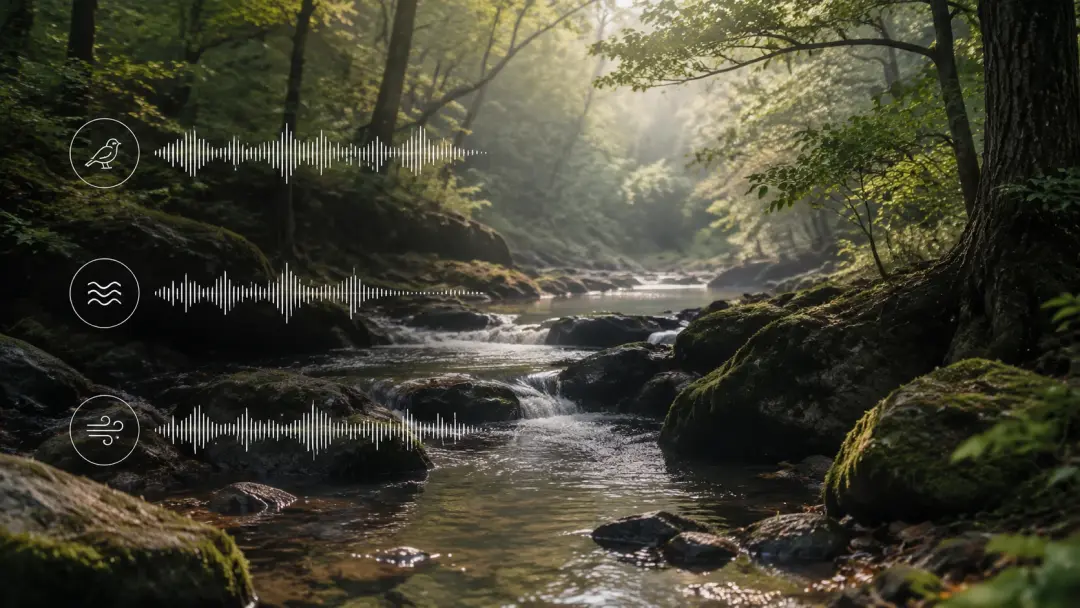
Upload a travel sequence and let VideoAI layer wind, water, and ambient crowd textures that match each location cut. The ai sound effect to video process reads scene changes and places environmental audio where the visuals shift. You add sound effects to video that make the viewer feel present in each location without recording field audio on site.
Cooking Tutorial with SFX
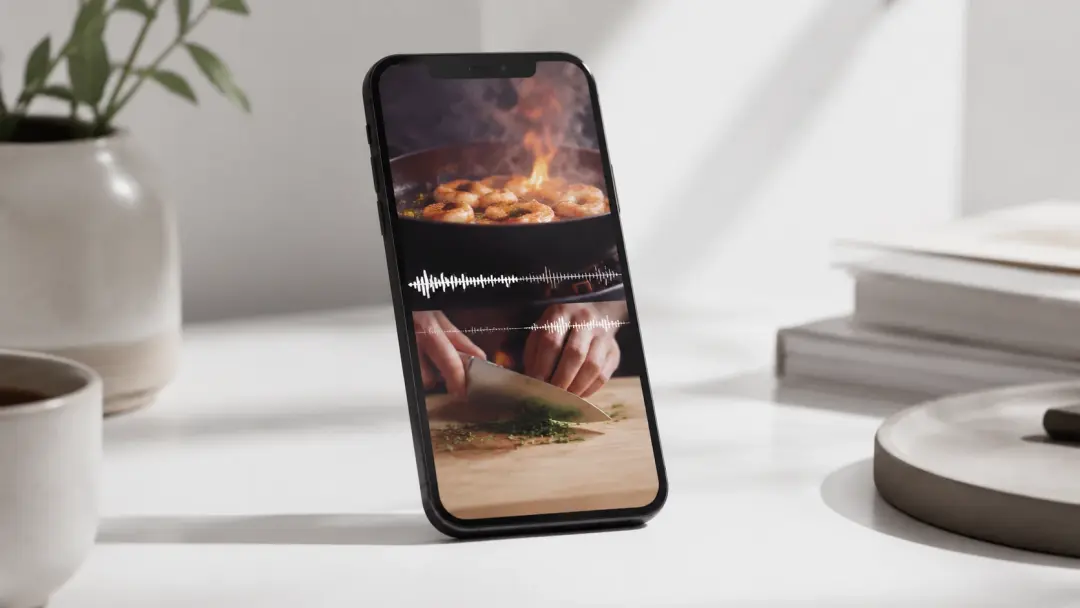
A cooking video comes alive with sizzling, chopping, and plating sounds layered over the visual steps. VideoAI identifies kitchen actions in the footage and suggests matching SFX sound effects for each moment. You add sound effects to video and the mix balances the cooking audio against your voiceover so neither layer drowns the other out. The result is a polished tutorial where you add sound effects to video that feel organic to the scene.
Fitness Workout Video
Workout content benefits from rhythmic audio cues that match each exercise transition. VideoAI works as an ai sound effect generator that reads the movement patterns and places beat aligned hits at rep changes and rest intervals. You add sound effects to video that keep the energy consistent across the full routine. Each time you add sound effects to video for a new exercise block, VideoAI adjusts the intensity to match the visual pace.
Real Estate Walkthrough
Property tours need subtle ambient audio that adds depth without distracting from the voiceover or on screen text. VideoAI scans each room transition and proposes soft environmental layers to add audio effects to video at natural cut points. You add sound effects to video that feel spatially aware, with footsteps, door sounds, and room tone placed where the visuals justify them.
What Creators Say
Feedback from creators who use VideoAI to add sound effects to video across different production workflows and content types.
VideoAI made it possible for me to add sound effects to video in minutes instead of hours. The scene detection picks up on visual cues I would have missed and places audio that actually fits.
Carlos Rivera
Freelance Video Editor
The auto sound effects feature changed how I handle audio for social clips. I upload, review the suggestions, tweak a few levels, and export. Being able to add sound effects to video this fast means I publish more consistently.
Mina Park
Social Media Content Manager
As someone who makes educational content, the ai sound effect generator gives me subtle cues that guide viewers through each step. I add sound effects to video that support the lesson without competing with my narration.
David Chen
Online Course Creator
I needed a tool to insert sound effect layers into gaming highlights without spending hours on manual placement. VideoAI reads the action and lets me add sound effects to video right where the intensity peaks.
Aisha Okonkwo
Gaming Content Creator
The AI add audio to video workflow saved my documentary project. Field audio had gaps and VideoAI helped me add sound effects to video with ambient layers that matched the environment on screen.
Lucas Brandt
Independent Documentary Filmmaker
I run a small marketing agency and we produce campaign videos weekly. VideoAI acting as an ai that adds sound effects to video reduced our post production audio step by half.
Sara Johansson
Marketing Agency Director
Common Questions

Start Adding Sound Effects to Your Video
Upload your clip and let VideoAI analyze the footage, suggest matching audio layers, and help you add sound effects to video that fit each scene. Preview the mix, adjust levels, and export with polished audio built from your visual content.
Get Started