
Motion Control
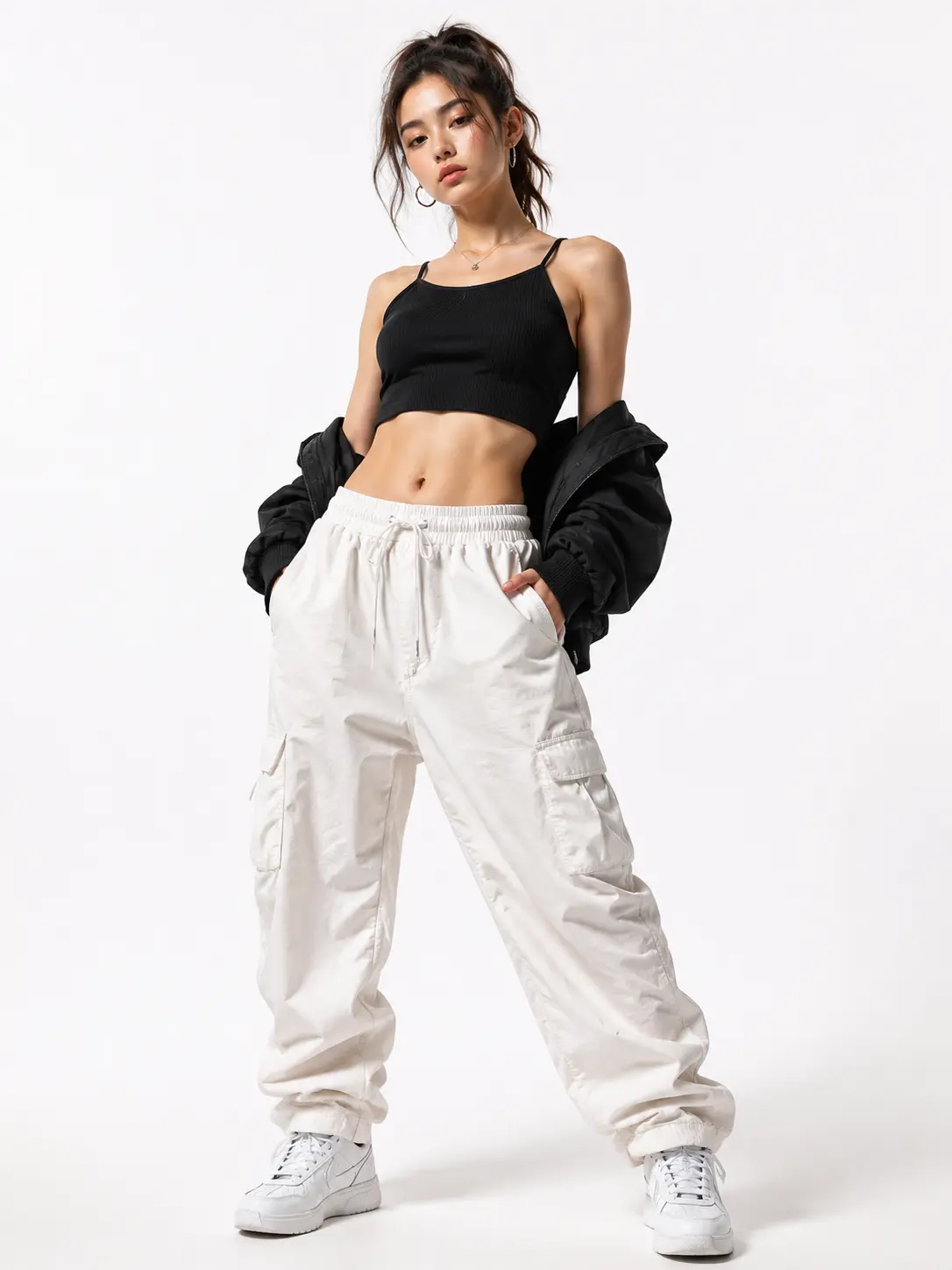
How Motion Control Works
Three steps from source clip to final output.
Upload a Reference Video
Start by uploading a reference video that contains the motion you want to replicate. The Motion Control engine scans every frame for joint positions, limb angles, and timing data. It builds a full motion capture map that serves as the blueprint for the output. You can use any clip where the subject is clearly visible and moving against a clean background.
Select a Target Image
Choose the still image whose character will receive the extracted motion. The tool locks the character identity from your target photo, preserving facial features, clothing, and body proportions. When you pair a dance clip with a product mascot, the mascot inherits every pose without losing its original look. The motion tracking data aligns joint positions to the target skeleton automatically.
Export the Final Video
Preview the generated sequence and adjust pacing or frame count before export. The Motion Control output maintains motion sync between the reference timing and the target character across every frame. Export as MP4 or GIF depending on your distribution channel. The final file is ready to post on social platforms or embed in a presentation without additional editing.
Where Creators Use It
Four scenarios where Motion Control fits into a production workflow.
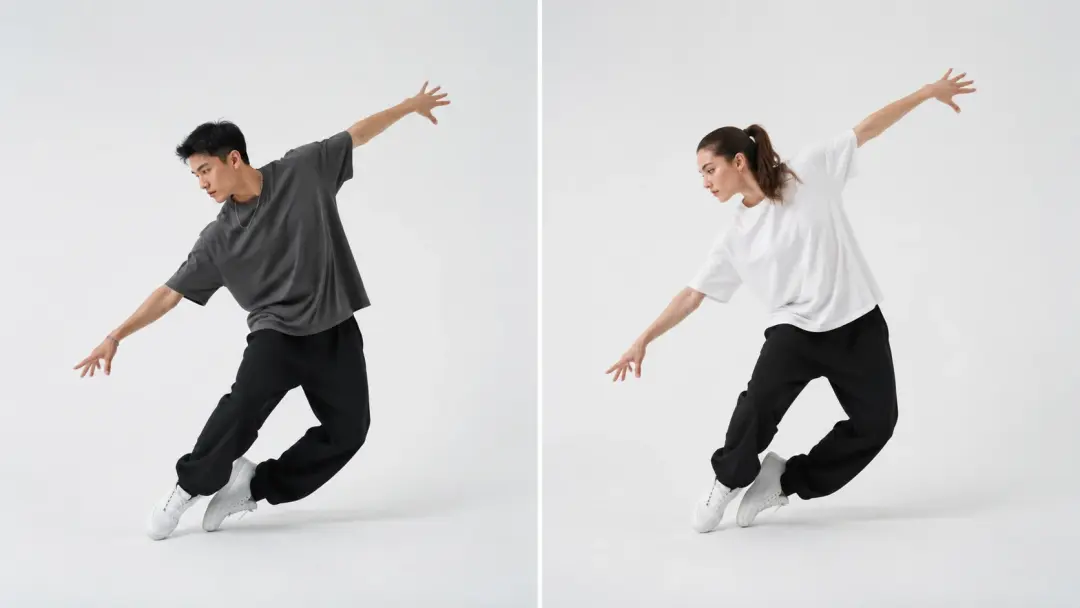
Social Media Dance Clips
Short form creators need fresh dance content on a daily schedule. Upload a trending dance reference and apply it to your brand character or avatar using Motion Control. The motion transfer maps every beat and pose onto the target, so the output matches the original choreography. If you run multiple accounts, batch the same reference across different characters to fill each feed.
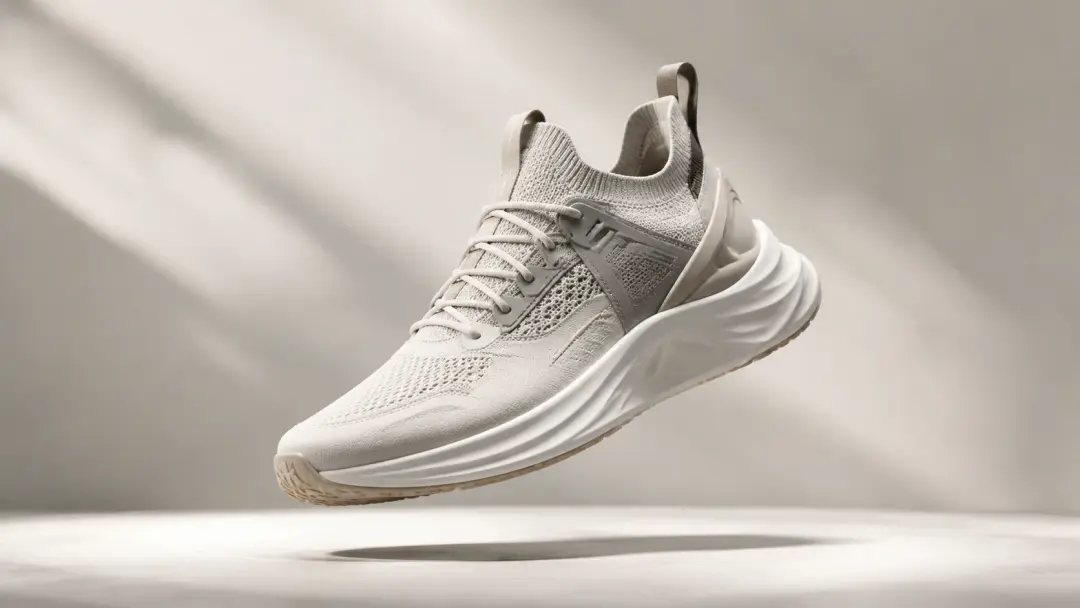
Product Animation for Ads
Marketing teams often need a product mascot to move in a specific way for a campaign spot. Record a simple reference clip of a person performing the action, then let Motion Control animate image assets with that exact motion. The character identity stays locked, so the mascot looks consistent across every ad variant. This replaces hours of manual keyframe work in traditional animation software.
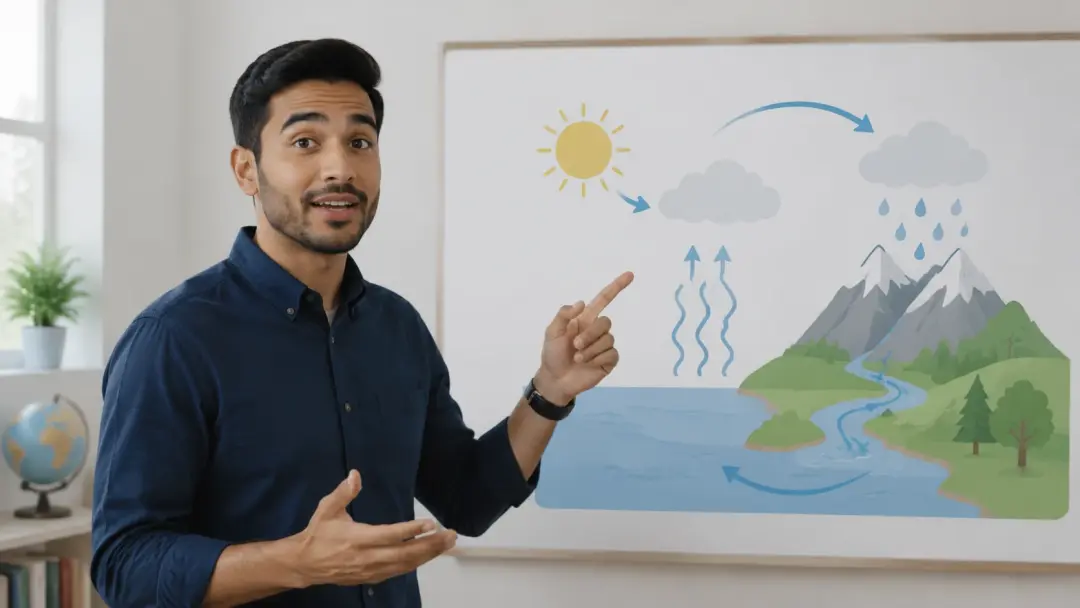
Educational Explainer Videos
Educators building lesson content can record themselves gesturing at a whiteboard, then transfer those gestures onto an illustrated character. Motion Control preserves the teaching rhythm and hand positions, keeping the explanation clear. The lip sync video output can match mouth shapes to a voiceover track for added clarity. This workflow turns a simple screen recording into a polished animated lesson.
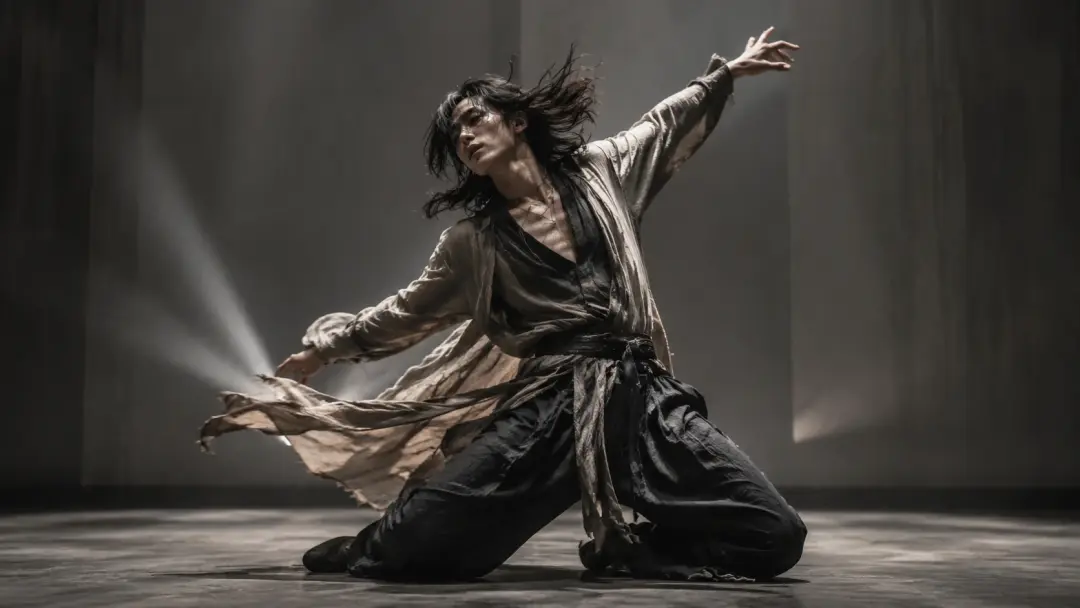
Music Video Prototyping
Independent musicians can prototype a music video concept before booking a full shoot. Film a rough performance clip, apply motion synchronization to a stylized character, and review the visual pacing against the track. When the choreography lands, commit to the final production with confidence. This saves studio time and reduces the cost of creative experimentation.
Creative Examples to Try
Four starting points for your next Motion Control project.
Character Lip Sync Scene
Record a short dialogue clip and let lip sync ai map mouth movements onto a cartoon character. Motion Control handles the full body motion while the lip sync layer matches phonemes to the audio. The result is a complete talking character sequence that stays on beat with the voice track. Use this for animated shorts, social skits, or podcast video companions.
Fitness Routine Overlay
Film a workout routine and transfer each exercise onto a 3D avatar. Motion Control reads the motion capture data for squats, lunges, and stretches, then applies them frame by frame. The avatar mirrors your form so viewers can follow along without confusion. Coaches can brand the avatar to match their studio identity and post the clips across platforms.
Virtual Try On Showcase
Fashion creators can film a model walking and turning, then apply that motion to a virtual mannequin wearing different outfits. The Motion Control motion transfer keeps the walk cycle natural while the clothing renders update per frame. If you sell online, this gives shoppers a moving preview of each garment without a separate shoot for every item. The output works as a looping clip for product pages.
Animated Greeting Card
Turn a family photo into a short animated clip where each person waves or dances. Upload a simple wave reference and point Motion Control at the group photo. The tool locks each character identity and applies the motion individually, keeping faces and outfits intact. Export as a GIF or short video and share it as a greeting card that feels personal and lively.
Common Questions

Try Your First Motion Control Clip
Upload a reference video and a target image, then see the Motion Control output in minutes. The tool handles motion capture, identity lock, and export in one pass.
Get Started