
Video Enhancer
Who Uses This Video Enhancer
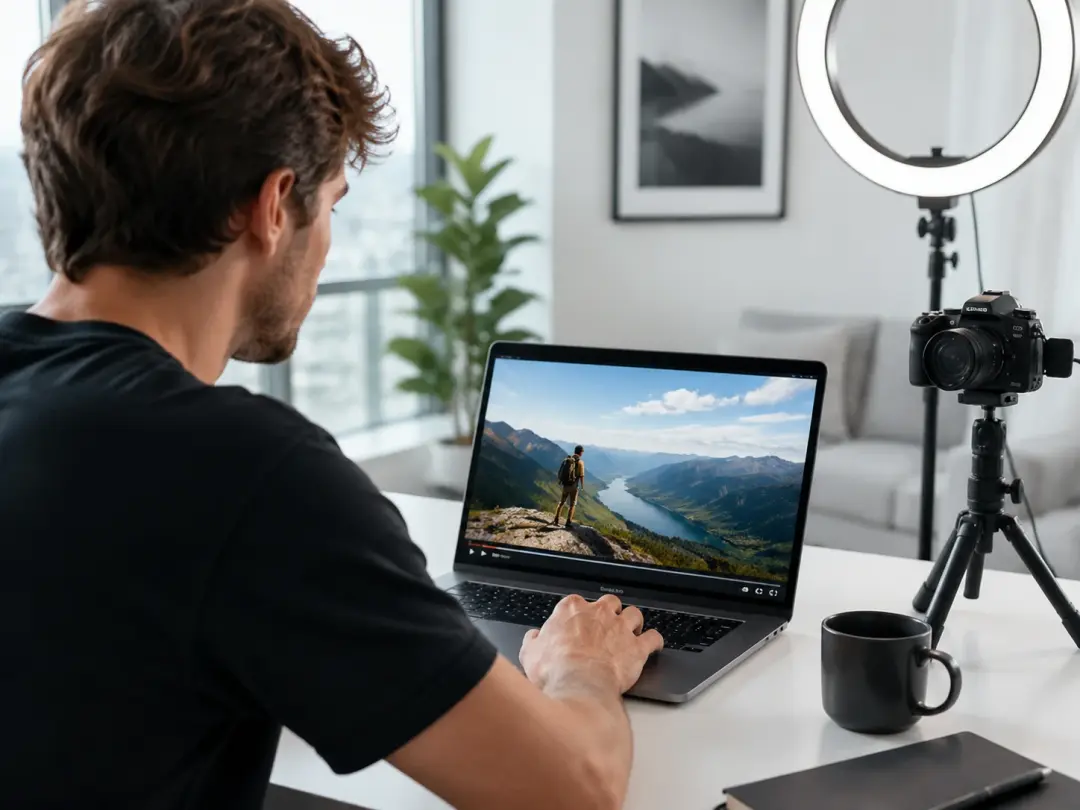
Content Creator
Clips shot on a phone in mixed lighting often look soft and noisy on larger screens. The Video Enhancer sharpens detail and corrects exposure so every frame holds up at full resolution. Upload your footage, select the target quality, and export a cleaner file ready for any platform. When your source clip was recorded in a dim room, the noise reduction pass recovers subject detail that compression buried.
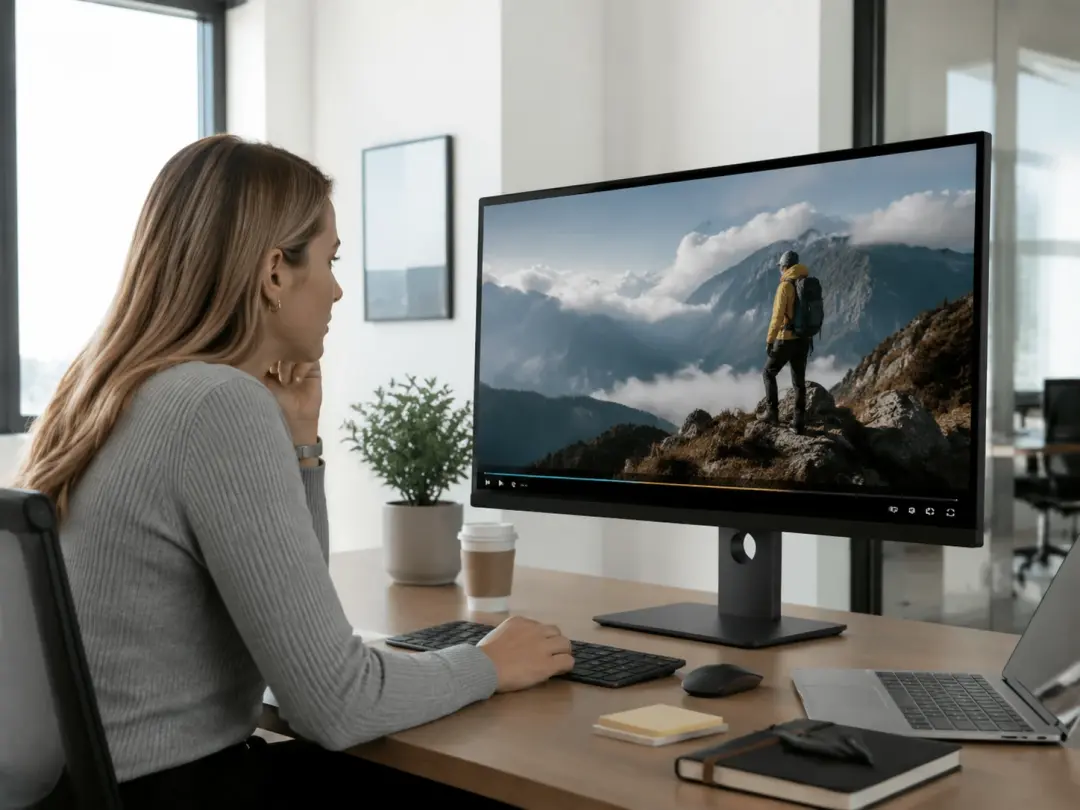
Marketing Team Lead
Campaign footage arrives from multiple sources at varying resolutions. The Video Enhancer brings every clip to a consistent quality baseline before the edit begins. Batch uploads let you enhance video quality across an entire folder without repeating settings. The output stays uniform so the final cut looks like one cohesive shoot.
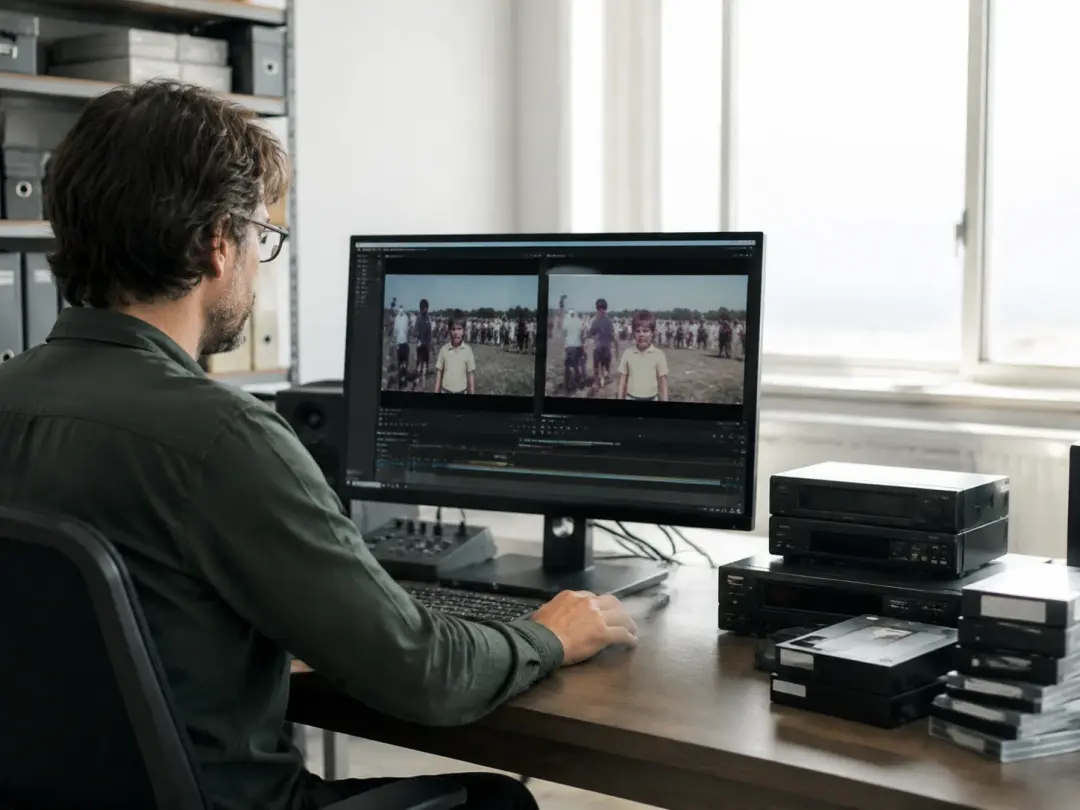
Archival Video Editor
Old recordings carry grain, color drift, and resolution limits that modern displays expose. The Video Enhancer restores clarity by reducing grain and rebuilding edge detail frame by frame. If your archive includes VHS transfers or early digital captures, the tool handles both formats with the same restoration pipeline. The result is a watchable file that preserves the original tone.
Core Features of the Enhancer
Four capabilities that make this Video Enhancer a complete quality toolkit for creators.
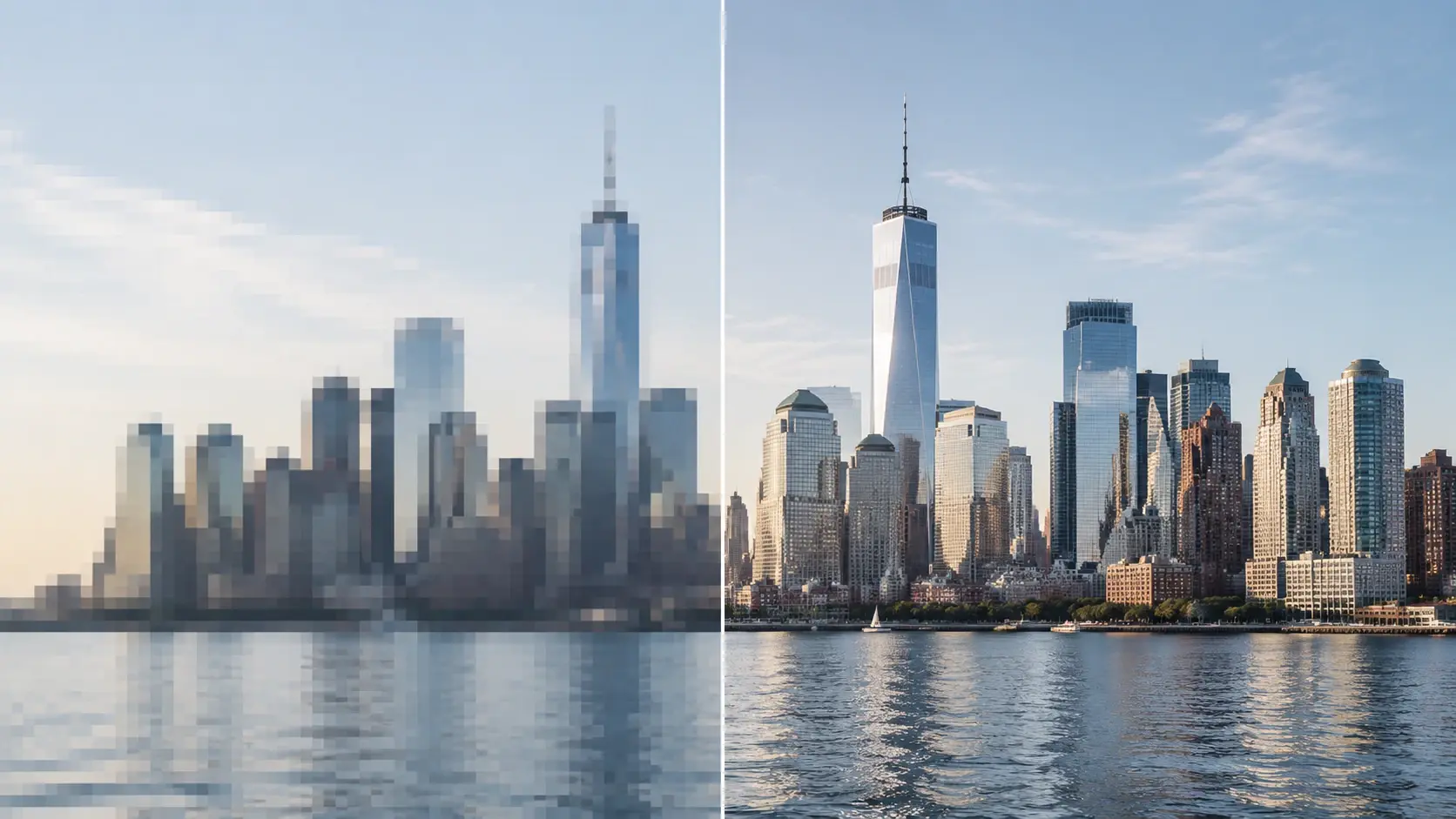
AI Resolution Upscale
The Video Enhancer analyzes each frame and rebuilds pixel detail to increase video quality up to 4K output. You select the target resolution and the model fills in texture that standard interpolation misses. The upscaled file retains natural grain and color accuracy. Works best when the source is 720p or higher so the model has enough data to reconstruct from.
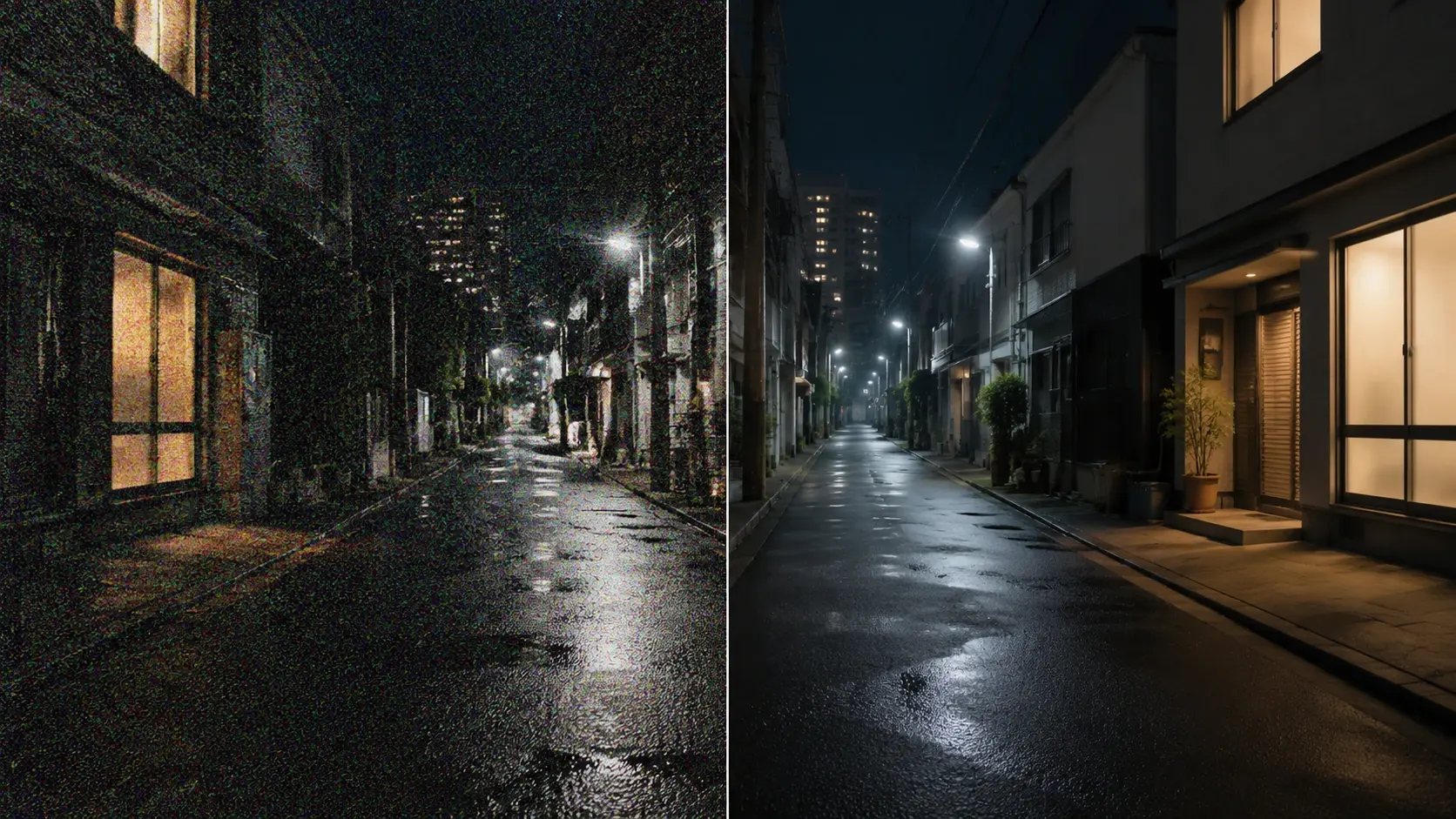
Noise and Artifact Reduction
The Video Enhancer identifies noise patterns across frames and removes them without flattening real texture. You control the strength slider so the result keeps the look you intended. If your footage has banding from heavy compression, the tool smooths those gradients while preserving edge sharpness. One pass handles both luminance noise and color noise together.
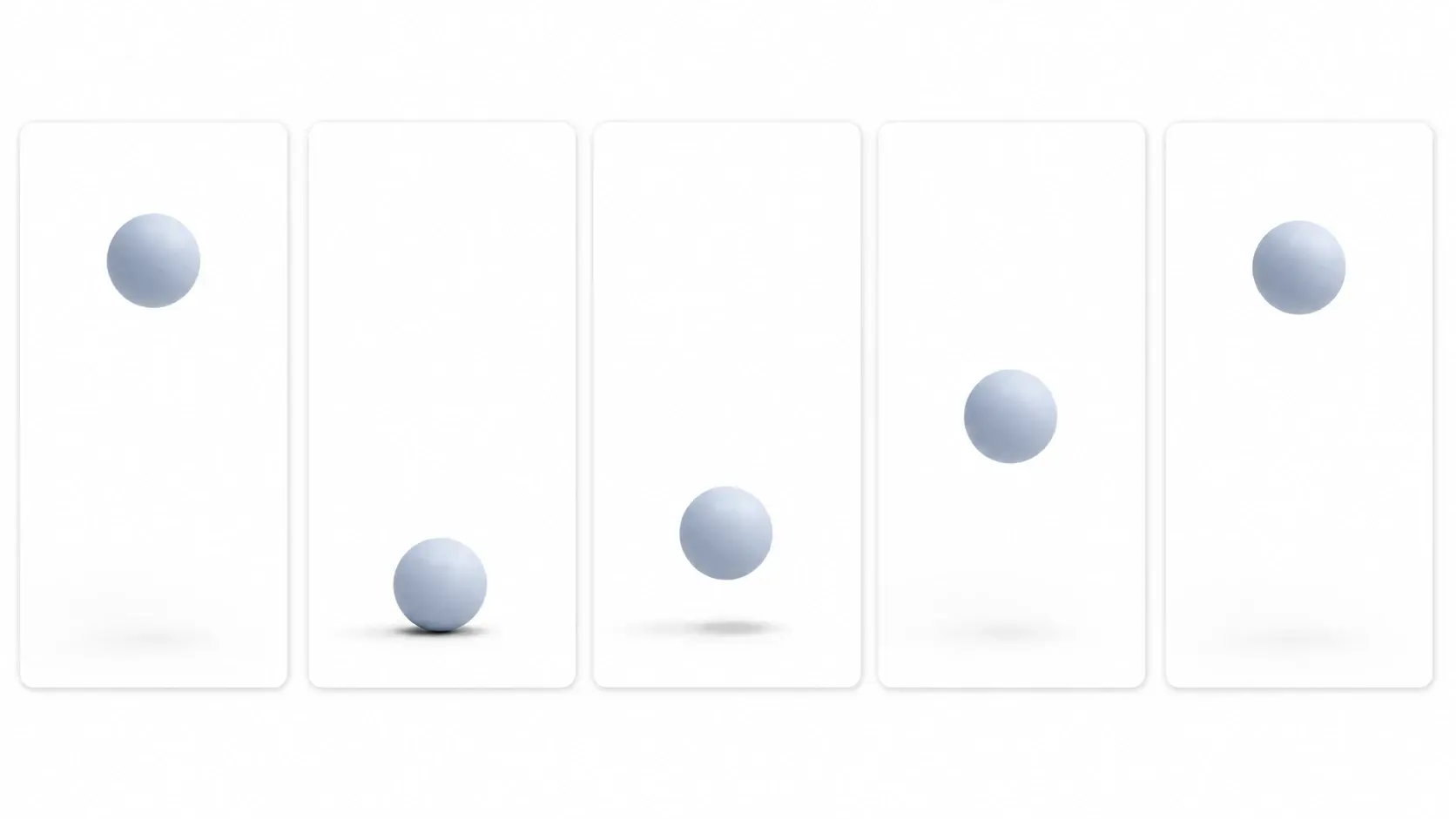
Frame Rate Enhancement
The tool generates intermediate frames to improve video quality during motion sequences. A 30fps source becomes 60fps with smooth interpolation that reduces judder in panning shots. You preview the result before committing so nothing exports until you confirm. The tool flags sections where fast motion may produce ghosting so you can adjust those segments.
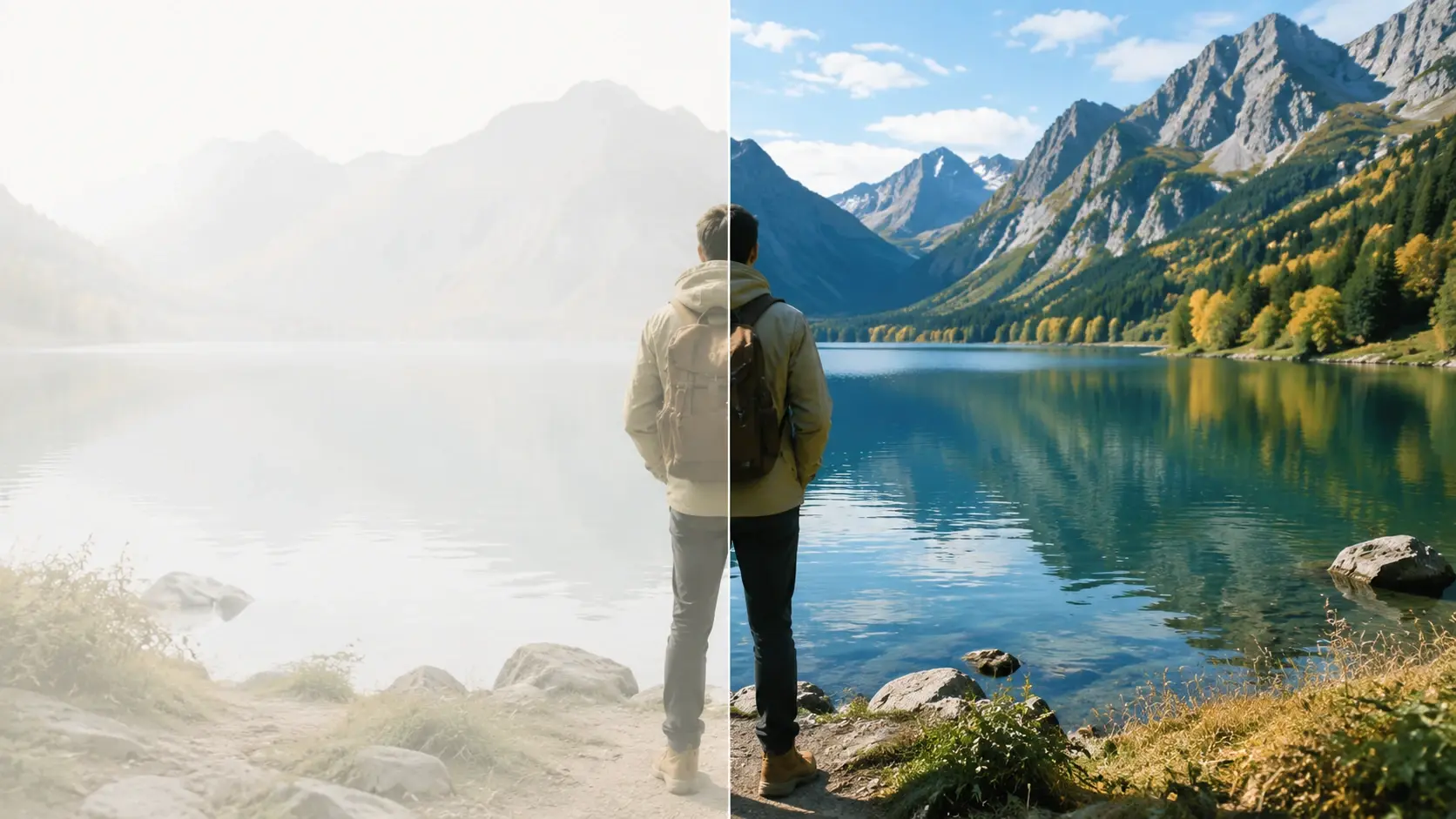
Color and Exposure Repair
The Video Enhancer corrects white balance shifts and exposure inconsistencies across your timeline. Select a reference frame and the tool matches the rest of the clip to that baseline. You can also enhance quality of video that was shot under mixed lighting by letting the model normalize each scene independently. The corrected file exports with consistent brightness and accurate skin tones.
Practical Ways to Use It
Four real production scenarios where the Video Enhancer delivers a measurable quality gain.
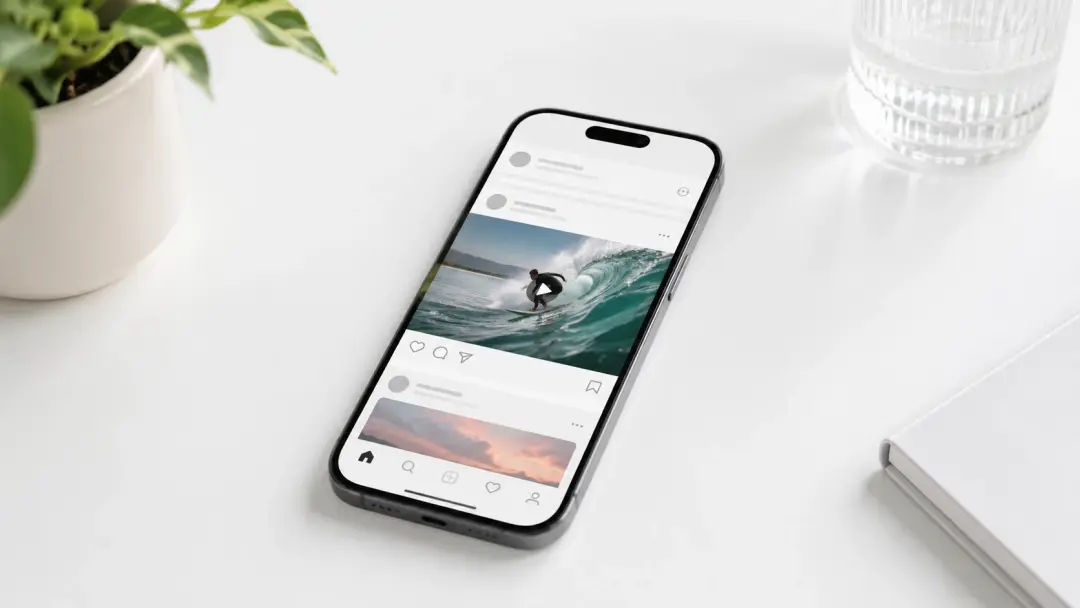
Social Media Repost
A creator downloaded a previously compressed clip and needed to repost it at higher quality. The Video Enhancer removed compression artifacts and sharpened text overlays so the reposted version looked closer to the original master. The free video enhancer plan covered the single clip without requiring a paid subscription. Export took under two minutes for a sixty second file.

Client Deliverable Upgrade
A freelance editor received 1080p footage from a client who needed 4K delivery. The Video Enhancer upscaled every scene and preserved fine detail in product close ups. The video quality enhancer pass ensured that label text and fabric texture stayed readable at the larger resolution. The client accepted the deliverable on the first review round.

Old Home Video Restoration
A family wanted to video enhance decades old camcorder recordings for a reunion screening. The Video Enhancer reduced tape grain, stabilized shaky handheld footage, and boosted color saturation that had faded over time. Each clip processed in about three minutes. The restored collection played cleanly on a modern display without visible artifacts.
Course Video Refresh
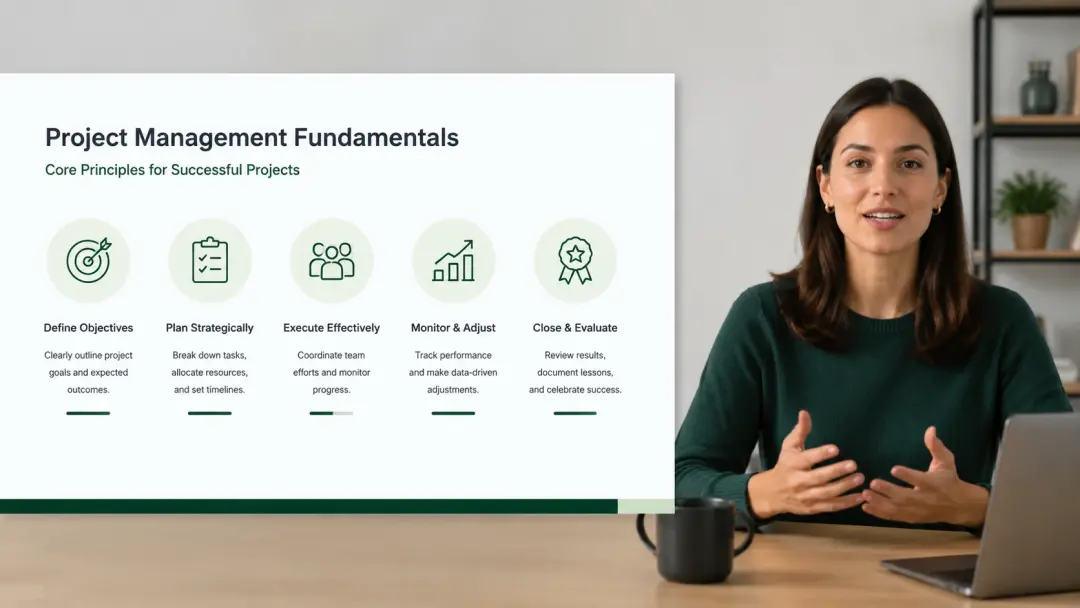
An educator recorded lectures two years ago at 720p with a basic webcam. The Video Enhancer brought every lecture up to 1080p and cleaned up background noise in the visual feed. Students reported that diagrams and code samples on screen were easier to read after the enhancement. The batch process handled forty clips in a single queue run.
What Users Say About It
Feedback from creators who use this Video Enhancer in their regular production workflow.
I needed to increase video quality on a batch of interview clips before a deadline. The Video Enhancer processed all twelve files overnight and every one came back sharper than the original recording.
Sarah L.
Documentary Producer
Our team uploads product demos weekly. The AI Video Enhancer sharpens every frame so close up shots of our hardware look crisp on any screen size.
James R.
Product Marketing Manager
I used the Video Enhancer to restore my wedding footage from 2005. The grain is gone, the colors are accurate, and the faces are clear for the first time in years.
Maria K.
Personal Archivist
The video enhancer free starter plan let me test on three real project files before committing. Output quality matched tools that charge five times more per clip.
David T.
Freelance Video Editor
I shoot fitness tutorials on my phone and the Video Enhancer cleans up every clip before I post. Skin tones stay natural and the background noise disappears from the visual feed.
Nina P.
Fitness Content Creator
Our agency relies on the Video Enhancer for client work where source footage arrives at low resolution. The upscale to 4K is consistent and saves us from reshooting every time.
Carlos M.
Creative Agency Director
Common Questions

Try the Video Enhancer on Your Footage
Upload a clip and see what the Video Enhancer produces. The tool handles resolution upscale, noise reduction, and color correction in one session so you move from rough footage to a clean export without switching apps.
Get Started