Free iOS Daniel text to speech: type any script, pick a voice, and the AI voice generator reads it back in seconds. Play a TTS sample below — no sign-up to preview.
UK danielby Collin van Berchum · 5K plays on VideoAI · English
Free text to speech preview · 3,317 AI voices · MP3 download · no sign-up to listen
More AI Voice Models Similar to iOS Daniel
Character, announcer, and narration voice models from the VideoAI text to speech library that creators reach for alongside iOS Daniel. Play the sample on any card, then open that AI voice generator page and write your own script.
Daniel (Oddcast/MLG)
2K plays
MaleOld
“Hey everyone! Welcome to another epic gaming session! Time for some MLG pro moves and epic fails. Let's get this party started in 3, 2, 1... BOOM! Get rekt noobs! xD xD xD! This is Daniel, signing in for some legendary gameplay!”
“The racing champion is here. Grab your chance and win this race. If you are still inside the fighting zone, get out of here quickly. Train yourself into a grandmaster of fighting, as your next enemy is waiting for you.”
“Force the perspective, making the base of the attack wide at the bottom of the panel and tapering it aggressively as it shoots up. Add quick ground debris chunks flying toward the camera to create depth.”
“Welcome to the famous Red Fort, fort in Delhi. This magnificent, magnificent structure was built in the 17th century and, and shows beautiful Mughal architecture. Inside you can see the, the royal chambers and beautiful gardens that, that tell stories of ancient Indian kings.”
Three steps from an empty text box to a downloaded iOS Daniel TTS file — no editing skills needed.
1
Select the iOS Daniel AI voice
Start from this page or browse the AI voice library, then keep the iOS Daniel voice selected for your script.
2
Type or Paste Your Text
Drop your script into the text to speech box, then fine-tune speed, volume, and expressiveness before you render.
3
Text to Speech
Hit generate and the AI voice generator returns your iOS Daniel TTS in seconds - play it, download the MP3, drop it on a timeline.
What Creators Make with the iOS Daniel AI Voice
Every clip below starts the same way: type a line, pick the voice, let the text to speech engine do the rest.
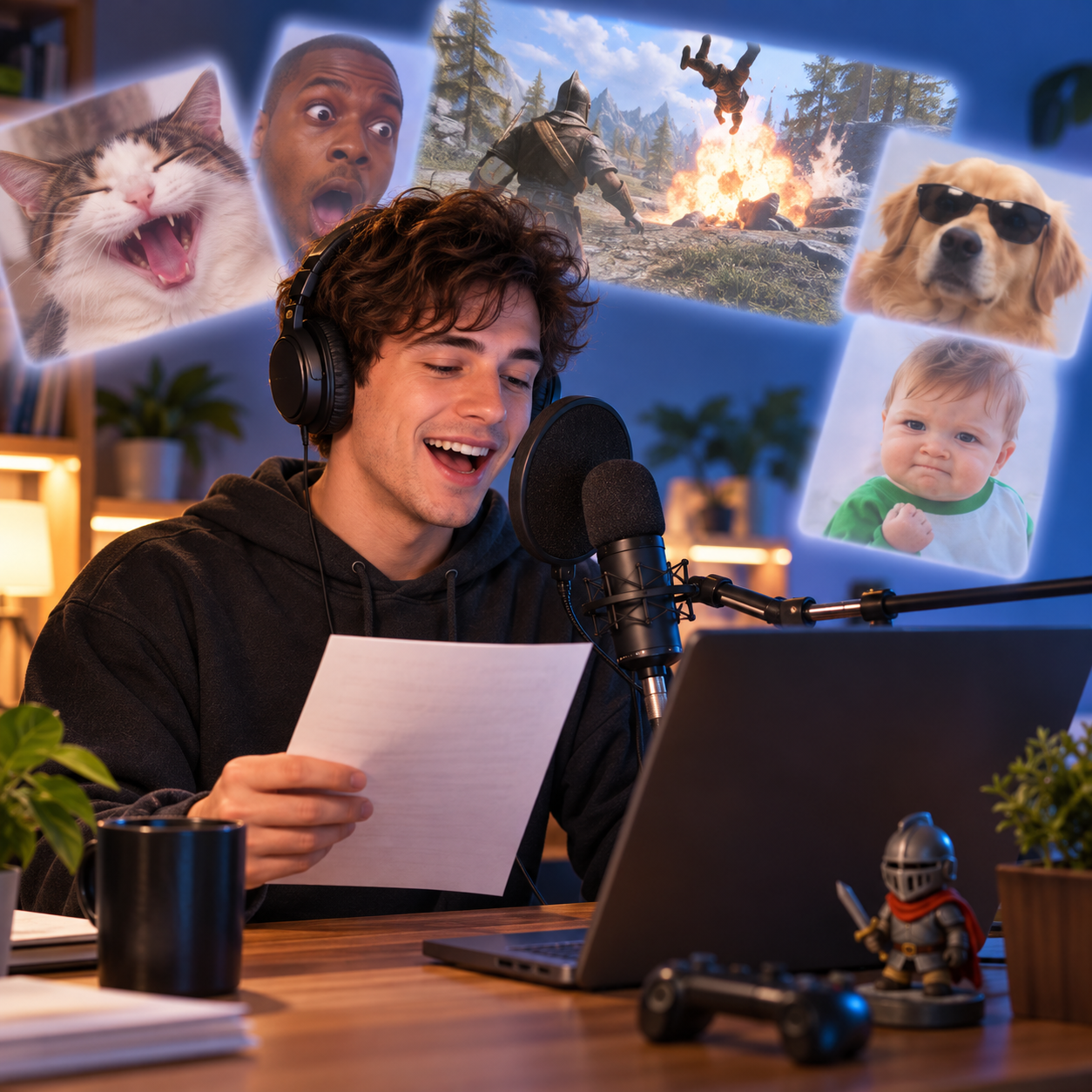
MLG Montage Reads
Build absurd YouTube montage narration where iOS Daniel keeps a polished British delivery while the joke gets ridiculous; export the TTS as an MP3 for drops, edits, and replayable punchlines.
Deadpan Gaming Narration
For gaming recaps and parody tutorials, iOS Daniel can describe chaotic clips with a formal narrator tone; render the TTS, save the MP3, and cut it under gameplay moments.
Formal Meme Announcers
Creators use iOS Daniel for clean, stiff announcements that make strange meme captions feel official. Generate the TTS, download the MP3, then place it before a visual gag.
Retro YouTube Parodies
Recreate the old montage-parody mood with iOS Daniel reading over edits, reaction images, and gaming footage. The TTS gives each line that familiar stock cadence, while the MP3 fits any timeline.
Discover More Male, Old, and Social Media Voices
Explore more voices in the same language surrounding this catalog entry.
SiriSiri kang
🇺🇸English
FemaleMiddle AgedConversational
Brian BritishBrian British Hafiz Qurban ali
🇺🇸English
MaleOldNarration
MarcusMarcus Super Club
🇺🇸English
MaleMiddle AgedNarration
Andrew (bad things)Andrew (bad things) ソフィー
🇺🇸English
MaleMiddle AgedNarration
GoAnimate EricGoAnimate Eric Andrew Muralles
🇺🇸English
MaleMiddle AgedEntertainment
EAS TOM (1990-2016)EAS TOM (1990-2016) R-USER KRAL OYUNCU
🇺🇸English
MaleOldNarration
Amazon AlexaAmazon Alexa mckensie Parker
🇺🇸English
FemaleOldConversational
Marcus the wormMarcus the worm Skibidi sigma
🇺🇸English
MaleOldNarration
Klasky Csupo (BOING VOICE)Klasky Csupo (BOING VOICE) Super Mari Voice Model Trains
🇺🇸English
NeutralYoungCharacter Voice
Optimus PrimeOptimus Prime arranasays
🇺🇸English
MaleOldCharacter Voice
SCP AnnouncerSCP Announcer payback2
🇺🇸English
MaleOldNarration
Santa ClausSanta Claus Bharat Golchha
🇺🇸English
MaleOldEntertainment
FAQ
iOS Daniel Text to Speech FAQ
Commercial use, pricing, voice cloning, speed, file format and length limits for the iOS Daniel AI voice generator.
01Can I use the iOS Daniel voice commercially?
Yes — paid plans include commercial rights; these community-made AI recreations are not affiliated with the original rights holders.
02Is the iOS Daniel AI voice generator free?
Previews are free to play, and new accounts get free credits for their first text to speech run.
03What can I create with the iOS Daniel AI voice?
YouTube videos, TikToks, memes, podcasts, audiobooks, game mods — anything that needs a voiceover.
04Can I clone my own voice instead of using the iOS Daniel voice?
Yes, upload 30 seconds to two minutes of clear audio and voice cloning builds a profile in your own voice.
05How long does it take to generate iOS Daniel TTS audio?
A few seconds for short lines; longer scripts take a little more.
06What audio format do iOS Daniel TTS downloads use?
Every download is an MP3 file.
07How many characters can the iOS Daniel text to speech read at once?
Up to 10,000 characters per generation — split longer scripts into parts.
Hear your script in the iOS Daniel AI voice
Free to preview. Your first iOS Daniel text to speech takes about a minute from paste to MP3 download.