Free SMG4 text to speech: type any script, pick a voice, and the AI voice generator reads it back in seconds. Play a TTS sample below — no sign-up to preview.
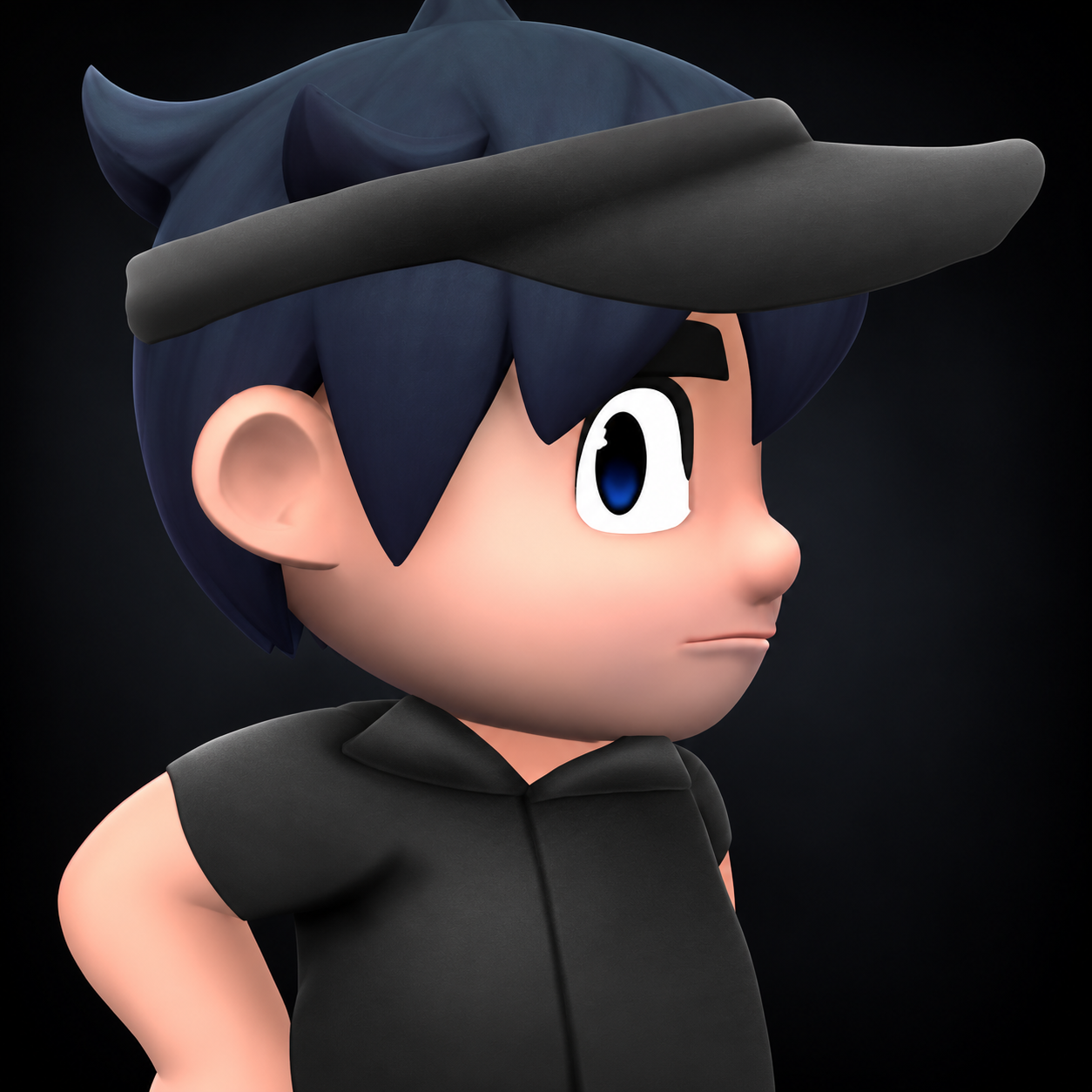
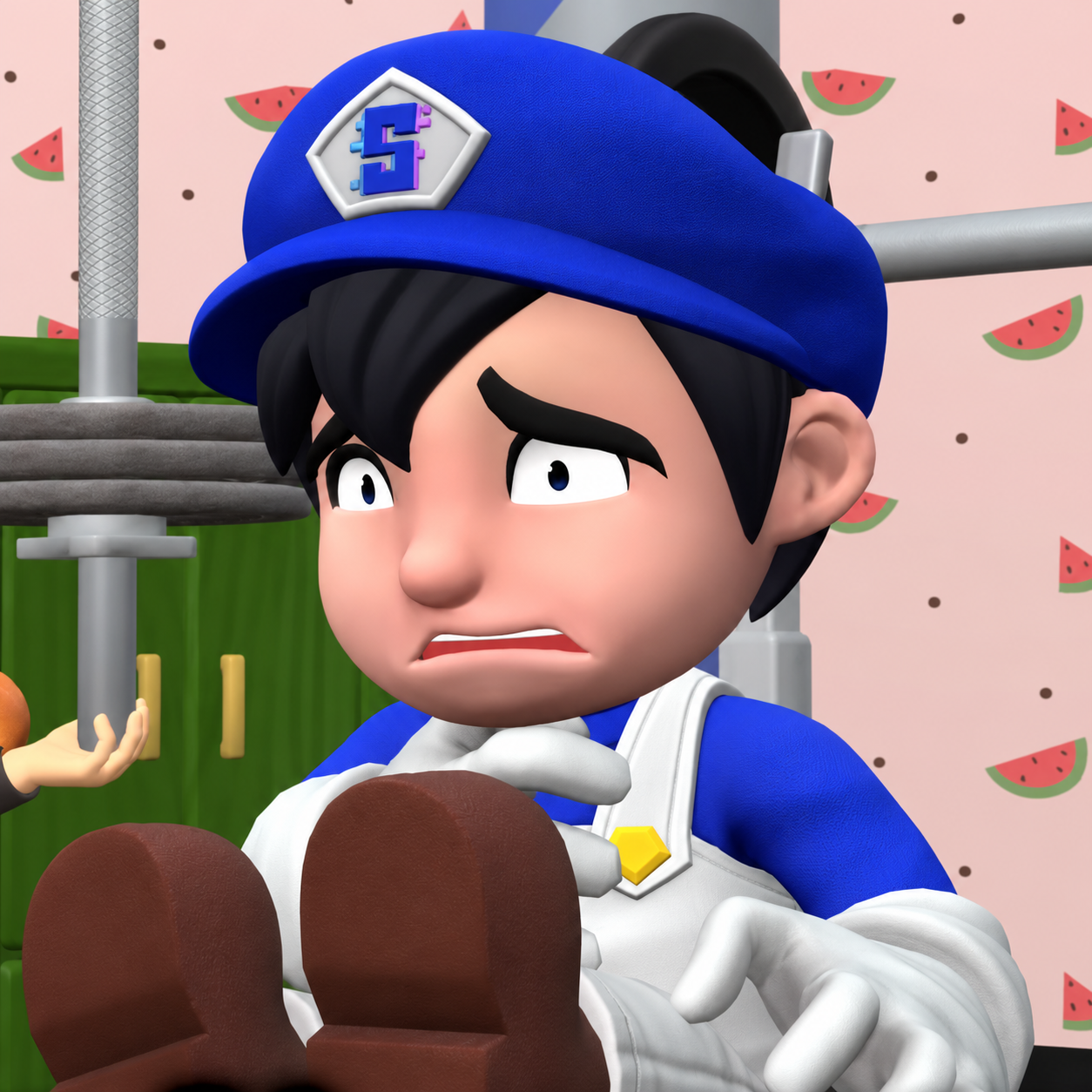
SMG4 (IA)by minoli8179 · 9K plays on VideoAI · English
Free text to speech preview · 3,317 AI voices · MP3 download · no sign-up to listen
More AI Voice Models Similar to SMG4
Character, announcer, and narration voice models from the VideoAI text to speech library that creators reach for alongside SMG4. Play the sample on any card, then open that AI voice generator page and write your own script.
Smg4
4K plays
MaleMiddle Aged
“Hey, careful with that bowl! The sauce is wobbling, and the computer is right beside you. Oh, there it goes—now we’ve got a tiny pasta disaster to clean up. Grab a cloth, I’ll move the keyboard, and maybe next time we can enjoy lunch somewhere a little less crowded!”
“Hey, everybody! Glad you’re here. We’ve got a fresh batch of ideas, a few surprises, and plenty of energy for the day. Get comfortable, stick around, and let’s jump into something fun together!”
“Hey, what’s up, everybody? Welcome to a brand-new day packed with silly surprises, creative ideas, and plenty of laughs. Grab your favorite snack, get comfortable, and let your imagination run wild. There’s always something unexpected around the corner, so let’s jump in and have some fun!”
“Hello, everyone! We’ve got a curious little challenge waiting for us today. Keep your eyes open, look for the odd details, and share your best ideas. With a bit of teamwork and a lot of enthusiasm, we can figure out this mystery together!”
“Hey! Hands off the keyboard! I’m right in the middle of fixing this thing, and every little click sends me back three steps! Give me one minute to save my work, then you can ask all the questions you want. Seriously, just let me concentrate!”
“Hey, everyone, welcome back! Today we’re taking a closer look at a curious little problem and seeing how many different solutions we can find. There are a few unexpected twists along the way, so let’s get started and see where this adventure leads!”
“Well, that plan certainly took an unexpected turn. We could spend the afternoon arguing about what went wrong, or we could take a breath and try a smarter approach. Let’s organize the supplies, make a clear checklist, and see if we can get things back on track.”
“Hey, everyone! I just finished putting together a new little project, and the result is wonderfully chaotic. There are bright colors, unexpected turns, and just enough silly energy to keep things interesting. I’m excited to share how it all came together. Thanks for hanging out, and have a great one!”
“Wait a second, this scene needs a little something extra! Perhaps a sparkle, a flourish, and one perfectly timed reveal. There, much better. Now it has the kind of dramatic finish that makes everyone wonder what’s coming next!”
“All right, team, quick update! The map is upside down, the snacks are missing, and somehow our backpack is making a squeaking noise. But look, I found the trail marker! We’re back on course, so let’s move before the rain catches up.”
“Hey, everybody, check this out! Wait, did that really just happen? That was completely unreal! Somebody save the replay before it disappears. I need to see that again, because no one is going to believe how perfectly that worked out!”
Three steps from an empty text box to a downloaded SMG4 TTS file — no editing skills needed.
1
Select the SMG4 AI voice
Start from this page or browse the AI voice library, then keep the SMG4 voice selected for your script.
2
Type or Paste Your Text
Drop your script into the text to speech box, then fine-tune speed, volume, and expressiveness before you render.
3
Text to Speech
Hit generate and the AI voice generator returns your SMG4 TTS in seconds - play it, download the MP3, drop it on a timeline.
What Creators Make with the SMG4 AI Voice
Every clip below starts the same way: type a line, pick the voice, let the text to speech engine do the rest.
Machinima Sketch Openers
Open a Super Mario 64 machinima comedy sketch with SMG4 reacting to a scene built from emulated game footage. Use TTS to test the opening line, then export an MP3 for the edit.
Internet Meme Parody Exchanges
When an Internet meme becomes the setup, draft a quick exchange with SMG4 as the author-surrogate character. Let TTS read the reply, then save an MP3 to time the punchline with the visual cut.
Author Surrogate Asides
Give the titular character a brief aside that comments on the sketch itself. Try the SMG4 line with TTS, export an MP3, and check whether the pause leaves room for the next comedy beat.
Pop Culture Cutaway Gags
A pop culture reference can interrupt a machinima sketch as a short SMG4 cutaway. Draft the line with TTS, export an MP3, and place it against emulated game footage to judge the comic timing.
Discover More Male, Middle Aged, and Character Voices
Explore more voices in the same language surrounding this catalog entry.