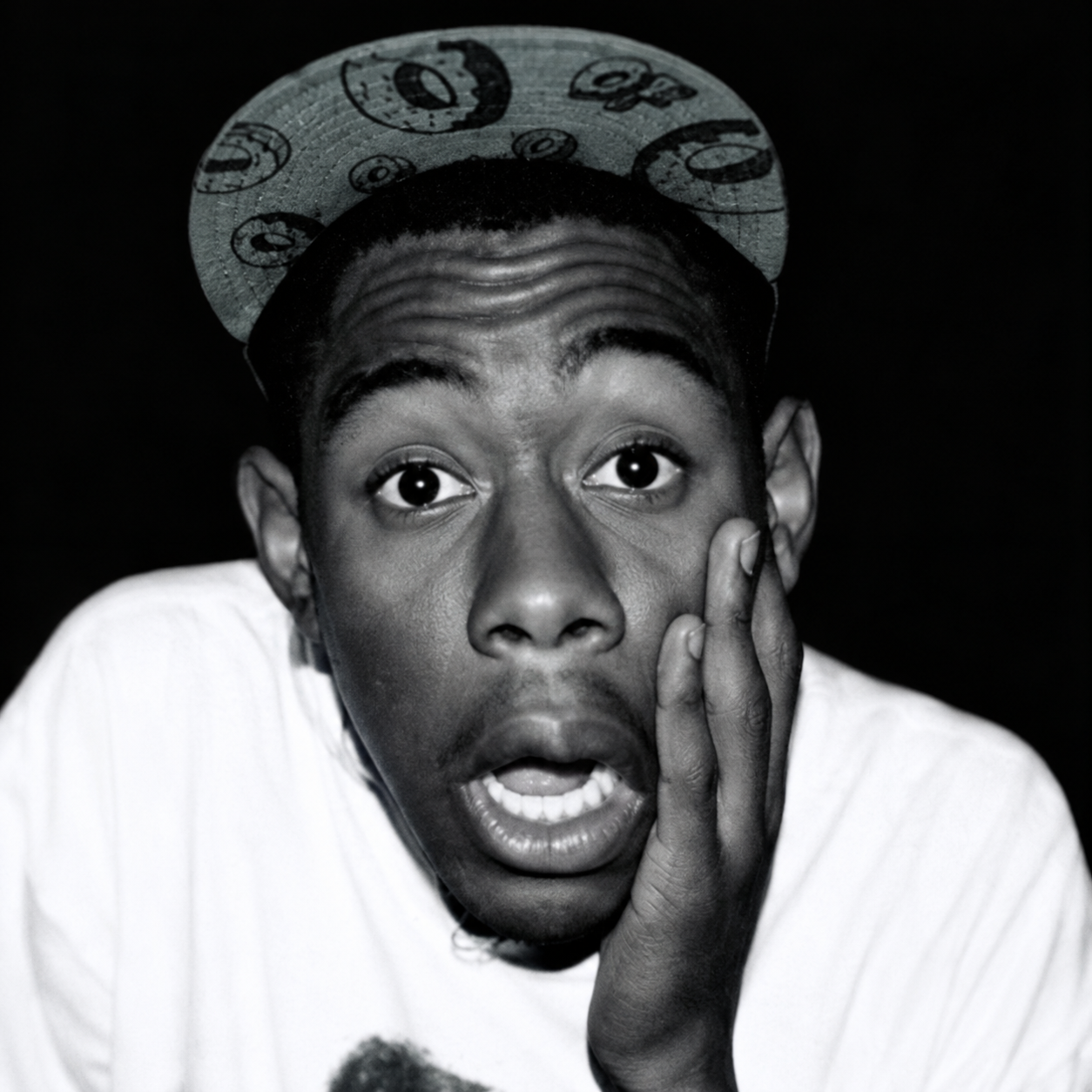
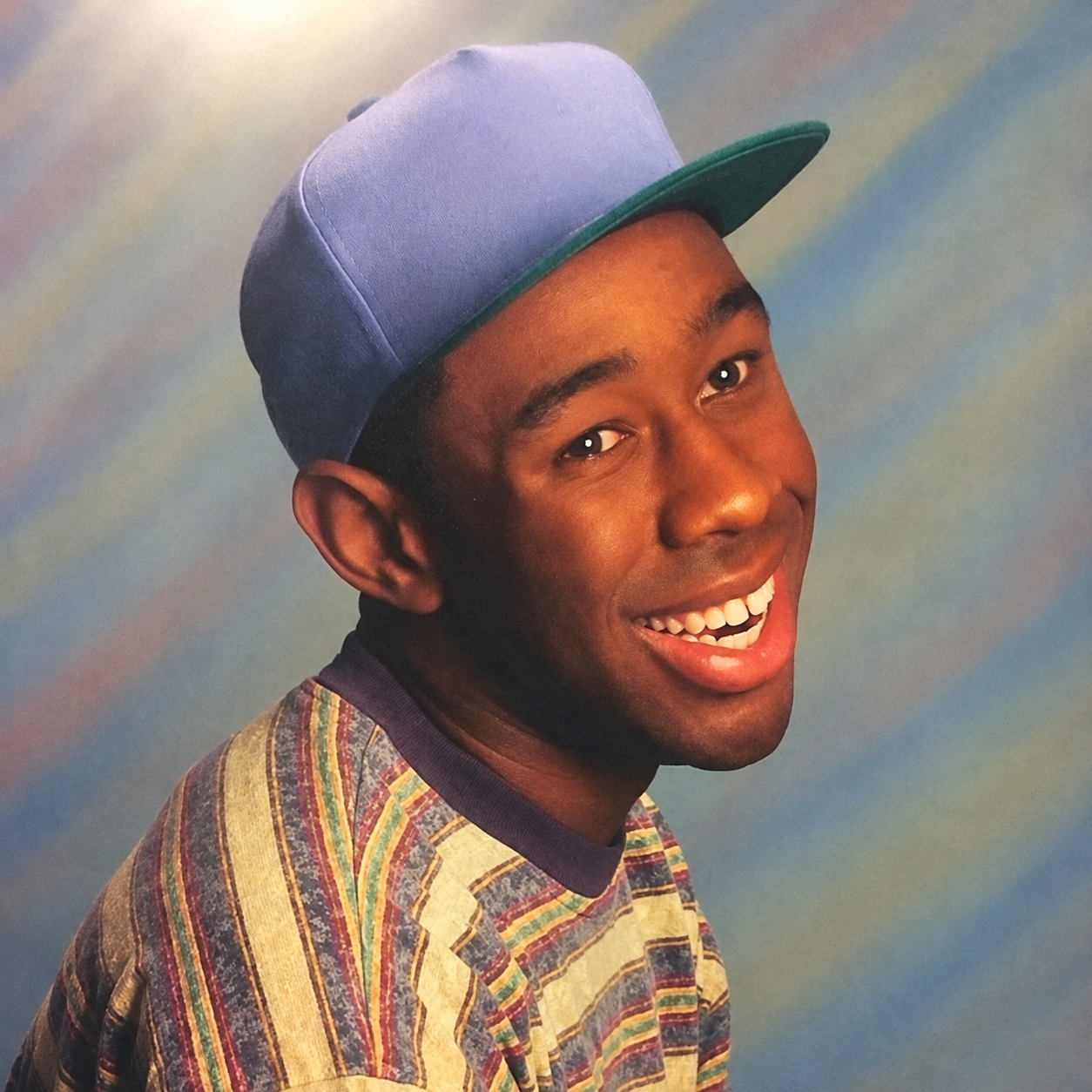
Free Tyler, the Creator text to speech: type any script, pick a voice, and the AI voice generator reads it back in seconds. Play a TTS sample below — no sign-up to preview.
Tyler the creatorby yougoodmud1220 · 5K plays on VideoAI · English
Free text to speech preview · 3,317 AI voices · MP3 download · no sign-up to listen
More AI Voice Models Similar to Tyler, the Creator
Character, announcer, and narration voice models from the VideoAI text to speech library that creators reach for alongside Tyler, the Creator. Play the sample on any card, then open that AI voice generator page and write your own script.
Tyler The Creator (Speaking)
4K plays
“Hey, how’s it going? I’ve been out exploring and picking up little ideas along the way. It’s funny how a new place can change your perspective, even when you’re just wandering without a plan. Anyway, I hope your day has a few pleasant surprises in store.”
“We spent the afternoon at home, just taking it easy and letting the day unfold. Nobody was in a hurry, and that was exactly what I needed. I made a snack, put on some music, and let myself relax for a while. Sometimes a quiet day is the best plan.”
“Every now and then, I think about the places I imagined visiting when I was younger. Some of those dreams have changed, while others still feel close enough to touch. It's nice to look back without getting stuck there, and to notice how those old hopes still shape the way I see the world.”
“I’ve been thinking about how much goes into making a track feel right. It’s not only the melody; it’s the little sounds tucked underneath and the space between them. I can spend ages shaping those details, then someone notices a completely different part. That’s the fun of putting music out there.”
“Hey, I’ve got a stack of colorful ideas and absolutely no intention of keeping them ordinary. We can make a story about a robot learning to garden, or a city floating above the clouds. Pick a starting point, add something unexpected, and let’s see where our imagination takes us.”
“I started with a notebook, a beat, and a whole lot of ideas. Now every new project gives me another chance to try something unexpected. I like mixing sounds, colors, and stories until they feel like their own little world. Stay curious, keep experimenting, and make it yours.”
“Yo, I’m just hanging out, trying a new jacket and figuring out what to eat. The kitchen’s got leftovers, the sketchbook’s open, and there’s a beat looping in the background. It’s a good kind of afternoon, where you can take your time and let a few ideas wander.”
“Yo, make something that feels like you, even if it doesn’t fit the usual mold. Try ideas, mess around, and let yourself be a little unpredictable. You don’t need every detail figured out before you start. Follow that curiosity, keep creating, and see where your own style takes you.”
“Step into the rhythm, let the bright lights guide the way. A good story needs a steady pulse, a little spark, and room to breathe. Take the moment, find your own pace, and let each new idea land. There’s a fresh scene waiting just around the corner.”
“I keep a little corner of my mind for the moments that feel like a song. The ordinary world moves along, but a quiet thought can take me somewhere softer. When I close my eyes, the day loosens its grip, and I can drift through a scene made just for me.”
“You know, the things we love usually have a story behind them. Maybe it was a song you heard at the right moment, or a place that made you feel at home. I always like hearing what gives something meaning for someone. What’s a small thing you treasure, and what makes it special to you?”
How to Use the Tyler, the Creator AI Voice Generator
Three steps from an empty text box to a downloaded Tyler, the Creator TTS file — no editing skills needed.
1
Select the Tyler, the Creator AI voice
Start from this page or browse the AI voice library, then keep the Tyler, the Creator voice selected for your script.
2
Type or Paste Your Text
Drop your script into the text to speech box, then fine-tune speed, volume, and expressiveness before you render.
3
Text to Speech
Hit generate and the AI voice generator returns your Tyler, the Creator TTS in seconds - play it, download the MP3, drop it on a timeline.
What Creators Make with the Tyler, the Creator AI Voice
Every clip below starts the same way: type a line, pick the voice, let the text to speech engine do the rest.
Alternative Hip Hop Skit
Build a personal parody of an alternative hip hop studio exchange. Tyler, the Creator TTS delivers a gravelly producer aside; save the MP3 to place the line between your own beat sketches.
Fashion Show Satire
For a satirical fashion show reel, give Tyler, the Creator TTS a playful spoken reaction to an outfit reveal. Export the MP3 and pair it with your own footage so the scene reads as a fictional sketch.
Collective Meeting Parody
Imagine a fictional Odd Future planning session: Tyler, the Creator TTS reads a gravelly aside about choosing a beat, and the MP3 becomes a cue in a personal comedy edit.
Rap And Singing Sketch
Cut between mock rap and singing prompts in a personal performance sketch. Tyler, the Creator TTS supplies the spoken setup; use the MP3 to time each line against music you made.
Discover More Male, Middle Aged, and Conversational Voices
Explore more voices in the same language surrounding this catalog entry.
CaineCaine Eveline Jansen
🇺🇸English
MaleMiddle AgedEntertainment
Real JokerReal Joker Ahtisham Haider
🇺🇸English
MaleMiddle AgedCharacter Voice
GrannyGranny Ashton Clarke
🇺🇸English
FemaleOldYoung
JX1DX1JX1DX1 Carlos Juvera
🇺🇸English
MaleOldCharacter Voice
John marstonJohn marston احمد n
🇺🇸English
MaleMiddle AgedCharacter Voice
Funtime freddy Funtime freddy lin07010002
🇺🇸English
FemaleMiddle AgedCharacter Voice
gumi (SYNTHV)gumi (SYNTHV) Kim
🇺🇸English
FemaleMiddle AgedCharacter Voice
Coach-Rec-RoomCoach-Rec-Room محمد عايد
🇺🇸English
FemaleMiddle AgedEntertainment
MordecaiMordecai Dancing squirrel
🇺🇸English
MaleYoungEntertainment
gnarpygnarpy Kdisi Dkkdkd
🇺🇸English
NeutralYoungSocial Media
Bill CipherBill Cipher kvance890
🇺🇸English
MaleYoungCharacter Voice
SoundwaveSoundwave Viper
🇺🇸English
MaleOldCharacter Voice
FAQ
Tyler, the Creator Text to Speech FAQ
Commercial use, pricing, voice cloning, speed, file format and length limits for the Tyler, the Creator AI voice generator.
01Can I use the Tyler, the Creator voice commercially?
Yes — paid plans include commercial rights; these community-made AI recreations are not affiliated with the original rights holders.
02Is the Tyler, the Creator AI voice generator free?
Previews are free to play, and new accounts get free credits for their first text to speech run.
03What can I create with the Tyler, the Creator AI voice?
YouTube videos, TikToks, memes, podcasts, audiobooks, game mods — anything that needs a voiceover.
04Can I clone my own voice instead of using the Tyler, the Creator voice?
Yes, upload 30 seconds to two minutes of clear audio and voice cloning builds a profile in your own voice.
05How long does it take to generate Tyler, the Creator TTS audio?
A few seconds for short lines; longer scripts take a little more.
06What audio format do Tyler, the Creator TTS downloads use?
Every download is an MP3 file.
07How many characters can the Tyler, the Creator text to speech read at once?
Up to 10,000 characters per generation — split longer scripts into parts.
Hear your script in the Tyler, the Creator AI voice
Free to preview. Your first Tyler, the Creator text to speech takes about a minute from paste to MP3 download.