
Step 01
Add your idea and references
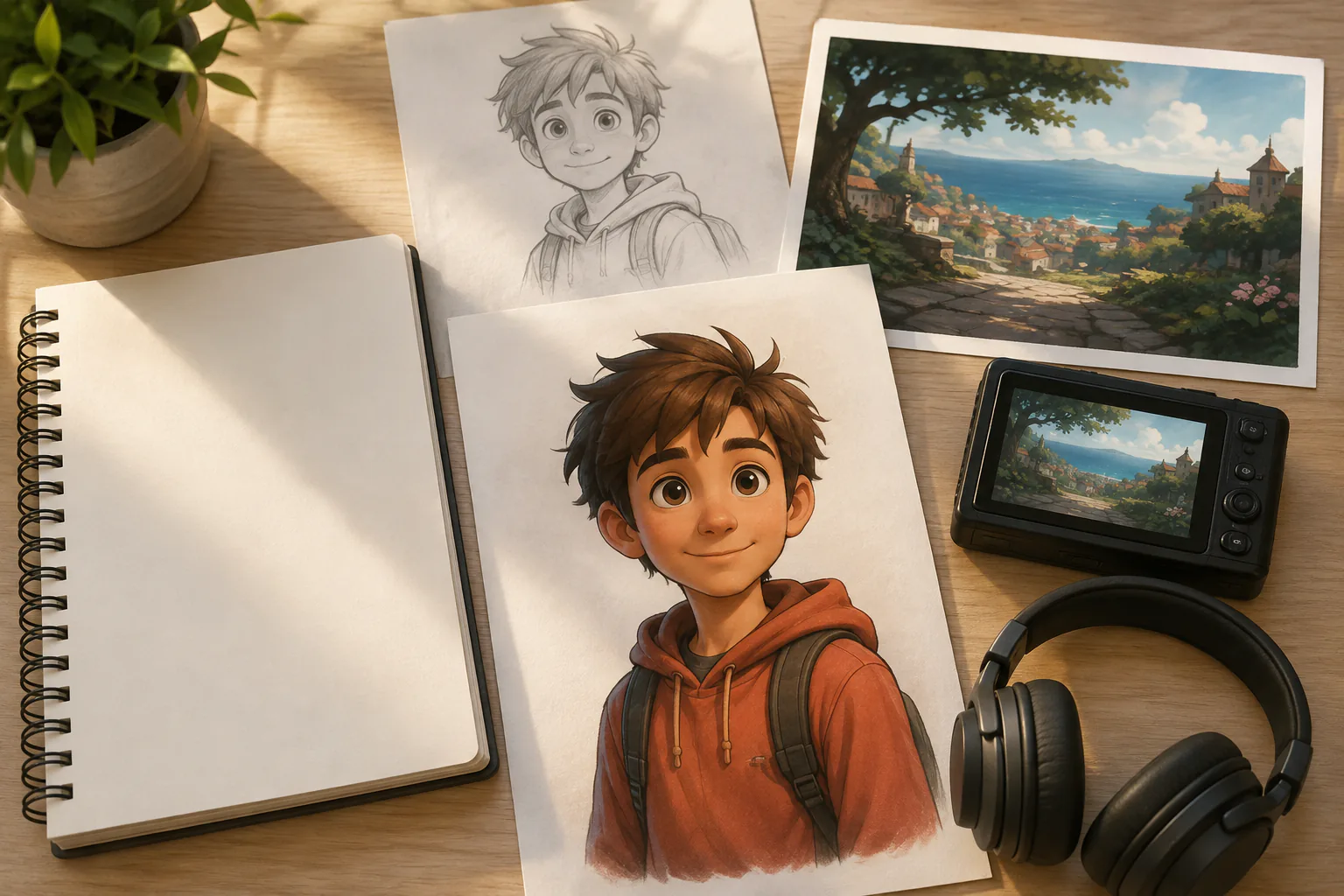
Start with a sentence or script, then upload image, video, or audio references. Use @ to mark what each asset should guide, such as subject, scene, first frame, motion, or music.

VideoAI turns your idea, references, and timed scene notes into a 2d animation video with a chosen 2D visual style, voice, and music.
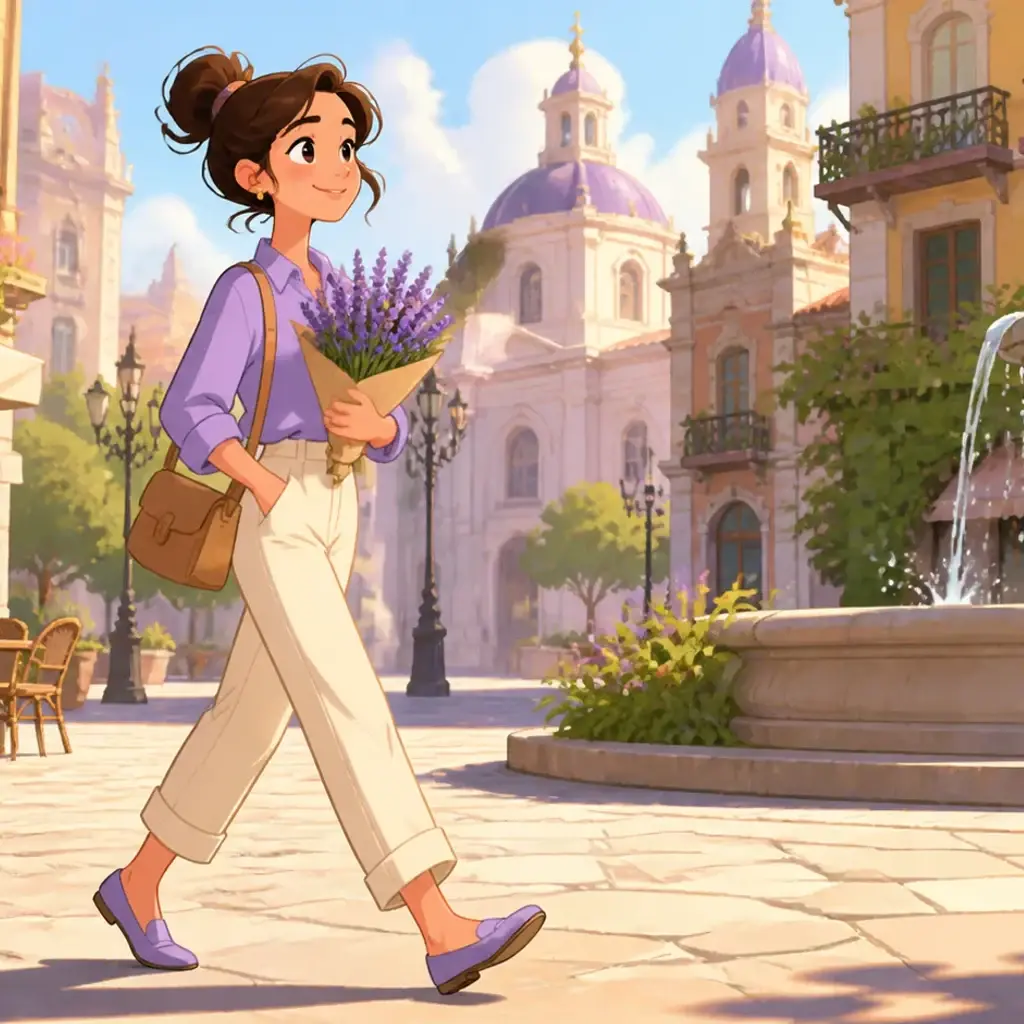
Build animation 2d content from the result you want first, then guide VideoAI with the inputs, style choices, and scene timing that define the video.
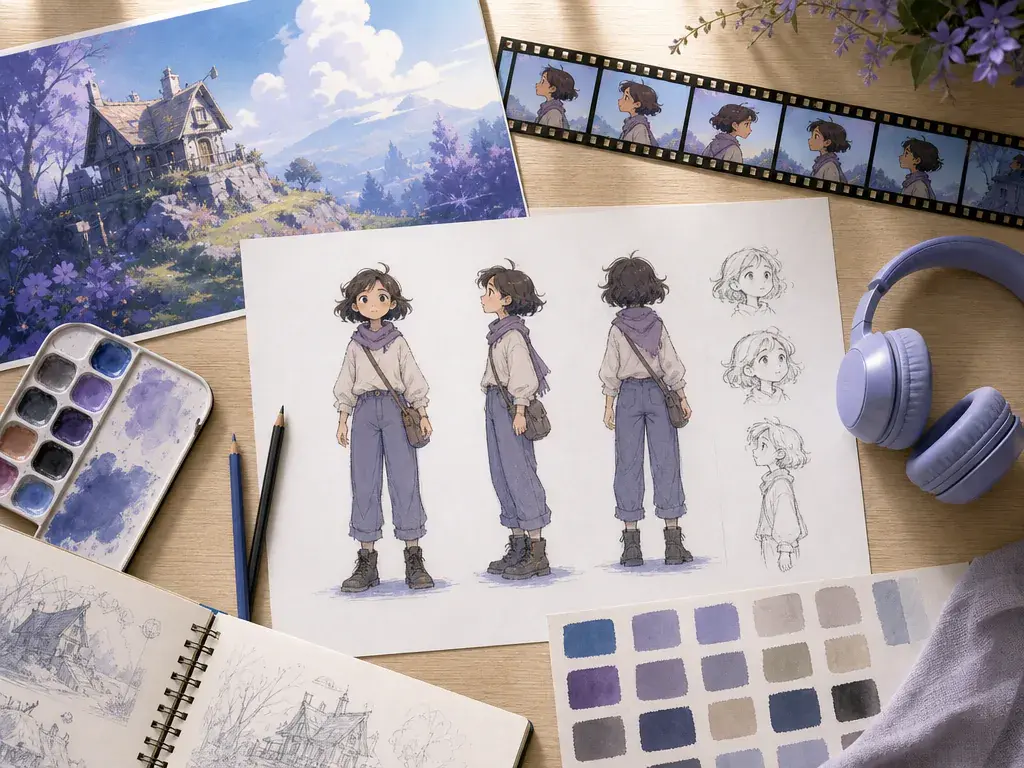
Use a prompt, script, character image, scene image, motion video, or audio reference together. With @ mentions, each asset can guide the subject, first frame, camera motion, music, or setting.
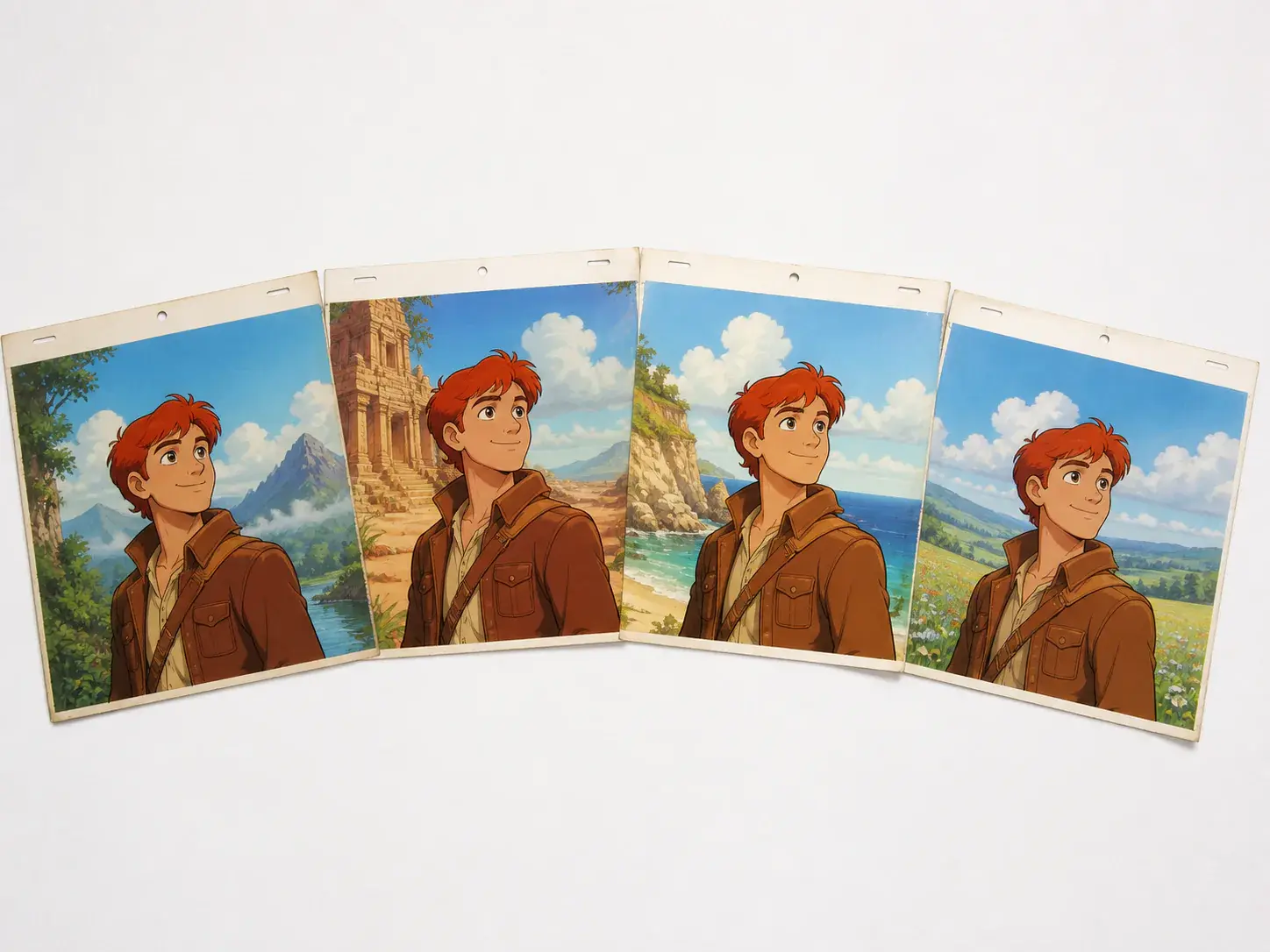
Give VideoAI multiple character references so the same figure keeps a clear look across shots. This helps a story, explainer, or campaign feel connected from one scene to the next.
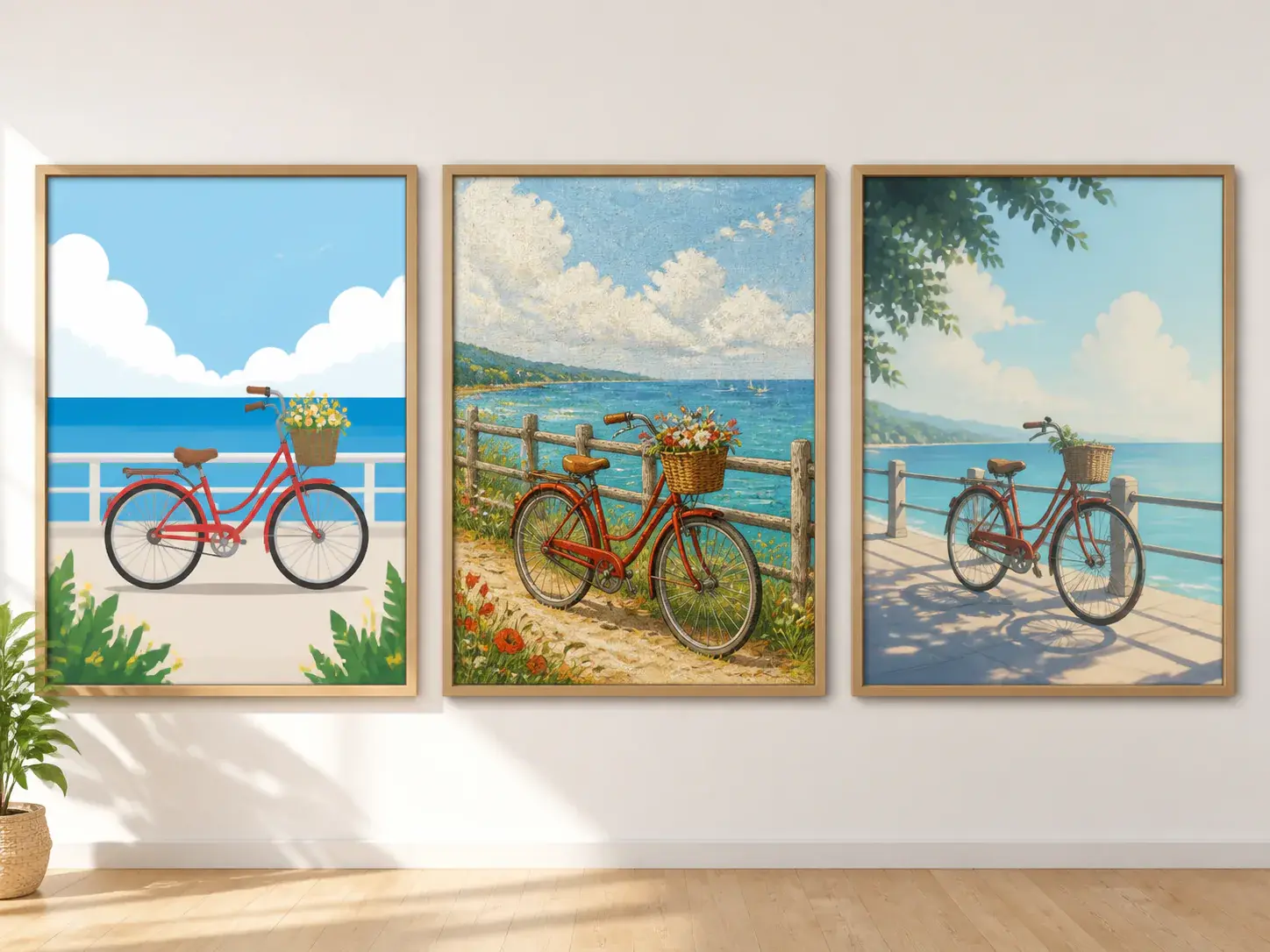
Choose animation, cartoon, or illustration style directions before you generate. Then add scene details so an ai 2d animation concept has the mood and setting you intended.
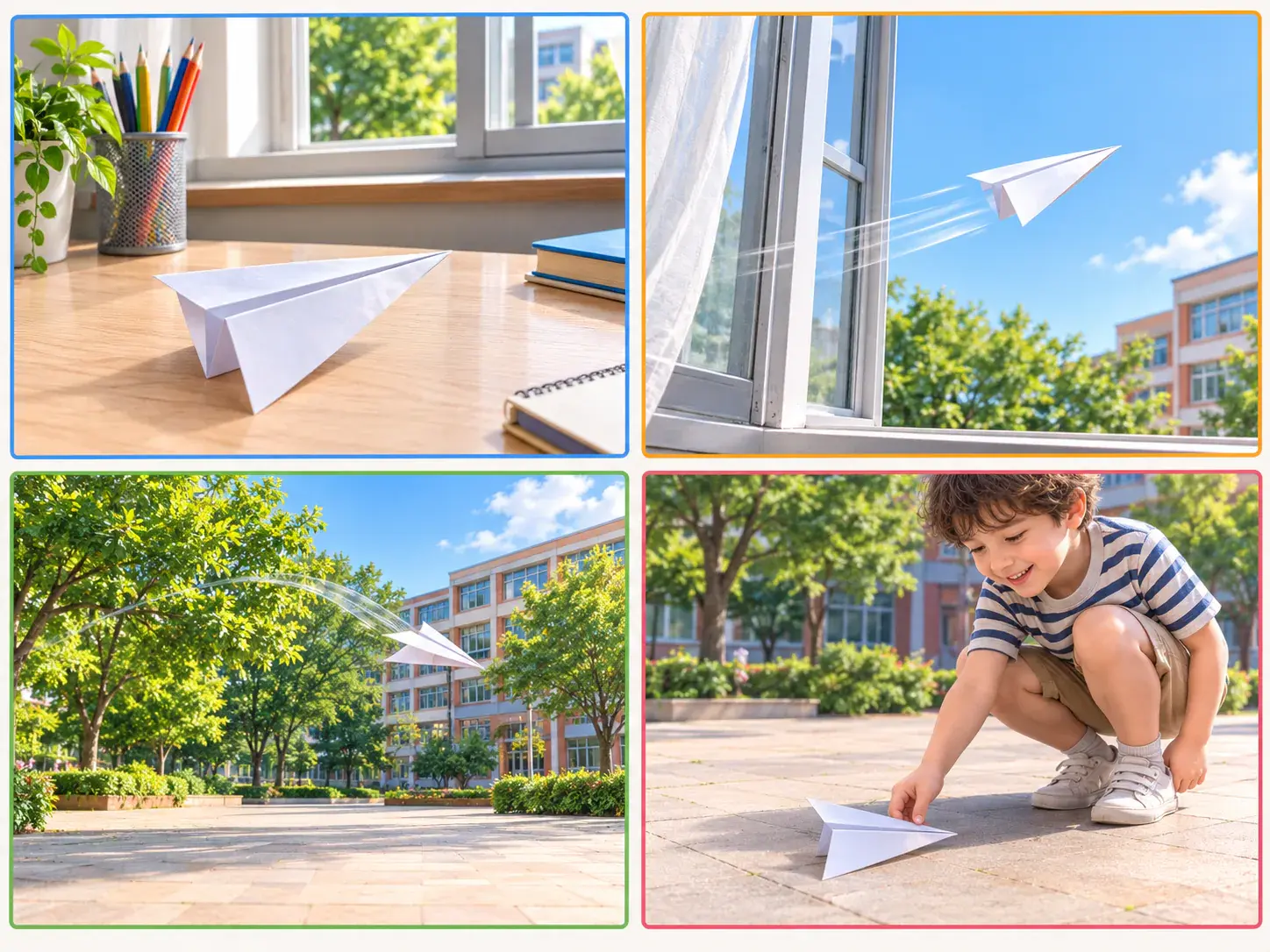
Write what happens in each time segment, attach references where they matter, and decide how narration, sound effects, and music cues support the action.
The workflow stays clear: provide the intent, choose the look, arrange the scenes, then refine the generated video with written direction.
Step 01
Start with a sentence or script, then upload image, video, or audio references. Use @ to mark what each asset should guide, such as subject, scene, first frame, motion, or music.
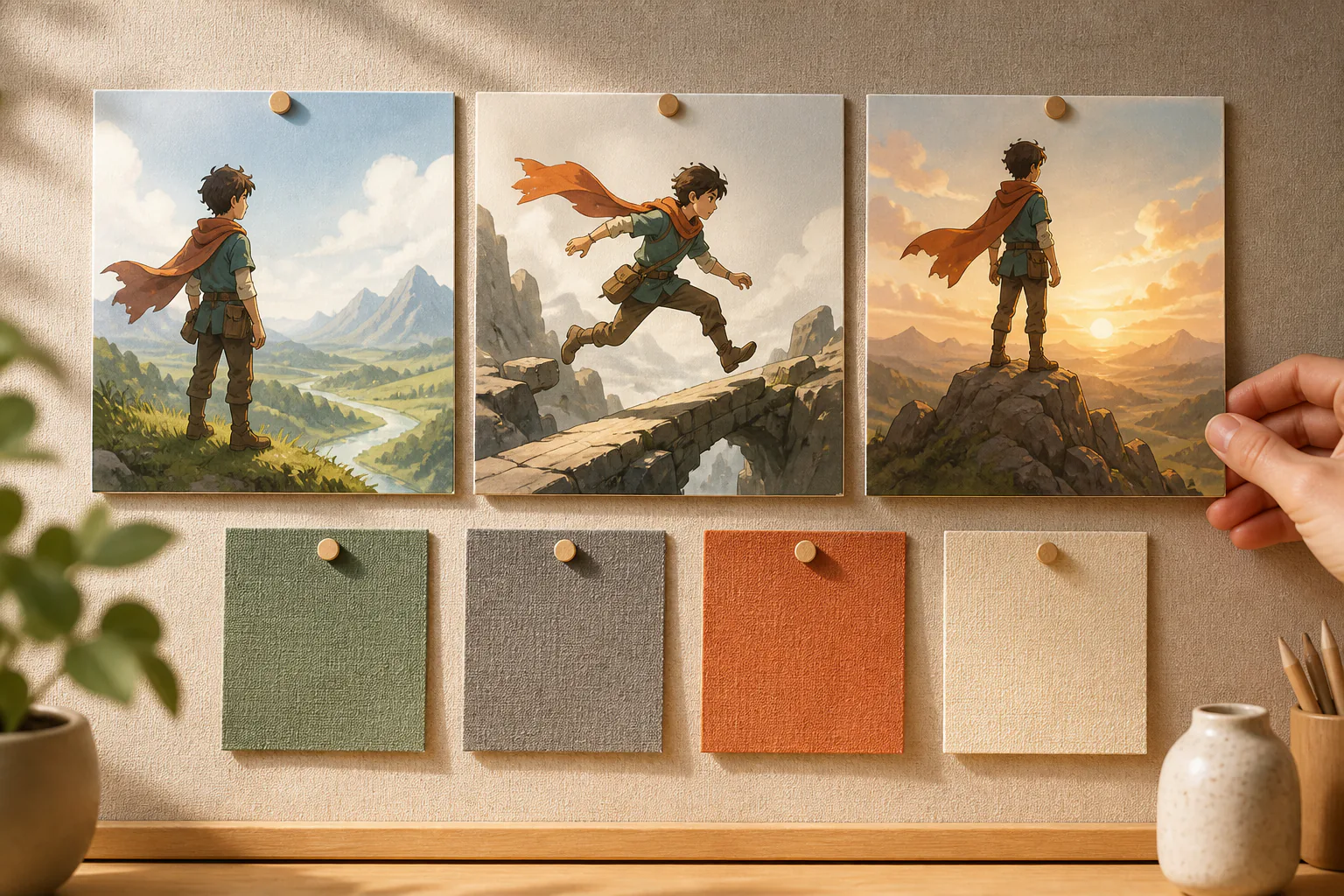
Step 02
Select an animation, cartoon, or illustration direction, then choose the aspect ratio and duration. Write each segment with the visible action, reference image, voice tone, and music cue you want.
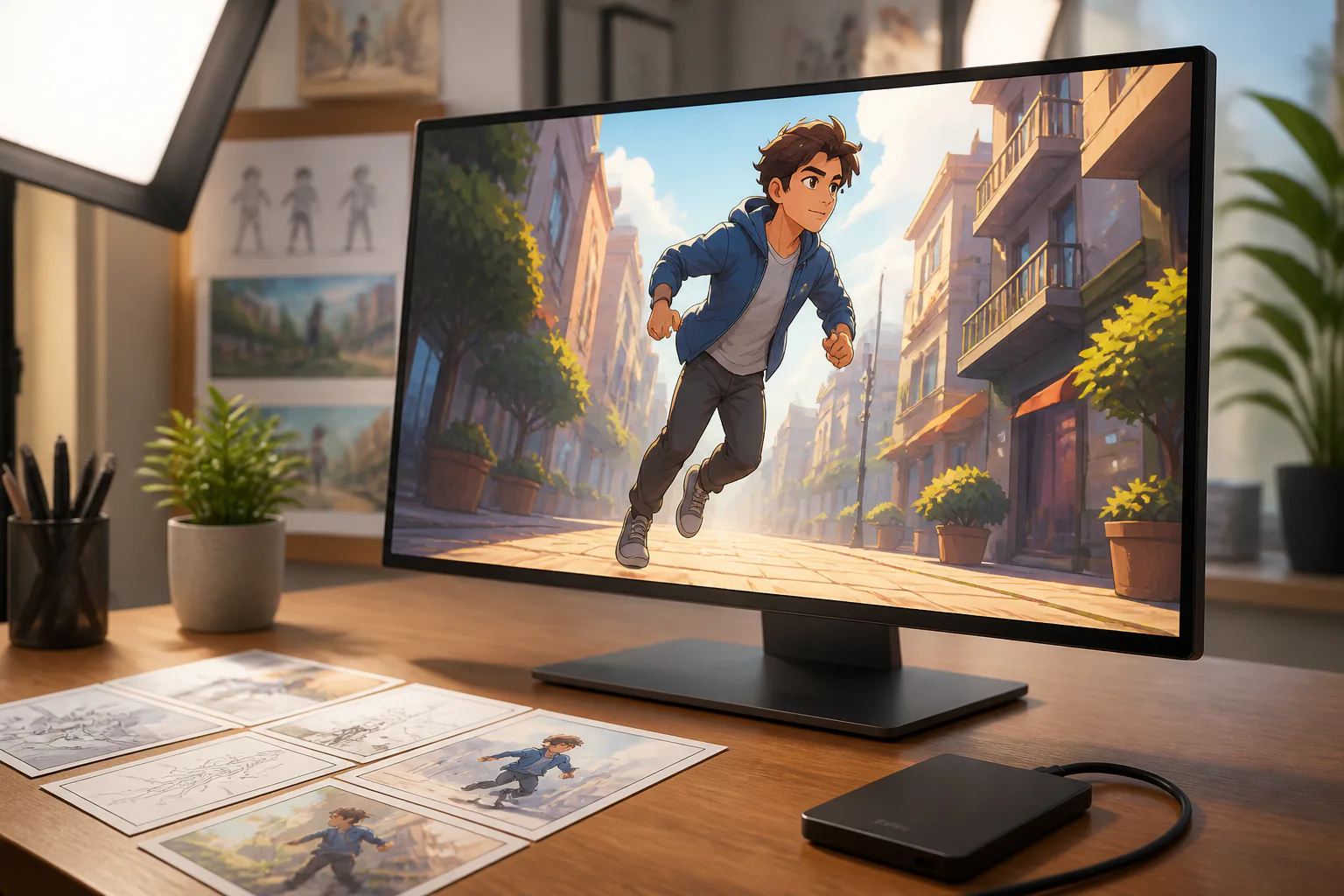
Step 03
Preview the first 2d animation video, then describe the scene, motion, or rhythm you want changed. Continue the piece when needed, and download a 4K MP4 when it is ready.
Use VideoAI when a clear visual sequence can explain the idea better than still graphics or long text.
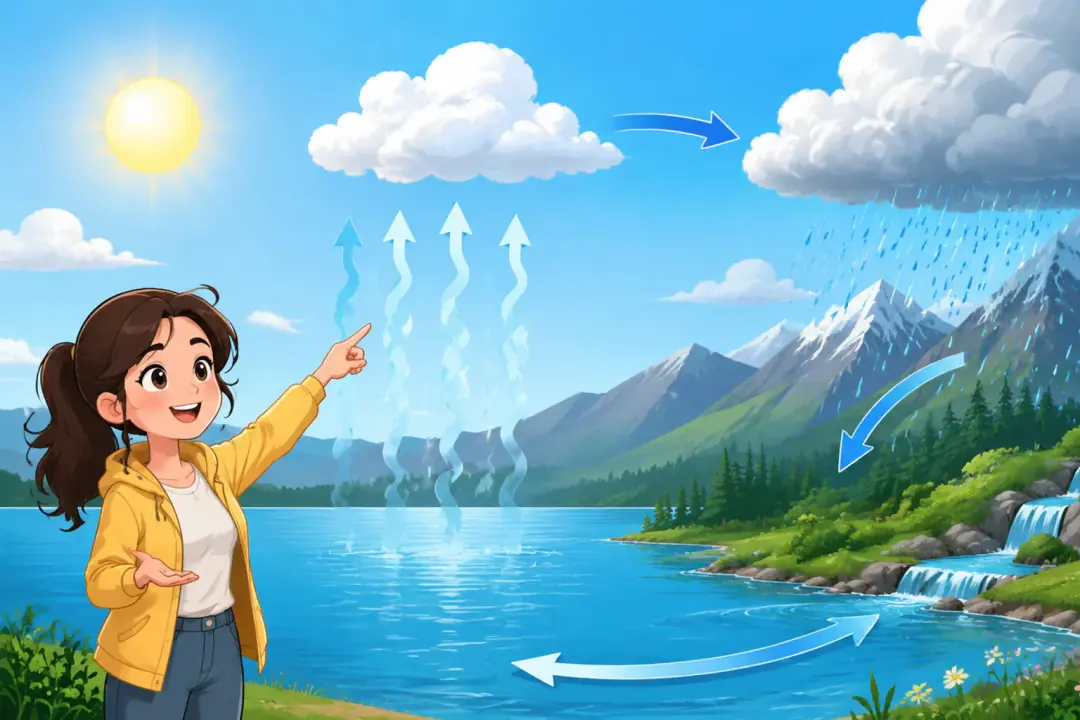
A concept with too much text can become short scenes with a visible action in each part. Teachers and trainers can guide the pacing with scene notes and narration.
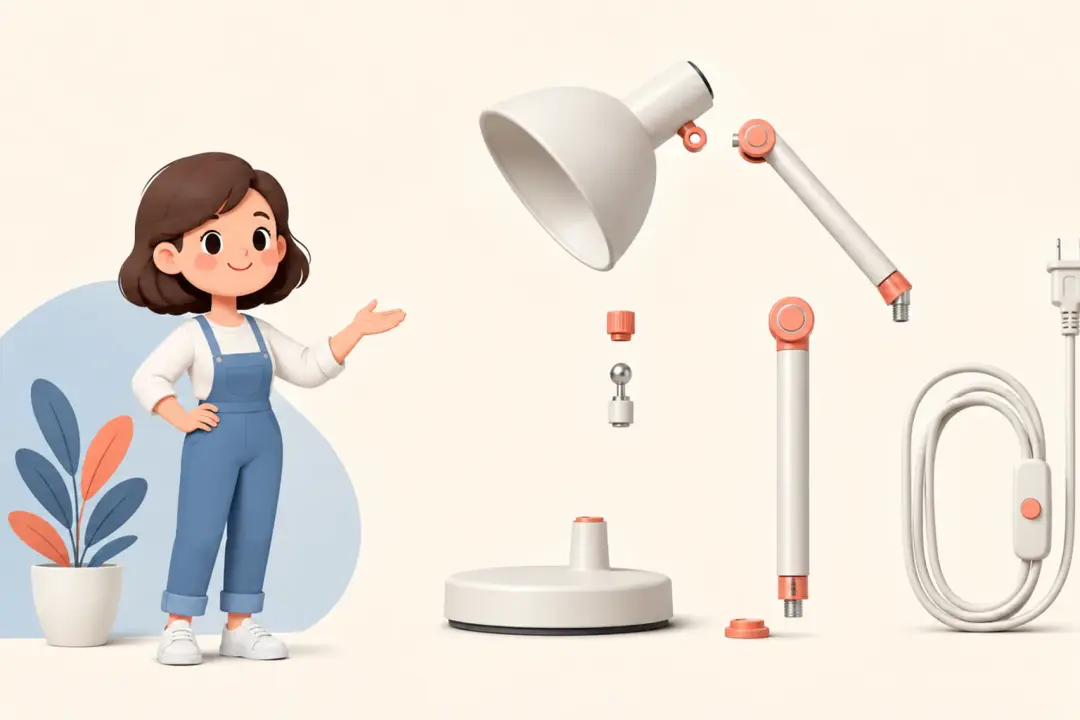
Show the problem, process, and outcome with one consistent character or setting. A 2d animation video helps the viewer follow the service flow step by step.

Start with one visual direction, then generate versions for horizontal, vertical, square, or 4:5 placements. The same idea can fit different publishing spaces.
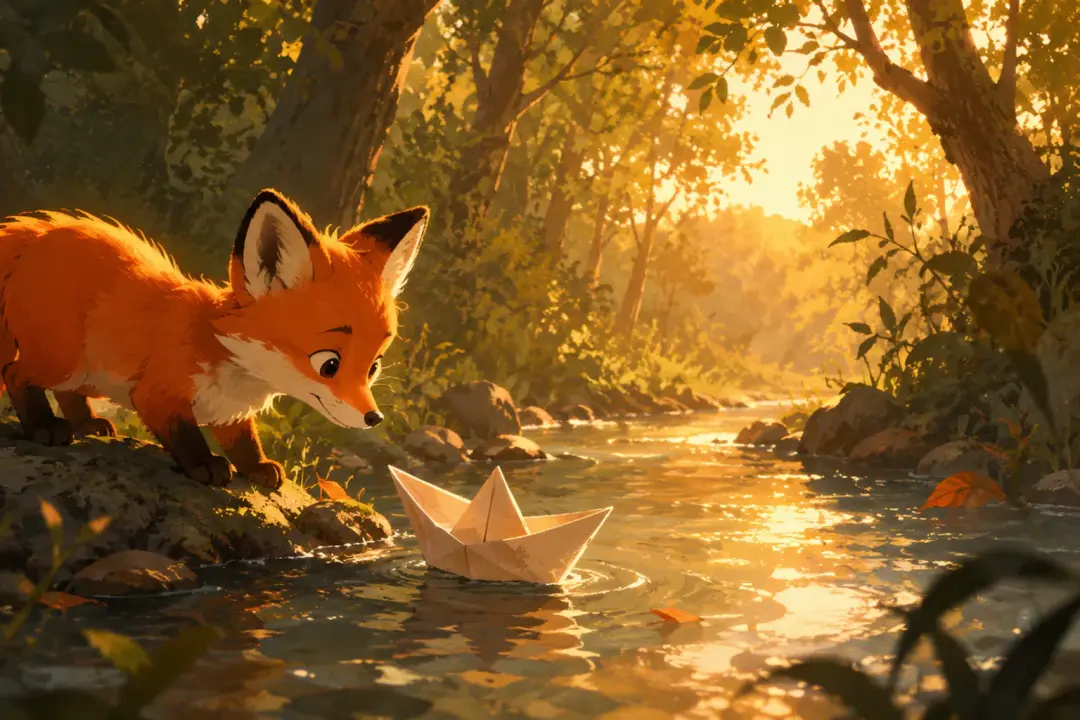
Character references, cartoon styling, voice, and music help a few connected scenes feel like one story. The scene plan still stays in the creator's hands.
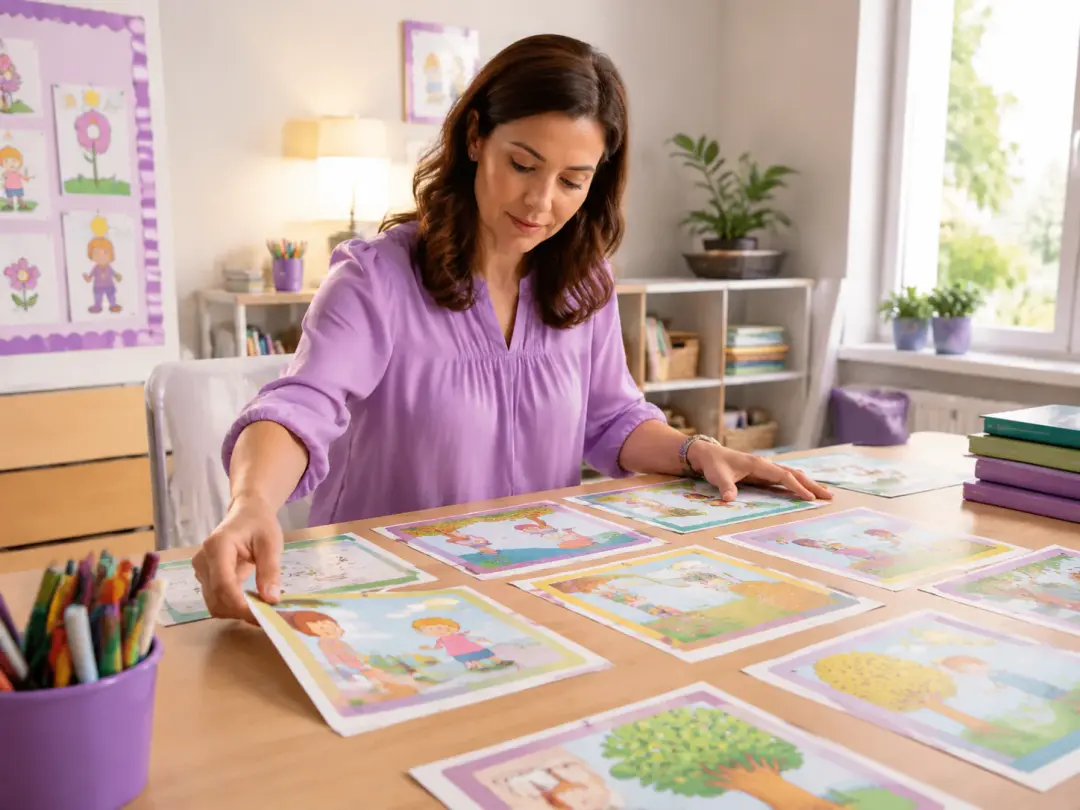
Educators can turn lessons, process notes, or training scripts into ai 2d animation scenes that show one idea at a time with narration and clear visual action.
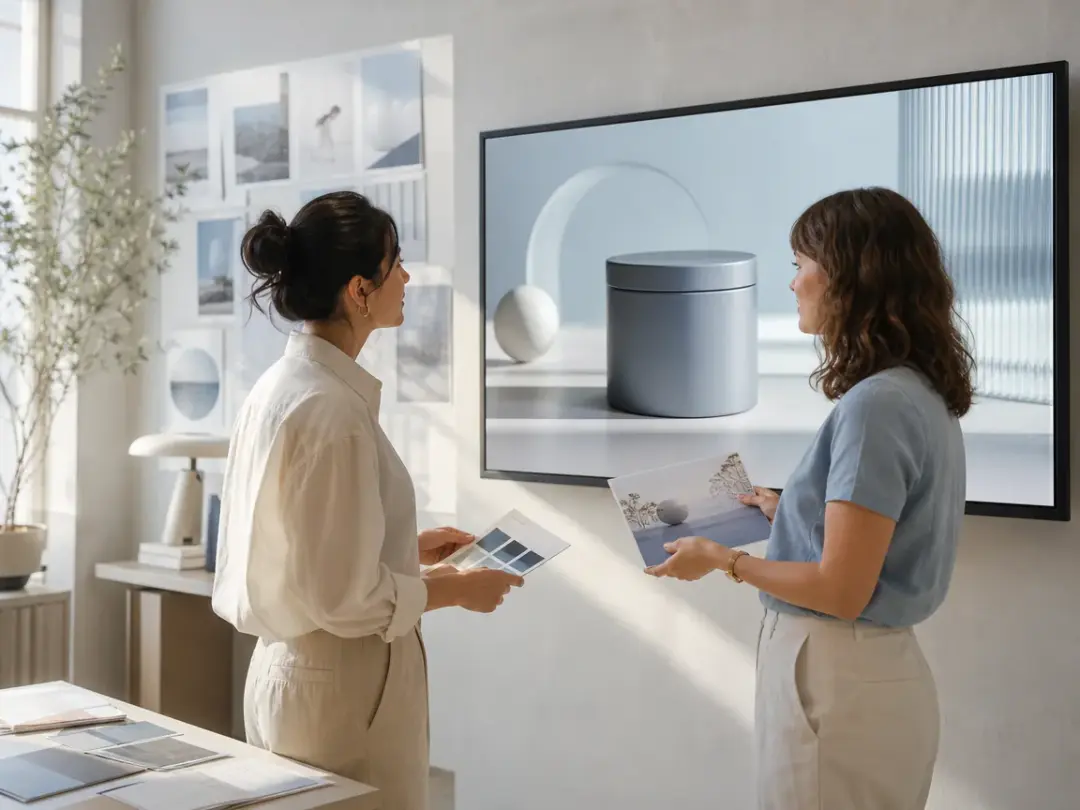
Marketing teams can shape product explainers, launch clips, and campaign videos by combining scripts, brand references, scene notes, and output ratios in VideoAI.
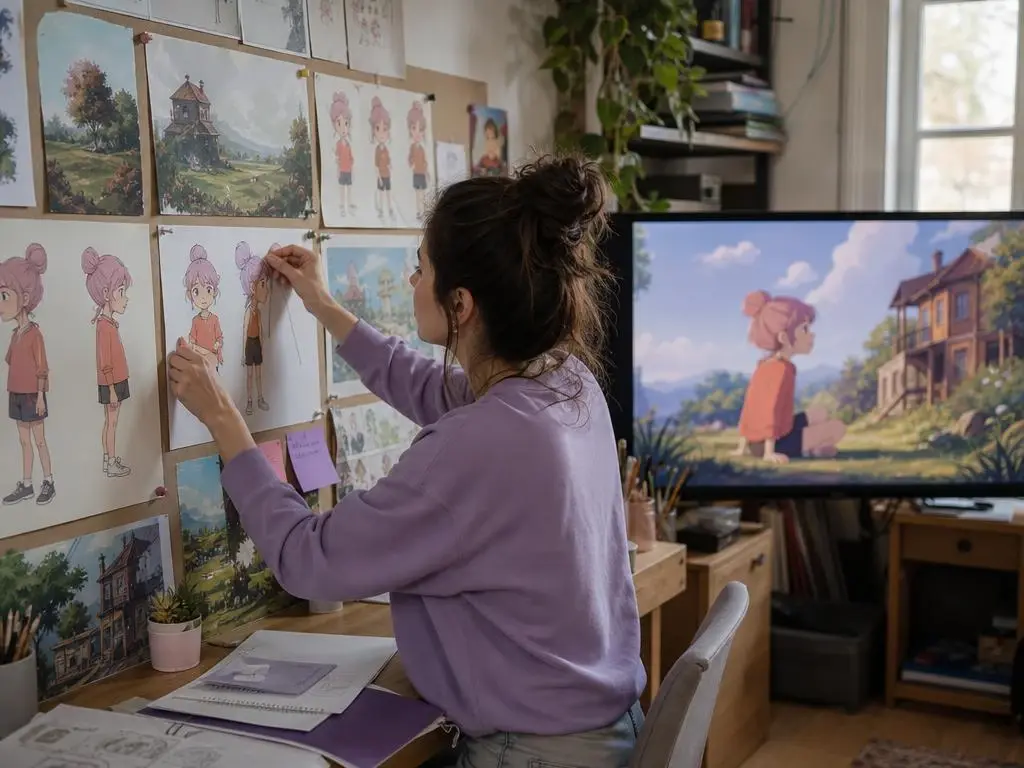
Video creators can use a 2d animation ai workflow to keep characters, voice, music, and pacing aligned while building social stories or client concepts.
Bring in your idea, references, scene timing, voice, and music, then let VideoAI generate a 2D style video you can keep refining.
Get Started