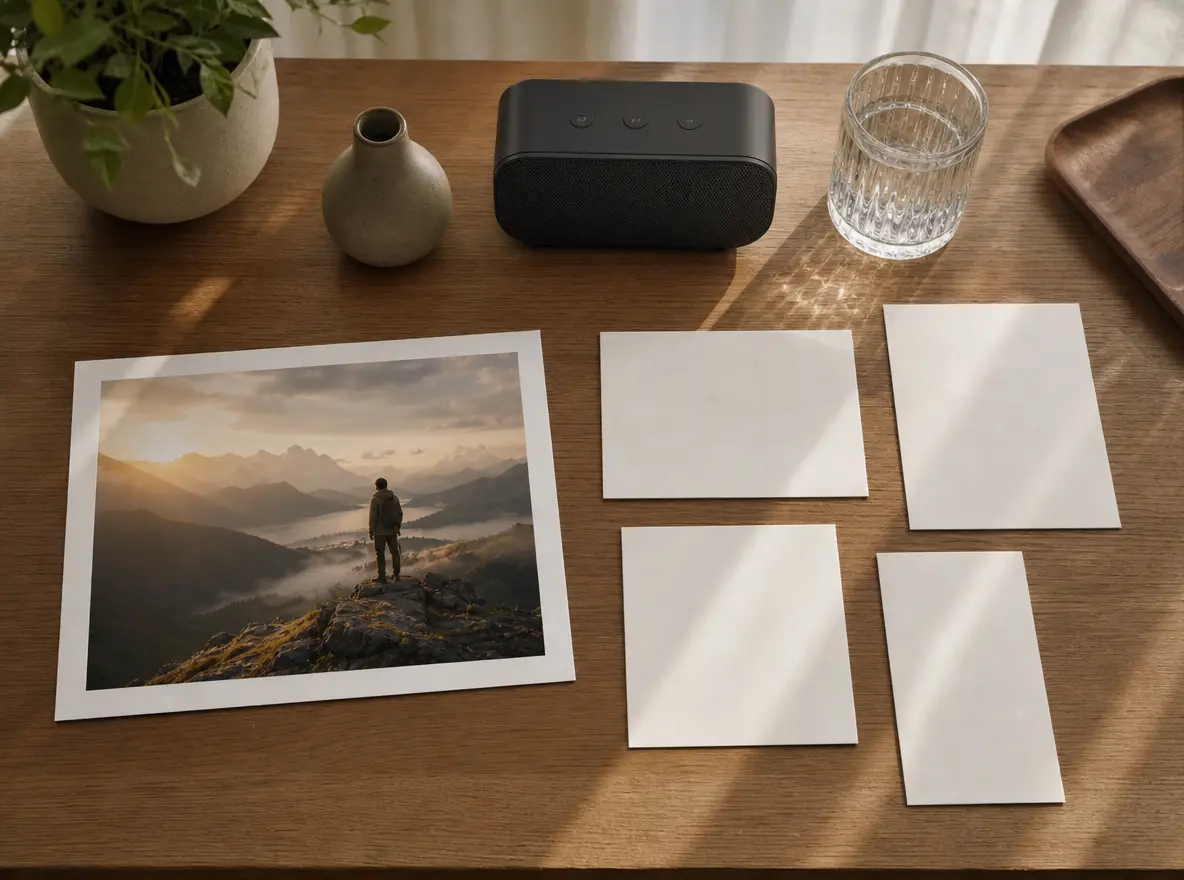
Add Video To Audio Generator

VideoAI lets you start with music, narration, or sound effects, assign visual references, and shape the video with prompts.

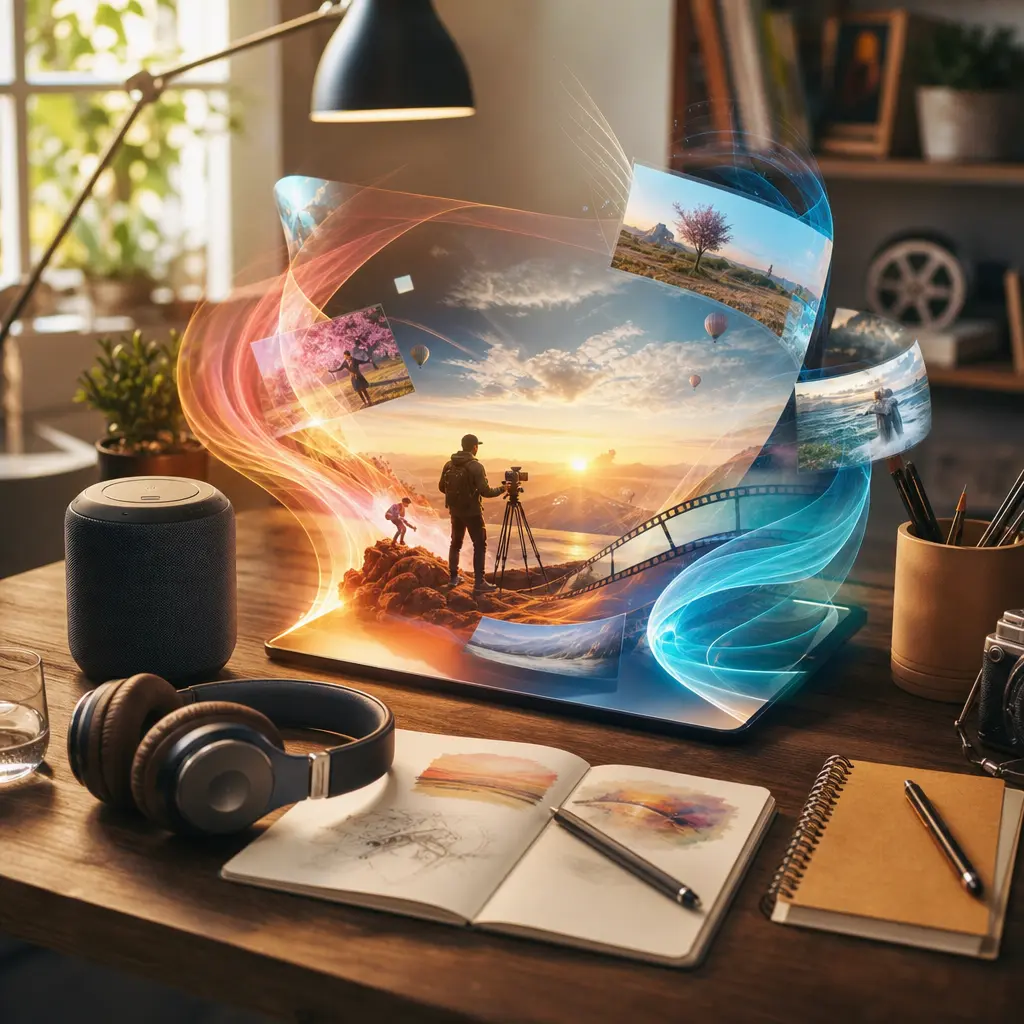
Audio-led video scene with a music track guiding bright visual references in VideoAI

Add Video To Audio With Control

Choose the role your audio should play, then tell VideoAI how the visuals should respond.

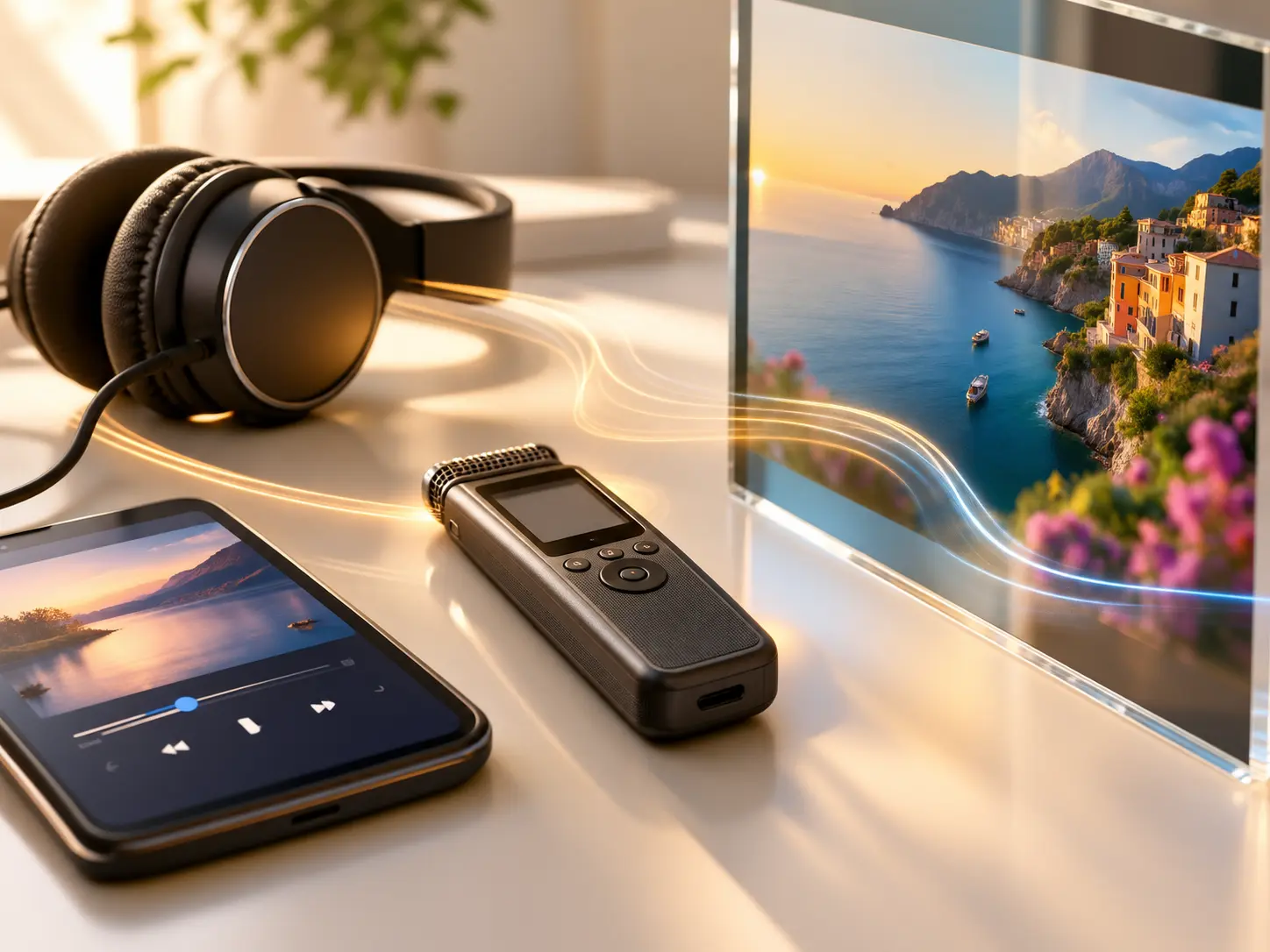
Music and narration inputs guiding the mood and pacing of a generated video

Audio Sets The Direction

Start with music, narration, or sound effects so the mood, pacing, or story leads the video decision.

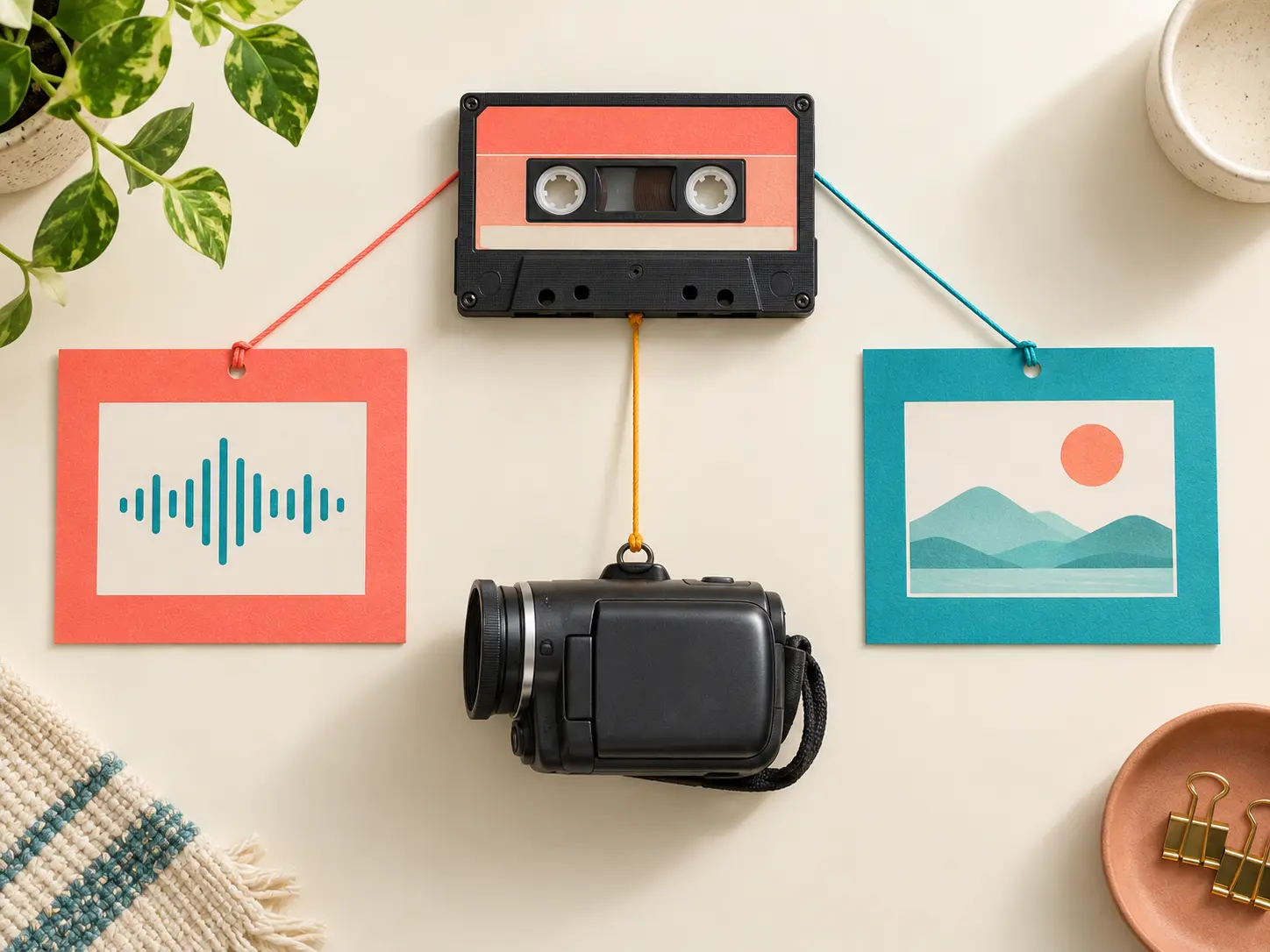
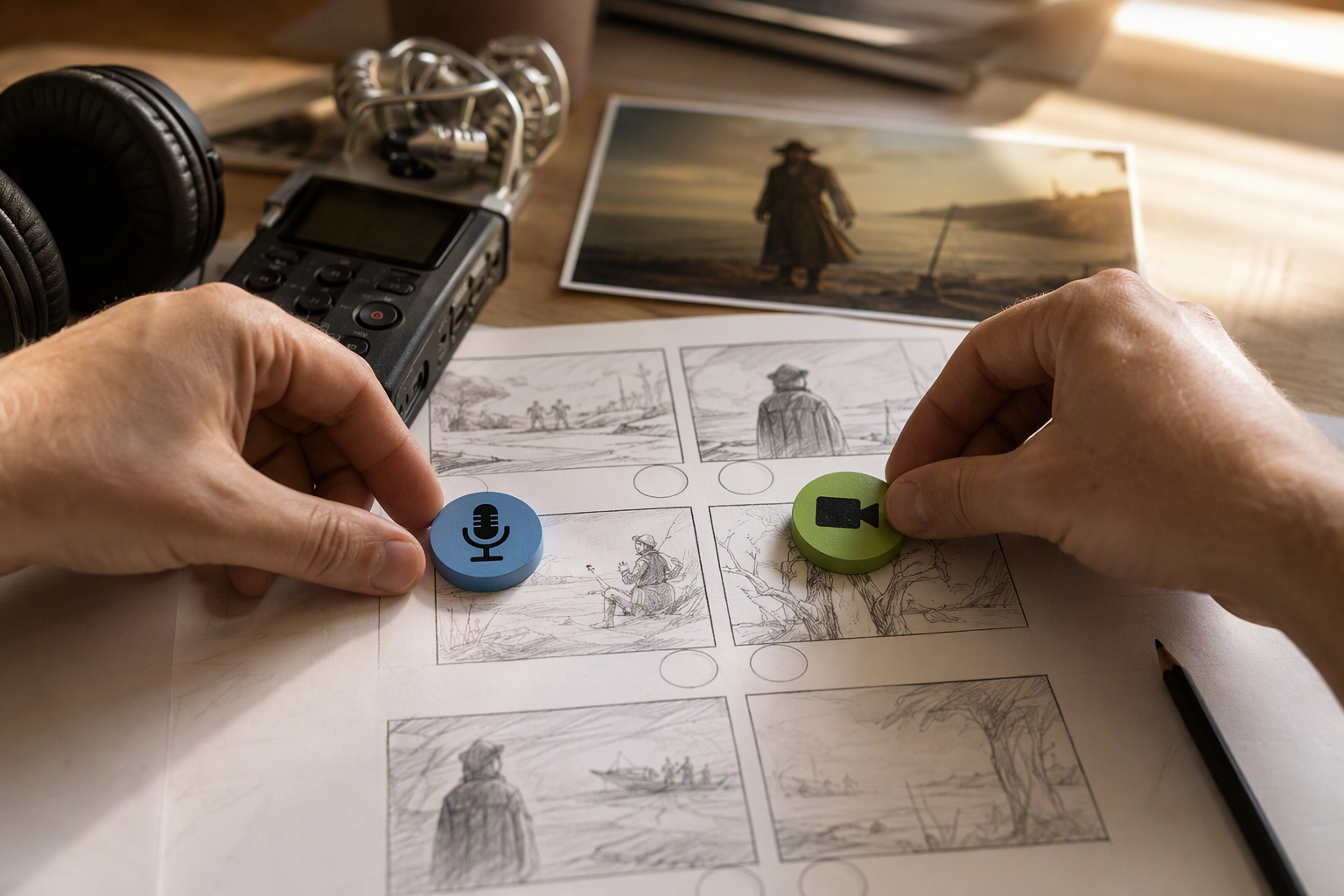
Audio and video reference materials assigned clear roles for one generation

Clear Material Roles

Use @ to mark which asset is the audio focus and which video material should guide the image.

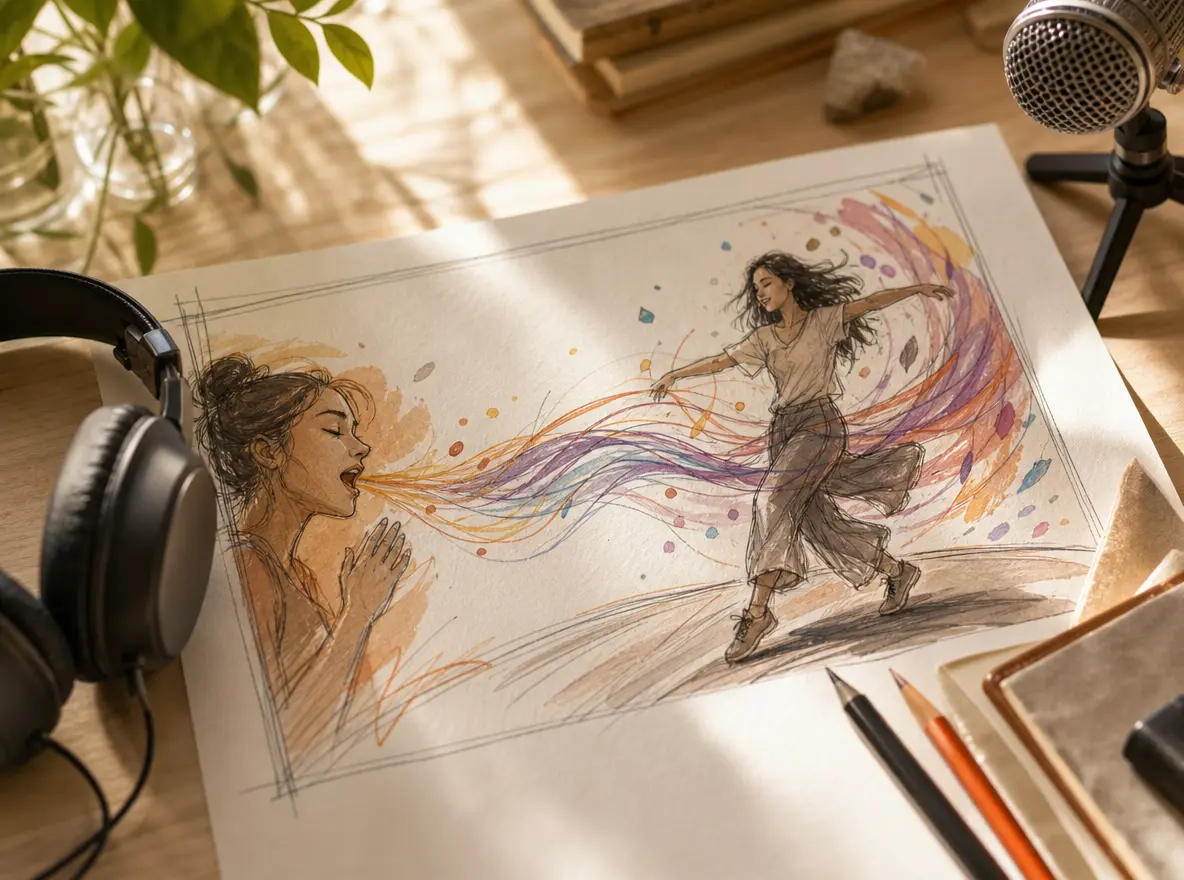
Creative direction connecting audio emotion and visual movement in a generated scene

Prompt The Sound And Picture

Describe how the scene should follow the emotion, rhythm, or reveal in the audio, and VideoAI generates a version to review.

Finished video frames prepared for MP4 delivery in several aspect ratios

MP4 Outputs For Projects

Download MP4 results up to 4K in 16:9, 9:16, 1:1, or 4:5 for campaign, social, or client delivery.

How To Add Video To Audio

The workflow stays centered on the audio, while your prompt defines how the picture should support it.

Audio file and video reference materials prepared for a new VideoAI generation

Step 01

Upload The Audio And References

Add the music, narration, or sound effects that should carry the finished piece, then add one or more video references for the visual direction.

Prompt direction assigning audio focus and video visual reference roles

Step 02

Assign Materials With @

Mark each audio and video material with @, then write how the visuals should match the mood, rhythm, or story beat.
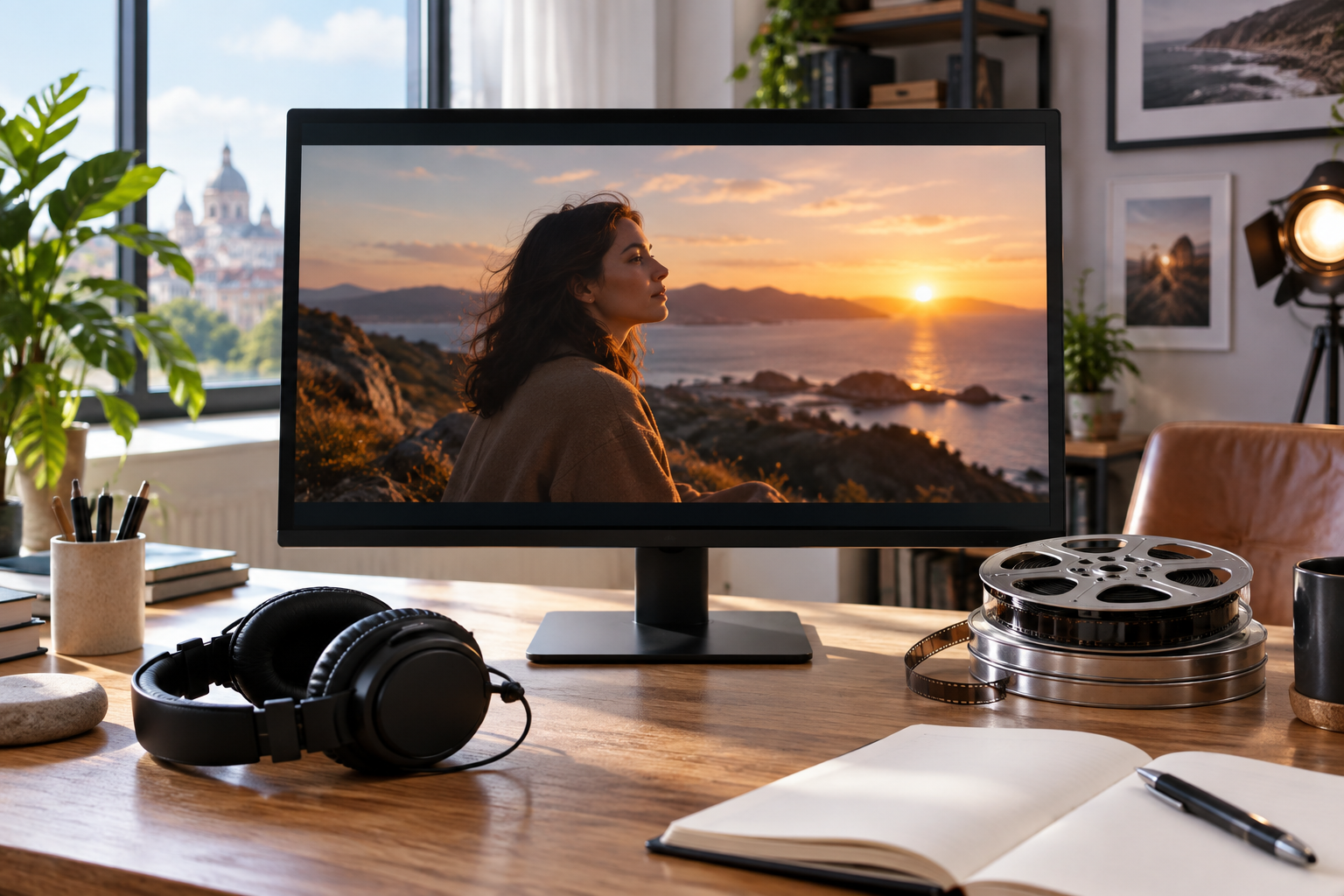
Generated audio-led video preview ready for text revision and MP4 download

Step 03

Generate, Review, And Download

VideoAI creates a video with the chosen sound and picture relationship, then you can preview, revise with text, and download MP4.

When Creators Add Video To Audio

Use it when the sound already defines the idea and the image needs to serve that intent.

Music Led Social Clips

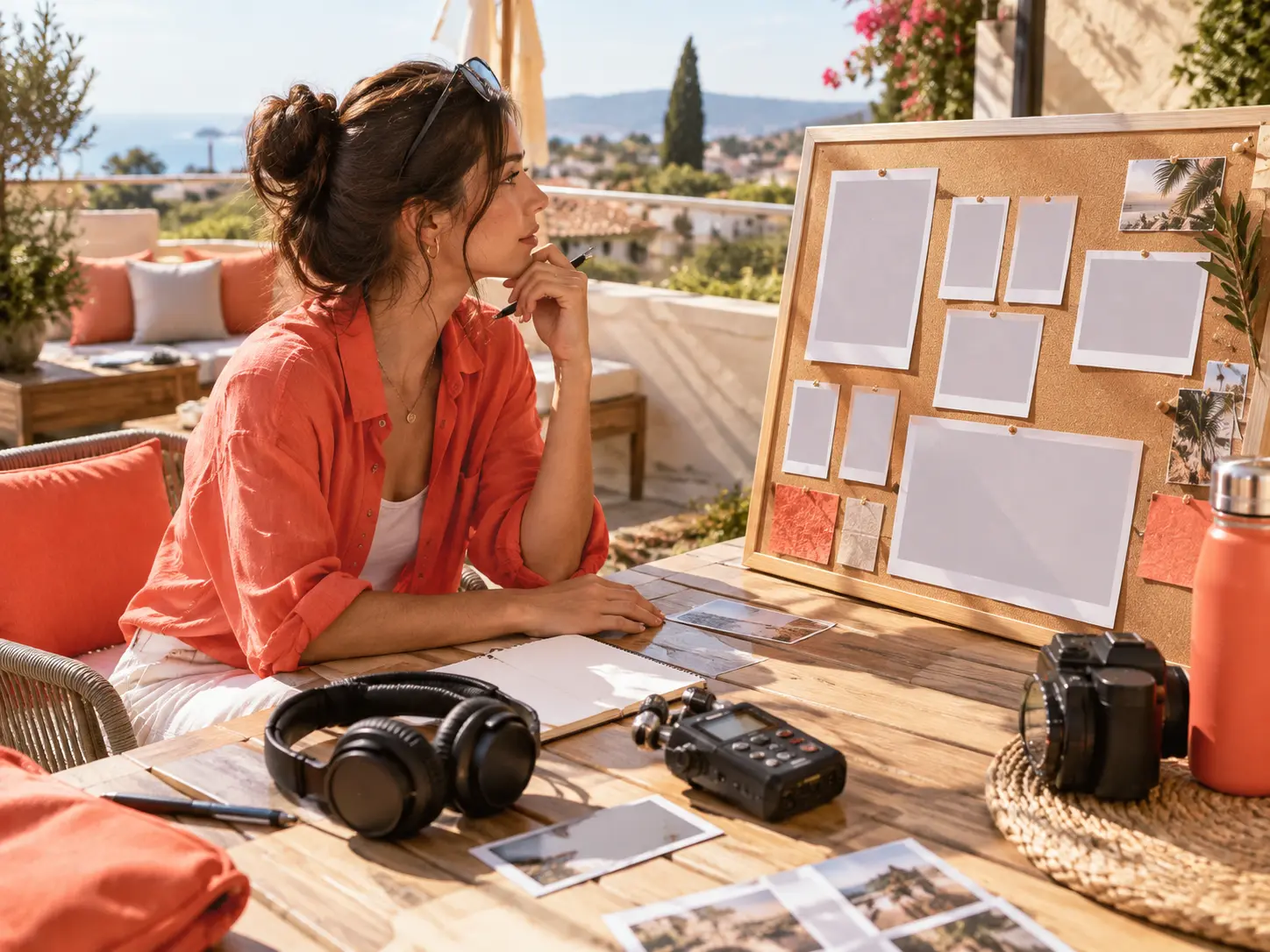
A track already has the pace and feeling. Add video to audio with a visual reference so the result has a clear scene instead of a static audio post.

Narration Led Explainers

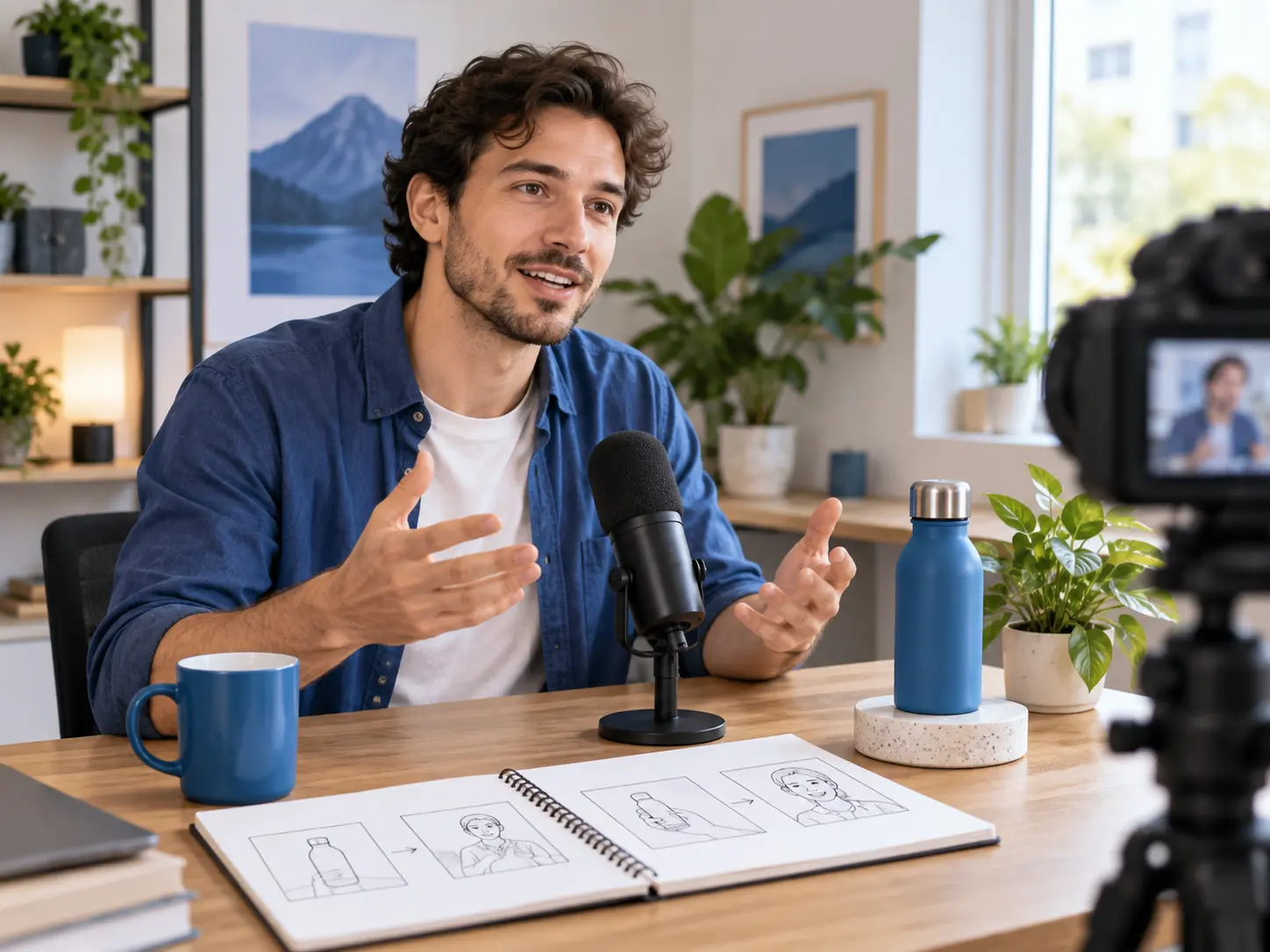
A recorded voiceover can guide the structure. Use VideoAI to organize visuals around the explanation and produce a short video version.

Sound Effect Driven Reveals

A key sound can define the moment. Describe the reveal or action you want, then generate a visual version that follows the audio role you assigned.

Multiple Campaign Shapes

One audio direction can support horizontal, vertical, square, or 4:5 outputs when you need versions for different placements.
Who Uses VideoAI For Audio

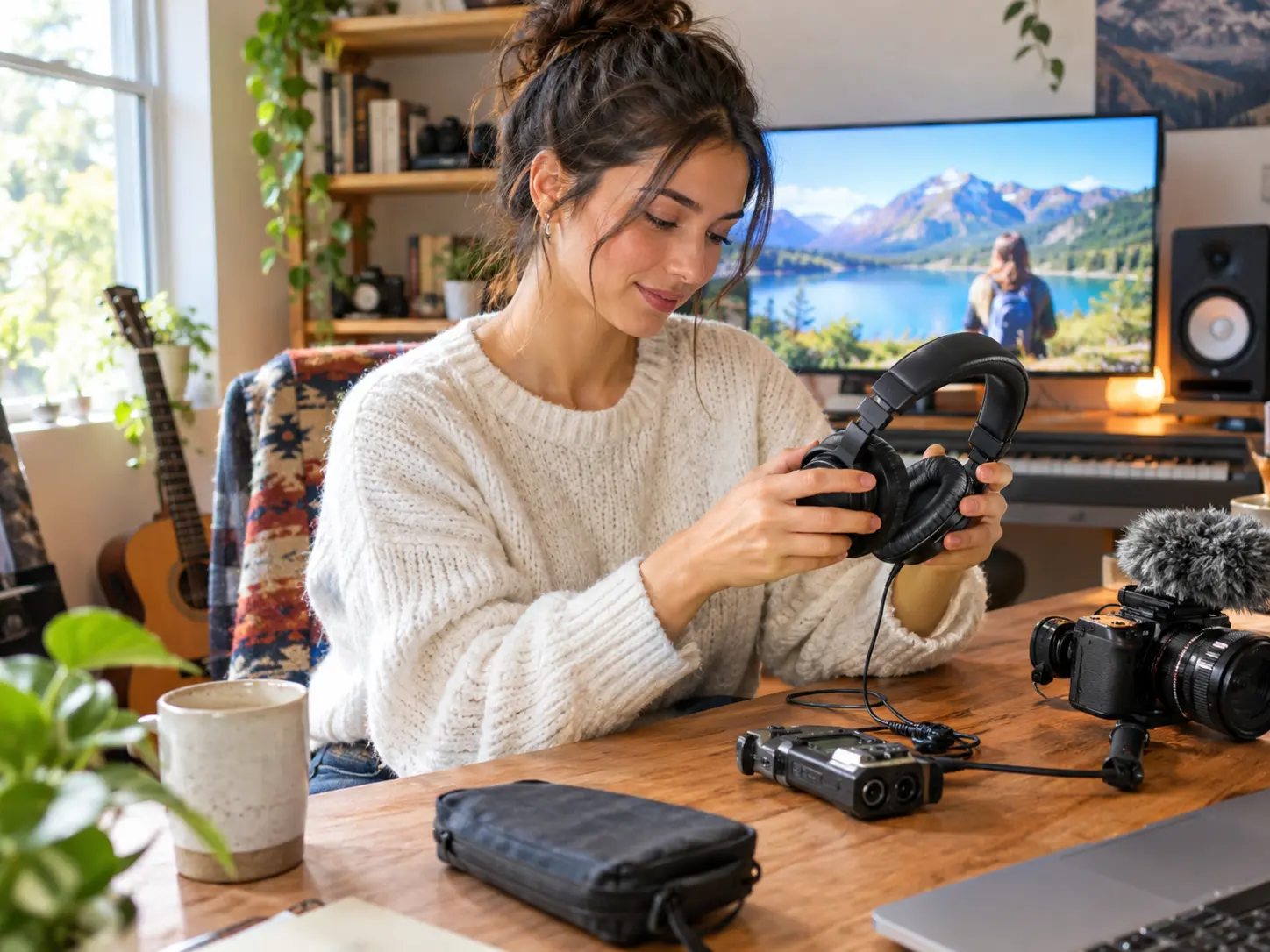
Creator selecting an existing audio file before adding video references

Creators With Existing Audio

Use VideoAI when you already have music, narration, or sound effects and want the video to grow from that material.

Add Video To Audio Questions

Upload audio as the main input, add video references, use @ to assign each material, describe the relationship in a prompt, then generate and download MP4.

Yes. Music, narration, and sound effects can guide the generation when you have the right to use those materials.

It means the audio leads the creative direction while video references guide the picture, so the final output contains both sound and visuals.

Use @ to define which asset is audio and which asset is visual reference, then write the mood, rhythm, or story connection you want.

After VideoAI creates the video, it appears in your workspace so you can keep adjusting it with text instructions instead of starting over.

The download is an MP4 video, with output options up to 4K and aspect ratios including 16:9, 9:16, 1:1, and 4:5.

One generation can be up to 30 seconds, which suits short social clips, explainers, campaign tests, and audio led visual drafts.

VideoAI provides 10 credits, supports no watermark outputs, and lets you create results that can be used commercially.
Bright atmospheric background for an audio-led video creation call to action

Create Your Audio Led Video

Add video to an audio file, assign the materials, and let VideoAI generate an MP4 you can review and refine.

Get Started
Add Video To Audio Generator - Add Video To Audio Online - VideoAI