
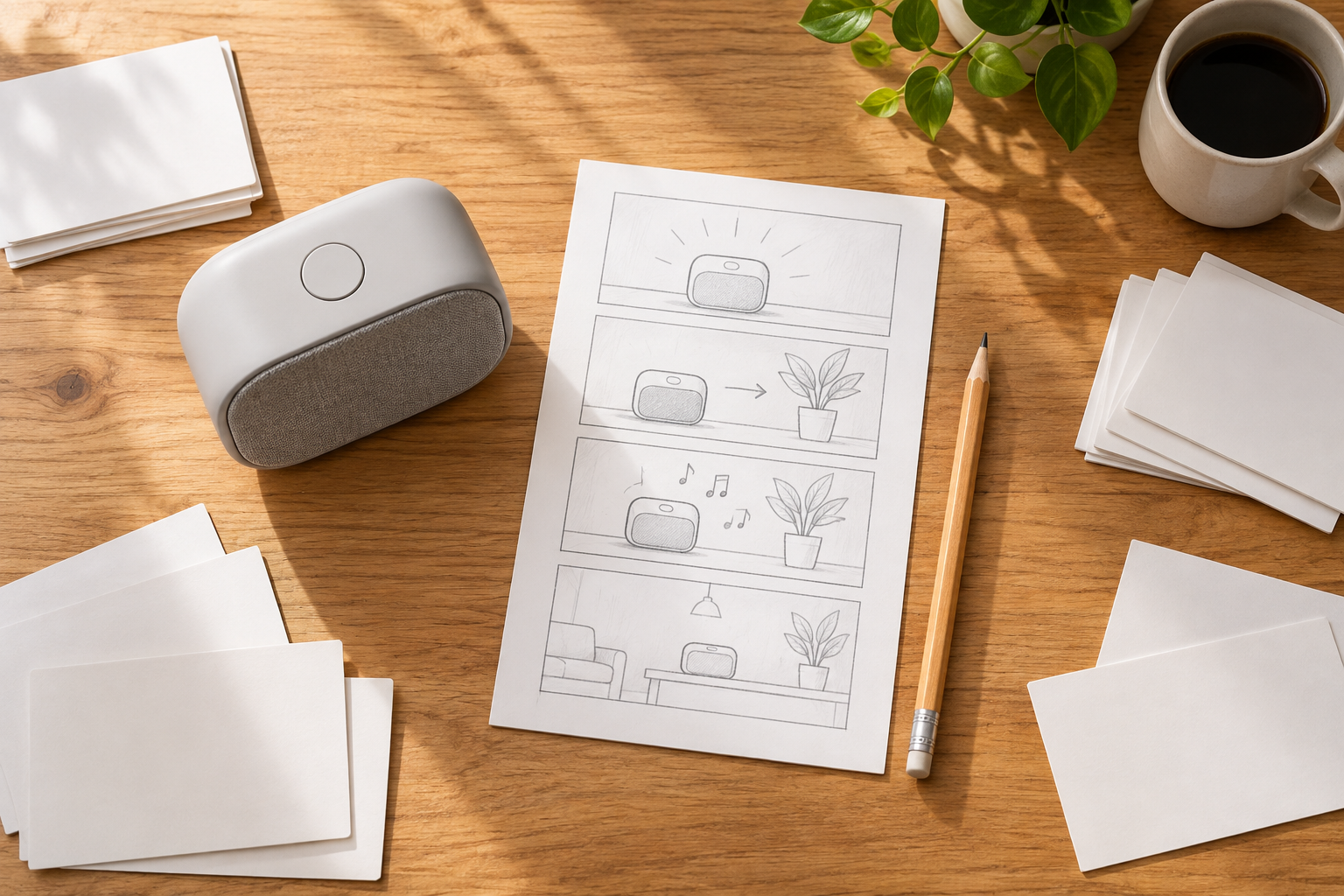
Step 01
Write And Confirm The Message
Describe the product, process, training topic, sales point, or marketing theme. Ask VideoAI to draft script text when useful, then confirm the information before planning the visuals.

Business Video Creation
Shape product, training, sales, or marketing ideas into reviewable animated videos with your scenes, references, and creative direction.

Give each business message a clear visual plan, from the first script idea to the final downloadable video.
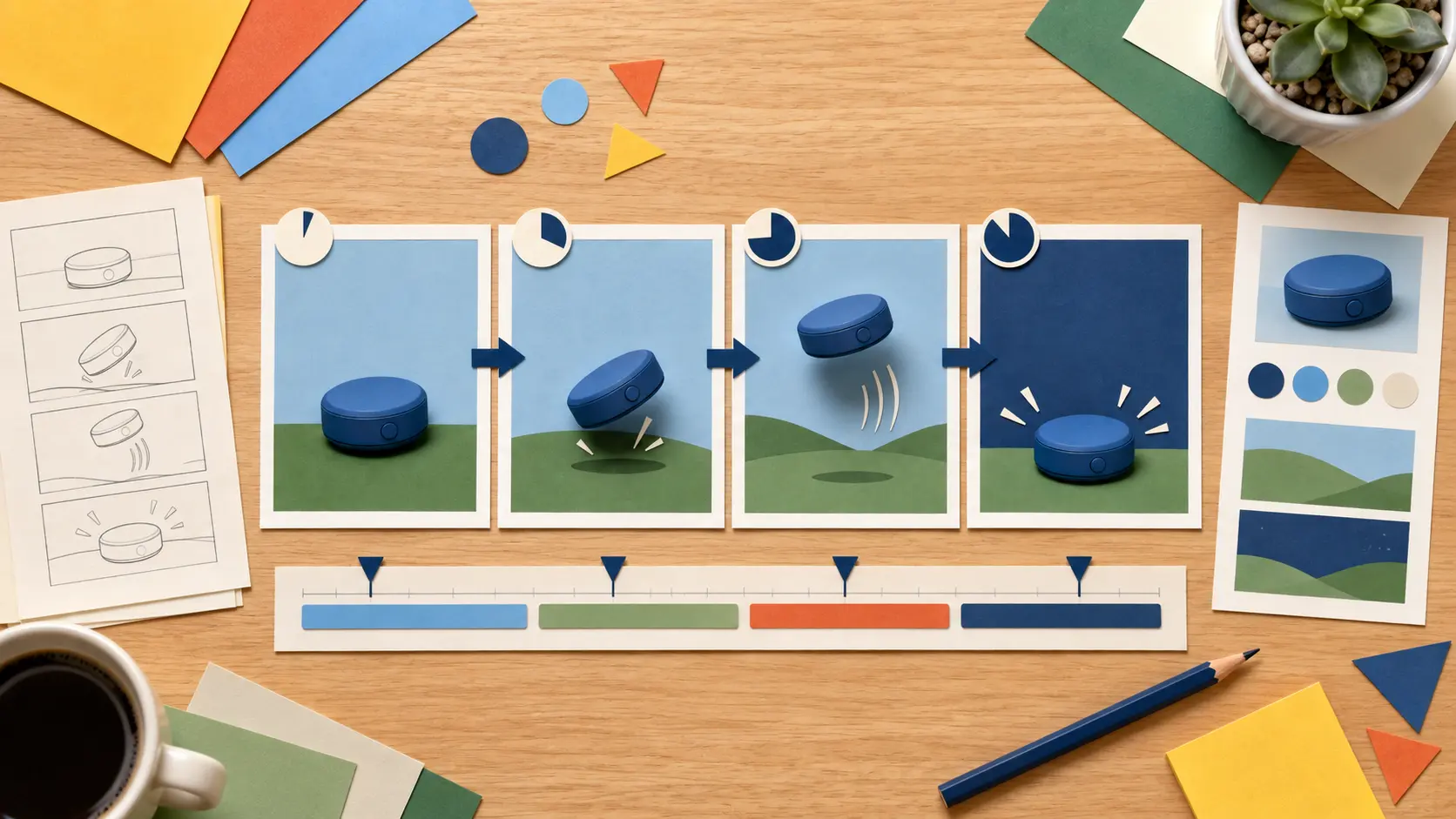
Write each scene by time segment with its action, short on screen text, logo context, and visual reference. VideoAI follows the arrangement you define so product and process information stays in the order you planned.
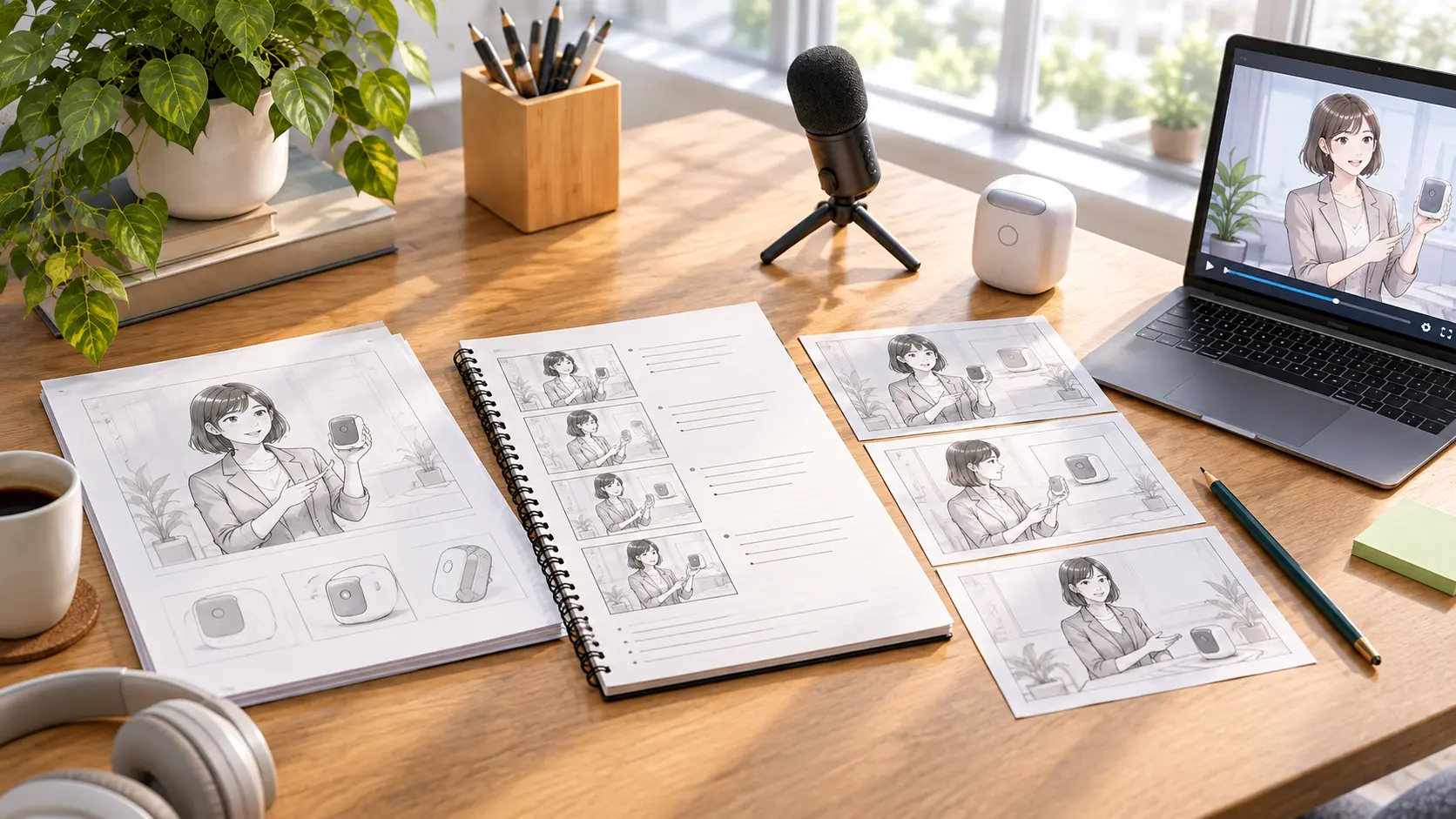
Start with one rough idea about a product, training topic, sales message, or campaign. VideoAI expands it into draft script text for you to confirm before deciding how each scene should look.
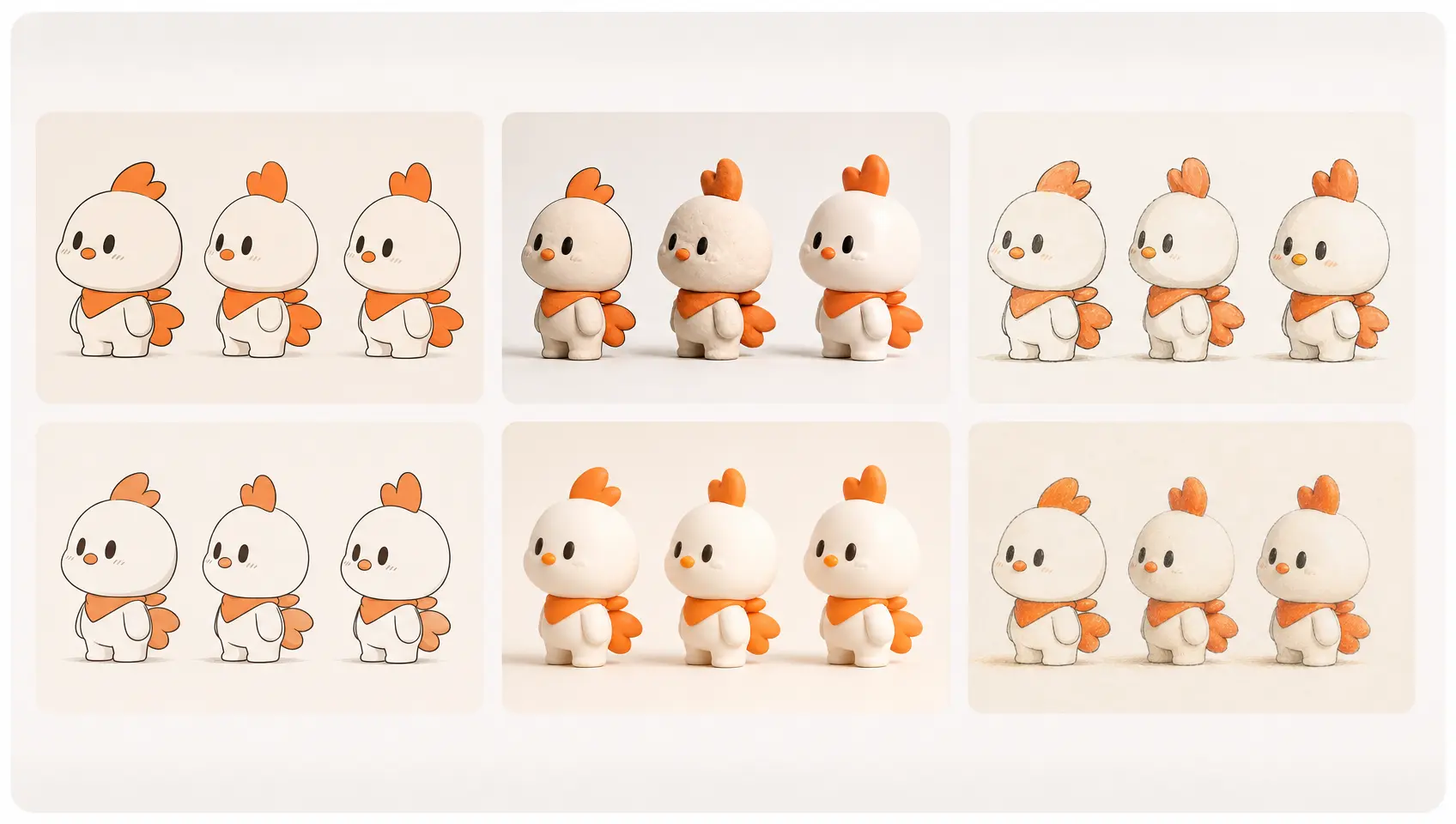
Set the visual direction with an available animation, cartoon, or illustration style, or begin from a template or preset. The selected look gives your animated video design a consistent starting point to make professional animated videos.
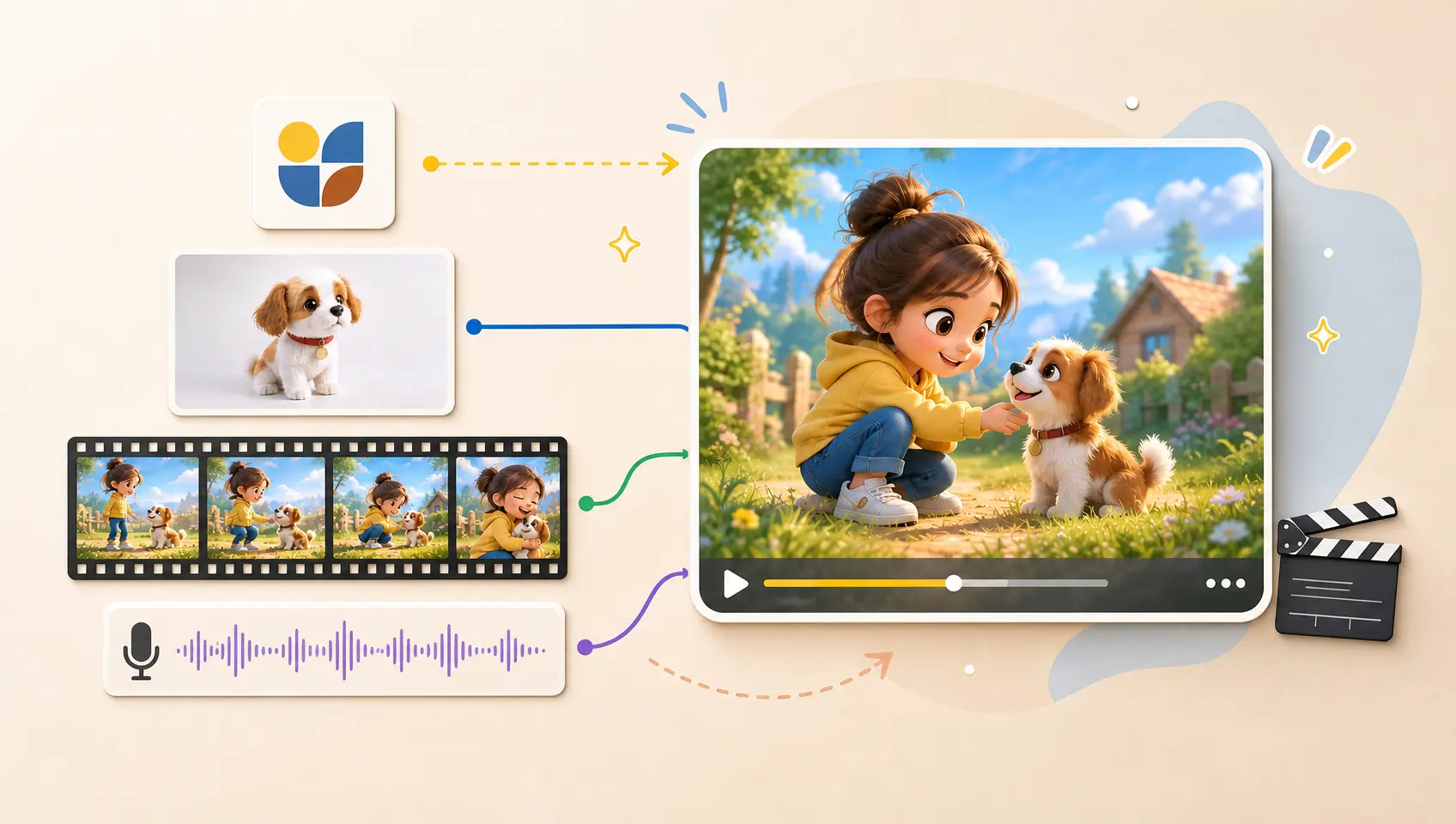
Combine text with your logo, images, video, or audio references, then use @ to assign each item as a subject, scene, camera, or music reference. VideoAI brings those directions into one generation flow.
Move from a business idea to a reviewed MP4 through three clear actions.
Step 01
Describe the product, process, training topic, sales point, or marketing theme. Ask VideoAI to draft script text when useful, then confirm the information before planning the visuals.
Step 02
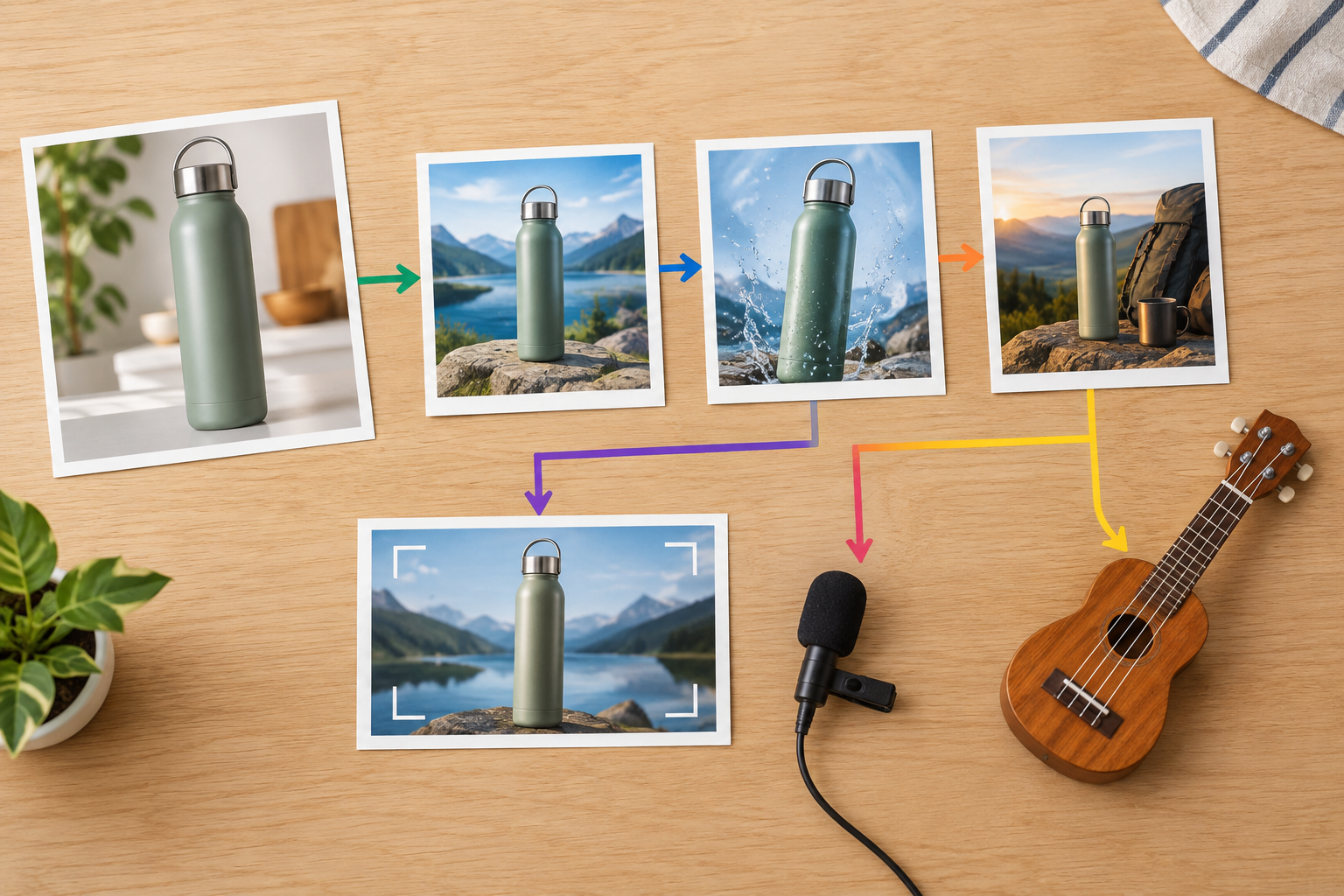
Upload logo, image, video, or audio references and assign their purpose with @. Choose a style, template, duration, and aspect ratio, then describe every scene, action, short text, voice direction, and music direction by time segment.

Step 03
Preview the result and check the information, logo, text, and scene transitions. Describe the changes you want in plain language, continue generating when needed, and download the final MP4.
Turn specific communication tasks into clear animated videos with the scene order and references you choose.
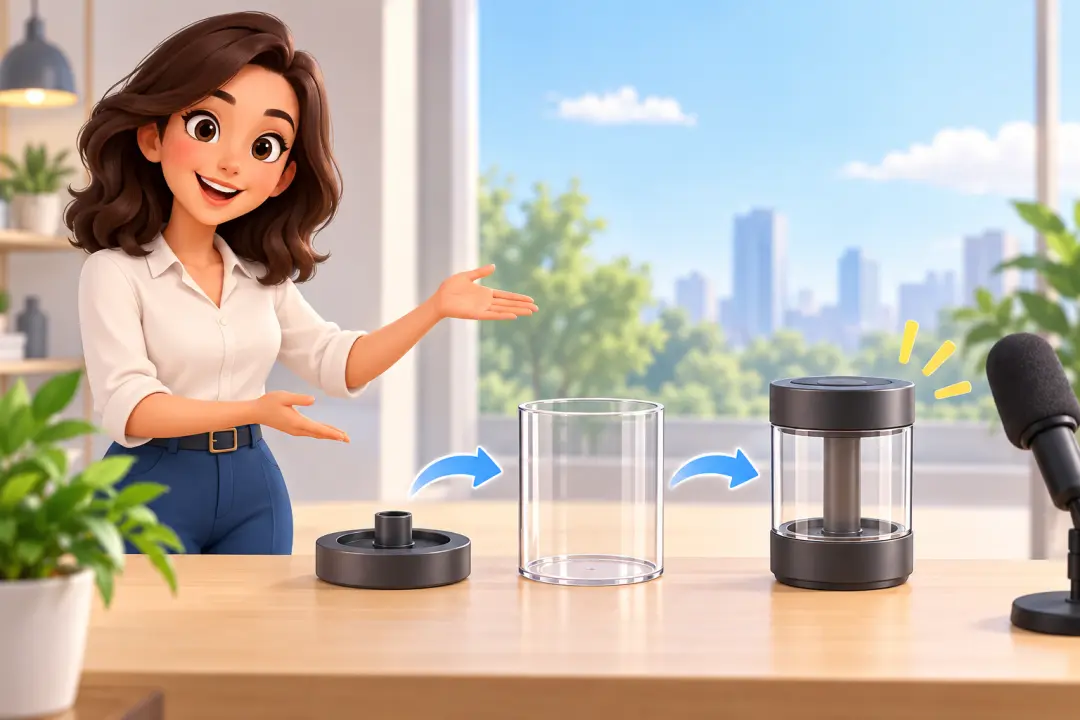
When a business message exists as text or static slides, arrange animated scenes with narration and short on screen wording. Choose this route for a downloadable explanation that gives the information a visible sequence.

A small team with product images, a logo, or demo footage can combine those references with a chosen animated style. The result is focused custom animated videos built around the materials already available.
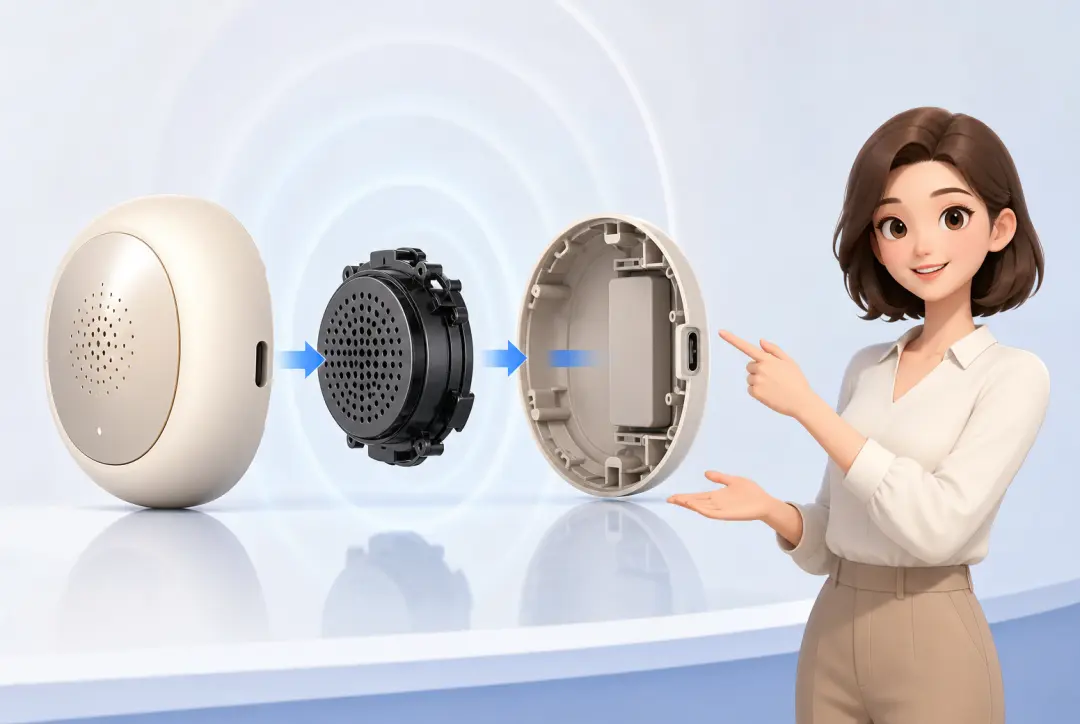
A product manager can organize value points, usage steps, and key visuals by time segment, then add a logo and voice direction. This creates a concise product explanation or demo opening for a presentation.
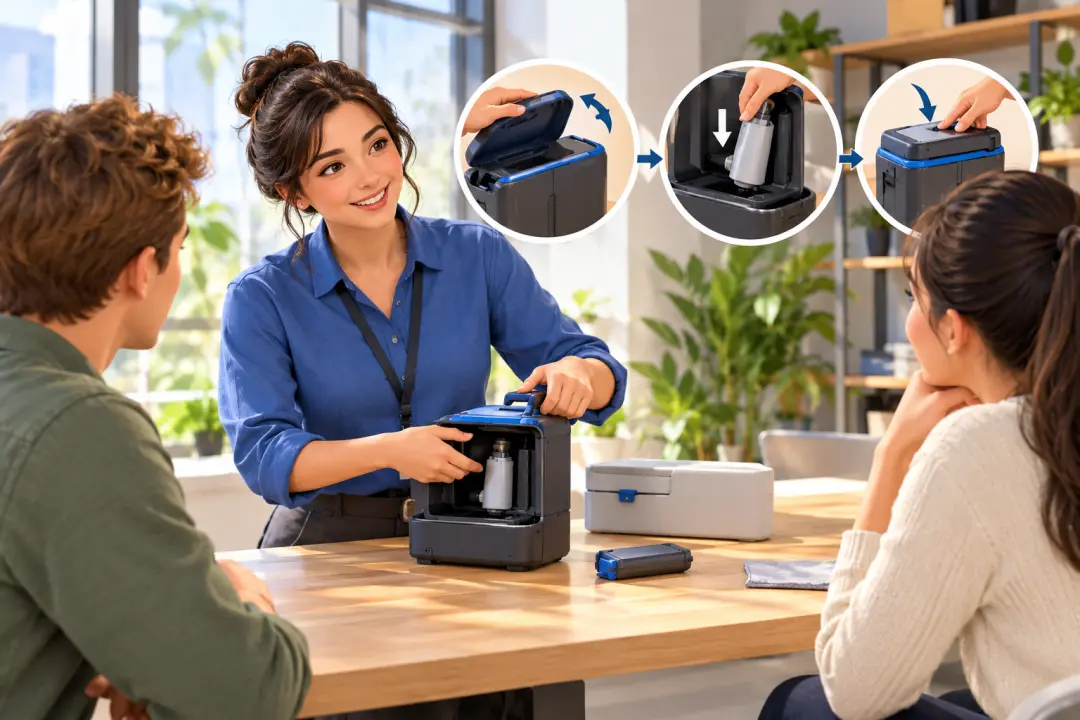
For a process or policy that needs clear explanation, arrange several scenes with narration and short text. Employees receive a focused animated guide that keeps each step in the order you set.

Marketing teams can shape product updates, event messages, or short promotional explanations with selected ratios, references, and timed scenes. VideoAI helps turn the approved message into a downloadable business animation.

HR and training teams can organize onboarding, policy, or process content into scenes with narration, music direction, and brief visual wording. The result keeps the training message easy to review.

Product managers and sales teams can combine product references with a chosen style and scene plan for a demo opening or proposal video. VideoAI keeps the message centered on the business decision each scene needs to support.

Bring your message, references, and scene plan into VideoAI, then review the animated result.
Get Started