
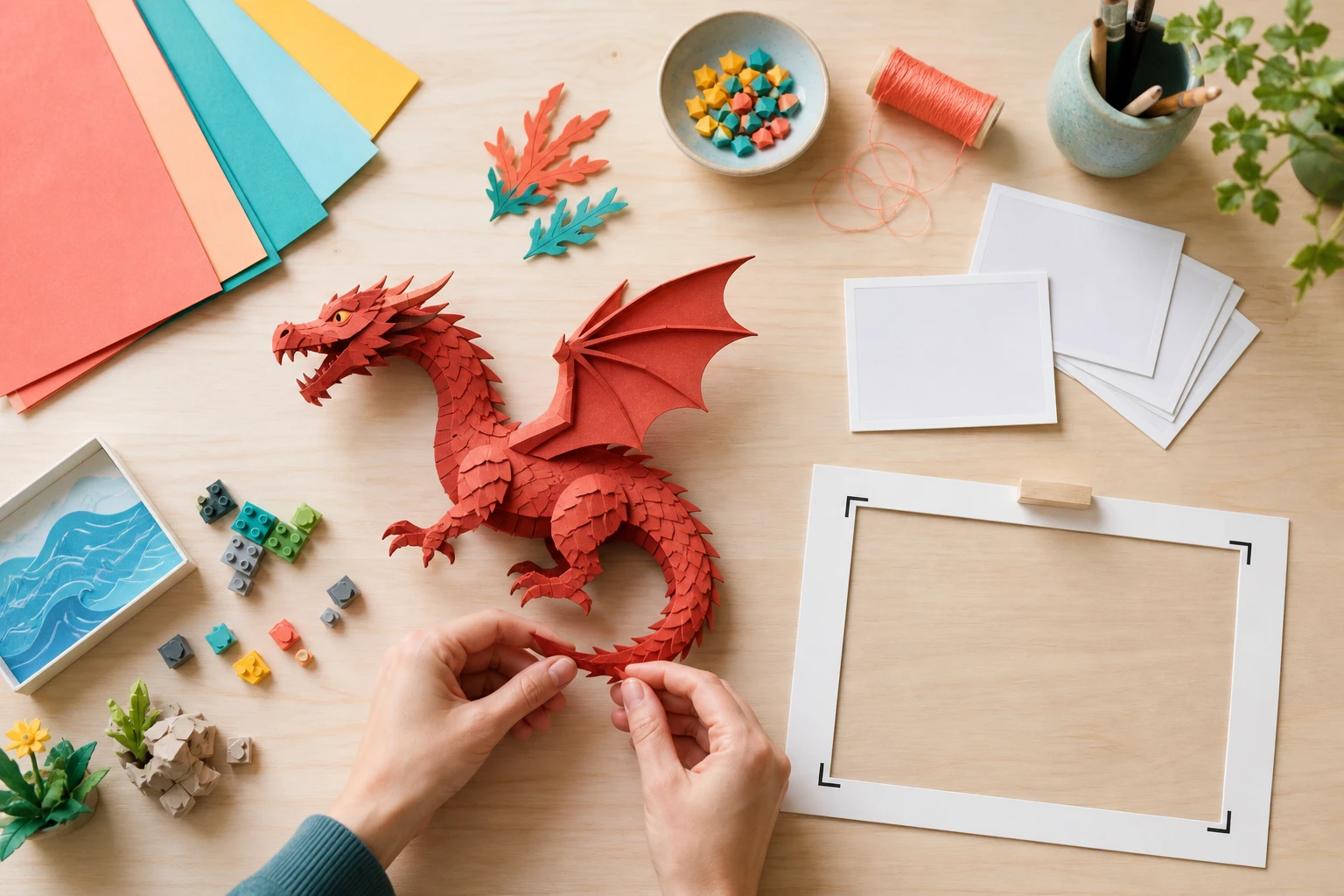
Step 01
Write the idea or attach references
Enter the AI animation concept in plain language, or upload images and use @ to define each asset role. Ask for a story draft when you need text before arranging scenes.

VideoAI turns a prompt or reference image into an animated video while you direct the style, motion, scenes, and sound.
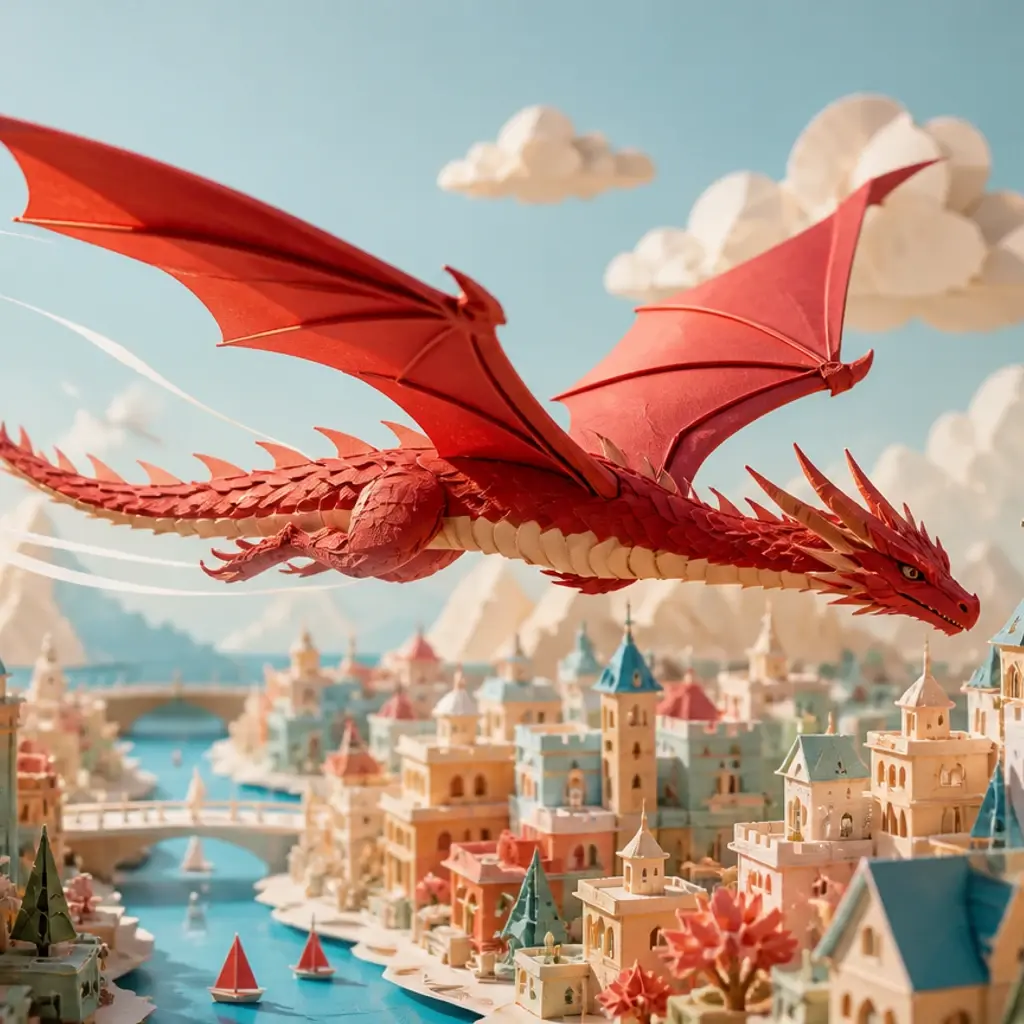
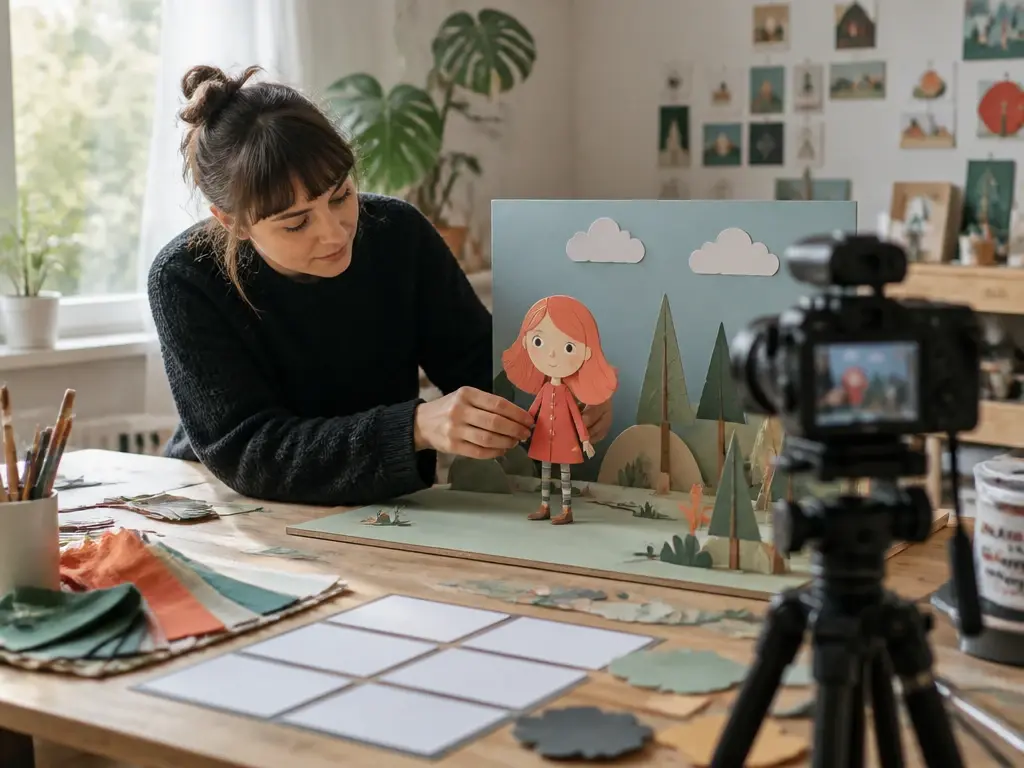
When a weekly concept, product shot, or character image needs motion, turn it into an AI animated video for social formats. VideoAI keeps the path practical from reference image to MP4 output.

If campaign motion, product explainers, or brand scenes need quick versions, draft them without arranging a full shoot. Teams can guide AI animation with prompts, image references, and format choices.
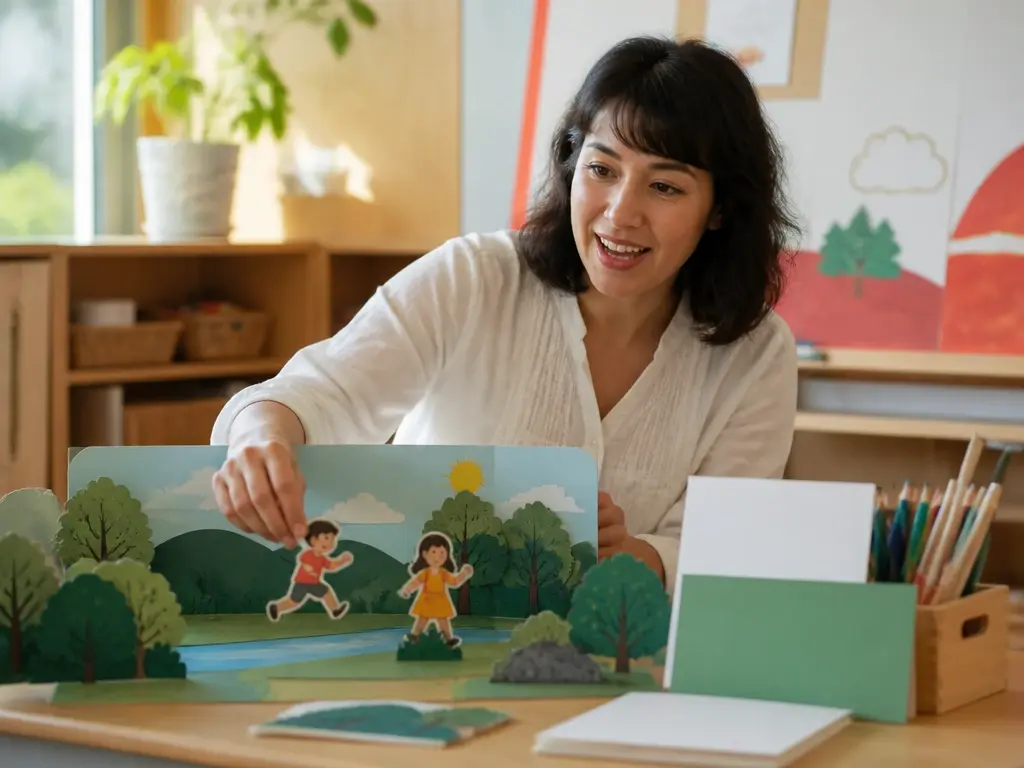
When a lesson needs clearer visual moments, break it into sequences where movement follows the explanation. The AI animator helps turn abstract ideas into clearer animated sequences.
Start from creative intent, then describe the movement, camera, style, and output VideoAI should shape.
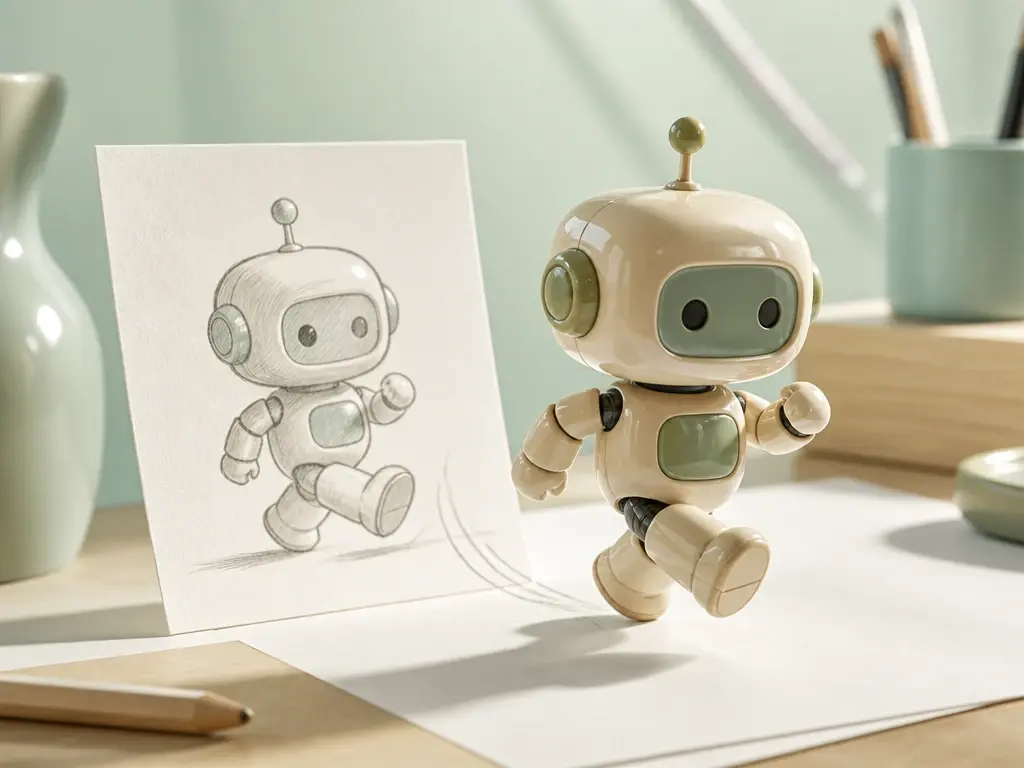
Begin with a sentence, or upload an image and use @ to mark it as the subject, scene, first frame, or scene reference. This keeps AI animation tied to the visual choice you already made.
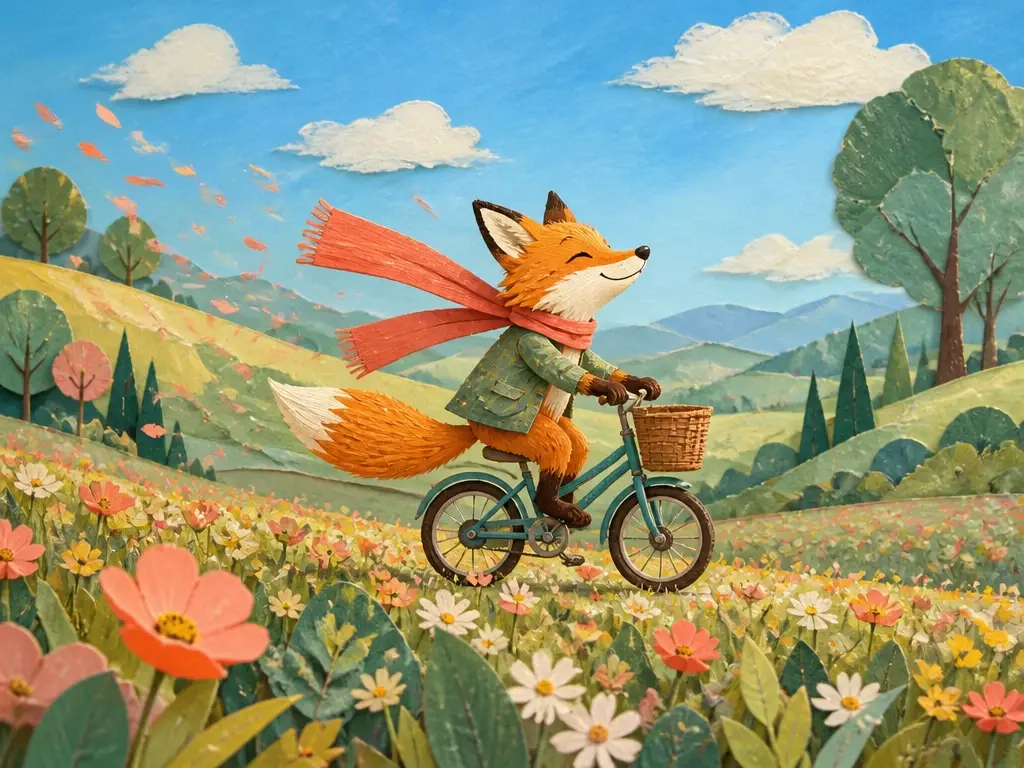
Arrange the animation video by time ranges, then write what each shot shows, how the subject moves, how the camera travels, and how transitions happen.
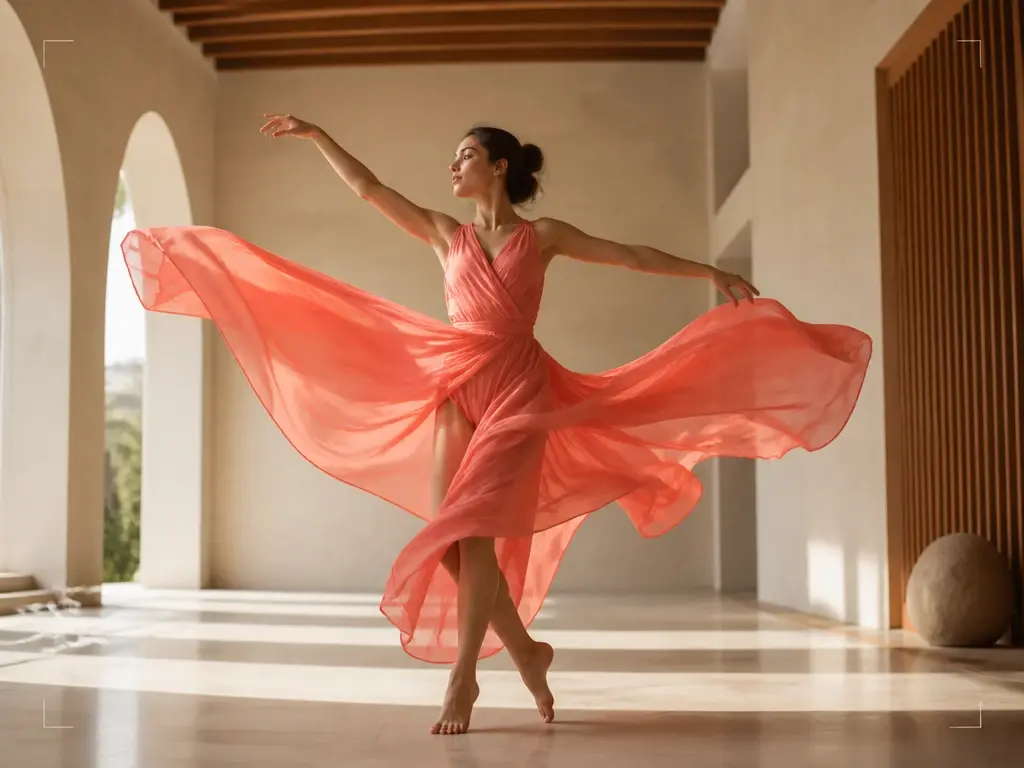
Choose anime, realistic, illustration, or another available direction, then add first and last frames when the change needs a clear start and finish.
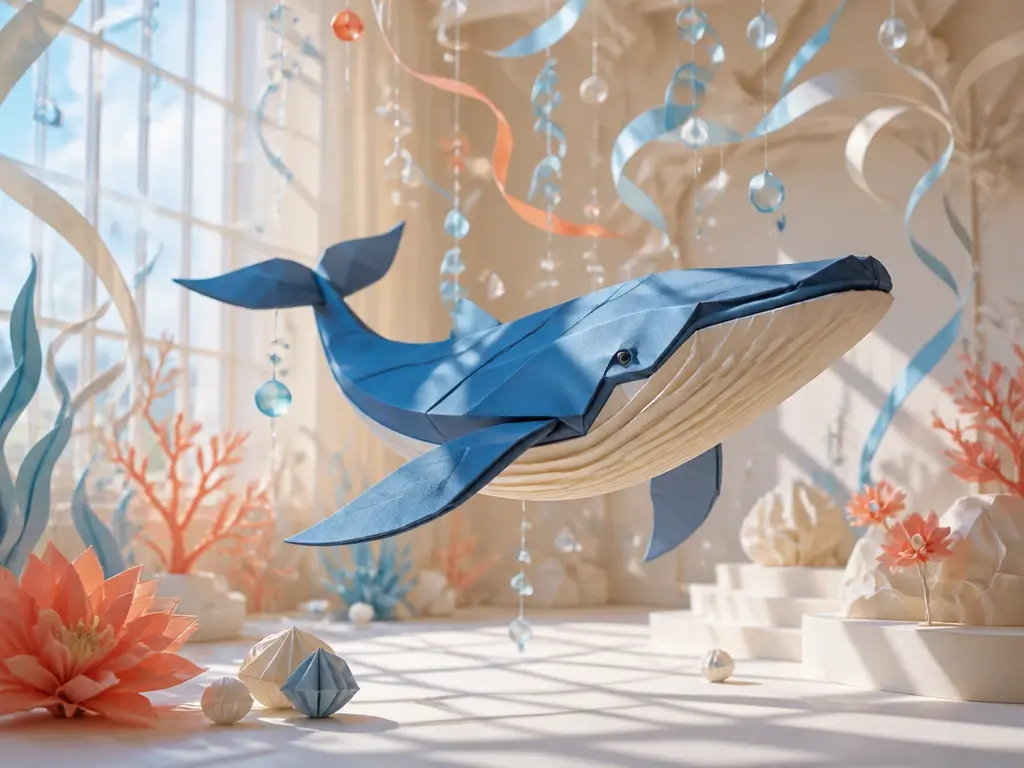
Plan narration, voice tone reference, background music, sound effect style, and musical hits with the same AI video animation prompt. Export MP4 up to 4K in 16:9, 9:16, 1:1, or 4:5.
VideoAI follows a workflow led by creators from idea to revision, so the visible result stays connected to your brief.
Step 01
Enter the AI animation concept in plain language, or upload images and use @ to define each asset role. Ask for a story draft when you need text before arranging scenes.
Step 02
Select a style direction, set a generation duration of up to 30 seconds, and describe each time range with the scene, action, camera movement, transition, narration, and music cues you want VideoAI to follow.

Step 03
Review the AI animation video, then tell VideoAI what to change in words. Extend the result when the story needs more space, and download the final MP4 in the aspect ratio you need.
Use VideoAI when motion needs to clarify an idea, sell a concept, or extend a still image into a publishable video.
A static visual idea needs rhythm before it can work in a feed. Add motion, camera direction, and a vertical or square output so the AI animated video matches the placement.
A feature or offer needs a few clear shots, not a full production setup. Use AI for animation to plan the sequence, guide transitions, and export a polished MP4.
A process makes more sense when the picture changes in order. Build each section as a timed scene so animation with AI supports the explanation step by step.
A character, illustration, or scene can become an AI animation when you provide the reference, describe the action, and add first and last frames for a clearer change.

Start with a prompt or reference image, direct the motion and scenes, then refine the animated video until it matches the idea.
Get Started