Step 01
Start With An Art Idea
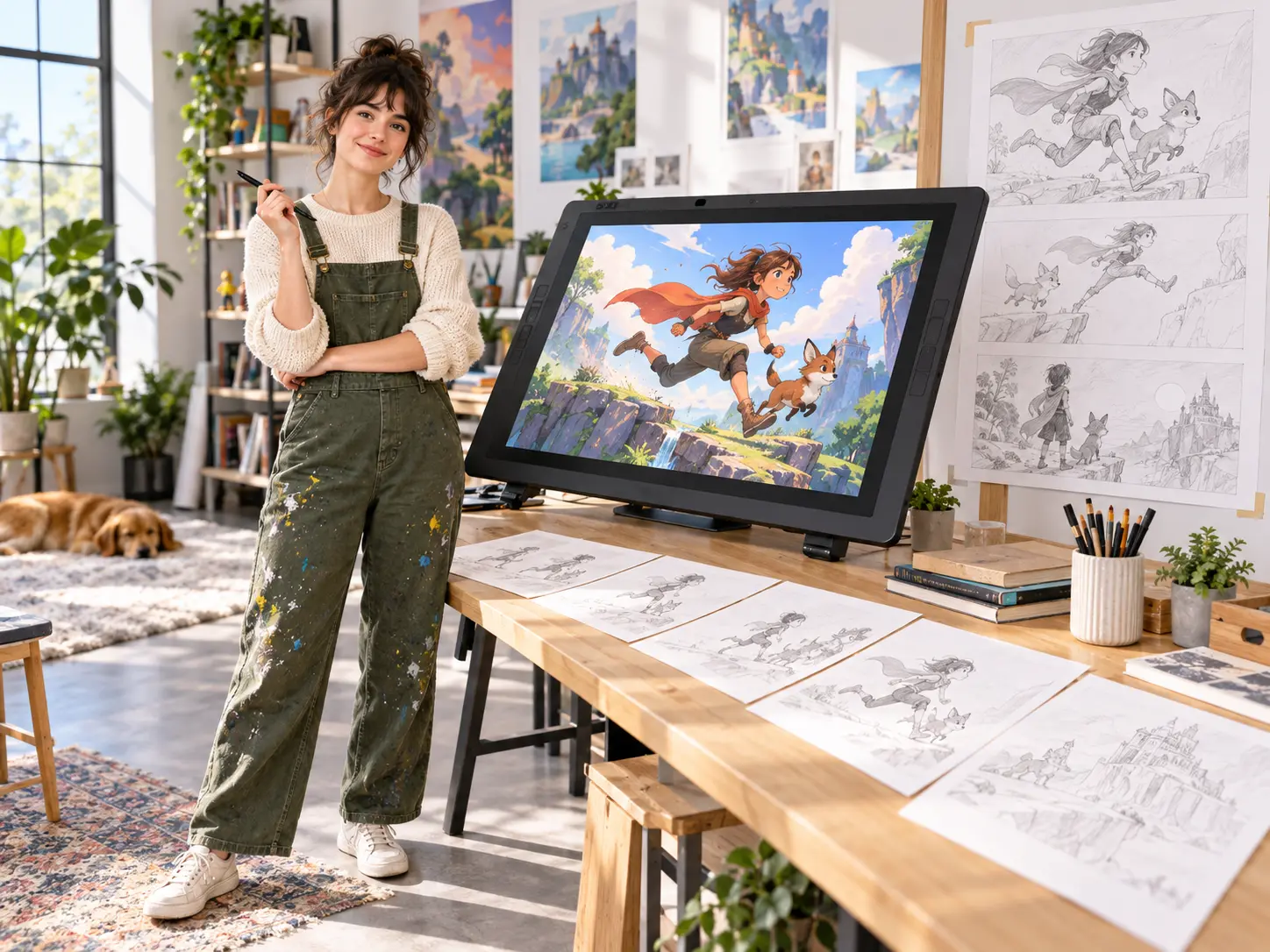
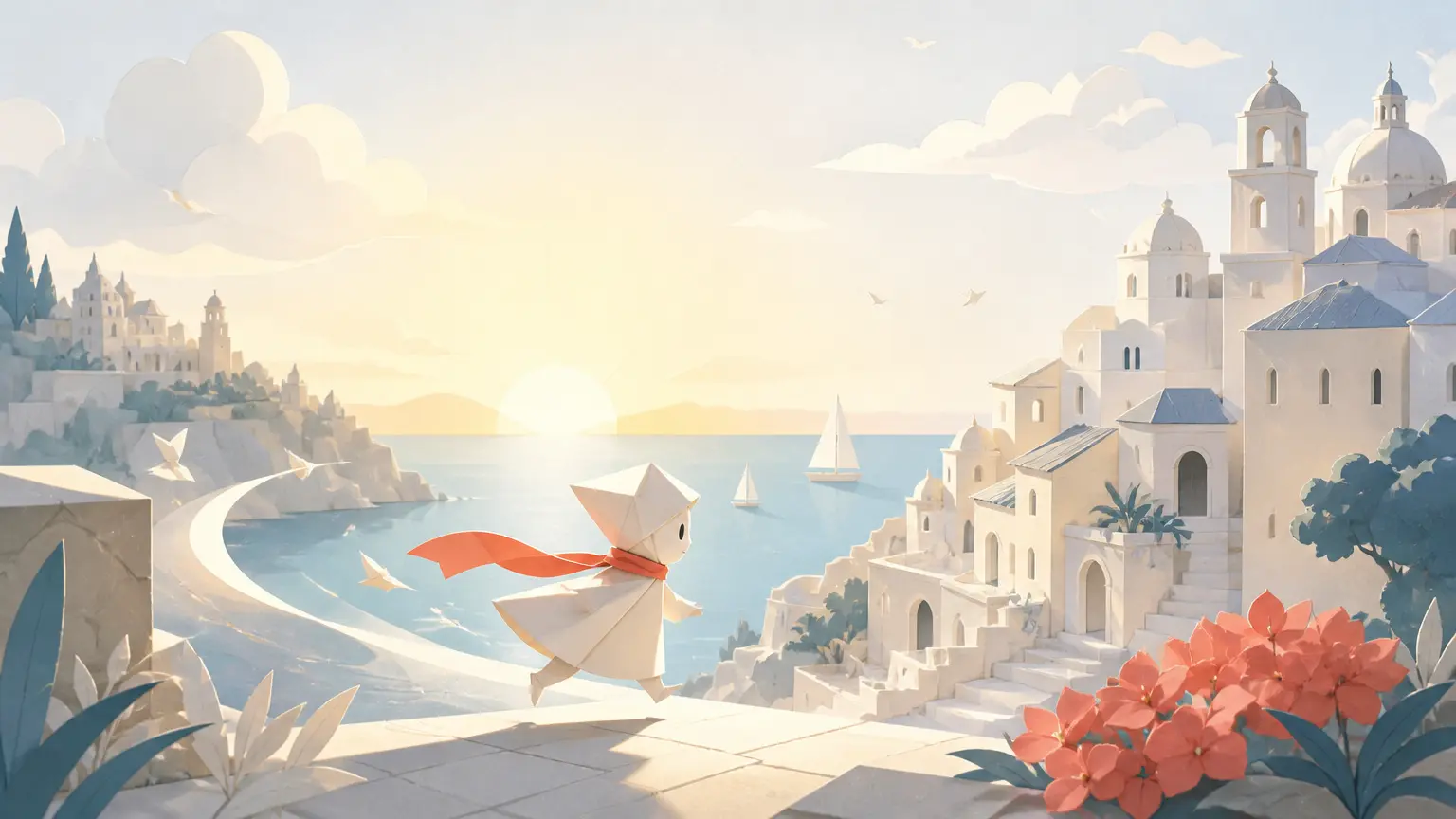
Describe the visual concept, story beat, or mood you want to explore. Add optional image, video, or audio references and assign each one a role such as subject, scene, movement, voice, or music.

Direct The Visual Direction
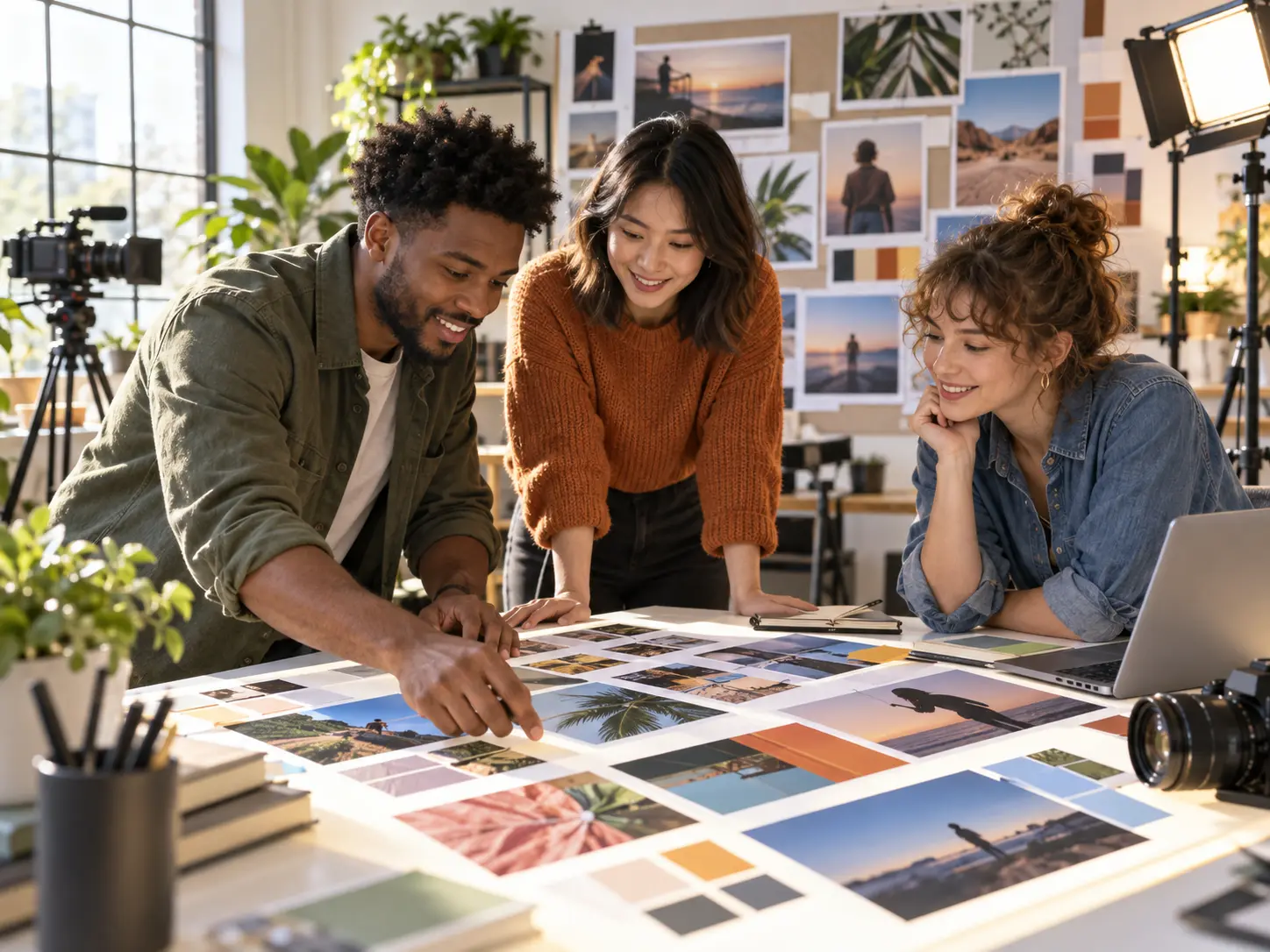
The AI Art Video Generator turns an art idea and optional references into a directed video. Choose an animation, illustration, cartoon, or cinematic direction, then set the scene order and timing before you review the result.
Turn an artistic idea into a reviewable video with a clear, directed creation workflow.
Step 01
Describe the visual concept, story beat, or mood you want to explore. Add optional image, video, or audio references and assign each one a role such as subject, scene, movement, voice, or music.
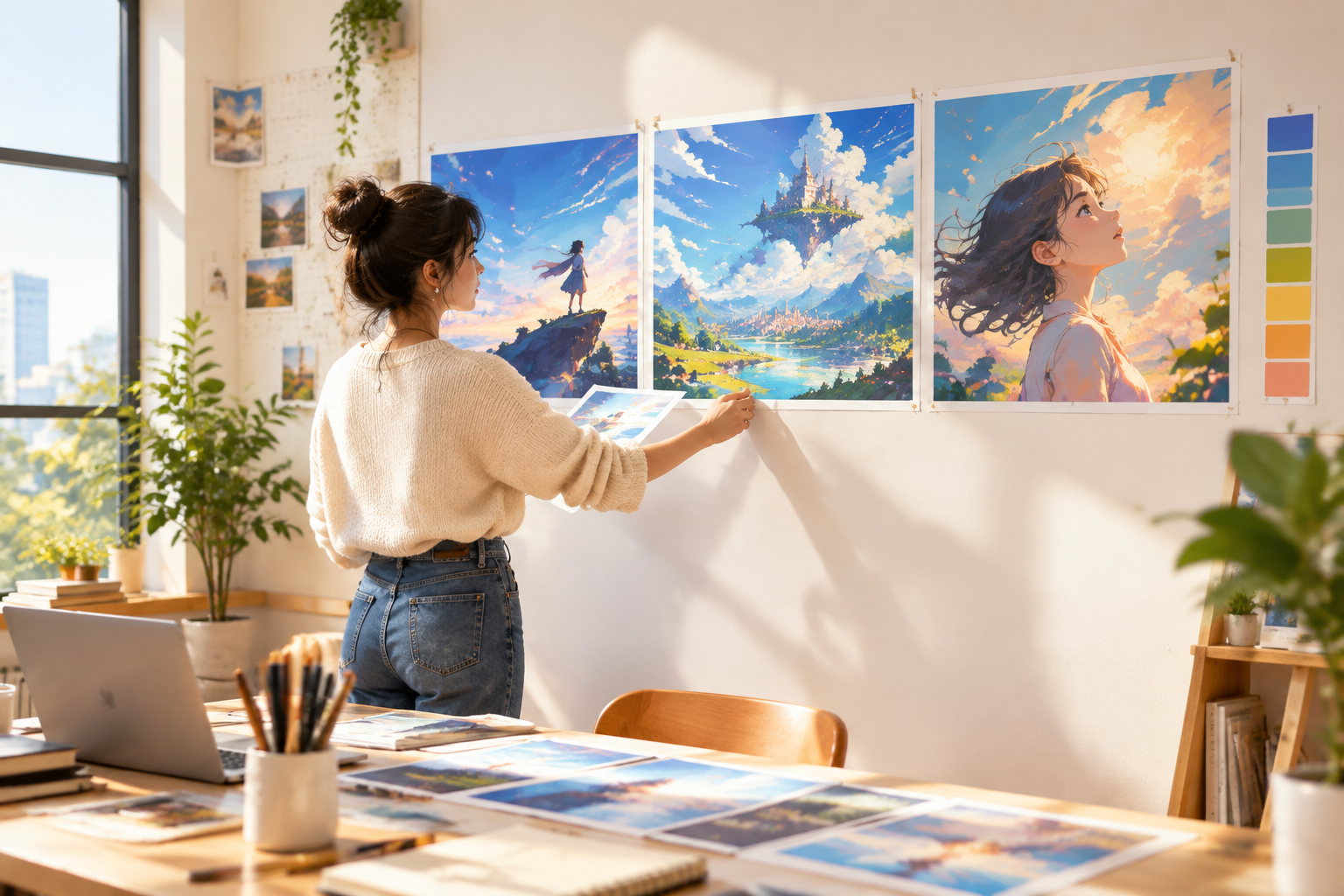
Step 02
Select a confirmed direction such as animation, illustration, cartoon, or cinematic. Arrange the scene order, timing, and action yourself so the AI video art follows the sequence you want to review.
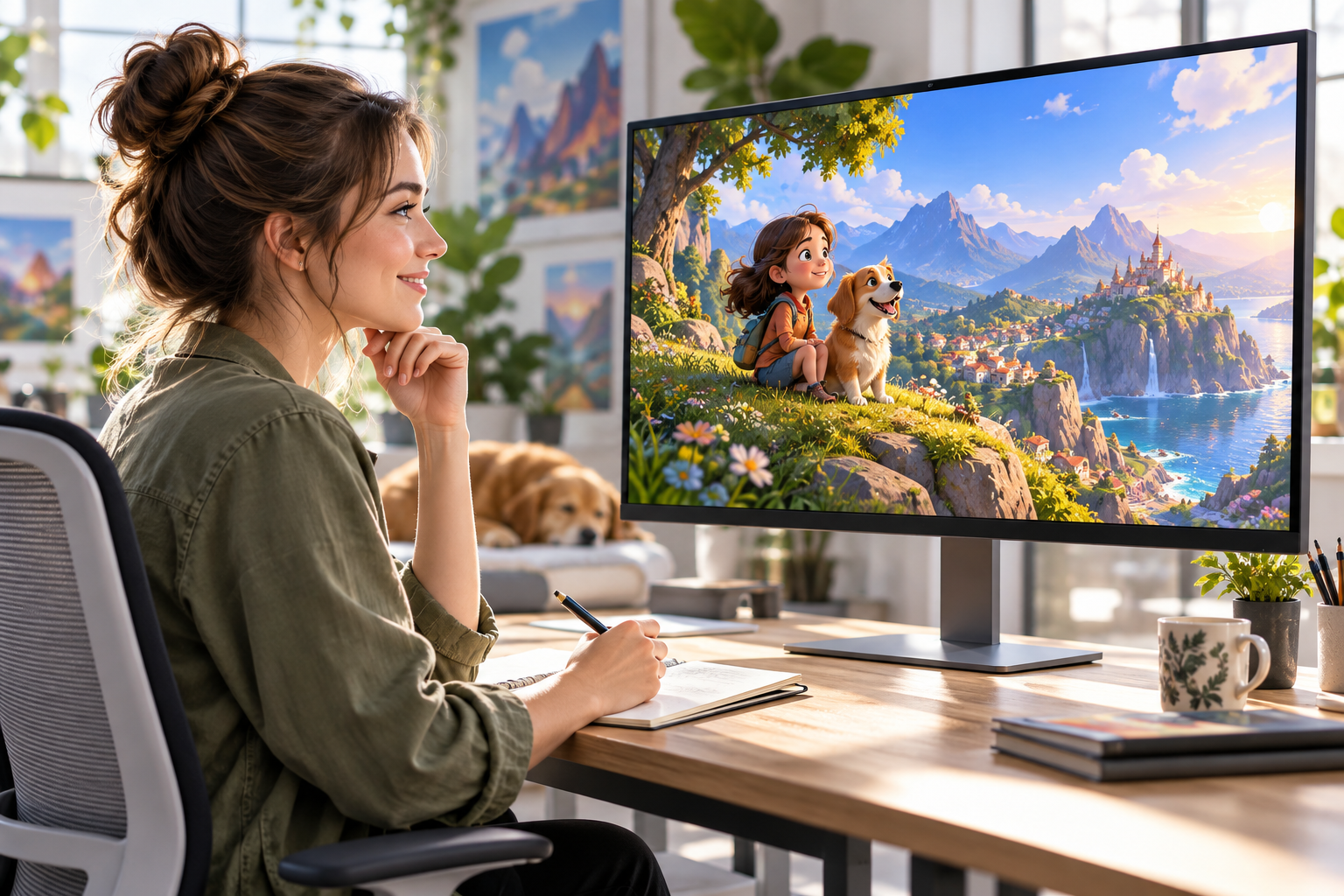
Step 03
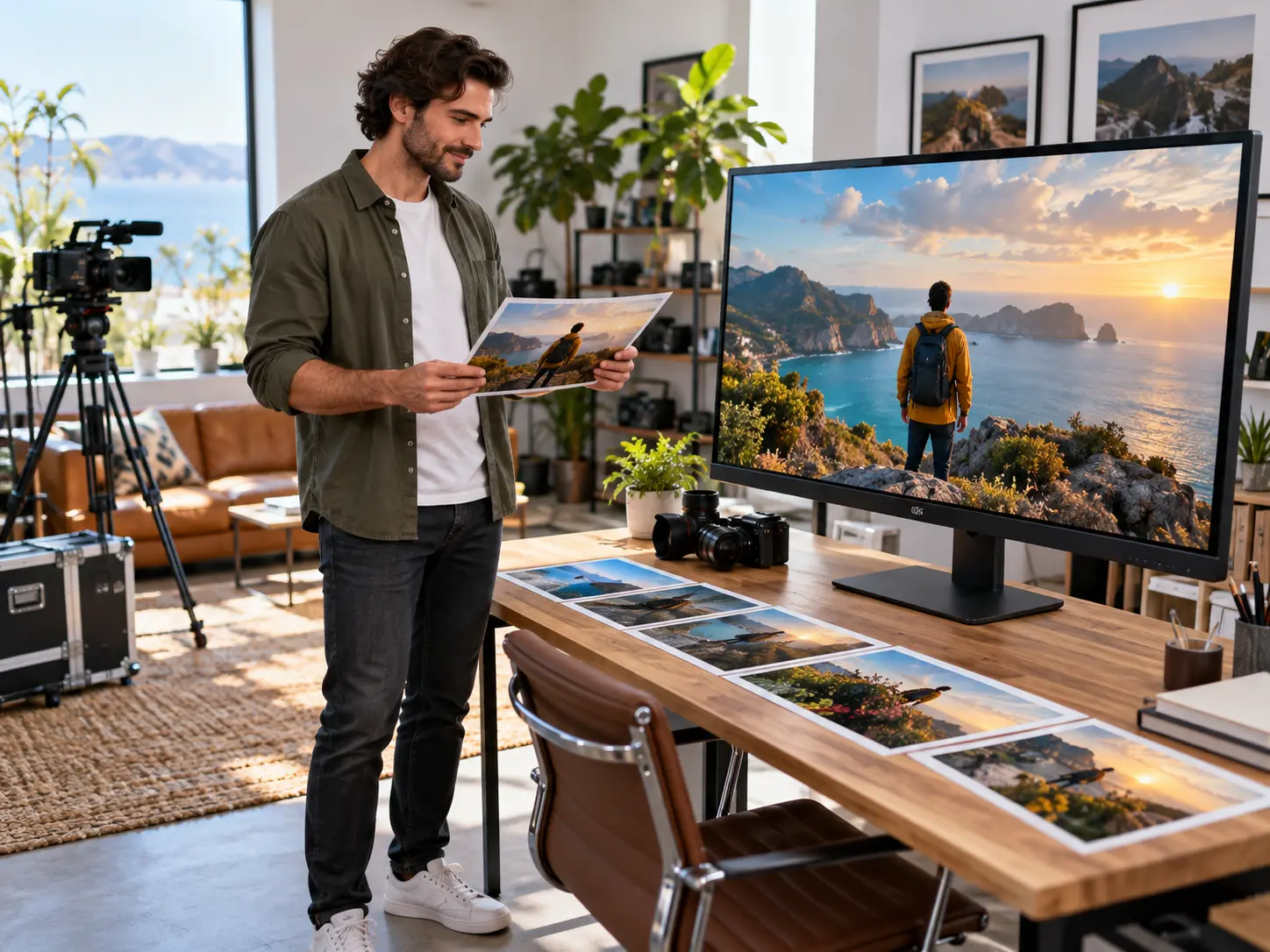
Review the generated motion, continuity, and audio, then describe a targeted change for another pass. Download the result as MP4 up to 4K in 16:9, 9:16, 1:1, or 4:5 when the direction is ready.
Use the AI Art Video Generator for visual decisions that should remain visible from the first concept through the next review pass.
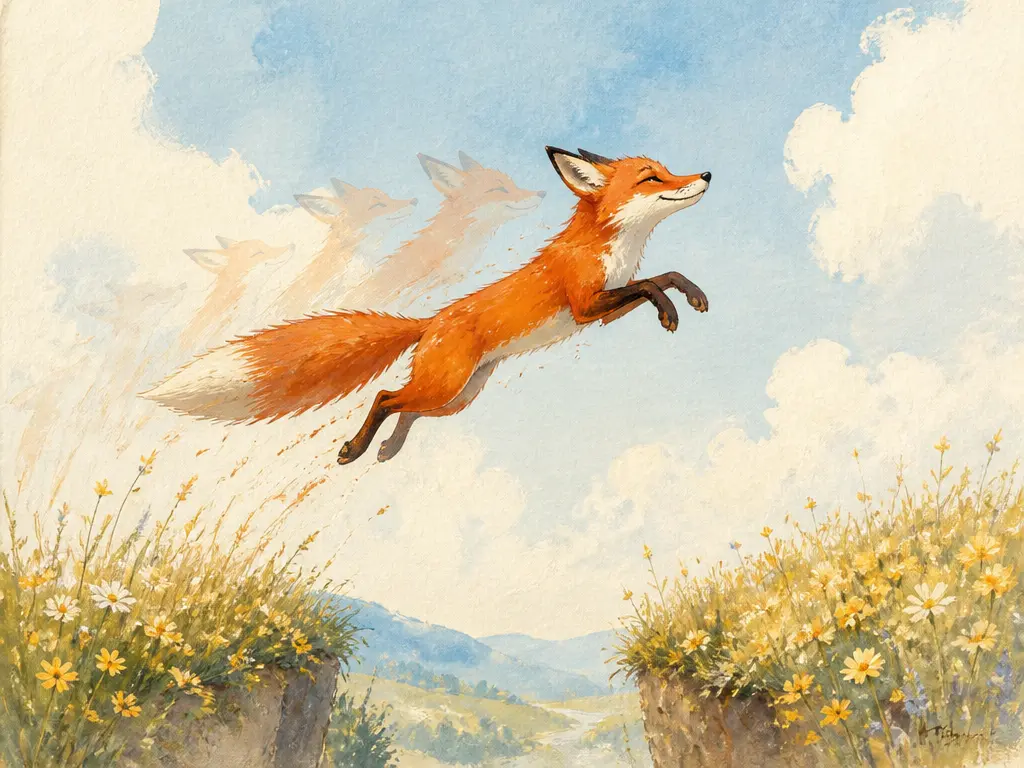
Set the visual intent before generation with an animation, illustration, cartoon, or cinematic direction. This keeps ai video art focused on a moving result instead of turning the workflow into a still image generator. The same direction can guide an ai cinematic video generator concept or an animated ai generator idea.
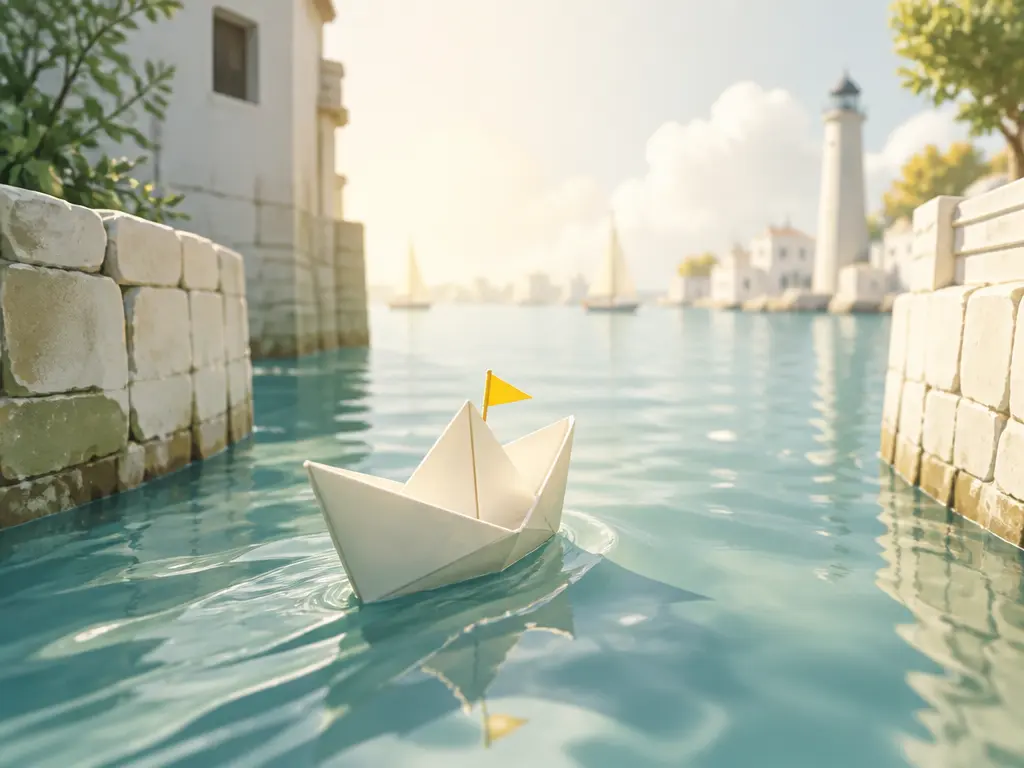
Combine a prompt with optional image, video, or audio references, assign their roles, and set the order and timing of each scene. After you review the motion, write a targeted change and regenerate from the existing setup. The result stays an ai video art generator workflow with MP4 delivery rather than a manual timeline editor.
Build each project around a visual concept, a directed sequence, and the video format you need next.
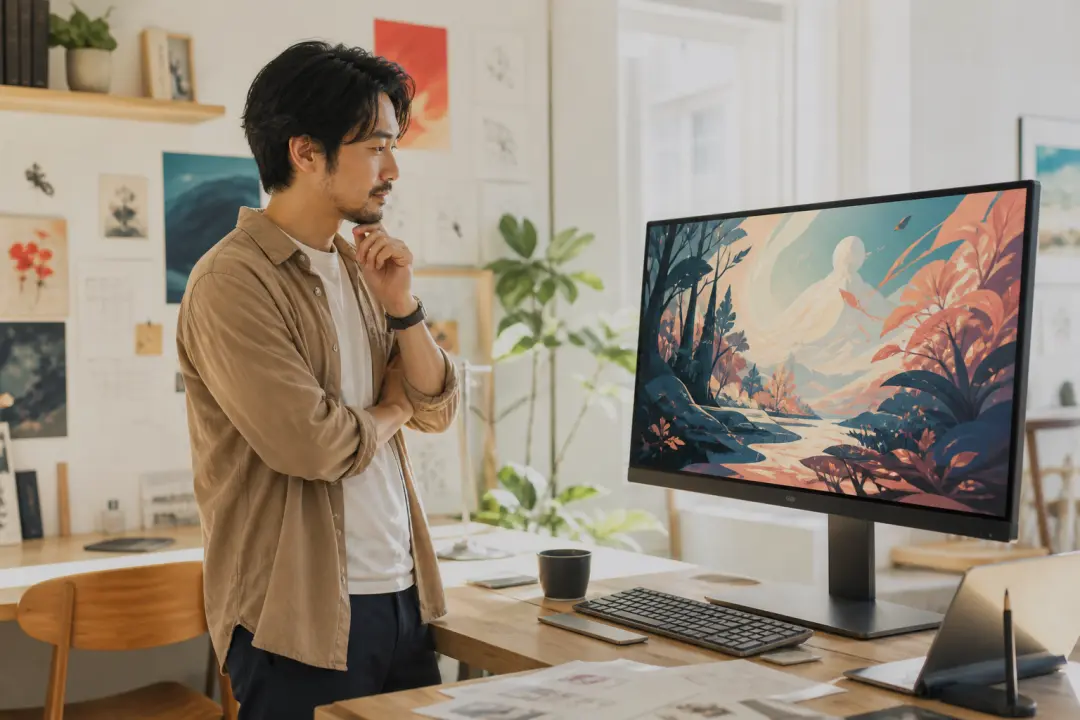
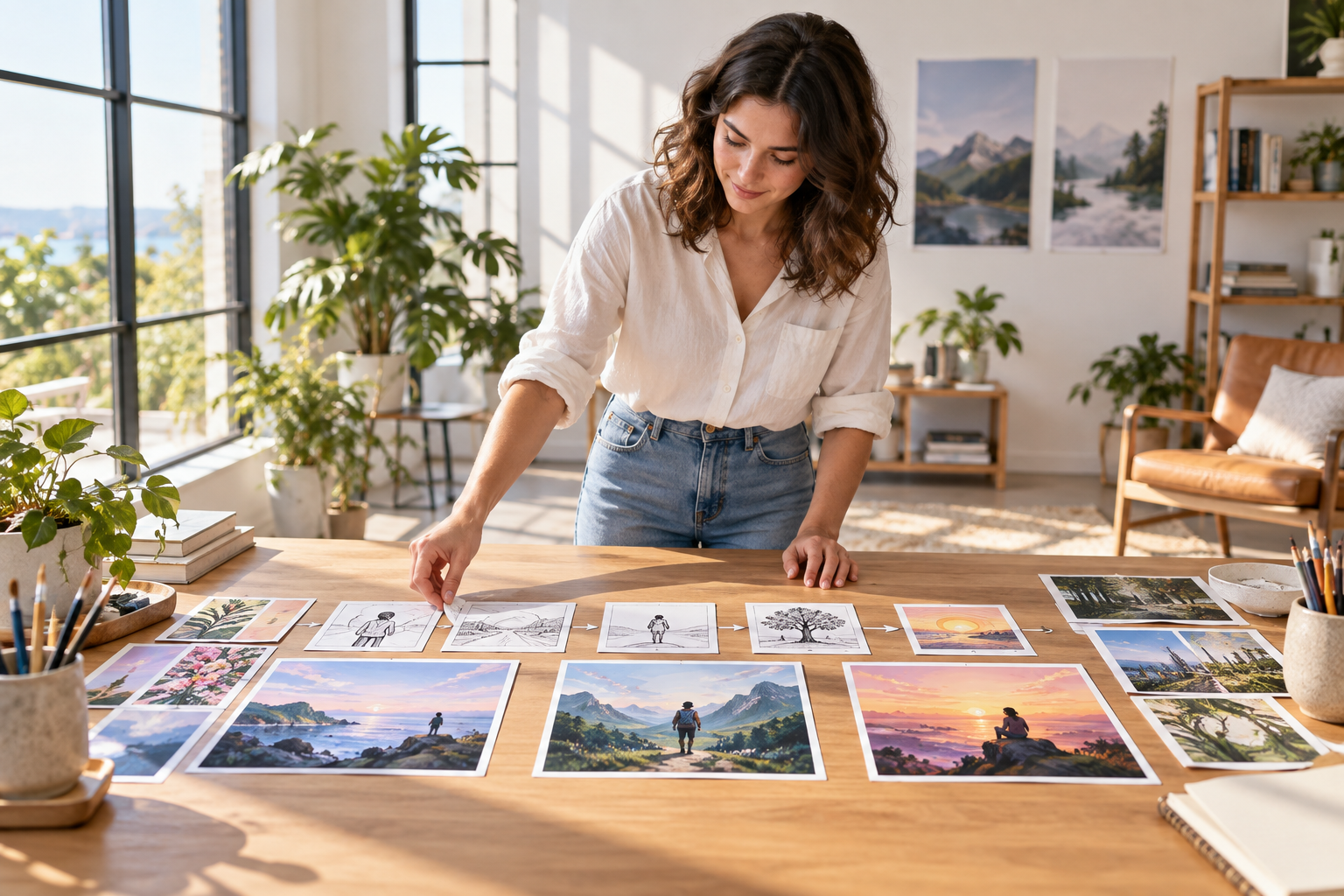
Turn an ai art video concept into a moving sequence with a selected art direction rather than a still image. Explore several ai art videos for a social or portfolio concept, direct the key scene beats, then review the result before deciding what to refine.
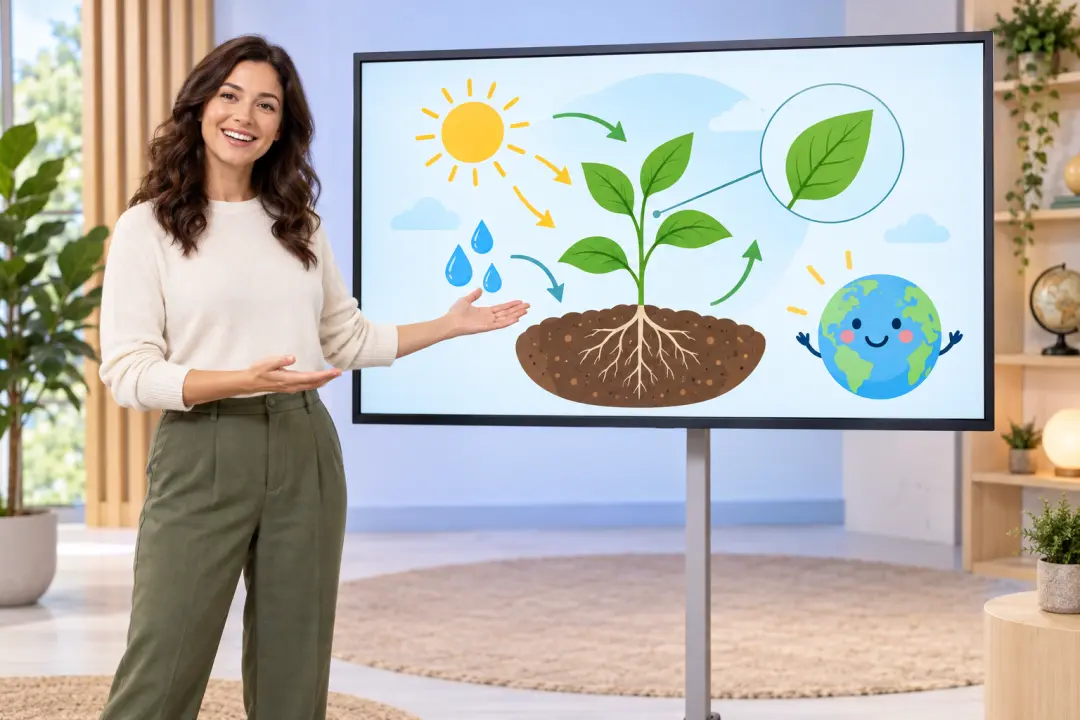
Build a short illustrated explainer when the message depends on user-directed scene timing and references. The generated video supports the teaching beat without claiming automatic storyboard splitting.
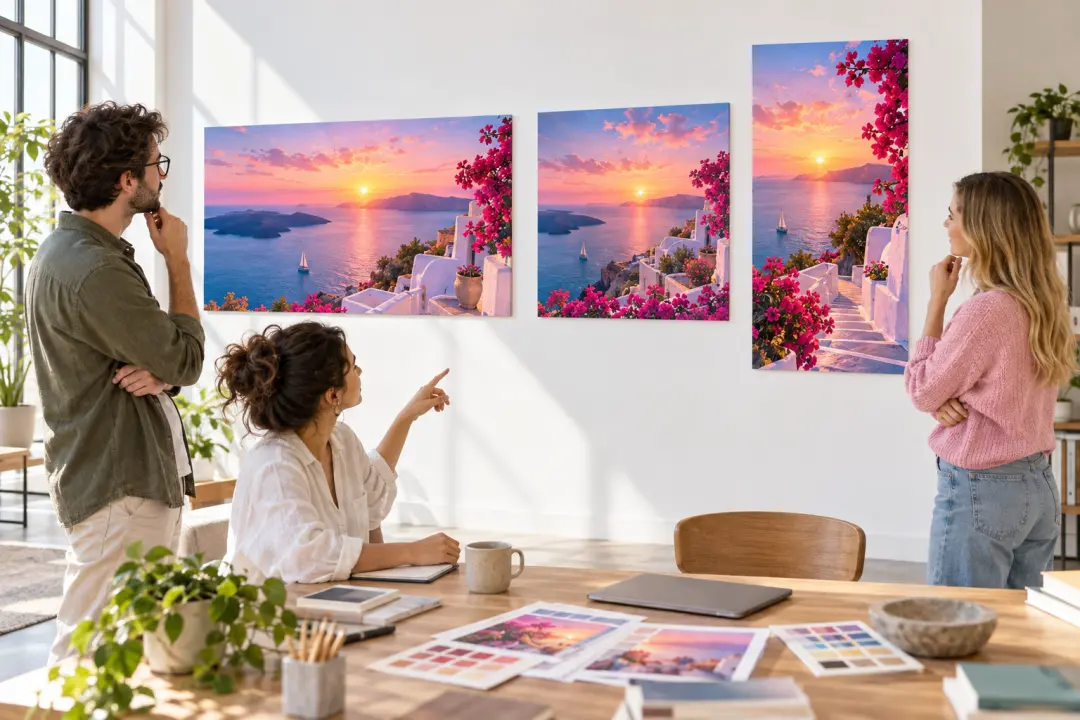
Preview a stylized campaign or concept in landscape, vertical, square, or 4:5 output. Use the confirmed visual directions to communicate the mood before a larger production pass.
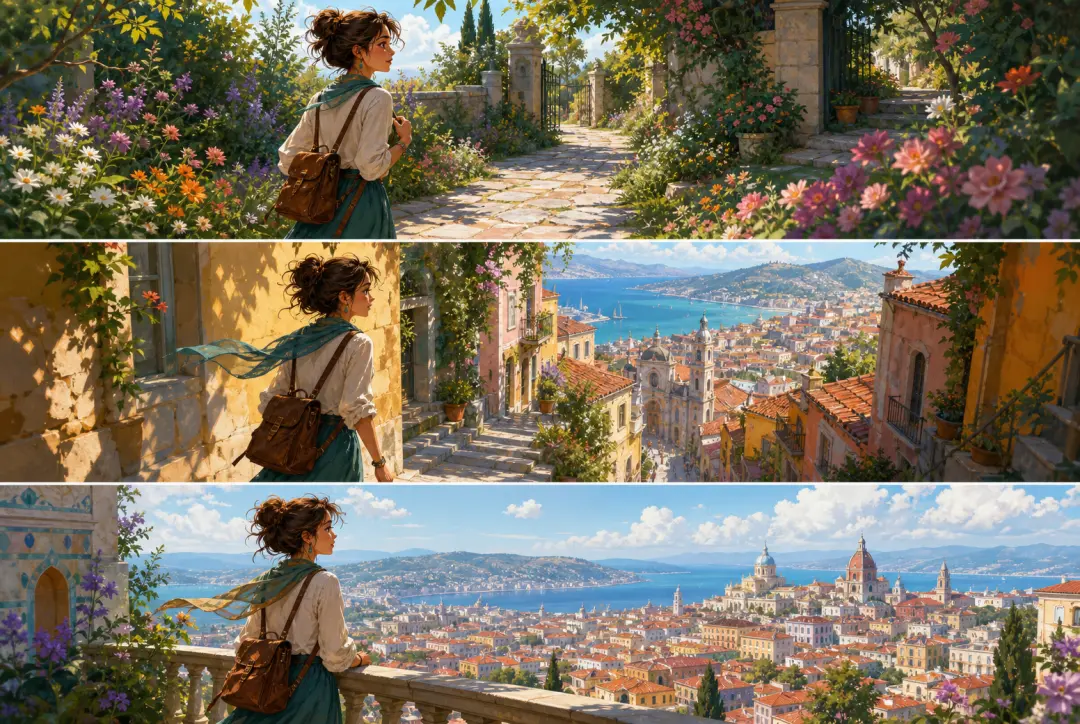
Use reference images to guide a subject or character across timed scenes. Describe the setting, motion, and change you want without promising named artist, film, character, or third-party IP styles.
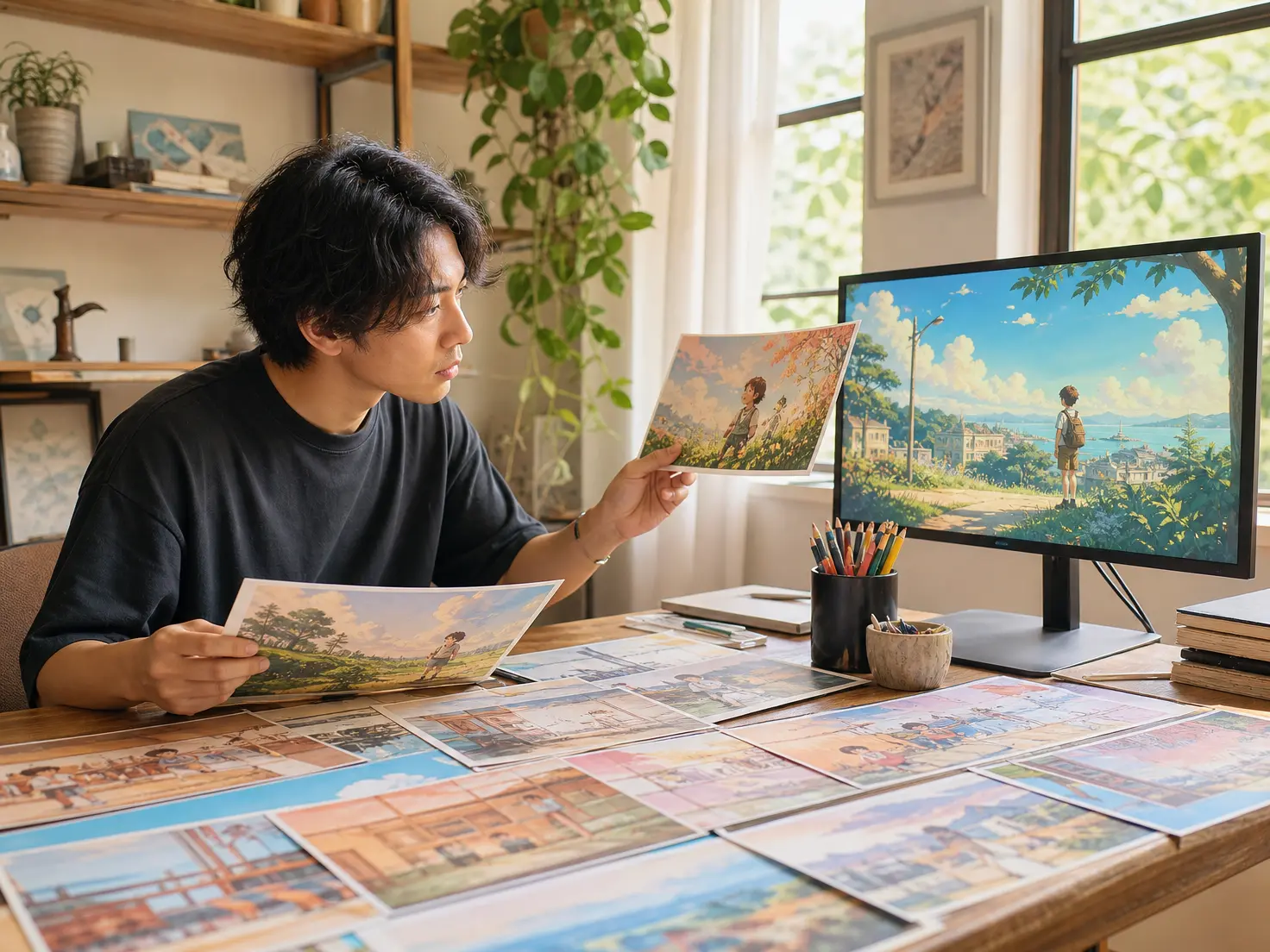
Independent creators can test an artistic direction and review the first moving result before committing to a larger video production.
Bring an art idea and the references that matter, choose a visual direction, and review a video you can refine in the same workspace.
Get Started