

Step 01
Describe The Clip Source
Write the core idea, upload reference materials, or begin from a template or stock asset, then use @ labels so VideoAI knows how each item should guide the new clip.

VideoAI turns your idea or assigned reference materials into a short MP4 while you decide the timing, visuals, motion, and sound.


Choose the source, pace, frame, and sound before VideoAI generates the clip, then refine the result with text.
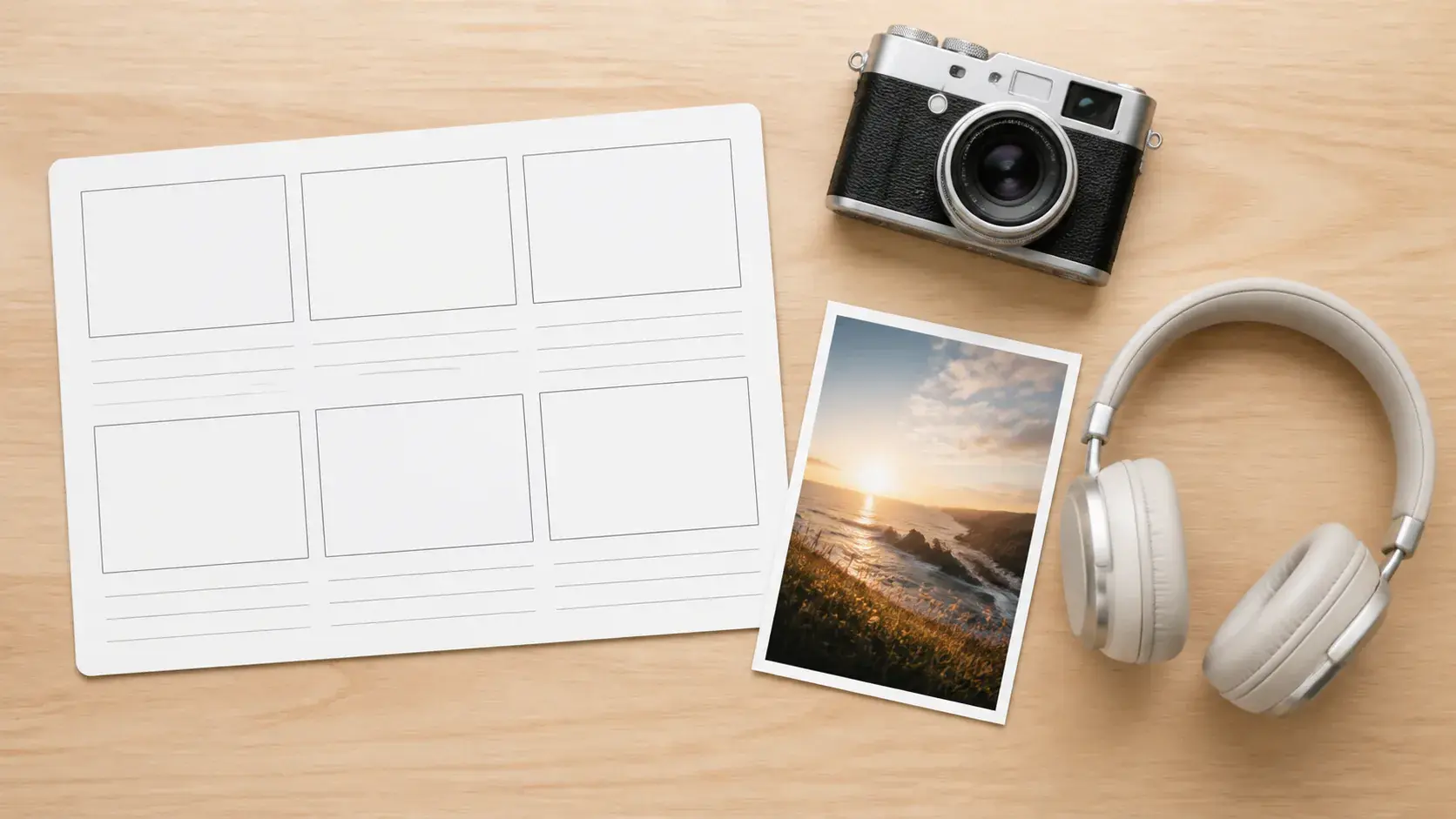
Begin with a short idea, or add images, video, audio, and text references with @ labels that give each item a clear role in the clip.

Set the clip length, choose the aspect ratio, and describe each time segment so the ai clip maker follows your intended order and rhythm.
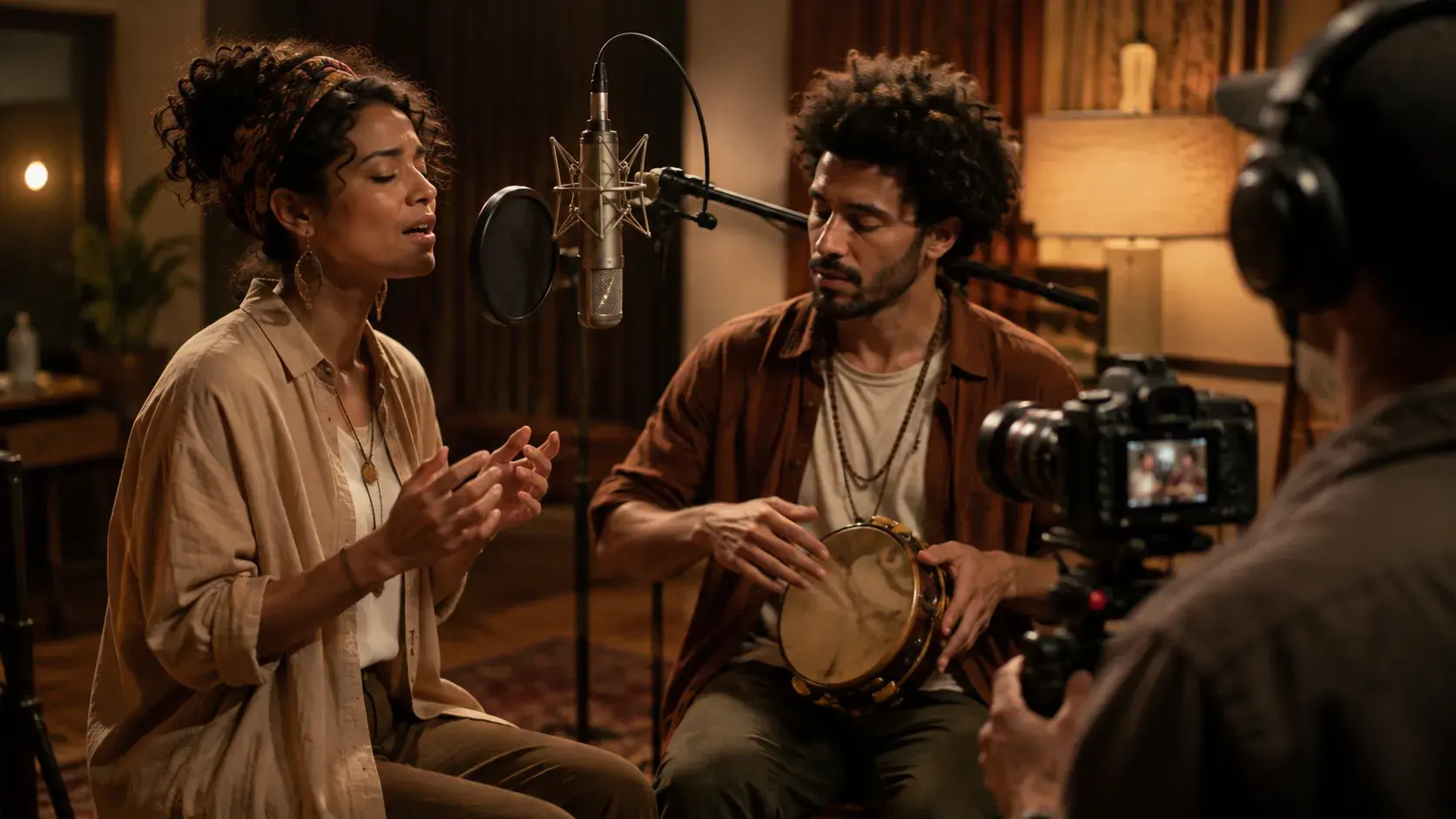
Voiceover tone, background music, sound effect style, and music beats can all be part of the same generation plan, keeping sound tied to the scene structure.
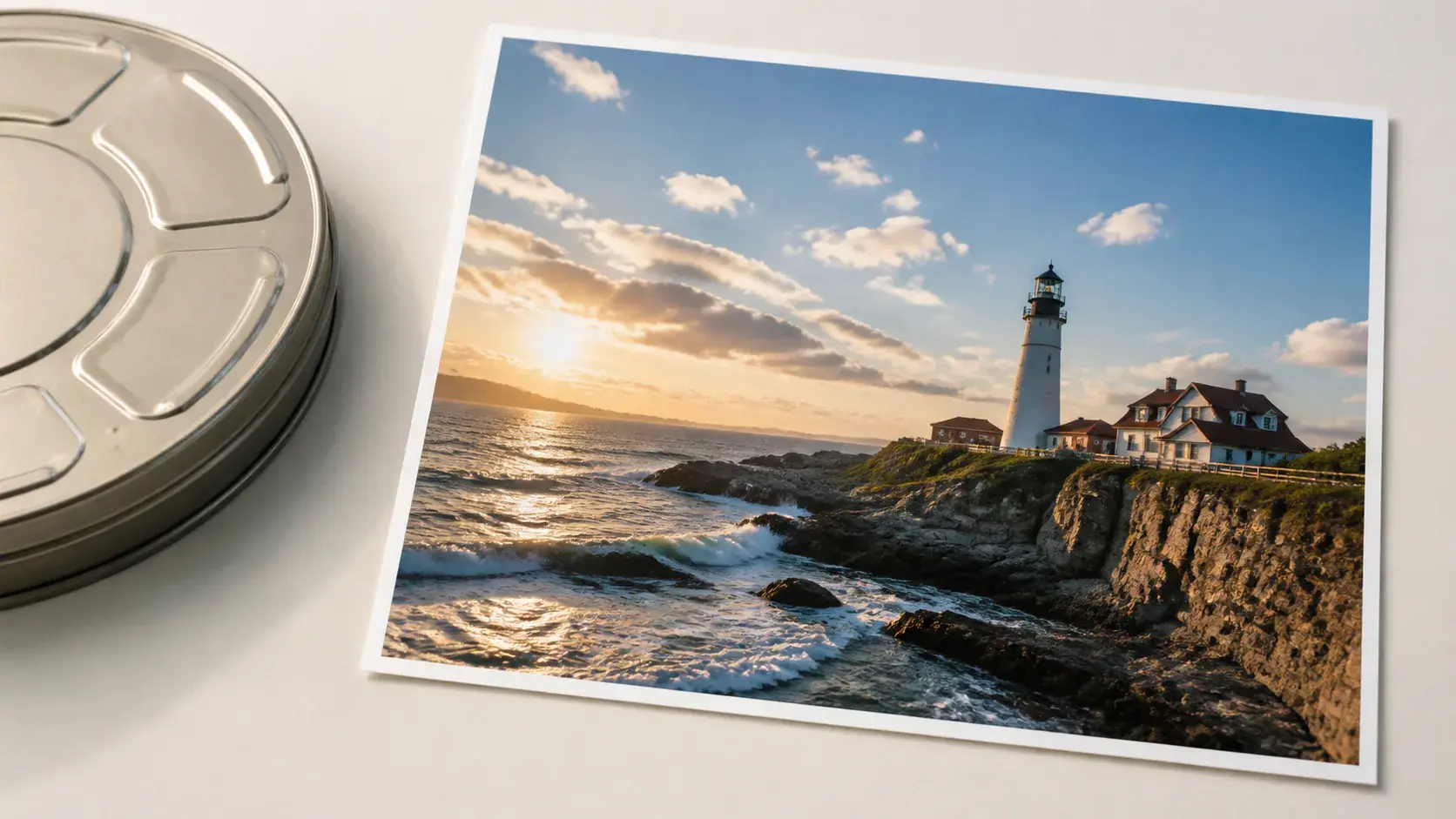
For teams comparing the best ai clip maker for production specs, VideoAI creates clips up to 30 seconds per generation, supports 16:9, 9:16, 1:1, and 4:5, and downloads MP4 up to 4K with no watermark.
The workflow keeps you in charge of the creative decisions that shape the clip.
Step 01
Write the core idea, upload reference materials, or begin from a template or stock asset, then use @ labels so VideoAI knows how each item should guide the new clip.
Step 02
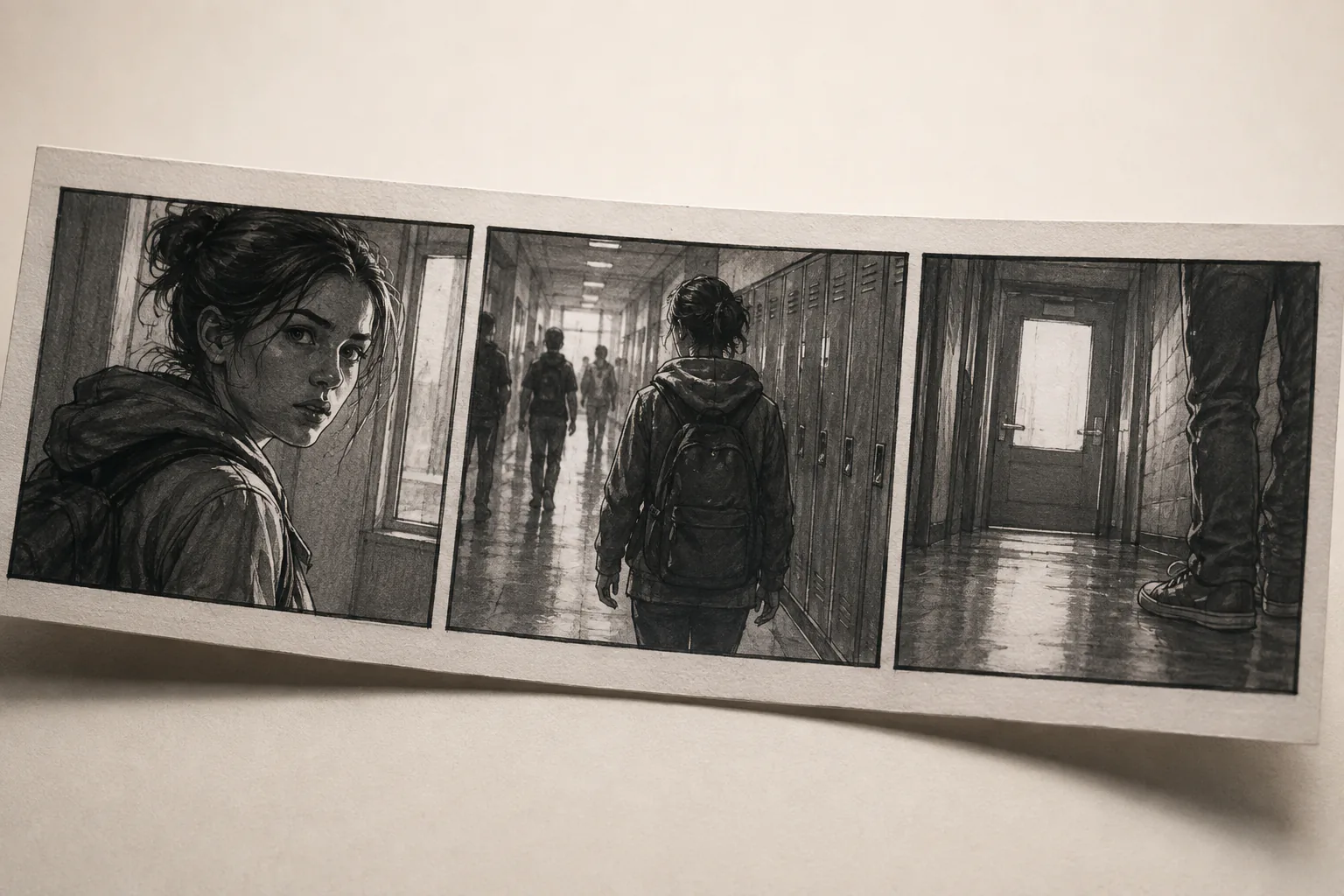
Pick the duration and frame shape, then describe the picture, motion, and sound for each segment, with a reference image attached to a key moment when needed.
Step 03
Create the clip, review the preview, type the changes you want, and download the finished MP4 up to 4K or continue building from the result.
Use VideoAI to turn intent, references, and a planned scene order into short clips.

Start with a campaign line plus product or scene visuals, then define the frame, motion, and sound before generation. VideoAI helps create a short concept clip for review before a larger production plan.
When a lesson or product point needs a clear sequence, write the clip as timed visual beats. The ai clip maker follows your segment plan so each action supports the next idea.

Create a new vertical or square short clip from an idea, reference images, and audio direction. Use the ai clip maker to shape a fresh post draft for review.

Reuse workspace materials, then adjust the segment plan, aspect ratio, or sound direction to generate different versions for internal selection.

Creators with a new clip idea can use VideoAI to define the scene order, reference look, and sound direction before generating a short MP4.

A campaign claim, product image, or event visual can be shaped into a concise promotion clip with the clip maker ai workflow and saved for later reuse.

Educators and explainers can break a concept into timed scenes, attach references to key beats, and keep narration and music planned from the start.

Open VideoAI, describe the idea, assign your references, and turn the plan into a short MP4 with the ai video clip maker workflow.
Get Started