

AI Drawing Generator
Write one sentence about what you want drawn and the style you want it in, and the VideoAI ai drawing generator returns a hand drawn looking image you can rework by editing the prompt.
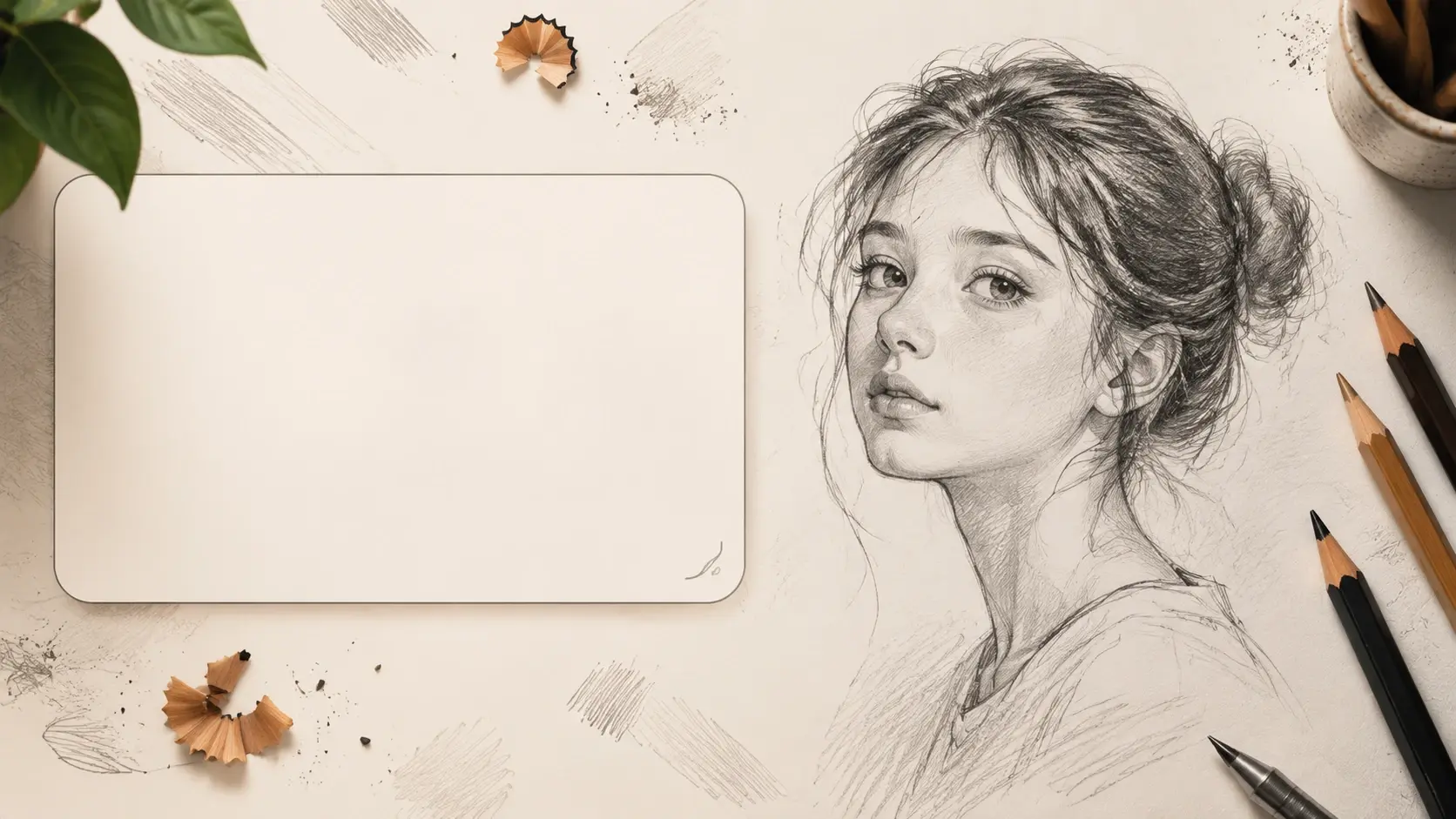
Who Draws With This AI Drawing Generator
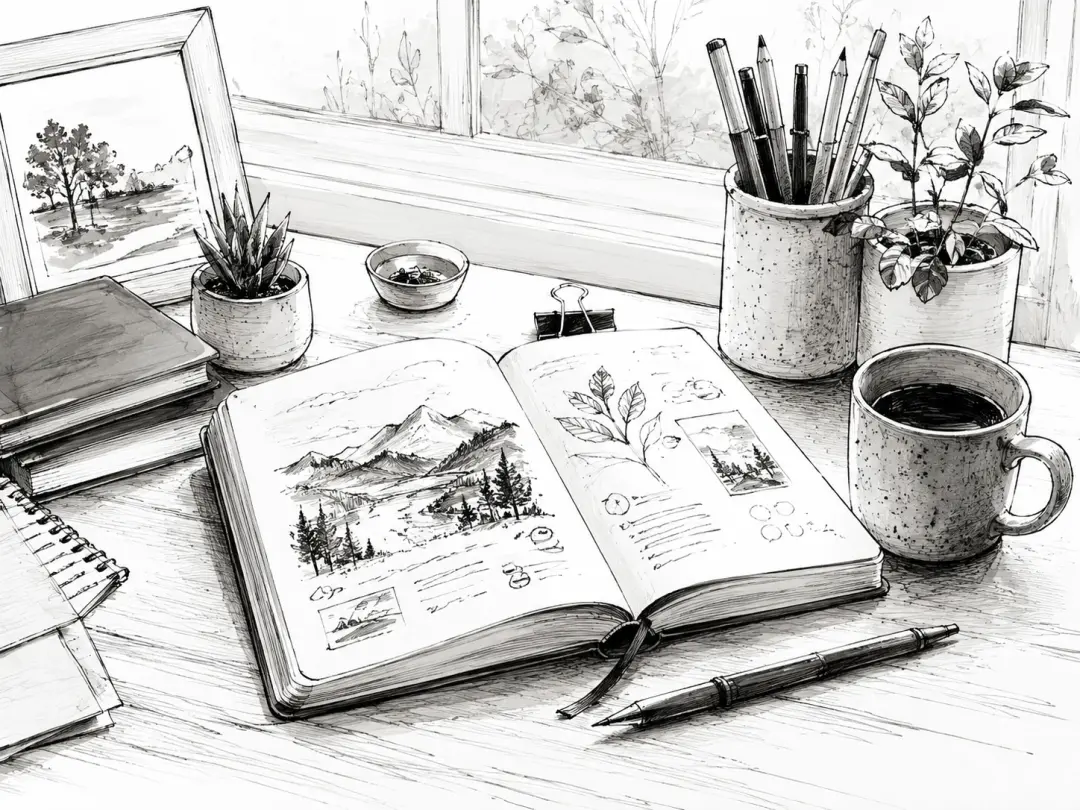
People Who Cannot Draw But Need A Drawing
You need a blog header, a birthday gift picture or an illustration for a personal project, and stock photos look wrong for it. You type what the picture shows and which drawing style you want, and the ai drawing generator gives you an image with pencil texture or clean ink lines instead of a photo. No drawing skill is involved at any point, only the words you write into the ai drawing generator.
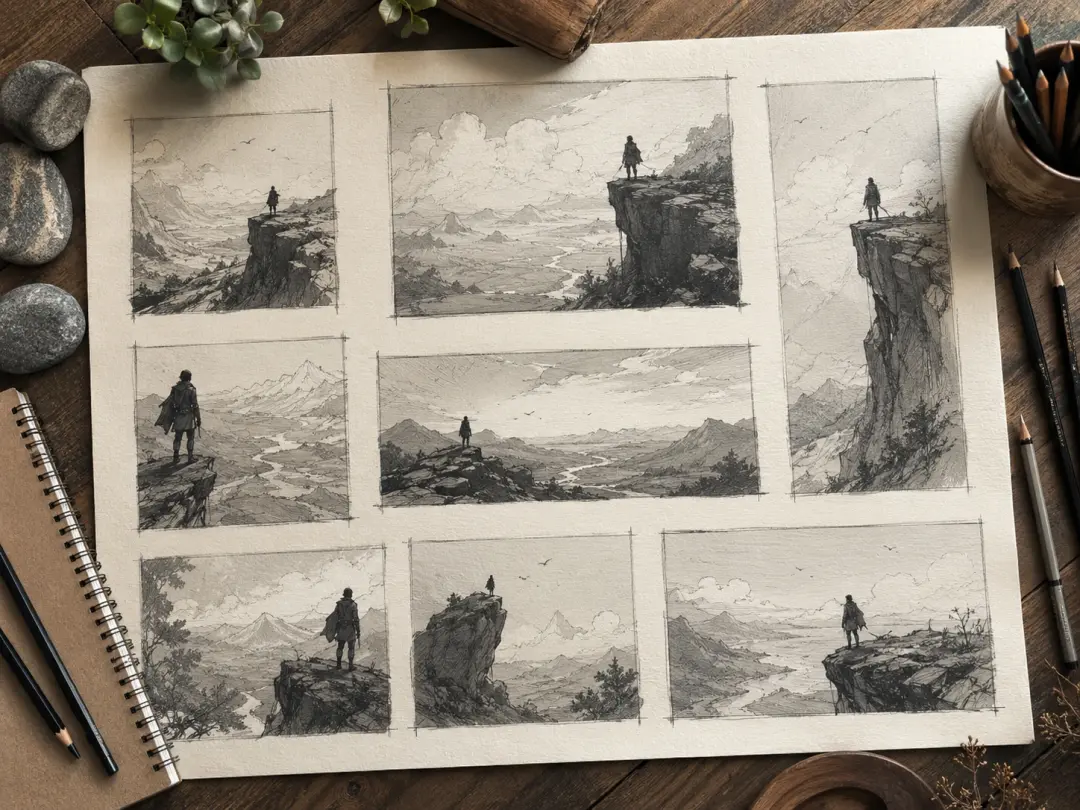
Illustrators Exploring Early Concepts
During the rough stage you usually burn hours testing compositions that get thrown away. Describe the same subject with different framing and style words, run the ai drawing generator over several passes, and compare which direction reads best before you commit pencil to paper. Batch generation gives you a spread of candidates to react to rather than one answer.

Content Creators Keeping One Look
Posts, thumbnails and merch fall apart when every image has a different look. Character consistency lets the ai drawing generator produce the same character across many drawings, so a mascot keeps its face and outfit from one post to the next. Finished pieces stay in your gallery, ready to reuse or take further.
What This AI Drawing Generator Gives You
Every control in this ai drawing generator is a sentence you write, so the fastest way to change the picture is to change the description.
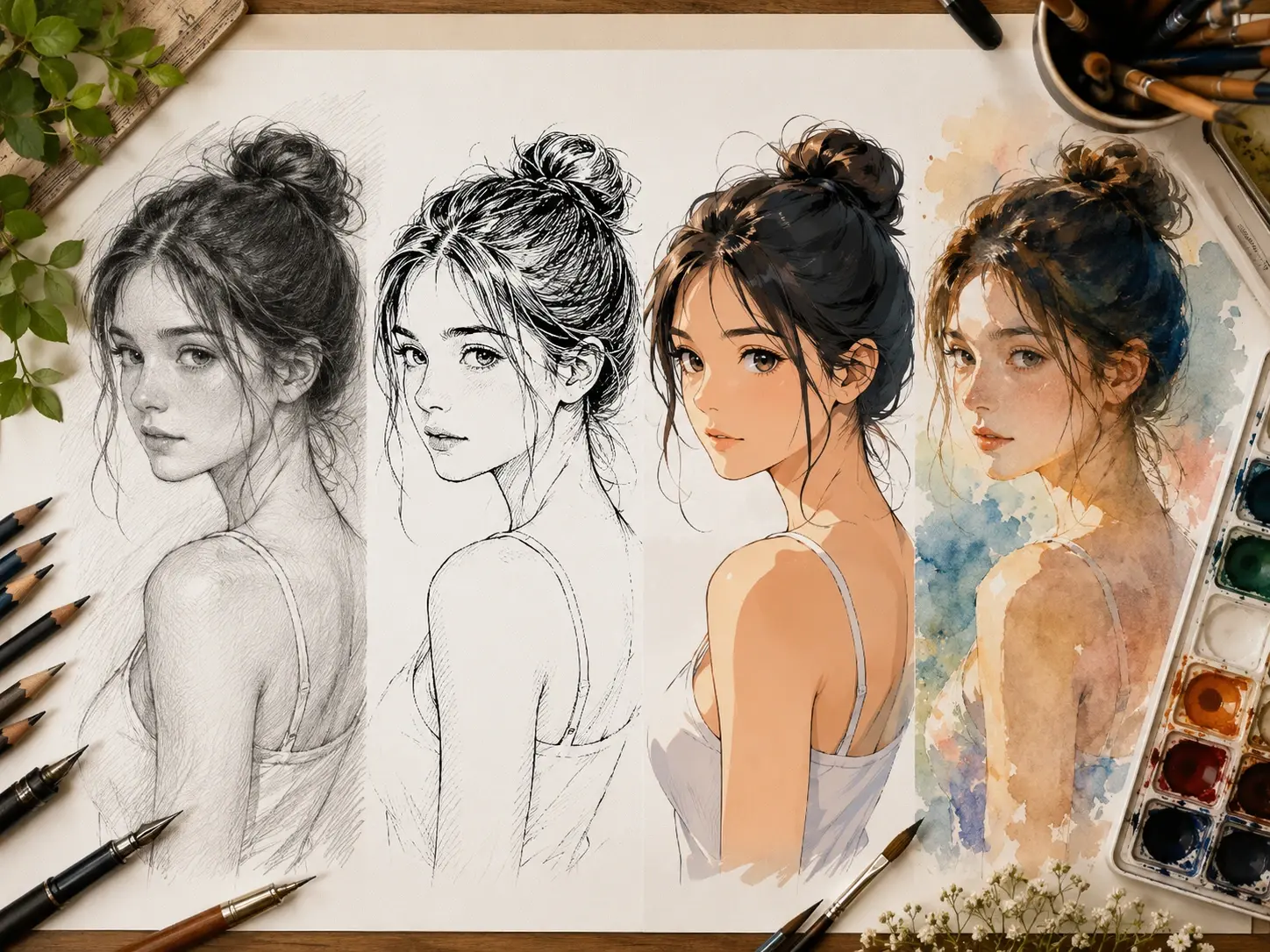
Style Comes From Your Words
Pencil shading, clean line art, anime, watercolour feel or a loose concept sketch all come from how you word the prompt for the ai drawing generator. There is no preset list to scroll through, which means you are never stuck picking the closest option to what you actually pictured. Write the style in more detail and the result moves closer to it.
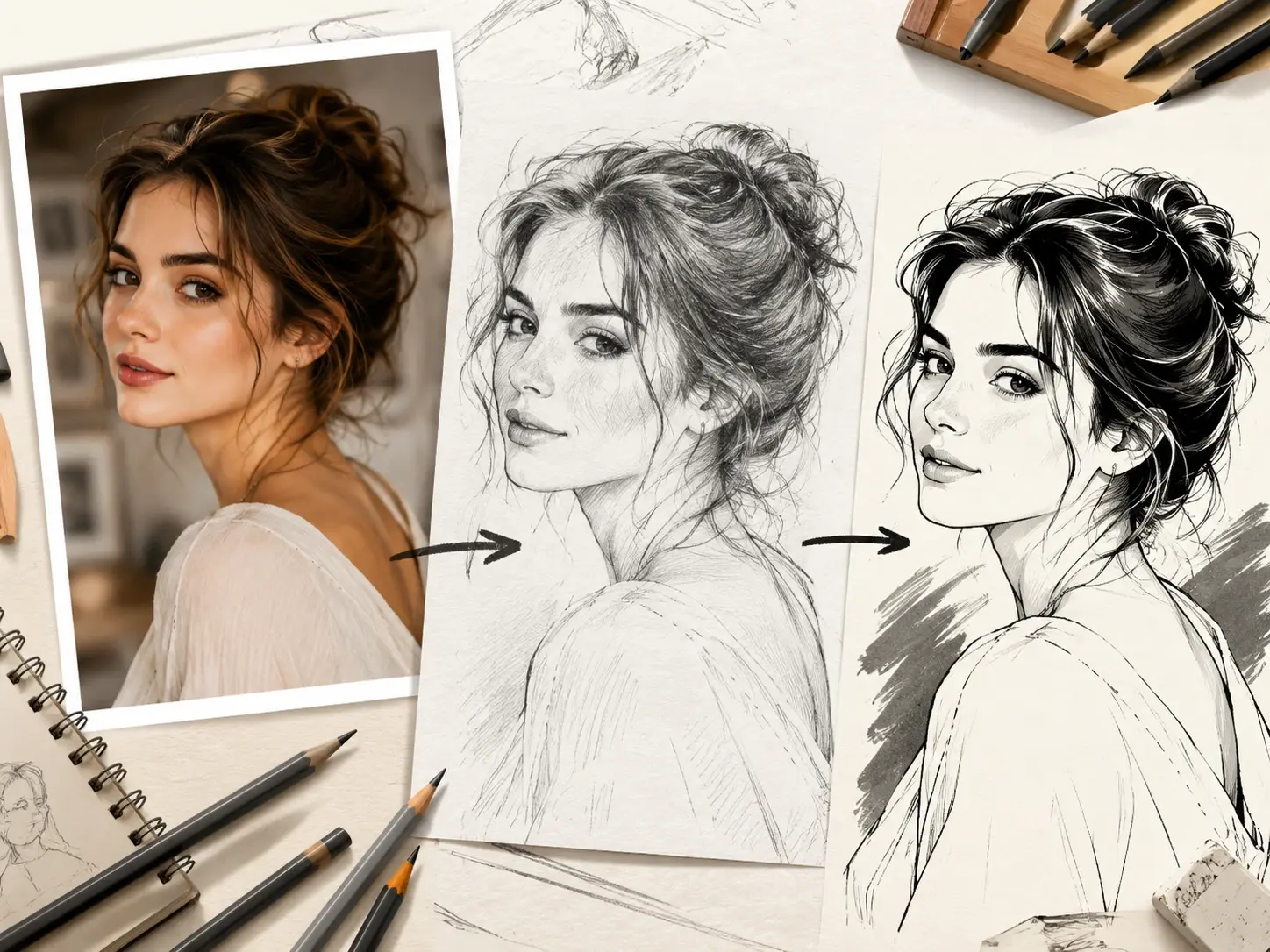
Photos Turned Into Drawings
Upload a photo and this ai drawing generator converts it accurately into a pencil sketch, an anime look or a cartoon look. The person or scene in the photo stays recognisable while the medium changes, which is what makes VideoAI usable for portraits and gifts rather than a rough approximation.
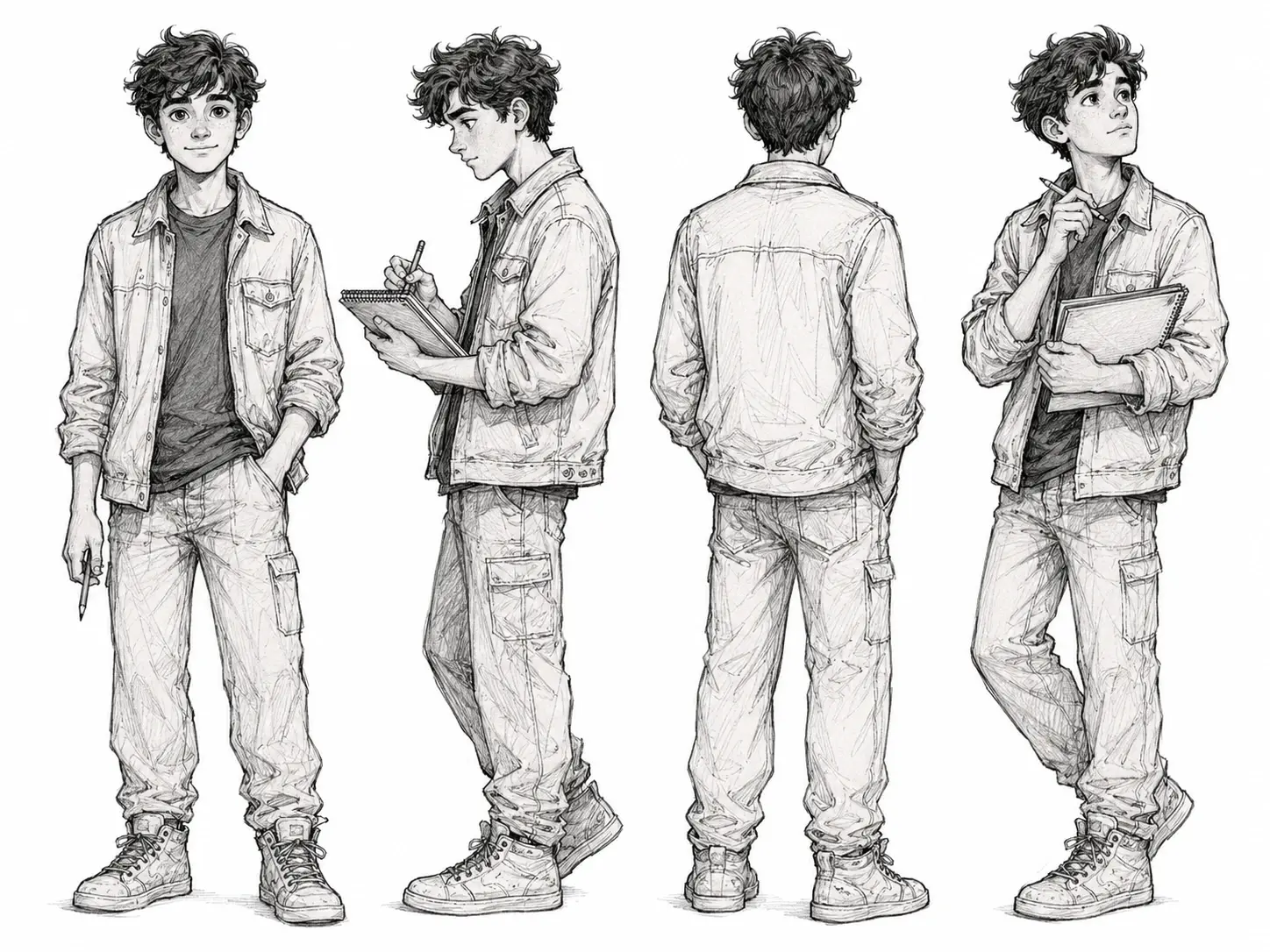
One Character Across Many Drawings
A character you invent can carry over from picture to picture with the same face, build and clothing. Ask the ai drawing generator for them again in a new pose or scene and they stay the same person, so a comic panel set or a series of posts holds together instead of drifting.
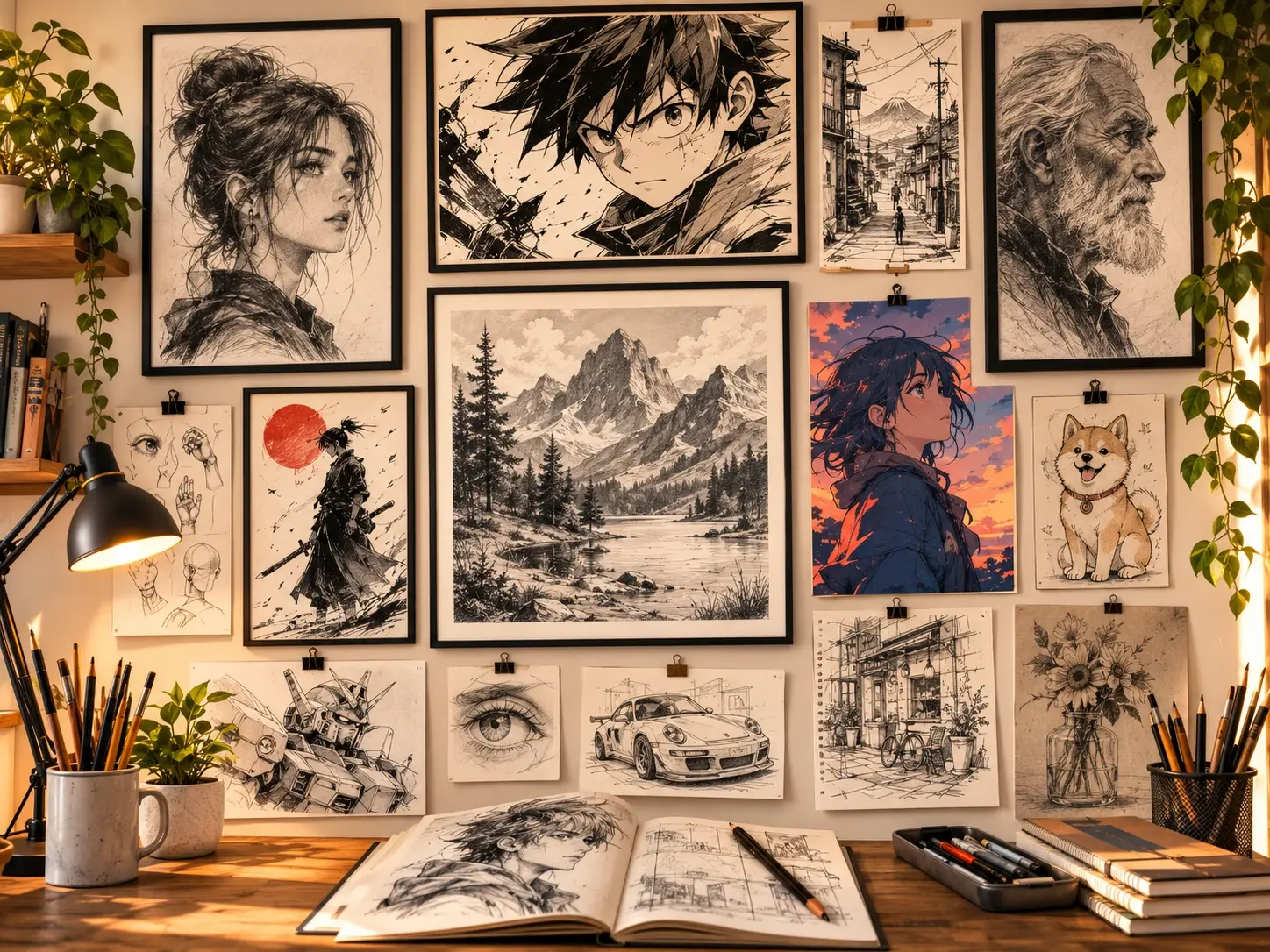
Gallery You Can Build On
Finished pieces land in your gallery where you can look back through them, keep working on one, or send it onward as material for something else such as a video. Nothing you make with the ai drawing generator is a dead end, and a drawing from last week can become the starting point for this week's piece.
Three Steps From Words To Drawing
The whole ai drawing generator loop is write, look, rewrite, and it runs in the browser.
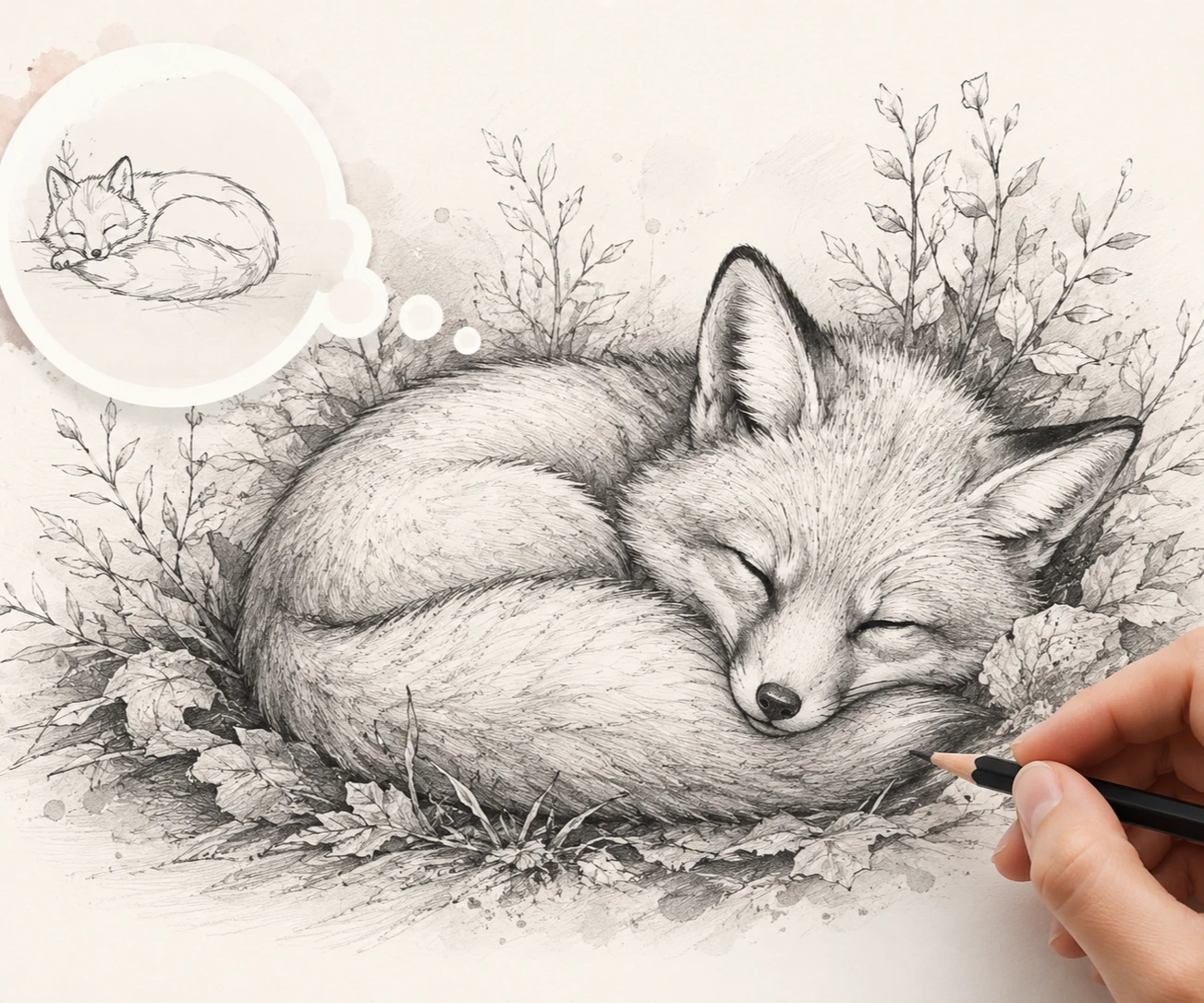
Drawing Styles People Ask For Most
Four common ai drawing generator jobs and how the wording of the prompt shapes each one.
Anime Drawing Generator For Characters And Avatars
You want an anime drawing of a character you invented, an avatar or a scene, and every attempt with a pencil ends up looking off model. Describe the character, their expression and the mood around them, and the ai drawing generator comes back with anime line and colour work. Bring the same character back again later and they keep their look across the set.
Pencil Drawing Generator For Portraits And Gifts
A pencil drawing carries warmth that a photo does not, which is why it works for a portrait gift or a quiet still life. Say pencil sketch in the prompt, or upload a photo to convert, and the ai drawing generator comes back with graphite strokes and shadow rather than flat colour. Pick this when you want texture and restraint over brightness.
Cartoon Drawing Generator For Playful Illustrations
Reaction images, a children's book spread or a light illustration for a post all need simple shapes and clear expressions. Name the character and the action, ask the ai drawing generator for a cartoon drawing, and you get bold outlines with the detail stripped back. It is the one to choose when the picture has to be read instantly at small size.
Realistic Drawing Generator For Detailed Studies
Architecture, animal studies and lifelike portraits live or die on detail, and a rough sketch will not carry them. Spell out the fine points you want held, ask the ai drawing generator for a realistic drawing, and the render comes back with careful form and depth. This is the choice when the drawing needs to look observed rather than stylised.
Questions About This AI Drawing Generator
Explore
Discover our AI design tools




























Explore related tools
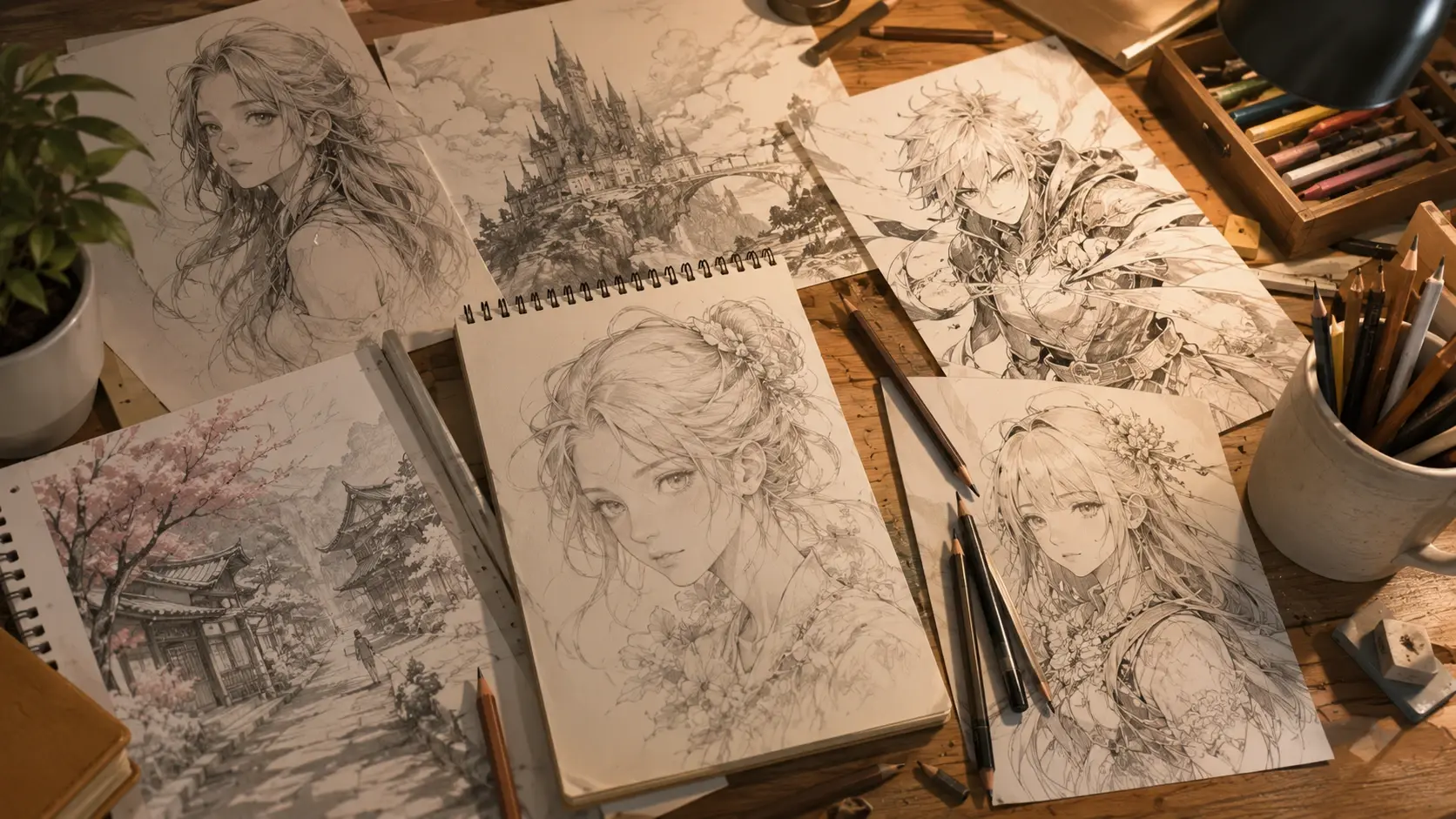
Draw Your First Idea Today
Type what you want to see, describe the style you want, and let the VideoAI ai drawing generator draw it for you in the browser.
Get Started