

Step 01
Select a Built In Narrator
Choose one VideoAI narrator for the ai human, then write the message it should deliver. Templates and stock materials can help you start with a useful structure.

Choose a built in VideoAI digital human, write what it should say, shape each timed scene, and generate an ai human video you can refine by text.

VideoAI gives creators practical control over the narrator, references, sound direction, and final MP4 output.
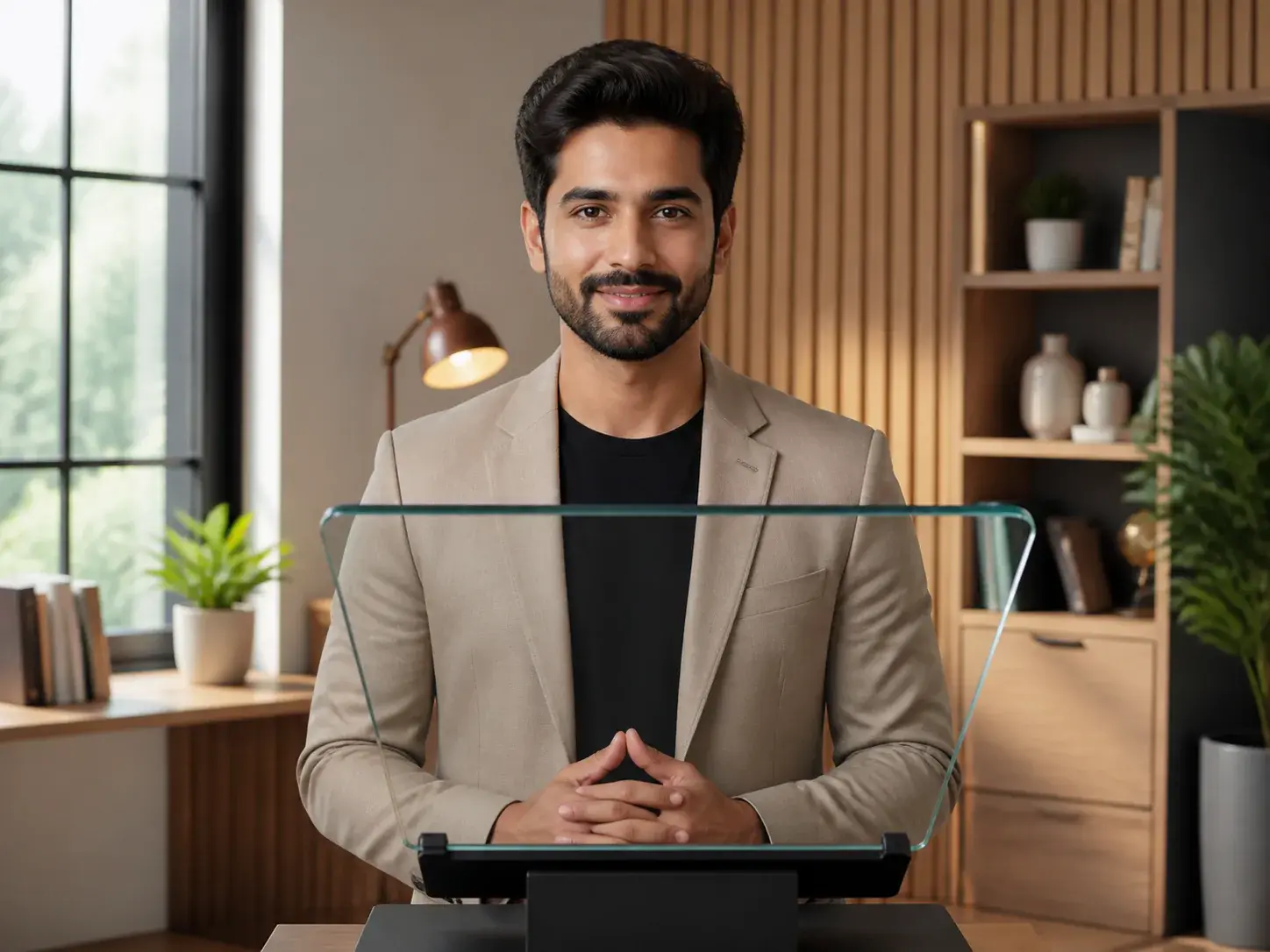
Pick a built in digital human avatar to carry the spoken message, so the ai human appears in the video while you stay focused on the content and scene plan.
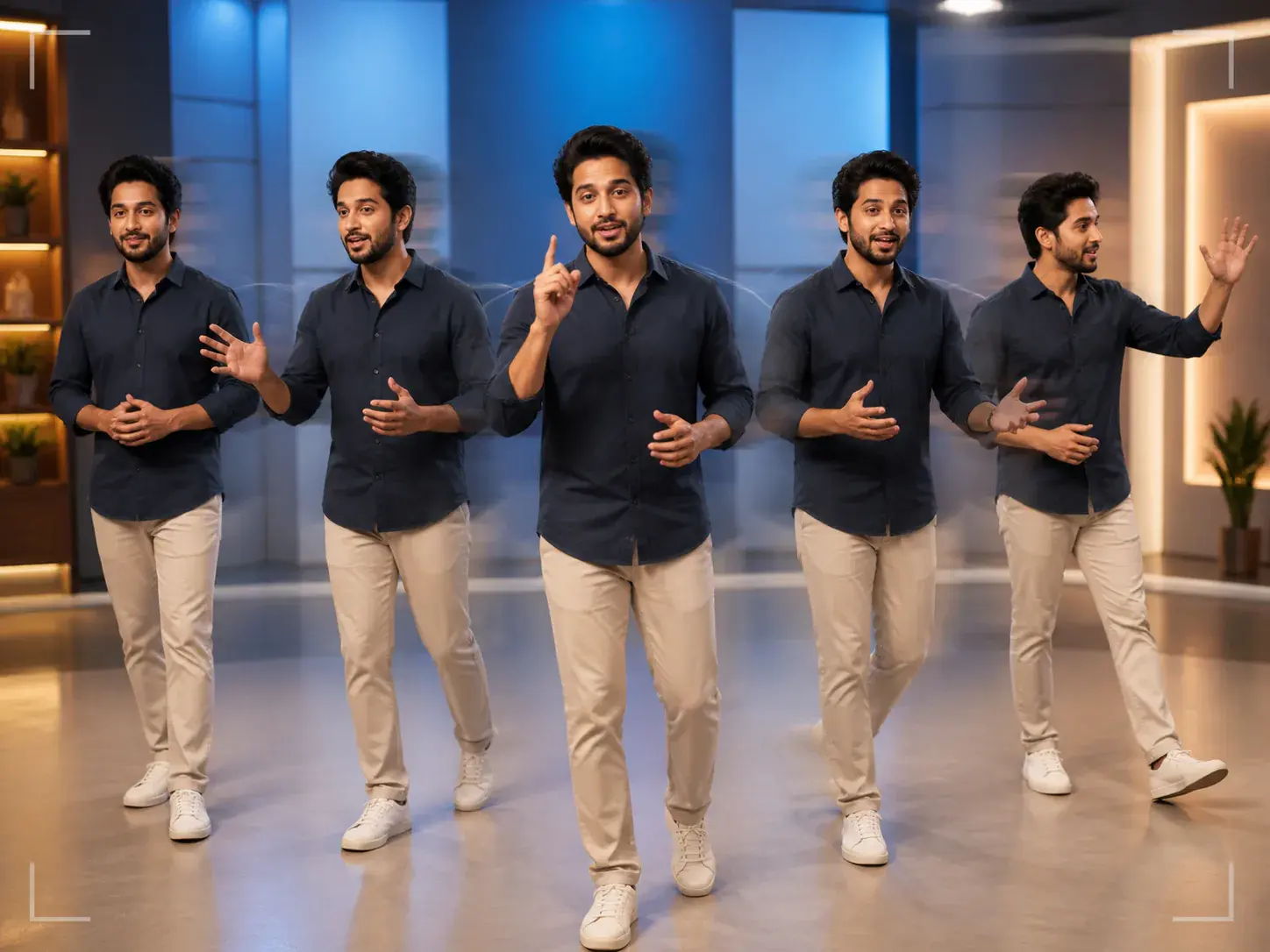
A digital human creator needs timing choices, not vague automation. In VideoAI, you write each segment by seconds and describe the action, camera direction, and visual emphasis.
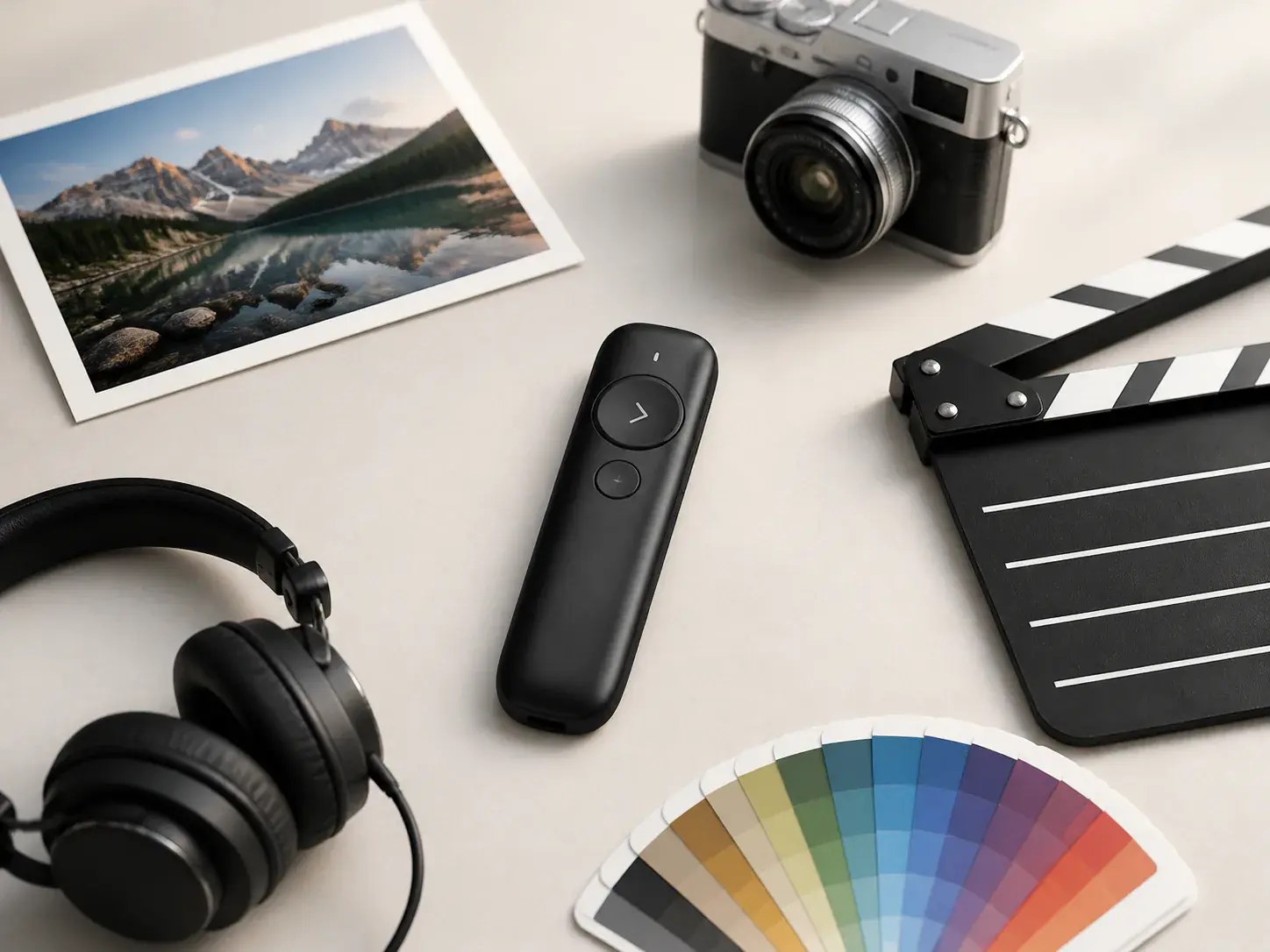
Combine text, images, video, and audio, then use @ to assign each asset as a first frame, subject, motion guide, scene reference, music, or sound cue for the ai human video.
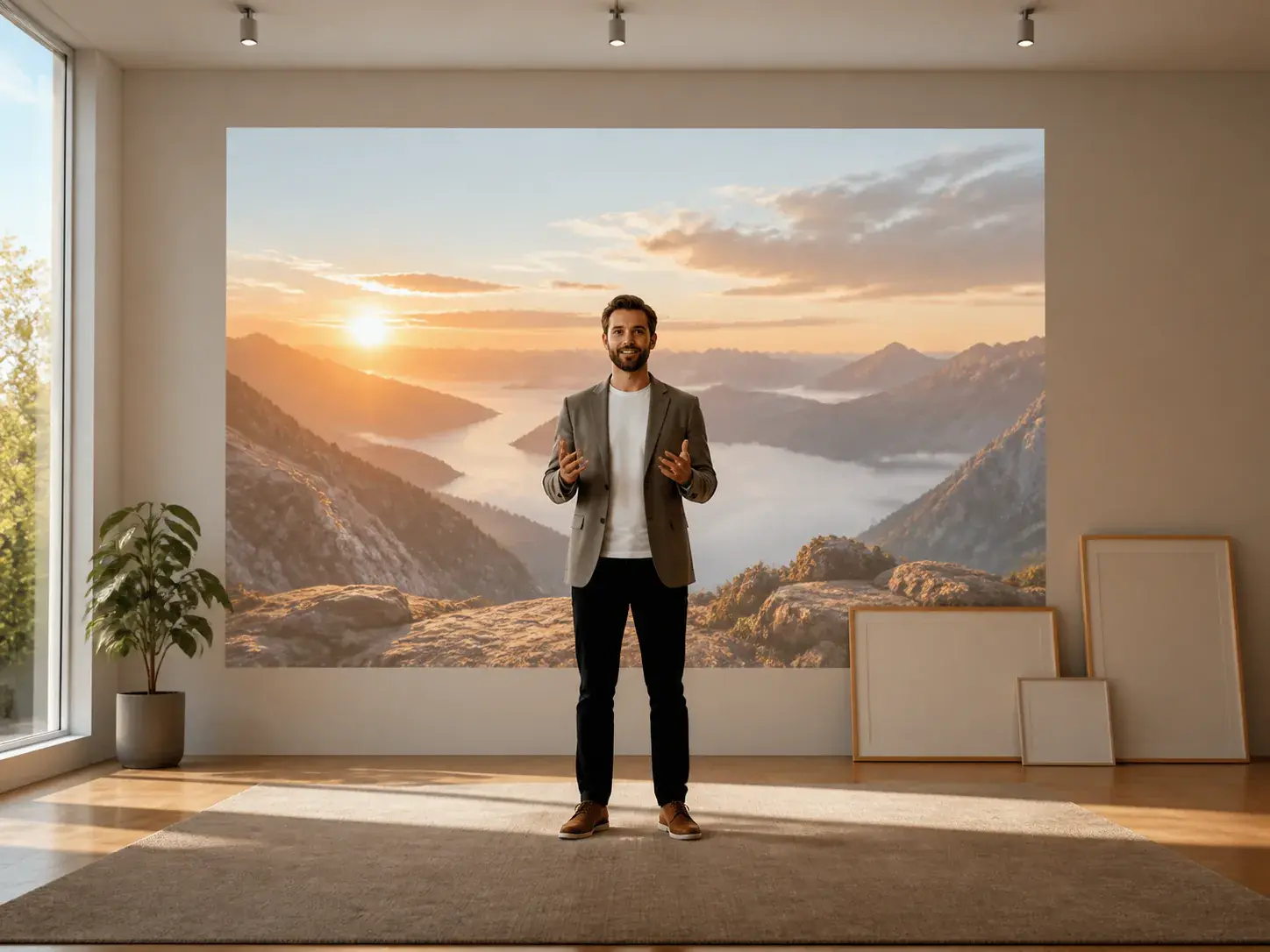
Generate a no watermark MP4 up to 4K, with aspect ratios for landscape, vertical, square, and 4:5 delivery. VideoAI also lets you continue refining by text after preview.
The workflow starts with your message, moves through scene and sound planning, then ends with a video you can adjust and export.
Step 01
Choose one VideoAI narrator for the ai human, then write the message it should deliver. Templates and stock materials can help you start with a useful structure.
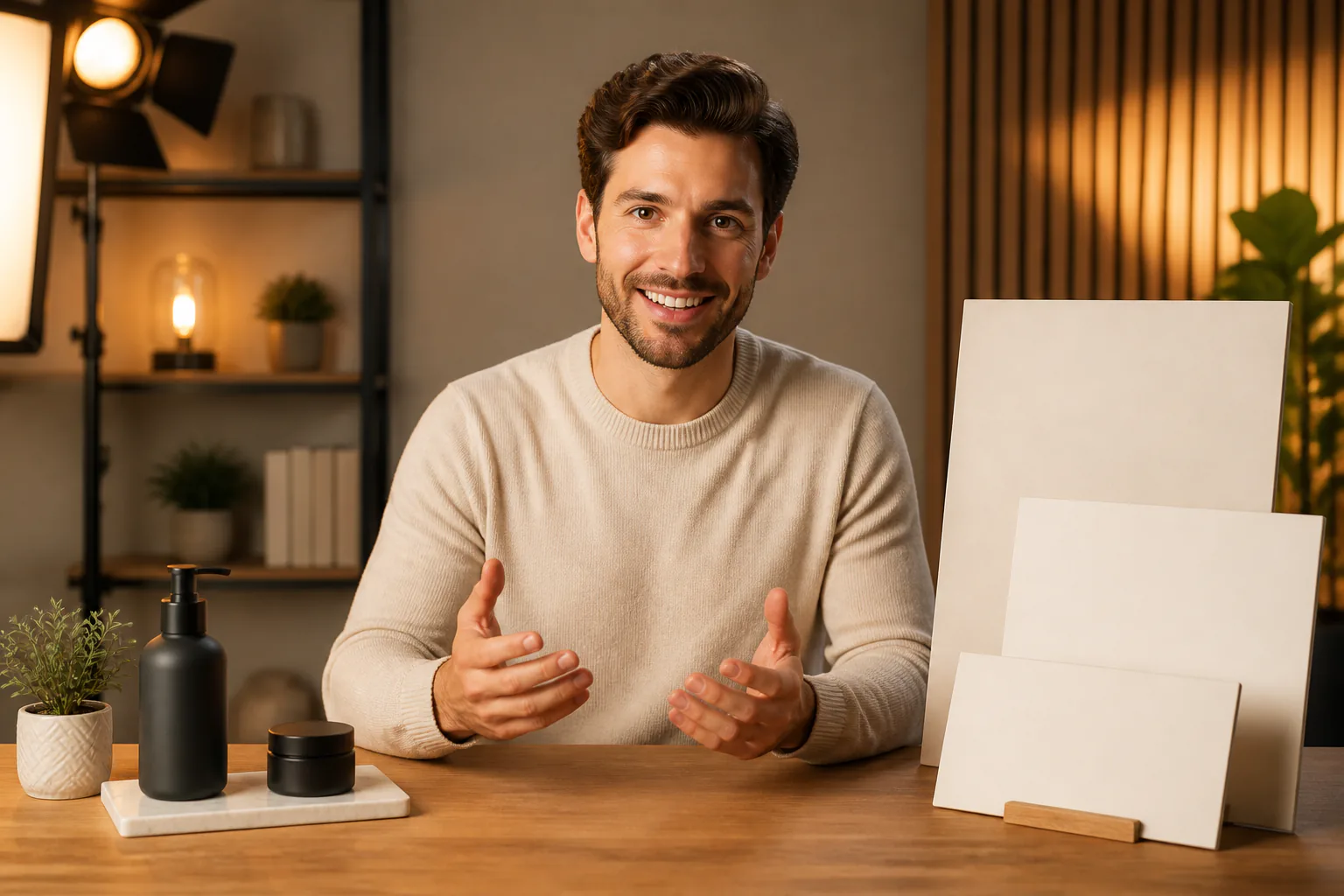
Step 02
Add reference images, videos, or audio, assign their roles with @, and write each ai human segment by time so the action, voiceover direction, BGM, and sound style stay aligned.
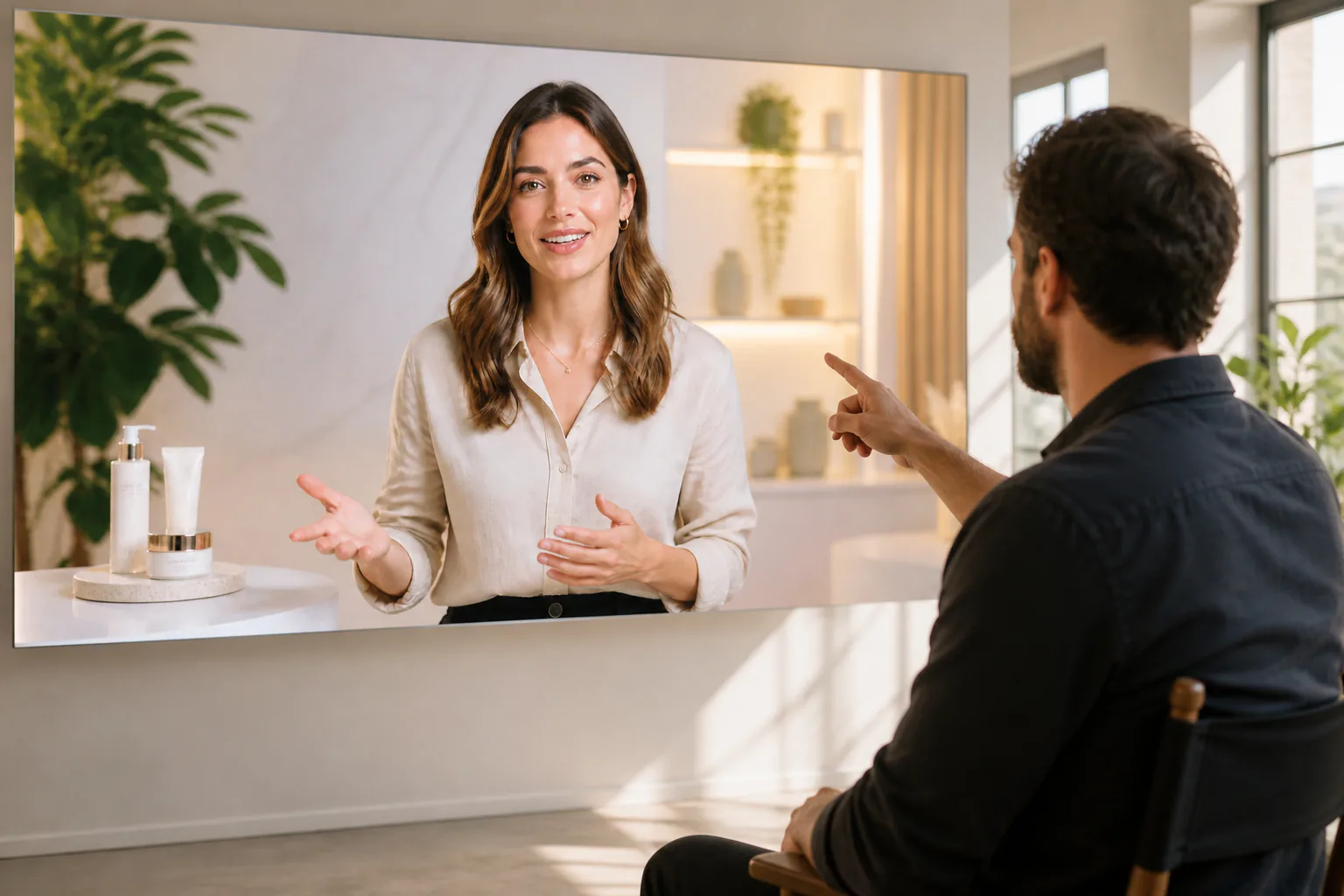
Step 03
Preview the generated ai human video, describe the changes you want in text, and continue from the current result. A single generation can be up to 30 seconds, with extension available after that.
Use VideoAI when the message needs a visible narrator and the creator still needs control over pacing, references, and format.

When a process needs a steady speaker, arrange the ai human by segment, add supporting visuals, and keep the narration direction consistent from start to finish.

Product teams can bring screenshots, brand references, and message points into VideoAI, then turn them into a narrated ai human draft for review and refinement.
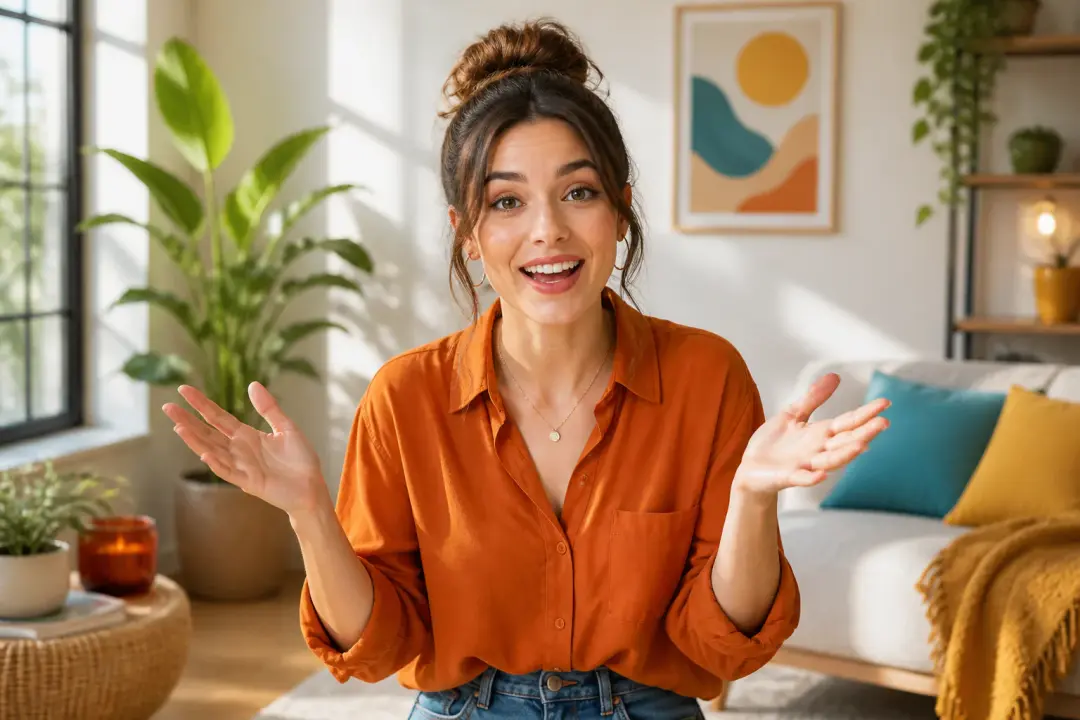
For vertical clips, creators can set the narrator, rhythm, and reference direction before generating an ai human video in a 9:16 format.
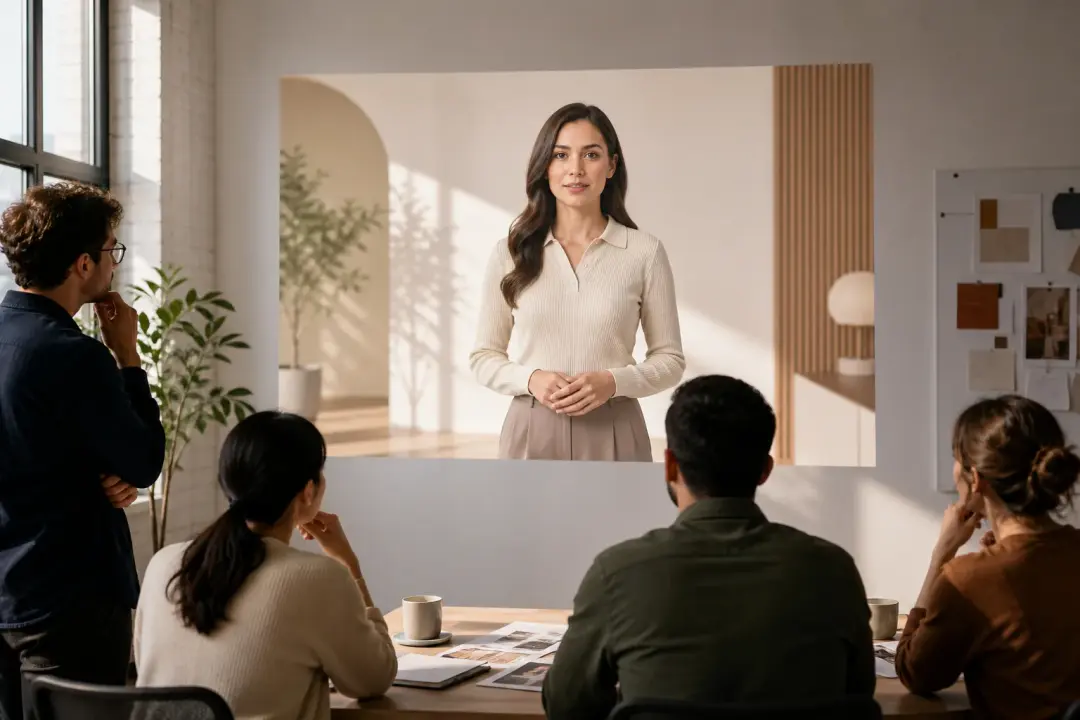
Independent producers can show a digital human direction early, then use text changes and reference updates to make the concept more specific.
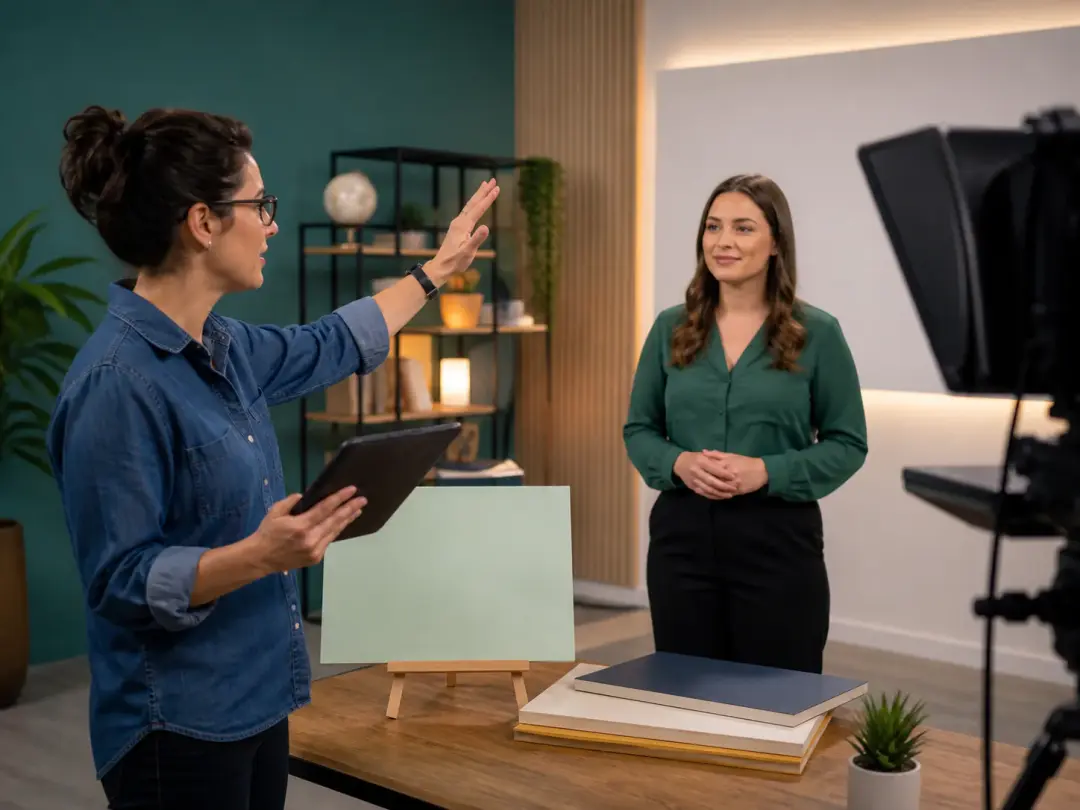
They can make ai human lessons with a clear narrator, planned visual segments, and consistent voice direction while avoiding a repeated studio setup.

Editors with product images, brand references, and audio direction can use VideoAI to organize a narrated message for launches or campaign explainers.
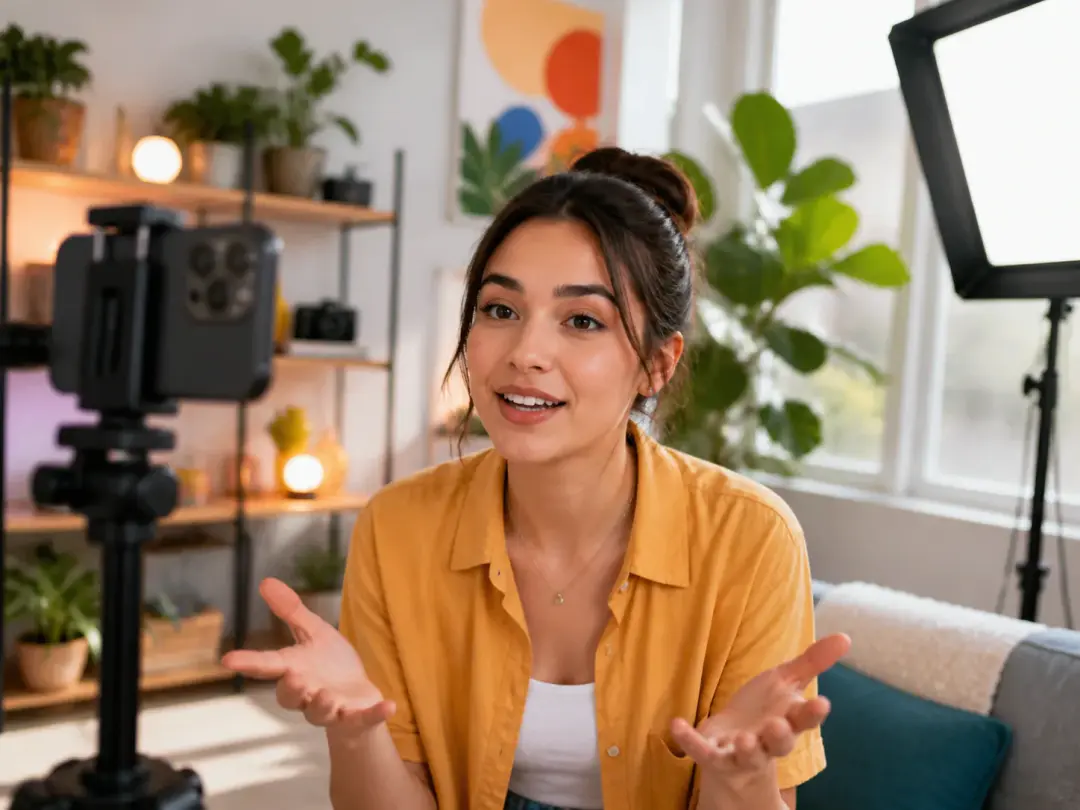
Creators comparing virtual humans for short posts can choose a VideoAI narrator, control shot rhythm, and export in formats suited to feeds and stories.

Start in VideoAI with a narrator, your message, and the references that define the scene and sound.
Get Started