
Step 01
Create Or Select The Character
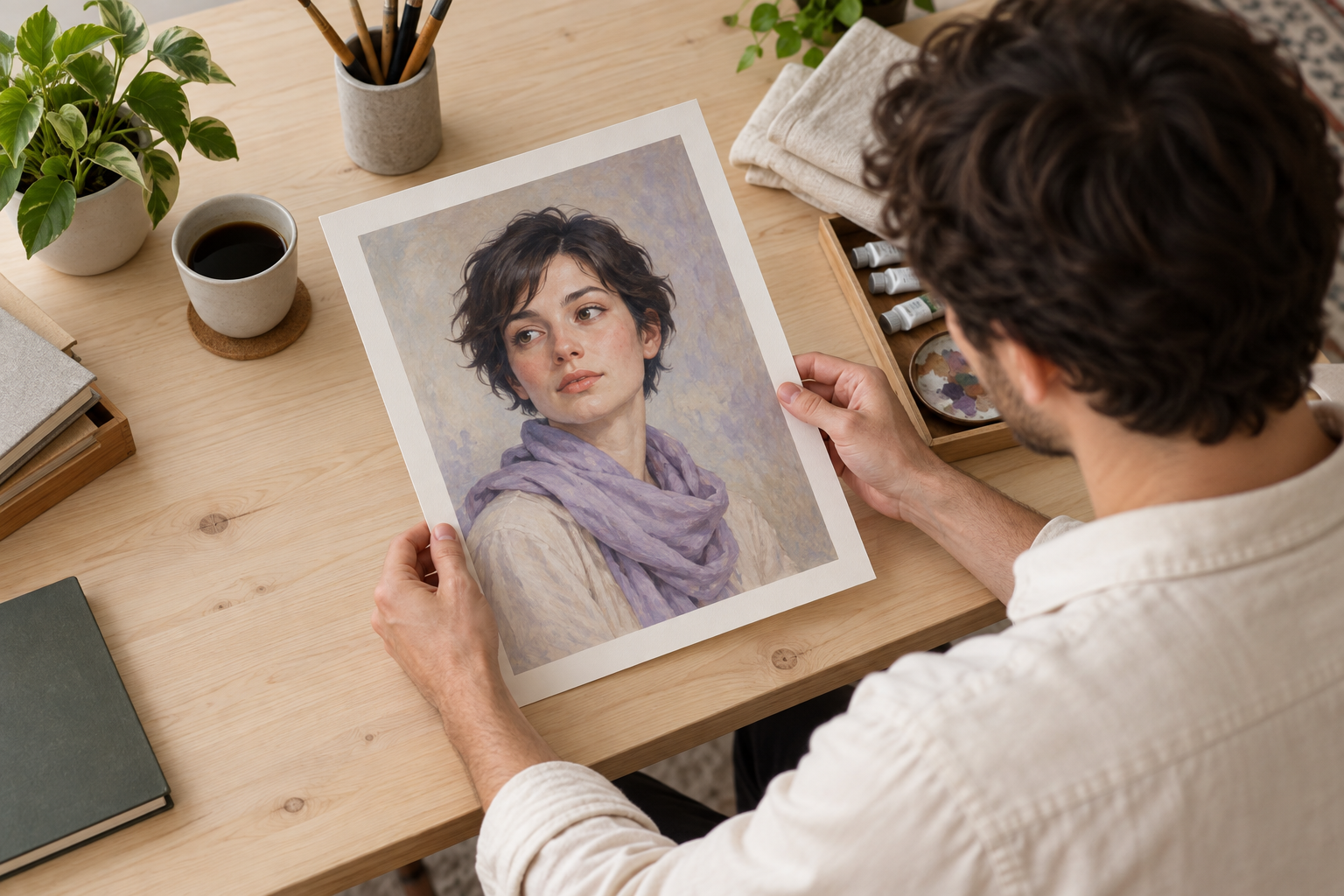
Create AI influencers from a text description, selected appearance attributes, or a reference image. Save the generated character image and source material in your workspace for later video projects.

Create a character from a description or reference image, then control the scenes, timing, dialogue, and sound that shape each video.

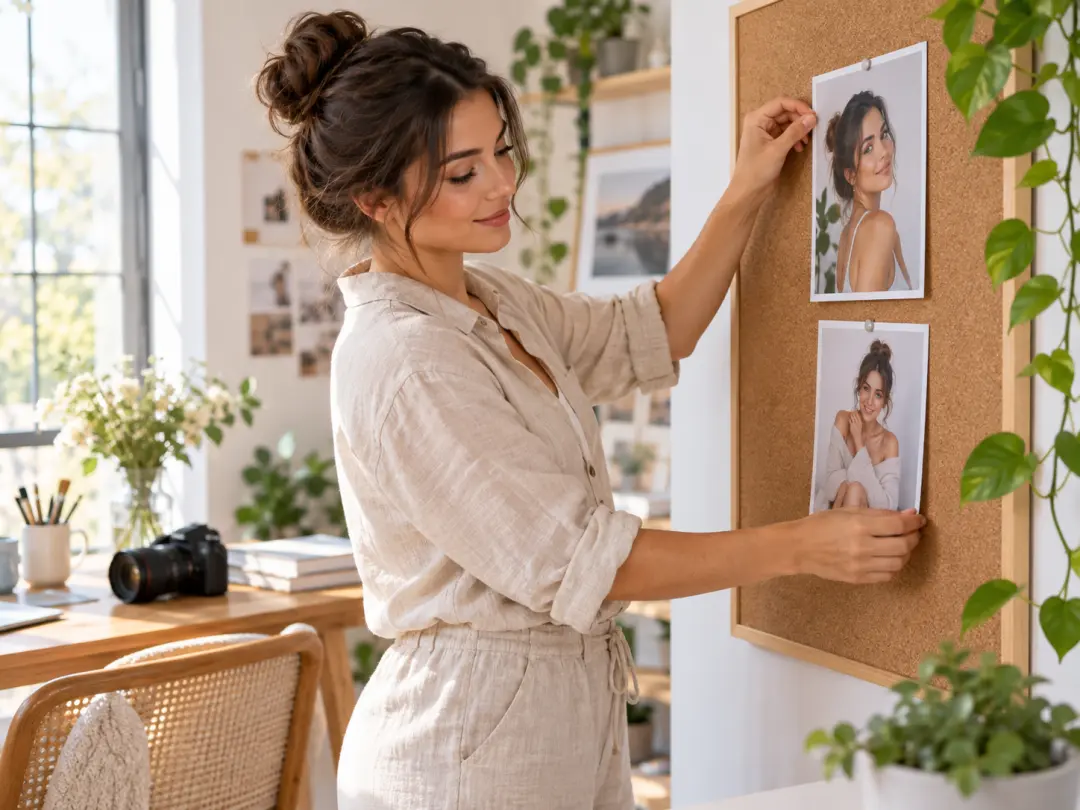
A creator building AI influencers can define a character once, reuse the saved character image, and guide each new scene with clear text and reference media.
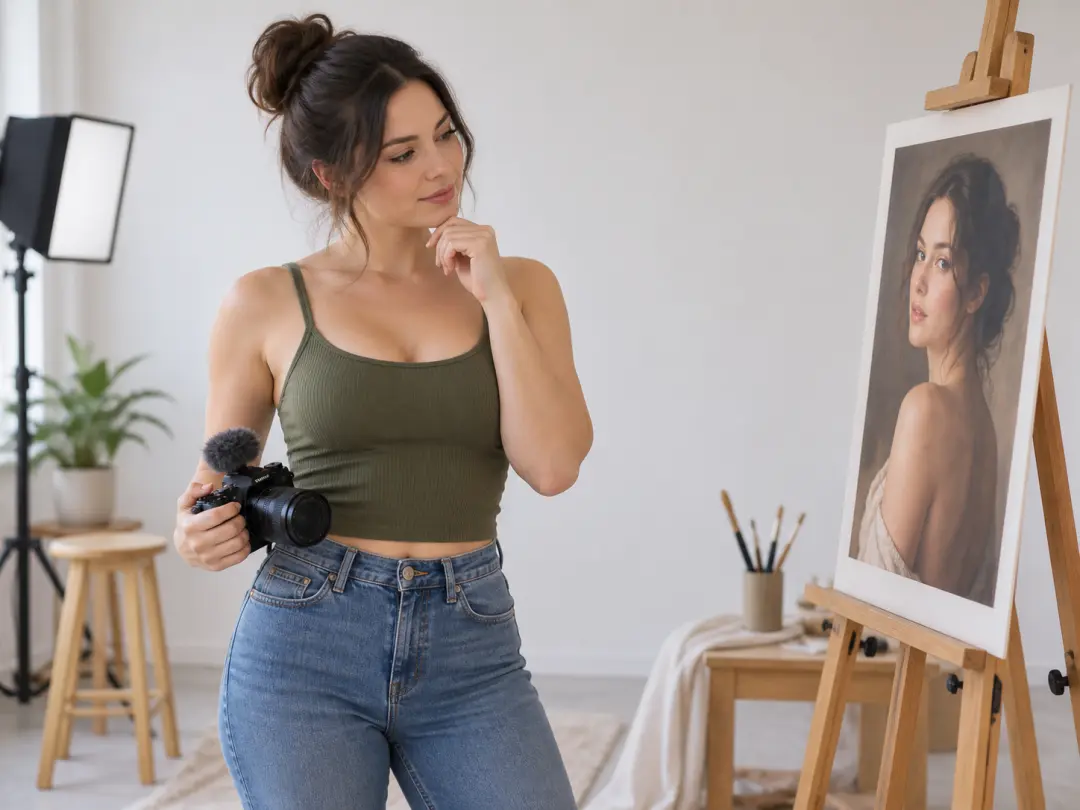
For creators extending AI influencers into motion, VideoAI turns the selected character image into a video reference while you describe the setting, action, dialogue, and sound.
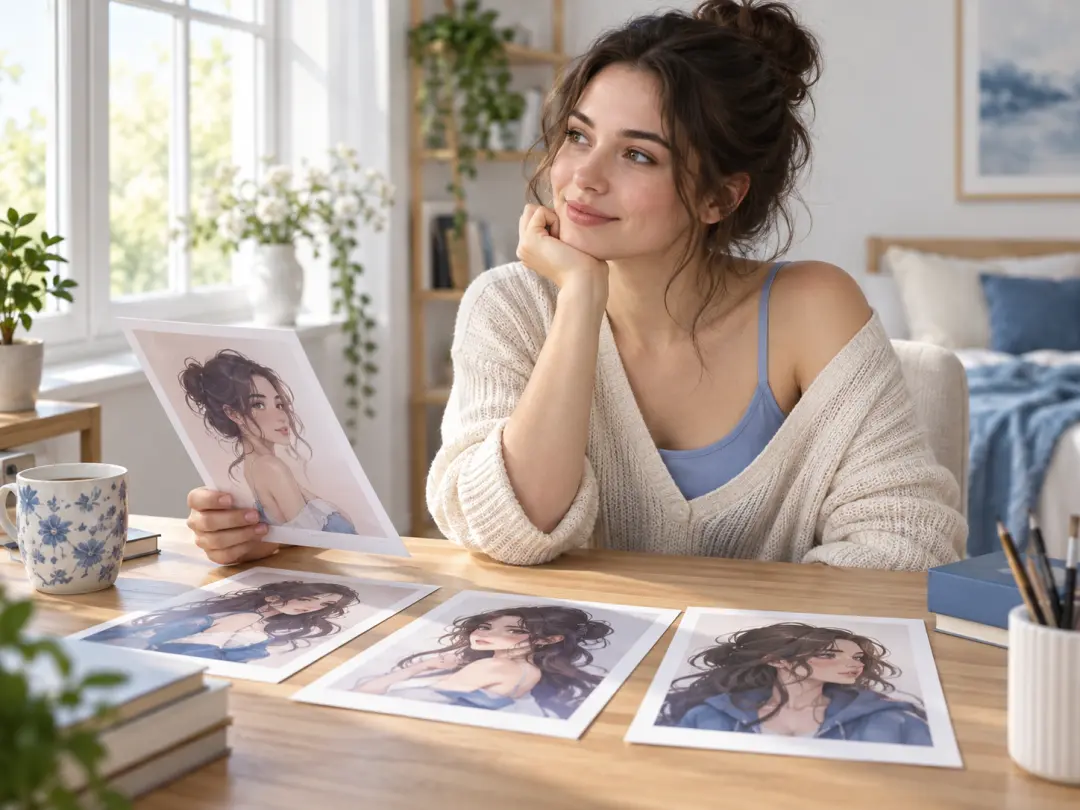
A first time creator can design AI influencers from a description or selected visual attributes, save a character image in the workspace, and use it as the starting point for an introduction video.
Keep the character reference clear as you move from still images to planned video scenes.

If your series features AI influencers, reuse saved character images as references while you vary the scene and action.
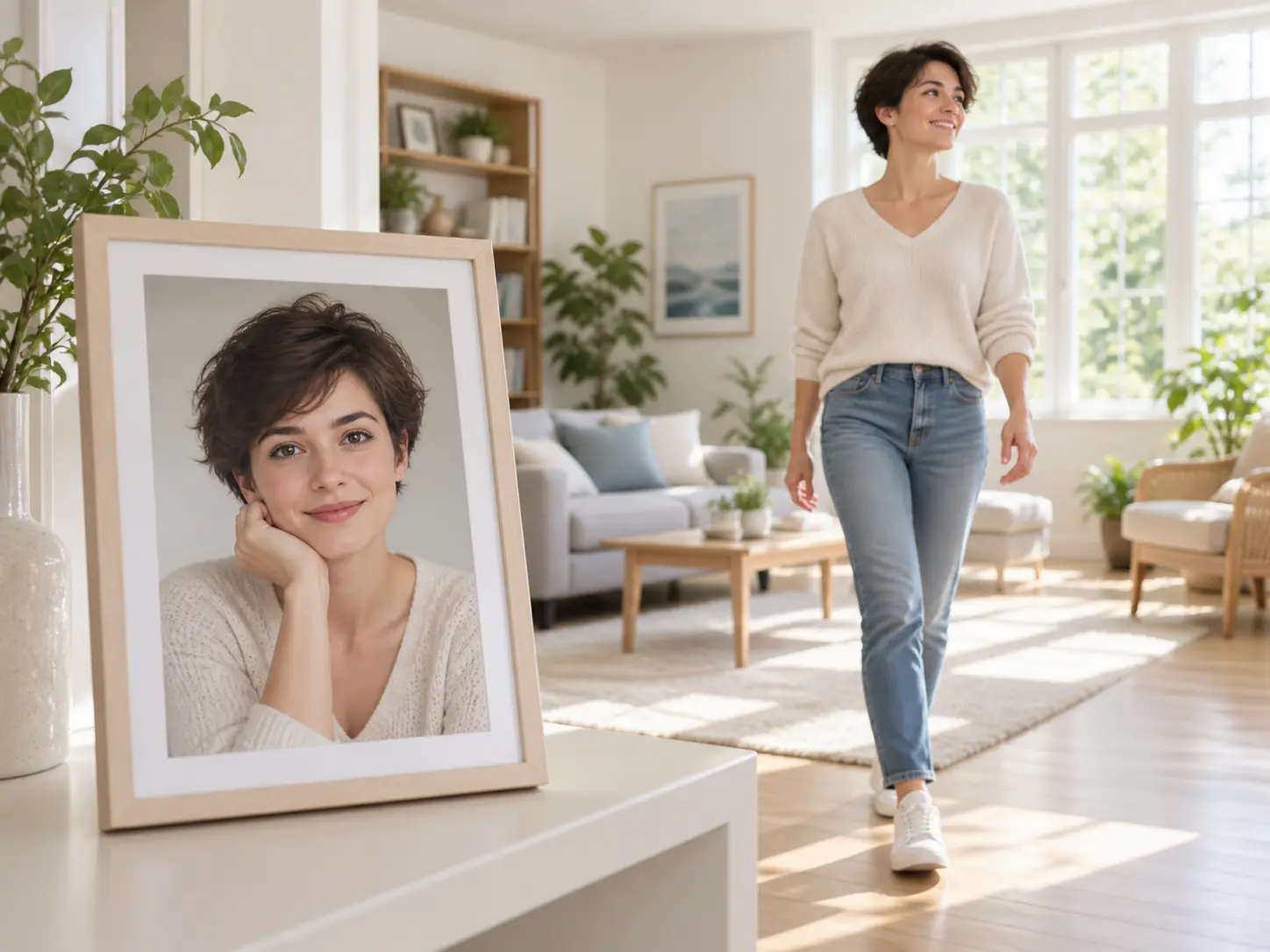
Build videos featuring AI influencers from generated or uploaded character images, then describe the movement, speech, and setting that bring the story to life.
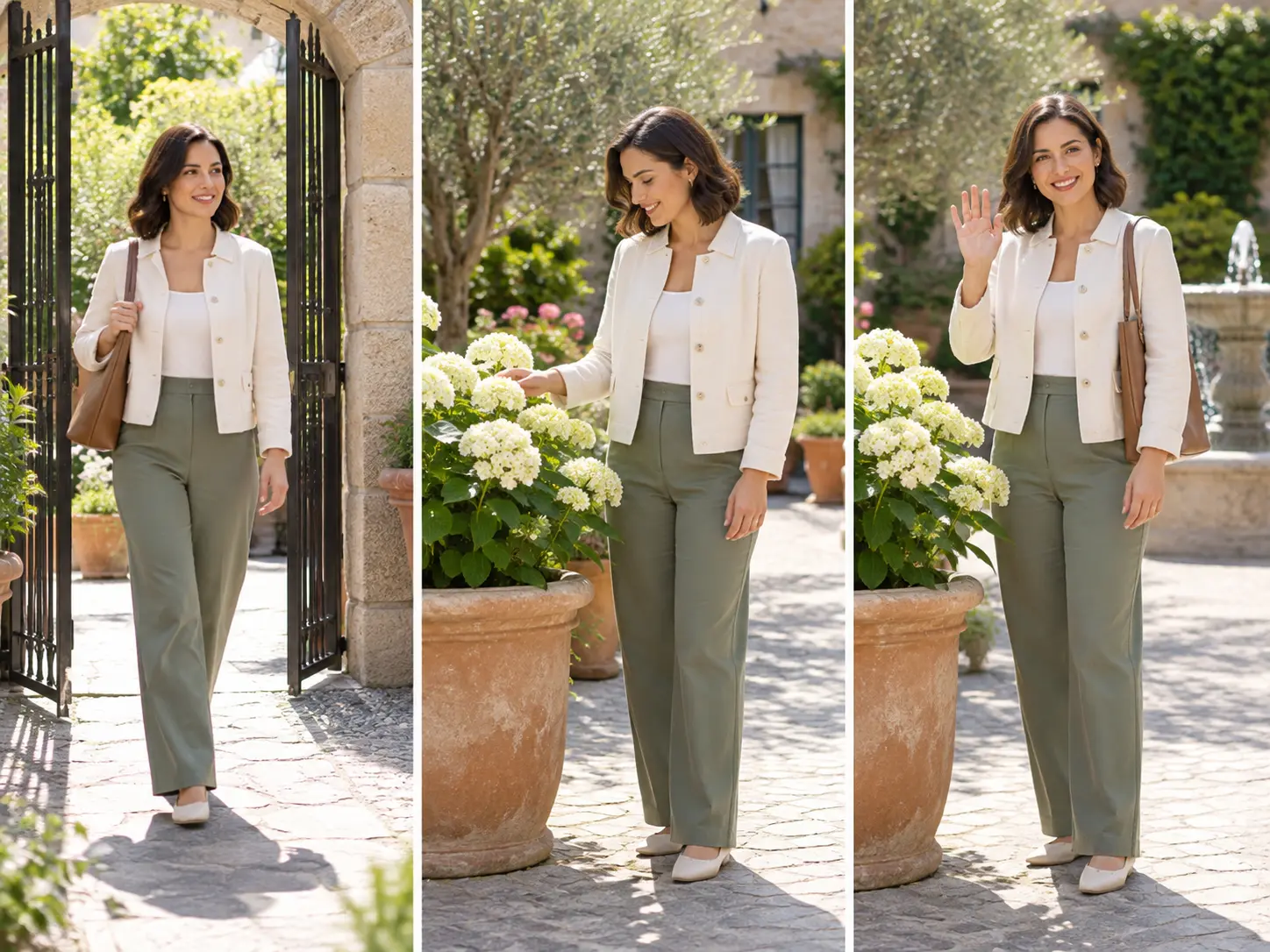
Describe what the character should do in each planned time segment, assign the subject and scene with references, and shape the resulting sequence around your intent.
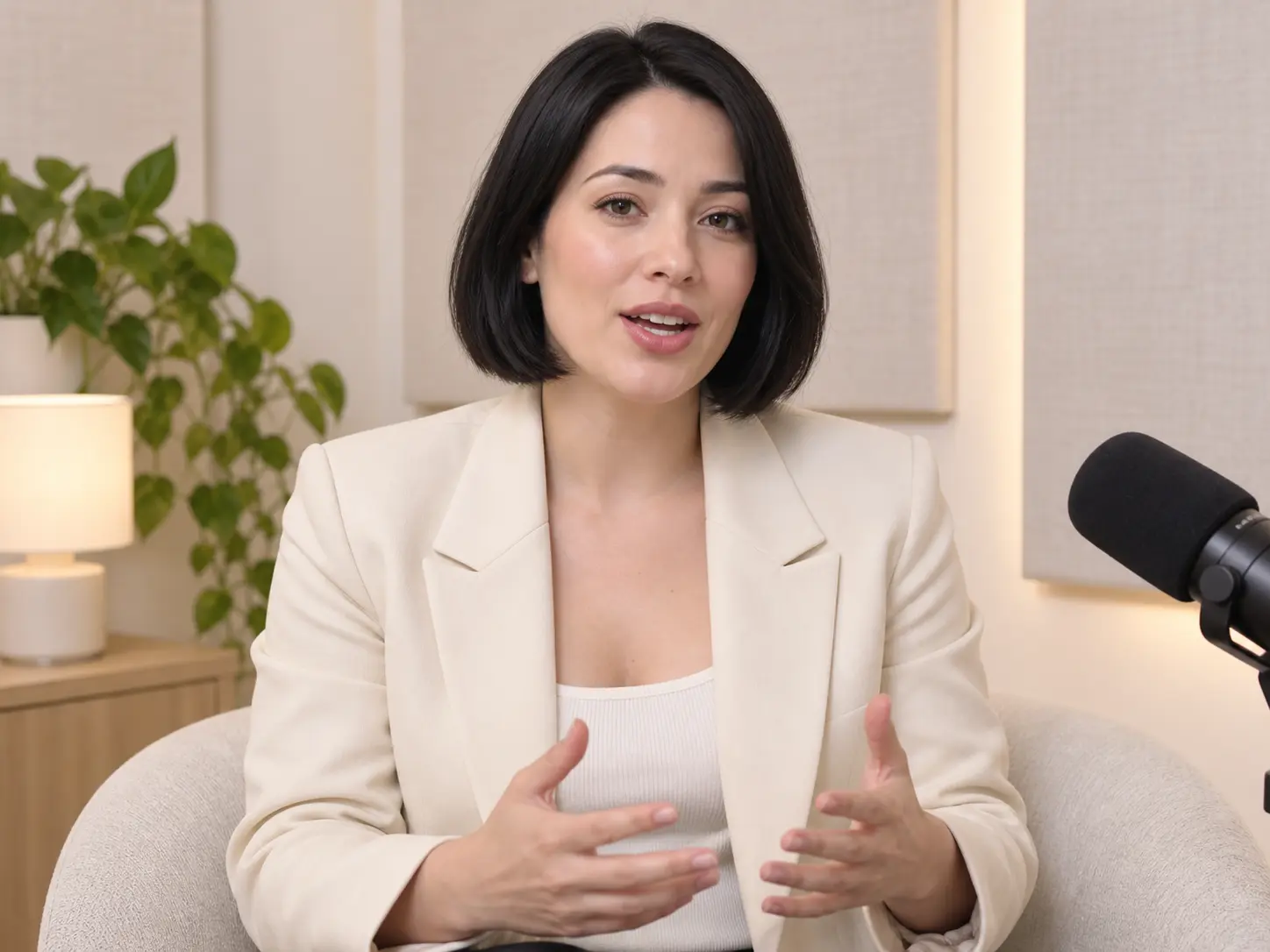
Give a character a line through an audio reference or dialogue, then add narration, a voice reference, music, or action guidance to define the finished sound and movement.
Follow a practical path from character selection to a finished MP4 that you can review and refine.
Step 01
Create AI influencers from a text description, selected appearance attributes, or a reference image. Save the generated character image and source material in your workspace for later video projects.
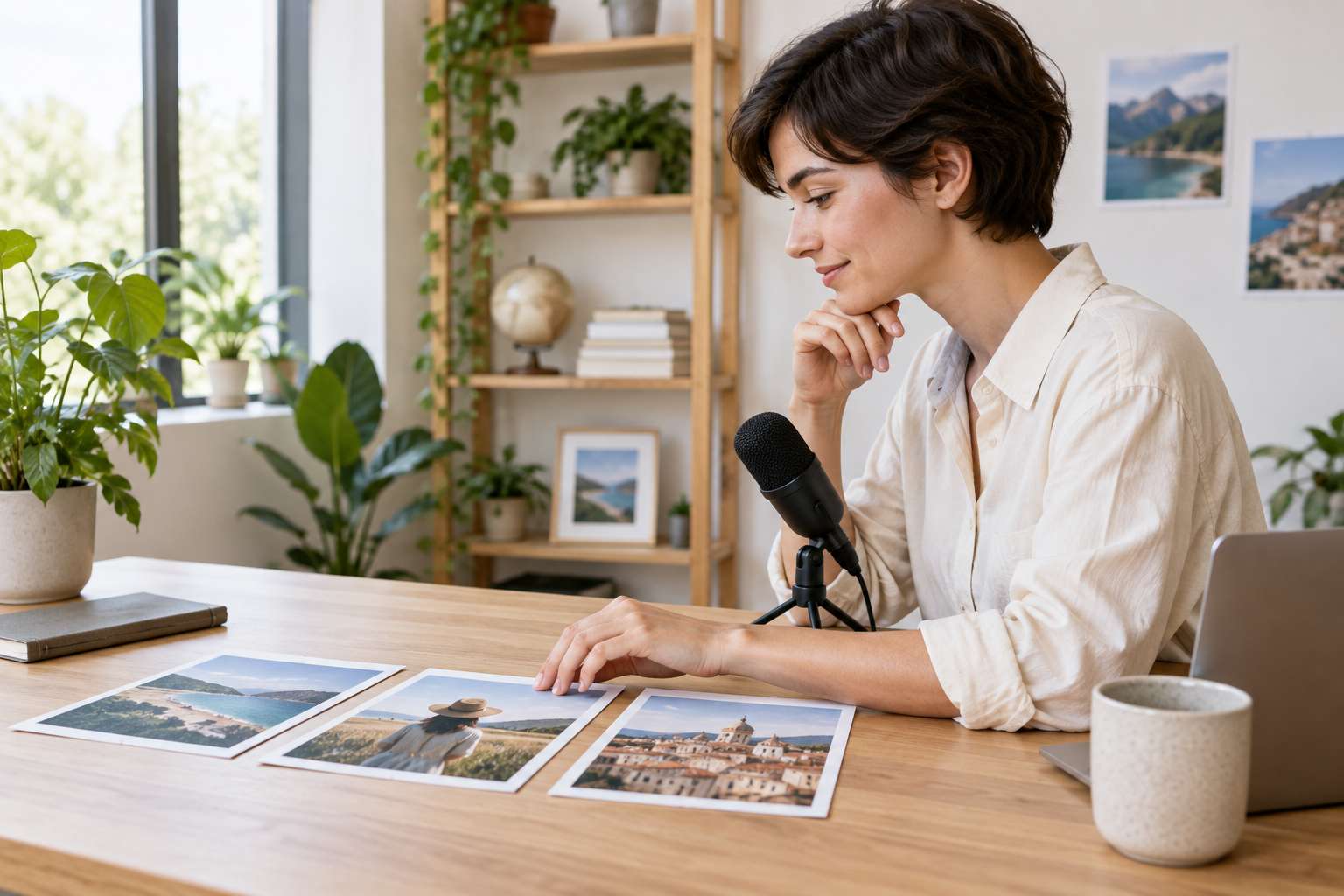
Step 02
Use the character image as a video reference, assign the subject and scene, then describe the planned visuals, actions, dialogue, narration, and sound for each time segment.
Step 03
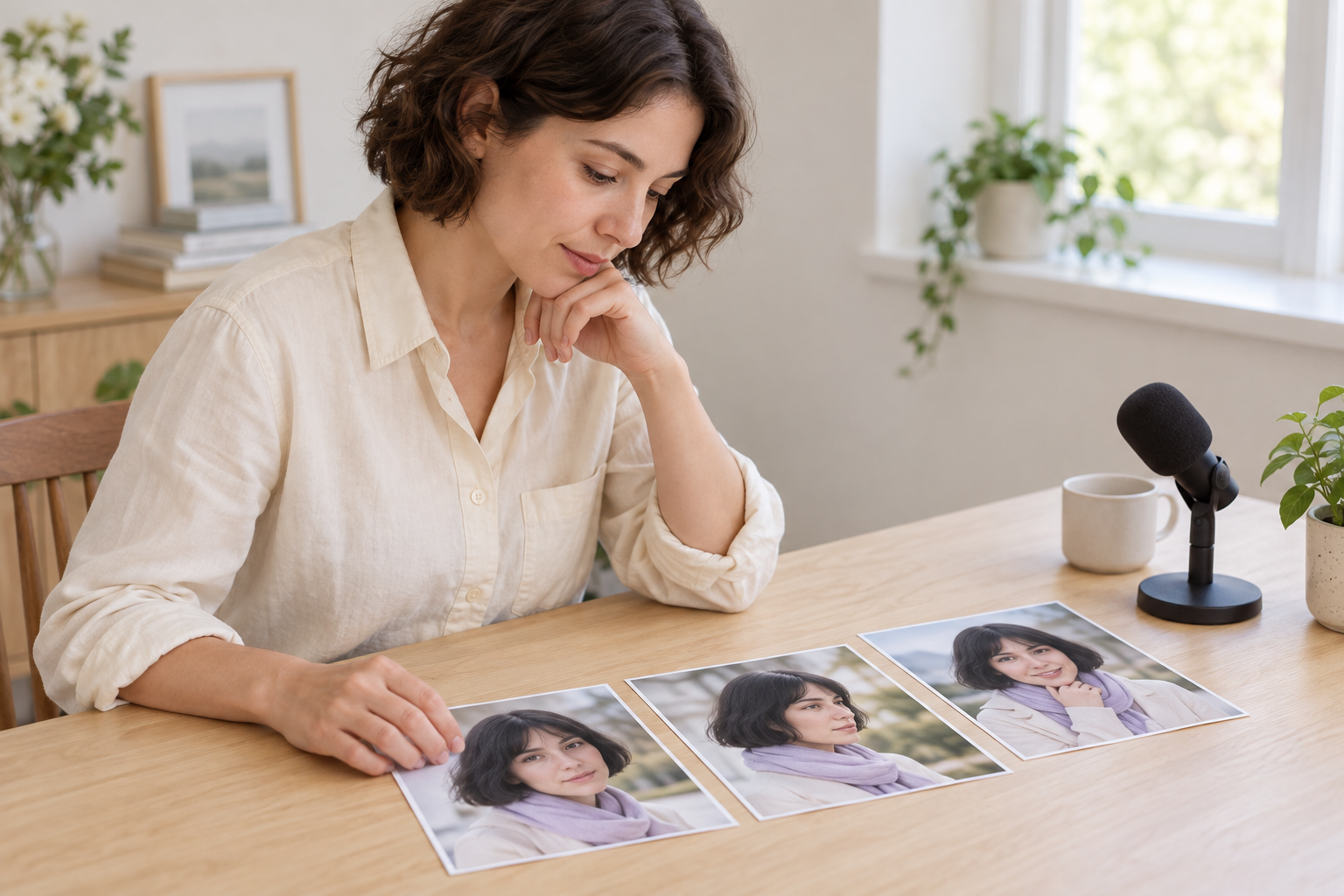
Check the generated result, give VideoAI a text instruction for another version, and download the finished video as an MP4 at up to 4K. Each generation can run up to 30 seconds, with video extension available for longer stories.
Choose the format that matches the story you need to make and the reference material you already have.
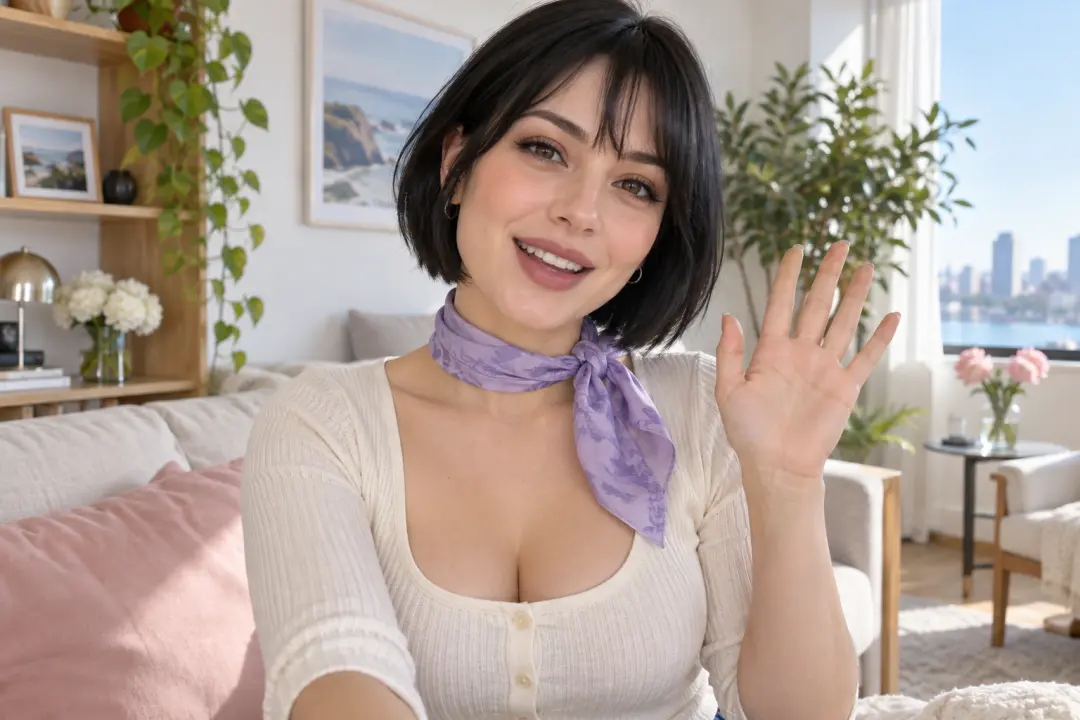
A creator planning a recurring social series needs one recognisable face across several posts. Save the character image, reuse it as a reference, and vary the setting and action to produce connected short videos for the series.
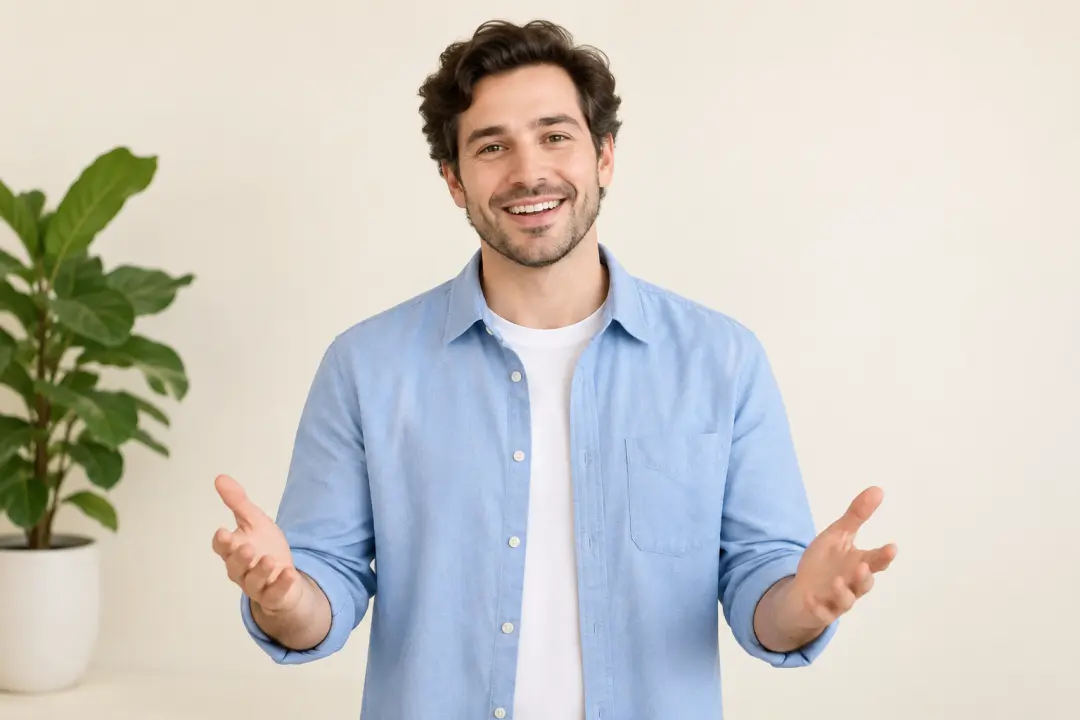
When a new virtual character needs a clear first appearance, begin with a description or reference image and arrange an introduction scene with a chosen line, voice, and setting. The result gives viewers a defined starting point for the character.
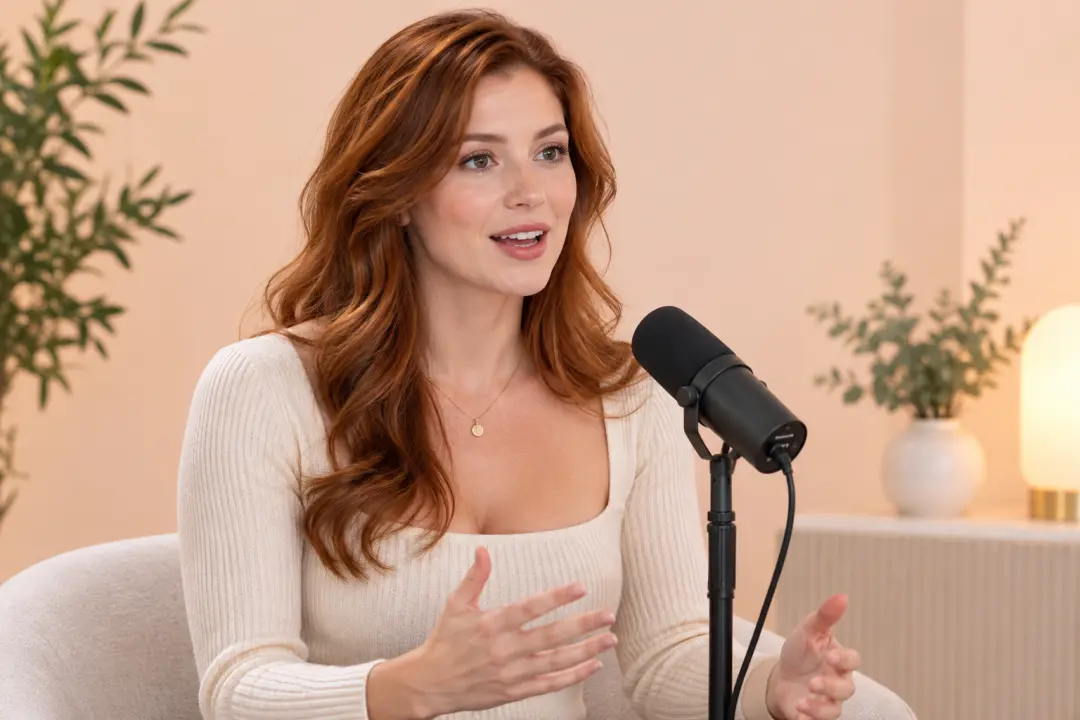
When a character design needs speech or motion, use an AI influencer video generator to build a clip around it. Add the image as video material, describe the dialogue and audio direction, and review the resulting performance.

For a virtual influencer appearing in different environments, keep the saved character reference and describe each new background, action, and time segment separately. This keeps the subject familiar while the setting changes.

Begin with a character reference, guide the scene, and turn your creative direction into a video.
Get Started