
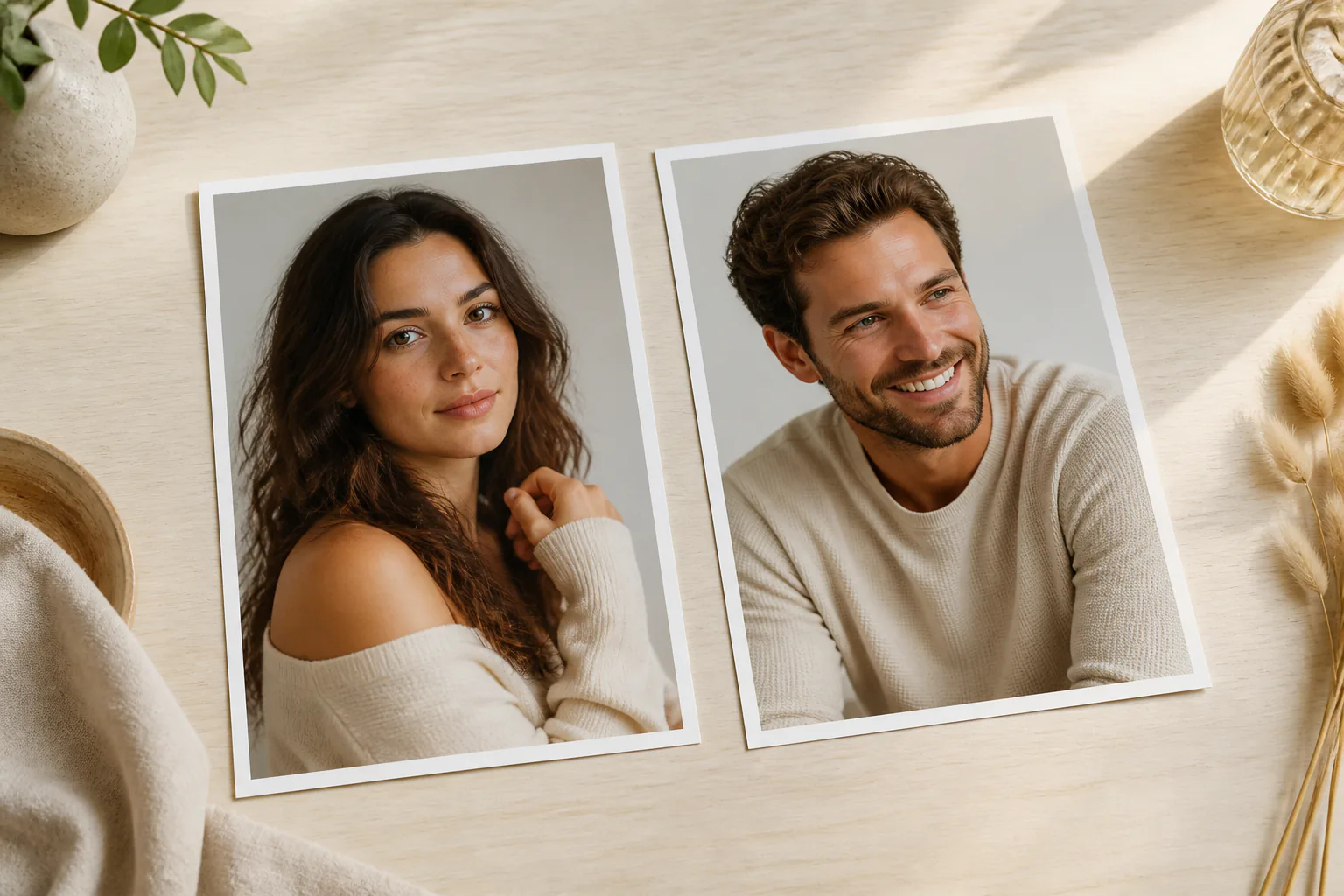
Step 01
Provide The Adult Reference Photo
Upload a clear adult shared photo you have the right to use, then assign it with @ as the subject or first frame so the ai kissing generator starts from the intended people and setting.

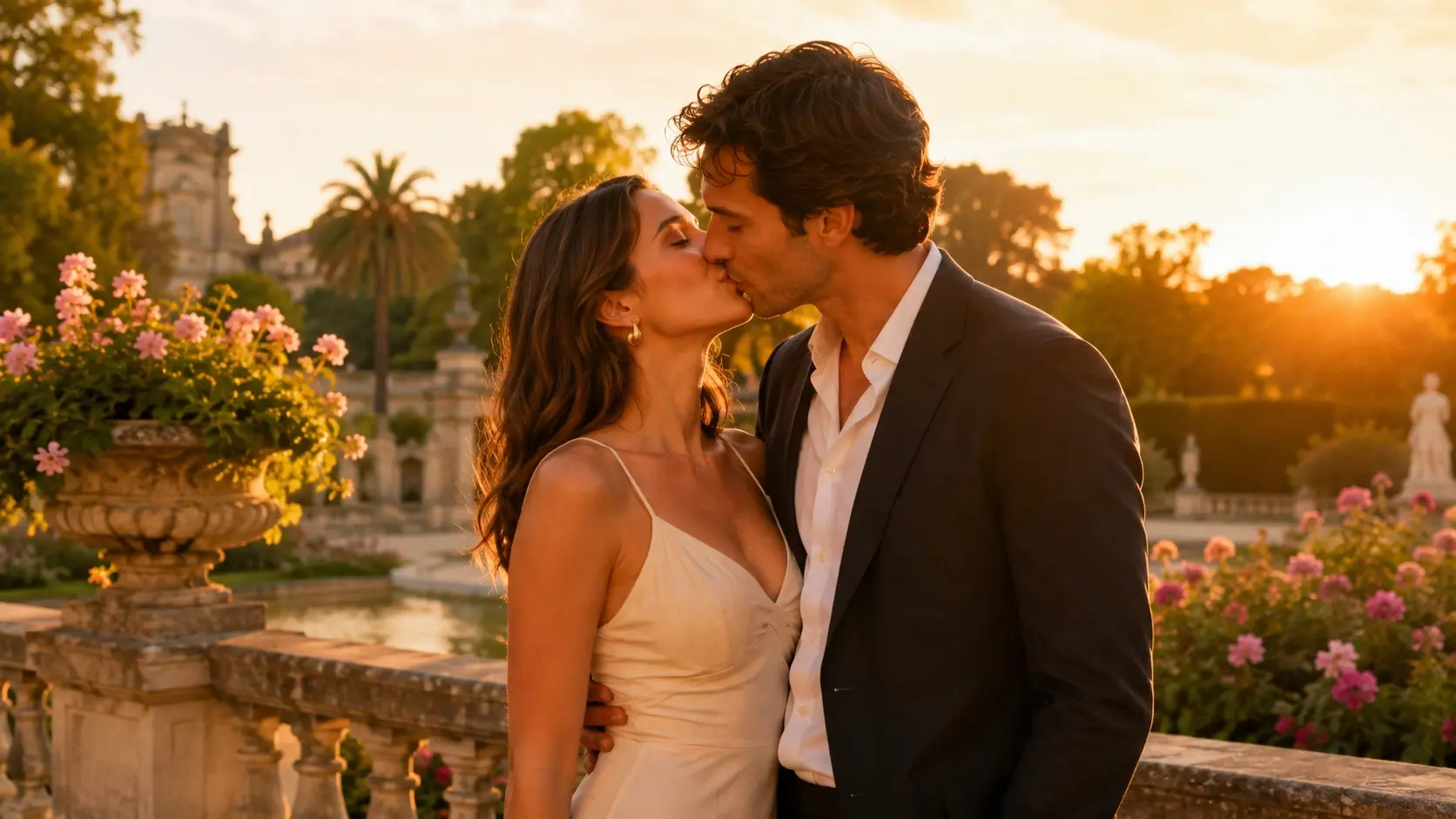
Use VideoAI as an ai kissing generator to turn an adult shared photo into a short kiss scene shaped by your motion, camera, and music direction.
Partnering with global industry leaders to power your creativity output


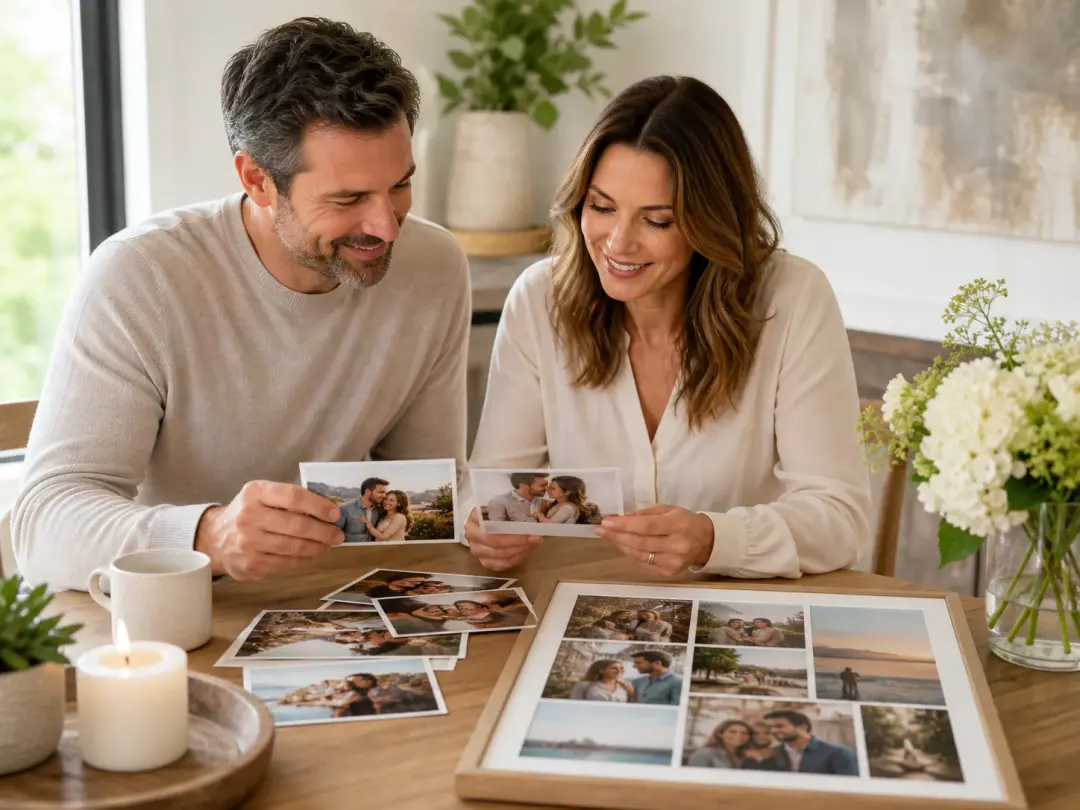
A shared adult photo can become a personal kiss video for boyfriend gift when you describe a brief approach, pause, camera move, and music mood in VideoAI.
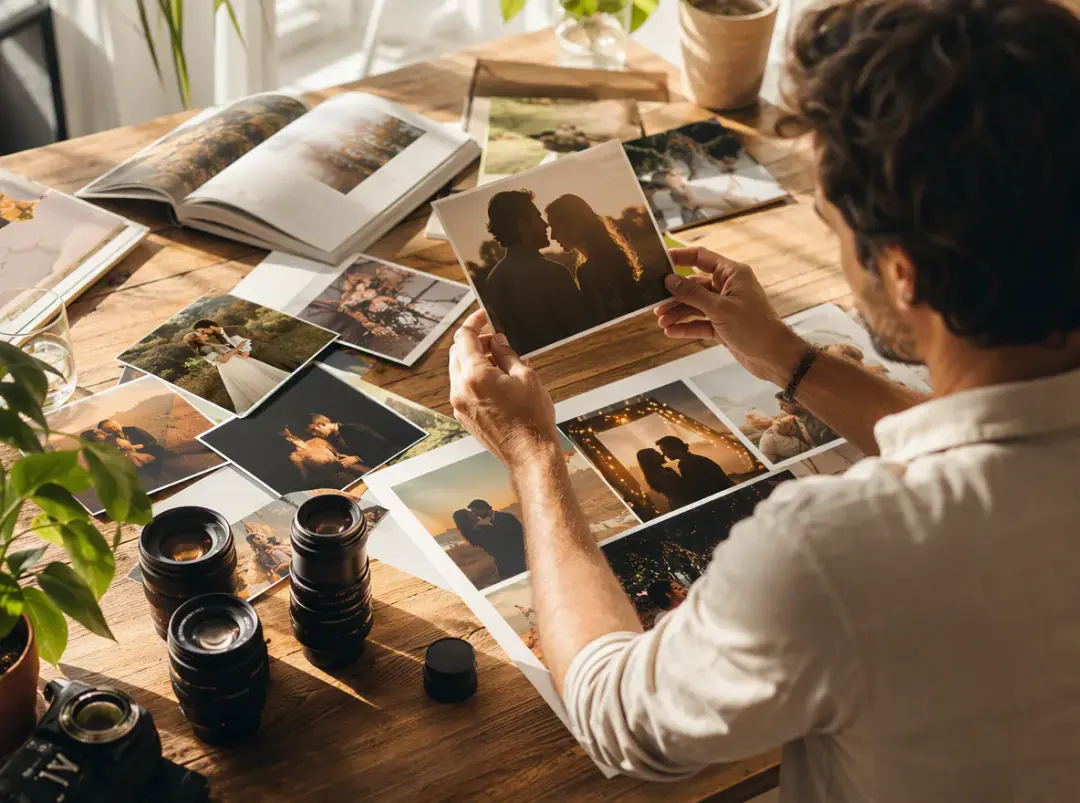
Creators comparing kissing ai workflows can use authorized character visuals, choose a vertical or square ratio, and refine the preview until the ai kissing video fits the post.
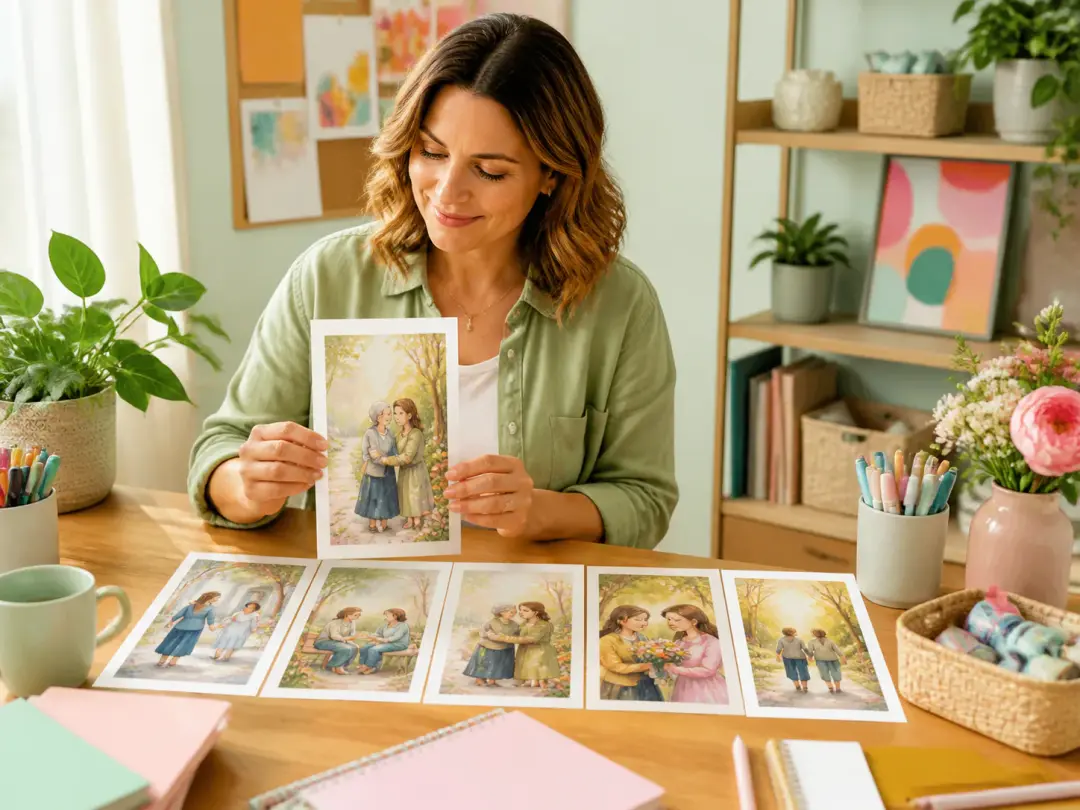
Story creators can treat VideoAI as an ai kiss maker for concept timing, using reference images and written action notes before committing to a wider scene plan.
VideoAI keeps the creative decision with you, from the starting photo to the preview notes that shape the next version.
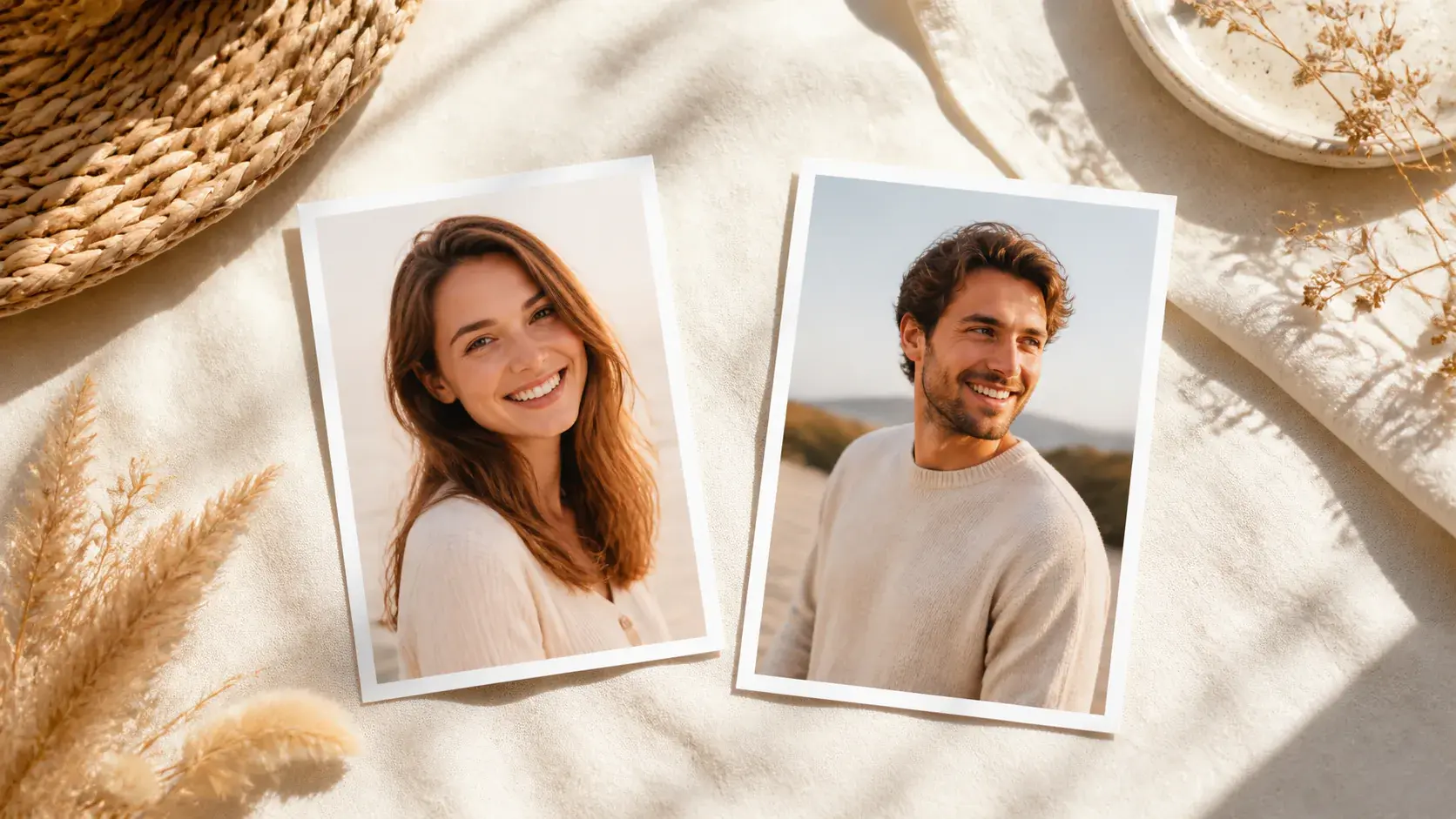
Clear faces and a steady shared frame give the ai kissing video generator a better subject reference, so your prompt can focus on approach, pause, and camera feel.
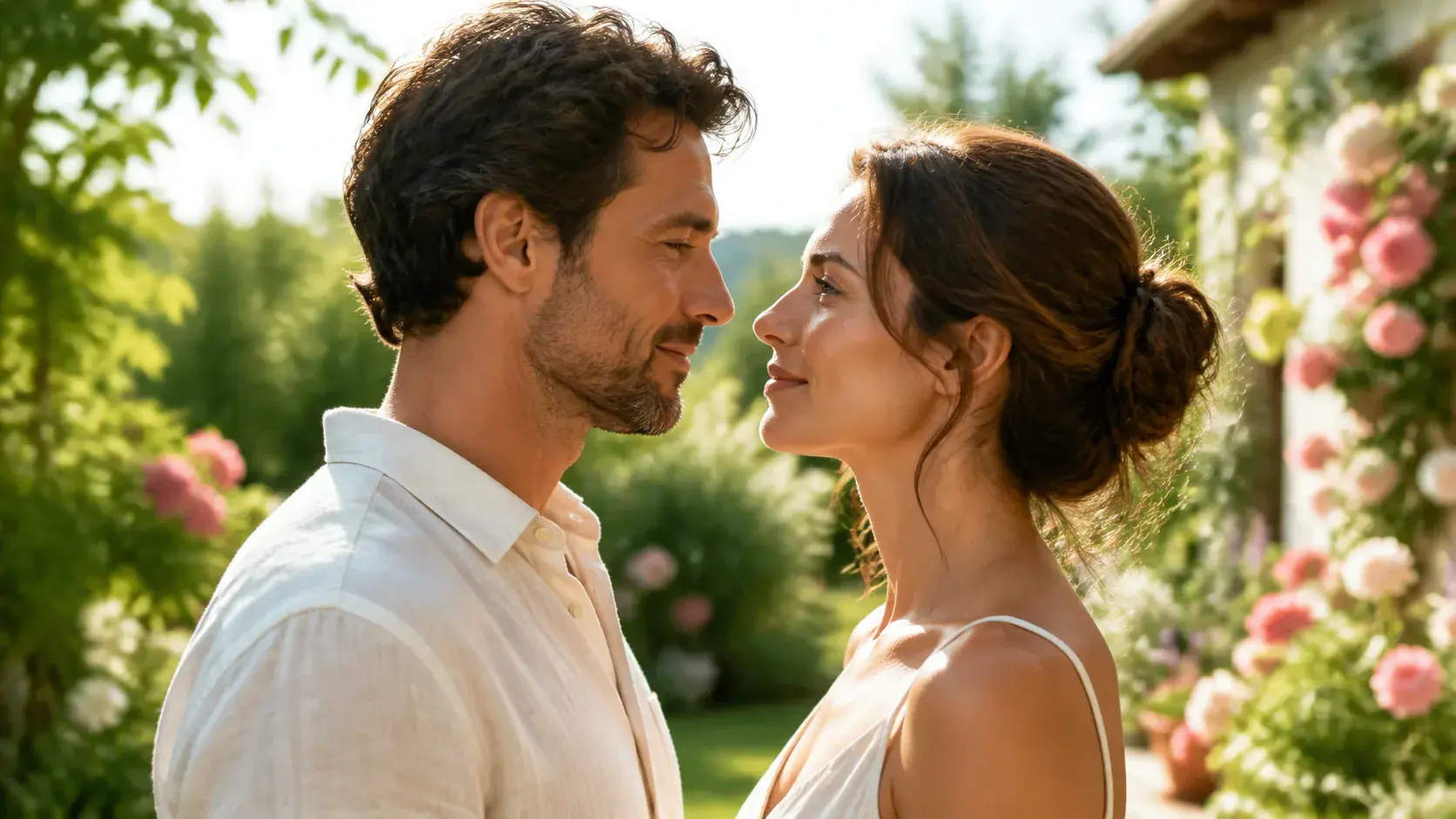
Use the ai kiss generator workflow by separating what the people do, how the camera moves, and where the rhythm changes, instead of leaving those choices vague.
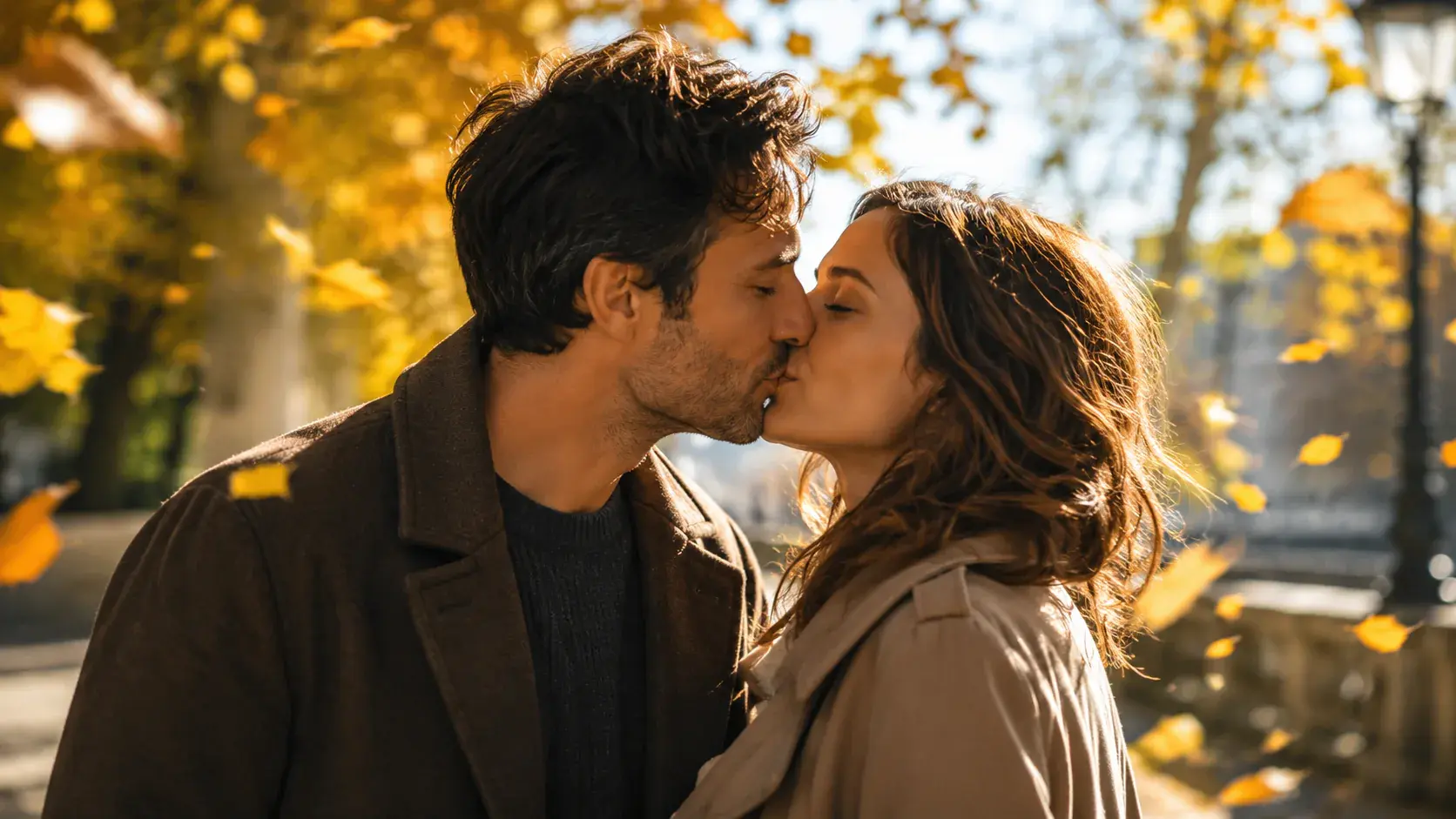
A kissing ai generator scene can use start and end reference frames in VideoAI, which helps you describe the change between two points of the same intended moment.

Creators comparing an ai kiss video generator or kissing video generator can preview, adjust with text, then download MP4 up to 4K in 16:9, 9:16, 1:1, or 4:5.
The same VideoAI workflow carries from reference input to prompt control, preview, text adjustment, and final MP4 download.
Step 01
Upload a clear adult shared photo you have the right to use, then assign it with @ as the subject or first frame so the ai kissing generator starts from the intended people and setting.
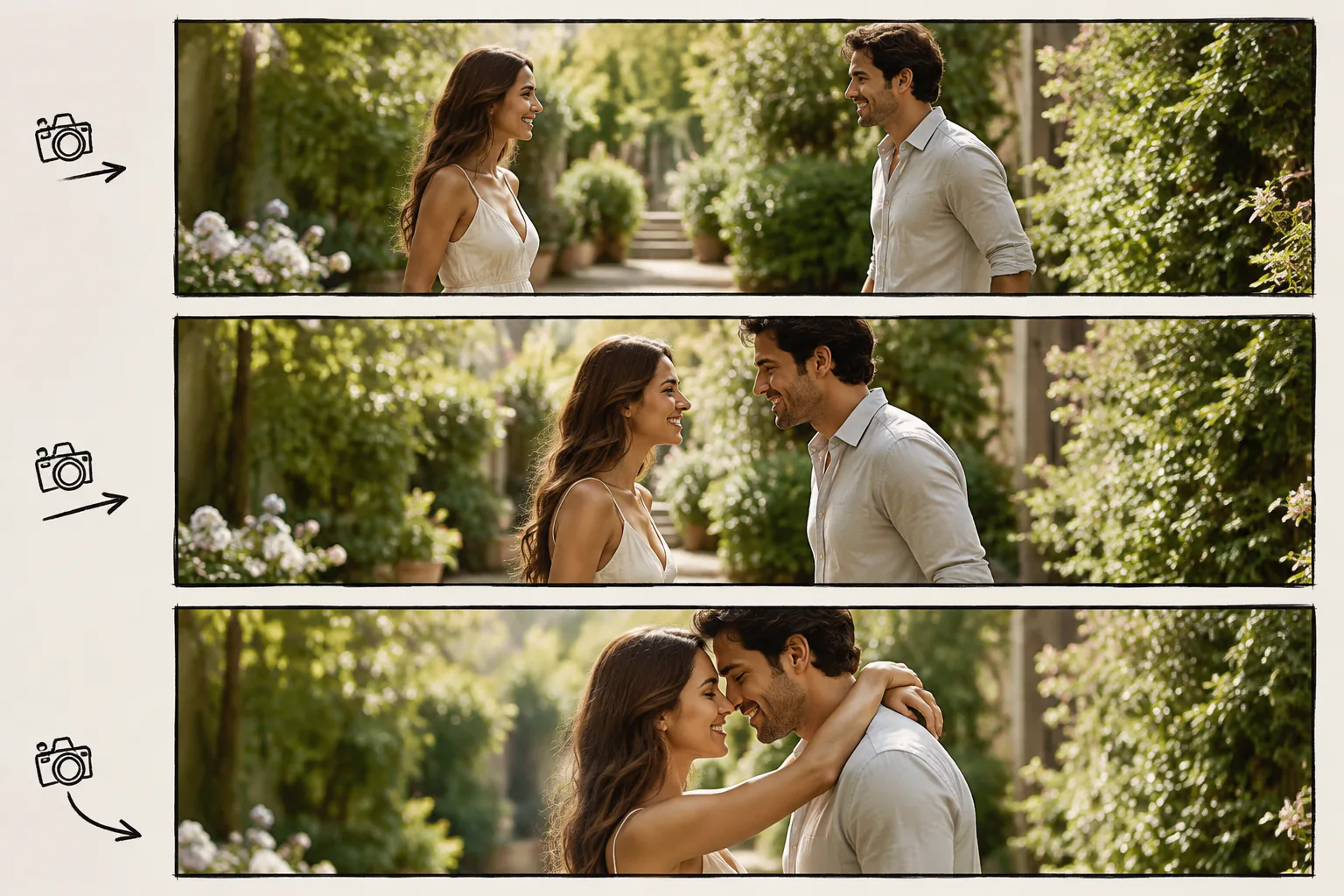
Step 02
Write how the people move closer, how long the pause feels, whether the camera pushes in or stays still, and what music or sound style should guide the ai kiss video.

Step 03
Review the ai kissing generator output, ask VideoAI to adjust framing or pace with text, and download the finished MP4 when the motion and composition match your goal.
Choose the workflow when the source photo, output ratio, and scene purpose are already clear.
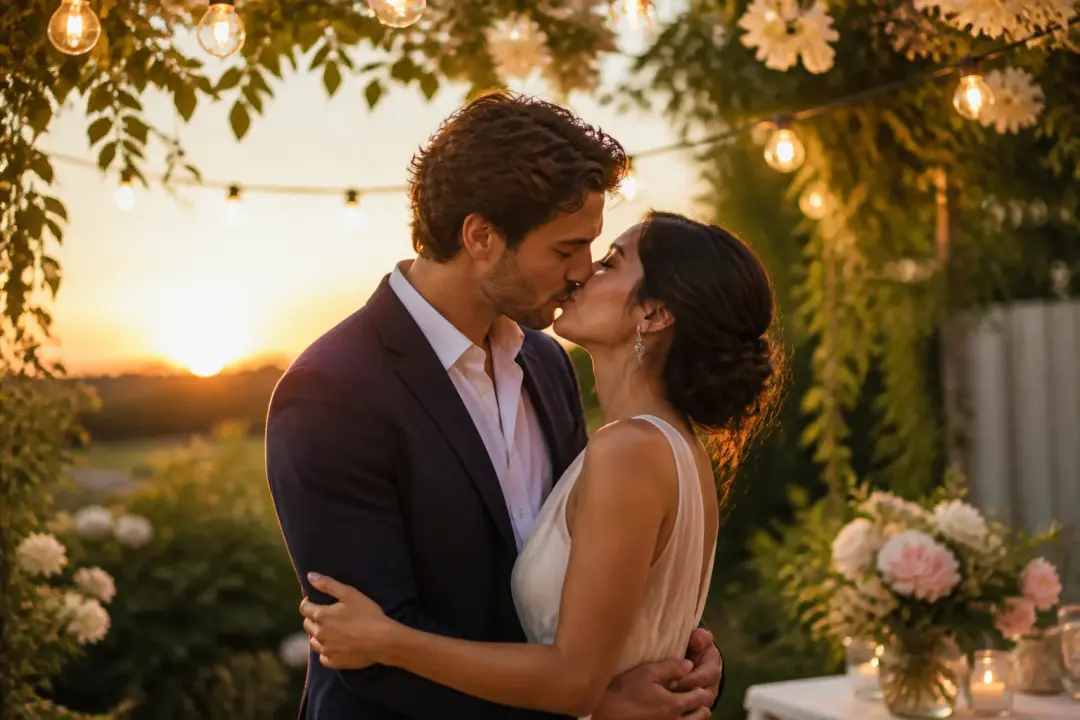
For a kiss video for boyfriend gift, start with an adult shared photo, add a short camera direction, choose a gentle music mood, and keep the result focused on a private keepsake clip.
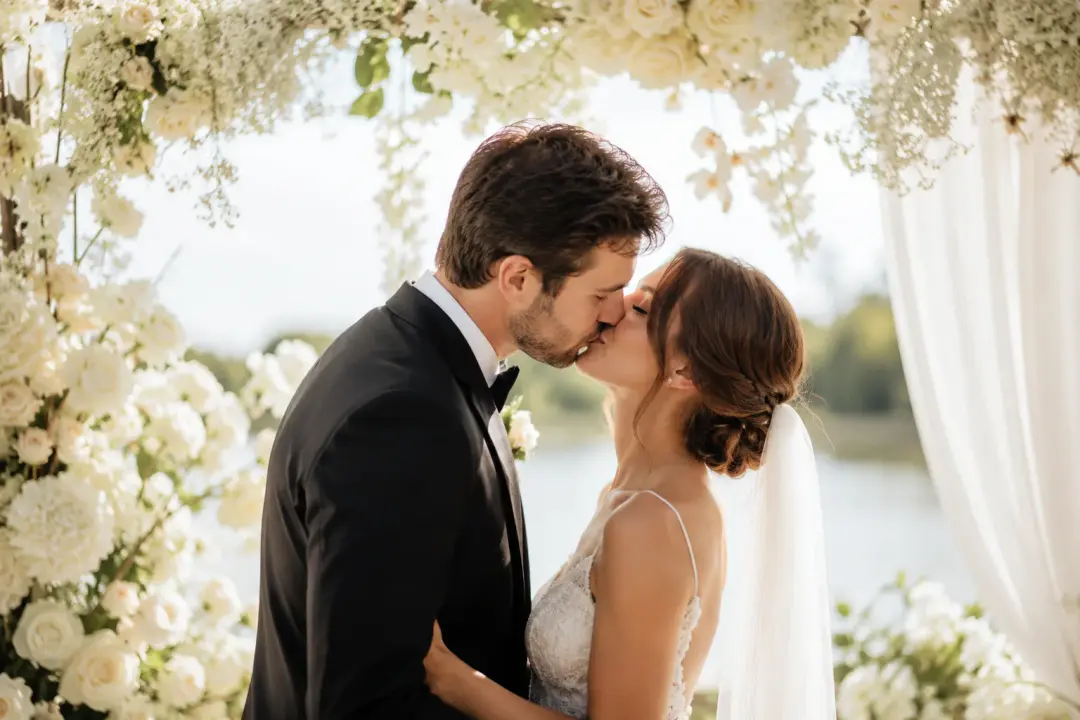
A filmmaker testing scene rhythm can use VideoAI to preview a romantic beat with reference photos, motion notes, and a short MP4 that helps judge pacing before production.
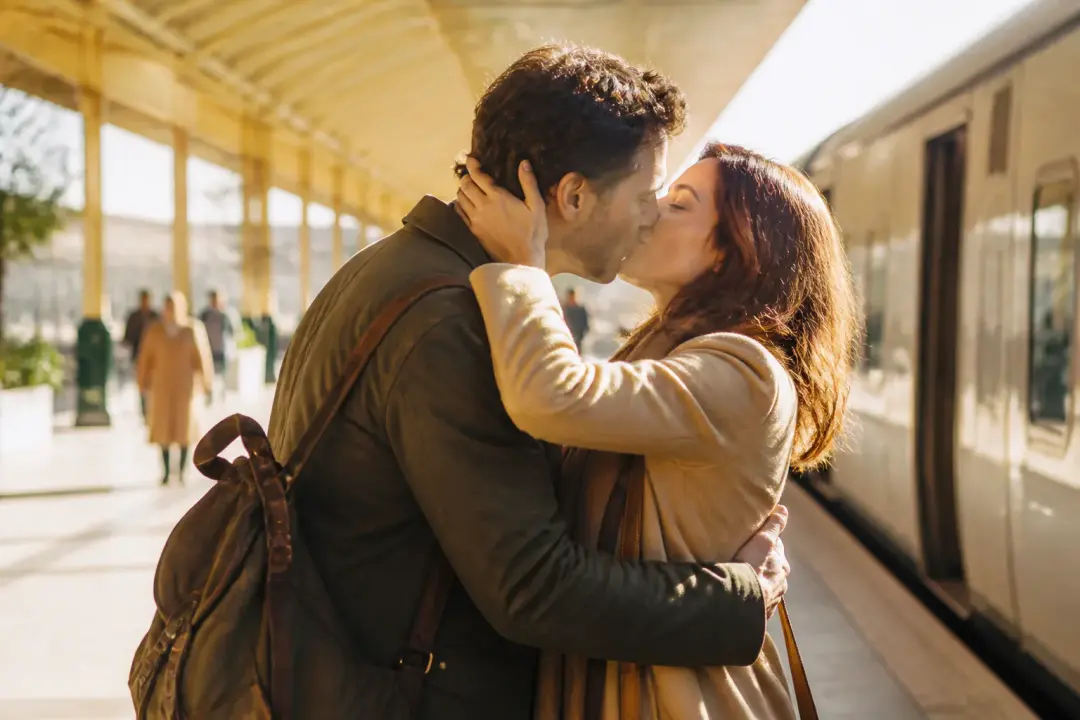
When a content team needs a 9:16 romantic fragment, the ai kissing generator workflow turns authorized visuals into a vertical preview that can be refined through text notes.
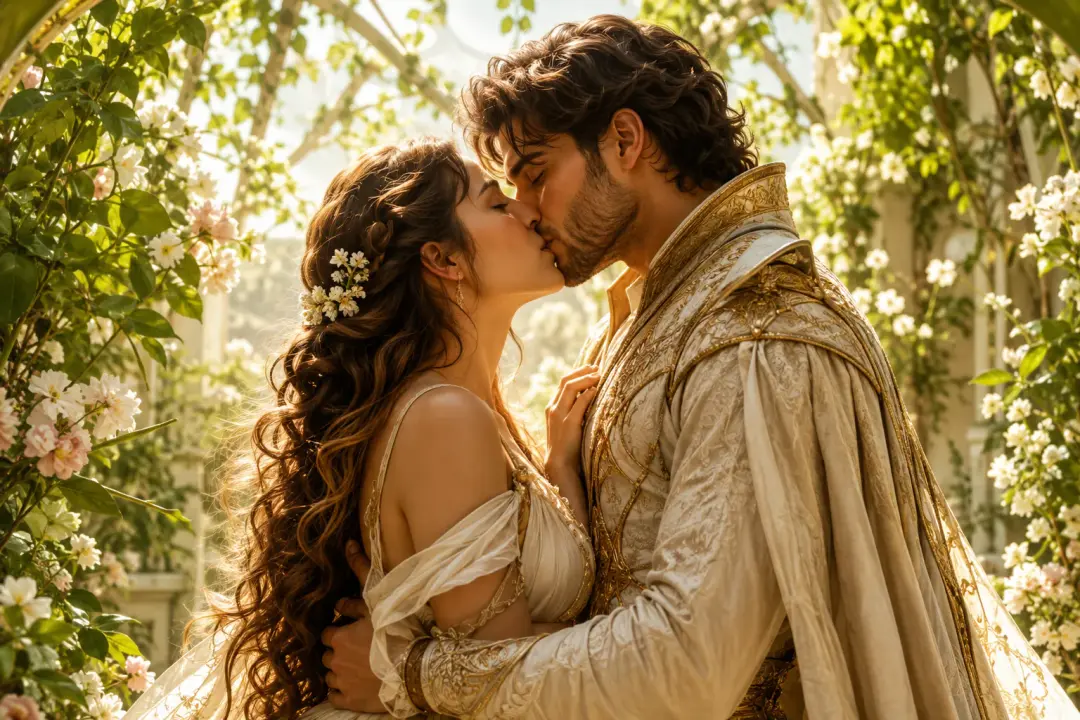
For a campaign mood board, a kiss ai generator or kiss generator search often points to the same need: a controlled visual draft with recognizable subjects, camera intent, and export options.

Bring an adult shared photo into VideoAI, write the motion and camera direction, then refine the preview into an MP4 ready for your chosen format.
Get Started