

Make A Logo From A Short Brief
AI Logo Maker
Describe the name, business, audience, mood, and colours you have in mind. The AI logo maker turns that brief into several visual directions you can compare, revise, and prepare for the next step.
Who Uses An AI Logo Maker

Solo Founders And Small Businesses
You need a credible starting point before the website, packaging, or shopfront is finalised. Describe the business and audience, then compare directions with different levels of symbolism. Use the strongest concept to make progress, while keeping final vector production and legal review separate from the first AI result.

What The AI Logo Maker Helps You Do
The workflow is built around a useful brief, visible options, and practical review rather than unsupported design promises.
Start With A Better Brand Brief
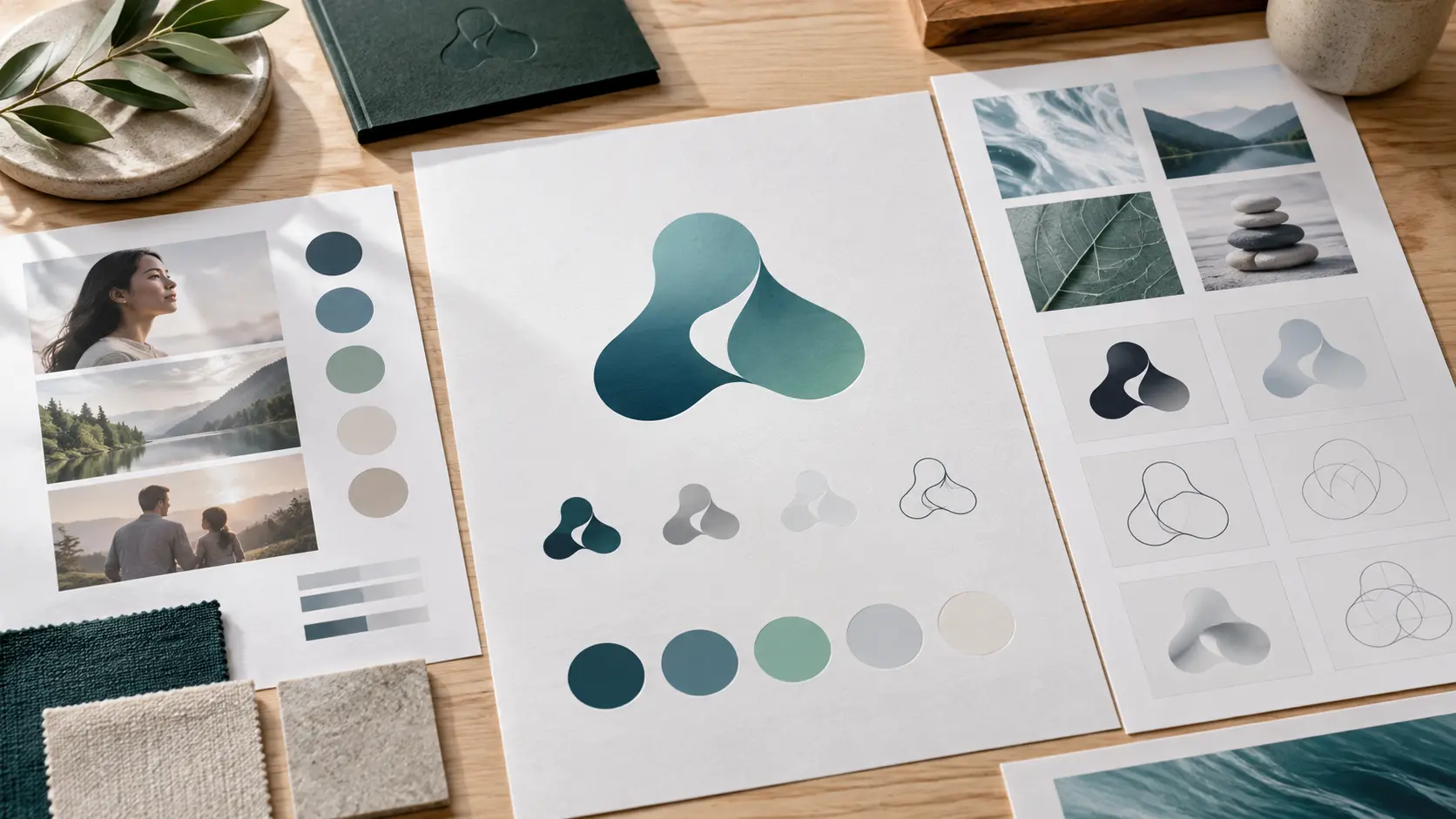
The prompt gives you a place to state the name, category, audience, feeling, colour direction, and symbol to avoid. That structure makes the first result more relevant than asking for an undefined modern logo and gives you a clearer basis for the next revision.
Generate Several Directions
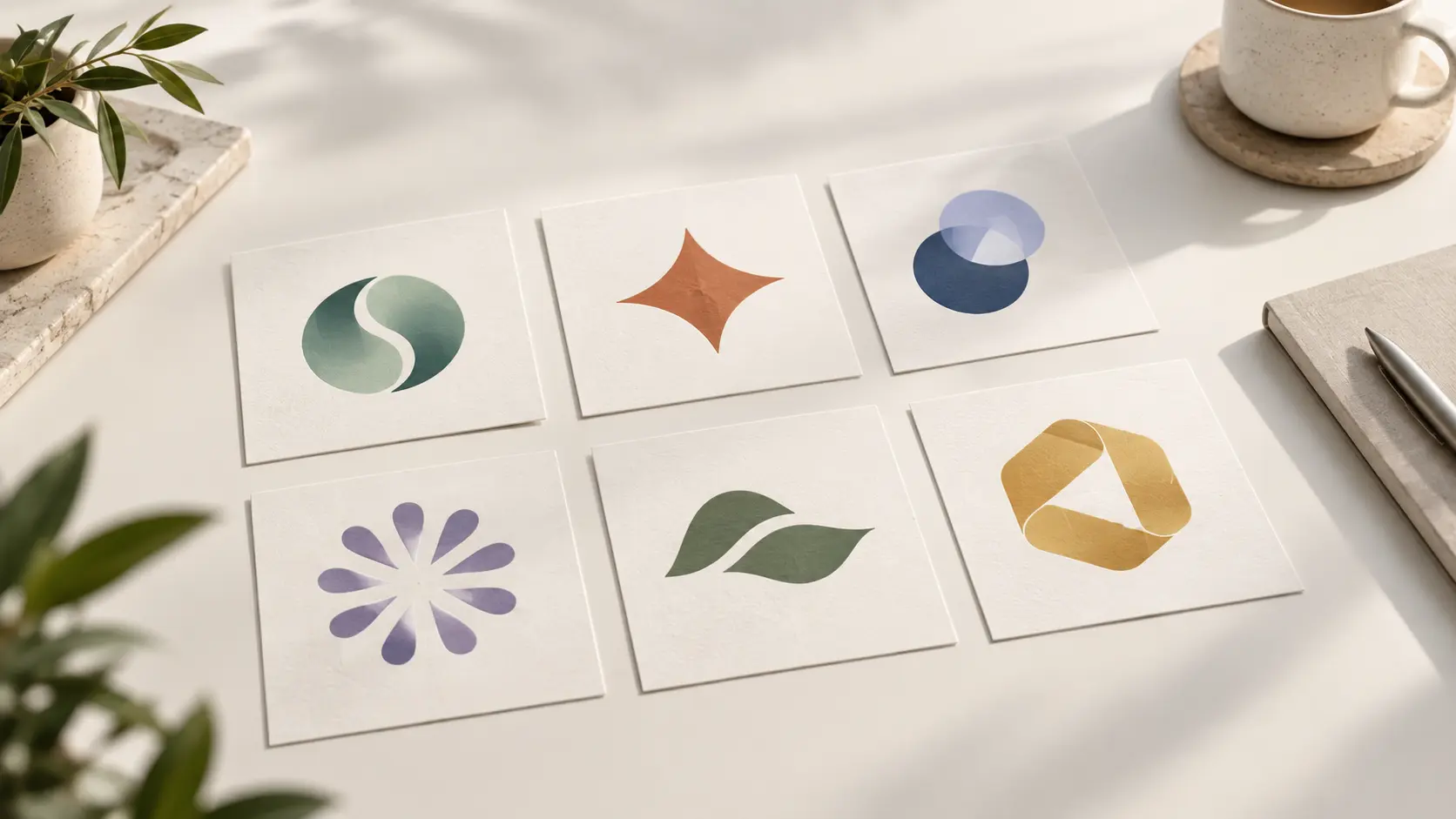
Explore an abstract symbol, a monogram-inspired idea, a more editorial composition, or a playful badge from the same project information. Generate more than one route so you can compare meaning and recognition instead of accepting the first result.
Review The Mark In Context
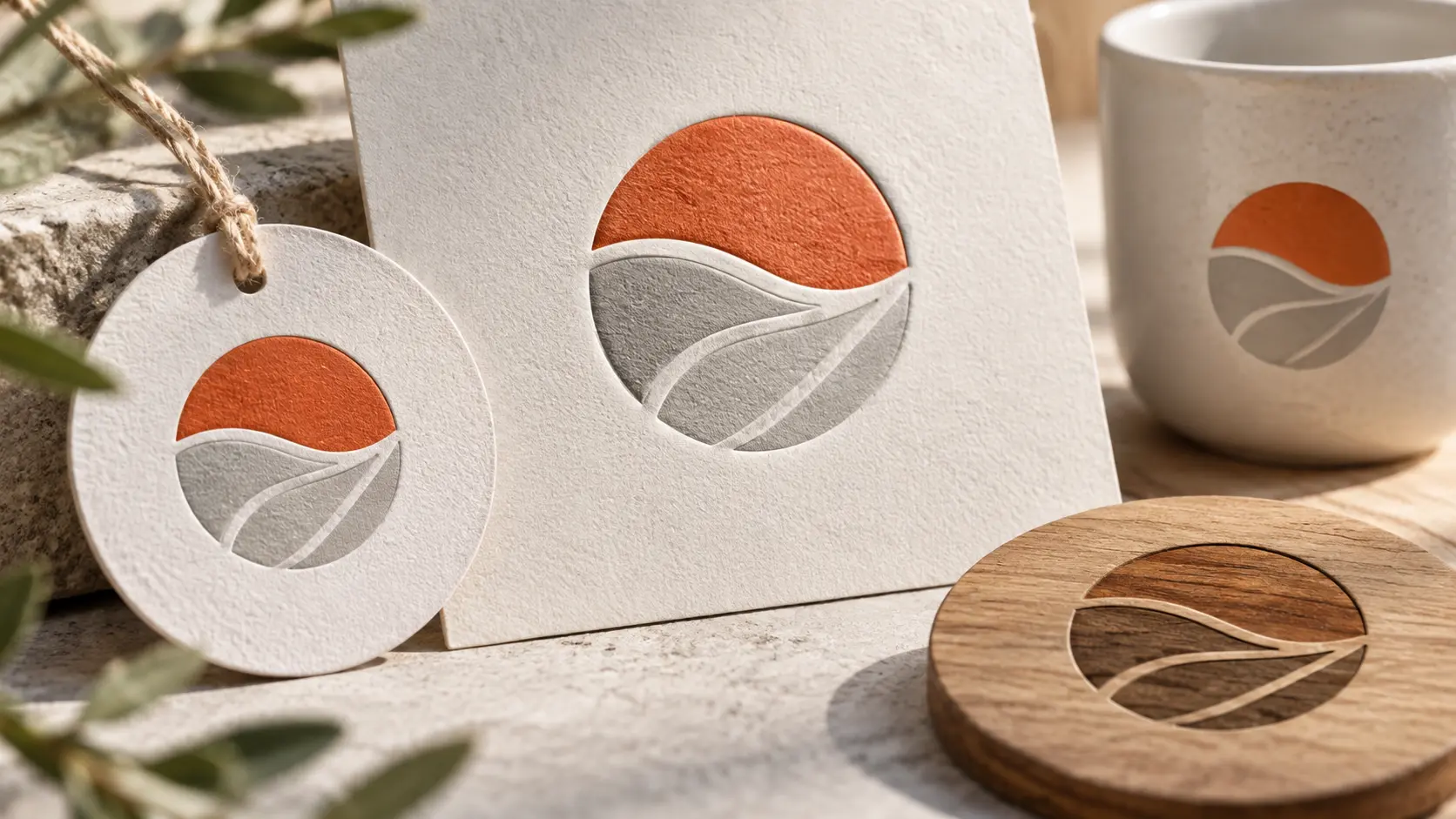
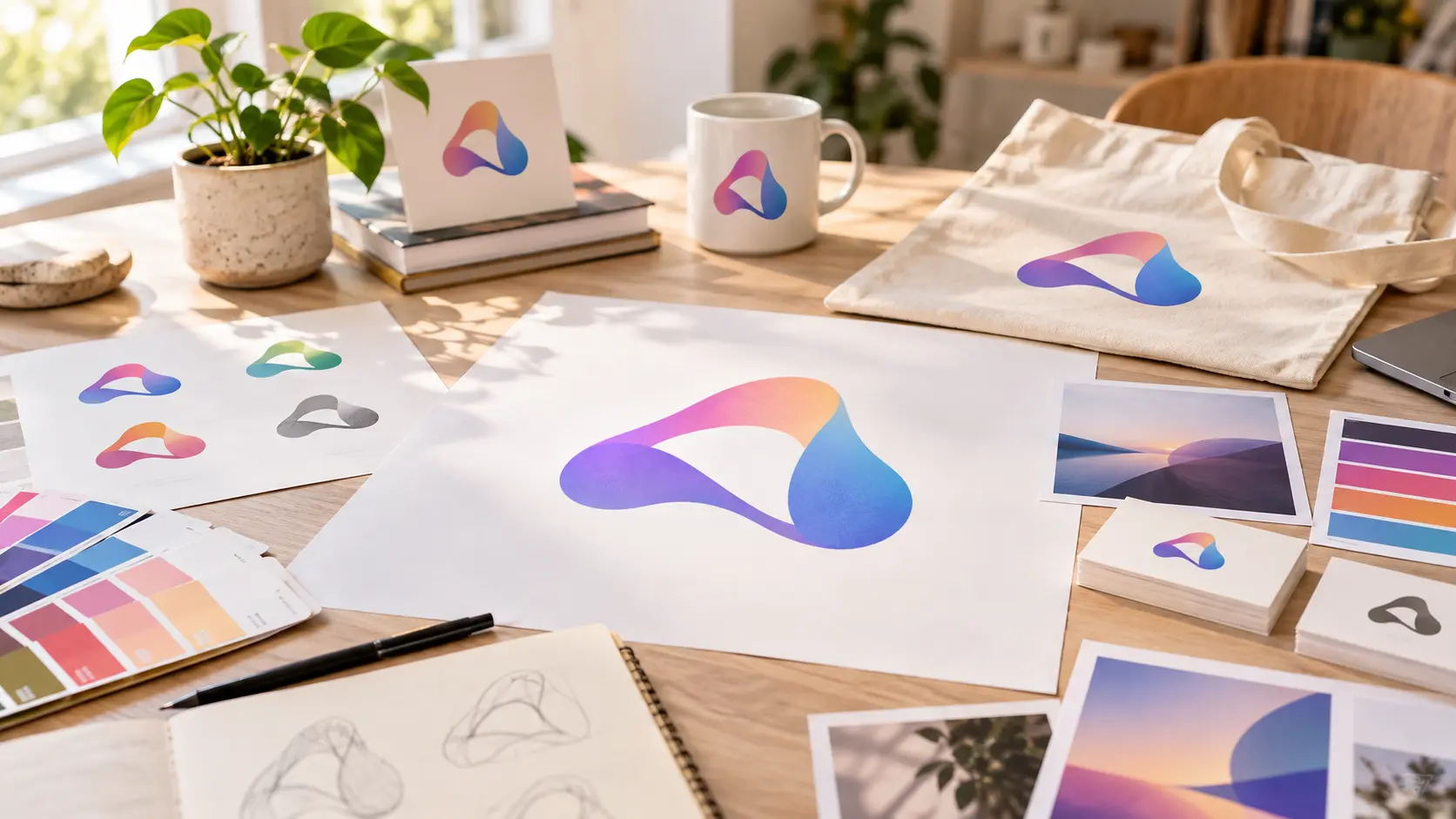
Test the strongest direction at small size, in one colour, and in the places it may actually appear, such as a profile, label, sign, or event badge. If the silhouette or tone is wrong, revise the prompt or reference and generate again before moving on to final production work.
How To Make A Logo With AI
Three steps take you from a focused brief to directions you can compare and refine.
Write The Brand Brief
Describe the name, what the business or project does, who it serves, the personality it should express, and the colours or symbols you want to explore. Mention the main places the mark will appear so the prompt can favour a simple or more expressive direction.
Generate And Compare
Create several AI logo directions from the same brief. Compare their silhouettes, tone, colour balance, and relevance to the audience. Review the lettering carefully if any appears in the image, and keep the project name short when wording needs to stay readable.
Refine The Direction
Revise the prompt, regenerate a route that is close, or add a reference image to guide continuity. Test the favourite result at small size and in one colour, then review current export options and plan any vector, typography, trademark, or commercial-use work separately.
Where An AI Logo Maker Fits
Use it to explore a visual direction for a business, creator channel, or time-limited project.
Business And Service Launches
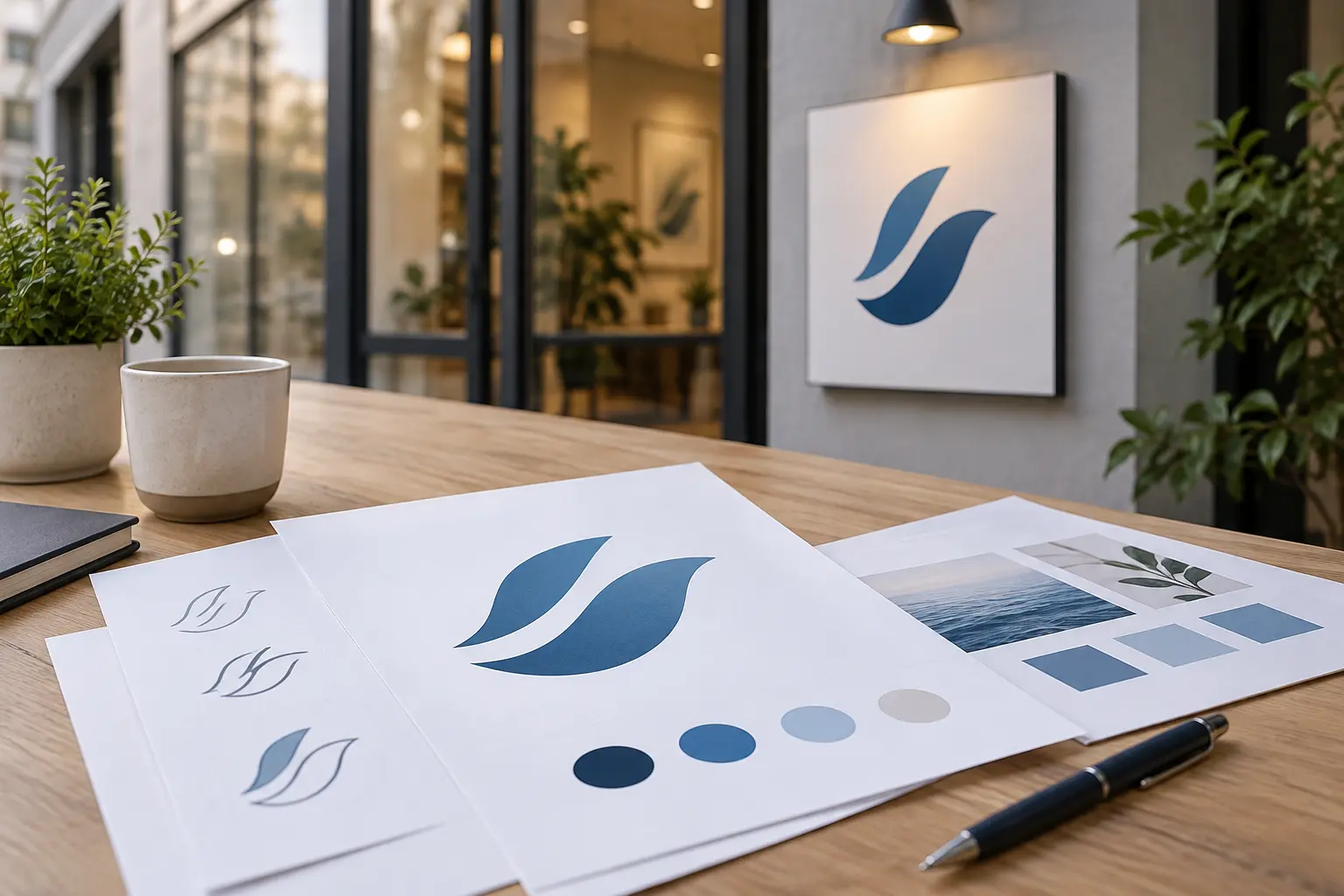
Use the positioning, audience, and practical placements to generate a first set of business logo directions. Compare symbols that explain the service against more abstract options that may age better, then choose a direction for website and launch-material discussions.
Creator Channel Identity
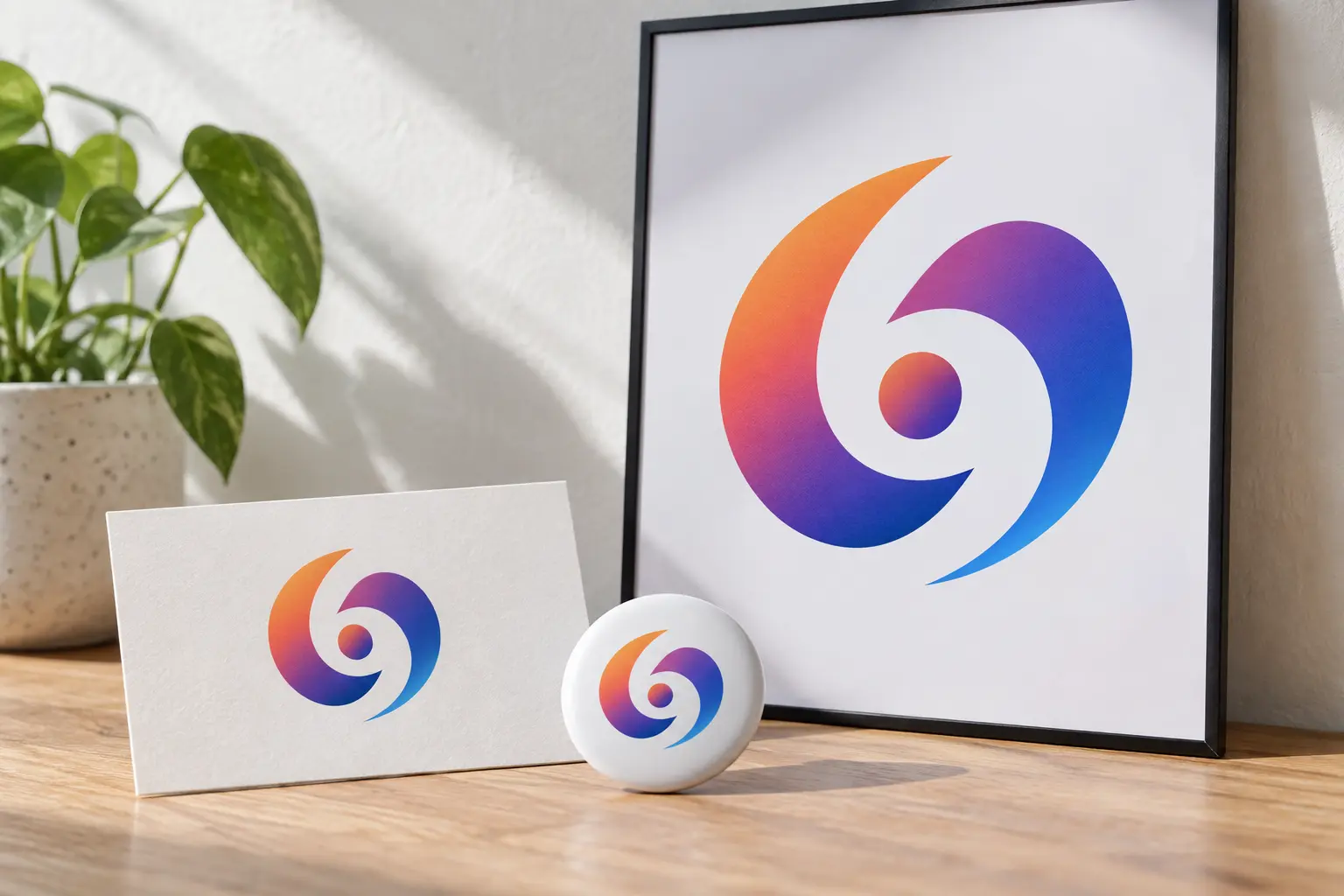
Generate marks that fit the personality of a channel or community but still read as a small avatar. Use colour and shape to create recognition, then review how the direction behaves beside thumbnails, episode cards, and promotional artwork without promising algorithm or audience growth.
Events, Games, And Campaigns
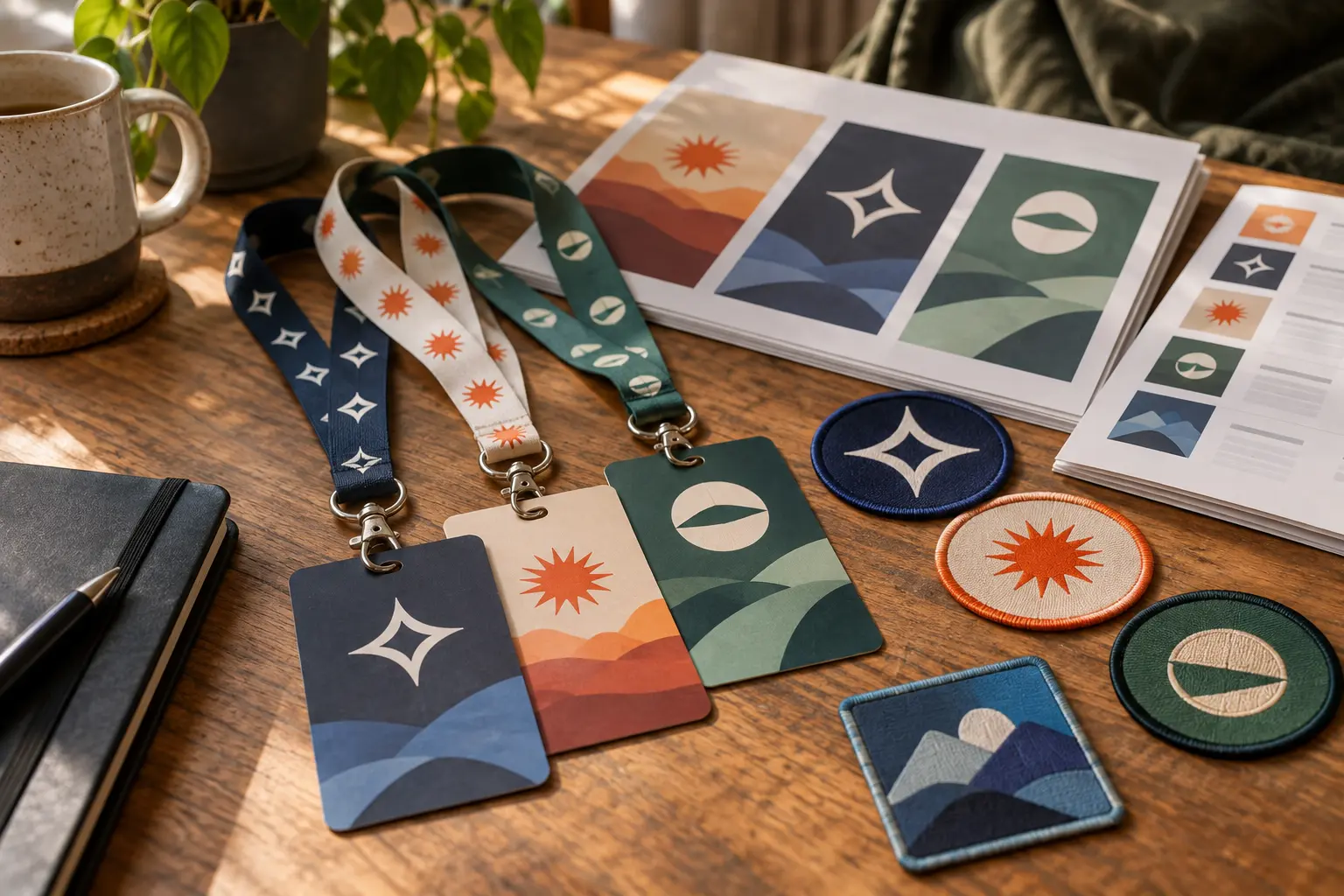
Describe the theme, team, occasion, or campaign tone and generate several badge-like directions for group discussion. Once the direction is chosen, allow time for final typography, vector cleanup, licensing checks, and any platform requirements before public use.
AI Logo Maker Questions
Make Your First AI Logo Direction
Describe the brand or project, compare several generated routes, and refine the one that fits your next step.
Get Started