
Step 01
Start with idea and references
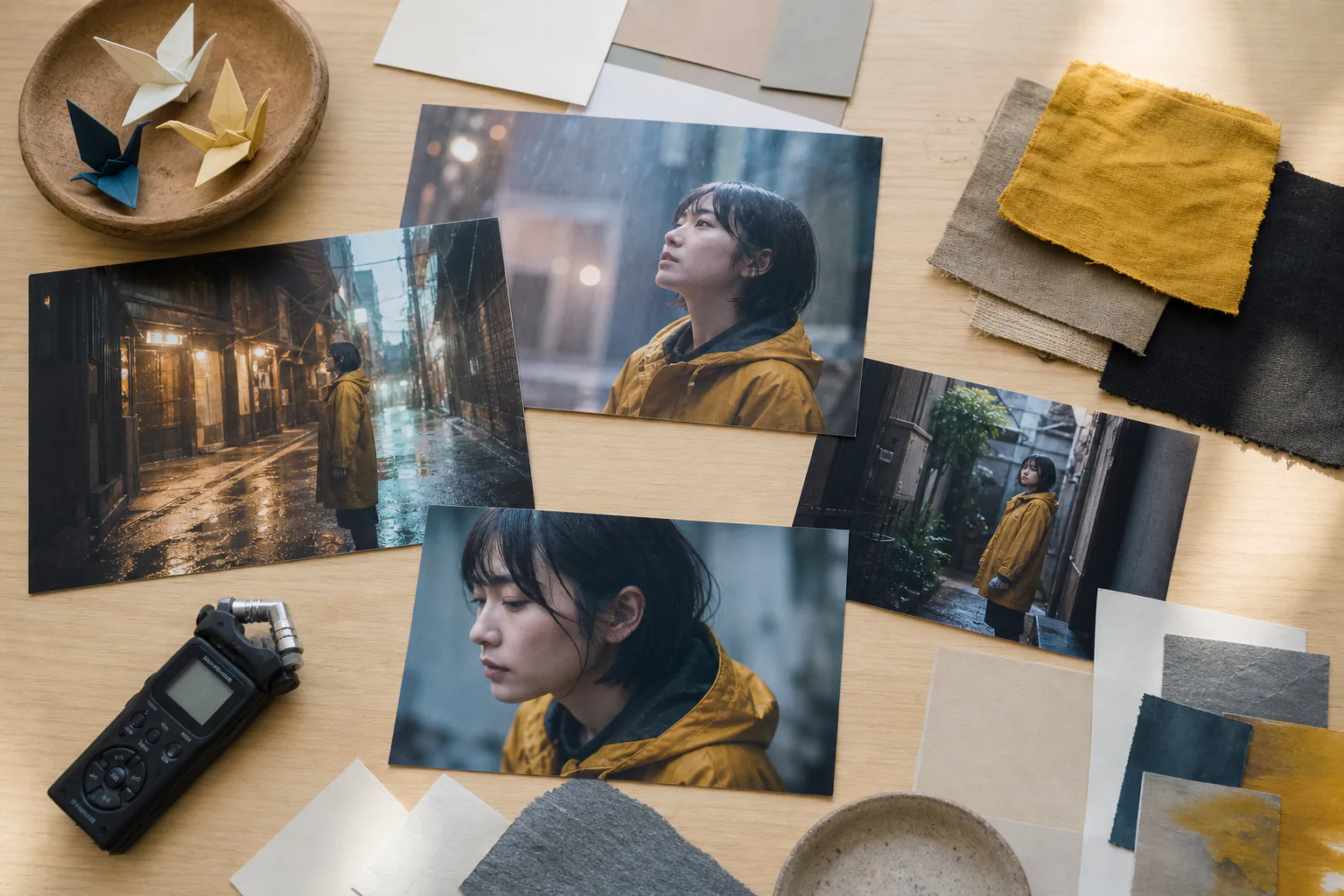
Write the ai movie idea, upload image, video, or audio references, and use @ to mark what each asset should guide, such as first frame, subject, camera motion, music, or scene mood.

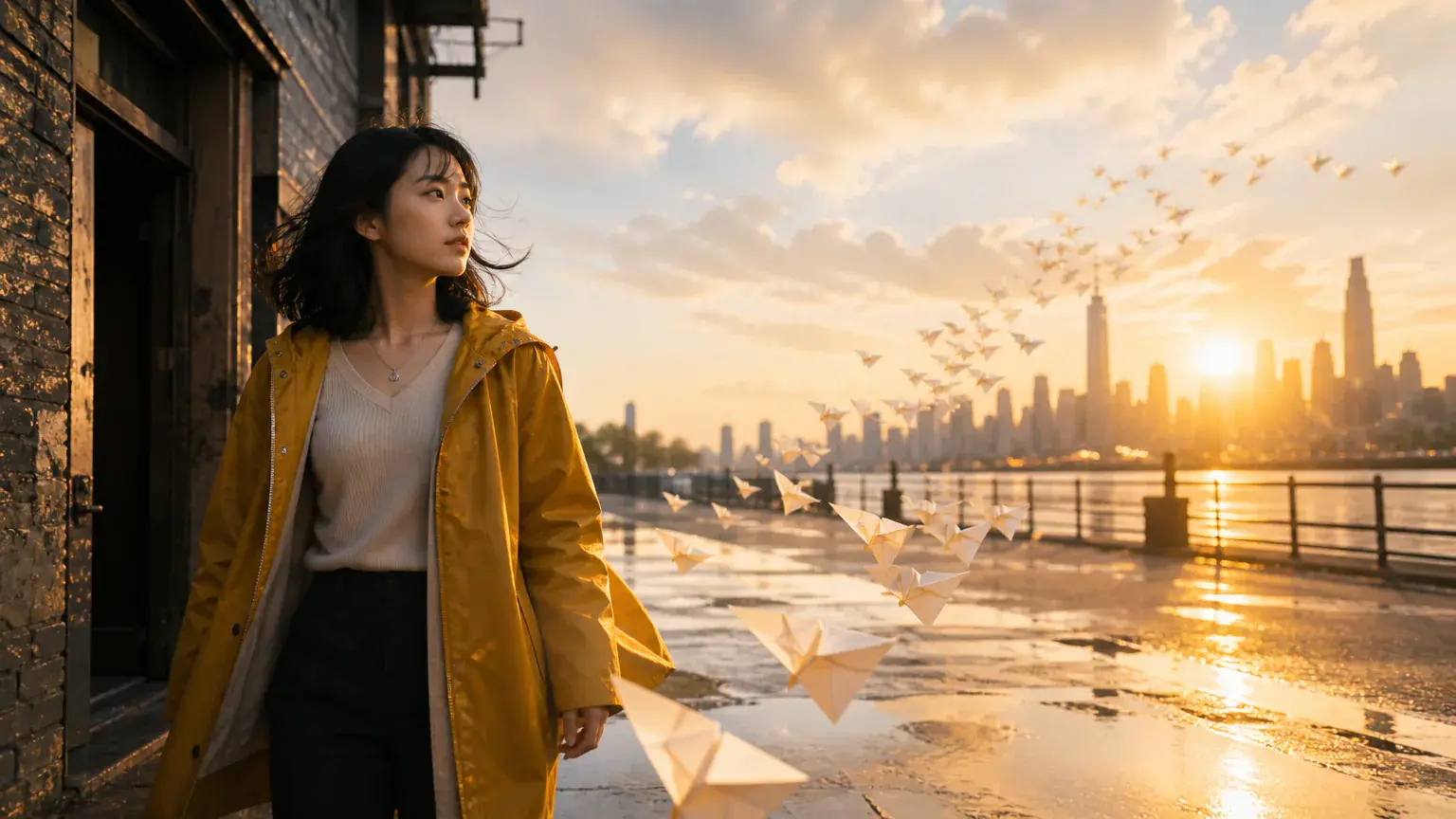
Turn a film idea into an ai movie sequence by drafting text, choosing style, arranging shots, and shaping sound in VideoAI.
Partnering with global industry leaders to power your creativity output


Move from intent to output by giving VideoAI the idea, references, timing, scene direction, and revision notes that define the video.
Step 01
Write the ai movie idea, upload image, video, or audio references, and use @ to mark what each asset should guide, such as first frame, subject, camera motion, music, or scene mood.
Step 02
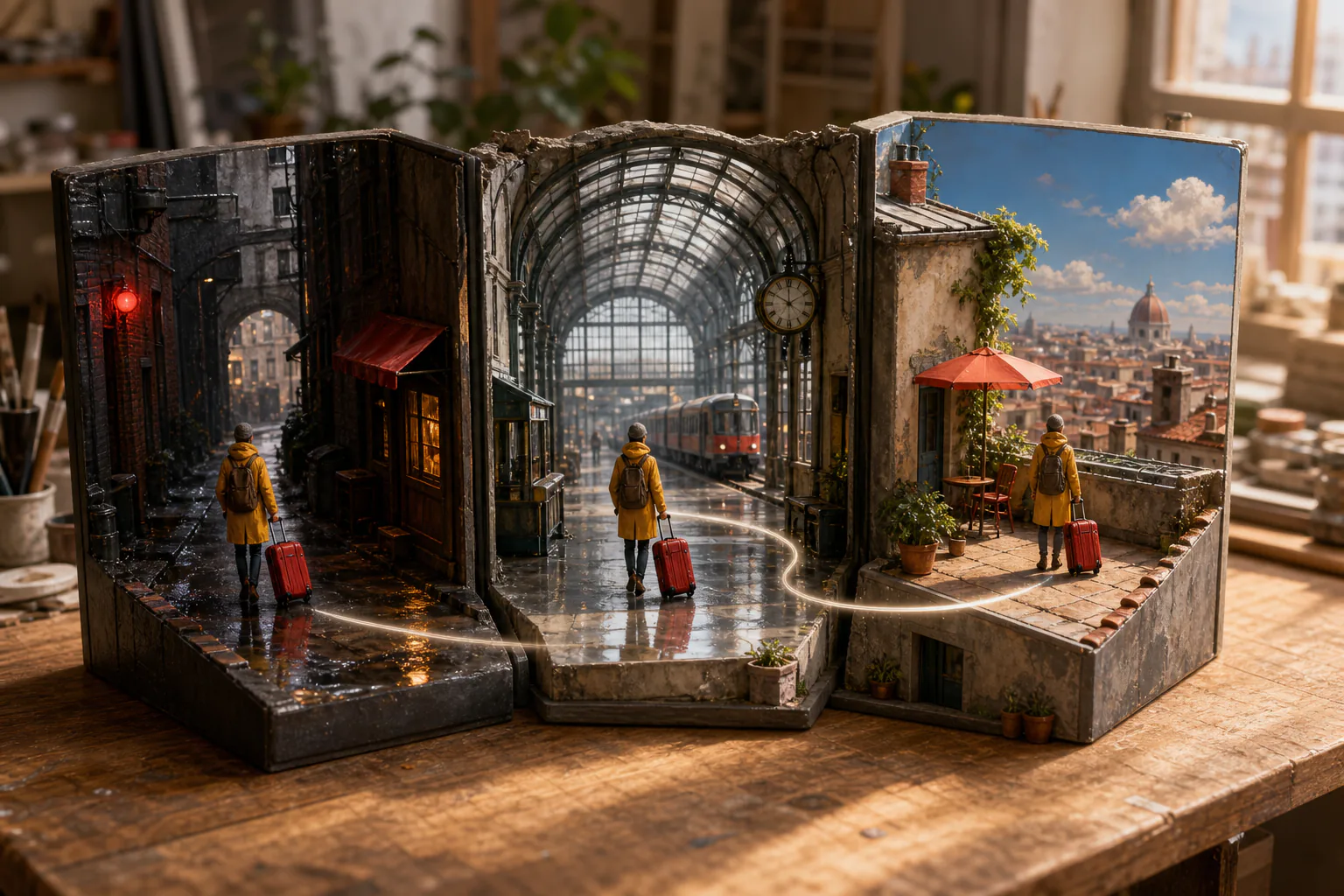
Choose a visual direction such as realistic, animation, cartoon, or illustration, then describe each time segment with the visible action, transition, character reference, voiceover, music, and sound direction.
Step 03
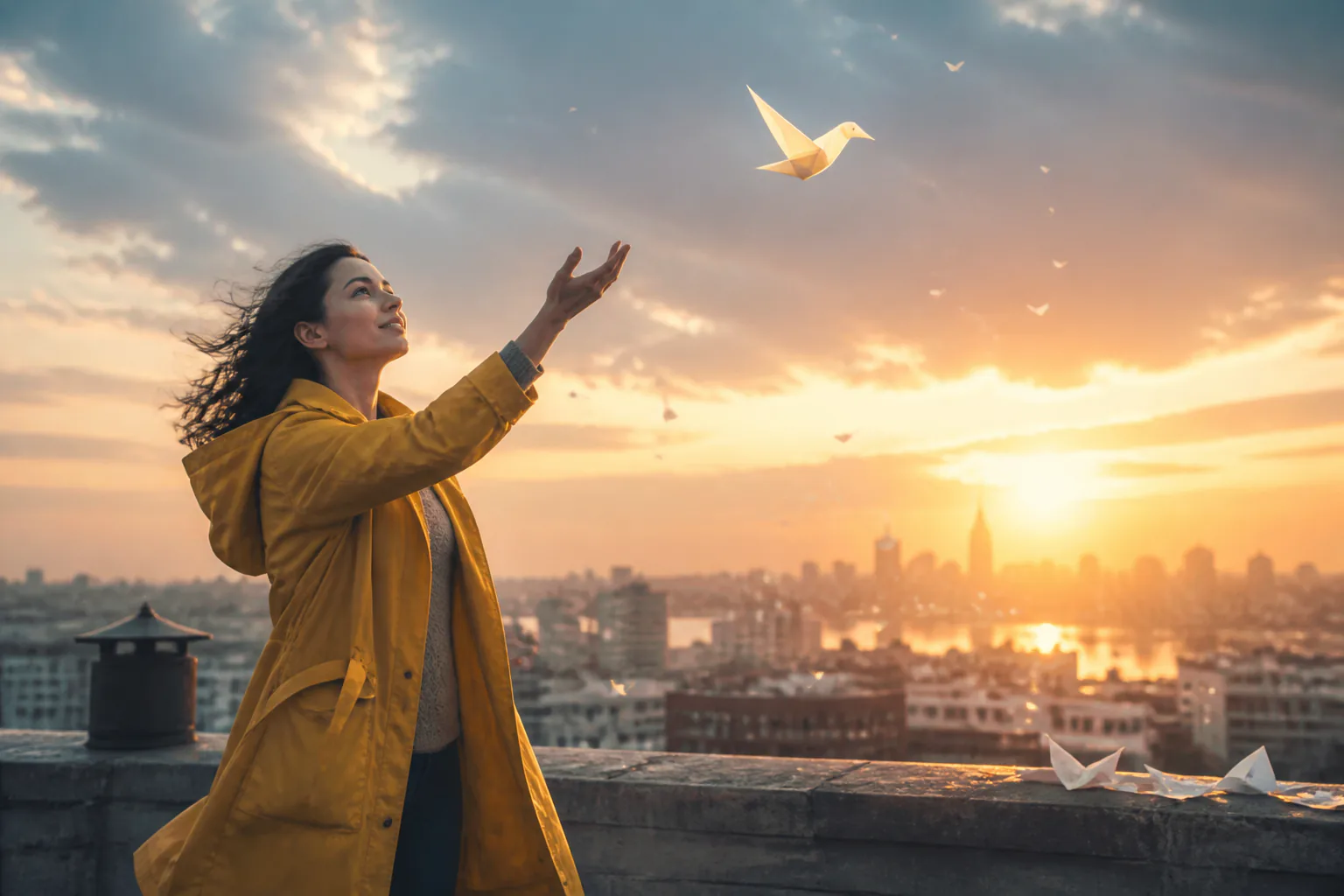
Create a video segment up to 30 seconds, review the result, adjust shots or sound with text, continue the sequence when the story needs more, and download an MP4 up to 4K.
Use VideoAI when a creative decision needs a visible draft before production resources are committed.
A short story needs more than a synopsis. Build an ai movie sequence with character references, timed scenes, and camera direction so the tone, rhythm, and continuity can be judged on screen.
A product or brand idea can be shaped as a compact visual story. VideoAI lets a team test style, subject movement, voiceover, and music direction before making a finished campaign asset.
A track often suggests pacing before it suggests images. Upload audio, describe the motion and transition direction, and create an ai movie passage where visuals follow the same beat intention.
Some stories read better as animation, cartoon, or illustration. Choose that direction first, then guide each shot with references and text so the result keeps one clear visual language.
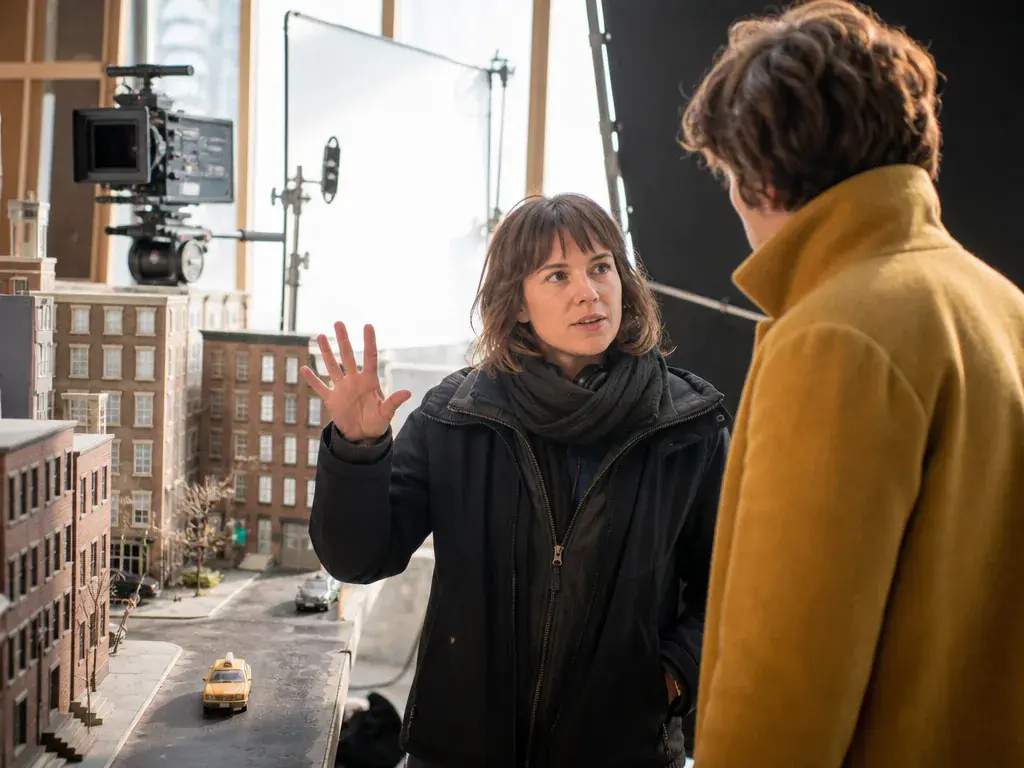
Turn a short film premise into an ai movie draft with your own shot order, character references, action notes, transitions, and sound direction for each segment.
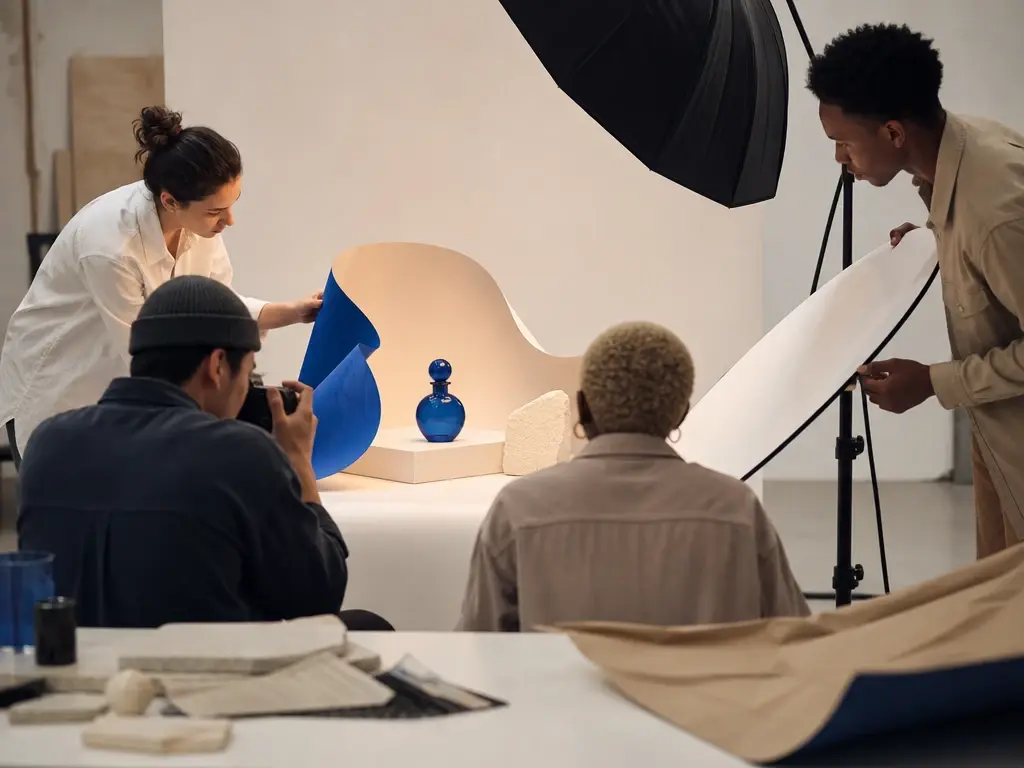
Shape a campaign idea into a reviewable video concept. VideoAI helps you set the visual style, connect product scenes, and test voiceover or music direction in one generated sequence.
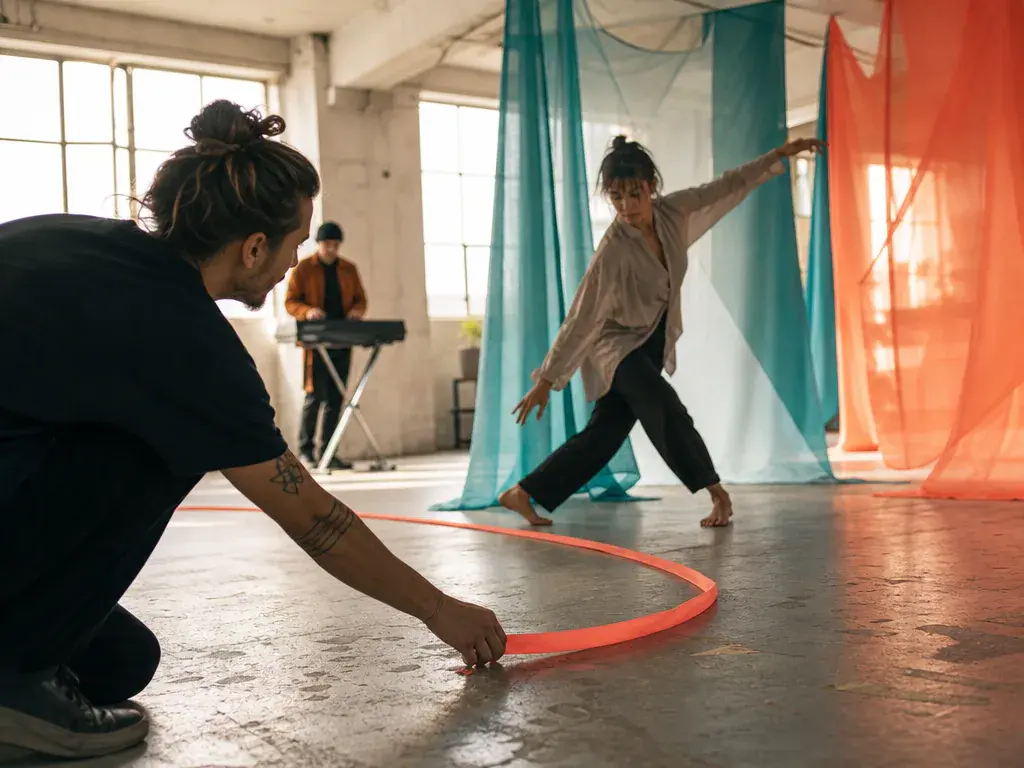
Build a visual passage around a sound direction. Add audio, describe motion and transitions, and guide the ai movie so the scene rhythm supports the track.
VideoAI gives creators practical choices for references, style, shots, sound, revision, and export.
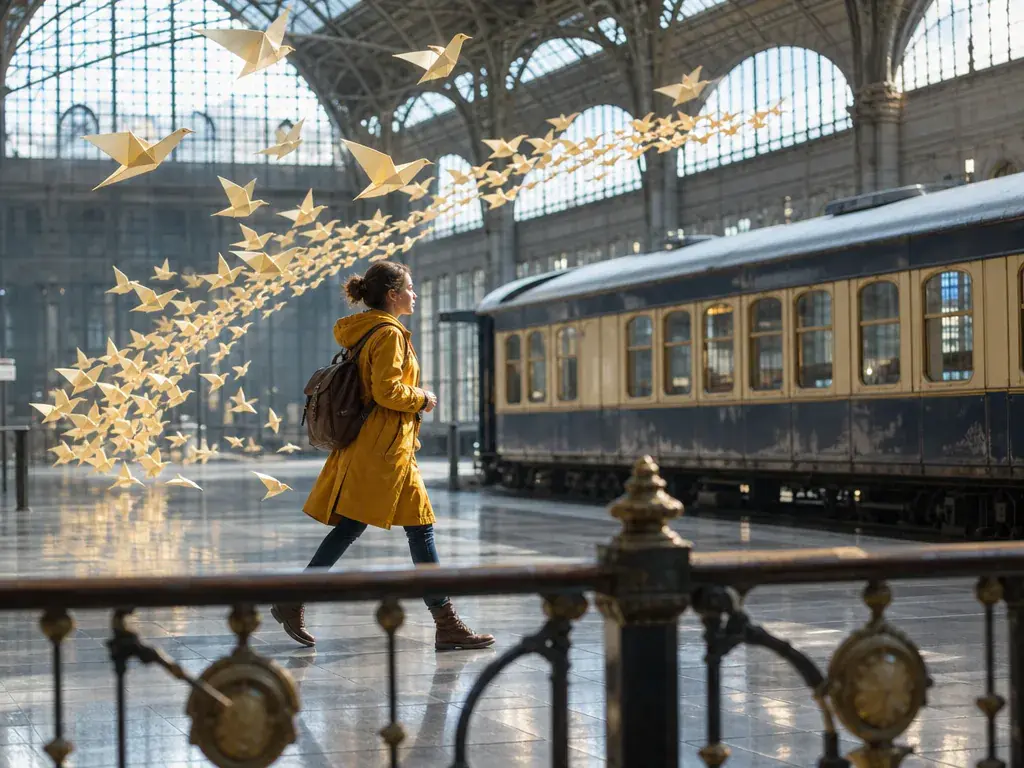
Describe the action, transition, and camera direction for each segment of the ai movie. Attach reference images to specific shots when you want extra visual guidance.

A recurring cast looks more continuous when you guide VideoAI with several reference images. The ai movie can carry the same identifiable character across different shots.
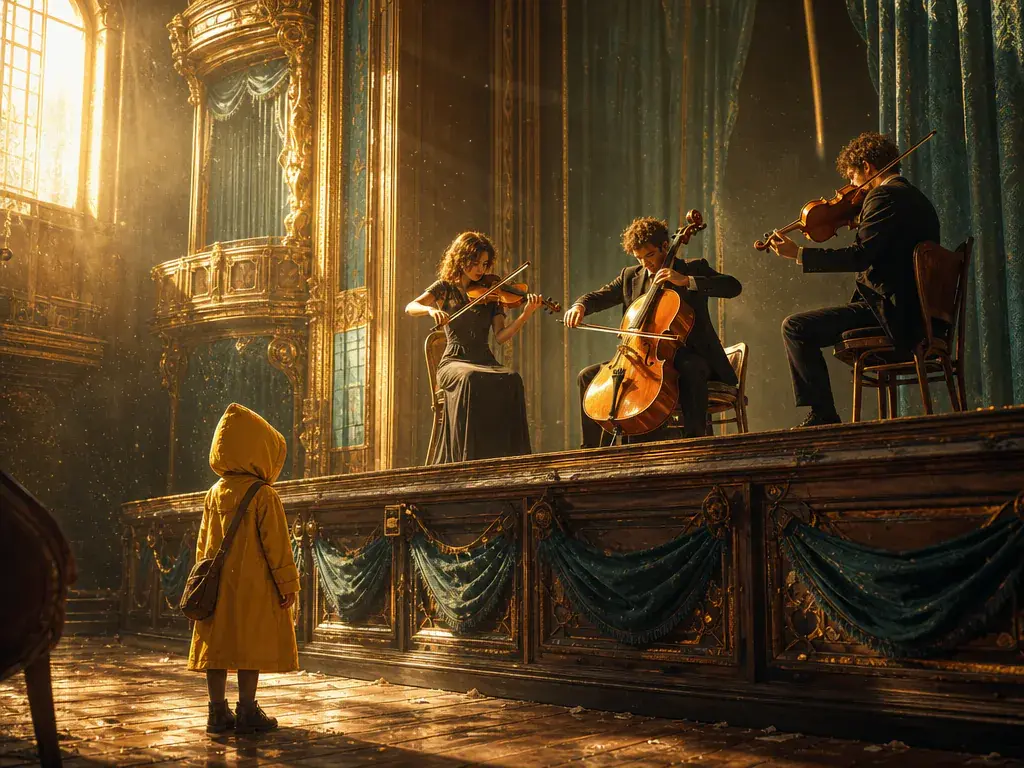
Voiceover, tone reference, uploaded audio, background music, sound effect direction, and beat cues can sit beside the scene plan, so the ai movie develops as a visual and audio piece.

After generation, describe the scene, pacing, or sound change you want. VideoAI uses those text instructions to produce a new version without making you begin again.
Start with an idea or reference assets, direct the scenes and sound, then generate a short video sequence you can refine and export.
Get Started