

Ai Sketch Generator
Describe what you want drawn or upload a photo, and the VideoAI ai sketch generator returns a hand drawn looking sketch whose pencil, charcoal, or line work you steer entirely through your own prompt wording.
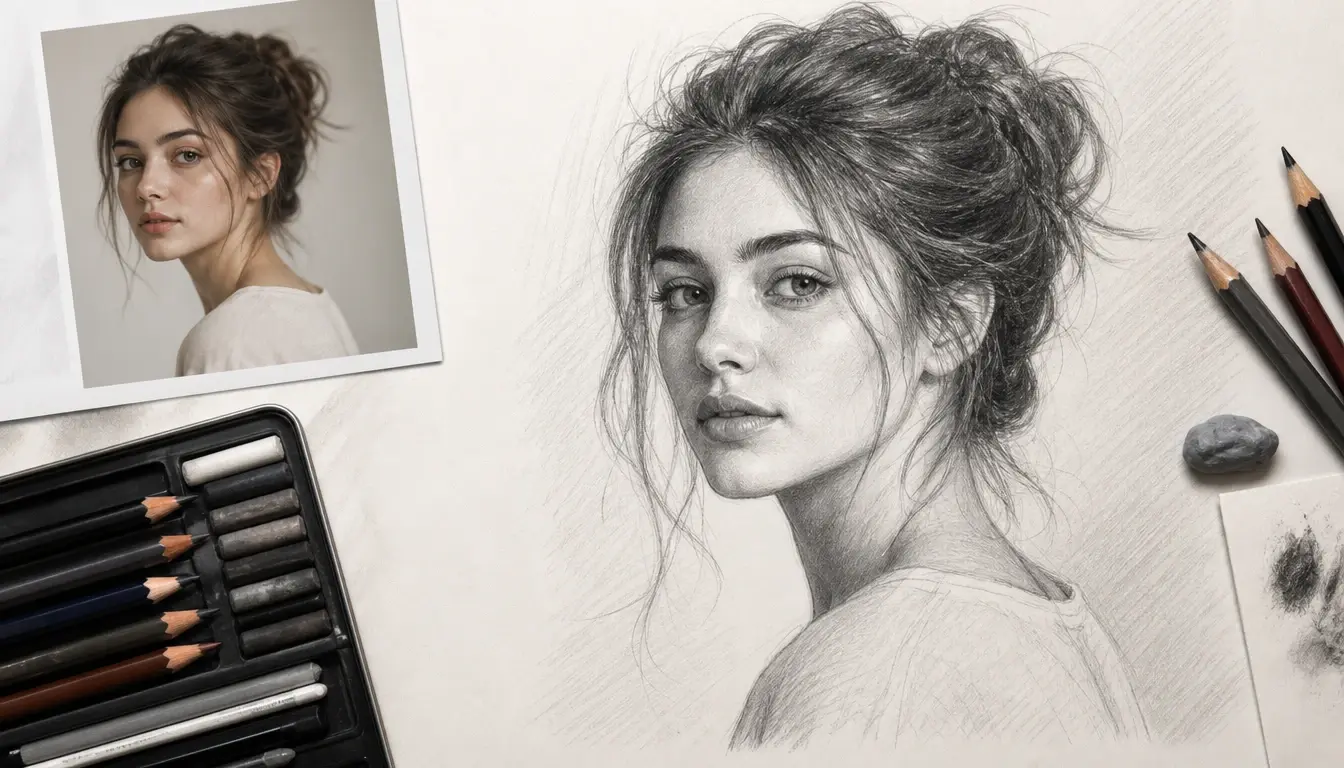
Sketches People Ask This Generator For
Four situations where a written prompt or a single photo gives you the drawing you need from the VideoAI ai sketch generator without picking up a pencil.
Photo to Sketch Generator for Wedding and Pet Portraits
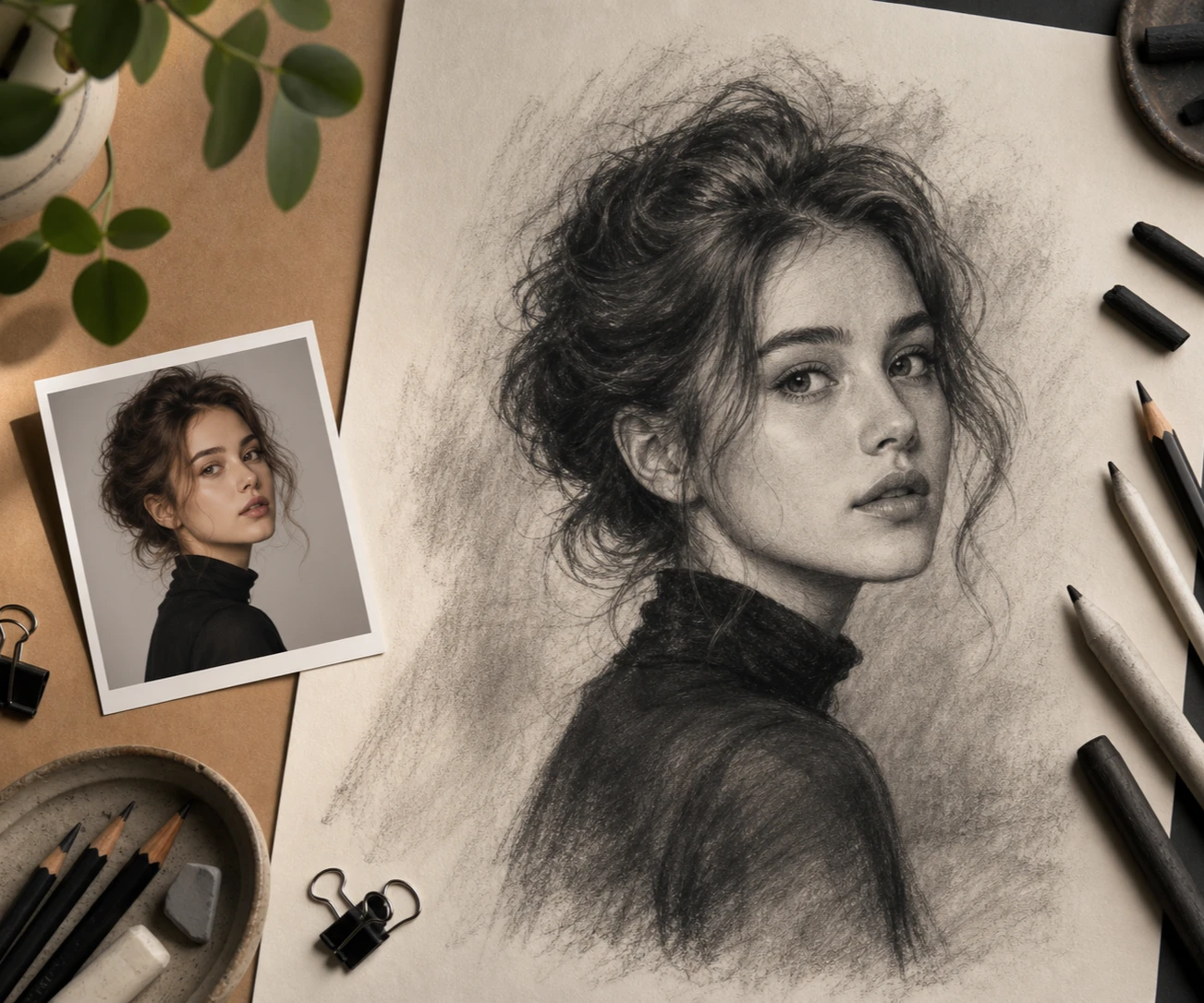
A wedding photo or a picture of an old dog deserves better than another print. Upload it and this ai sketch generator lets you convert photo to sketch with precision, redrawing the outlines and the light and shadow so the faces stay recognisable rather than smudged behind an effect. Pick this card when you already have the picture and want it framed as a graphite drawing.
Tattoo Sketch Generator for Studio Reference
Walking into a studio with a vague idea rarely goes well. Write out the subject, the placement on the body, and the black and grey line style you have in mind, and the ai sketch generator hands back a sketch you can carry in as a design reference for the conversation with your artist. It is a starting draft to point at, not a finished stencil.
Ai Fashion Sketch Generator for Collection Boards
Designers exploring a silhouette need to see it before committing to a pattern. Describe the cut, the fabric weight, and the mood, and the ai sketch generator returns a fashion sketch you can drop into a portfolio board or a client deck. Useful in the exploration stage, when three rough directions beat one polished one.
Pencil Sketch Generator for Social Avatars
Graphite texture reads well as an avatar or a journal illustration, and it is easy to ask for. Name the pencil stroke, the hatching, and the shadow you want in the prompt, and this ai sketch generator carries visible pencil lines into the output rather than a flat outline. Choose it when texture matters more than crisp geometry.
Who Reaches for This Ai Sketch Generator
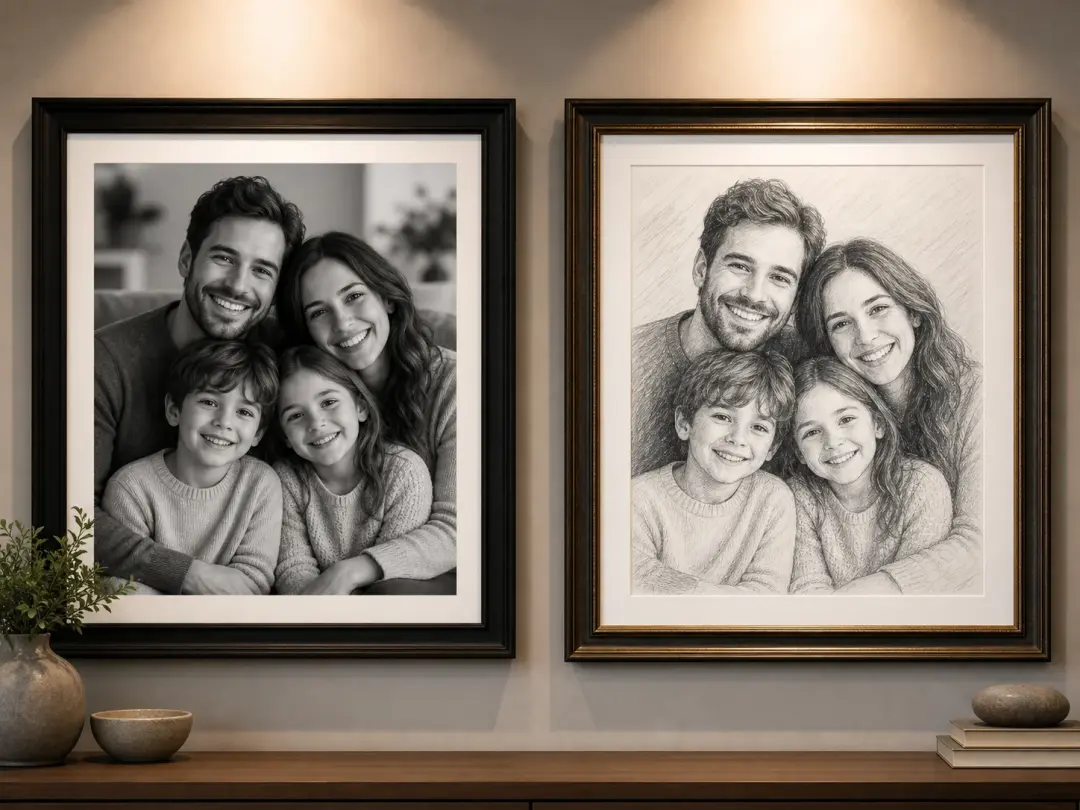
People Turning Family Photos Into Wall Art
You have a wedding shot, a family group, or a photo of a pet that would mean more as a drawing. Upload the picture, get a precise sketch conversion back from the ai sketch generator, and download it without a watermark so it prints and frames cleanly as a gift.
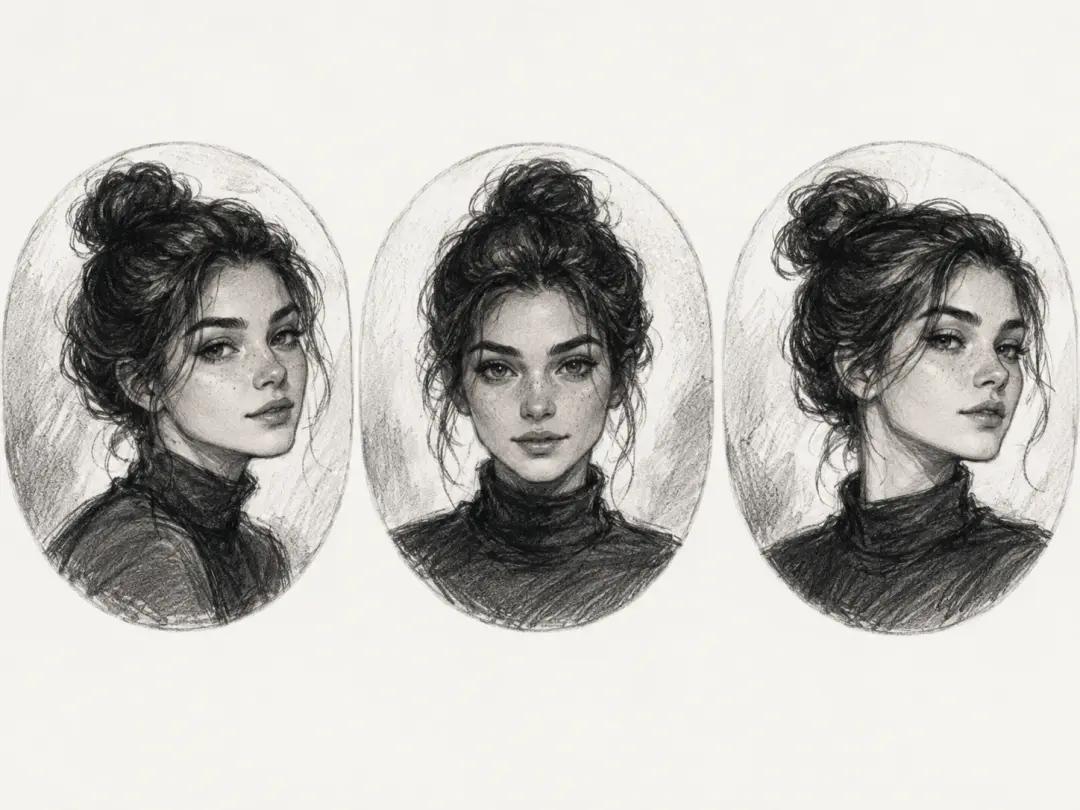
Creators Keeping One Drawn Look Across Posts
Avatars and post images fall apart when every one is drawn differently. Character consistency in this ai sketch generator keeps the same person recognisable across a whole run of sketches, so a feed or a story sequence holds together, and finished pieces stay in your gallery for reuse later.
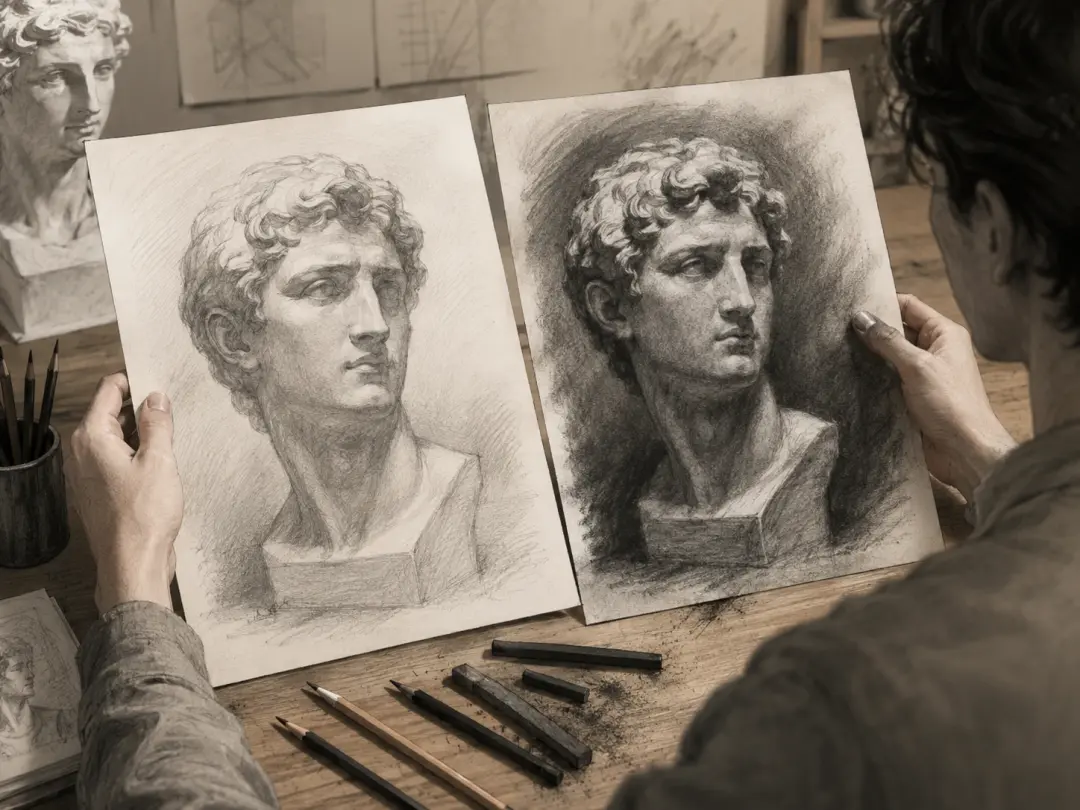
Illustrators Exploring Shading and Edges
Before you commit graphite to paper, it helps to see how an edge or a shadow could fall. Ask the ai sketch generator for several drawn takes on the same subject from one prompt, study how the hatching and the tonal ranges land, and use the closest one as a reference for your own hand drawn work.
What This Ai Sketch Generator Gives You
Every result comes from your own words, an uploaded photo, or both, so the drawing follows your intent rather than a preset someone else picked.
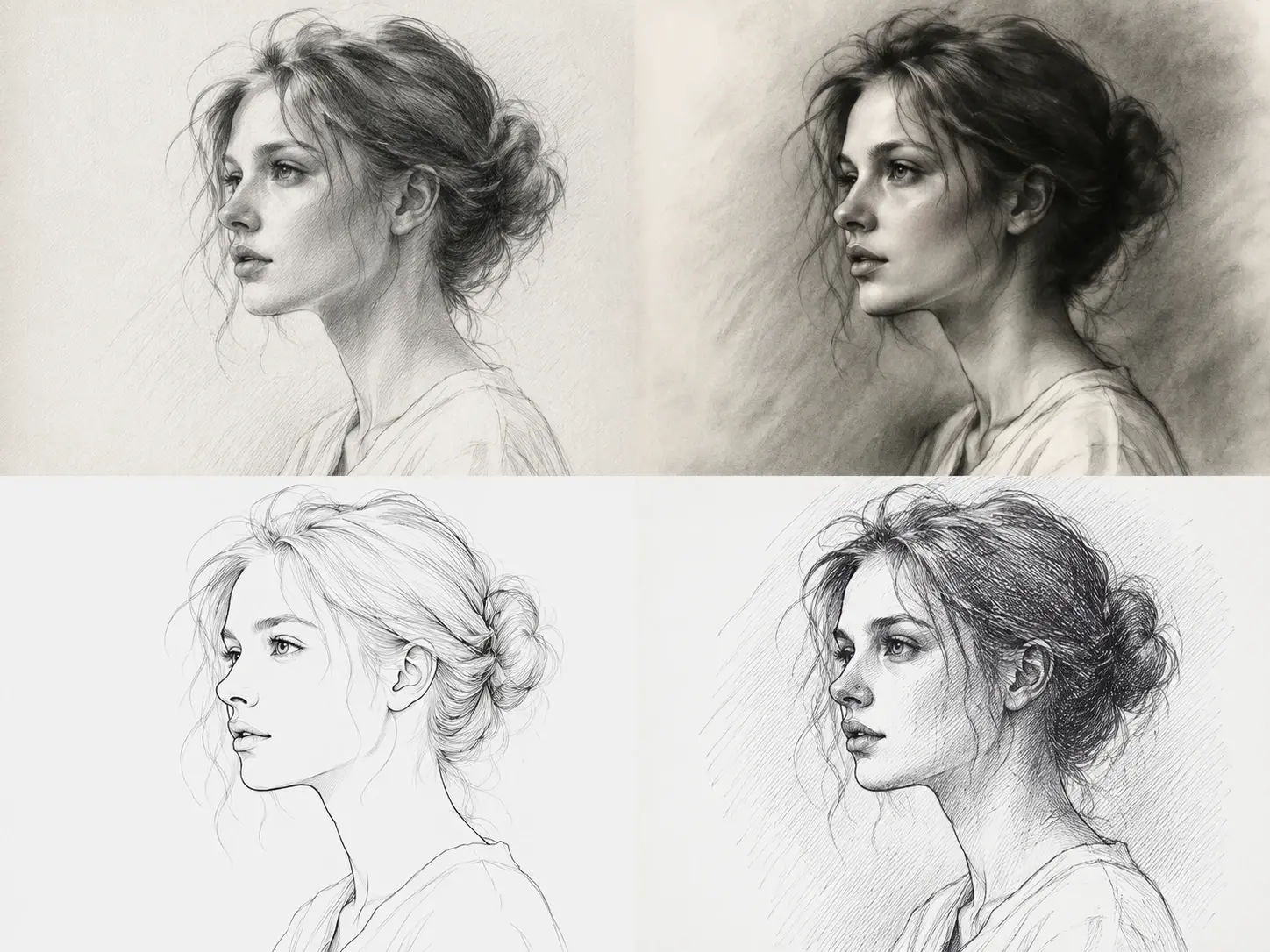
One Prompt, Any Drawn Texture
Pencil, charcoal, clean line art, or pen hatching all come from how you describe them, since this ai sketch generator has no style menu to open and no stroke slider to nudge. The more precisely you name the medium and the shading, the closer the texture lands, and a different phrase gives you a different drawing.
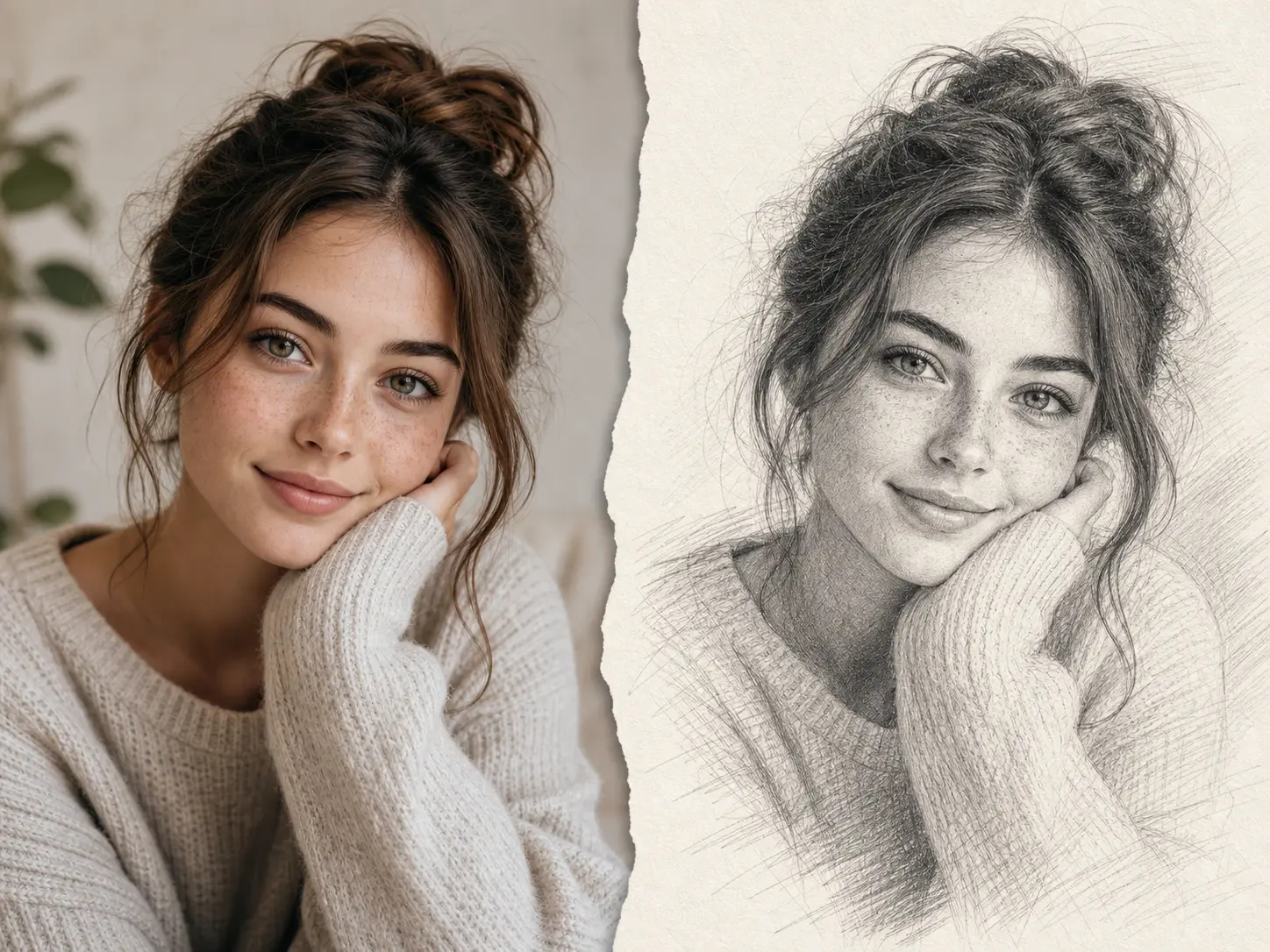
Precise Photo to Pencil Sketch Conversion
Upload a picture to sketch it properly: the ai sketch generator reads edges and tonal values and then redraws them with lines that imitate pencil strokes, which is why a photo to line sketch keeps its structure instead of dissolving into grey noise. This is redrawing, not a grain filter dropped over the original.
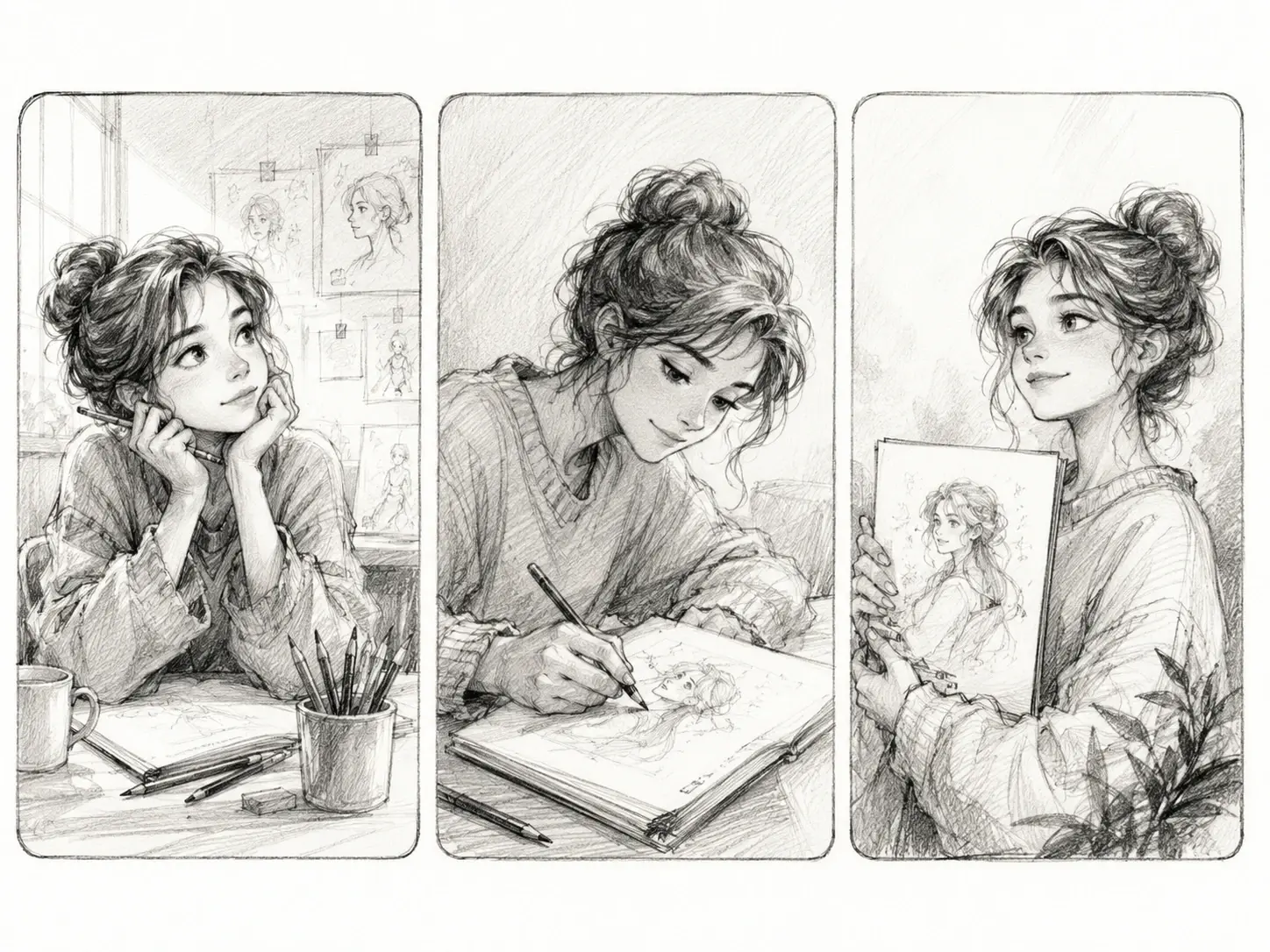
The Same Face Across Every Frame
Character consistency holds one person or character steady from sketch to sketch, so a set of portraits or a story panel sequence looks like one artist drew it. Reference images can guide this ai sketch generator when you want the result anchored to something you already have.
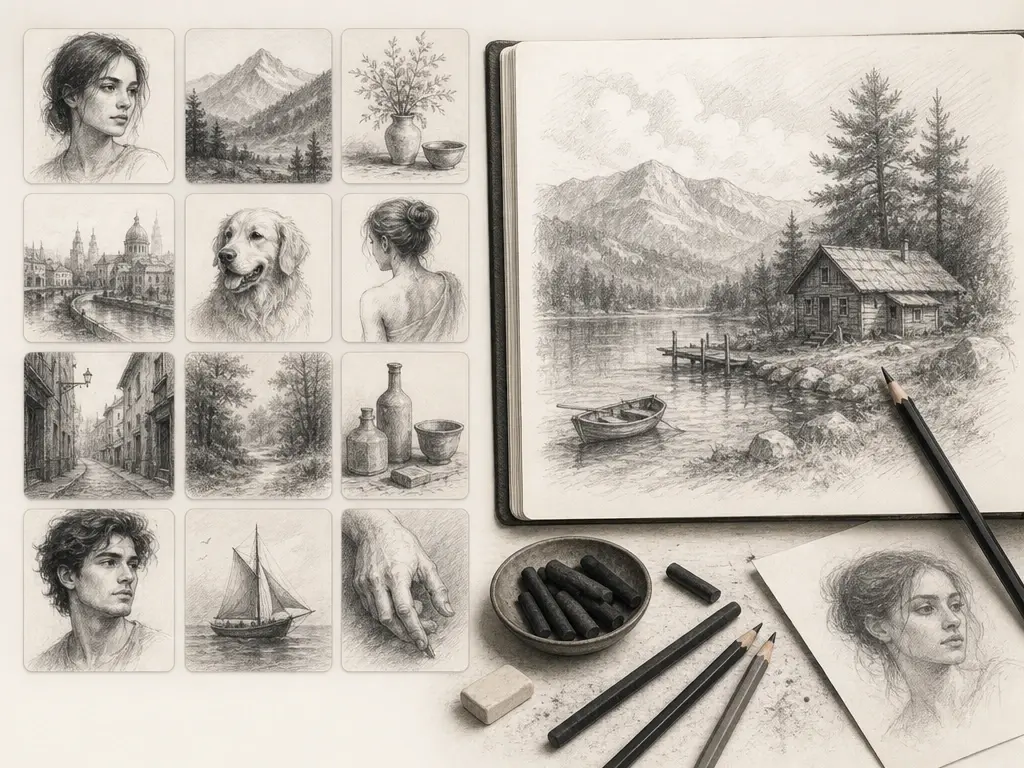
A Gallery That Keeps Working for You
Finished pieces land in your VideoAI gallery, where you can revisit them, rework a prompt, take a piece further into new work such as source material for video generation, or download with no watermark. Every ai generated sketch you make here can be used commercially.
From Prompt to Finished Sketch
Three steps, whether you start from a sentence you type or a picture you already have on your drive.
Questions About This Ai Sketch Generator
Explore
Discover our AI design tools




























Explore related tools
Draw Your First Sketch Today
Bring a photo or a single sentence, and let VideoAI hand back a drawing you can download and use.
Get Started