

Step 01
Choose the subject photo
Upload a clear person, character, or pet photo and use @ to mark it as the subject or first frame. The asset stays in your workspace for reuse.

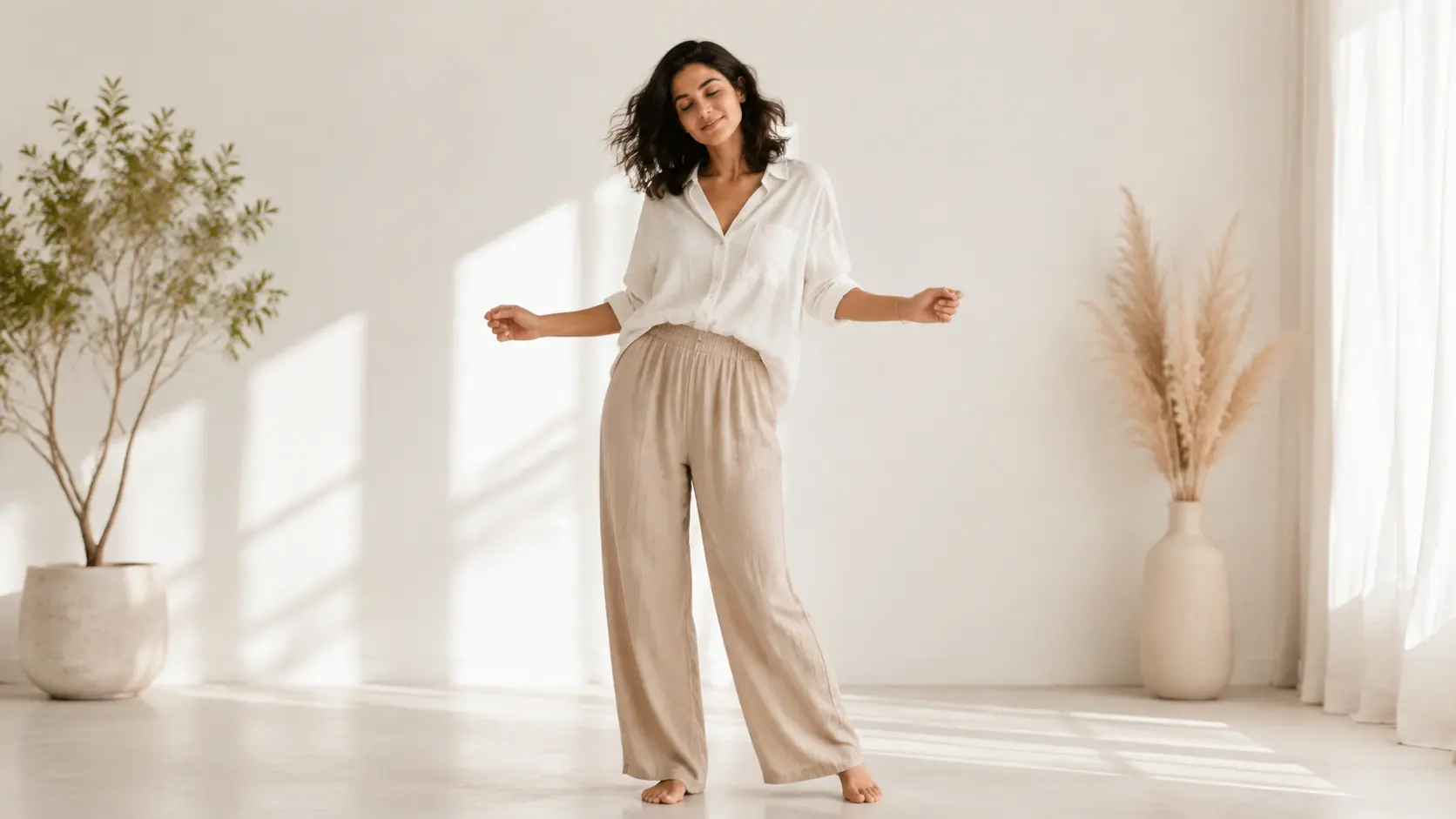
VideoAI turns one clear person, character, or pet photo into a sway dance MP4 that you guide with a motion reference or written rhythm notes.
Partnering with global industry leaders to power your creativity output


Shape the motion before you generate, then keep refining the result with VideoAI until the sway, camera, and rhythm match your intent.
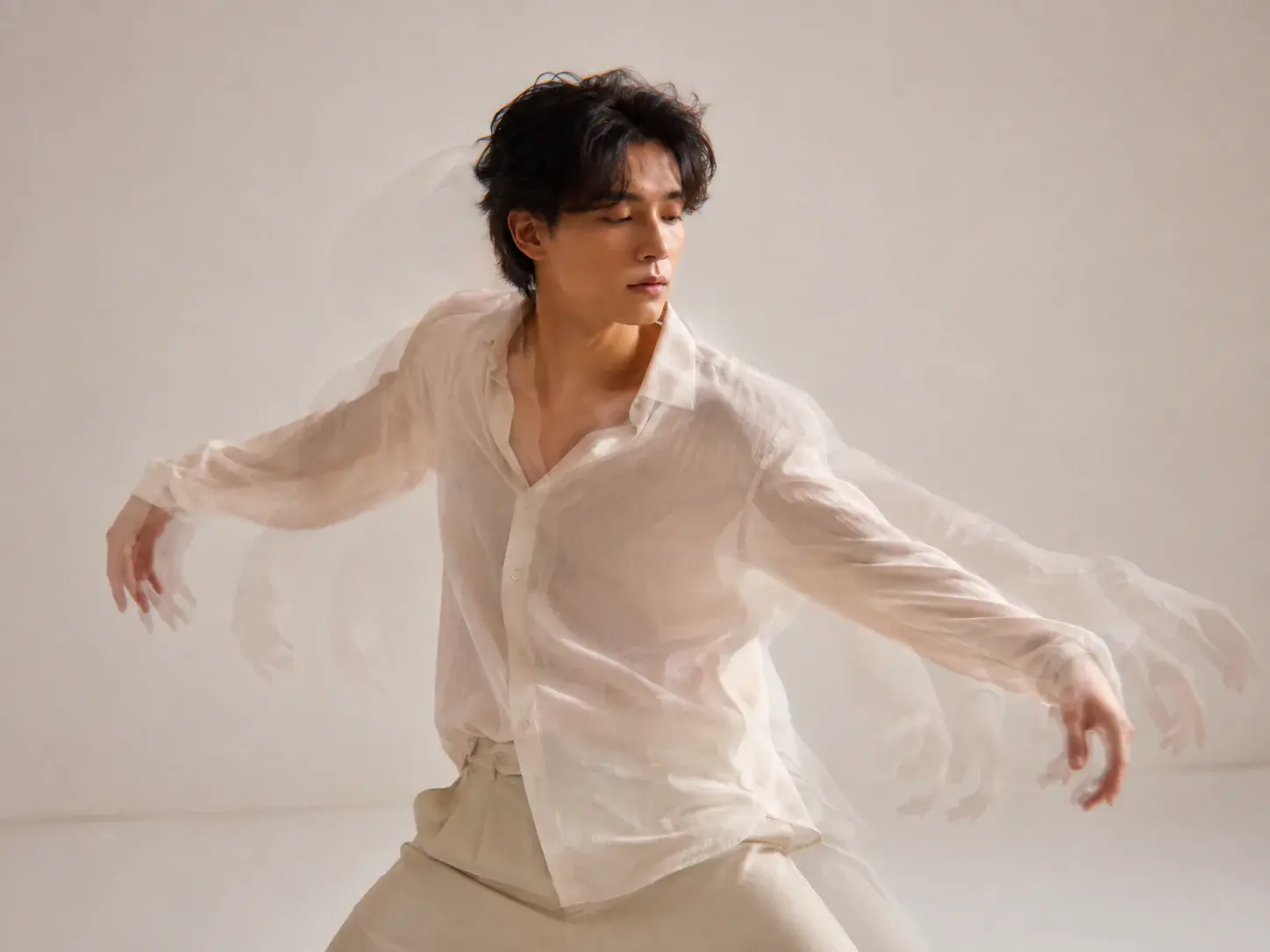
Upload a sway action video and use @ to mark it as the motion reference. VideoAI applies that movement direction to the photo subject you choose.
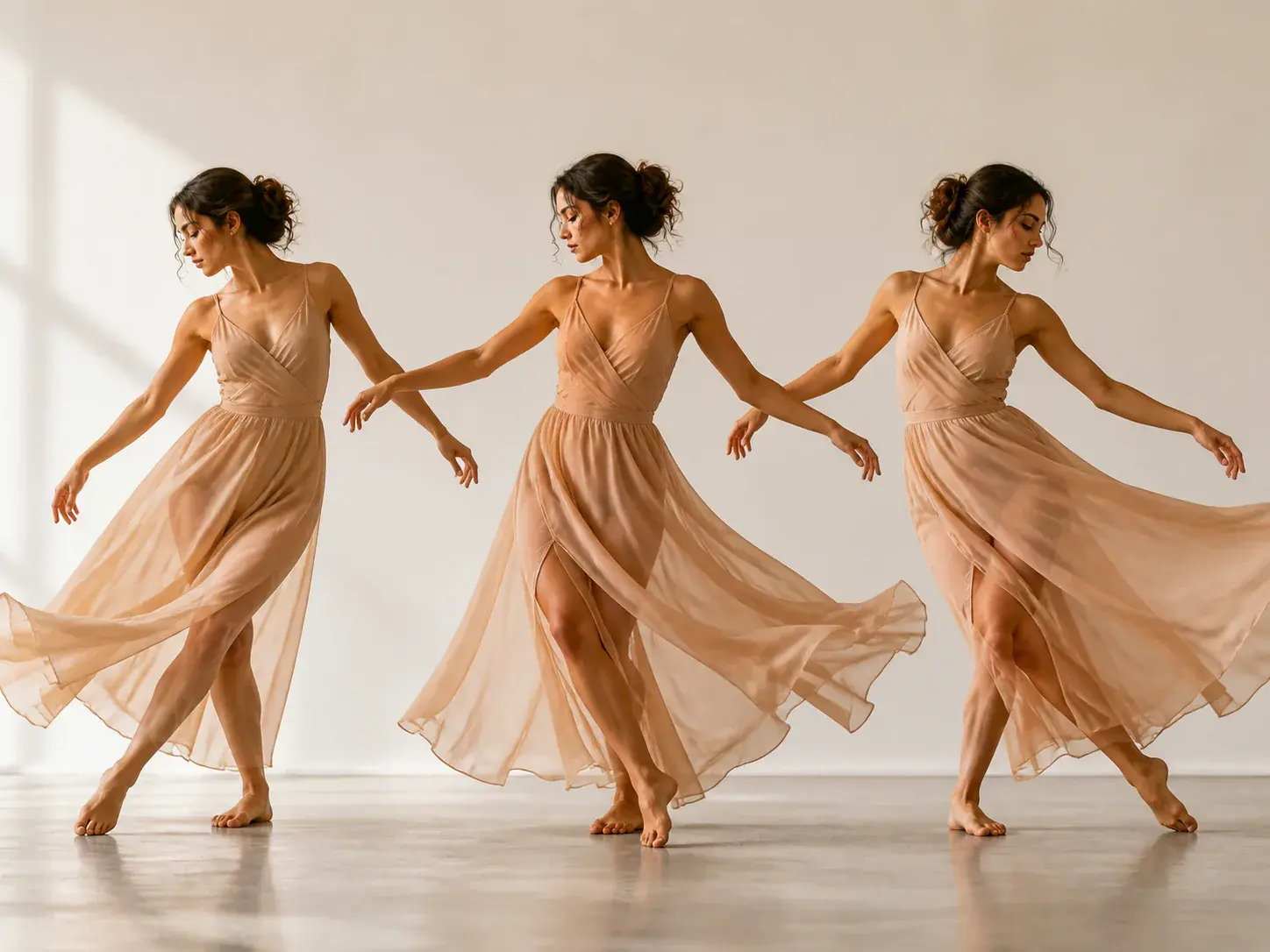
Describe shoulder movement, body weight, beat, camera, and scene changes by time segment when you want to direct the sway without a reference clip.
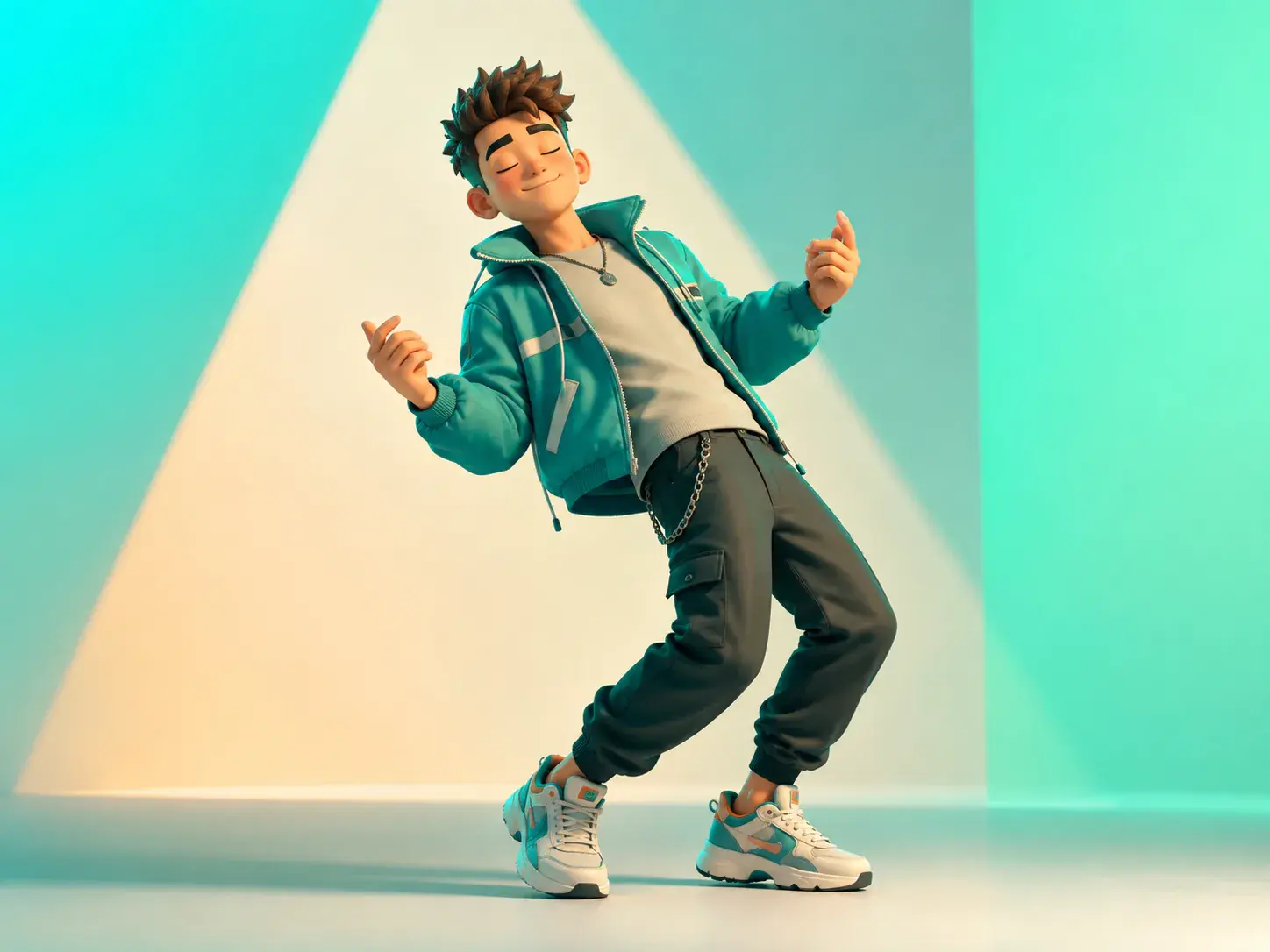
The generated dance stays anchored to the key visible traits of your person, character, or pet, so you can judge whether the result still feels like the subject.
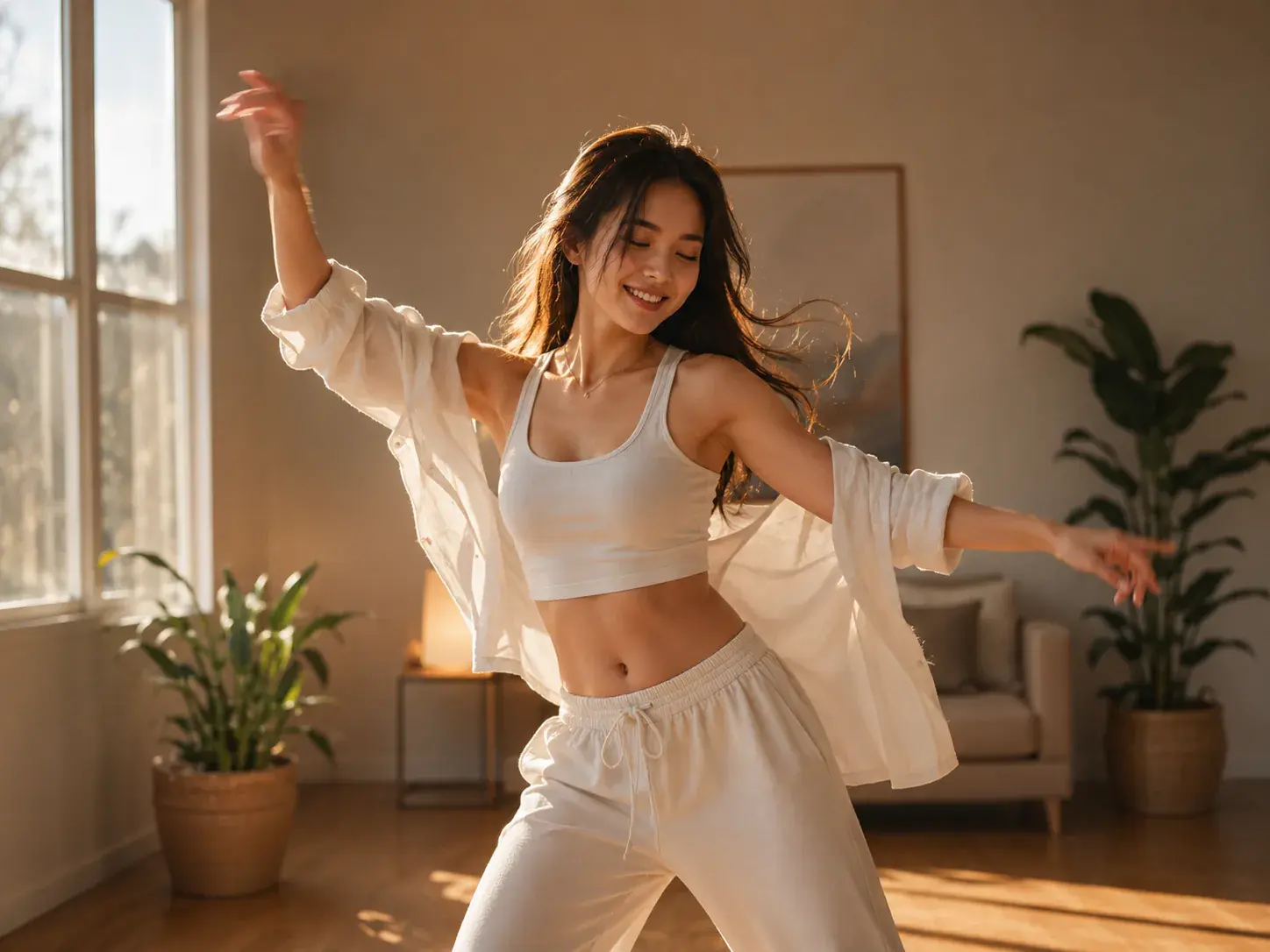
After the first MP4 appears, tell VideoAI what to change in the action, camera, or rhythm and generate a revised version from the same creative direction.
The workflow stays focused on your creative decision: who moves, what sway they follow, and how the finished clip should be framed.
Step 01
Upload a clear person, character, or pet photo and use @ to mark it as the subject or first frame. The asset stays in your workspace for reuse.
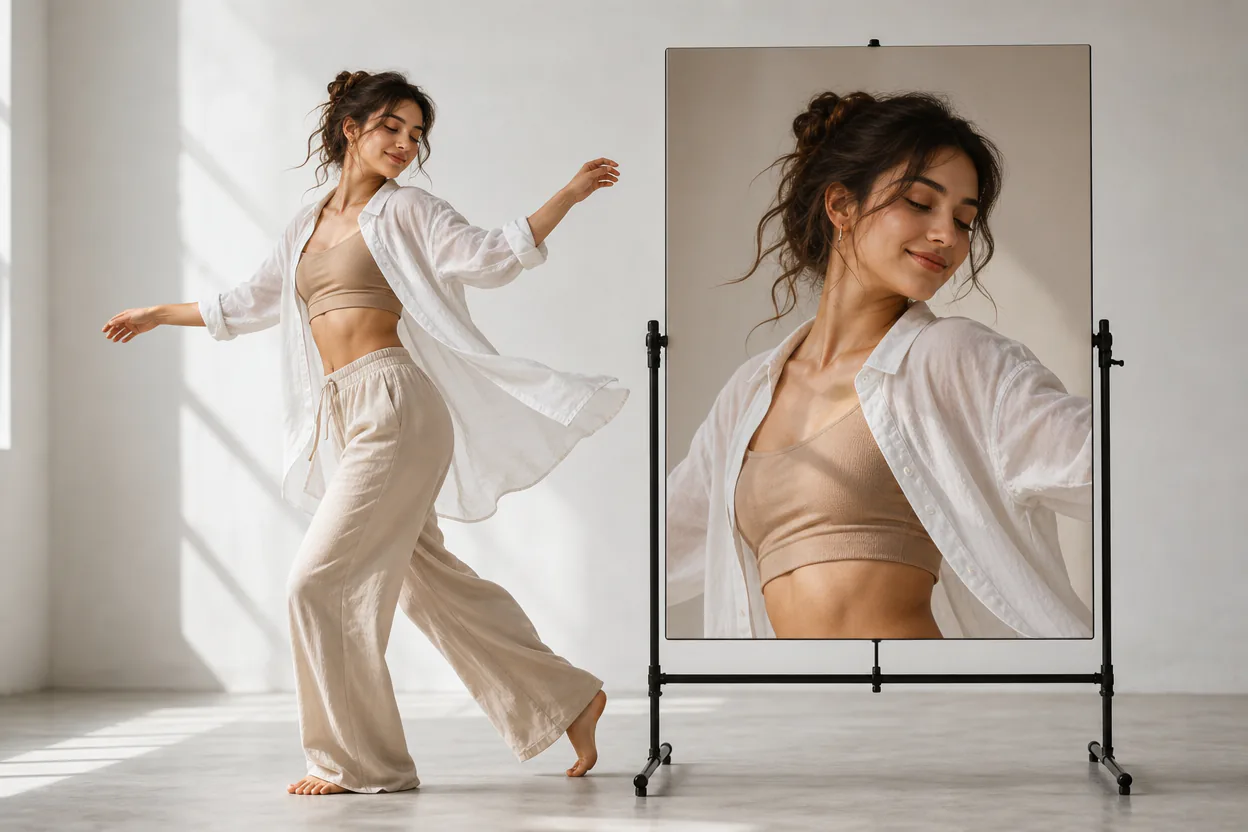
Step 02
Use @ to assign a reference motion video, or write the sway by time segment with body movement, beat, camera notes, and optional sound direction.
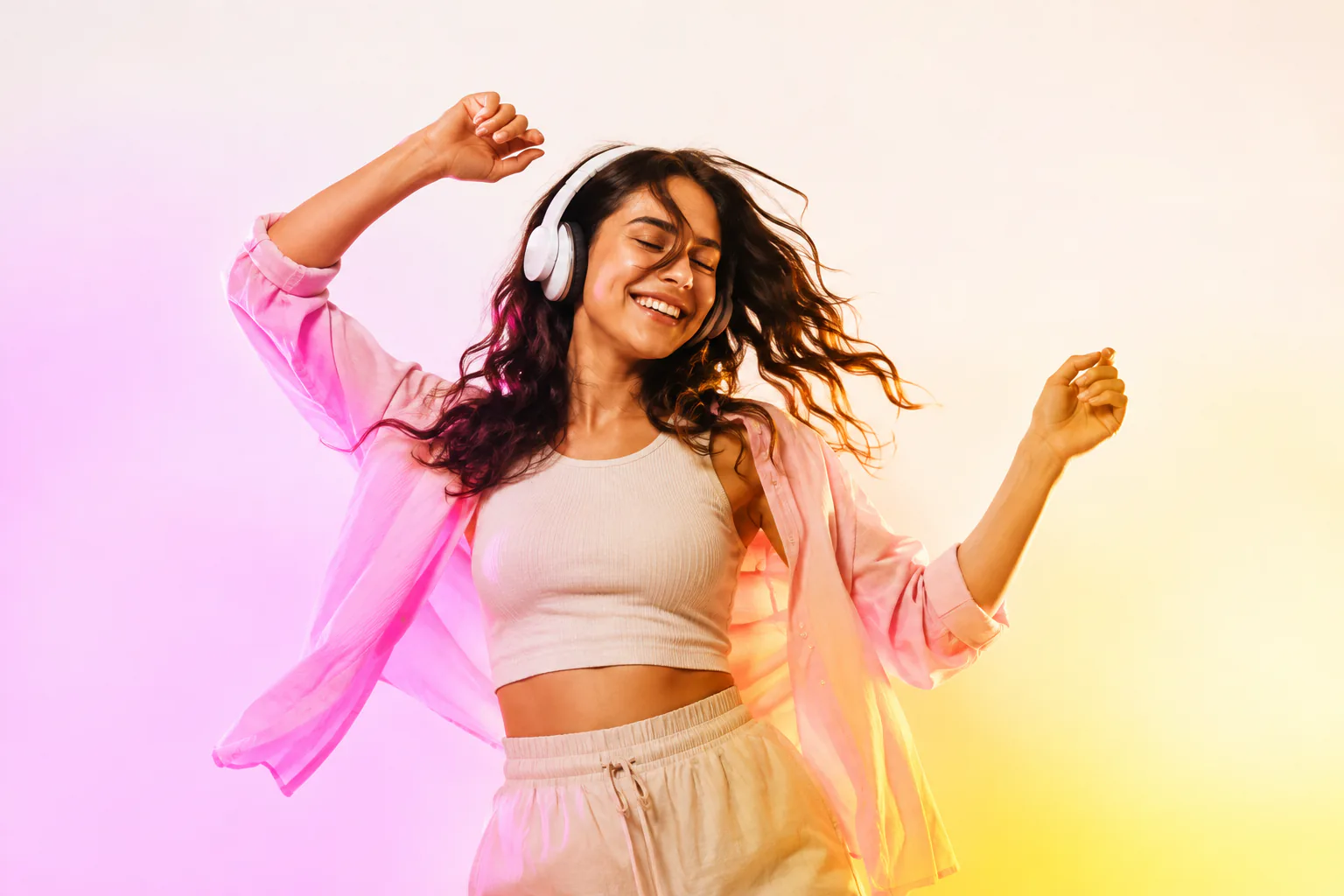
Step 03
Generate the MP4, check the motion and subject, then revise with text if needed. Download up to 4K in 16:9, 9:16, 1:1, or 4:5.
Use it when a still subject needs a controlled motion version for a video idea, social cut, or campaign discussion.
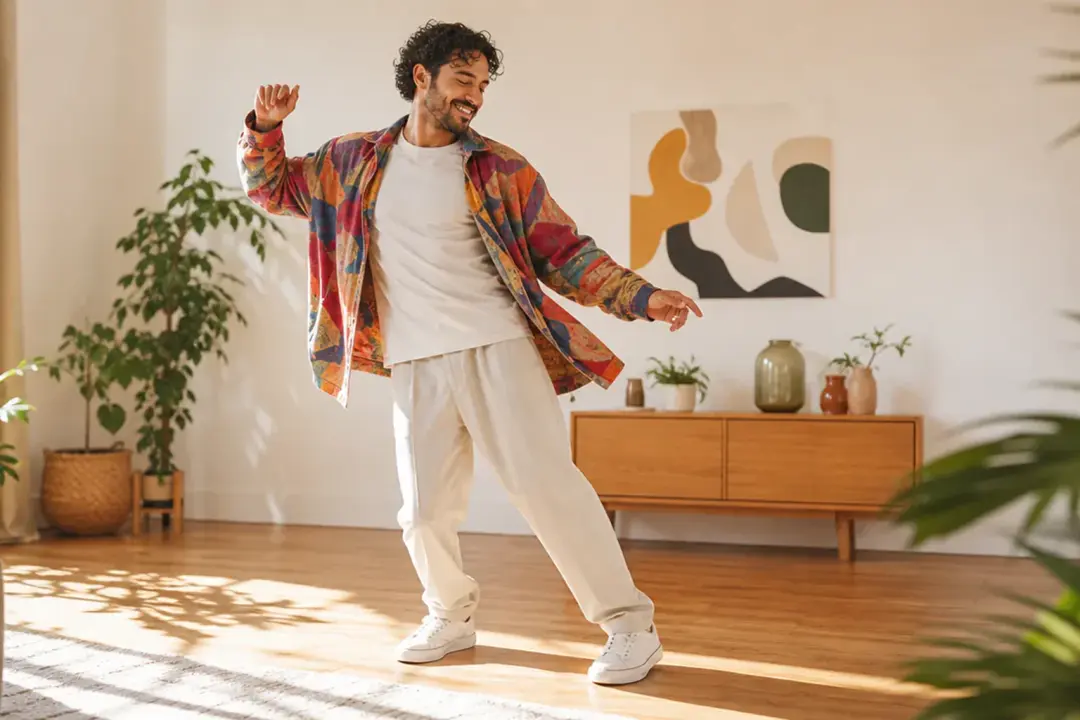
A creator starts with one portrait or character image and needs a vertical sway clip. They guide the motion with a reference or beat notes, then export an MP4 for the planned post.
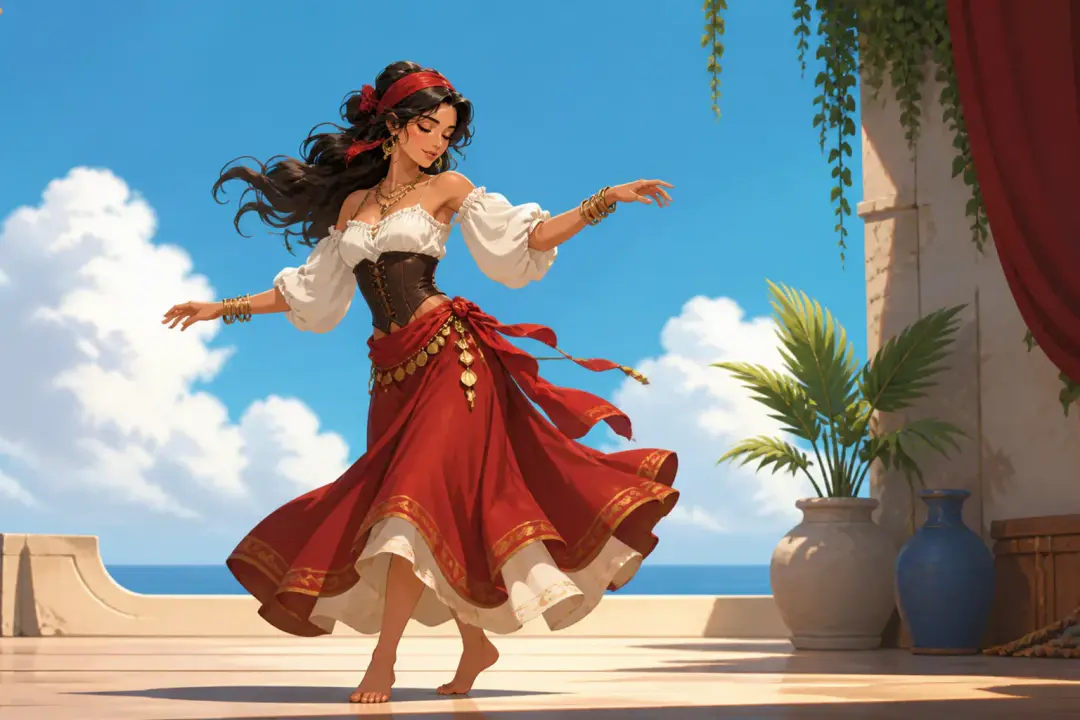
An illustrator wants to see how a finished character feels in slow body movement. They keep the same subject image and try another sway reference for comparison.
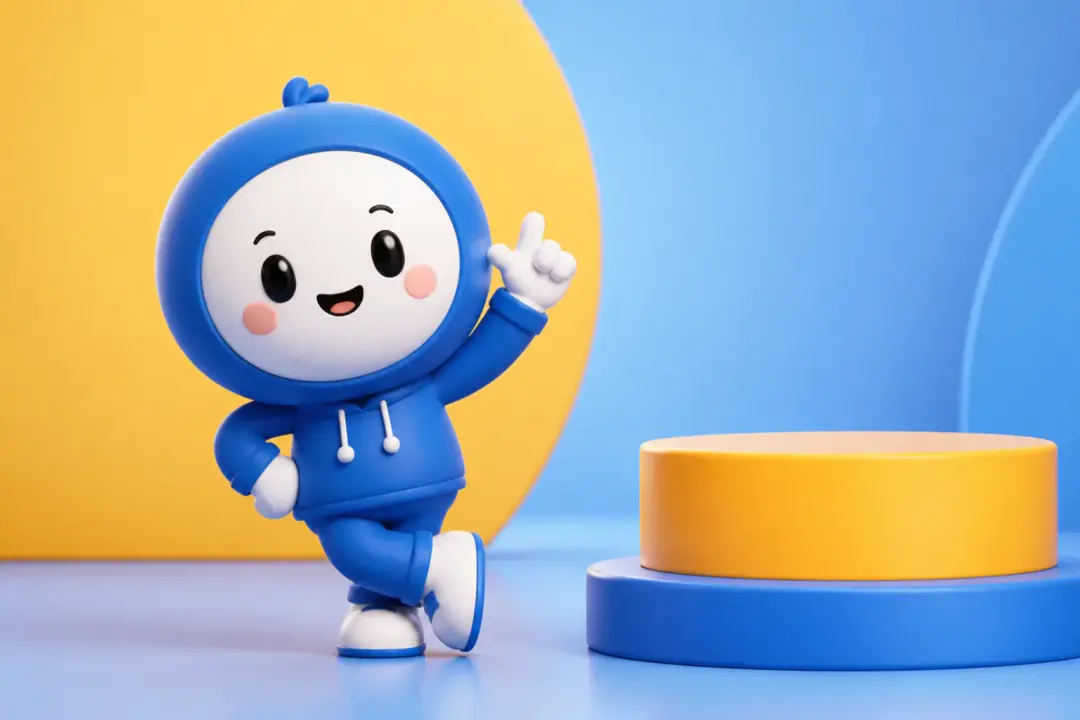
A brand video maker has an approved figure or mascot and needs a motion concept before production choices are settled. VideoAI helps turn that asset into a previewable MP4.

A pet photo or expressive image can become a gentle dance clip when the outline is easy to read. The user keeps the motion simple and checks the result before downloading.
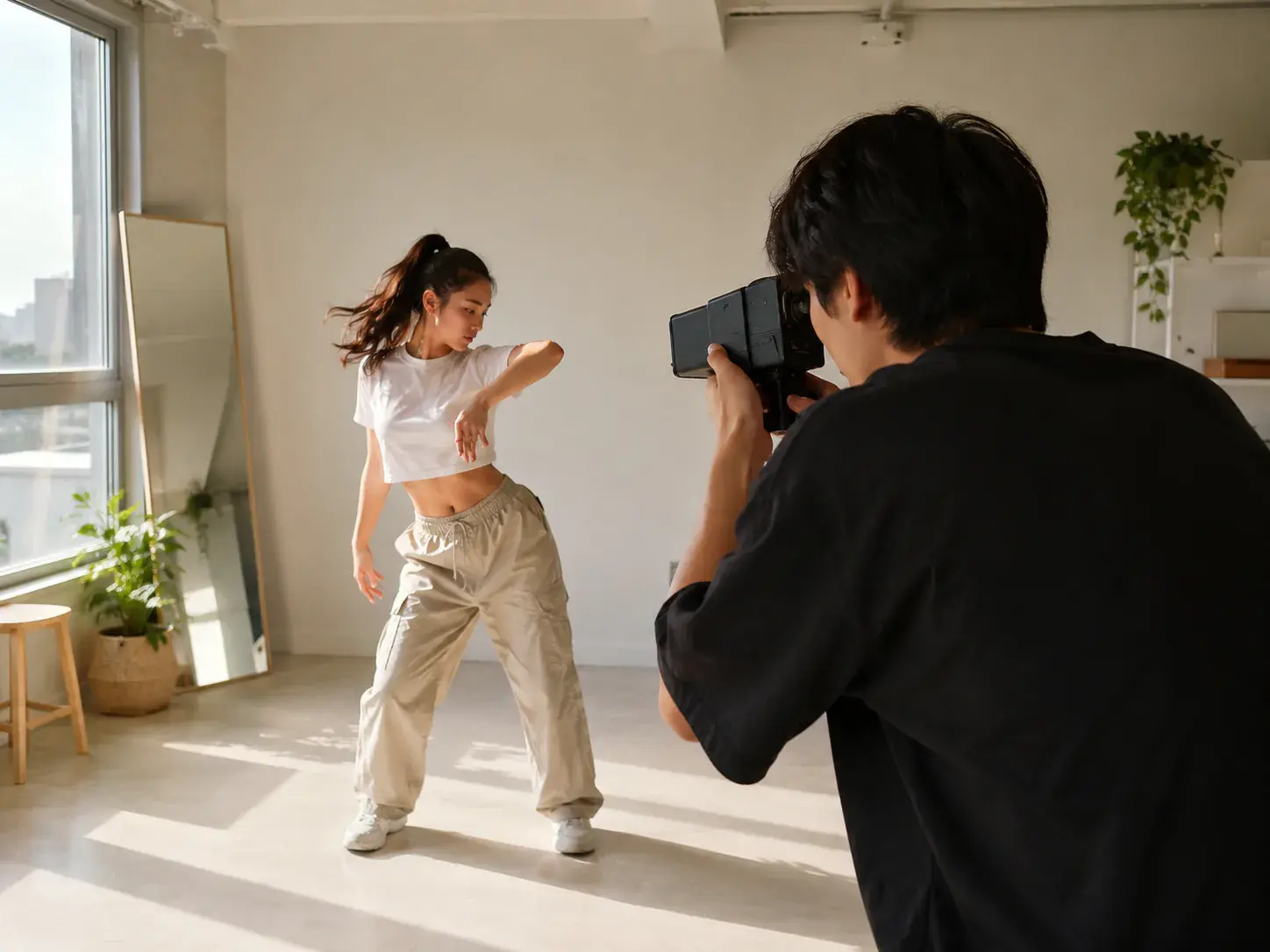
Creators who already know the sway they want can bring a photo into VideoAI, assign a reference motion, preview the MP4, and refine the rhythm in text.
Upload the subject, guide the sway, preview the result, and keep shaping the motion in VideoAI.
Get Started
