

Step 01
Name the recipient and reason
Tell the AI thank you video generator who you want to thank, what they did, and the tone you want. If the idea is rough, VideoAI can draft short script text that you confirm before building the video.

Use the AI thank you video generator to turn a recipient, reason, scene notes, personal media, voice, and music direction into an MP4 you can preview, revise, and download.
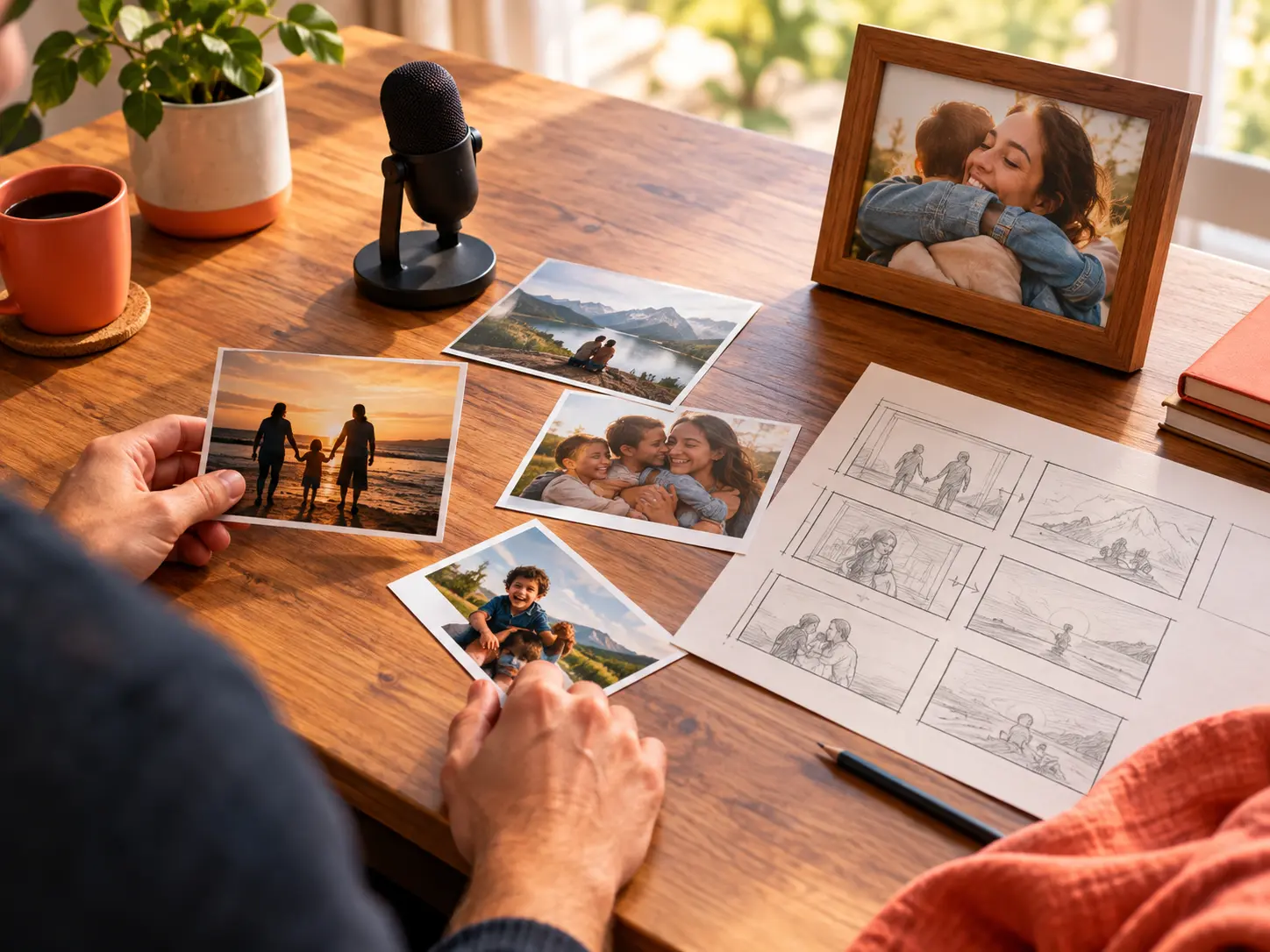
Choose what VideoAI should show, say, and sound like while you keep the recipient, message, and scene order clear.
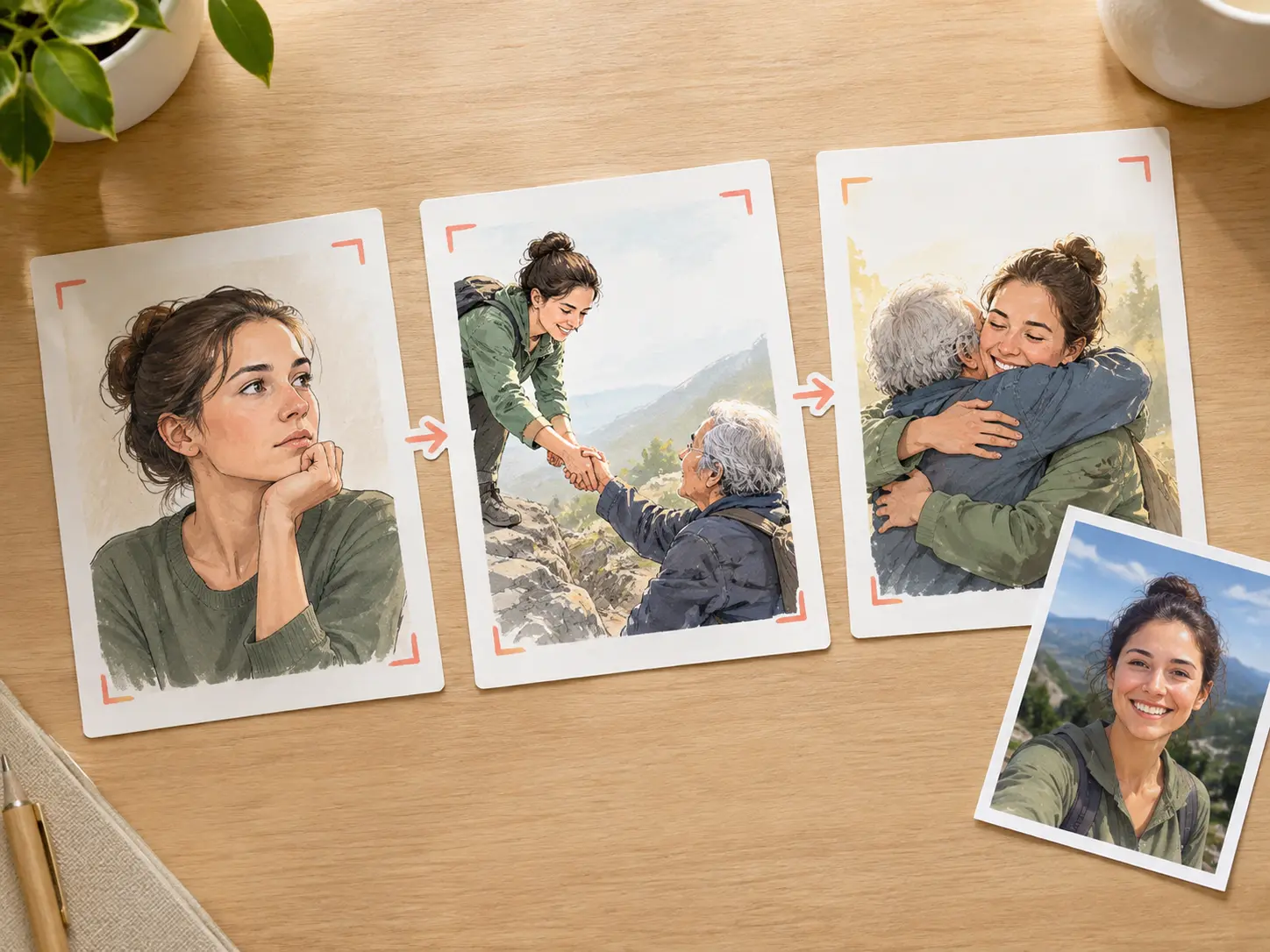
Give the AI thank you video generator a clear reason for thanks, and it can shape that idea into a scene plan. Confirm the short story text, then place names, titles, and brief gratitude lines on screen.
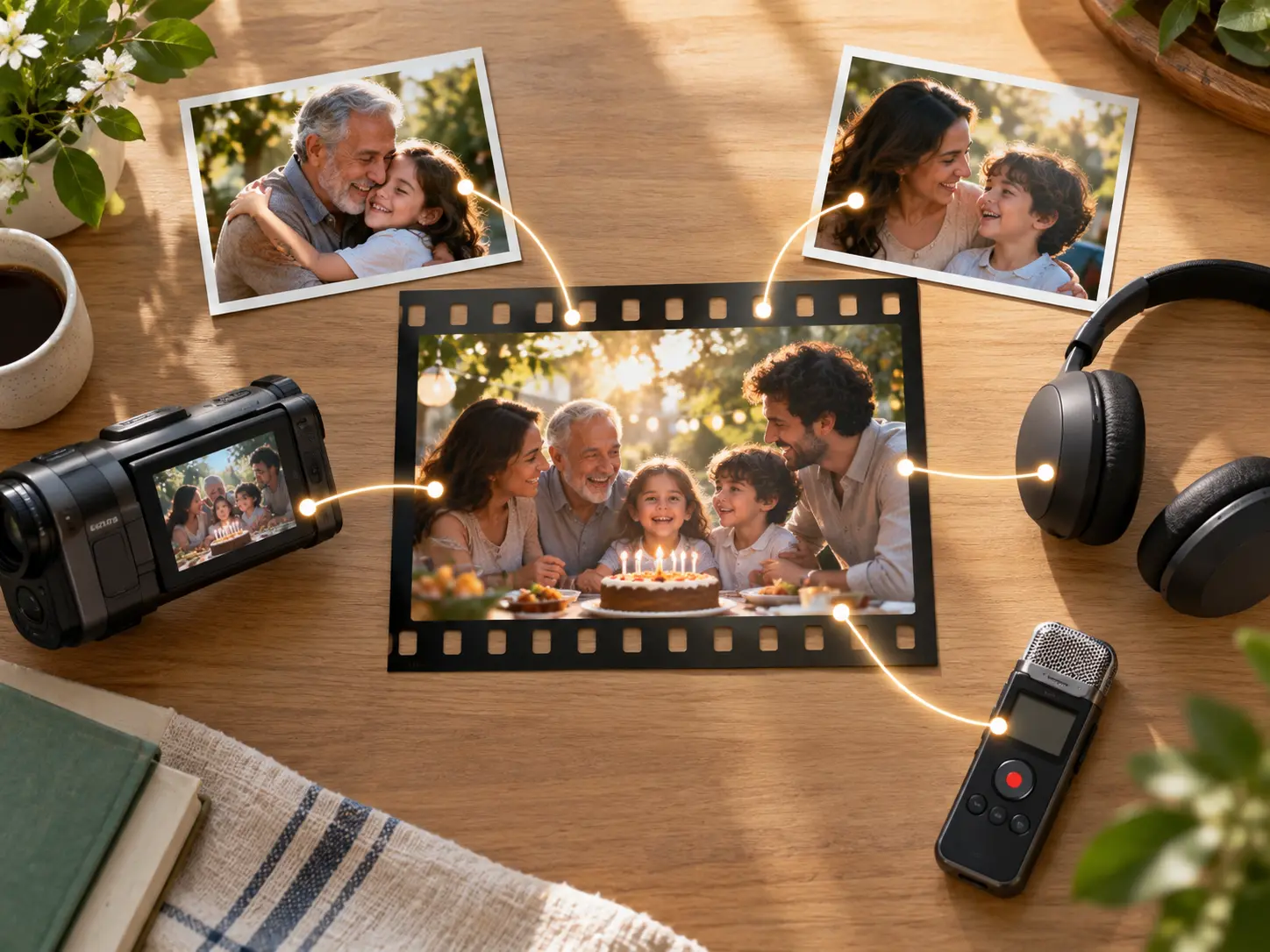
The AI thank you video generator accepts photos, video, audio, and text in the same prompt. Use @ to point each reference toward a subject, setting, camera move, music idea, or voice direction.

For a gratitude video with a steady rhythm, write each segment in seconds, attach reference images, and note the action. Add narration, BGM, sound effect style, or beat cues when tone matters.

After the AI thank you video generator creates the first version, describe the scene, wording, or sound direction you want adjusted. Download the final MP4 up to 4K in 16:9, 9:16, 1:1, or 4:5, with no watermark.
The workflow starts with prompts and references. You write the intent, assign materials, review the result, and refine it with clear text instructions.
Step 01
Tell the AI thank you video generator who you want to thank, what they did, and the tone you want. If the idea is rough, VideoAI can draft short script text that you confirm before building the video.
Step 02
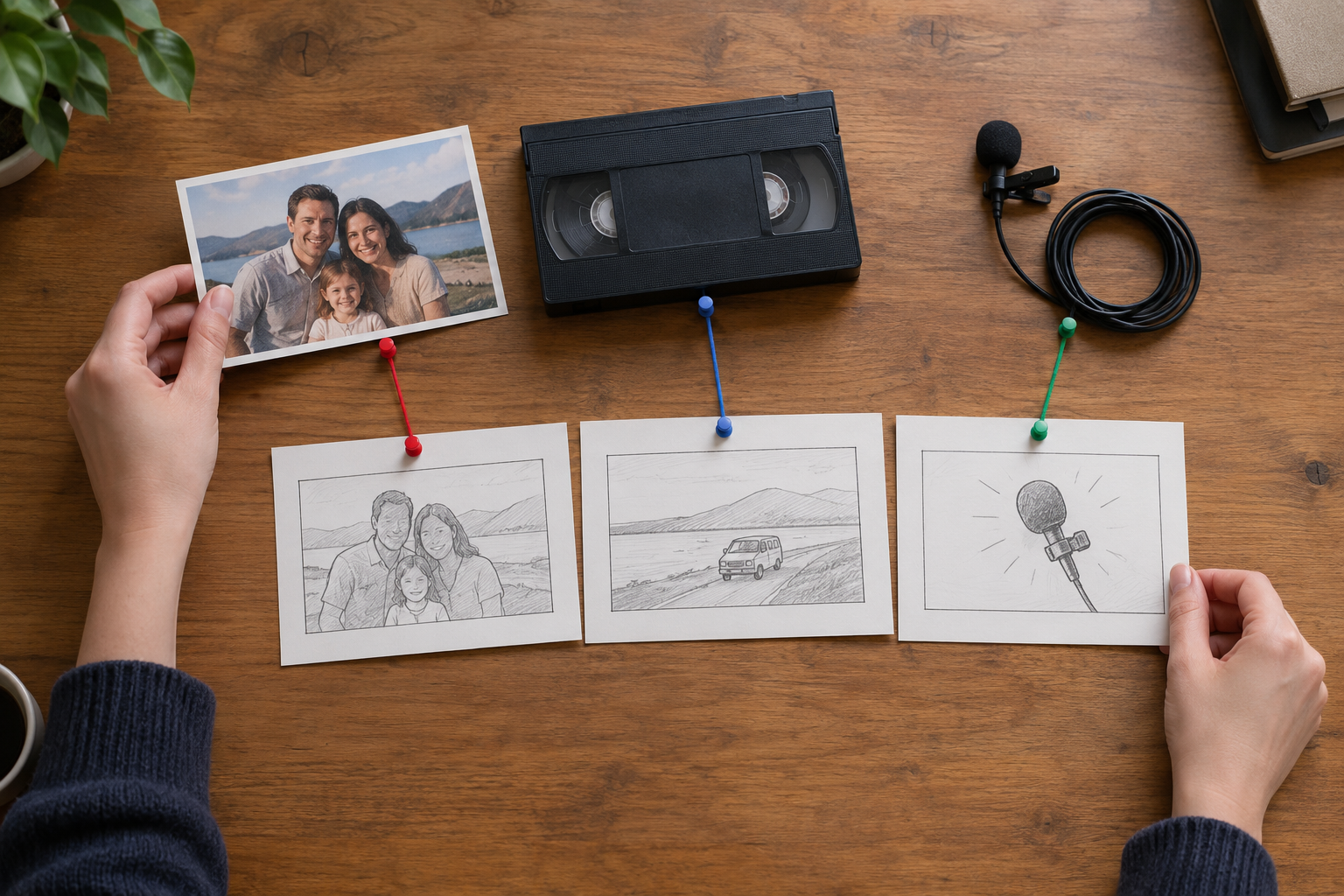
Add photos, video, or audio when they matter, then use @ to mark their role. Choose a template or visual style, set the length and ratio, and describe each scene in seconds.

Step 03
After the AI thank you video generator produces a draft, preview the scenes and describe changes to the wording, visuals, or sound. Download an MP4 up to 4K in 16:9, 9:16, 1:1, or 4:5.
Use the AI thank you video generator for personal gifts, client appreciation, audience messages, or any moment that needs a specific recipient, reason, and delivery format.

A personal thank you can need more than a plain message. Combine the reason, meaningful photos, and optional audio so the gift video feels specific when you download it as MP4.

A saved keepsake works well when the recipient should hear a name, see a short line, and recognize personal media. Write those details into VideoAI, then create a video gift as an MP4 they can watch again.

A client thank you needs a measured tone and clear reason. Add brand reference material, short on screen text, voice direction, and music cues so the final MP4 stays specific.

A channel outro or social post can carry a compact gratitude video. Set the ratio for the placement, add brief screen text, and guide the voice or music toward the pace of the clip.

You have a specific memory, a recipient name, and photos that matter. VideoAI helps turn those ingredients into a thank you video with a clear emotional point.

Customer or partner thanks work best when the reason is concrete. Add your brand references, choose a restrained voice direction, and shape a client video that stays specific.

Project leads can turn a milestone, contribution, and short message into a thank you video for a colleague or team member. Scene timing keeps the story easy to follow.

Start with one sincere reason, add the references that should guide the scenes, and let VideoAI generate an MP4 you can preview, revise, and download.
Get Started