
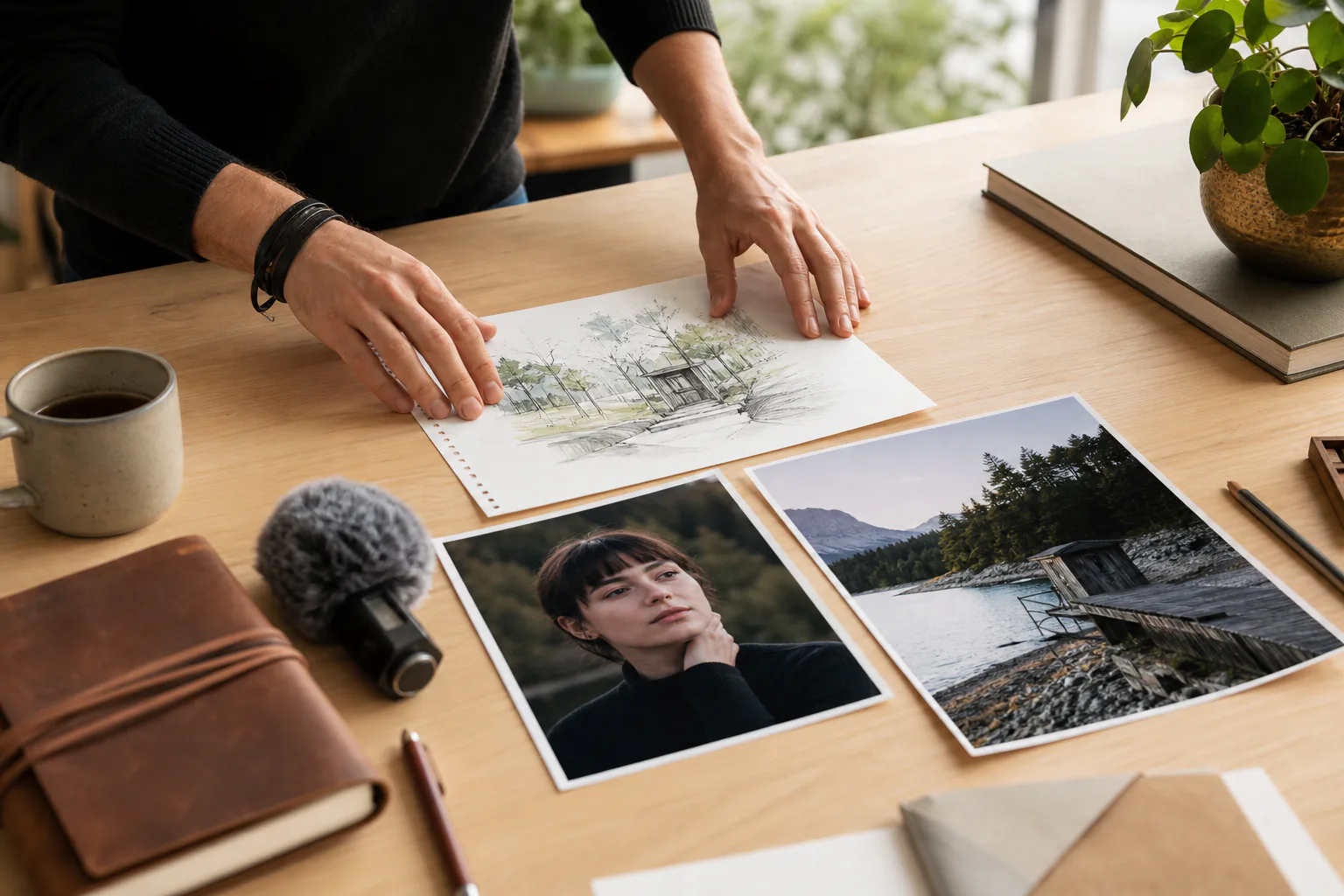
Step 01
Start with the idea or assets
Write a prompt or script, upload images, clips, or audio, and use @ to assign each material a role. You can also begin from a template, preset, or stock material when it fits the concept.

Turn a TikTok idea, script, or mixed media brief into a 9:16 video while you decide each scene by second in VideoAI.


Use an ai tiktok video maker workflow when the result needs a clear hook, controlled scenes, and reusable source material.

Weekly posting gets easier when your references, style direction, and past work stay in one workspace. VideoAI helps you shape the next short without rebuilding the whole project.
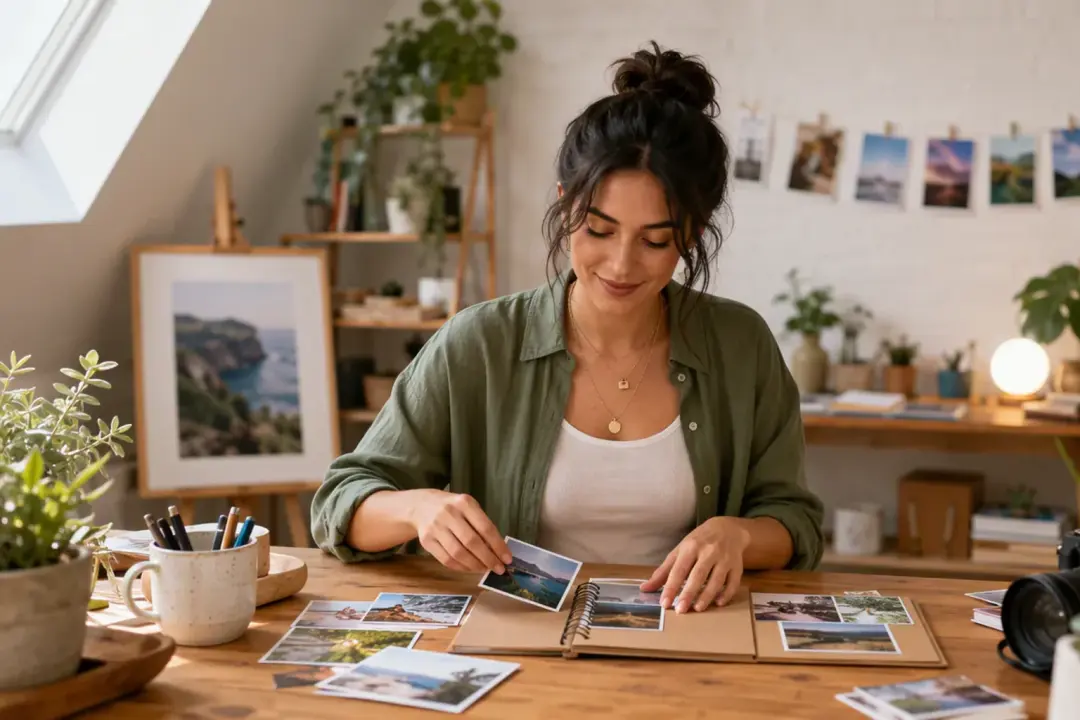
Product photos, a Logo, short title text, music, and narration can sit inside one 9:16 plan. The result is a downloadable MP4 shaped around the product story you choose.
A coach or educator can split one lesson into timed moments, then describe the motion, scene, and visual emphasis for each part. The video keeps the explanation paced for vertical viewing.

When movement matters, use an ai tiktok clip maker flow with a subject image and a reference video. The generated clip follows your direction while helping keep the character style consistent across scenes.
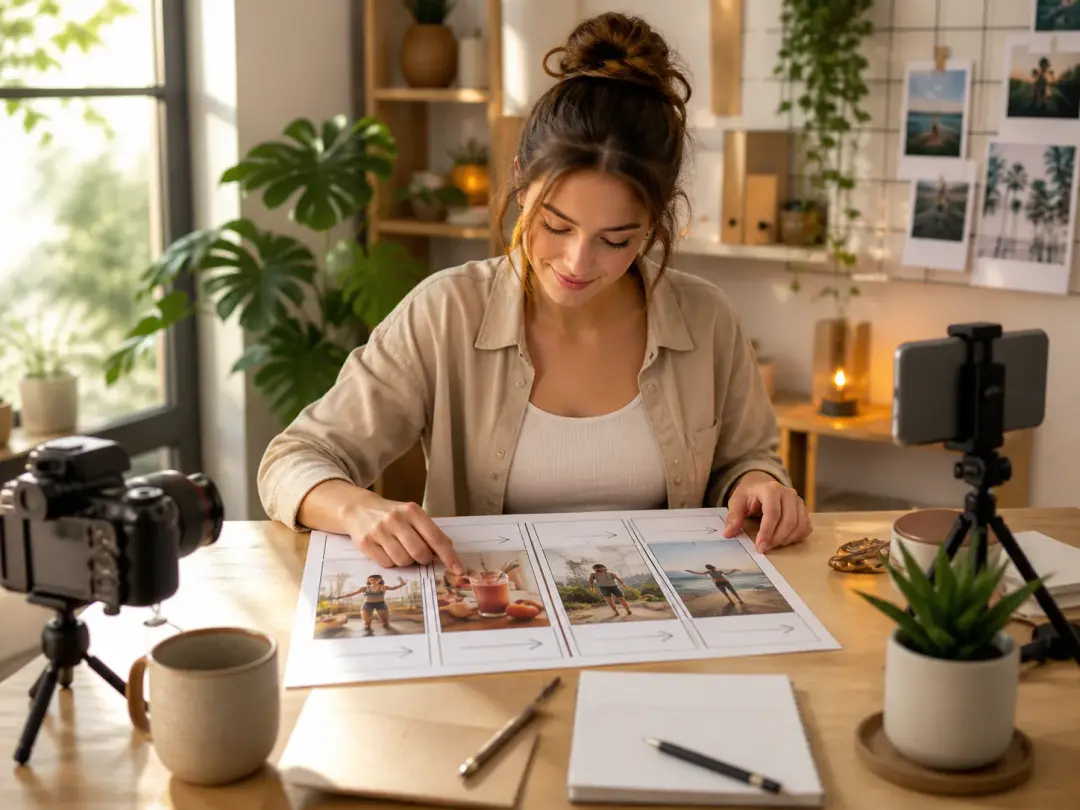
Creators who publish often can use a tiktok ai video generator to move from idea to first version in minutes, then revise with text instructions and reuse assets from the workspace.
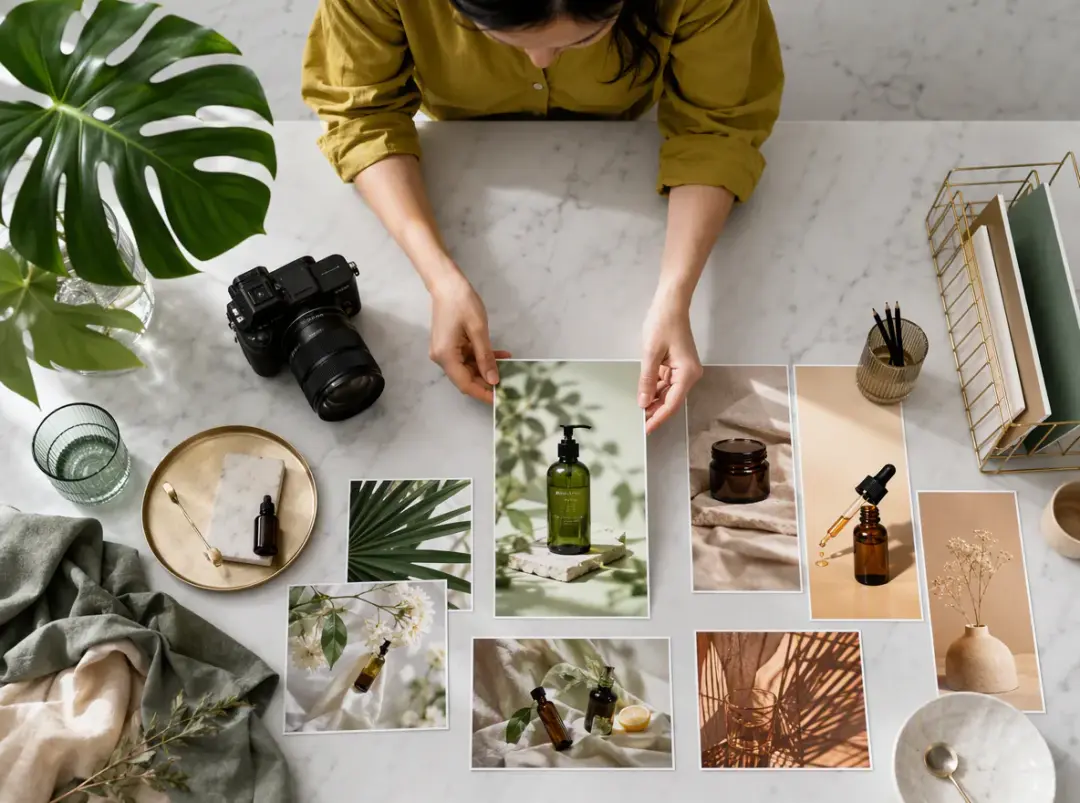
A manager comparing a tiktok video maker ai workflow can bring campaign images, clips, music, and short brand lines into one scene plan before generating variants.

Creators who prefer not to appear on camera can choose an internal digital presenter, add voiceover direction, and build a vertical talk style video from a written plan.
VideoAI keeps the creative decision in your hands while the ai video generator for tiktok turns the plan into a finished MP4.
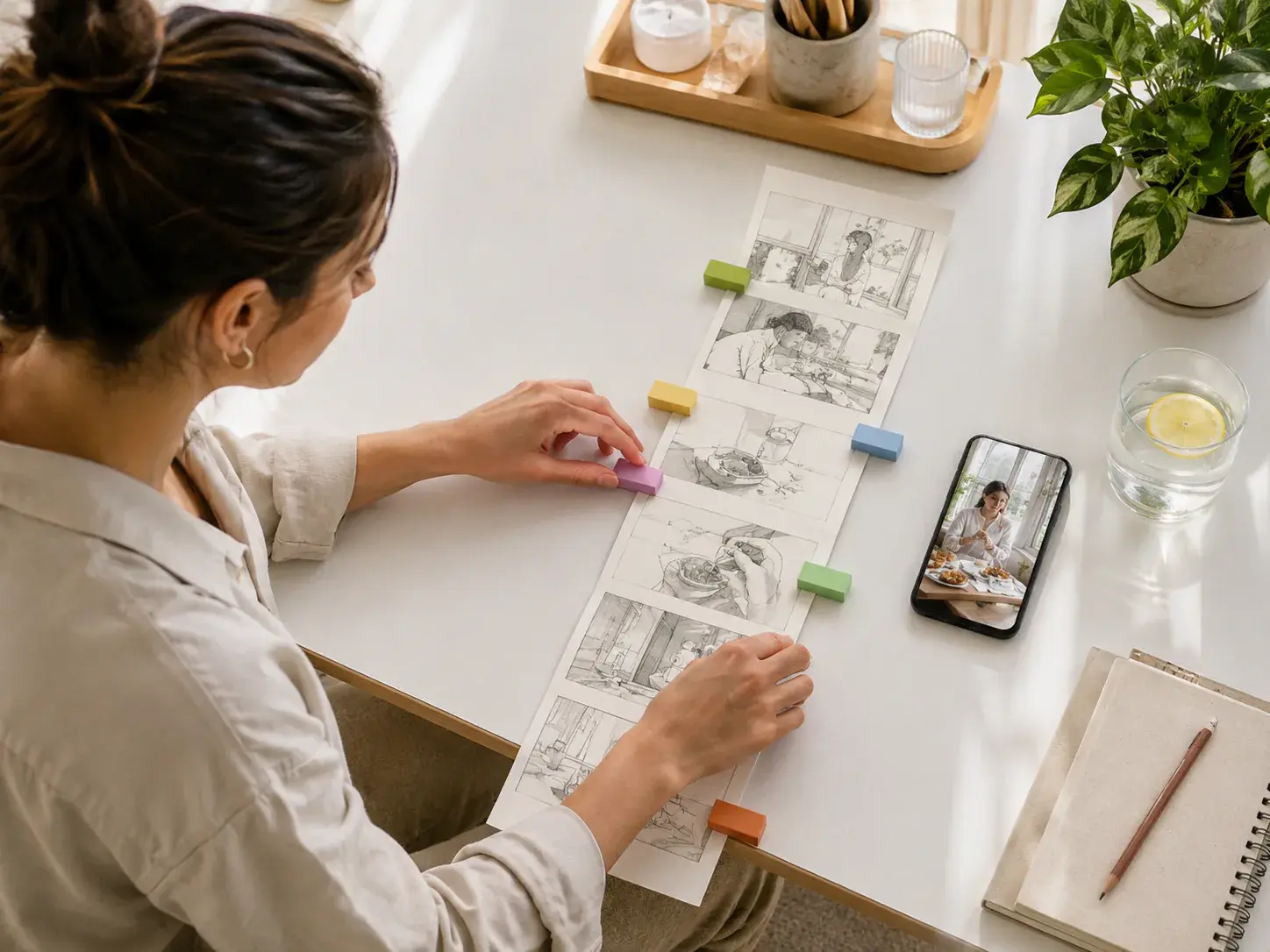
Write what should happen in each timed segment, attach reference images where they matter, and let VideoAI generate from that explicit structure. The first result reflects your planned shots instead of a vague prompt alone.
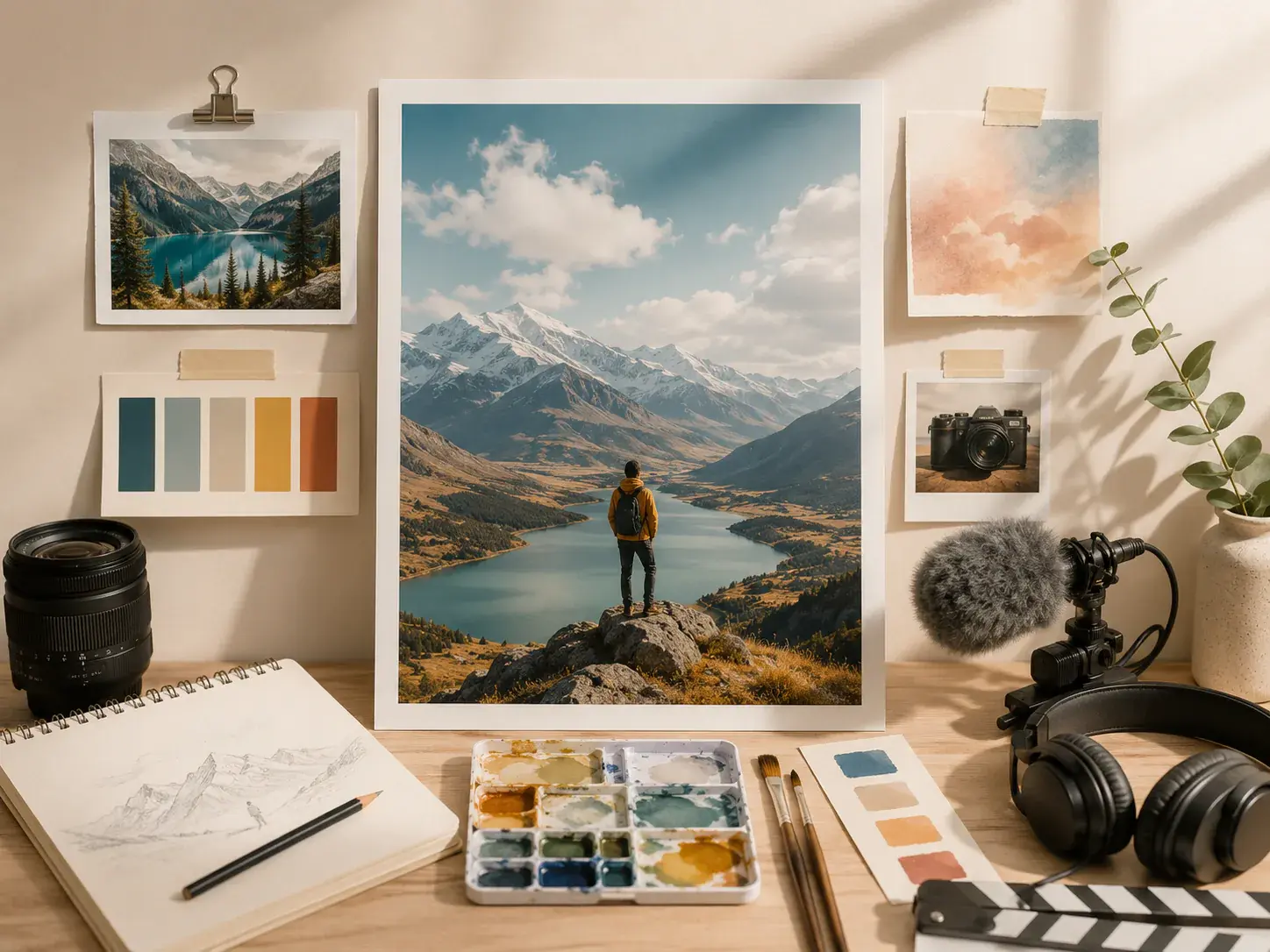
Text, images, video, and audio can work together when you tag materials with @ as the subject, first frame, camera reference, scene, or music. This makes the tiktok video generator ai process easier to direct.

Choose 9:16 for TikTok placement, then download a 4K MP4 after review. The same project can also be planned for 16:9, 1:1, or 4:5 when another format fits the campaign.
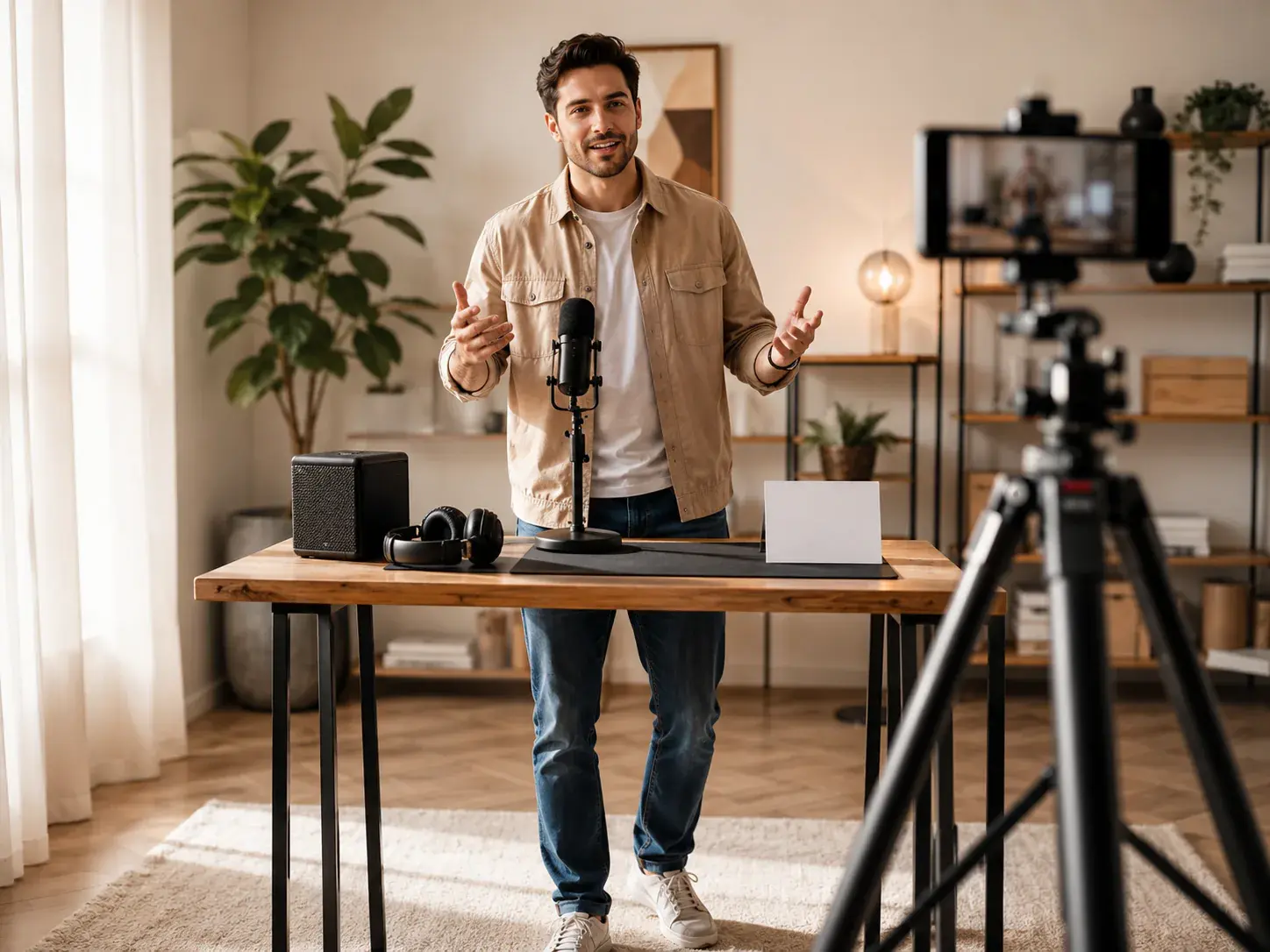
Add voiceover direction, music, sound effects, short visual text, and a Logo inside the scene plan. As a tiktok video creator ai workflow, VideoAI helps the image rhythm follow your audio choices.
The workflow starts from your creative intent, then moves through references, timed direction, preview, and text based refinement.
Step 01
Write a prompt or script, upload images, clips, or audio, and use @ to assign each material a role. You can also begin from a template, preset, or stock material when it fits the concept.
Step 02
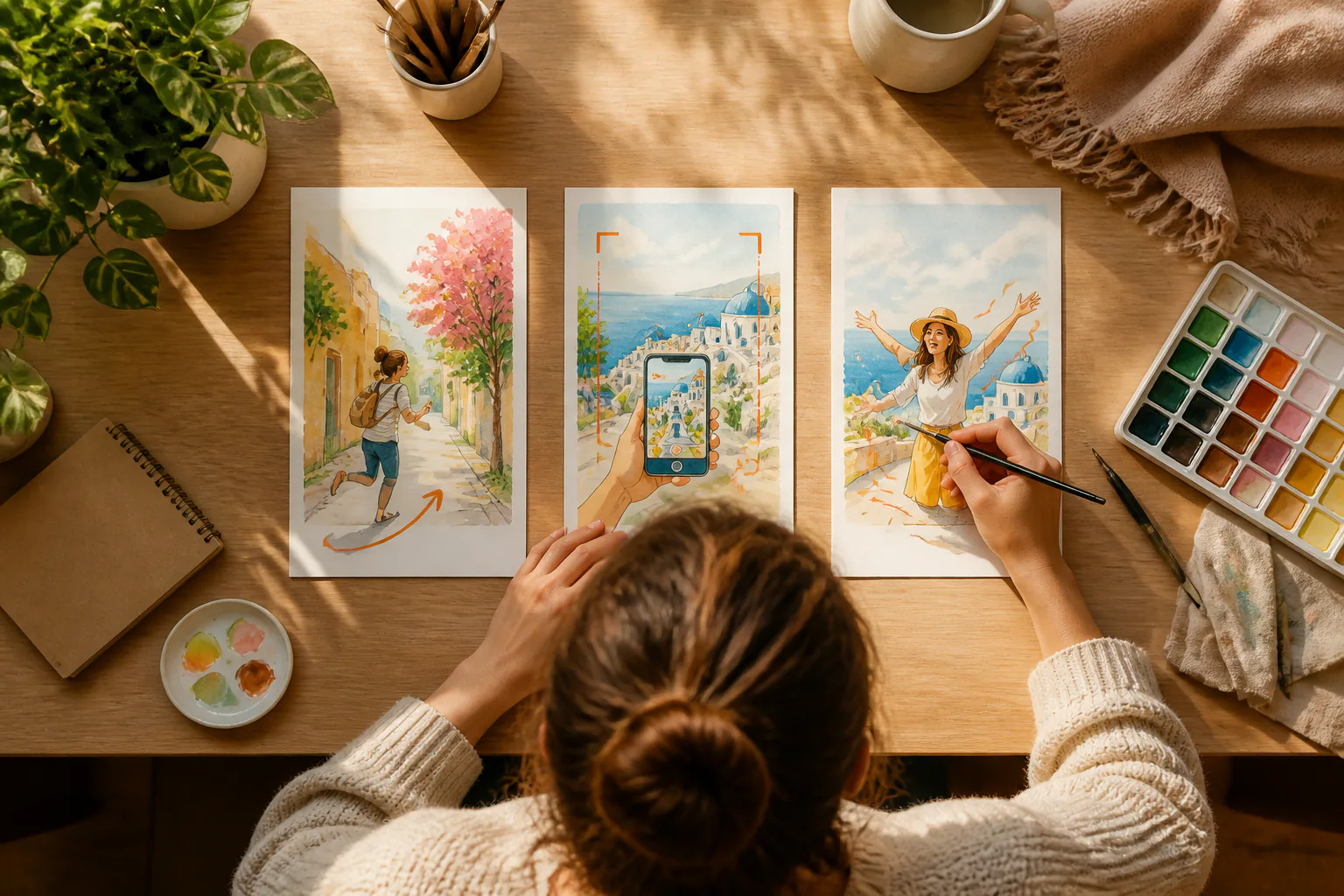
Select 9:16 and a style direction, then break up to 30 seconds into clear segments. Add the visual action, reference image, presenter choice, voice, music, short text, or Logo where each scene needs it.
Step 03
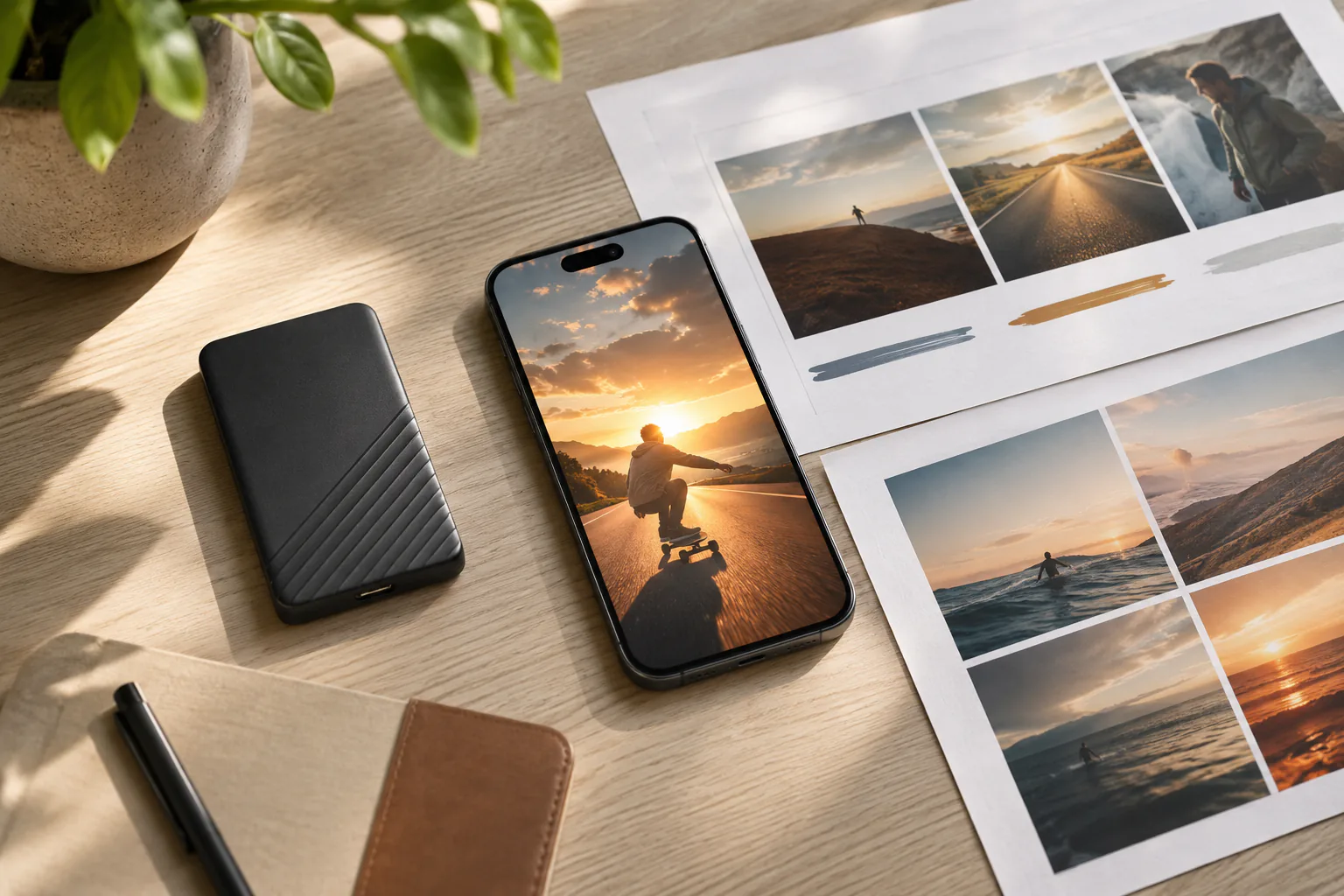
Preview the generated video, then describe the section you want changed and continue generating. When the result is ready, download the 4K MP4 and keep the work available for reuse or extension.

Bring your idea, references, voice, music, and scene notes into VideoAI, then generate a 9:16 MP4 shaped by your decisions.
Get Started