







AI Video Creator

Turn an idea or reference set into an MP4 video while you choose the scene order, motion, style, sound direction, and aspect ratio in VideoAI.

  • Vertical video still of a ceramic speaker revealed on a bright studio plinth
  • Vertical video still of a traveler crossing a sunlit coastal market
  • Vertical video still of a paper solar system model in a bright classroom explainer
  • Vertical video still of a citrus drink campaign with fruit in motion

Who Uses An AI Video Creator

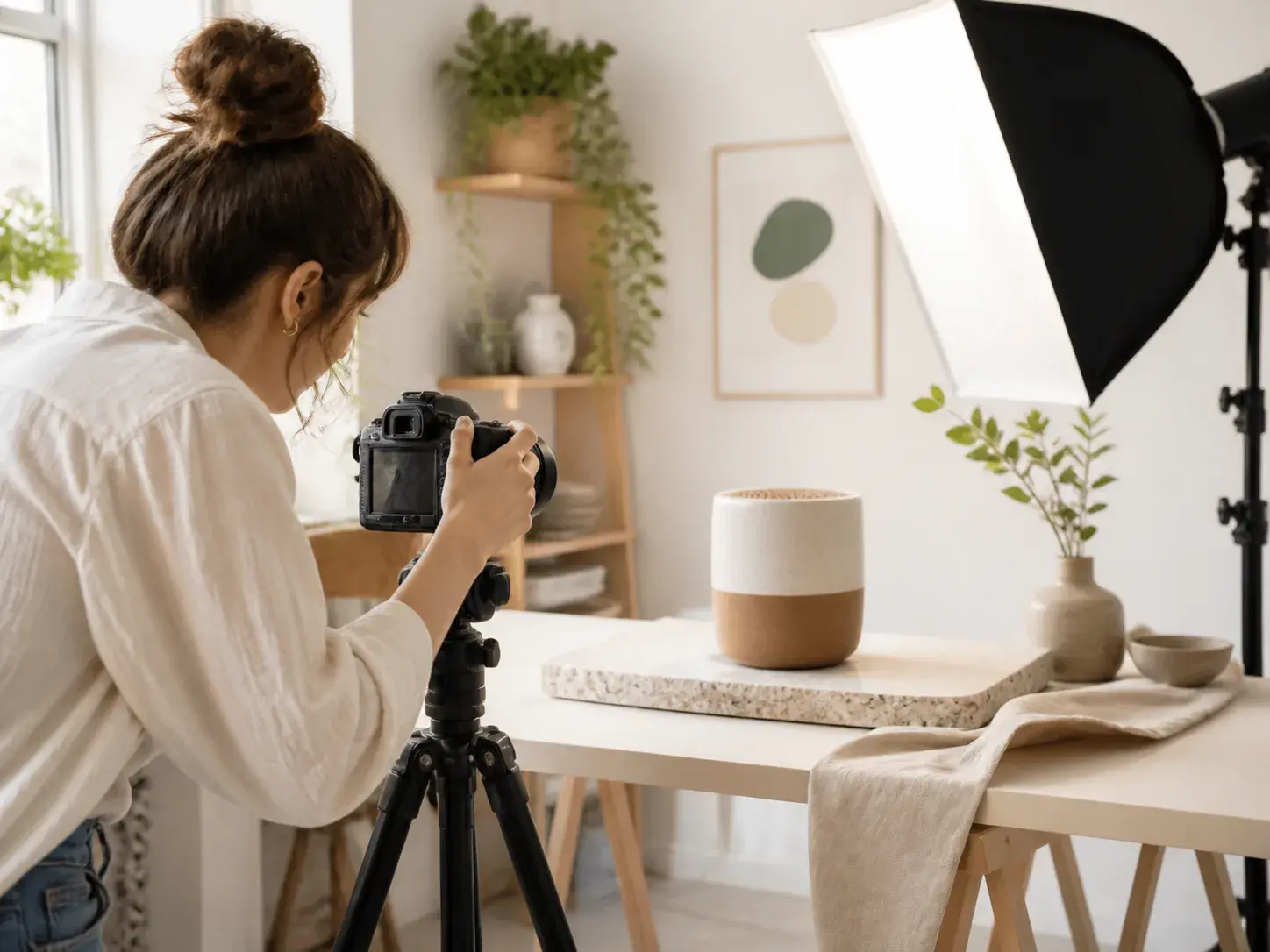
An independent adult creator directing a small tabletop product shoot in a bright home studio

Video Content Creator

A video content creator can start from a prompt, product image, or short reference clip, then set the frame ratio for social, campaign, or explainer output. The ai video creator keeps the camera direction, subject, and pacing visible before generation.

Control Your AI Video Creator Output

VideoAI gives creators practical controls for references, timing, sound, and export without a heavy production setup.

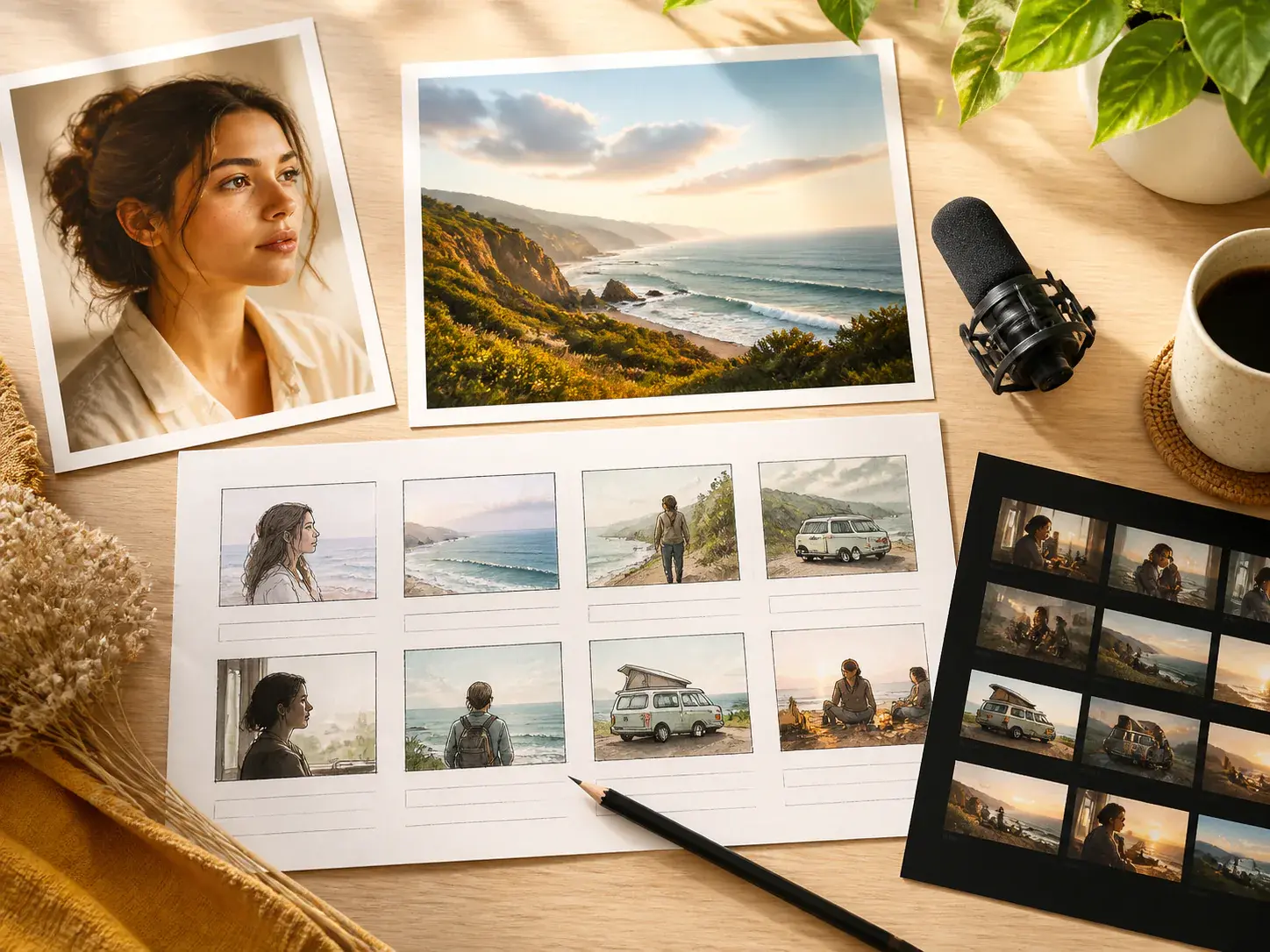
A bright tabletop holding a storyboard of distinct visual references: a portrait photo

Give Each Reference A Role

Combine text, images, video, and audio, then use @ to mark a first frame, subject, scene reference, camera motion, or music source. These ai video creator tools help VideoAI read your intent before generation begins.

A cinematic scene divided naturally by depth: an adult subject in sharp focus while foreground props and a distant setting remain visually consistent

Arrange Scenes By Time

Write what appears and what moves in each time segment, then attach a reference image to a segment when the look needs extra guidance. This generative ai video creator workflow keeps you in charge of the visible sequence.

A sunlit wall with a sequence of blank photographic frames connected by subtle motion marks

Refine With Text After Preview

After a draft appears, describe the change you want and generate again from the current direction. As an ai powered video creator, VideoAI supports prompt based revision so you can adjust mood, motion, and scene detail without restarting from a blank page.

A finished video scene represented as a bright editorial contact print beside four clean physical crop mats in landscape

Export Work Ready MP4s

Download MP4 files up to 4K in 16:9, 9:16, 1:1, or 4:5, with no watermark. This ai generated video creator path suits creators who need a video creator online for drafts that can move into client or campaign review.

Build With Clear Creative Steps

The ai video creator process starts with your material, then turns your timing and direction into a preview you can keep shaping.

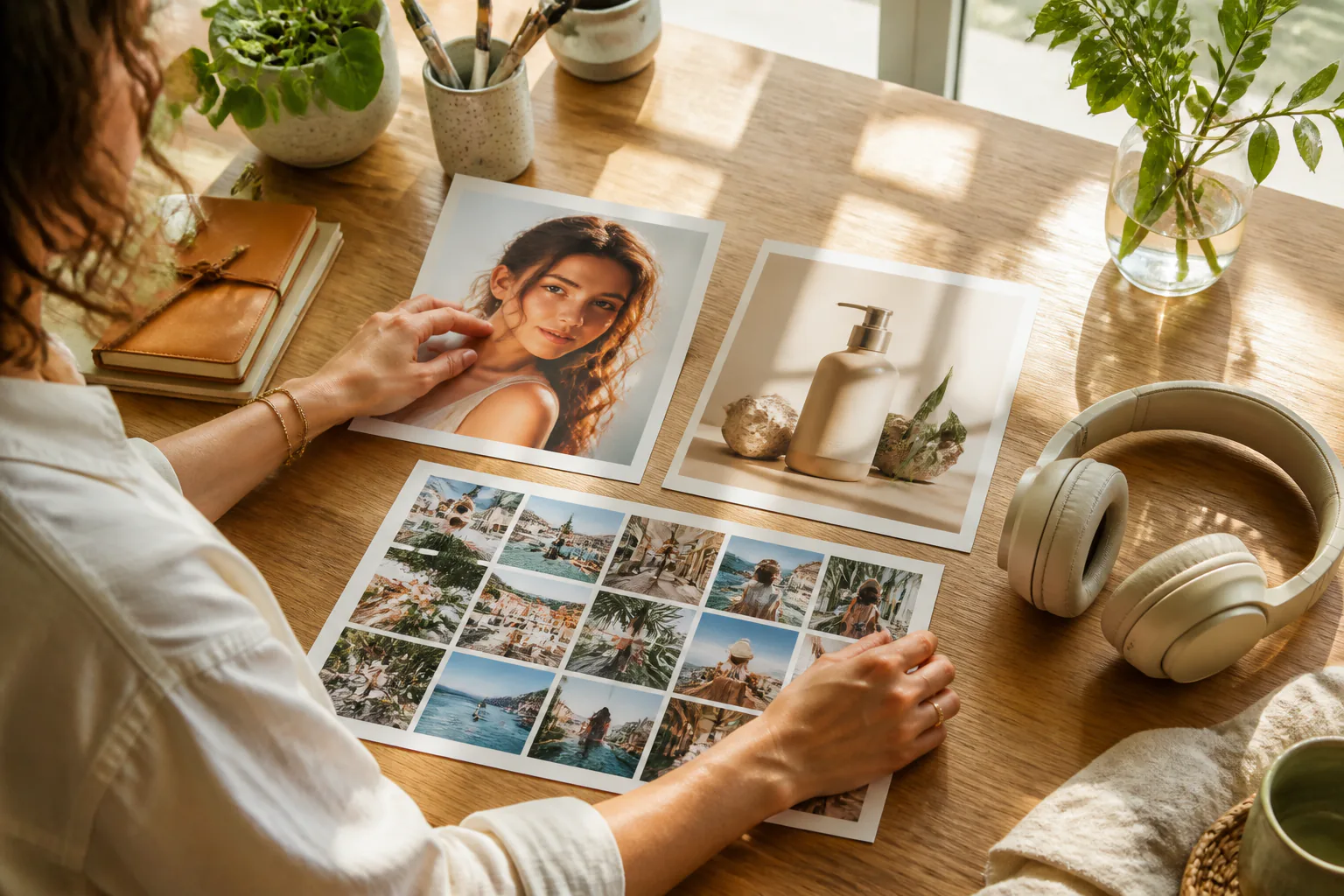
A creator at a sunlit worktable arranging a portrait

Step 01

Start With Ideas And References

Enter a sentence, upload image, video, or audio references, or begin from templates, stock material, and preset styles. Use @ to tell VideoAI which asset should guide the subject, first frame, scene, motion, or music.
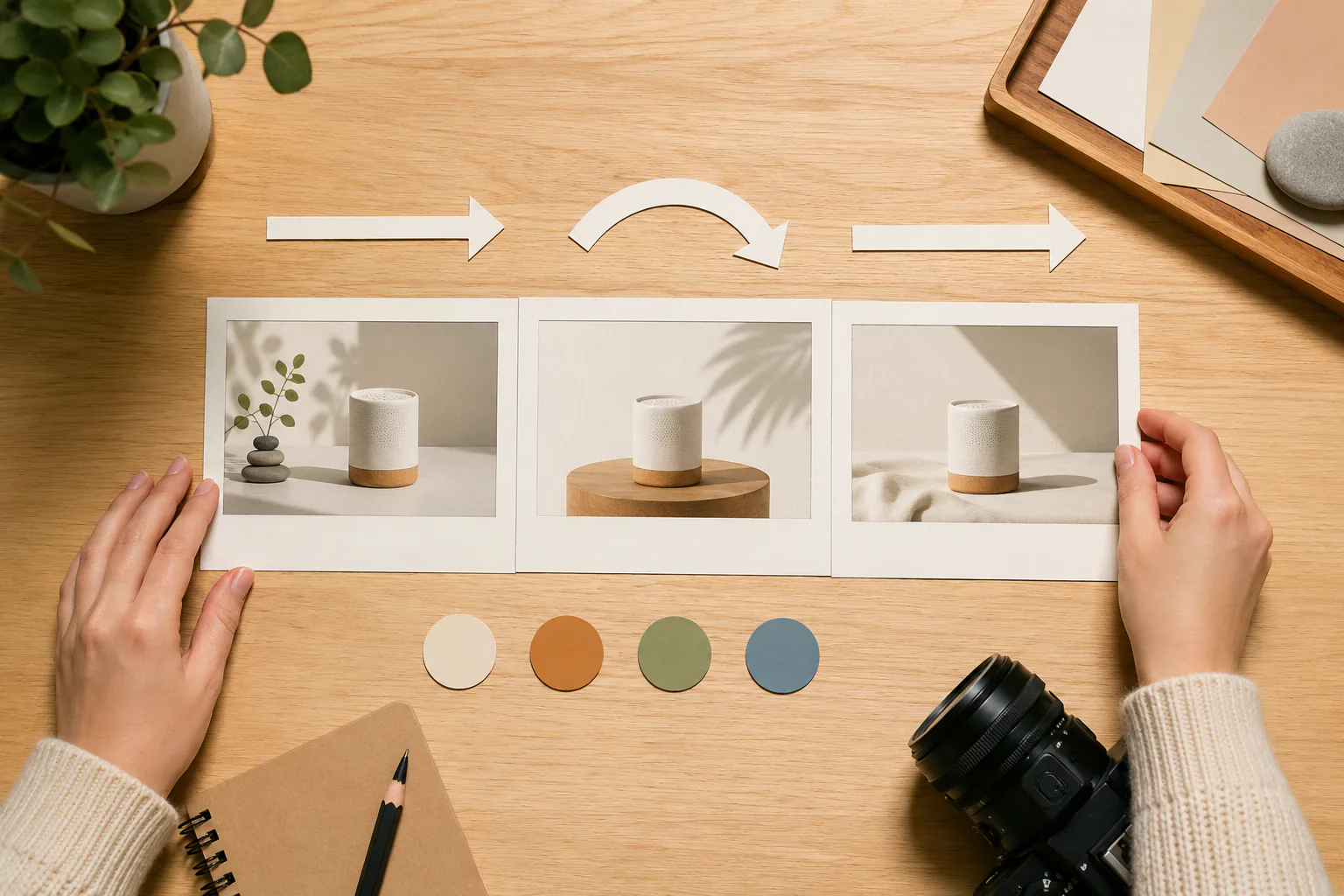

The same creator organizing three blank storyboard frames beside camera-direction arrows and colored reference tokens

Step 02

Map The Video By Segment

Choose the aspect ratio and style, then describe each time segment with the picture, action, and sound direction you want. Add first and last frames, motion references, voice direction, BGM, or effect style when they matter to the result.

The same bright studio showing a finished vertical product-film frame on a clean unbranded display

Step 03

Preview, Revise, And Export

Generate the draft, watch the result, and keep adjusting it with text instructions. A single generation can run up to 30 seconds, and longer ideas can continue from the existing video before you export MP4.

Where Video Ideas Become Drafts

Pick the scenario by the result you need, then guide the ai video creator with the right references and timing.

A finished vertical social-video moment showing an adult ceramic artist lifting a newly made cup in a bright studio

Viral Video Creator

Short social concepts often need fast comparison across vertical, square, and wide framing. Use VideoAI to keep the subject, style, and camera motion consistent while you shape several directions for review.

A finished product-reveal frame with a ceramic speaker on a pale rotating plinth

Animated Video Creator

Animated style content can begin with a preset look and a reference image. You define the character, action, and camera rhythm by time segment so the output follows a planned visual arc.

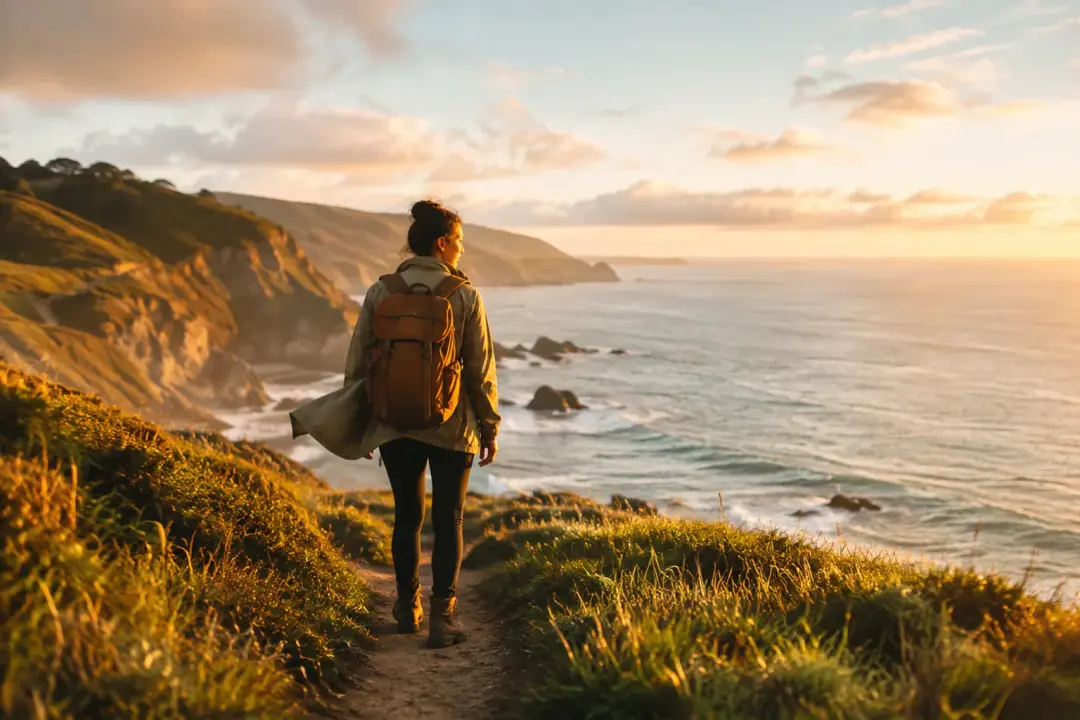
A finished travel-story frame of an adult traveler reaching a coastal overlook at golden hour

Video Creator With Music

Music led concepts work better when the beat and sound mood are named early. Upload or specify BGM, add effect direction, and tell the ai video creator where the visual motion should meet the music cue.

A finished explainer frame of a paper solar system rotating above a bright worktable while an adult presenter gestures naturally in the background.

Gaming Video Creator

Game themed concept clips can use a character image, scene reference, and action direction as the starting point. Choose this route when the goal is a short visual idea with controlled motion and atmosphere.

FAQ

Questions Before Your AI Video Creator

Start with text, images, video, audio, templates, stock material, or preset styles, then use @ to assign each reference as a subject, frame, scene, motion, or music guide.

VideoAI can help expand one idea into story text, while you arrange the timing, picture, action, references, and sound direction for each segment.

One generation can be up to 30 seconds, which gives a clear span for social, campaign, explainer, or concept drafts before you continue extending from the result.

Finished videos export as MP4 files up to 4K, with aspect ratios for 16:9, 9:16, 1:1, and 4:5, so the same idea can fit common publishing layouts.

After preview, describe the adjustment in text and generate again from the current draft. This keeps the revision path clear for motion, style, subject, or scene changes.

VideoAI provides 10 credits to start, giving you a first try for the ai video creator workflow before deciding how to keep producing drafts.

The confirmed starting point is 10 credits, and the practical value is control over references, timing, aspect ratio, sound direction, preview, and MP4 export.

As an online video creator, VideoAI keeps uploaded video material in the workspace and generated videos in the works area for reuse and continued creation.

Creators compare ai video creators because control differs. VideoAI focuses on multimodal inputs, @ reference roles, timed scene writing, prompt based revision, and MP4 output.
A wide airy film set at golden hour with a pale camera track

Start Your AI Video Creator Draft

Bring an idea, a reference set, or a sound direction into VideoAI, then shape the timed scenes and export the result as MP4.

Get Started
AI Video Creator - Online Video Creator - VideoAI