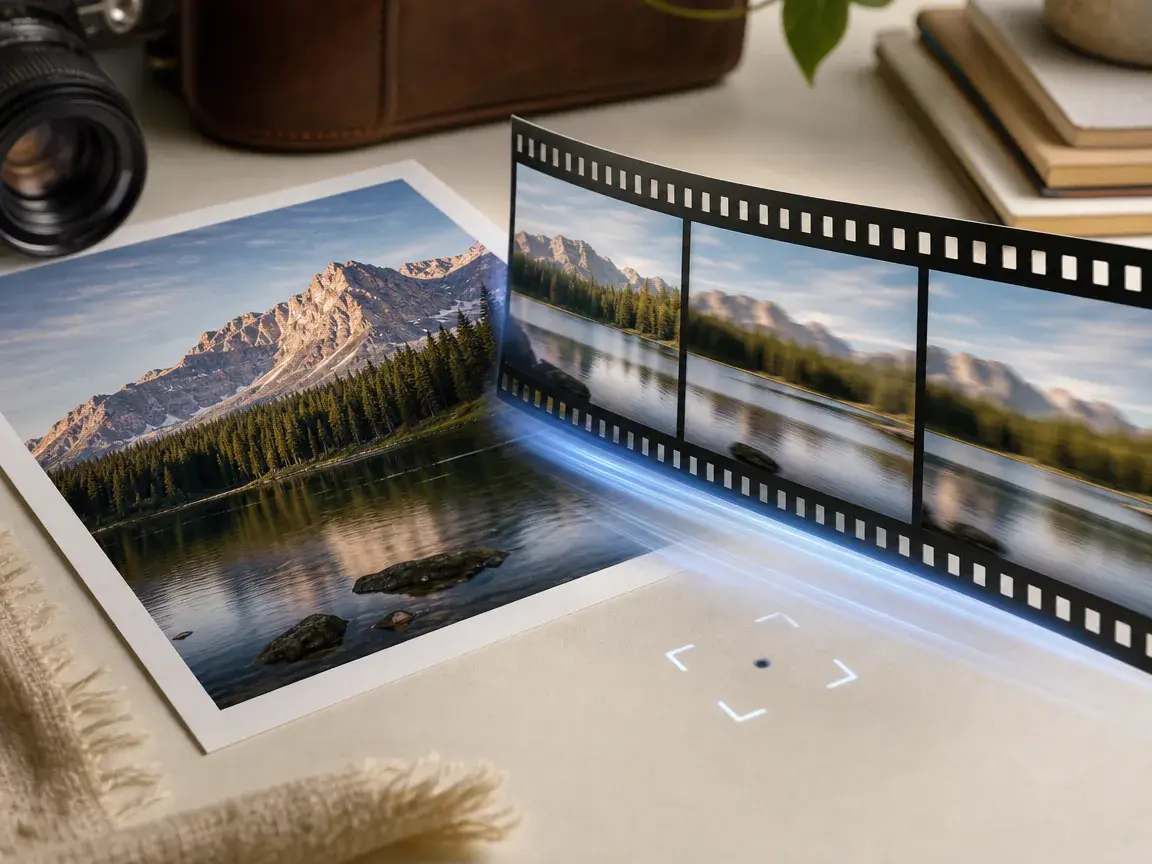
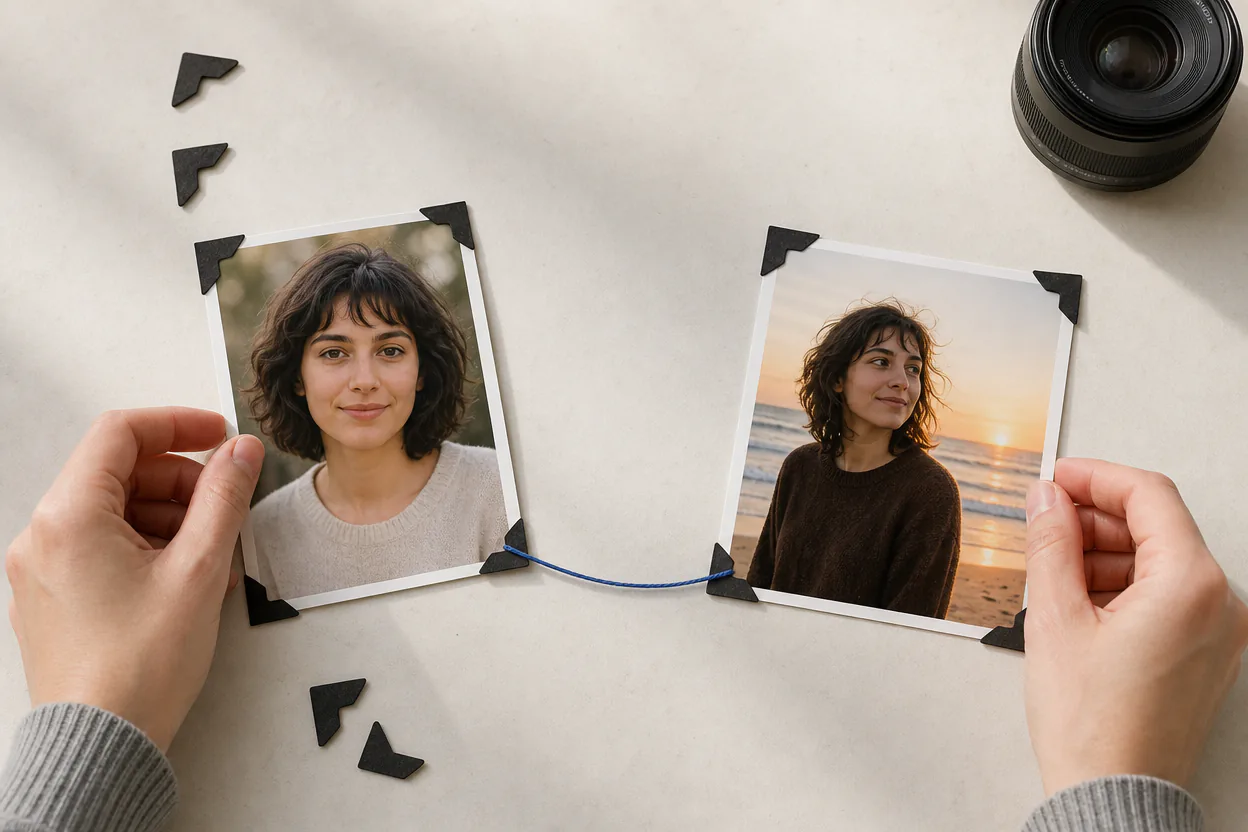
AI Video Maker From Photo

When you choose the photo, VideoAI acts as an ai photo video maker that turns your motion notes, subject action, and pace into an ai video maker from photos workflow you still direct.

Creator directing motion from a bright product photo into a polished video scene

Try an example

Use an ai video maker from photo

A clear photo to video maker flow starts with your source image, then uses an ai image to video maker prompt to define motion, style, sound, and output.

Product photo prepared as the first frame and subject reference for a video

Step 01

Assign the photo role

Upload a common photo format and use @ to mark it as the first frame, subject, camera reference, or scene. Add an end image, extra photos, video references, or audio references when the photo to video maker online project needs tighter direction, with up to 12 assets total and single video references at 50MB or smaller.
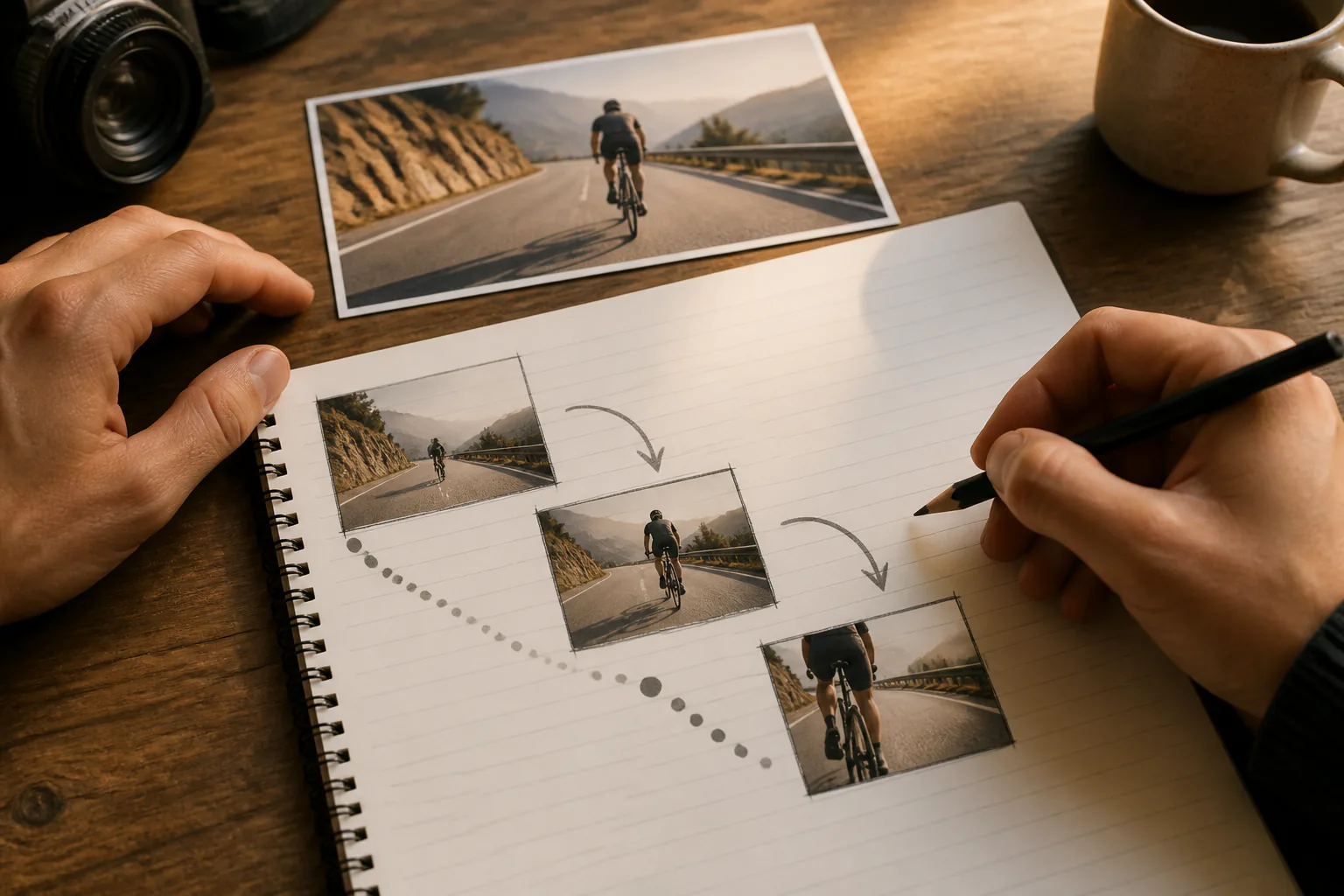
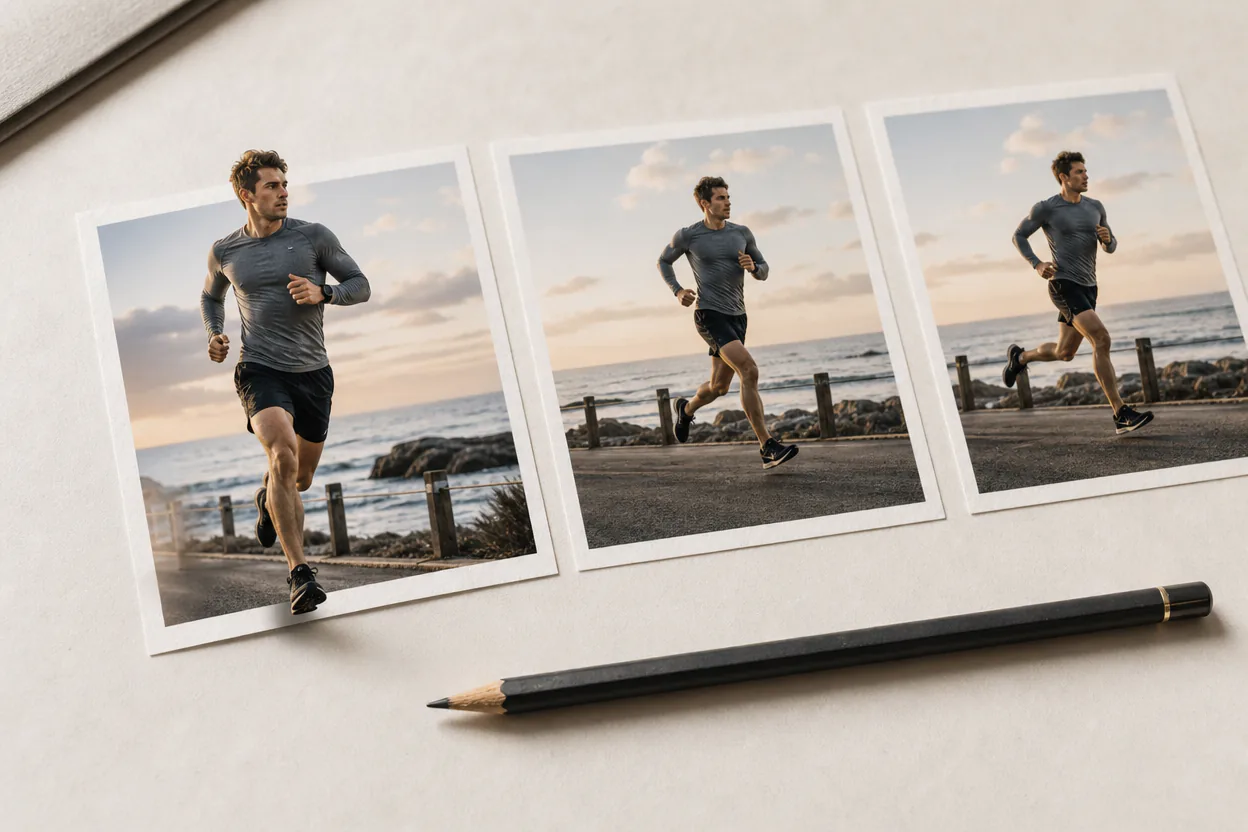
Product scene gaining a curved camera path and clear motion rhythm

Step 02

Describe motion and rhythm

Describe how the camera moves, what the subject does, and how the scene changes. For a picture to video maker brief, VideoAI also lets you choose a preset style, arrange scenes by second, attach reference images to chosen sections, and add narration, BGM, sound effect style, or music beat cues inside the same image video maker plan.

Finished product video frame continuing into a longer polished sequence

Step 03

Generate and keep shaping

Generate a version up to 30 seconds, then download an MP4 up to 4K in 16:9, 9:16, 1:1, or 4:5. Revise the result with text instructions or continue from the current video inside an online photo to video maker flow.

Photos ready for moving stories

Start from the image you already chose, then decide what the viewer should notice first, how the shot should move, and where the clip should land.

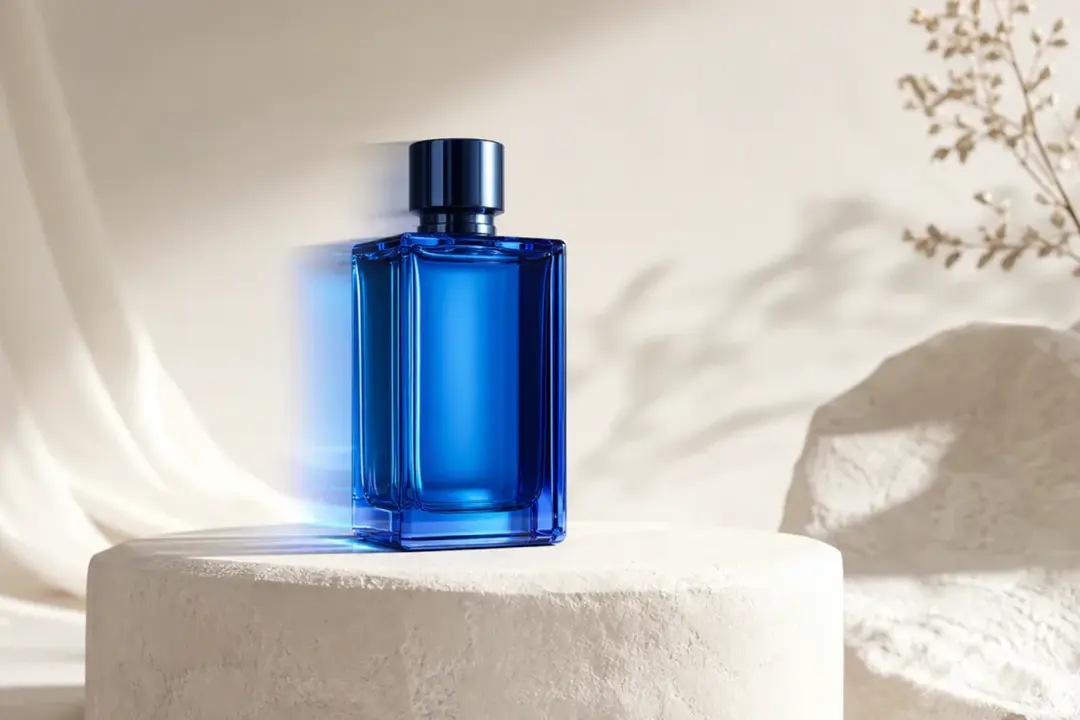
Finished product showcase frame with a glass fragrance bottle turning in soft light

Product photo into a showcase clip

If your catalog image is ready but the video asset is missing, set the product as the subject and describe a push, reveal, or turn. VideoAI becomes a picture video maker for a clean product motion pass while also fitting teams that make ai videos from image assets for campaigns.

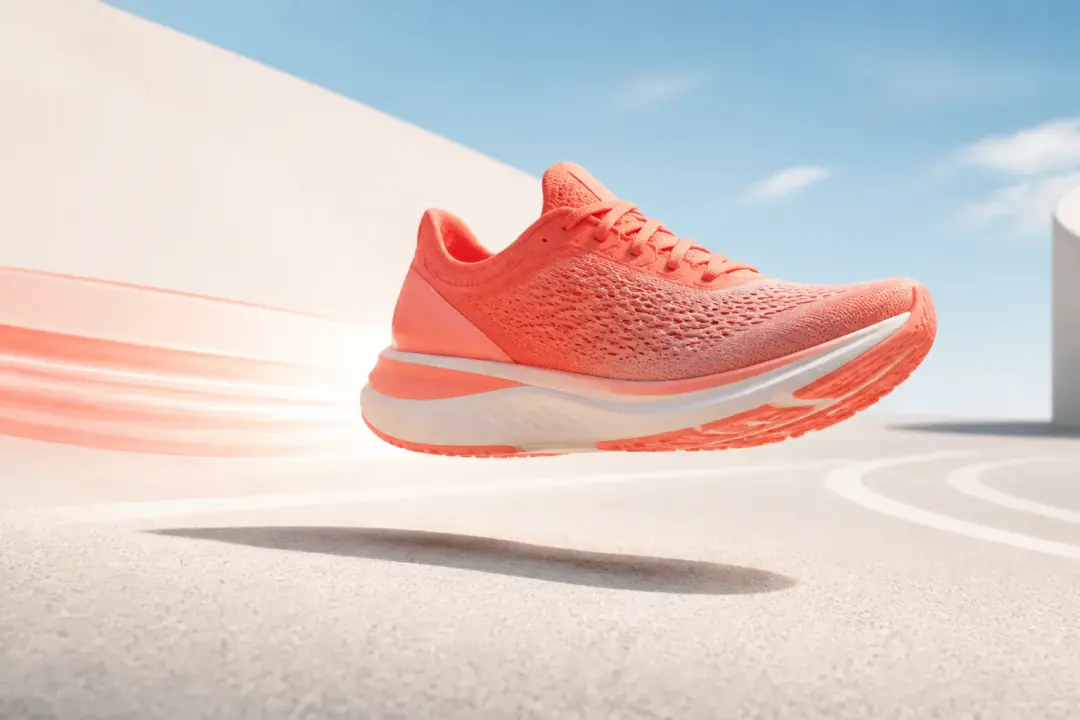
Finished vertical campaign video frame featuring a bright athletic shoe in motion

Campaign visual into social motion

A campaign key visual can carry the same layout into a vertical or square clip. Use the pic video maker flow to direct movement, pacing, and style so the social cut keeps the original visual intent.

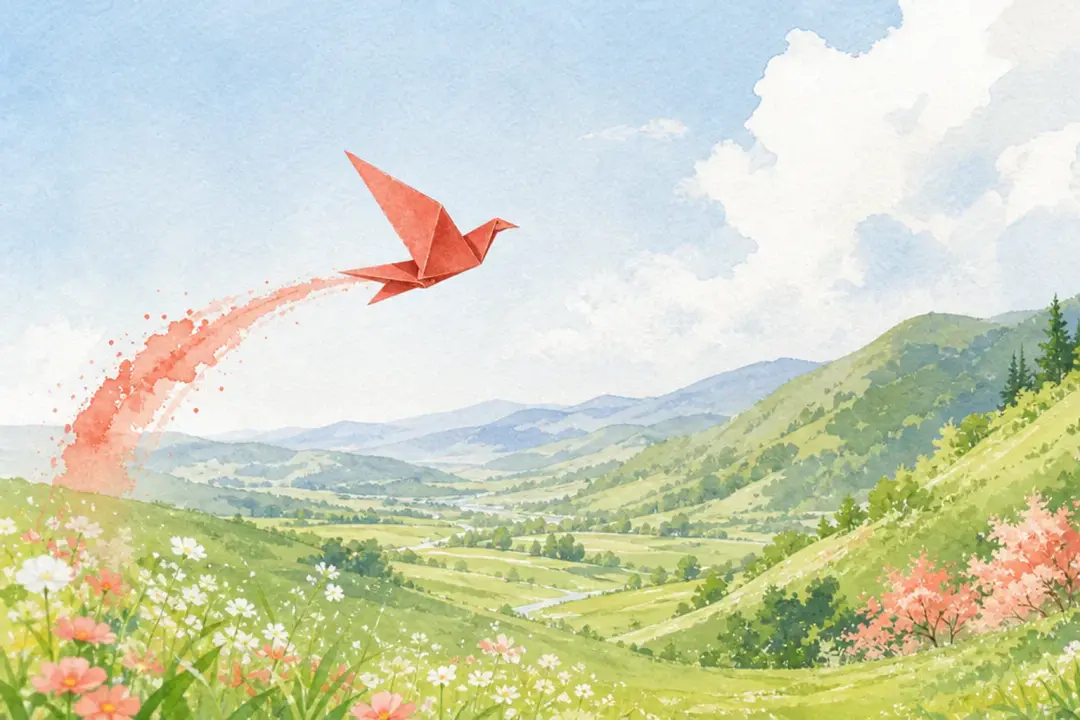
Finished illustrated scene with a paper bird sweeping through a painted landscape

Illustration into a scene shot

For concept art, characters, or illustrated frames, keep the reference style visible and write the movement you want across the scene. The image to video maker path works for creators searching ai make video from image ideas while still giving them the scene notes to guide the output.

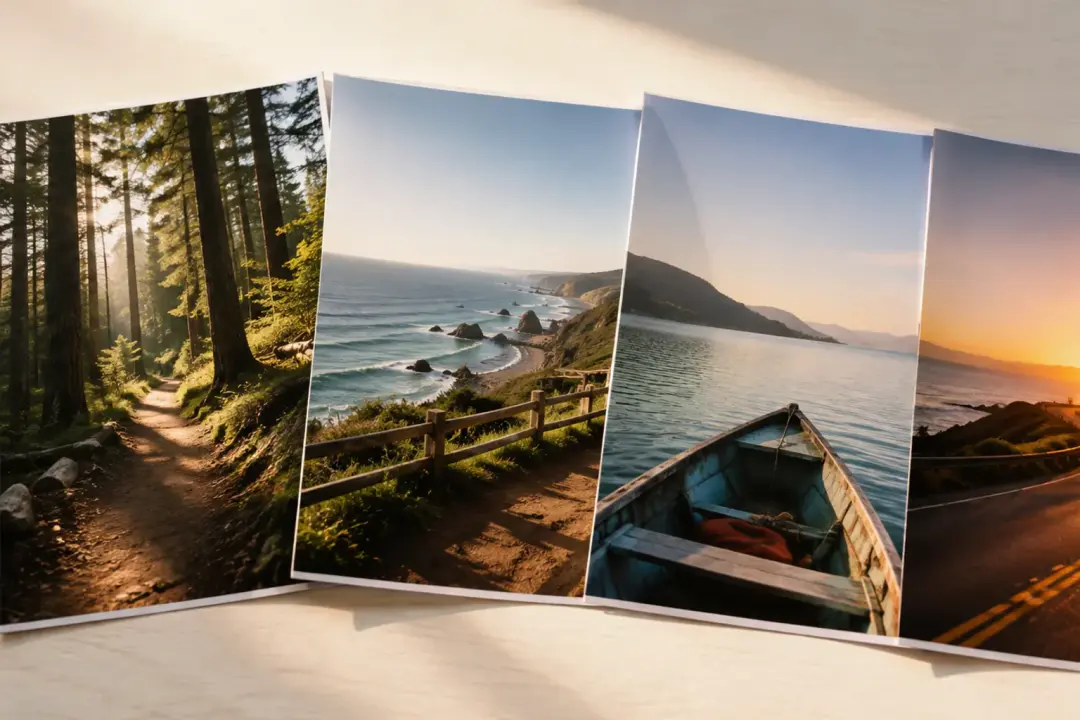
Connected travel story frame following one traveler through a bright coastal landscape

Photo set into one narrative

When several images belong together, use story sections, transitions, or a single continuous shot to make photos into video. Plan the order and motion so the video maker from photos result feels like one generated clip.

Creators using VideoAI from photos

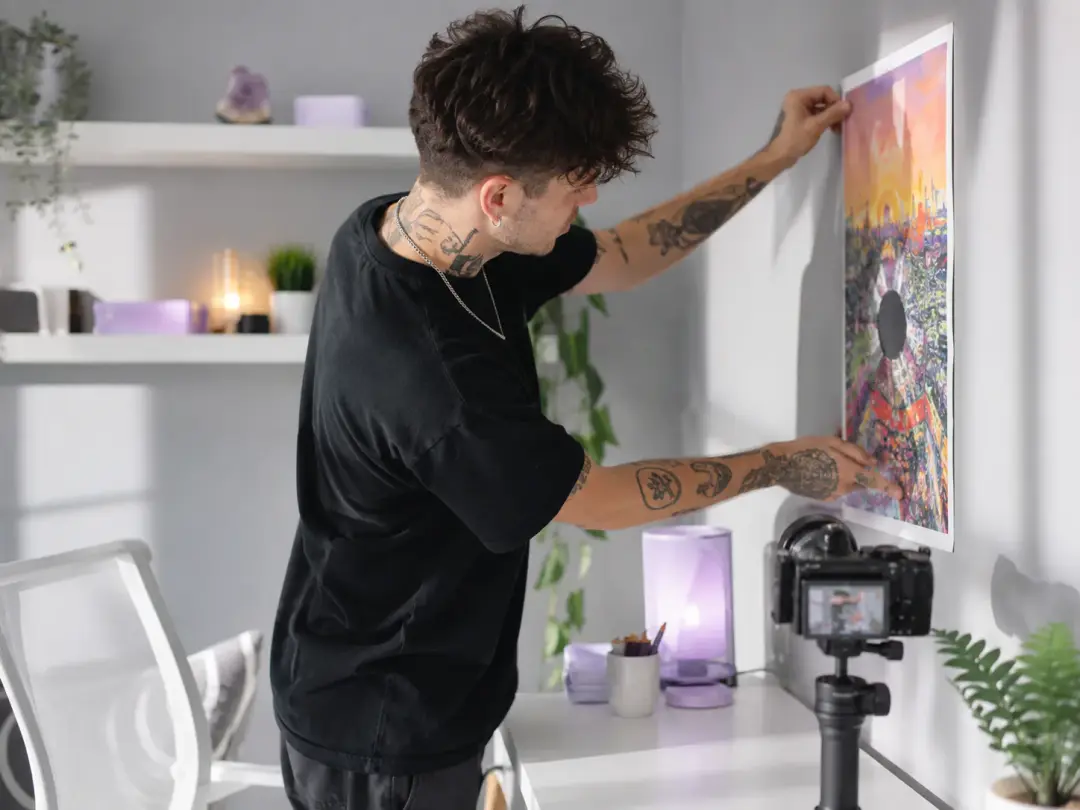
Social creator arranging a poster image and motion references in a bright studio

Social creators

Creators with a finished cover image, poster, or branded still can decide the camera path, action, pace, and ratio before generation. That control helps each short clip match the format and visual intent of the channel.

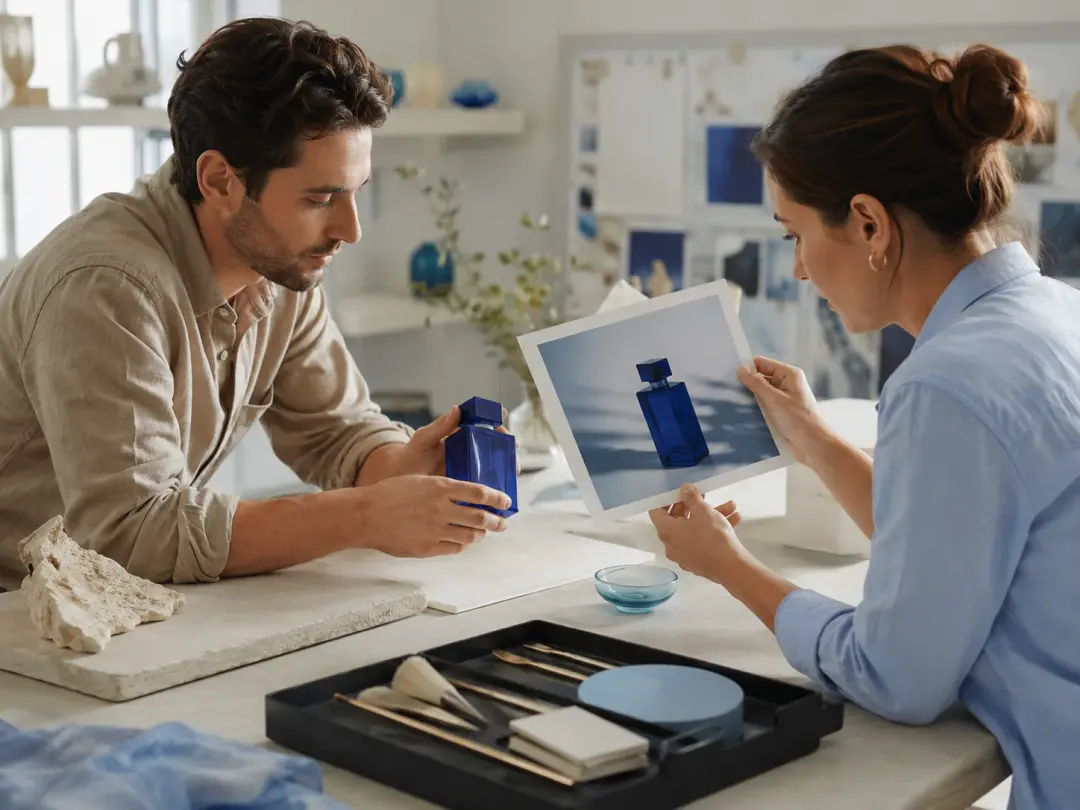
Product team preparing a reusable catalog photo for a moving showcase clip

Product teams

Product teams can begin with reusable item photos and shape commercial ready motion clips for launches, listings, and client reviews. VideoAI keeps the source assets in the workspace so new versions can start from the same visual base.

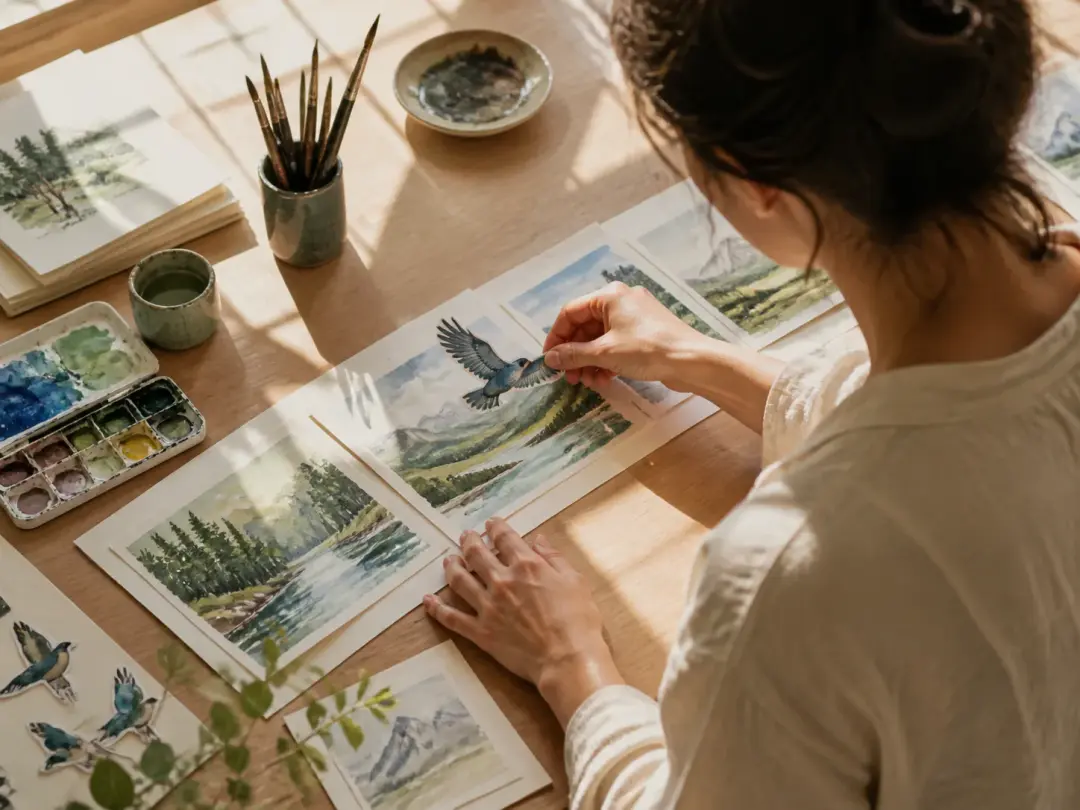
Illustrator planning character movement from painted reference frames at a worktable

Illustrators

Illustrators can bring concept frames into motion by naming the subject action, scene change, and style direction. Reference images can stay attached to chosen sections so the generated movement follows the planned look.

Control an ai video maker from photo

VideoAI focuses on the decisions creators actually make, including what moves, how the shot is framed, what sound guides the moment, and what format the final MP4 needs.

Portrait subject turning through soft daylight along a clearly directed camera arc

Motion written by you

Sharper subject movement and clearer scene change come from the prompt you write. For make video from images or make video from pictures projects, describe the push, follow, turn, reveal, or action that should shape the shot.

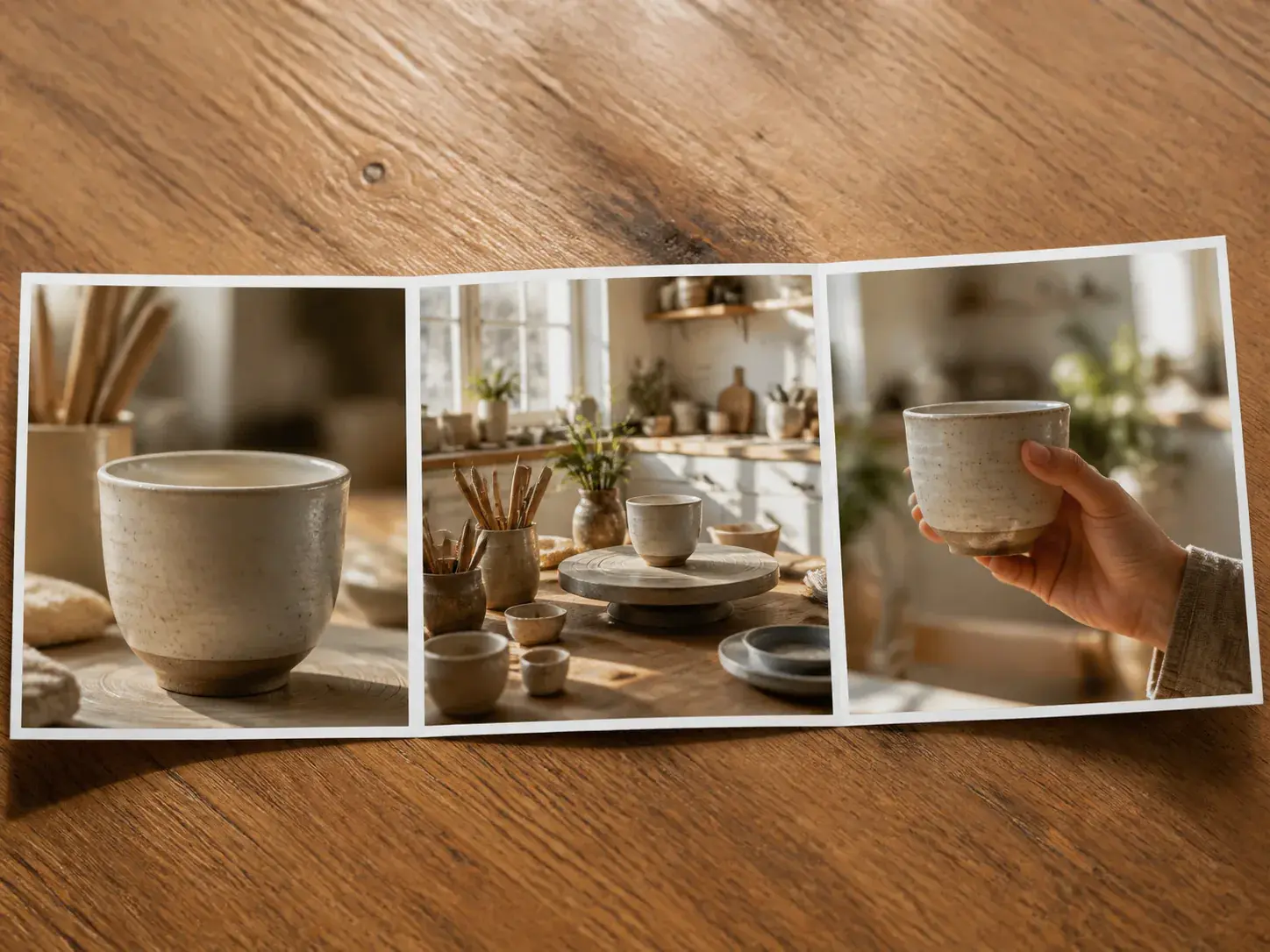
Three connected story moments following a ceramic artist from clay to finished cup

Scenes arranged by second

A creator can split a clip into timed sections, write what happens in each part, and attach reference images to selected sections. That supports make video with pictures briefs and make a video with photos projects where each moment needs its own visual direction.

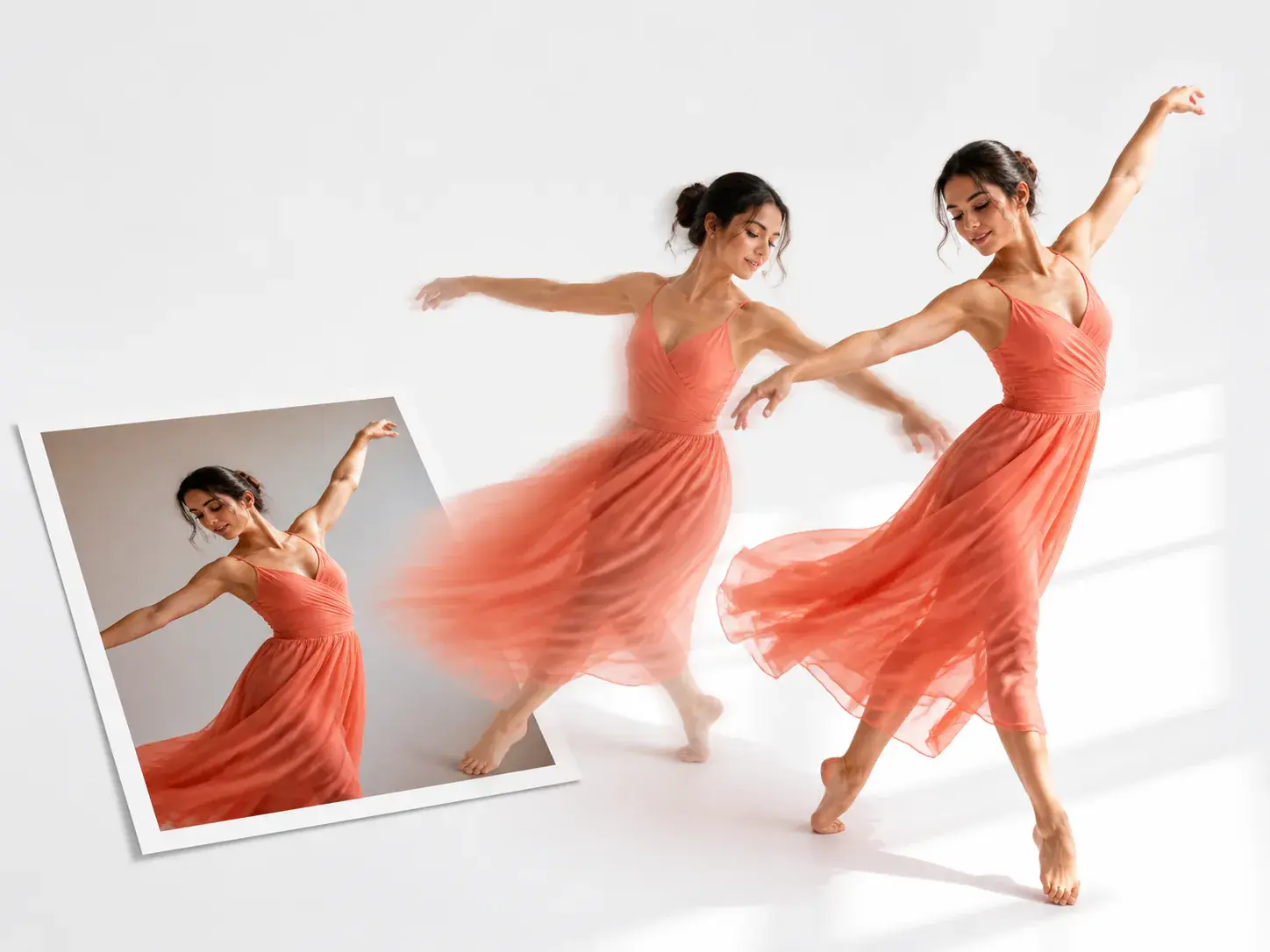
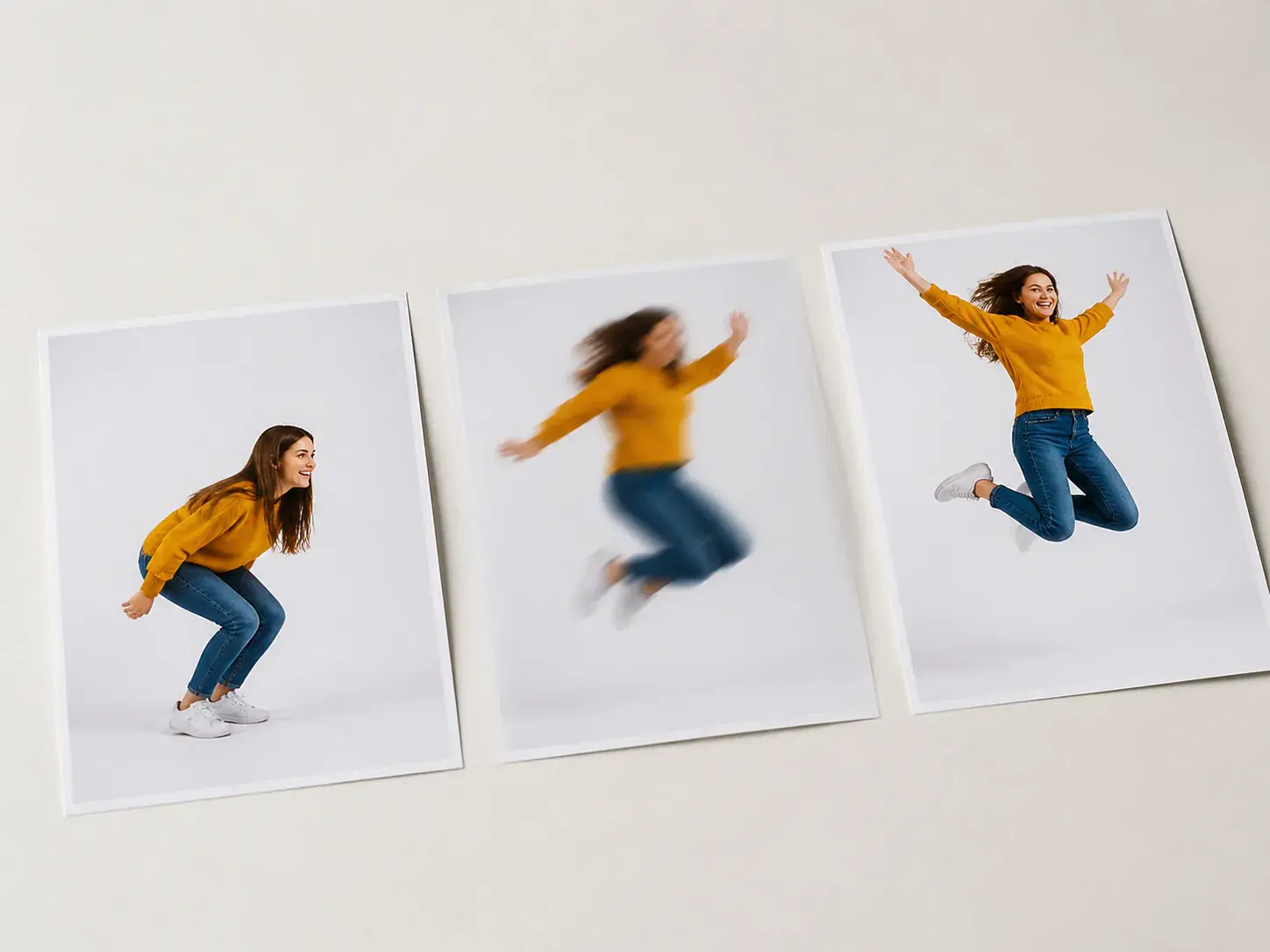
Dancer moving naturally between two matched daylight poses in one continuous scene

Start and end images

Give VideoAI a start image and an end image, then guide the middle with a plain prompt. It suits photos to video maker work and make video out of pictures projects where the beginning and landing image both matter.

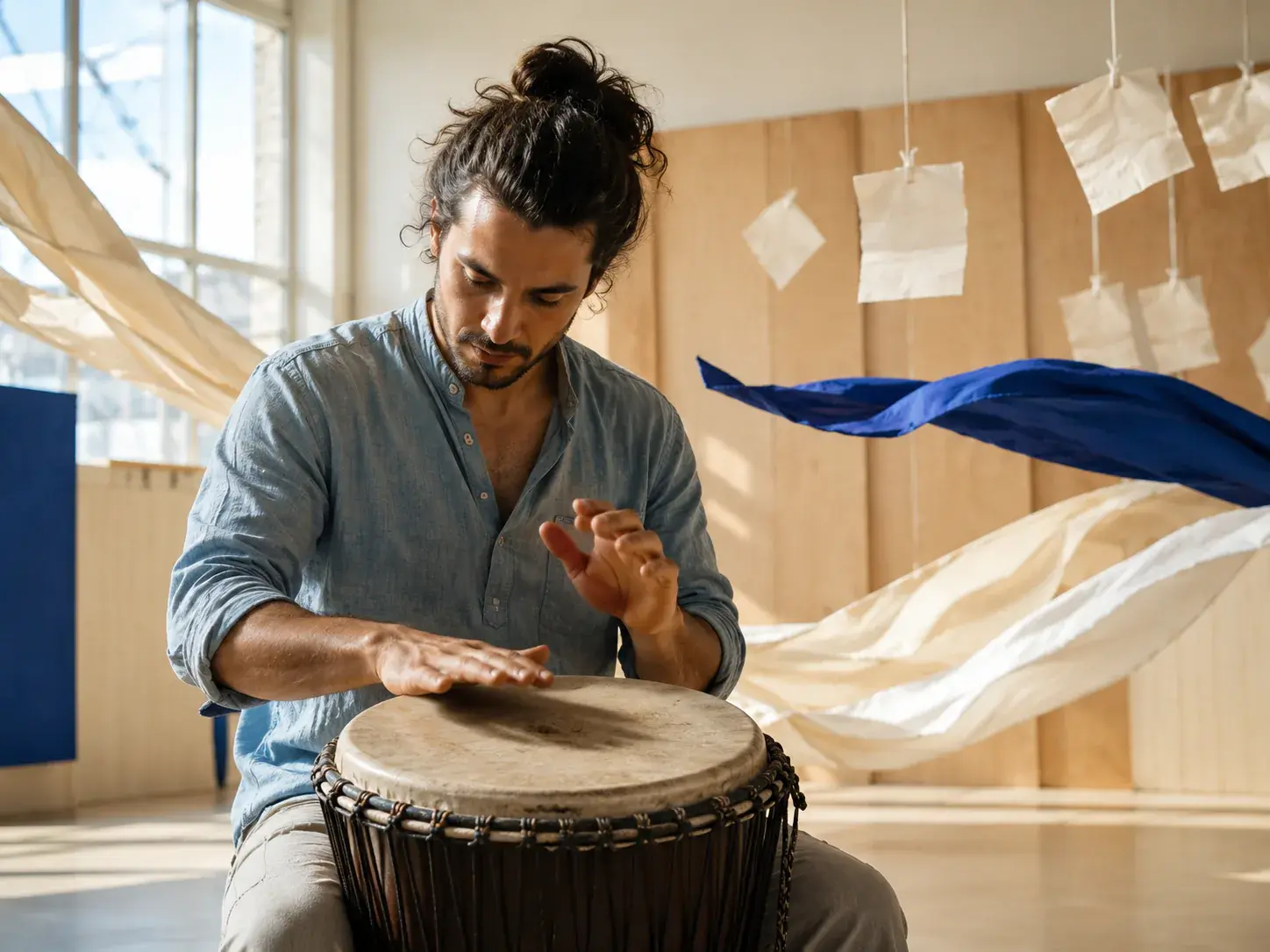
Percussionist performing in a bright studio as visual motion follows the beat

Sound guided generation

Narration, a voice reference, BGM, sound effect style, and music beat cues can guide the same generation pass. The result can be exported as an MP4 up to 4K with no watermark and can be used commercially.

FAQ

Ask an ai video maker from photo

Start with the ai video maker from photo by uploading a common photo format, assigning it with @, describing camera motion and subject action, then choosing style and ratio before MP4 export.

Multiple pictures can guide one generated clip through planned scenes, transitions, or a multi image shot, so the ai video maker from photo supports a connected result from more than one source.

Use each photo as a scene or movement reference, then describe how the sequence should move from one visual moment to the next.

Give the ai video maker from photo the motion you want to see, such as push in, follow, turn, reveal, or subject action, plus style and sound cues.

VideoAI lets the ai video maker from photo export MP4 in 16:9, 9:16, 1:1, or 4:5, with output available up to 4K.

Choose narration, a voice reference, BGM, sound effect style, or music beat cues while the ai video maker from photo follows the scene plan you wrote.

The ai video maker from photo keeps the current result available for text guided revision, and you can continue extending from the generated video.
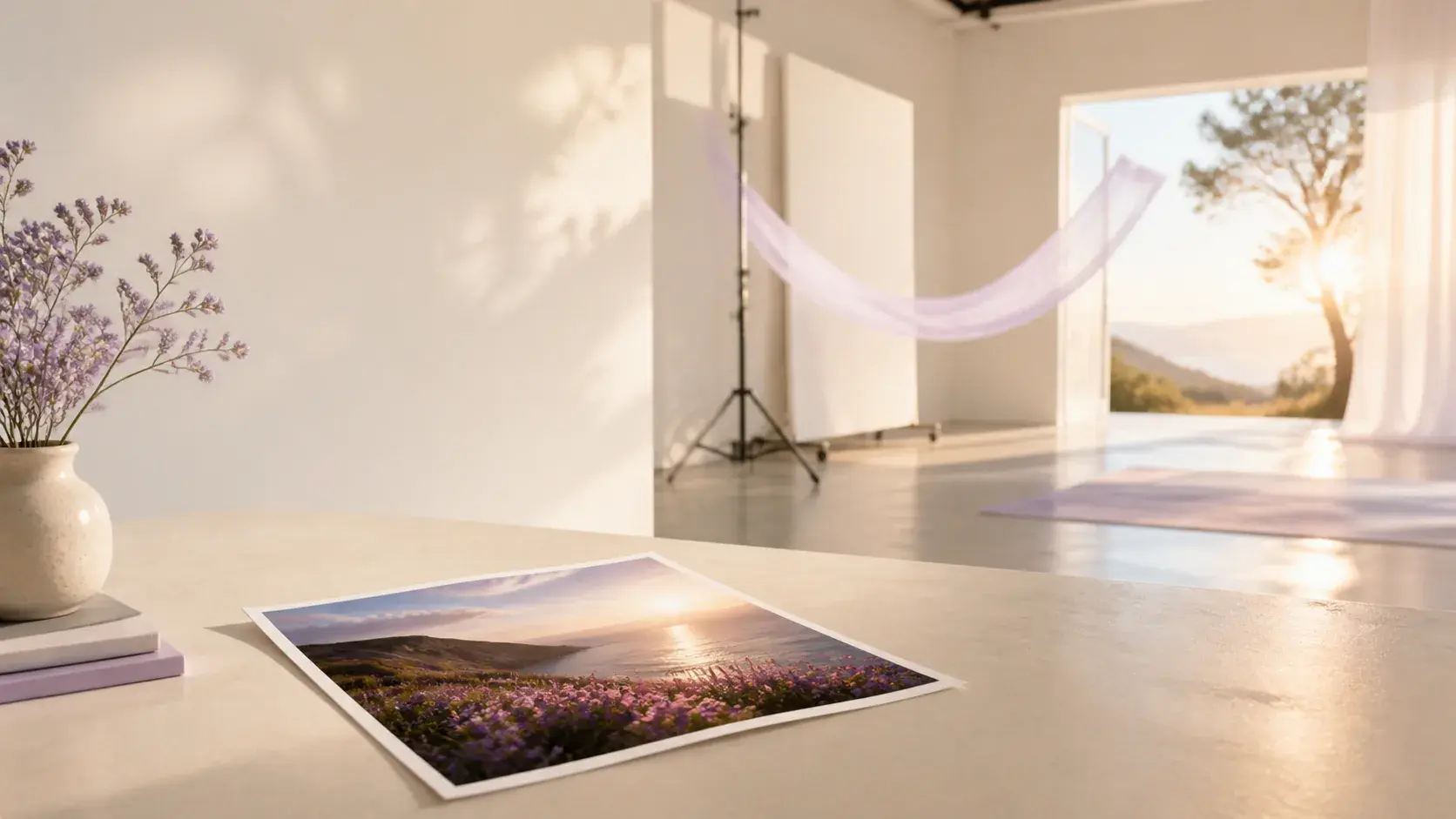
Bright creative studio with a finished moving story taking shape from a photo

Start an ai video maker from photo

Upload the photo, name the motion, choose the format, and let VideoAI generate a video you can revise or extend from the current result.

Get Started
ai video maker from photo - Photo To Video Maker - VideoAI