
Step 01
Add your theme and references
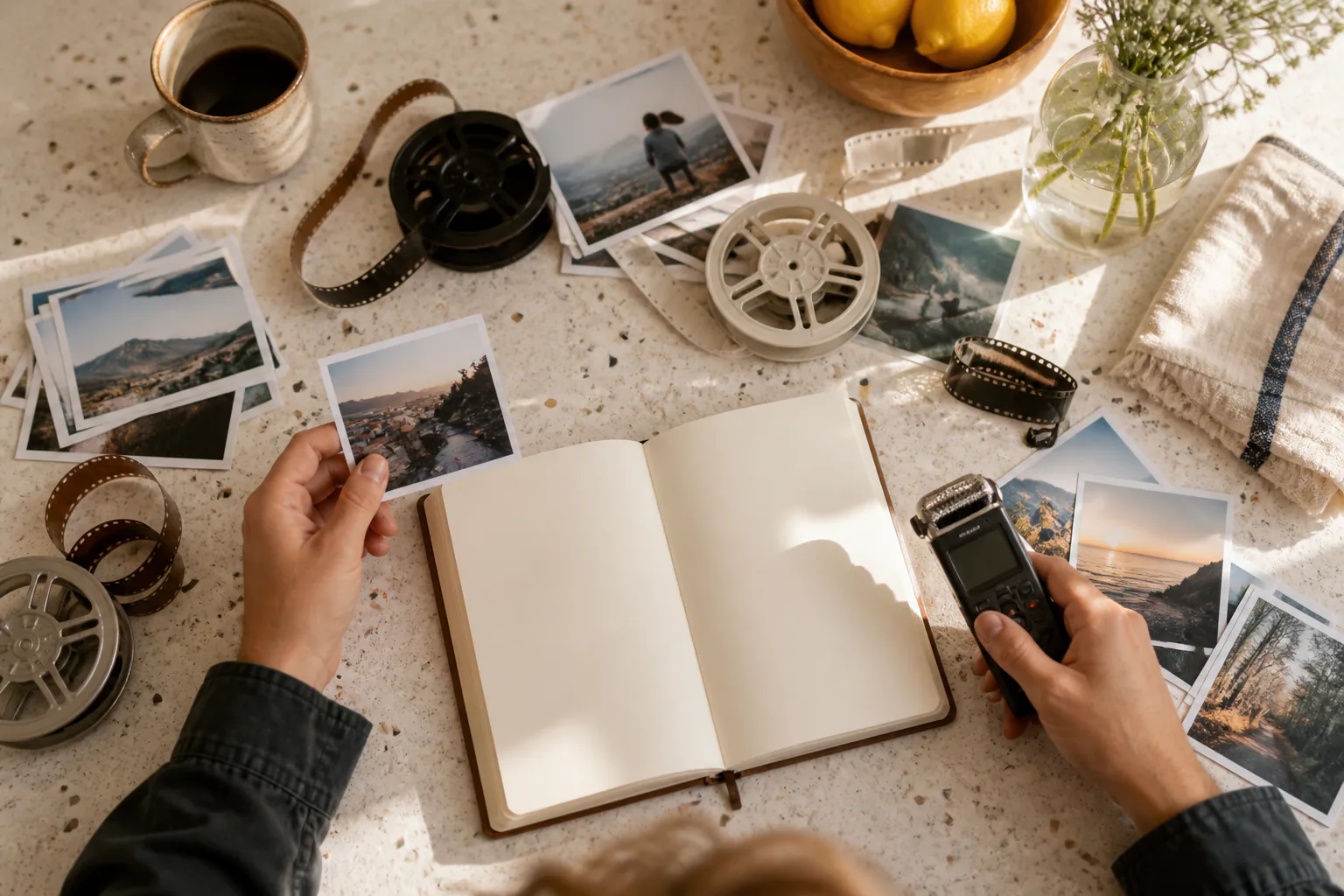
Write the ai vlog theme or short script, then add photos, clips, audio, and text references. You can use @ to mark what each material should guide, and your uploads stay in the workspace for reuse.

Turn your theme, photos, clips, and sound into an ai vlog while you decide each scene, action, and rhythm in VideoAI.
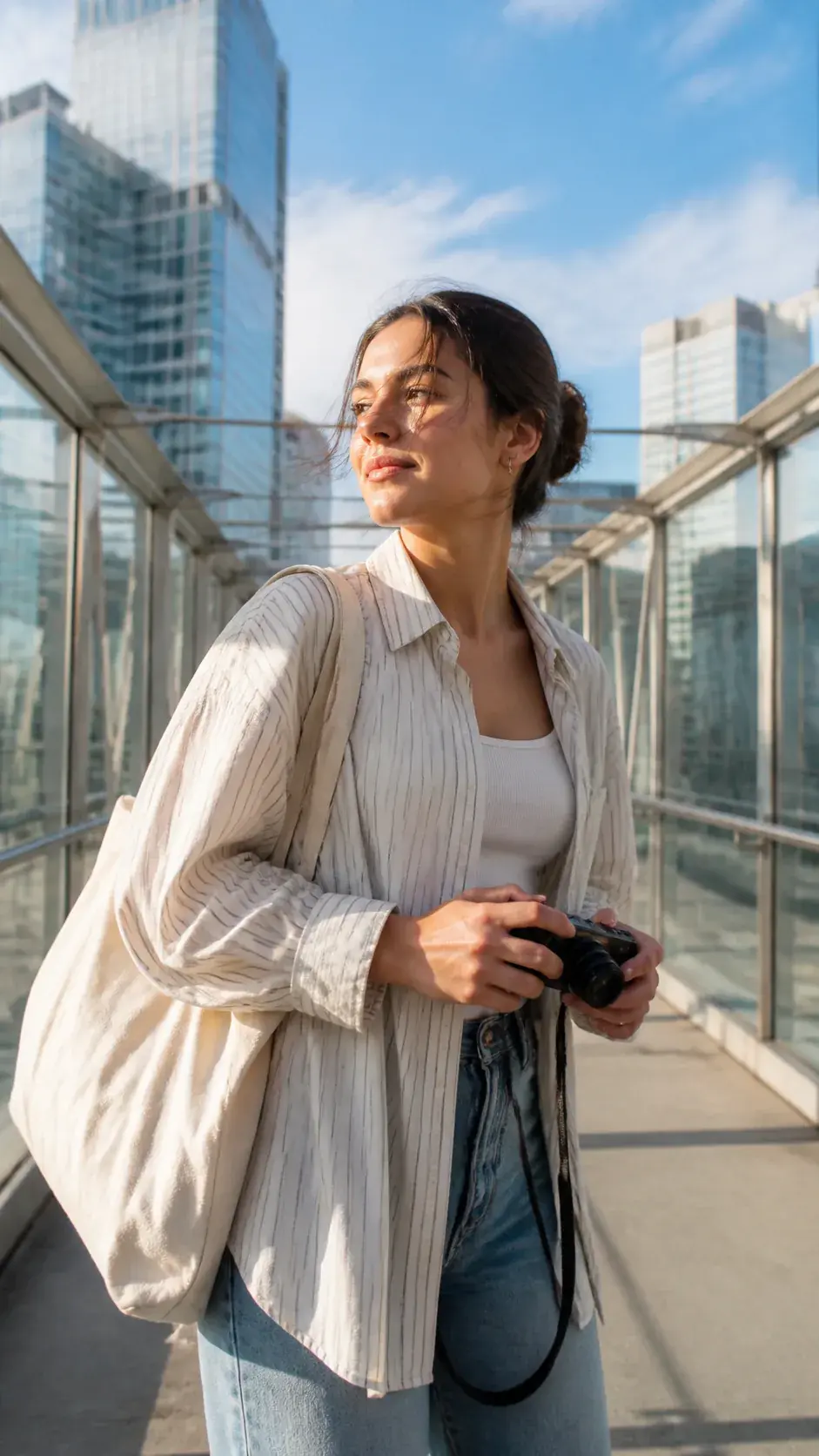
VideoAI helps you turn a video diary idea into a planned ai vlog, with your materials, your timing, and your revision notes guiding the result.
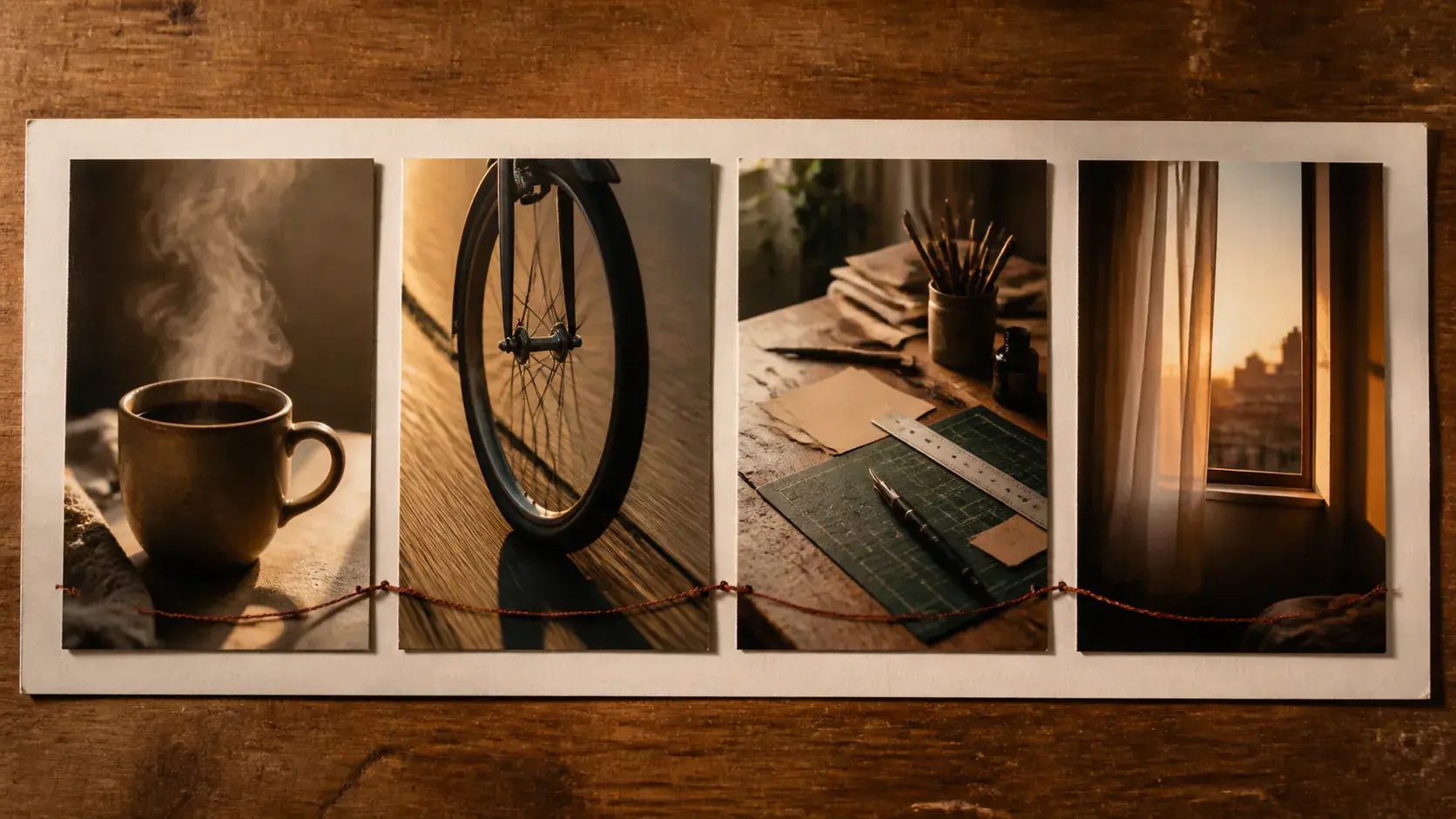
When scene order matters, plan it before generation. Write what happens in each segment, choose the action and camera direction, and make the ai vlog match the rhythm you planned.
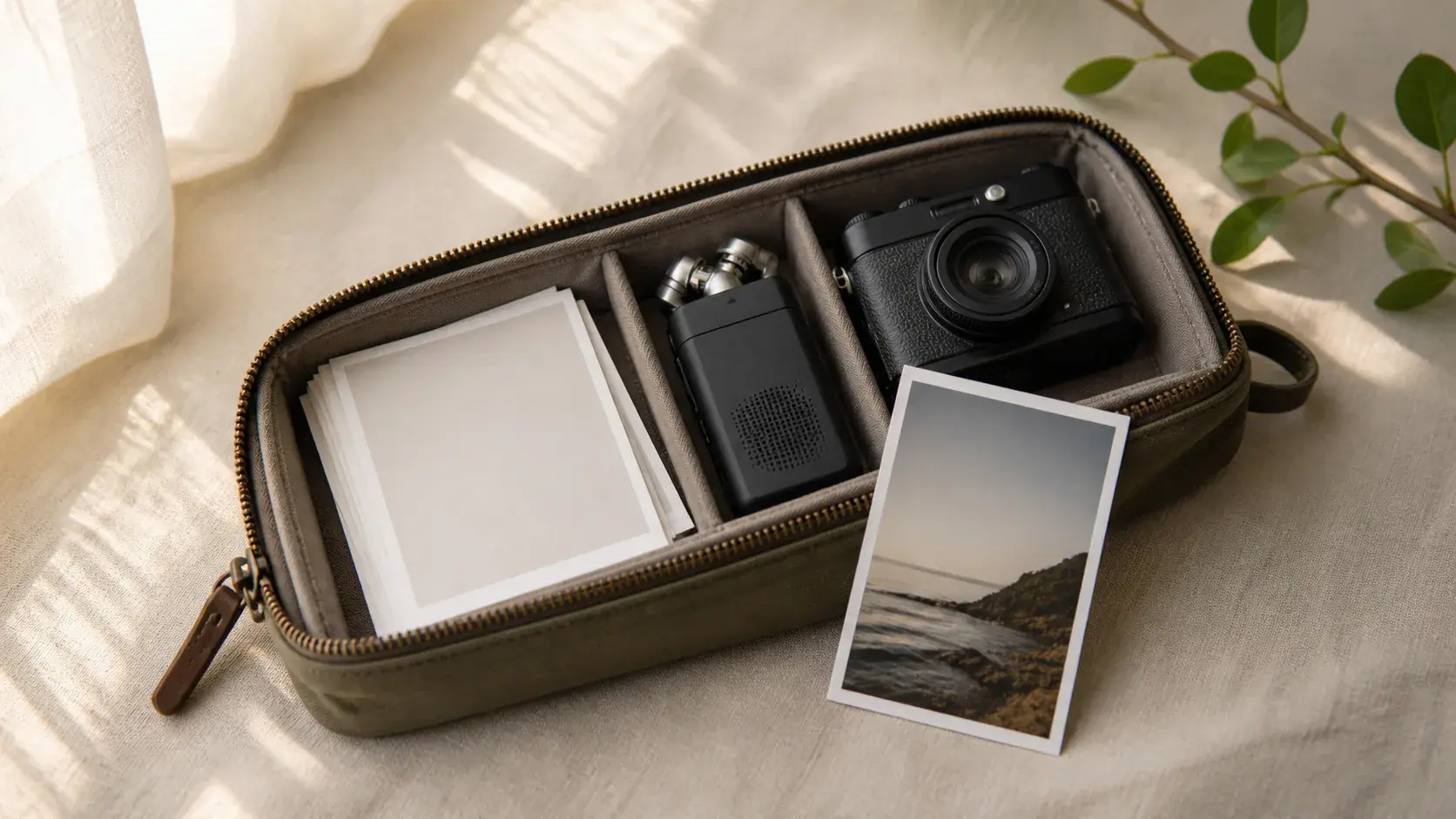
Daily phone photos, short videos, audio, and text can sit in one reference set. Use @ to assign a file as a first frame, subject, scene, camera reference, or music cue for the ai vlog.
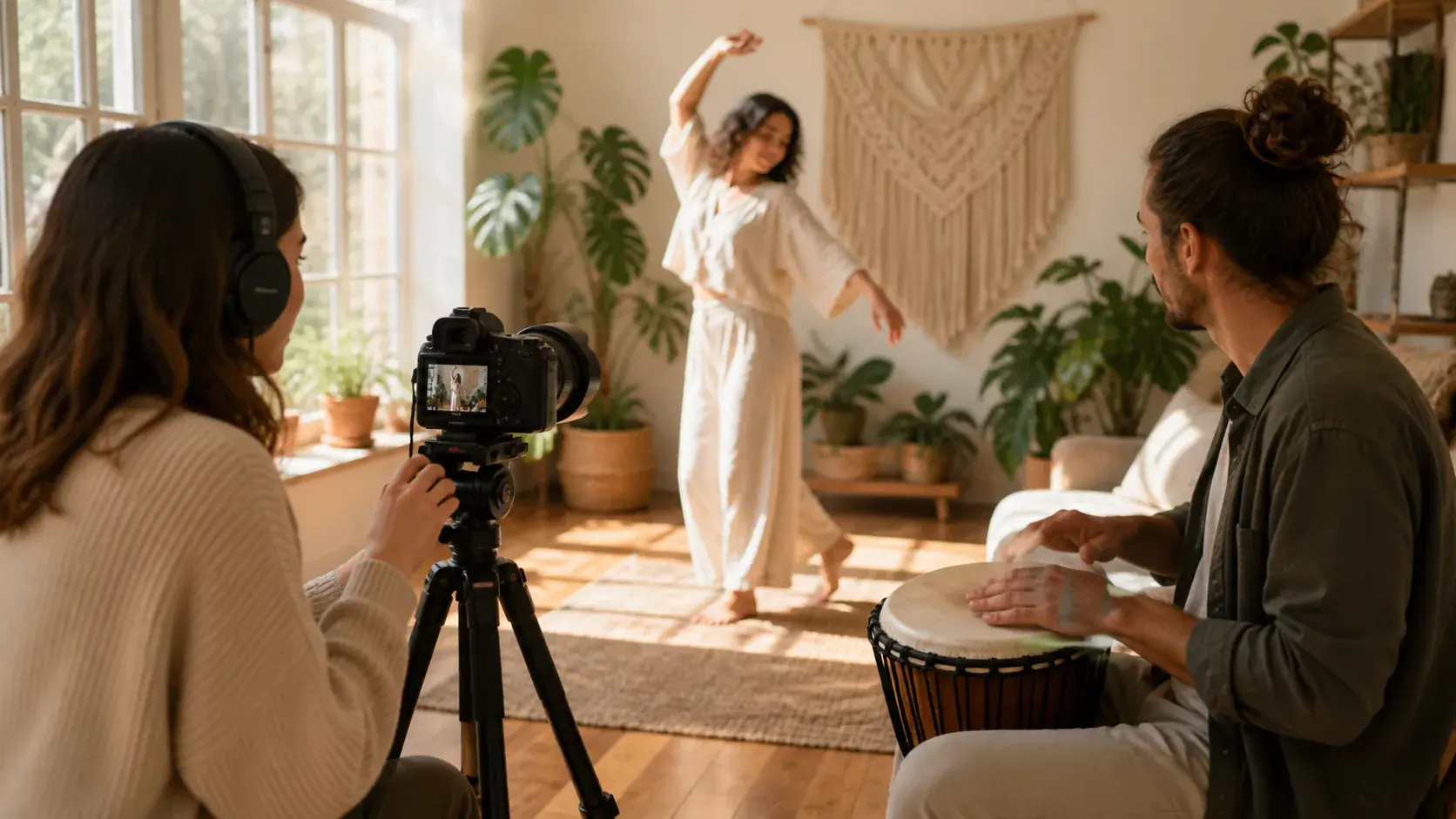
A calmer video diary or a tighter mini vlog needs sound decisions early. Add narration, a voice reference, BGM, sound style, or beat cues so the visuals follow the mood you want.
When the first preview is ready, tell VideoAI which segment, motion, or shot should change. The ai vlog can be regenerated from your text notes, so the next version stays close to your story direction.
Start with the memory or idea, arrange the scenes yourself, then generate a version you can review and refine.
Step 01
Write the ai vlog theme or short script, then add photos, clips, audio, and text references. You can use @ to mark what each material should guide, and your uploads stay in the workspace for reuse.
Step 02
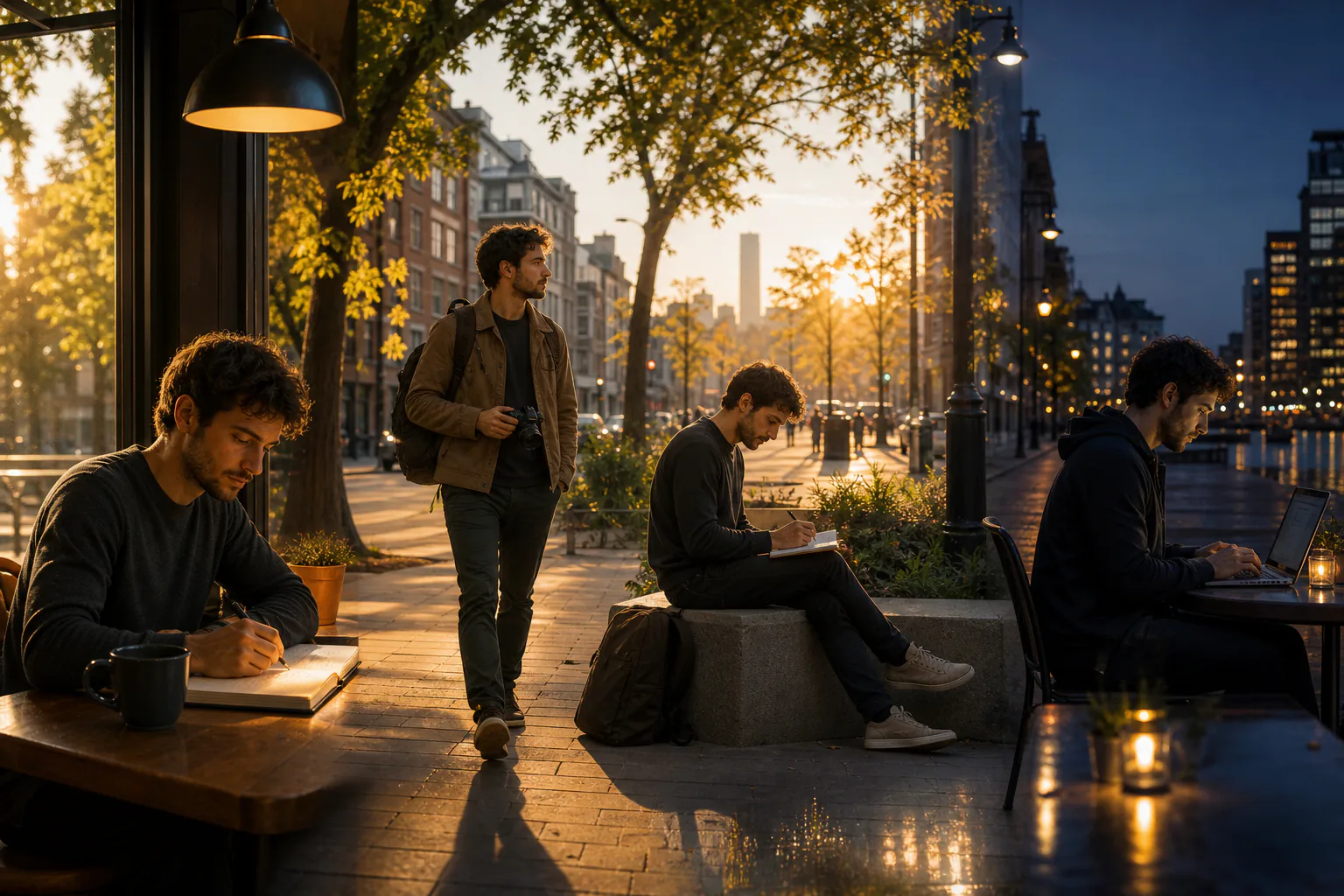
Choose the aspect ratio and single generation length, then describe each time segment. For a day in the life video, map morning, commute, work, and evening as separate beats with their own visuals and actions.
Step 03
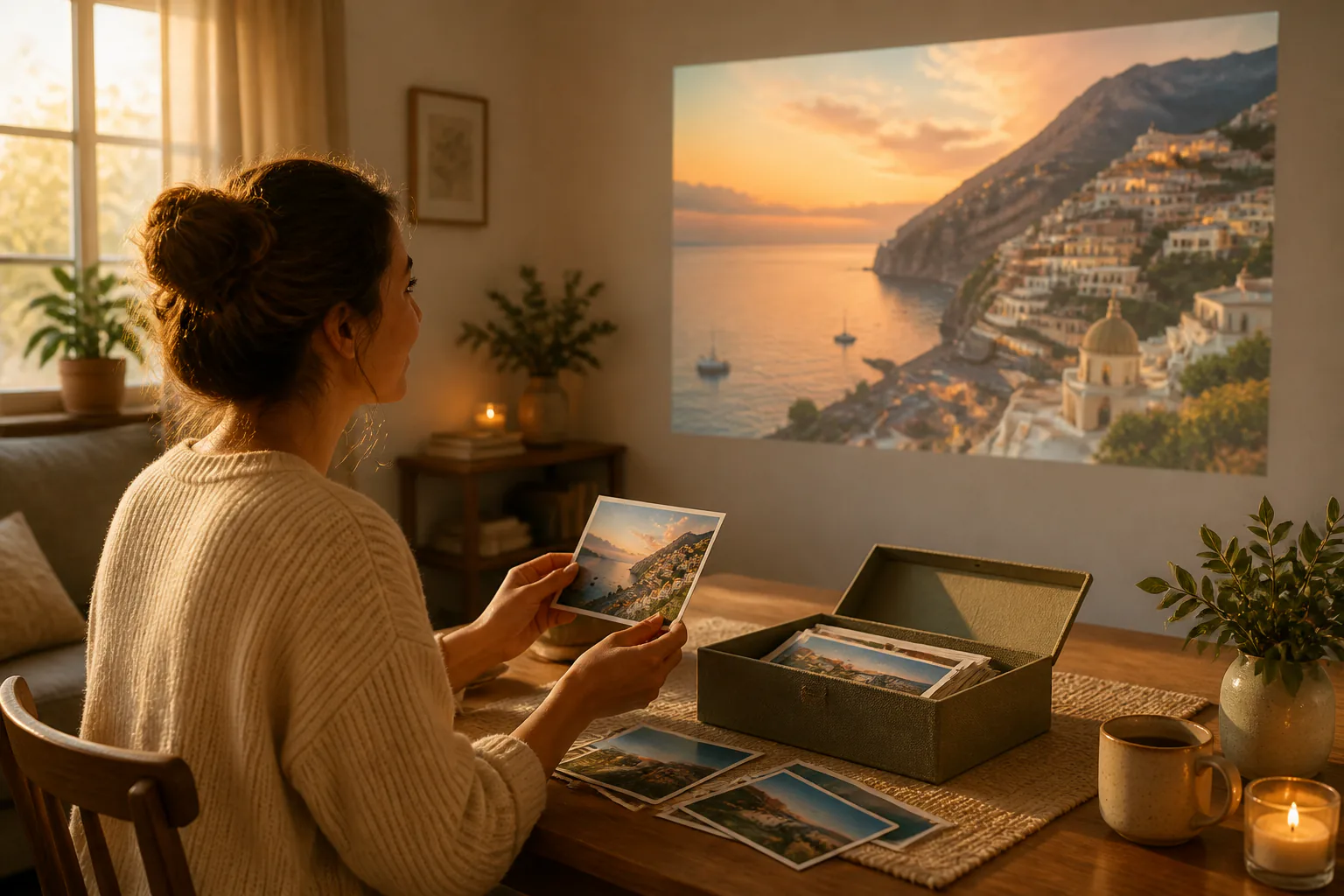
Generate the ai vlog, preview it, and use text to adjust a segment, action, or camera move. Export an MP4 up to 4K in 16:9, 9:16, 1:1, or 4:5 when the version is ready.
Pick the story shape that fits your material, then decide the order, scene detail, and sound references yourself.

A fictional snowy character can become the narrator of a compact day. Set the locations, actions, and camera references by segment to create a character viewpoint vlog with a clear route through the scene.
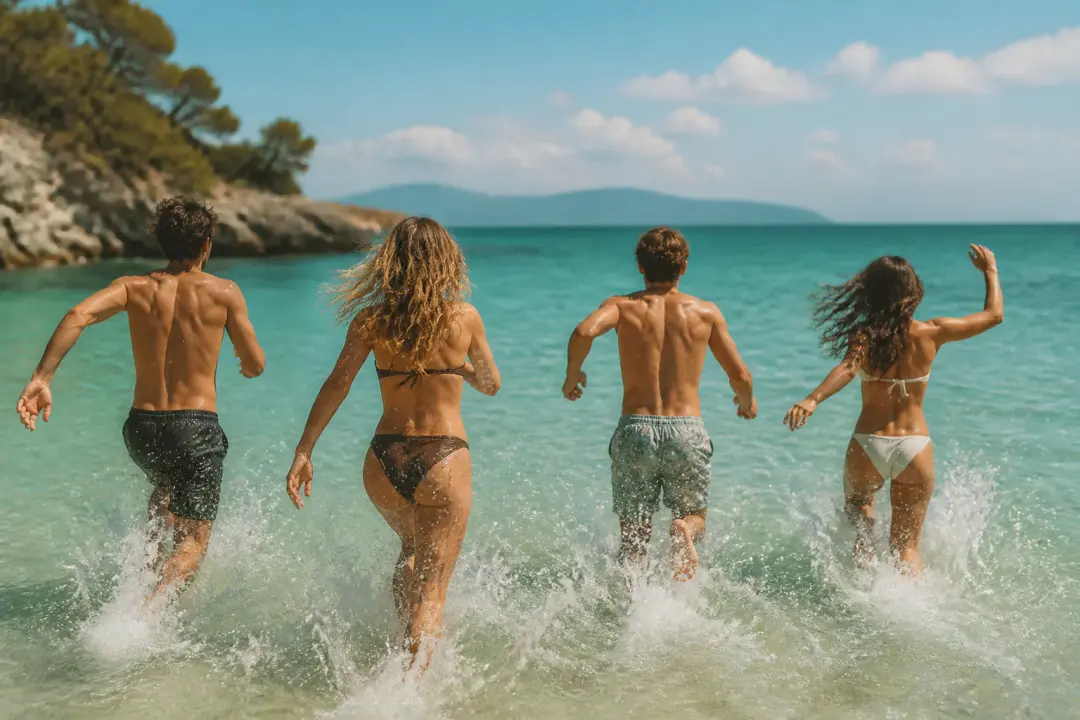
Travel, birthday, and life update materials often arrive as scattered photos, short clips, and ambient sound. Arrange them in the order you remember them, then let VideoAI generate a memory led ai vlog from that sequence.
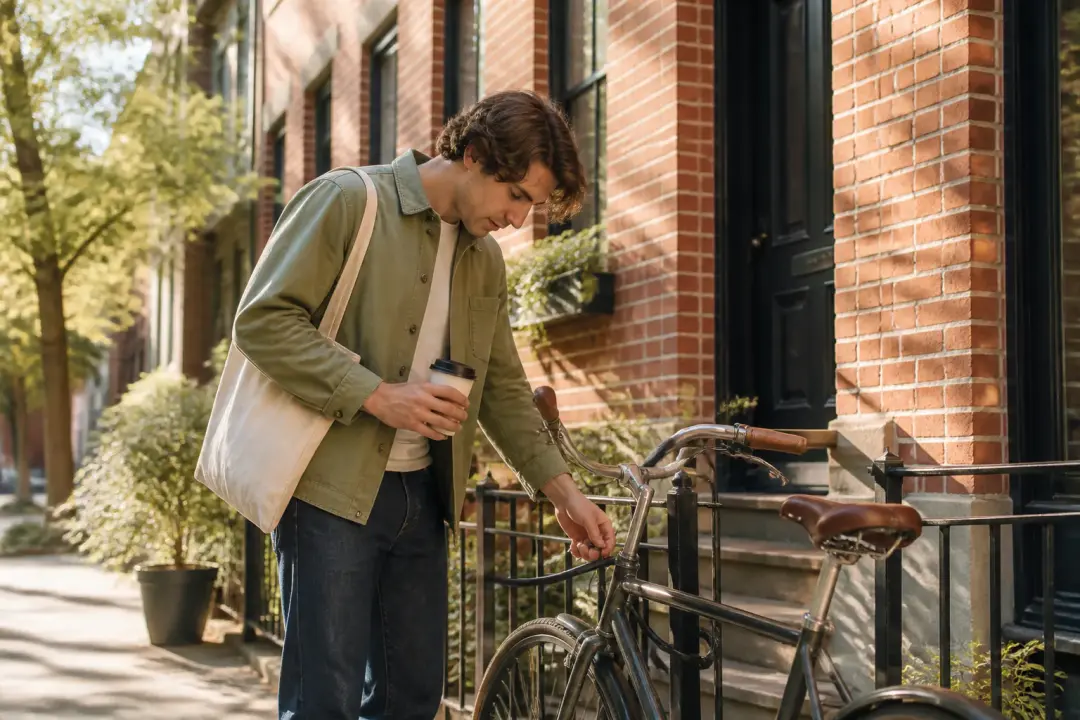
Morning coffee, transit, desk work, and night routines need visible structure. Write what happens in each part of the day so the final ai vlog shows the timeline instead of feeling like unrelated moments.
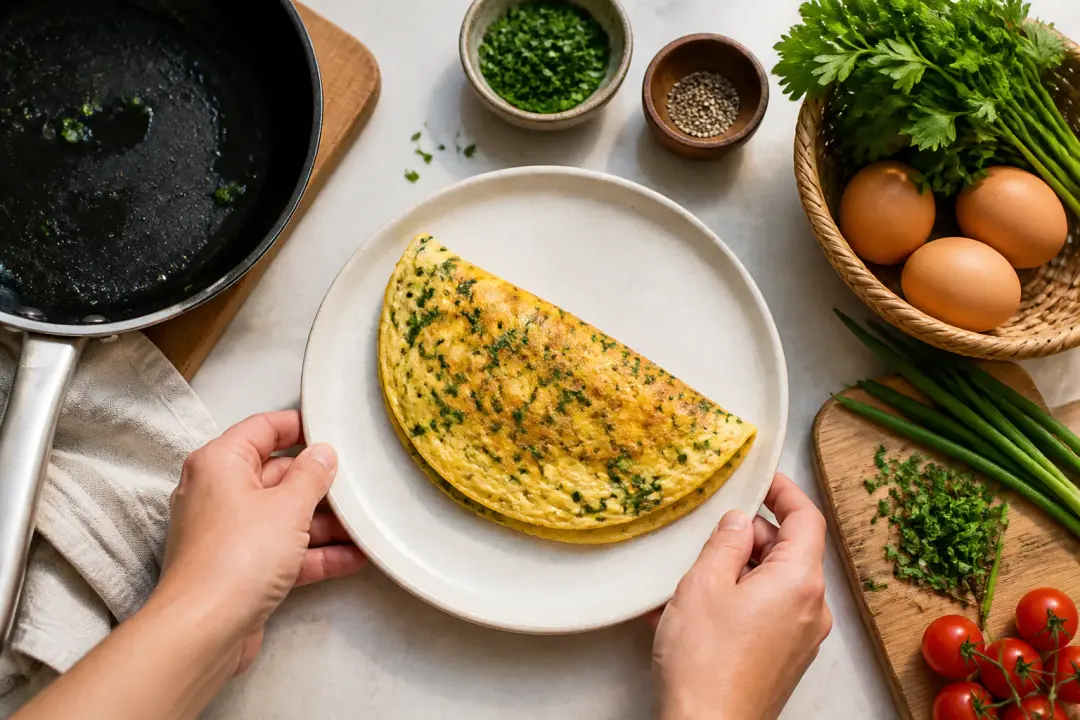
If the story centers on one errand, meal, project, or routine, keep it to fewer beats. Plan a short opening, middle action, and closing image for a compact vlog that still feels complete.
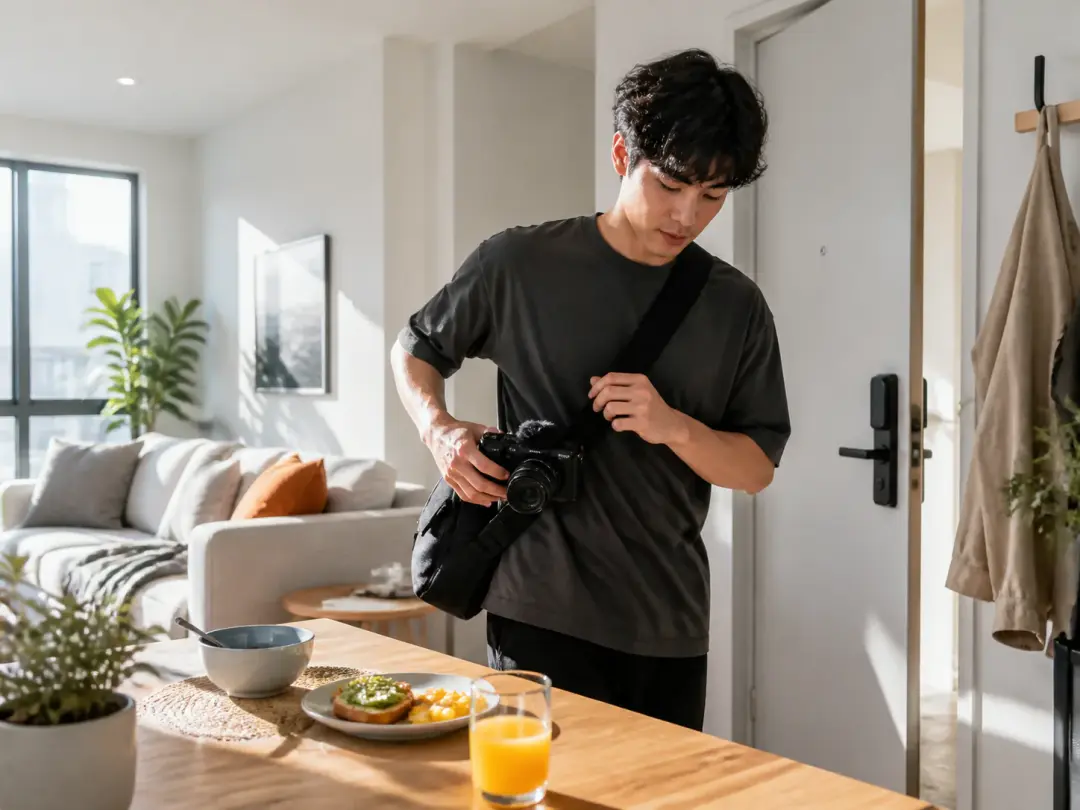
Creators recording daily routines can turn scattered moments into a planned ai vlog. They choose the scene order, attach reference images where needed, and keep the first person point of view clear.
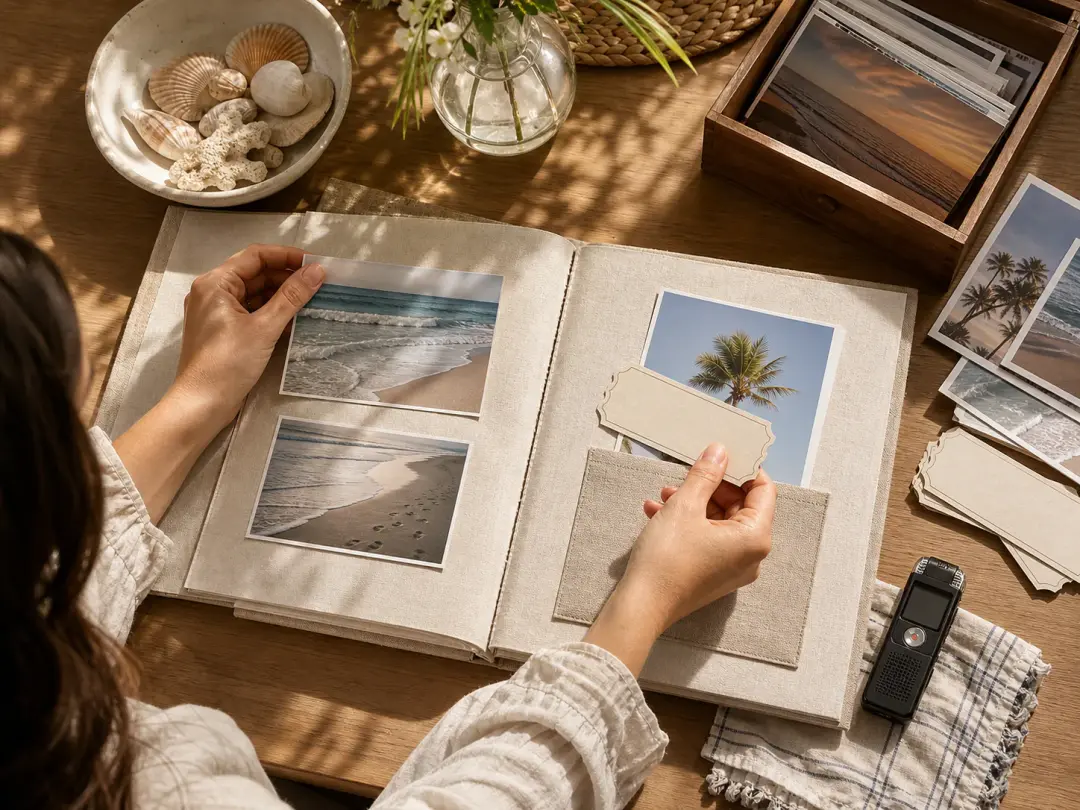
People saving trips, birthdays, or personal milestones can shape a video scrapbook from their own photos, clips, and sounds. The result follows the order they set instead of a generic montage pattern.
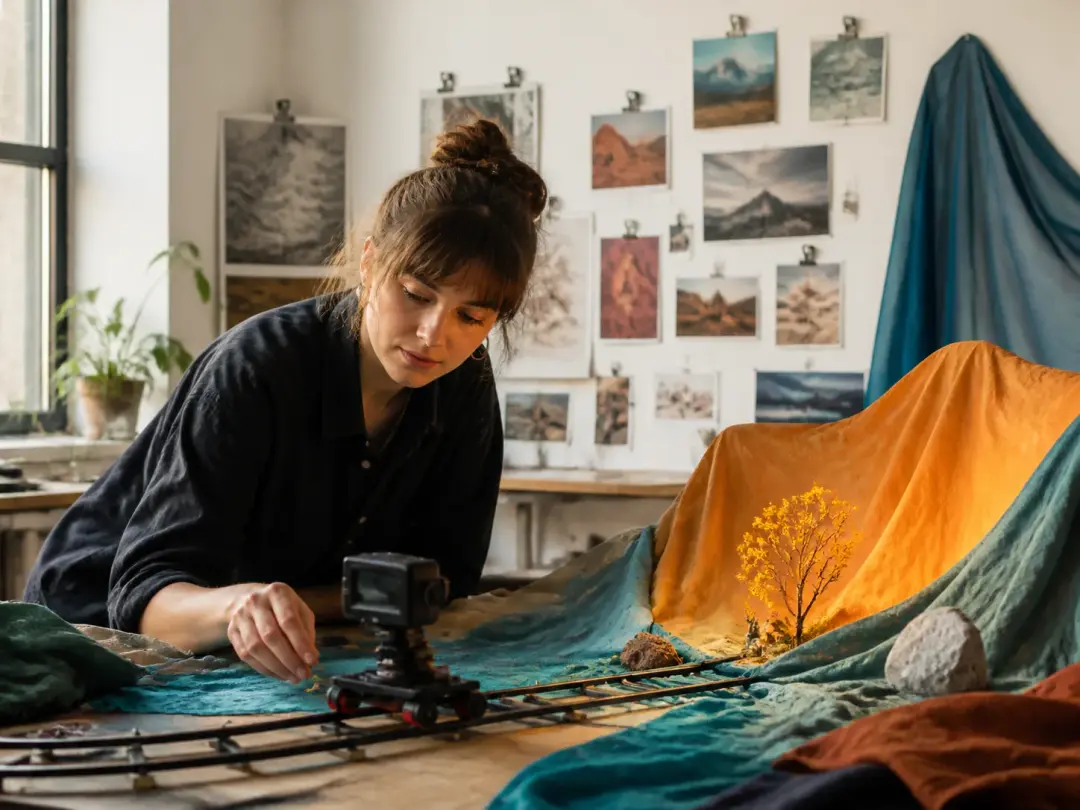
Creators testing an AI video workflow can begin with a clear theme and reference set. VideoAI keeps the process practical by letting them state what each scene should show before generation.
Bring a theme, a few references, and your scene plan, then generate a vlog you can preview, revise, and export.
Get Started