

Animated Happy Birthday

Make an animated happy birthday video with the name, photos, short wishes, music, and scene timing you choose while VideoAI generates and lets you keep adjusting.

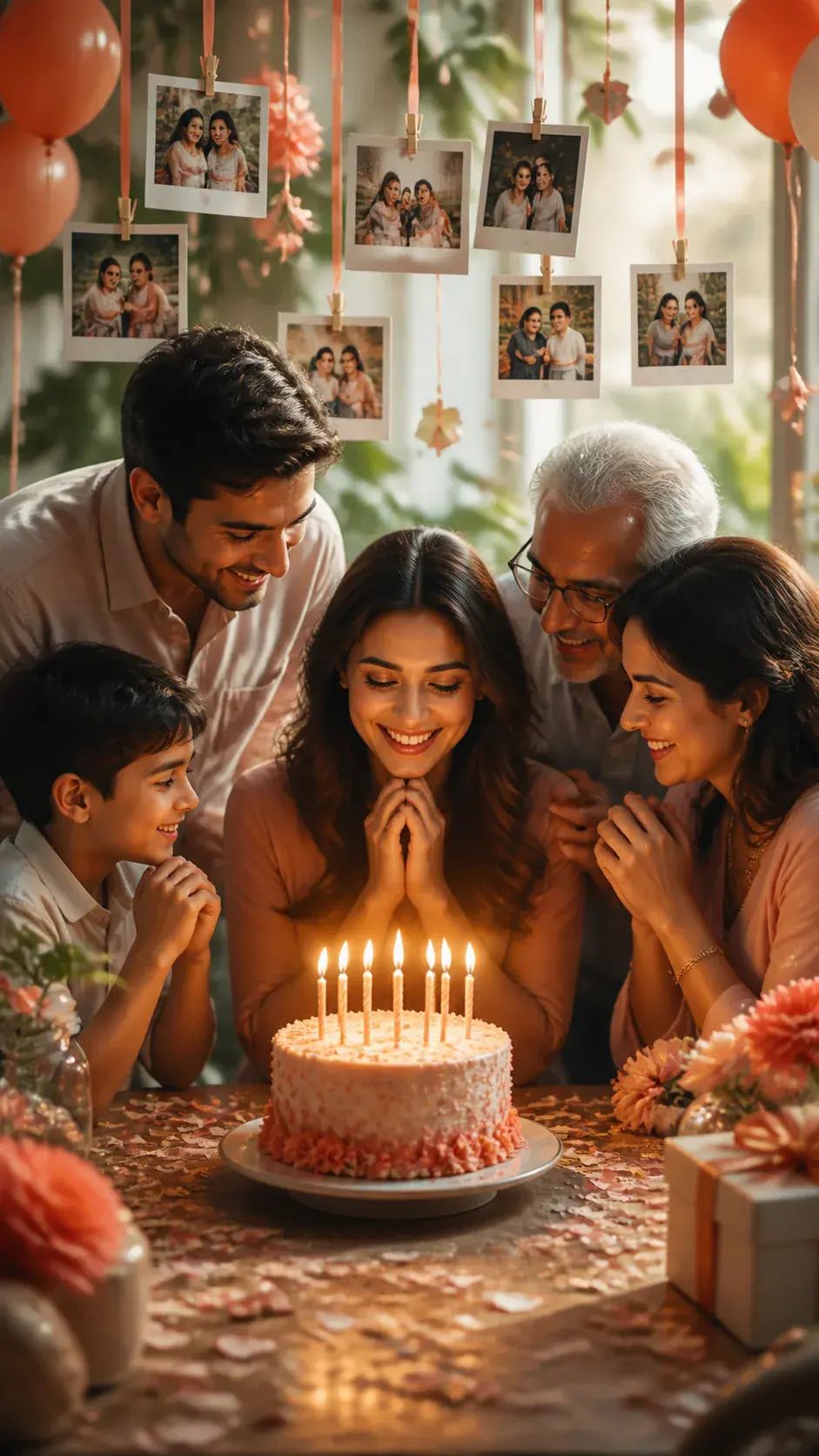
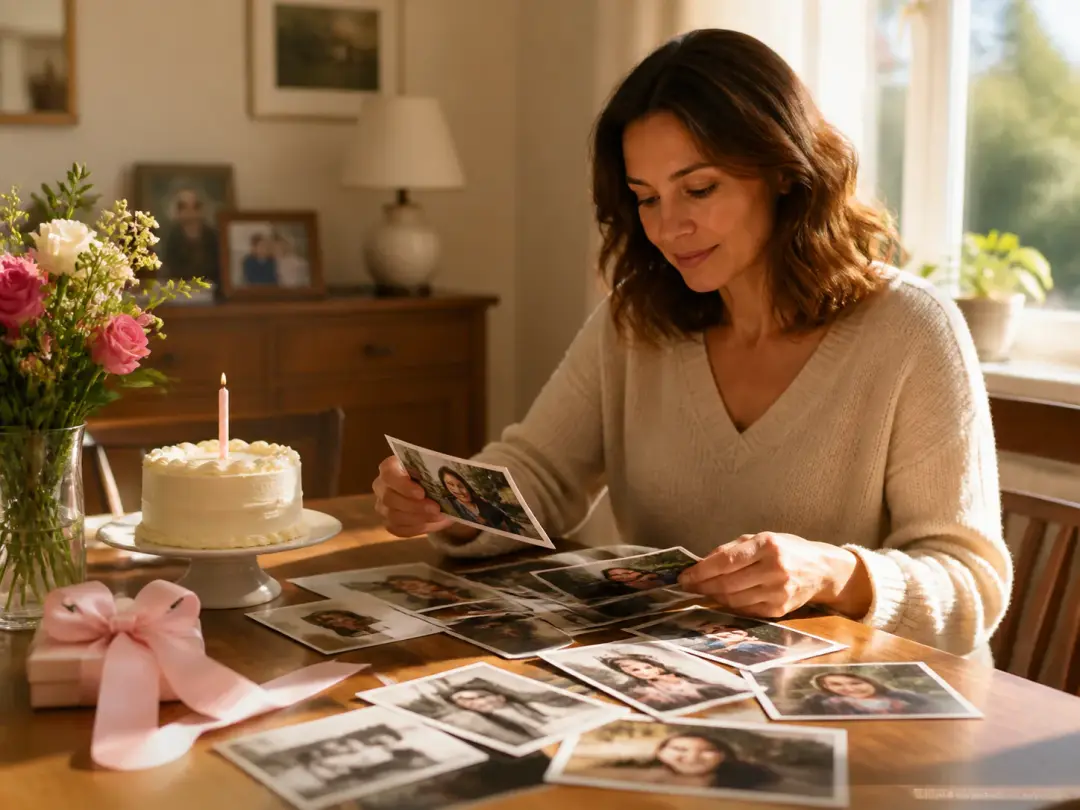
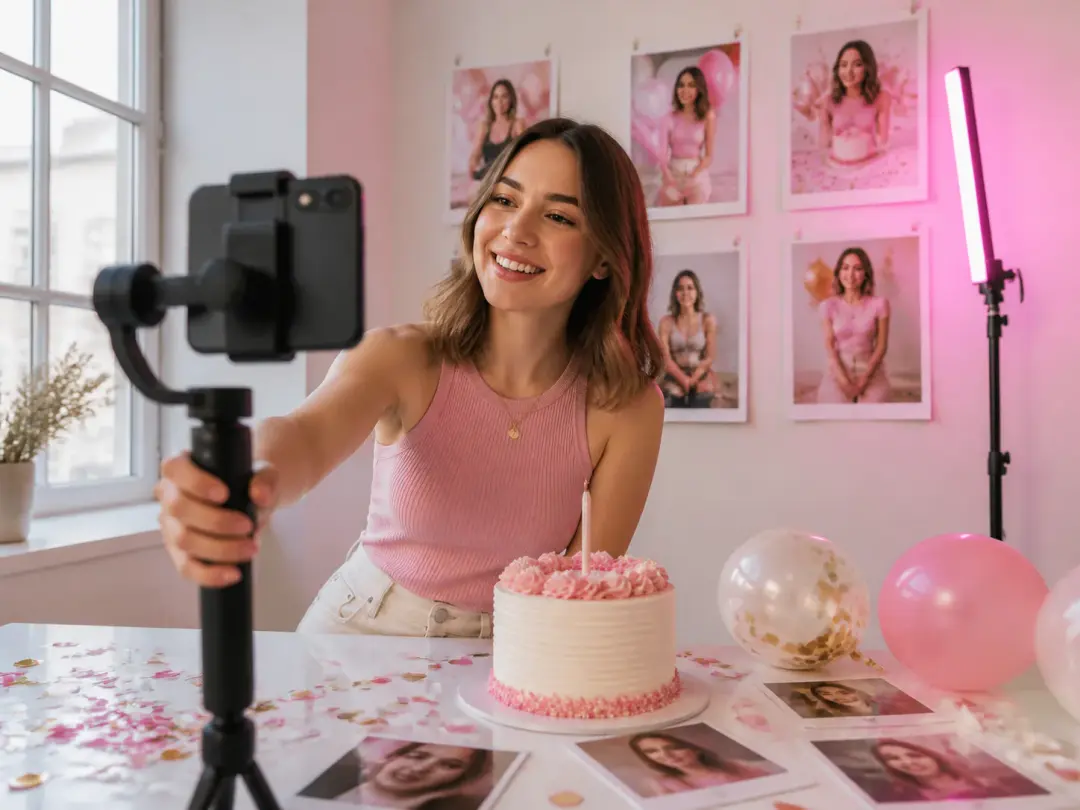
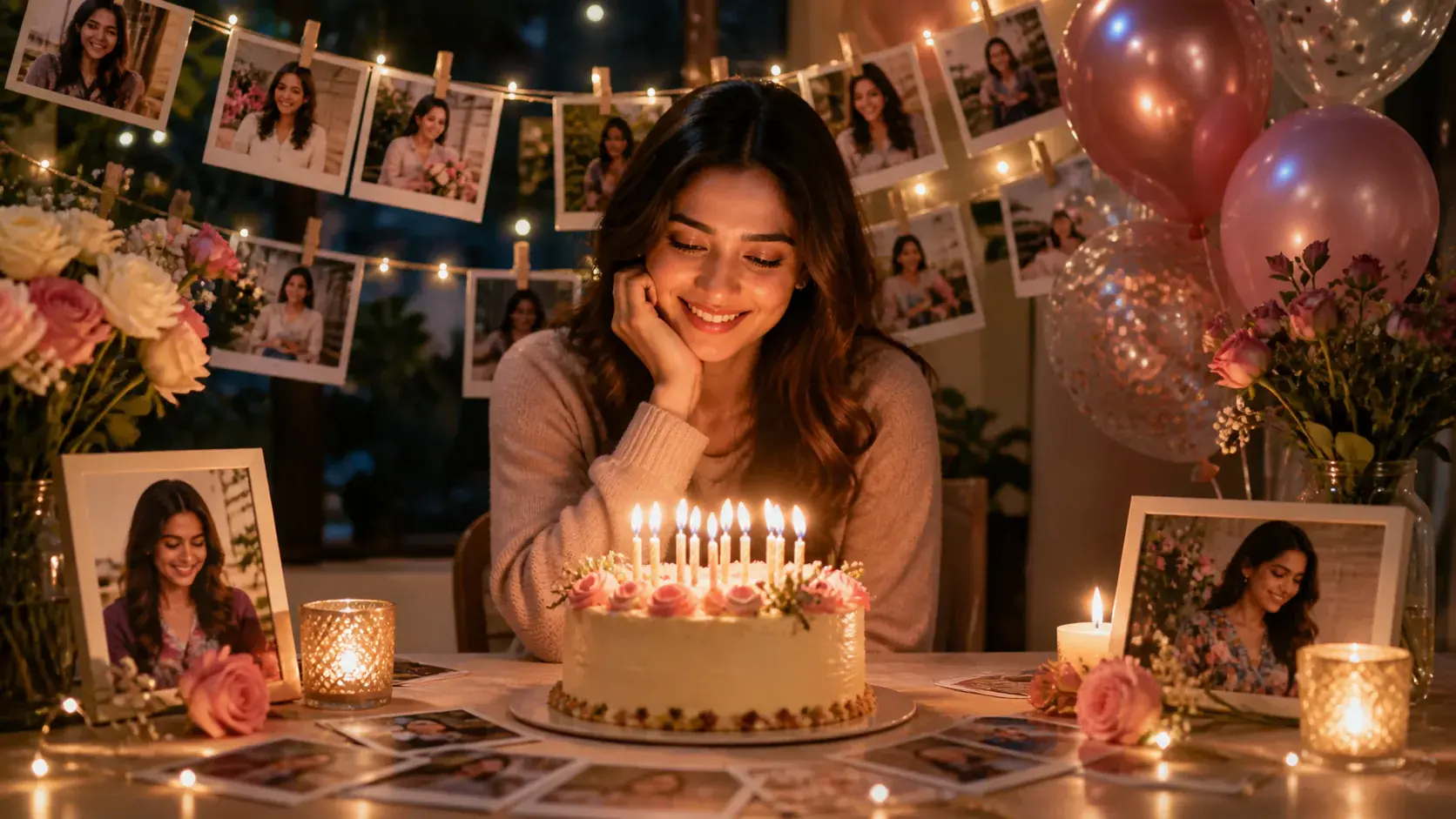
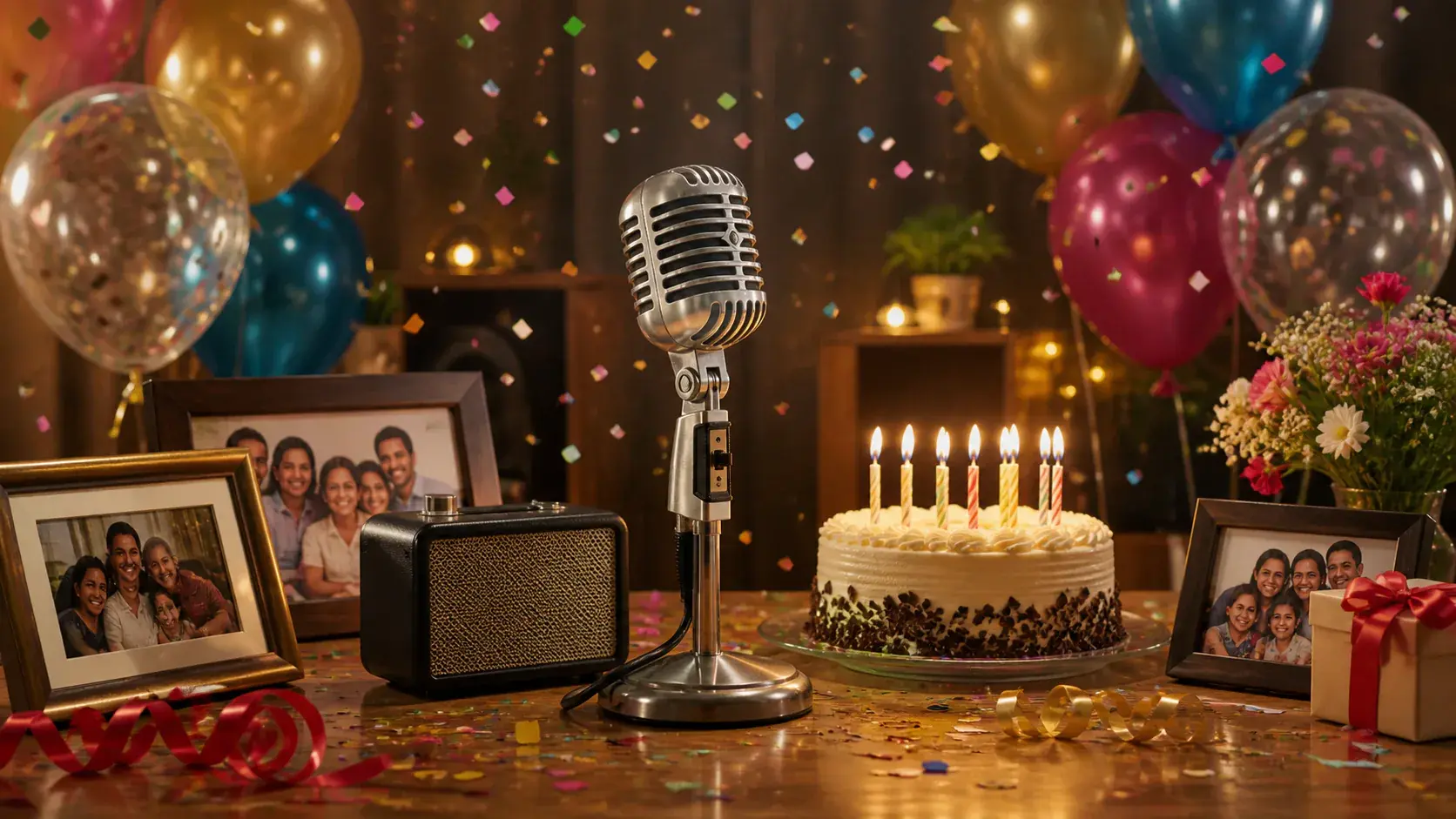
  • Vertical family birthday greeting with candlelight and favorite photo moments
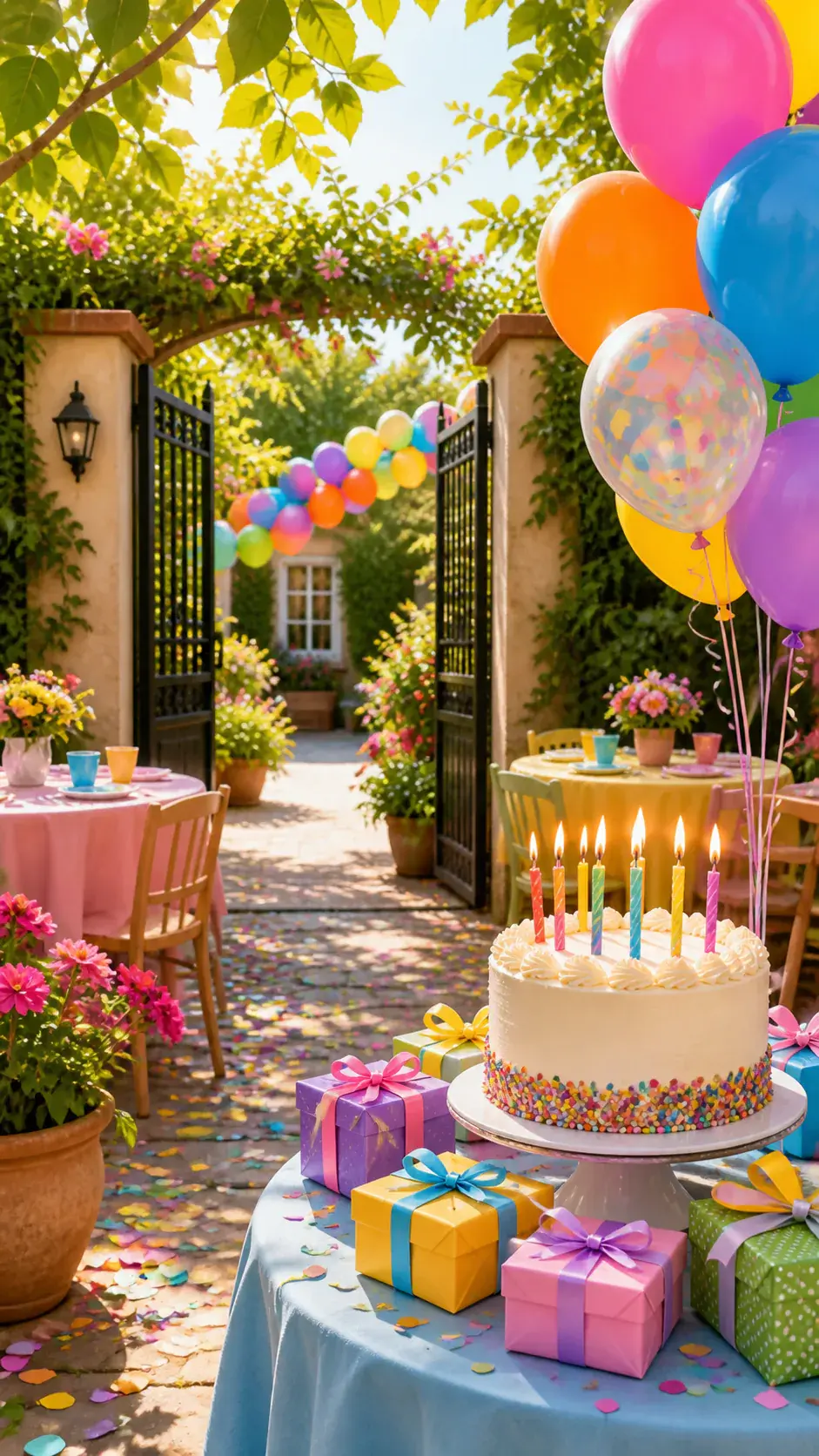
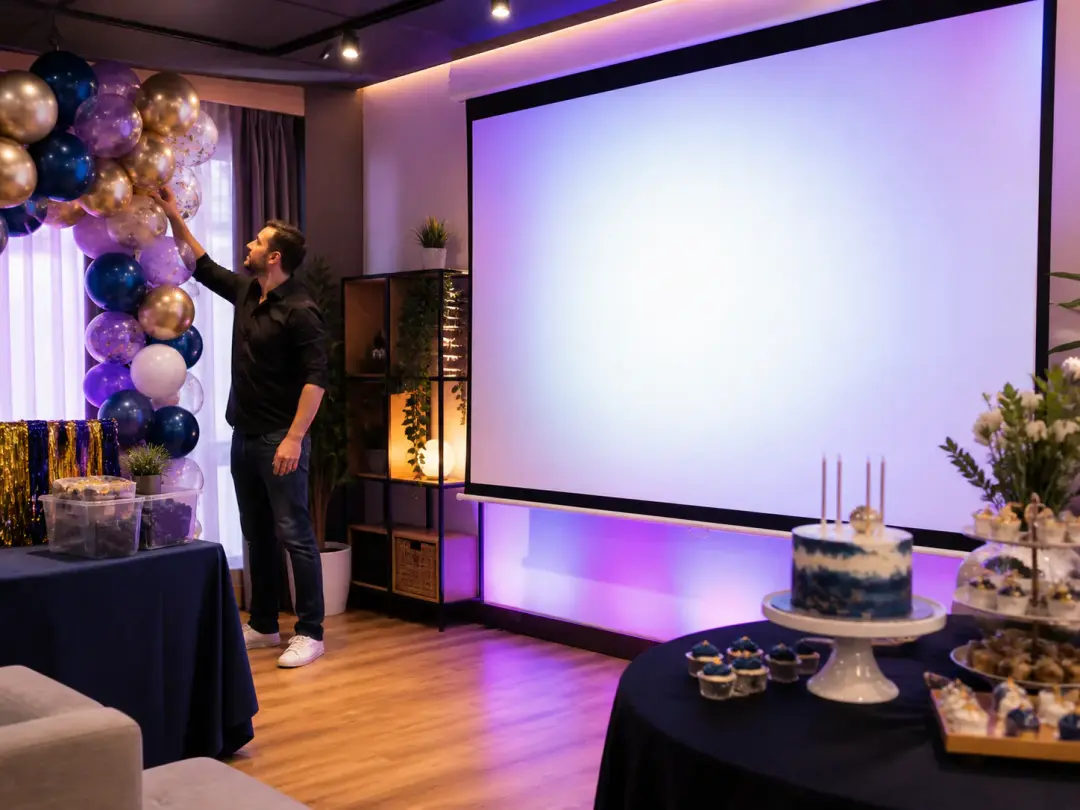
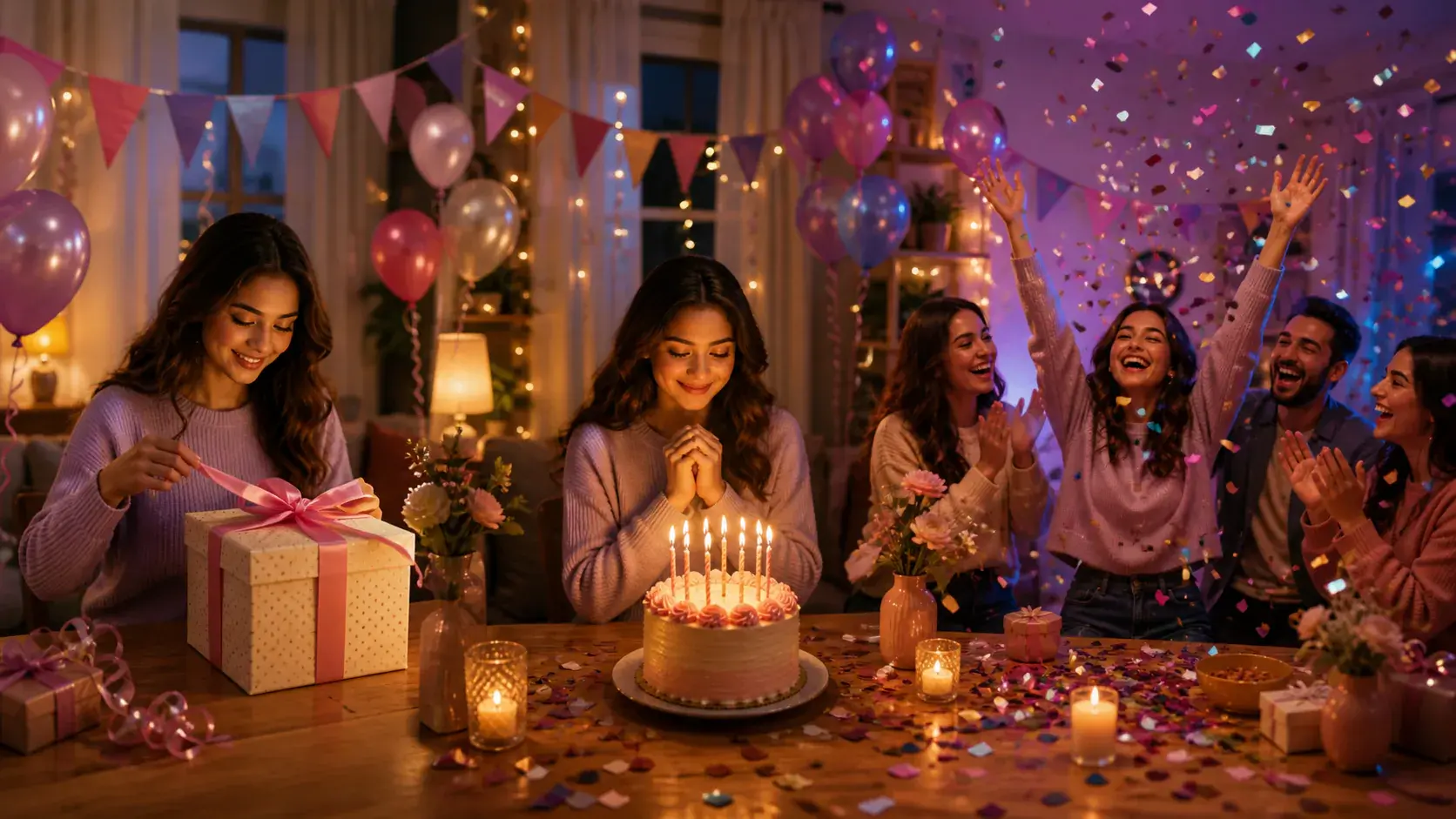
  • Vertical birthday party opener with cake balloons and colorful confetti
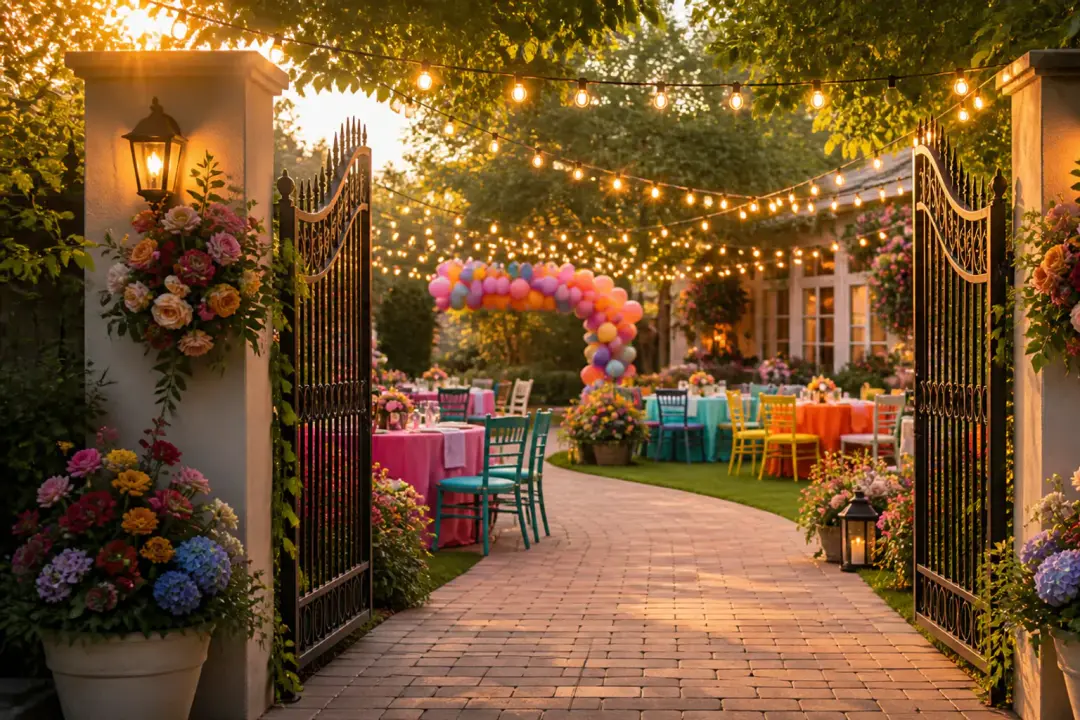
  • Vertical birthday invitation scene with elegant table setting and warm lights
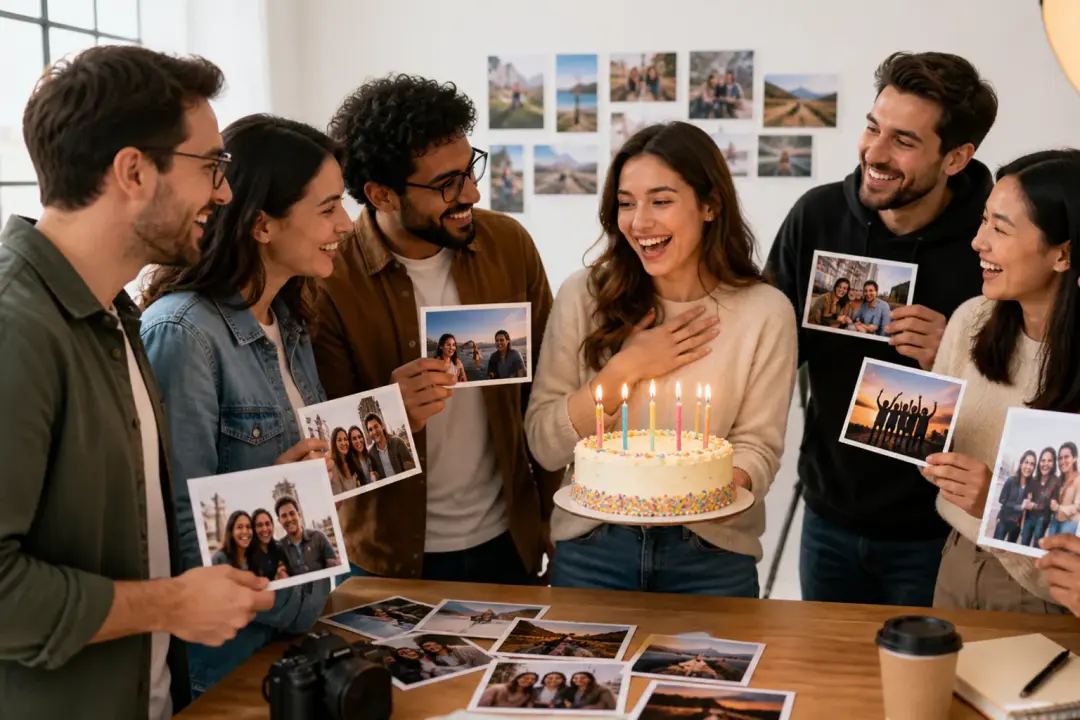
  • Vertical team birthday greeting with coworkers celebrating in a bright studio

Animated Happy Birthday Video Ideas

Use VideoAI to turn an animated happy birthday message into a planned video with names, photos, short wishes, music, and scene timing you choose.

Create a birthday celebration video video scene

Create a birthday celebration video

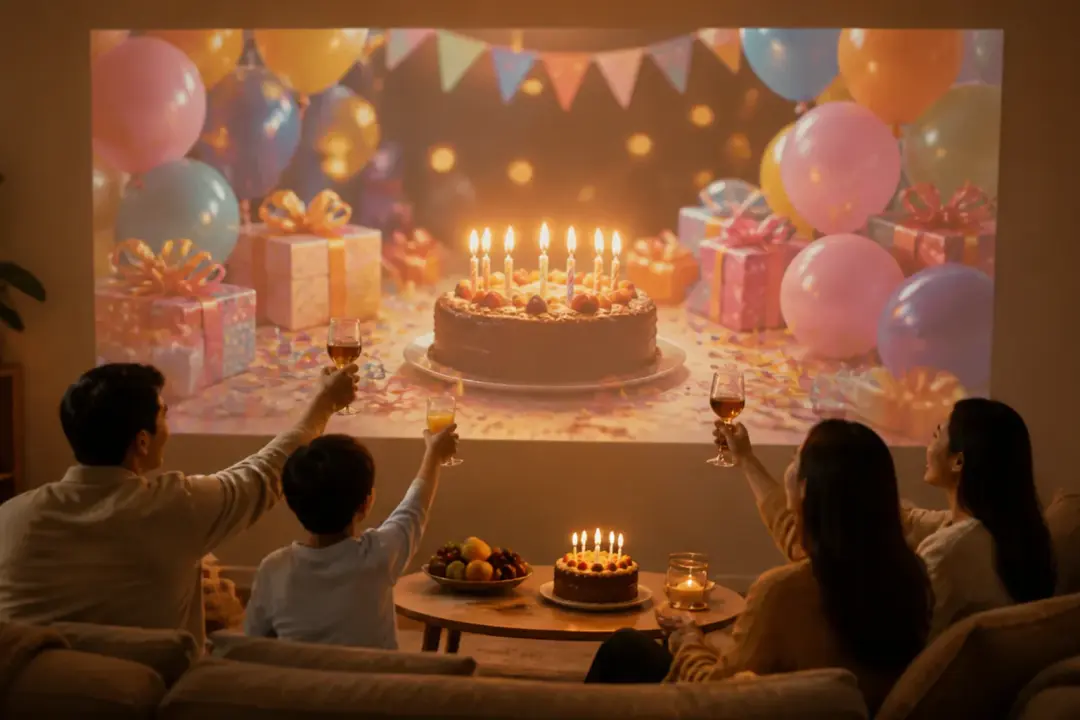
For a party opener or screen loop, combine photos, short clips, a clear birthday line, and BGM direction. Arrange the welcome, memory moments, and closing wish as an animated happy birthday video for the room.

Happy Birthday Niece Animated Greeting video scene

Happy Birthday Niece Animated Greeting

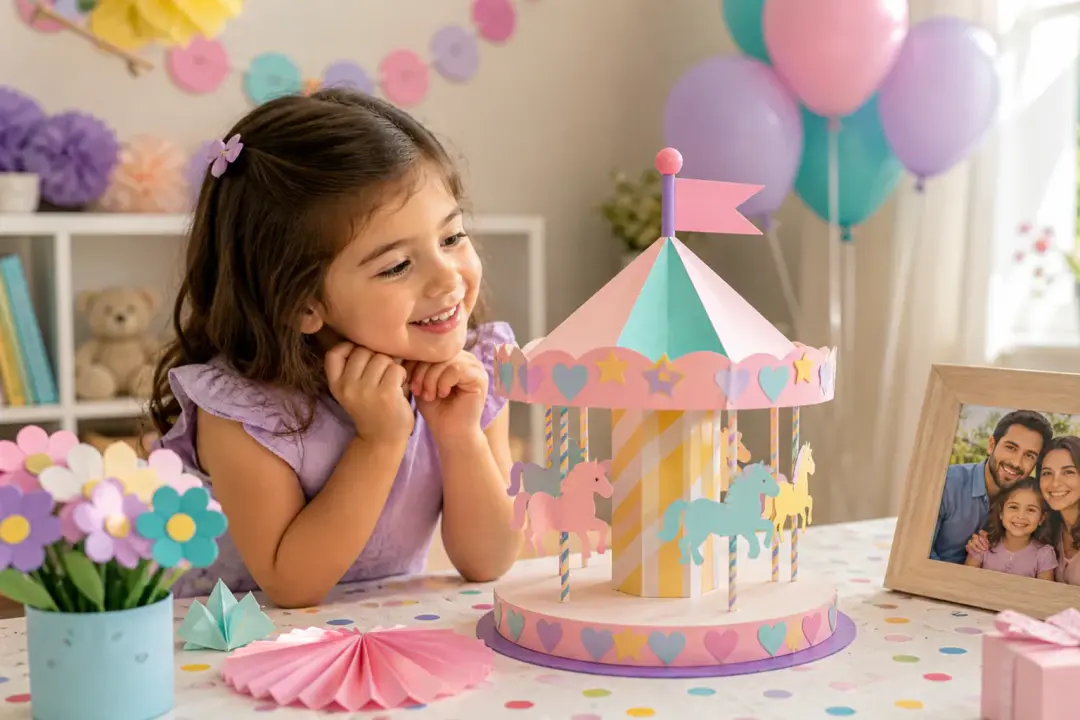
Make the greeting specific with her name, a favorite photo, and one short memory. Place those details inside the scene, preview the result, and revise the happy birthday wishes video before downloading.

Design a birthday video invitation video scene

Design a birthday video invitation

Turn the time, place, and party theme into short on screen details within the celebration scene. Add a visual style, generate the animated happy birthday video, and download the invitation as an MP4.

Team Birthday Greeting video scene

Team Birthday Greeting

Keep a consistent opening, message, and ending for employee birthday videos while changing the name, photo, and wish each time. Save the materials in your workspace so the structure stays ready for the next greeting.

Who Creates Animated Happy Birthday Videos

Family birthday video with portrait photo, name text, short wish, and music cues

Family Greeting Makers

Family greetings need more than a saved photo or a short text. Add the recipient name, favorite photos, a brief wish, and music direction, then decide when each element appears in the animated happy birthday video.

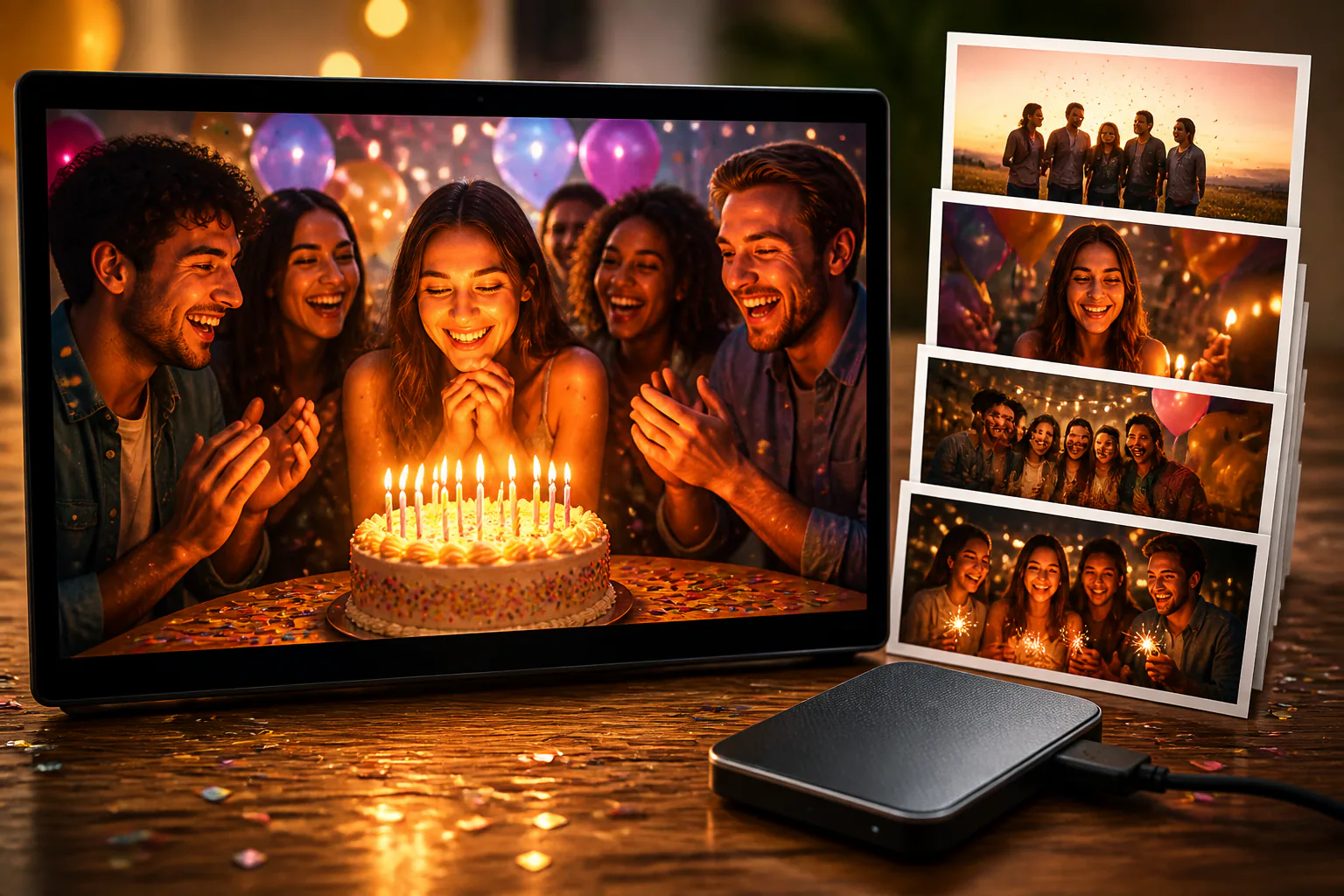
Party screen with birthday video, cake scene, guest photos, and title text

Party Organizers

A party video needs clear timing for the opener, memory moments, greeting, and ending. Choose the ratio, describe each timed scene, include music direction, and generate a playable animated happy birthday for the celebration.

Social creator preparing vertical birthday video with name, photo, and music notes

Social Creators

Social creators can start from a description, template, or preset, then refine the scenes for vertical, square, or wide formats. The same media plan can become a short animated happy birthday post with a clear recipient.

Plan Animated Happy Birthday Scenes

Keep each creative choice clear, from who appears and when the name shows to how each timed scene, short wish, and music cue should feel.

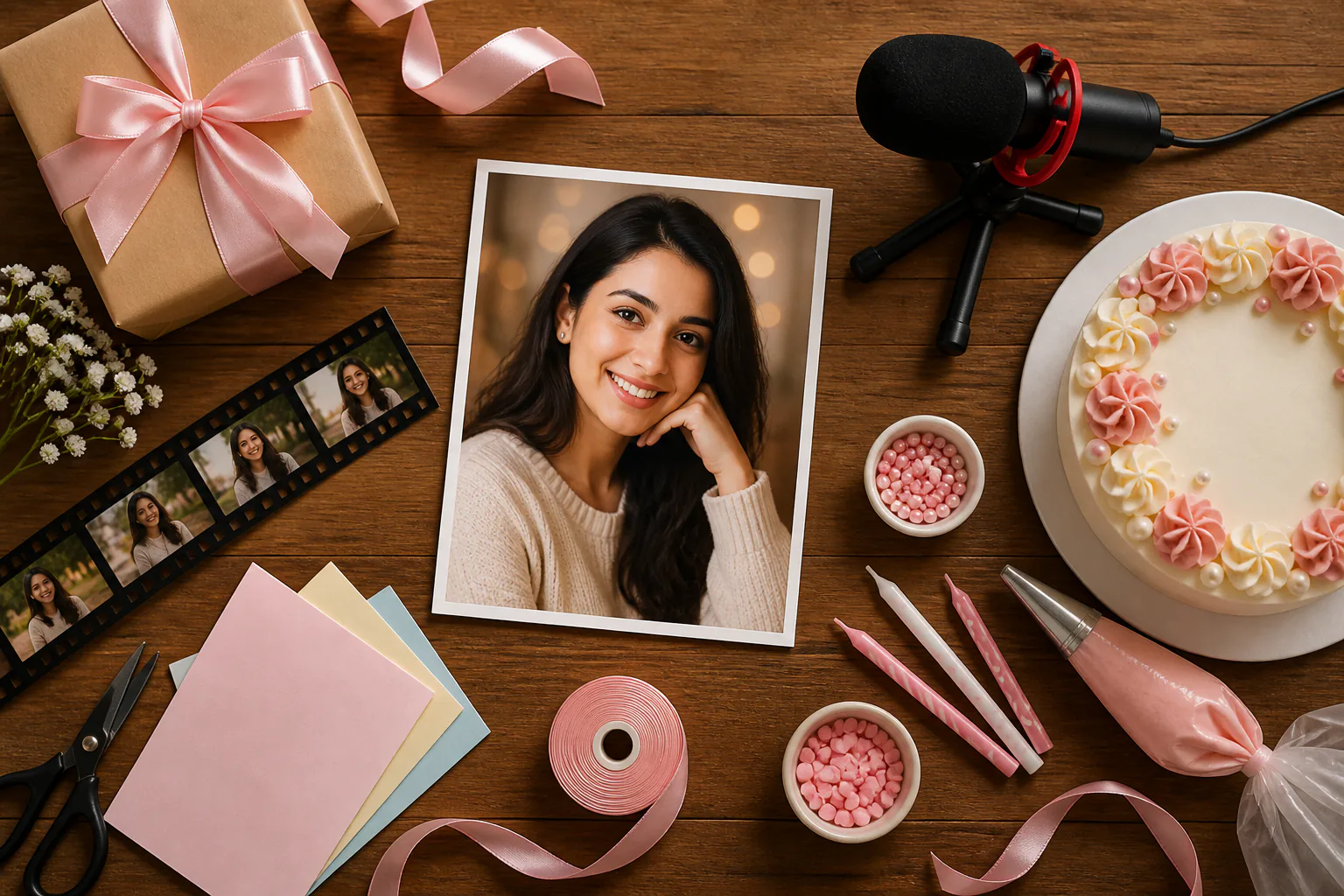
Birthday portrait, cake, candles, and favorite photos arranged around the recipient

Name, Photo, and Short Wish

Place the recipient at the center of the birthday scene with a confirmed name, favorite photo, and brief greeting in the frame. Use it when a happy birthday video should feel personal without relying on long text.

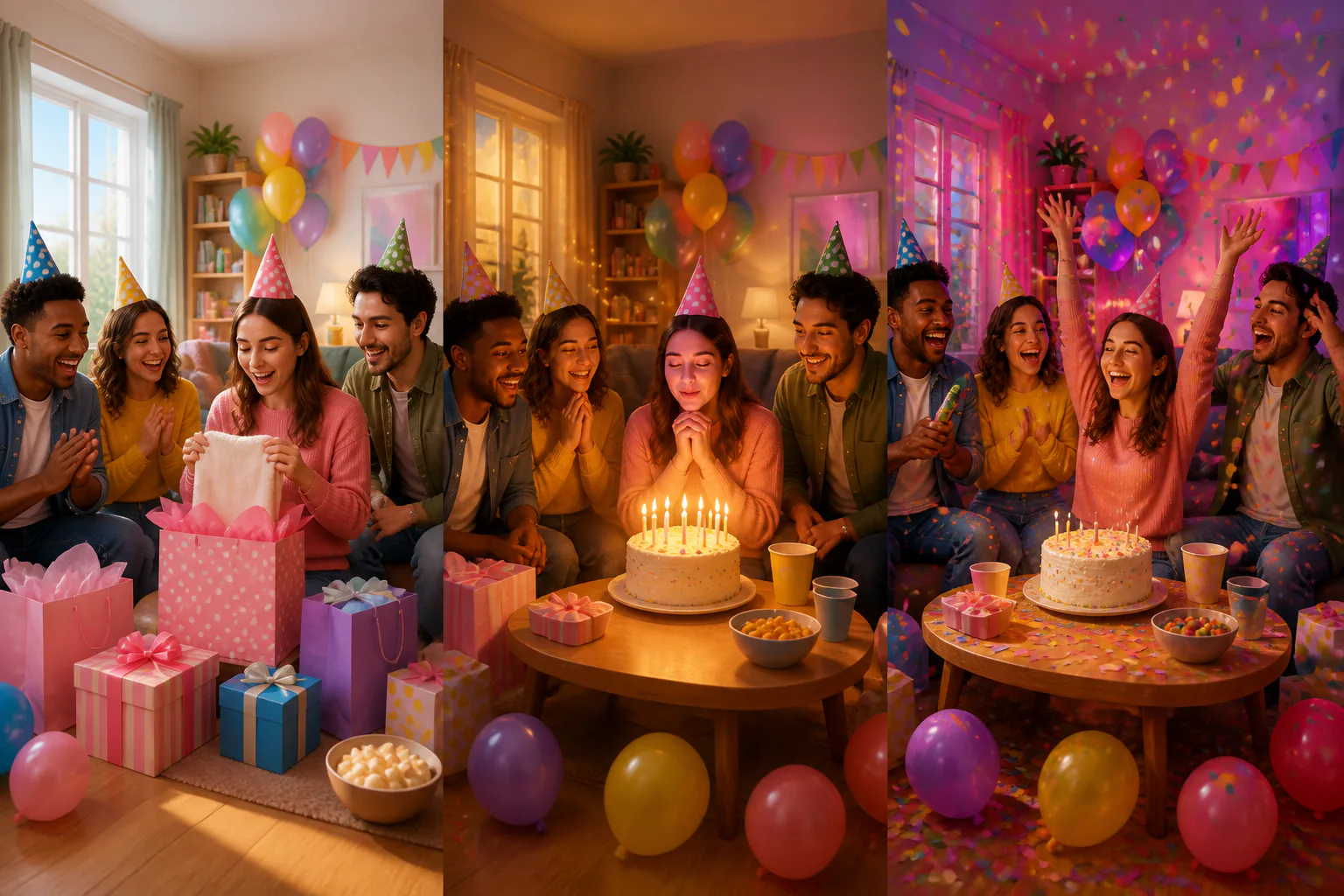
Birthday storyboard with timed scenes for opener, memory, wish, and ending

Timed Scene Control

Give the opener, memory moment, greeting, and ending their own visual direction. Write what should happen in each timed scene, add reference images where useful, and shape animated birthday wishes with clear structure.

Birthday media inputs with portrait photos, audio waveform, clip, and BGM notes

Photos, Voice, and Music References

Build the birthday wishes video from more than one input. Add photos, video clips, voiceover direction, BGM, and sound style, then use @ to assign assets as a first frame, scene reference, movement cue, or music source.

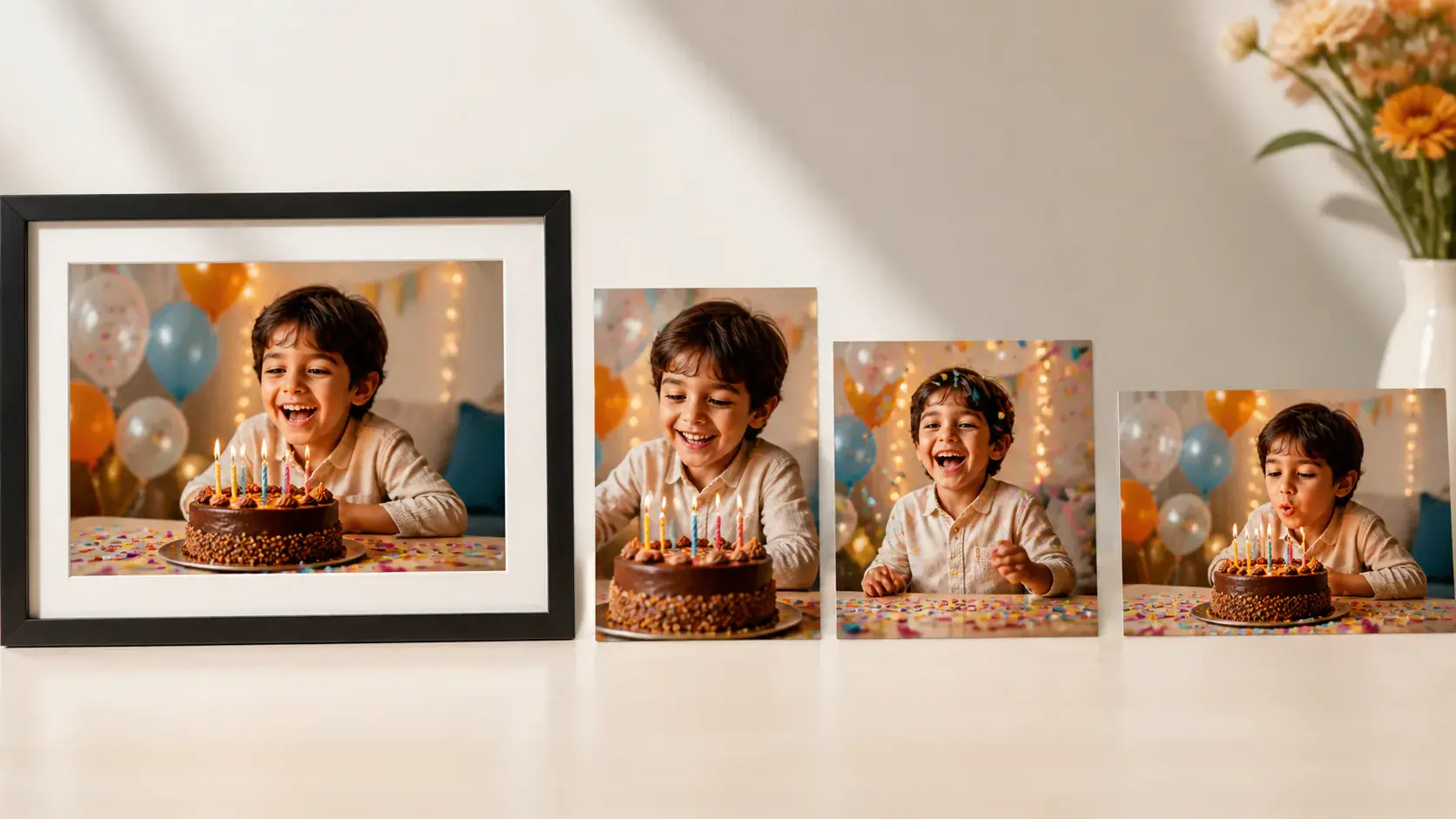
Birthday video still shown in several finished frame formats

Named MP4 Download

When the preview looks right, download an MP4 up to 4K in 16:9, 9:16, 1:1, or 4:5. The finished happy birthday video can include the name, short text, and no watermark.

Create Animated Happy Birthday Videos

Start with confirmed input, shape each timed scene, then preview and revise the video with text instructions.

Input panel with recipient name, short wish, photos, video clip, and audio reference

Step 01

Add the Recipient and Assets

Enter the recipient name, short wish, and video idea, or upload photos, video, and audio references. Use @ to tell VideoAI whether each asset is the first frame, main subject, scene reference, movement reference, or music.
Segment planner with birthday scenes, name placement, voice direction, and music cues

Step 02

Arrange Each Birthday Moment

Choose the ratio and visual style, then describe each timed scene with the picture, action, name placement, voice direction, BGM, and sound cues. This is where the Animated Happy Birthday plan becomes specific.

VideoAI preview screen with birthday video, revision box, and MP4 download

Step 03

Preview, Revise, and Download

Generate the first version, watch the preview, and request revisions with text instructions. A single generation can be up to 30 seconds, and when the video is ready, you can download it as an MP4 up to 4K.

Animated Happy Birthday FAQs

Start with the recipient name, a short wish, and the birthday scene you want. Add photos, clips, or audio references, assign them with @, arrange each time segment, then generate, preview, revise, and download.

Yes. You can include a name, short birthday title, brief wish, and uploaded photo in the same Animated Happy Birthday generation. Keep on screen wording concise so it fits the scene clearly.

Yes. Add voiceover direction, a reference voice tone, BGM, sound style, and music cues so the Animated Happy Birthday video carries the right tone for the recipient.

One generation can be up to 30 seconds. If the greeting needs more room, continue with video extension and keep refining the Animated Happy Birthday video through text instructions.

Finished results download as MP4, up to 4K, with support for 16:9, 9:16, 1:1, and 4:5 ratios. The output has no watermark, can be used commercially, supports batch generation, and includes a 10 credit starter allowance.

After the first preview, you can ask VideoAI to revise a scene, update the name moment, change the music direction, or regenerate the birthday video with clearer text instructions.
Create an Animated Happy Birthday Video creative result background

Create an Animated Happy Birthday Video

Add the name, photos, wish, and music direction in VideoAI, then preview the video, request revisions with text instructions, and download the final MP4 up to 4K.

Get Started
Animated Happy Birthday - Happy Birthday Video - VideoAI