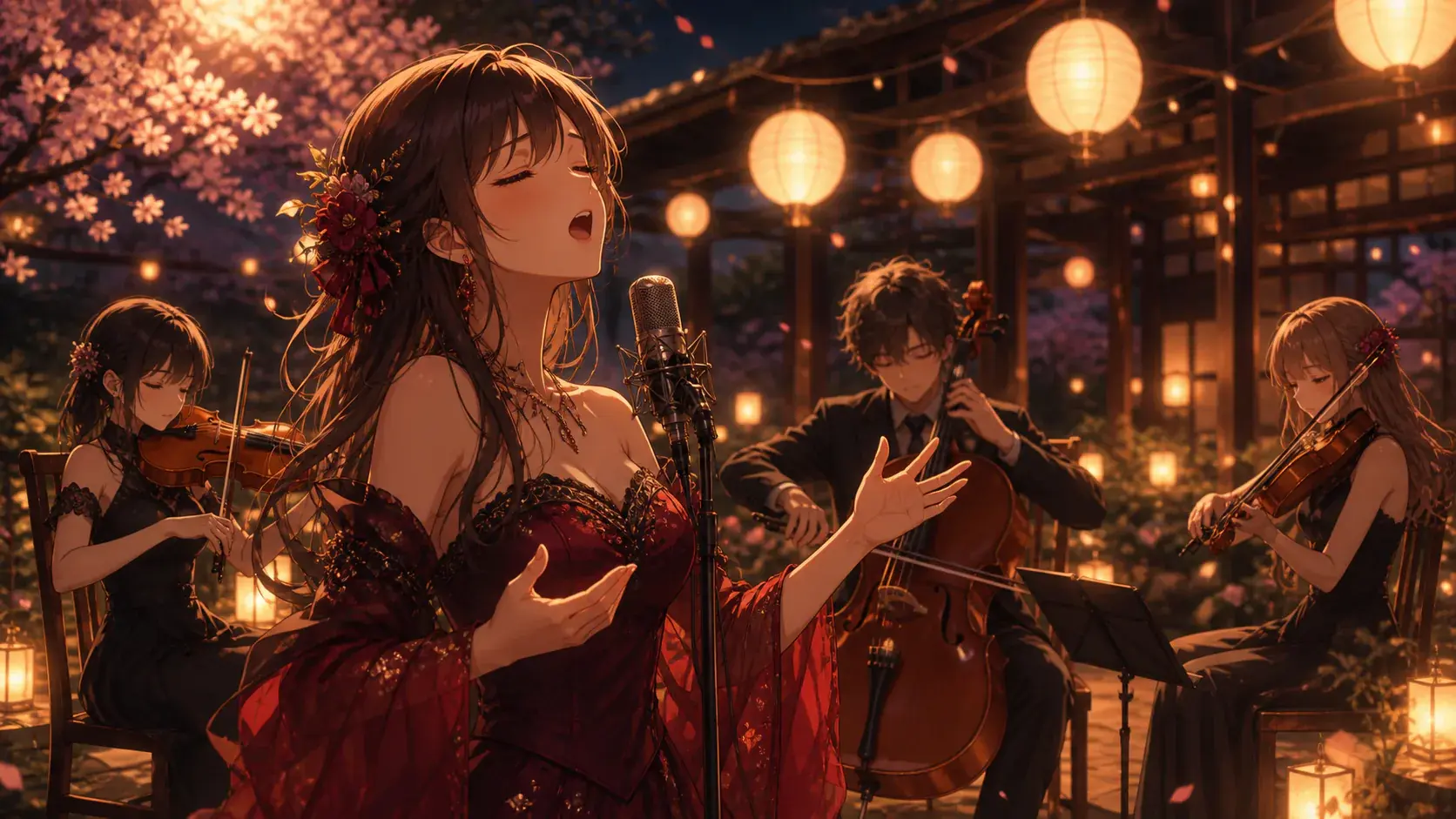
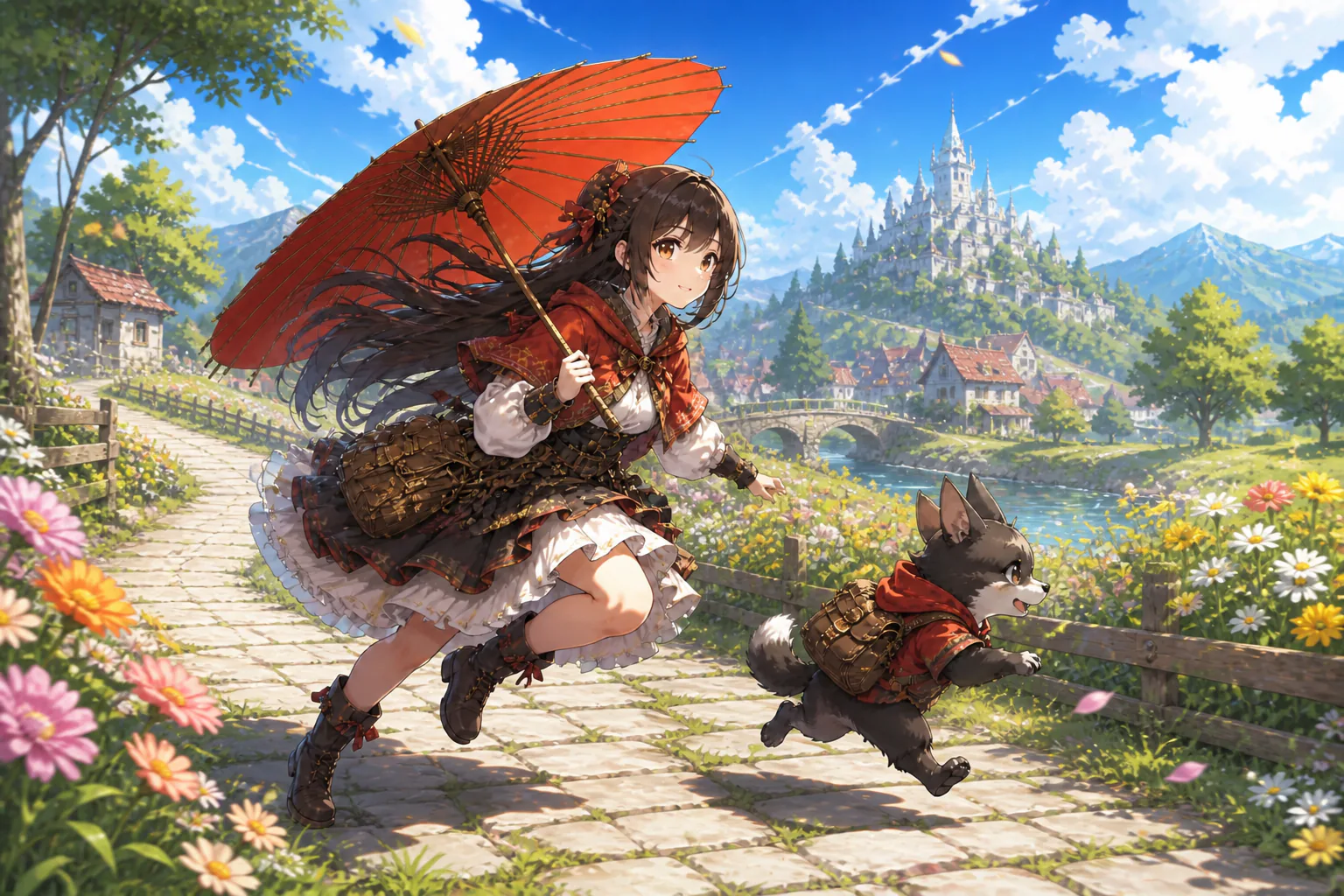
Anime Shorts

Make anime shorts in VideoAI from a story idea, character references, shot notes, sound direction, and a vertical MP4 plan you control.

Anime character, vertical shot plan, reference images, and music cues in VideoAI

Who Shapes Anime Shorts Best

Recurring anime character references beside several short scene frames

Character series creators

Use VideoAI when you already have a character design or a clear persona and want anime shorts that keep the same lead across new scenes. Add reference images, assign their purpose with @, and write each shot so the series keeps its visual thread.

Control The Look Of Anime Shorts

Choose the visual direction first, then describe the action, camera, sound, and format that make anime shorts readable.

Anime style selector with character scene, cartoon look, and illustration option

Anime style from the start

Anime, cartoon, and illustration presets give anime shorts a clear visual base before you refine the scene. Add prompt details for setting, motion, and mood when you want anime style animation or cartoon animation with a more specific direction.

Timed anime storyboard with camera notes, action notes, and scene references

Shots arranged by time

Write the short in time blocks such as 0 to 3 seconds and 3 to 6 seconds, then describe who appears, what changes, and how the camera moves. This keeps create cartoon animation work tied to your story decisions.

Uploaded character image, scene image, video reference, and audio cue labels

References with assigned jobs

Bring text, images, video, and audio into the same VideoAI prompt. Use @ to mark a character image as the subject, a clip as camera reference, an image as the opening frame, or audio as the music direction for anime shorts.

Anime scene board with narration note, voice reference, BGM, and sound cues

Voice and music direction

Plan narration, voice reference, background music, sound effect style, and music beats together with the picture. When you make a cartoon video or create cartoon video output, the sound plan supports the rhythm of the scene.

Build Anime Shorts Step By Step

Start with story material, arrange anime shorts by seconds, then refine the generated video with text instructions.

Story idea, character art, scene reference, video clip, and audio file inputs

Step 01

Start from idea or references

Enter a story idea, a rough script, or upload character, scene, movement, video, and audio references. If the opening needs shape, let VideoAI draft story text first, then use @ to assign each material a clear role.
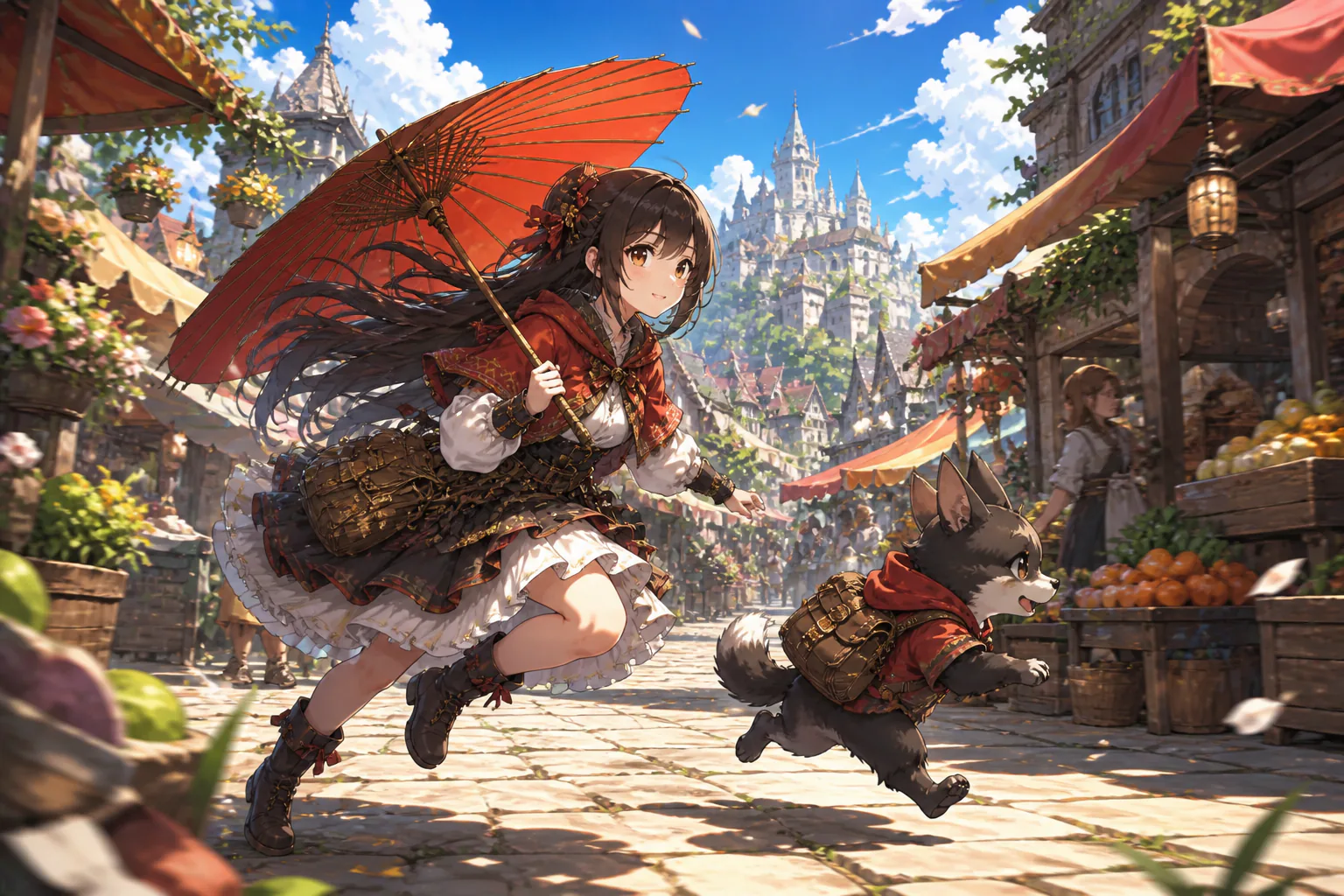
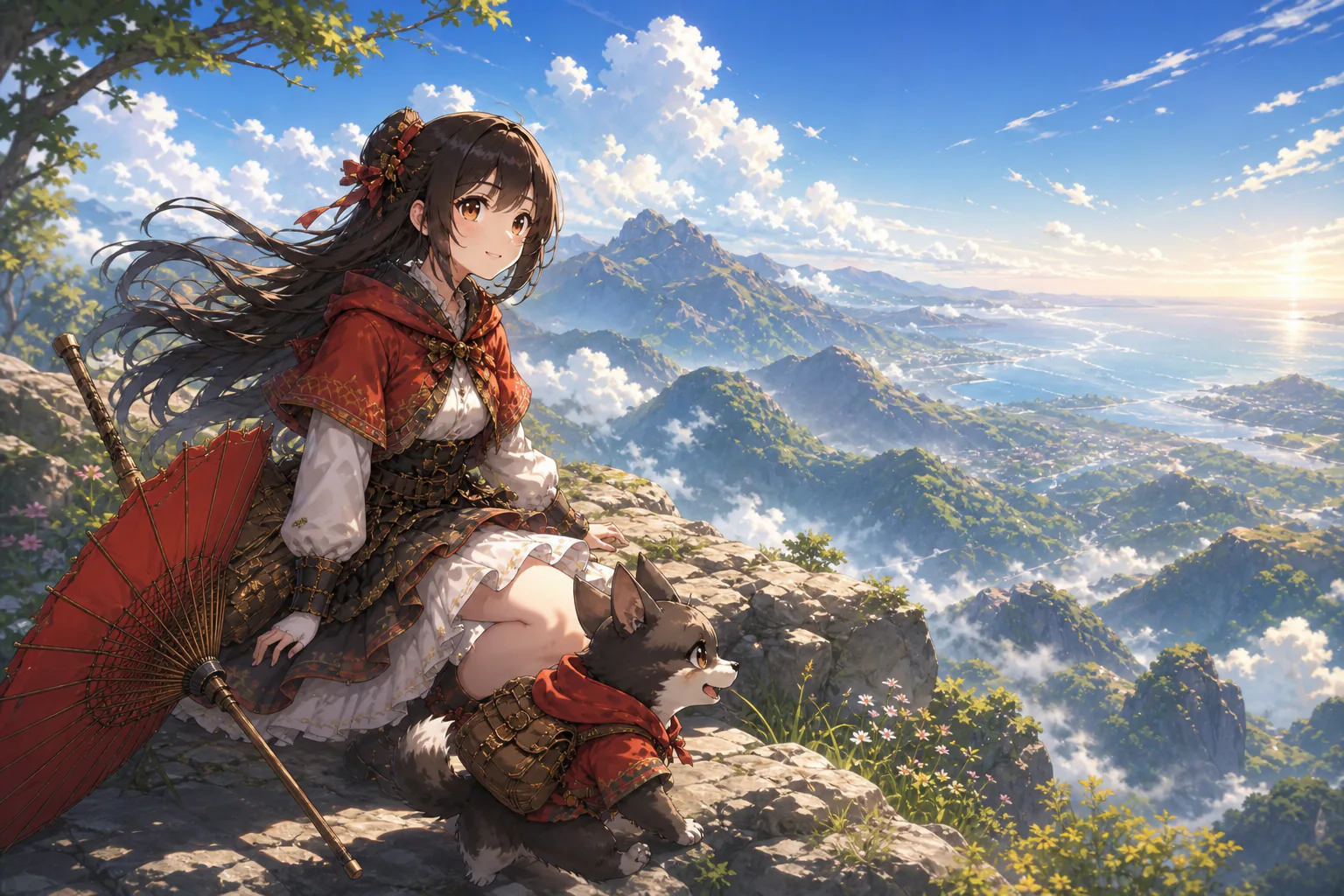
Timed scene editor with anime style choice, camera motion, voice, and aspect ratio

Step 02

Write each timed scene

Choose an anime, cartoon, or illustration direction, then describe the character, setting, action, camera movement, pace, voice, BGM, and sound style for each time segment. Select 9:16, 1:1, 4:5, or 16:9 based on where the MP4 will be used.

Generated anime video preview with text revision note and MP4 download option

Step 03

Generate, adjust, and extend

Generate the anime shorts video, review the motion and rhythm, then use text instructions to revise a scene, action, or pace. A single generation can be up to 30 seconds, with video extension available when the story needs to continue.

Anime Shorts For Real Scenes

Use the same controlled workflow for personal stories, social posts, campaign ideas, and client drafts.

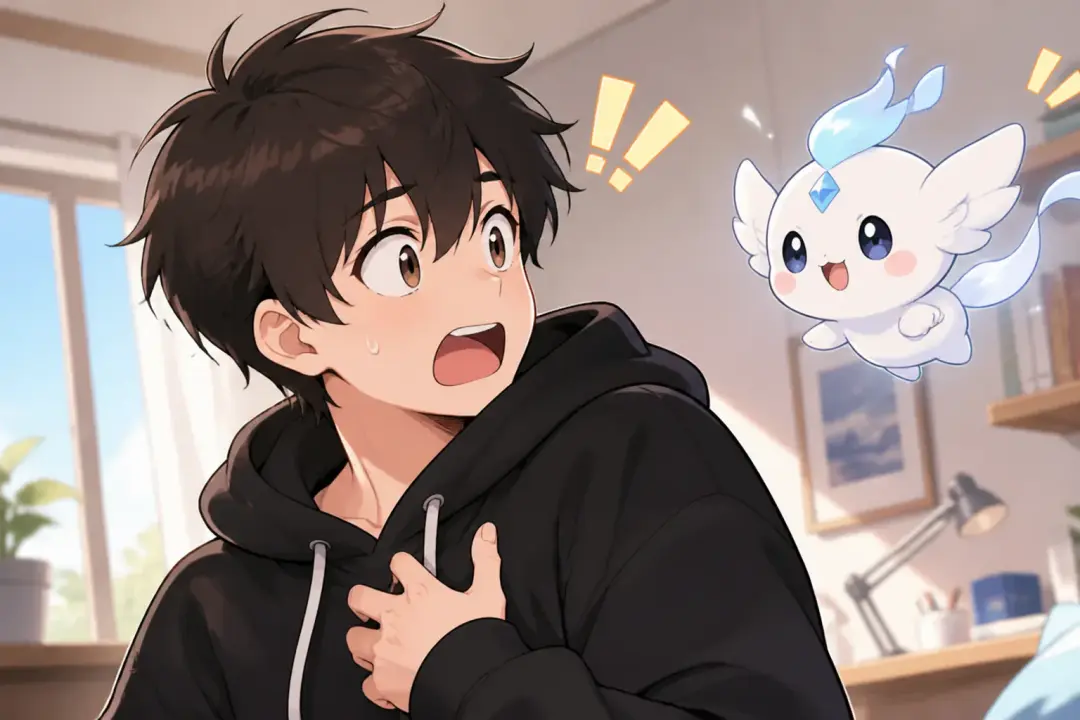
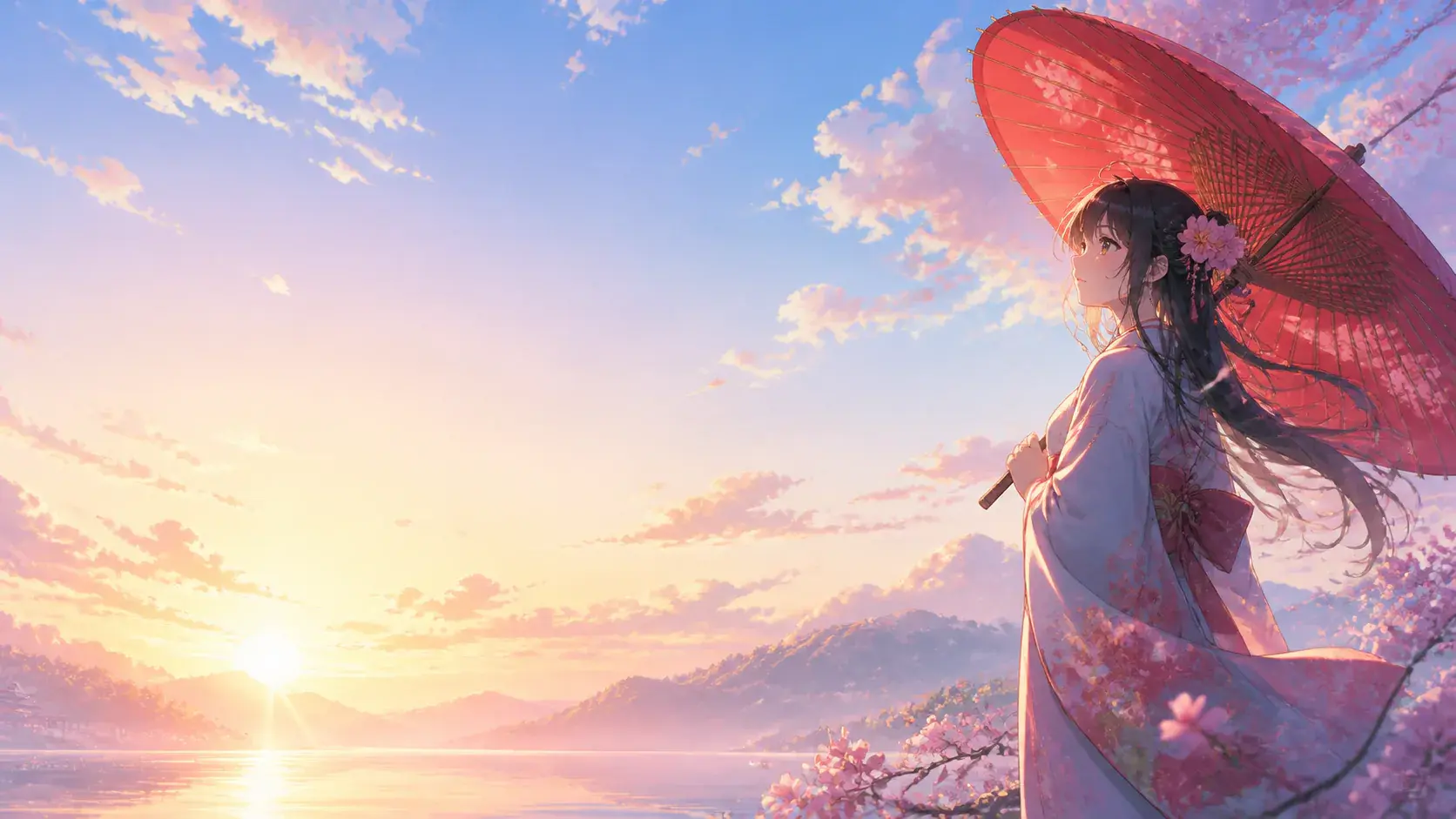
Vertical character sketch shown as a finished VideoAI video scene

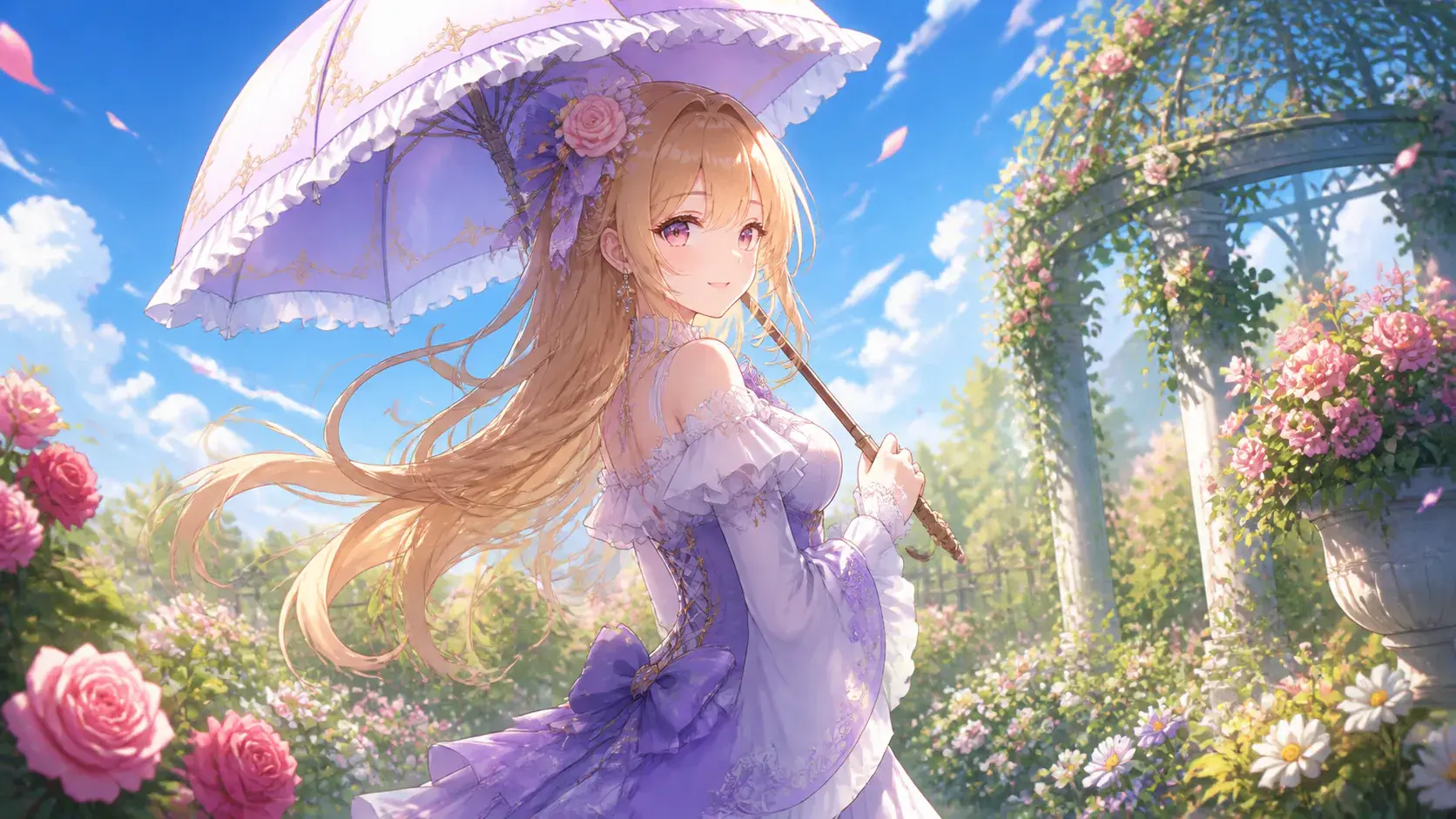
Vertical character sketch

A single character has one punchline, reveal, or emotional beat. Write the action in short segments, choose 9:16, and create anime that lands as a compact social video.

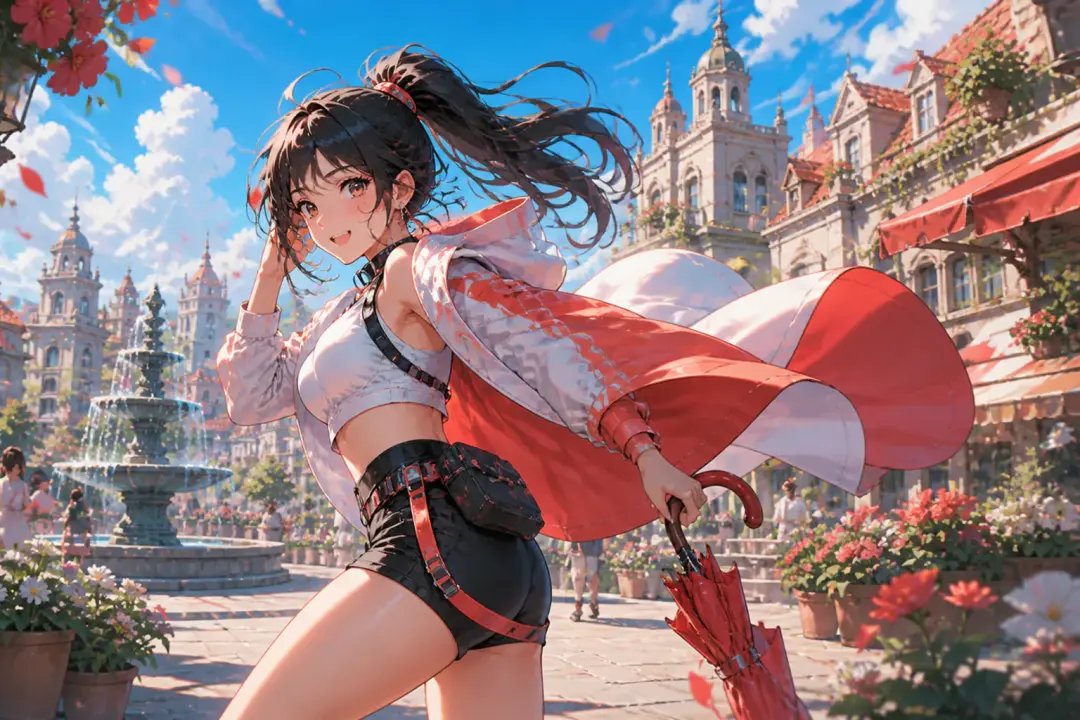
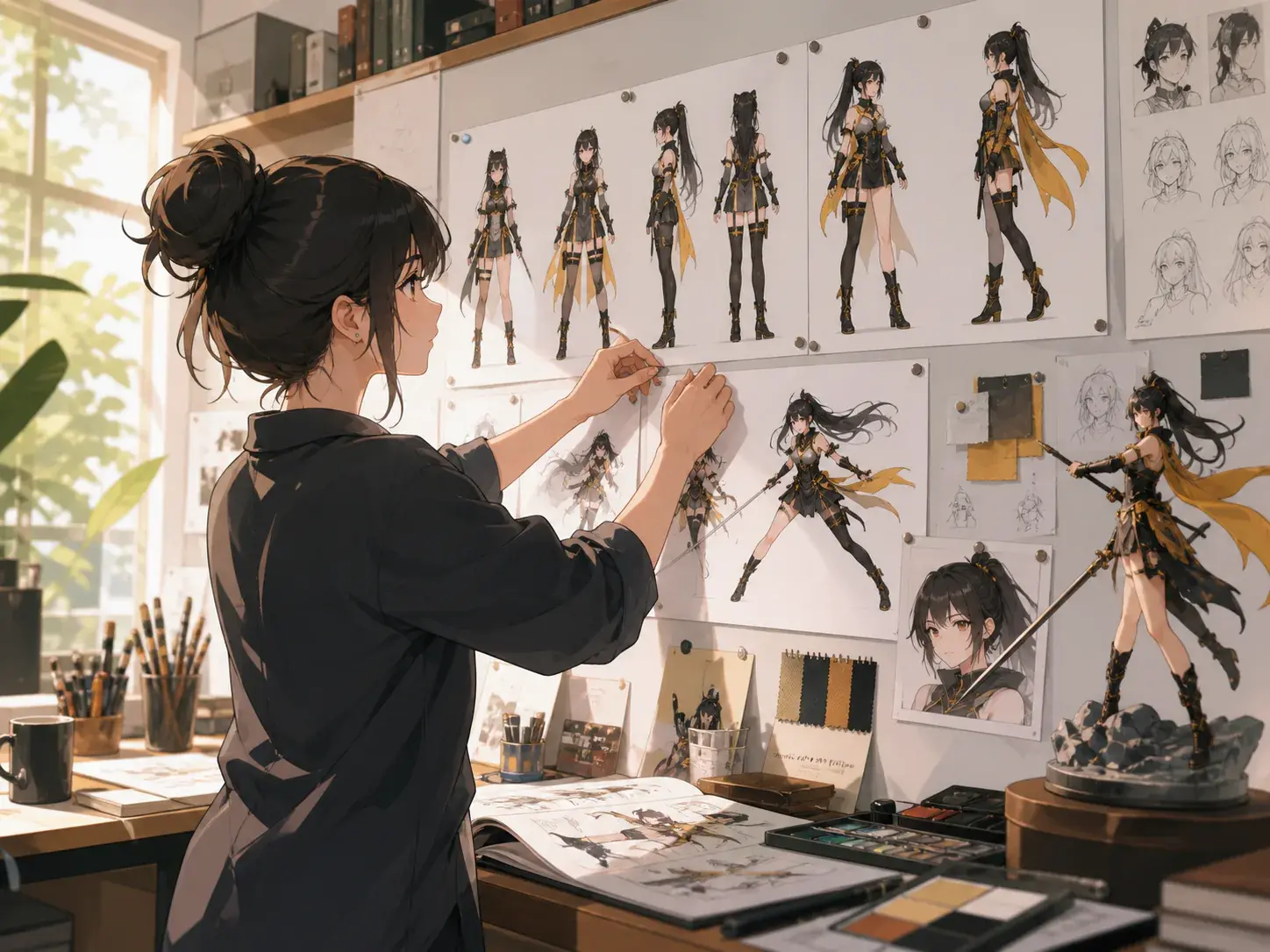
Serialized character moments shown as a finished VideoAI video scene

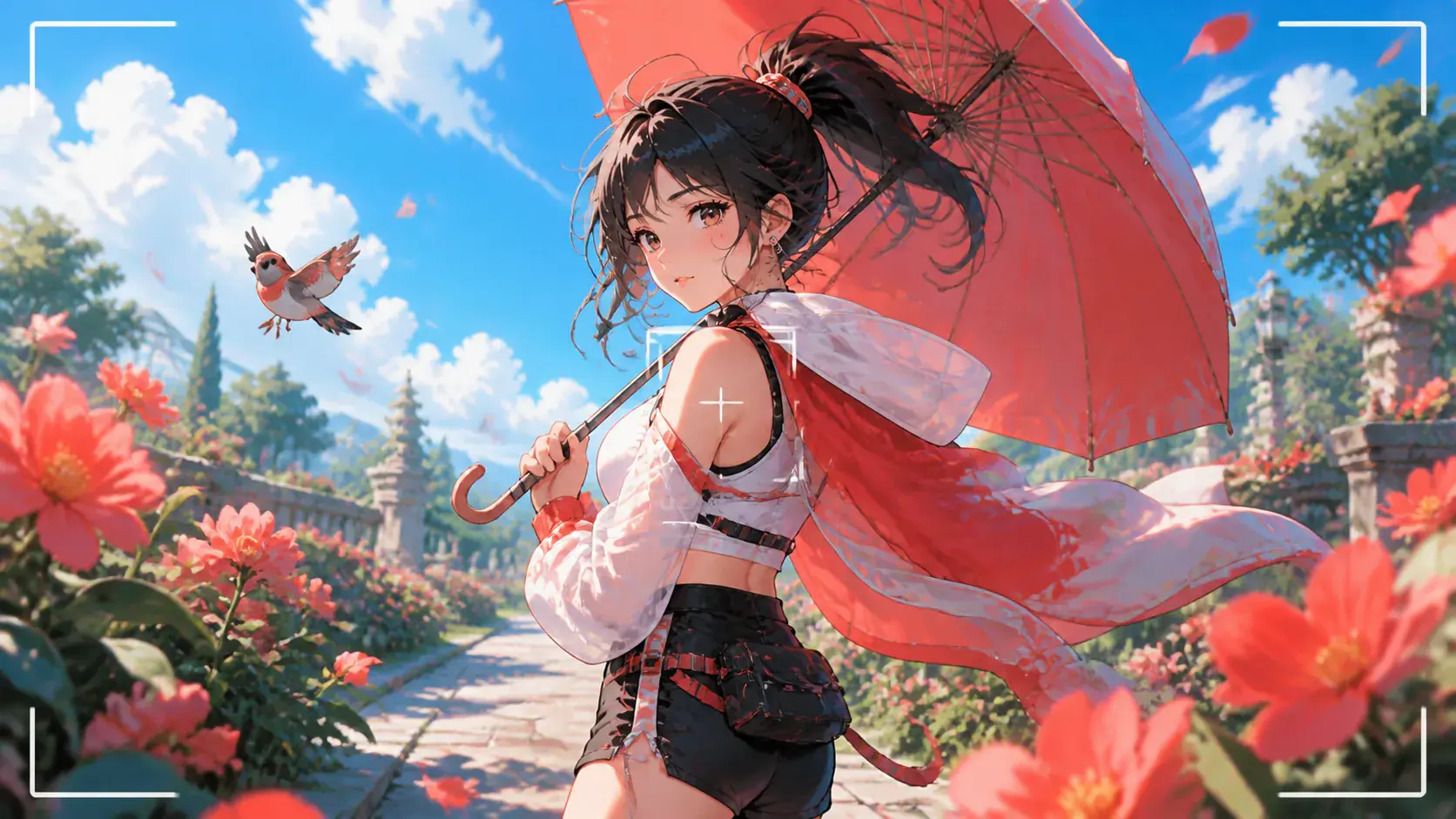
Serialized character moments

A recurring lead needs to look familiar from one short to the next. Use several references, keep the role assignments clear, and create your own anime around one new plot beat at a time.

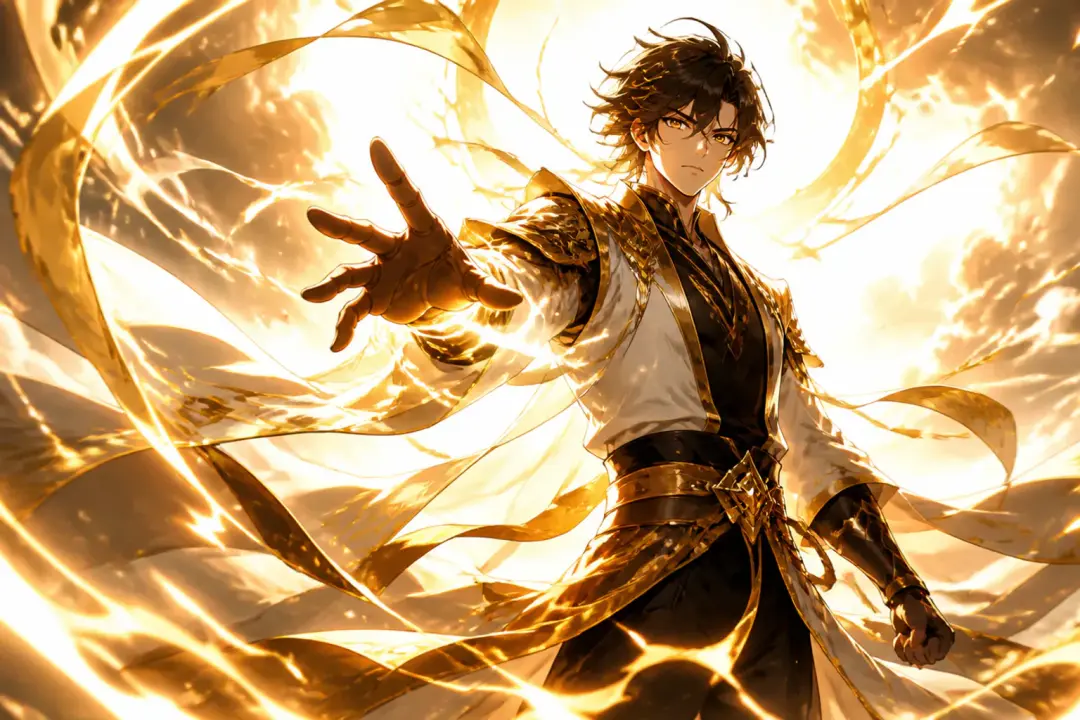
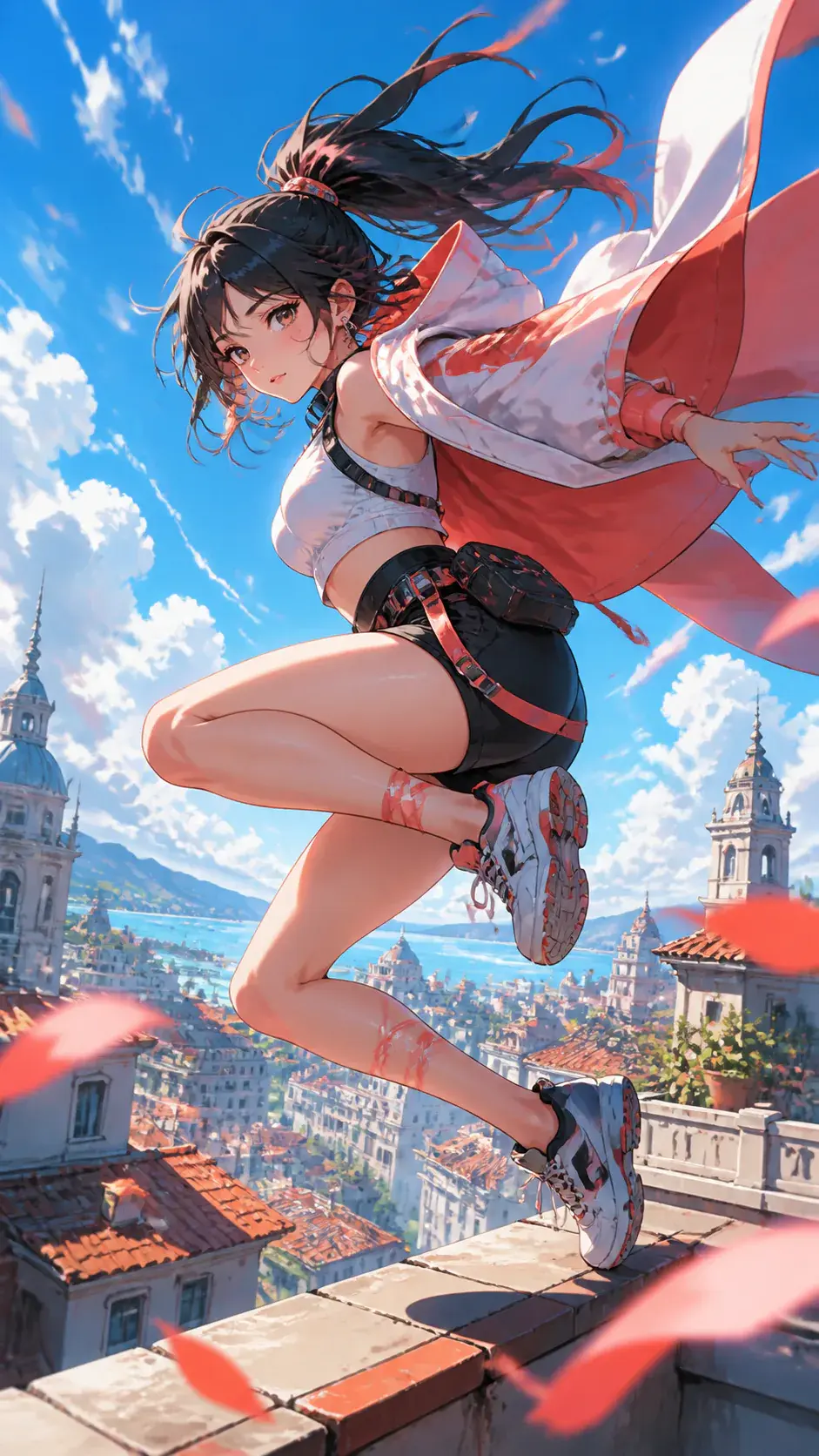
Action and transformation beats shown as a finished VideoAI video scene

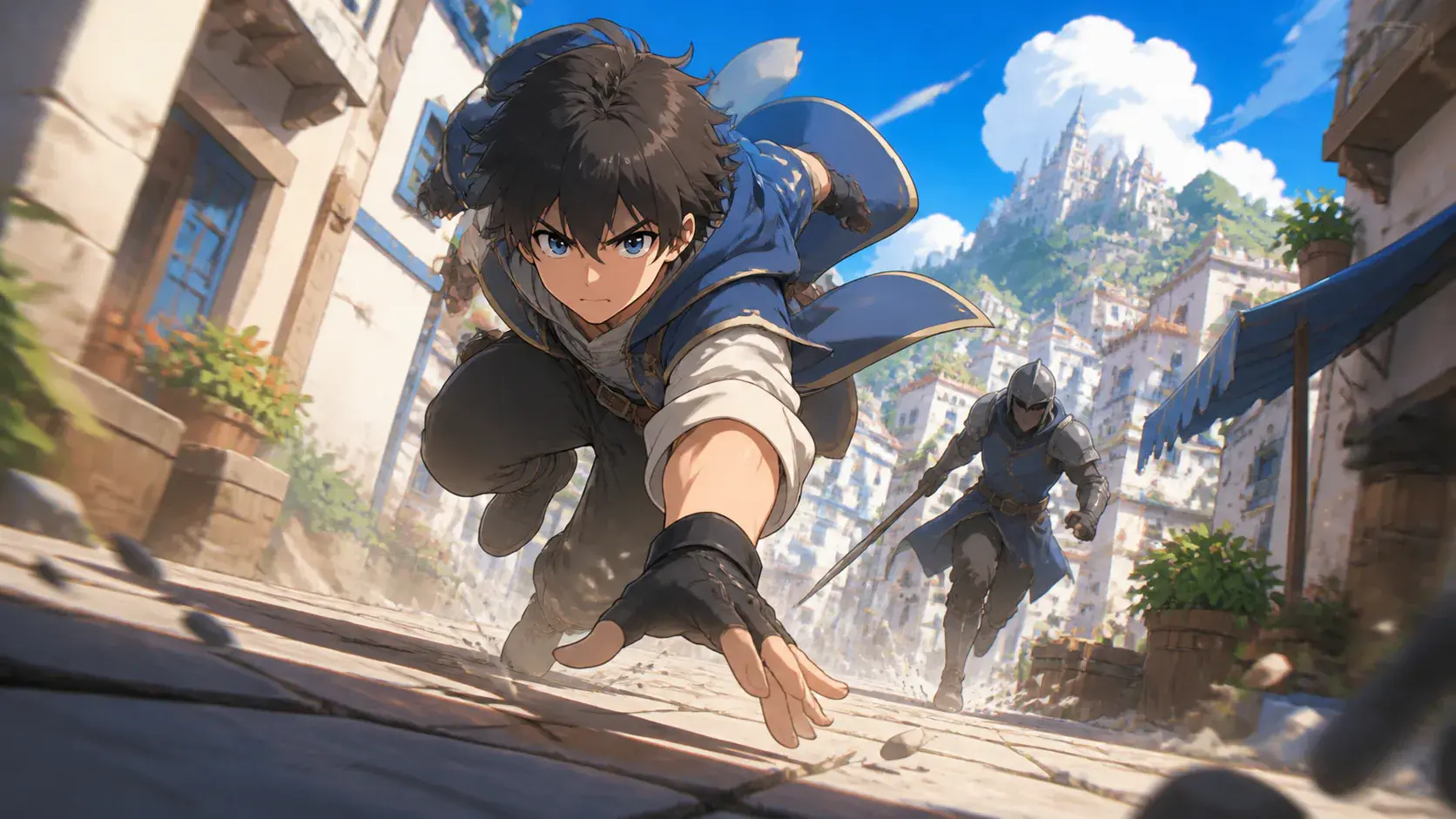
Action and transformation beats

A move, costume change, or camera push needs picture and sound to arrive together. Describe the action, camera path, music cue, and sound effect style while making a cartoon for a focused moment.

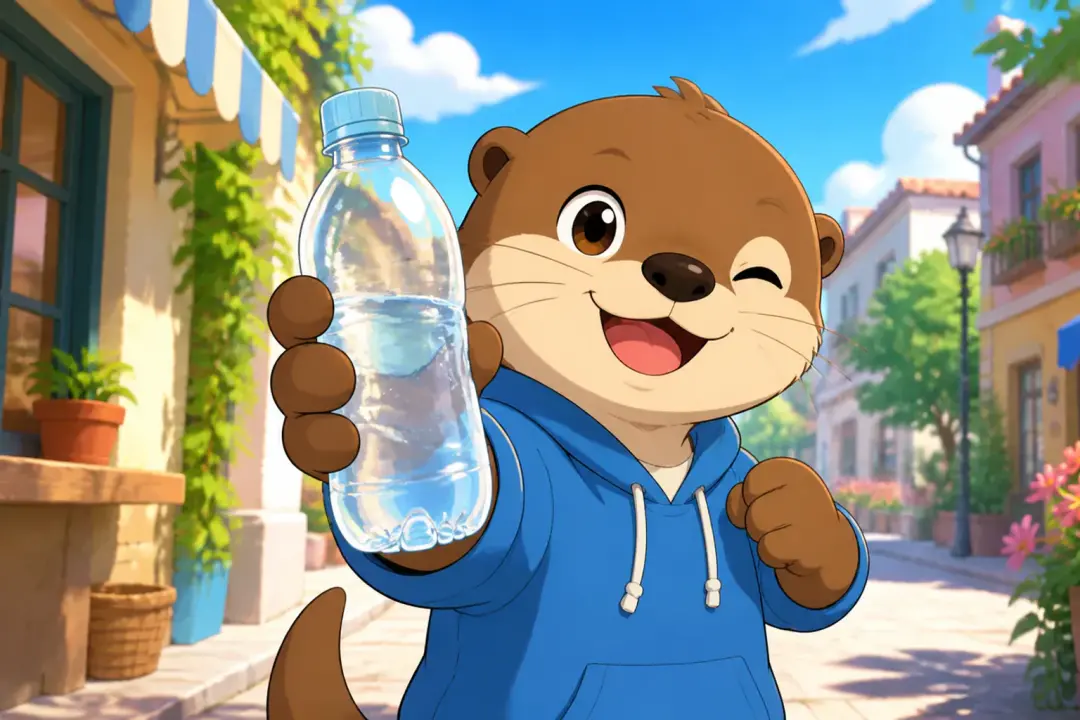
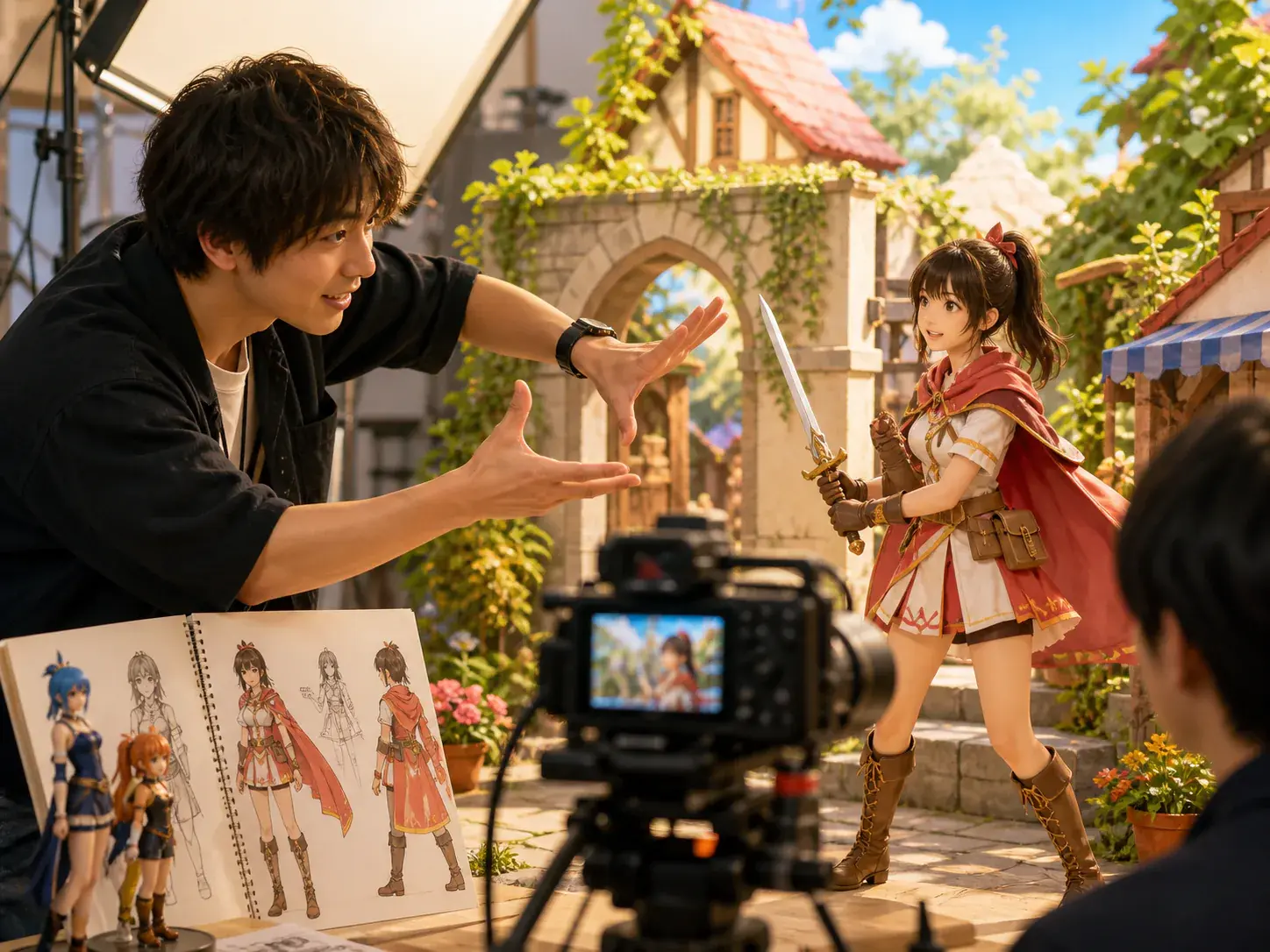
Product story teaser shown as a finished VideoAI video scene

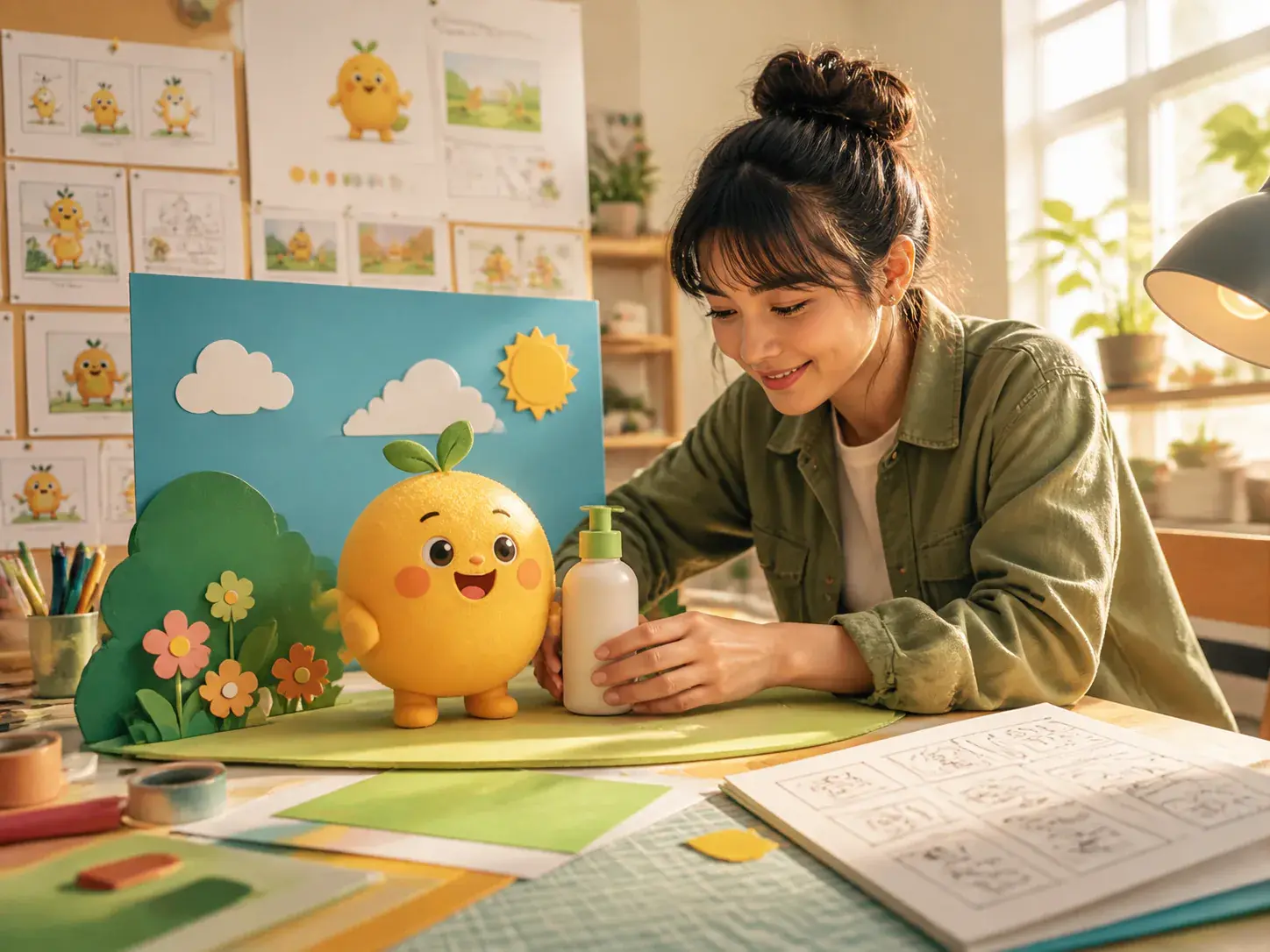
Product story teaser

A product feature or campaign theme can become a short cartoon scene. Write the premise, choose the cartoon direction, and create your own cartoon video as a downloadable MP4 for review or reuse.

FAQ

Questions About Anime Shorts

It creates short anime videos with characters, scenes, action, camera direction, voice, music, and sound planned by you. The result is a generated MP4 video, not a viewing list, image search result, or clothing product.

Start with a sentence or rough outline, ask VideoAI to draft usable story text if needed, then arrange the shots by time before generating the video.

Yes, you can upload character references and assign them with @ so VideoAI understands which material is the subject, scene reference, opening frame, camera guide, or audio direction.

Multiple reference images can help the same character stay consistent across different shots, which is useful for anime shorts with a recurring lead or connected scene sequence.

Voiceover, voice reference, background music, uploaded or specified BGM, sound effect style, and music beats can be included in the same creative plan.

One generation can be up to 30 seconds. When the story needs another beat, you can continue the video with extension rather than rebuilding the whole setup.

Download the finished video as an MP4, with output available up to 4K. VideoAI supports 9:16, 16:9, 1:1, and 4:5 for different short video placements.

After generation, give text instructions for the part that needs a change, such as an action, setting, or rhythm. VideoAI regenerates from that direction, so the workflow can keep moving from the current result.

Generated finished videos can be used commercially and are delivered with no watermark. Use materials you have the necessary rights to include when you create an anime or make an anime scene.
Create Anime Shorts In VideoAI wide VideoAI creation scene

Create Anime Shorts In VideoAI

Bring a character, script, or reference set, then shape the shots, sound, aspect ratio, and MP4 result in one video workflow.

Get Started
anime shorts - Make Your Own Anime - VideoAI