Banner Maker

Describe the purpose, headline, and colors you have in mind, and this banner maker turns it into a banner design you can refine, then export with no watermark.

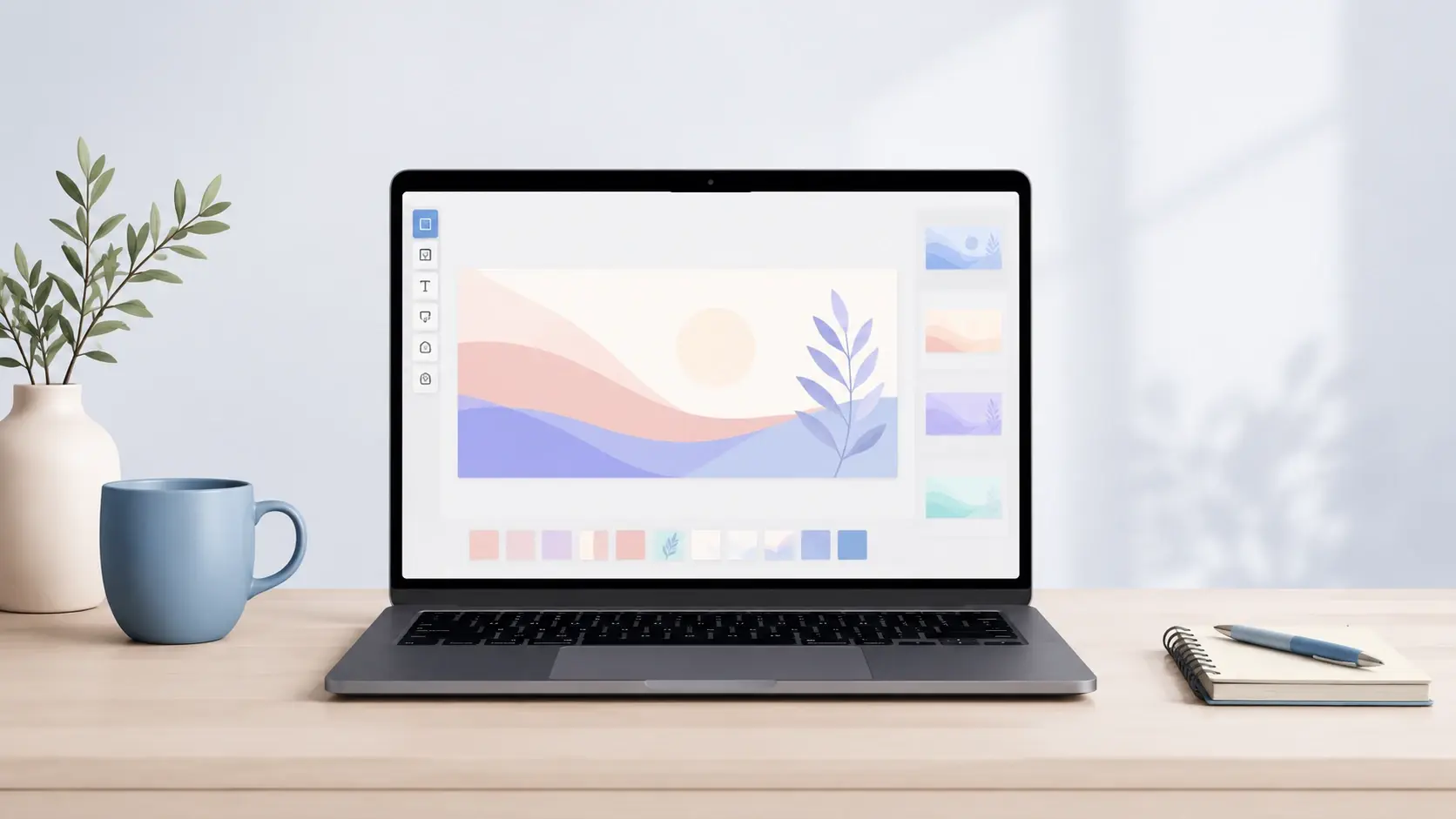
A promotional banner design with a bold headline and brand colors generated from a text prompt

From Prompt to Finished Banner Design

Three steps take you from a written prompt to a downloadable banner design you can keep refining.

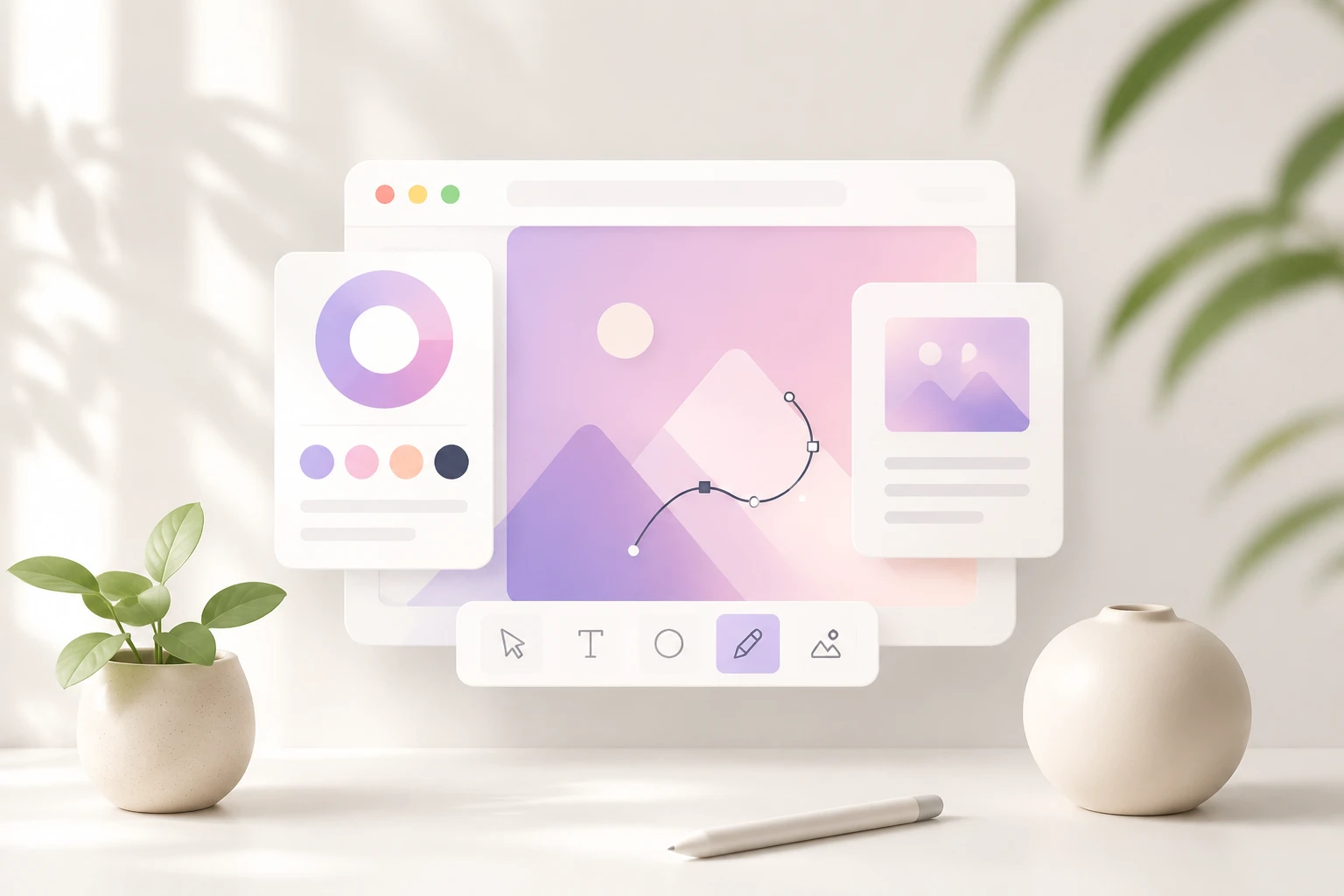
Prompt box describing a shop banner headline, colors, and an uploaded brand logo

Step 01

Describe the Banner You Want

Type what the banner is for, the headline or CTA you want to stand out, and the style and colors that suit your brand. You can pick a preset style instead of writing one, upload a reference image so this banner maker follows its look, or add your own logo so its colors carry into the design.
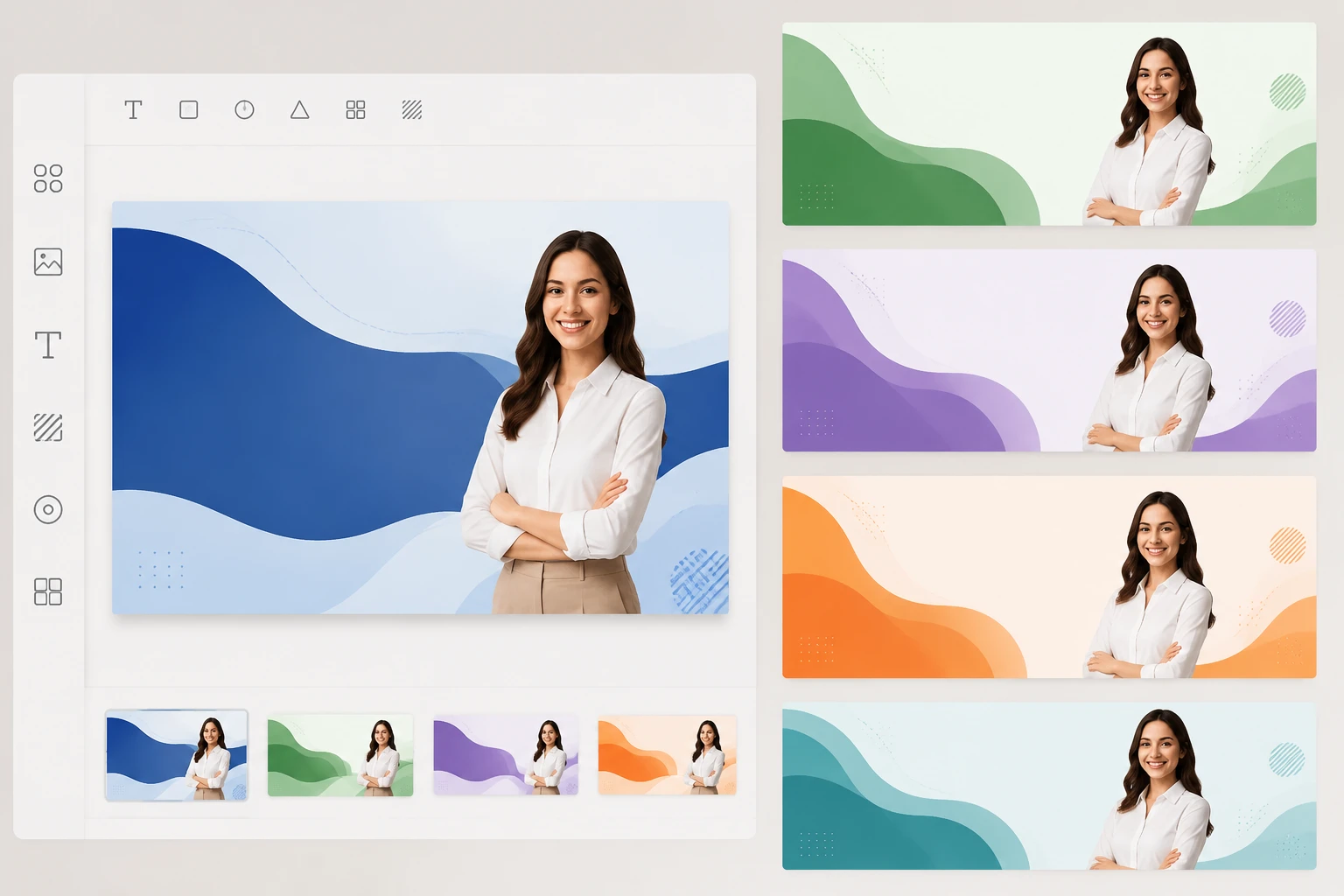
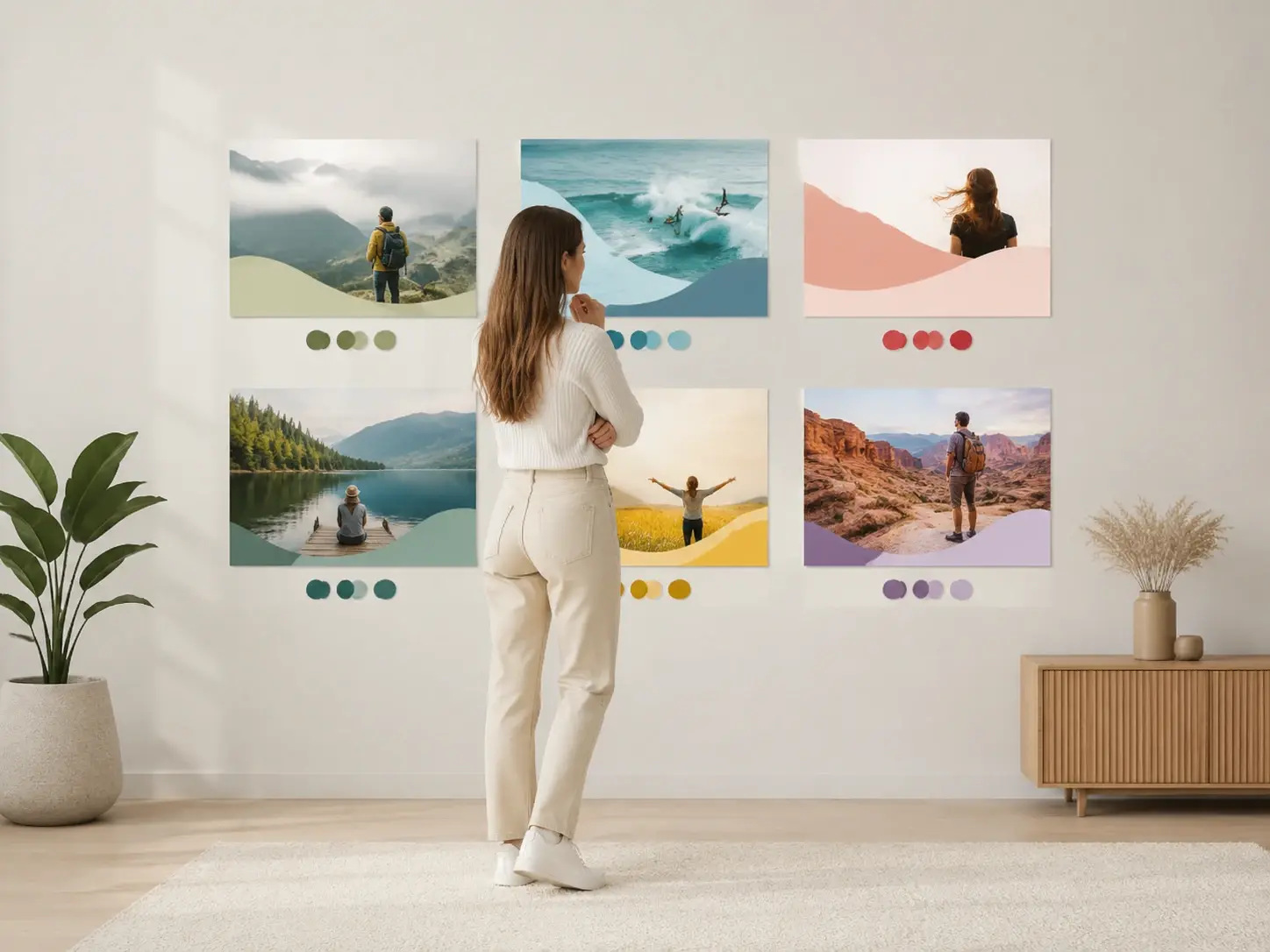
Several generated banner versions side by side with the visual editor open for text edits

Step 02

Generate and Compare Versions

Generate several banner versions at once, then read them side by side to see which layout carries your message best. If none fits, adjust the prompt and run the banner maker again, or open the visual editor to change the text, fonts, icons, colors, and arrangement by hand.

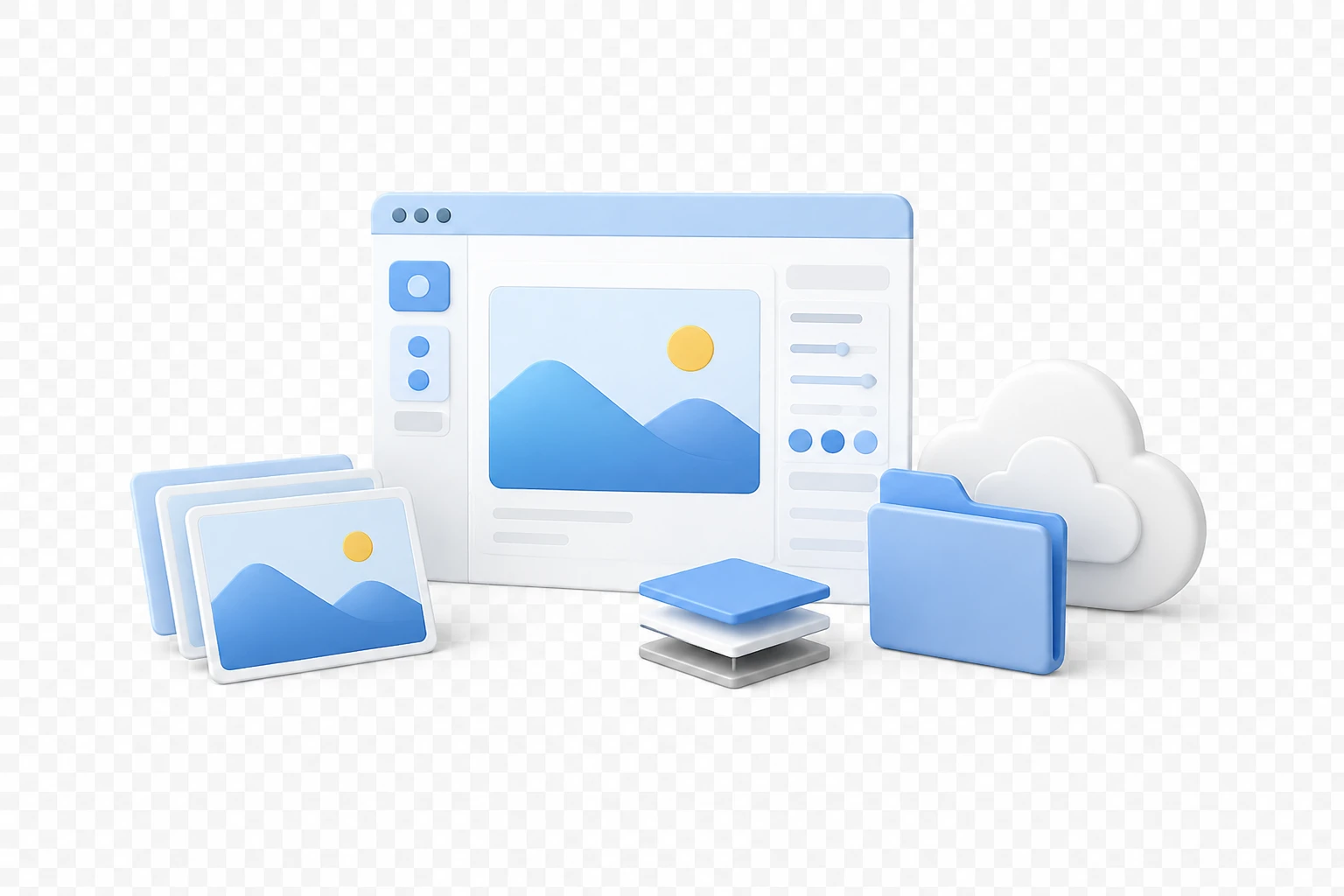
A finished 4K banner exporting as a transparent PNG saved in the workspace

Step 03

Download Your Finished Banner

Choose the version you like and download it in high resolution up to 4K, sharp enough for large screens. You can also export a transparent PNG so the banner sits cleanly over any background, and every result stays in your workspace for later edits.

Banner Maker for Every Campaign

From a storefront header to a paid ad, tell the banner maker the moment and get a matching banner design.

Shop Banner for Your Storefront

Opening an online store or refreshing your shelves means you need a storefront header where the product and its main selling point read at a glance. Upload your logo and let the banner maker pull your brand colors into the layout, so the shop banner sits in step with the rest of your store.

Sale Banner That Pushes the Offer

Black Friday, a launch, or a clearance run all hinge on one thing: the discount has to jump out. Describe the offer and the number you want front and center, generate the main visual, then tweak the percentage text and colors in the editor before you ship the next sale banner.

Marketing Banner in Many Versions

A campaign usually calls for more than one hero visual to try across placements. Run a batch of marketing banner options in a single pass and compare them, so you can keep the version that frames your message the way you intended.

Banner Ads Maker for Paid Placements

Paid placements live or die on a headline and CTA a viewer catches in a second. Because VideoAI renders that text cleanly on the image, this banner ads maker lets you generate a few sharp options and keep the one that reads best at speed.

Who Reaches for This Banner Maker

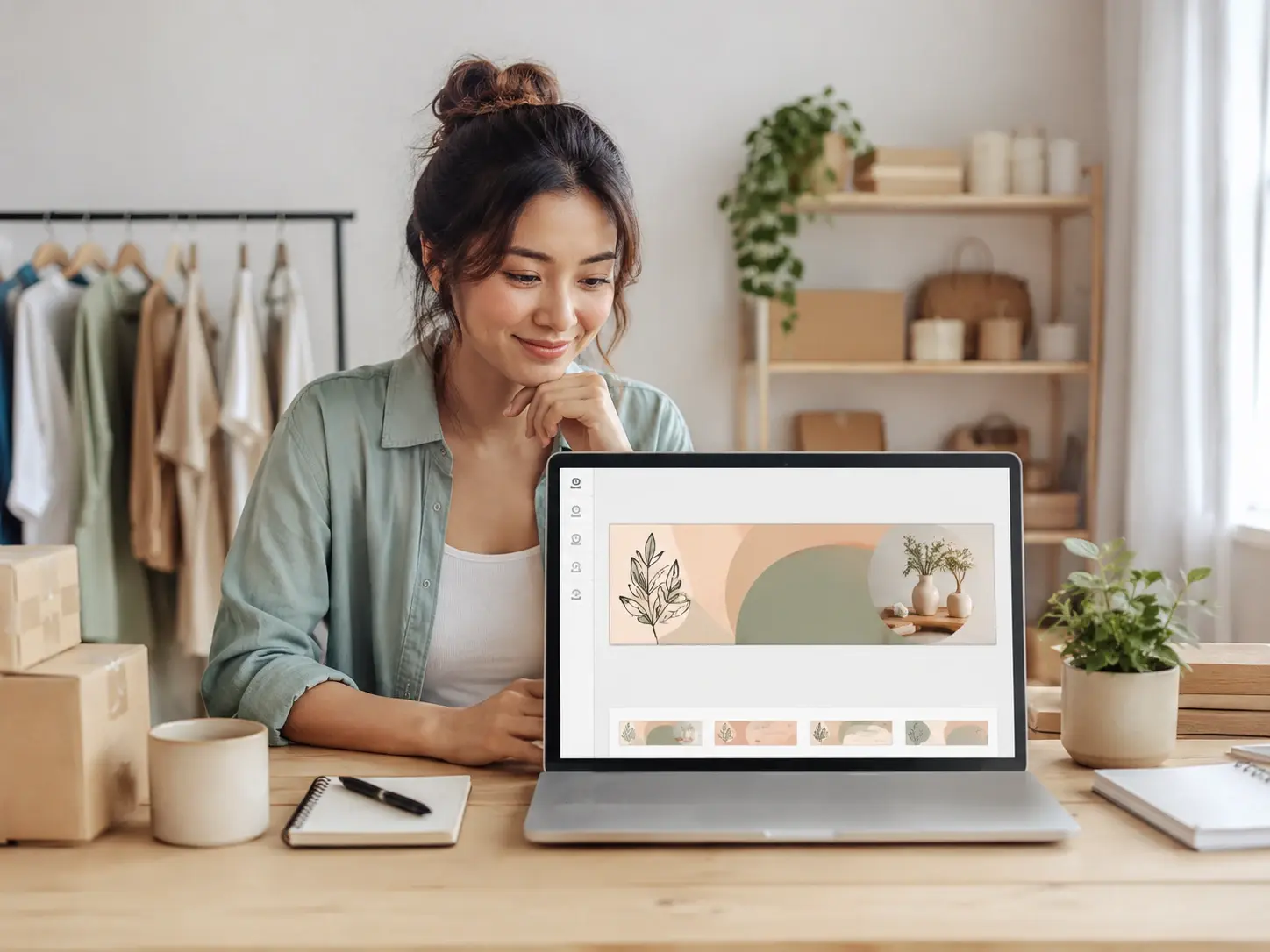
A small business owner reviewing a promotional banner design on a laptop workspace

Owners Without a Design Team

With no designer on staff, you still need promo and event visuals that look considered. Describe the banner you have in mind and this banner maker produces a design you can adjust yourself, with a workspace that keeps every version ready for the next promotion.

What Makes This Banner Maker Different

Clean text, real editing control, and export options that make this banner maker worth a look.

Close view of a banner with a crisp legible headline and CTA rendered on the image

Headline Text That Renders Clean

Your main headline, CTA, and brand name appear as sharp, legible type on the image instead of the smeared lettering most AI art produces. Because the words are the whole point of a banner, this is where this banner maker earns its place.

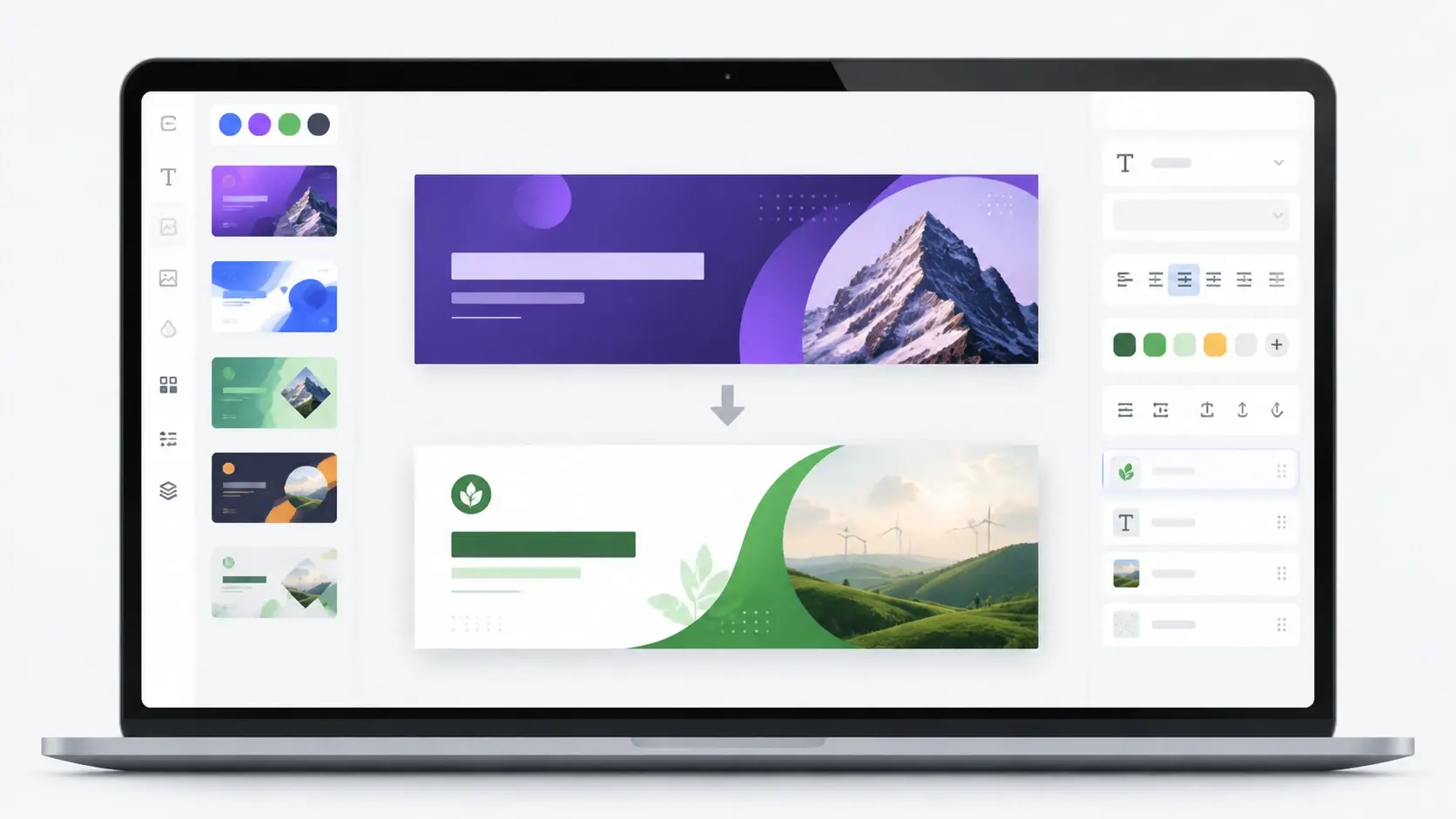
The visual editor adjusting text, fonts, and colors on a generated banner design

Generate First, Then Edit

Start from a generated design, then open the visual editor to change the text, swap fonts and icons, adjust colors, and rearrange the layout until it fits. This banner maker pairs a quick first draft with close control over the details.

A reference banner image beside a new banner design generated to match its style

Style From a Prompt or Reference

Set the look by describing it or choosing a preset style, and the same sentence can produce several different designs to choose from. Have a banner whose style you admire? Upload it as a reference and this banner maker builds your own version in that direction.

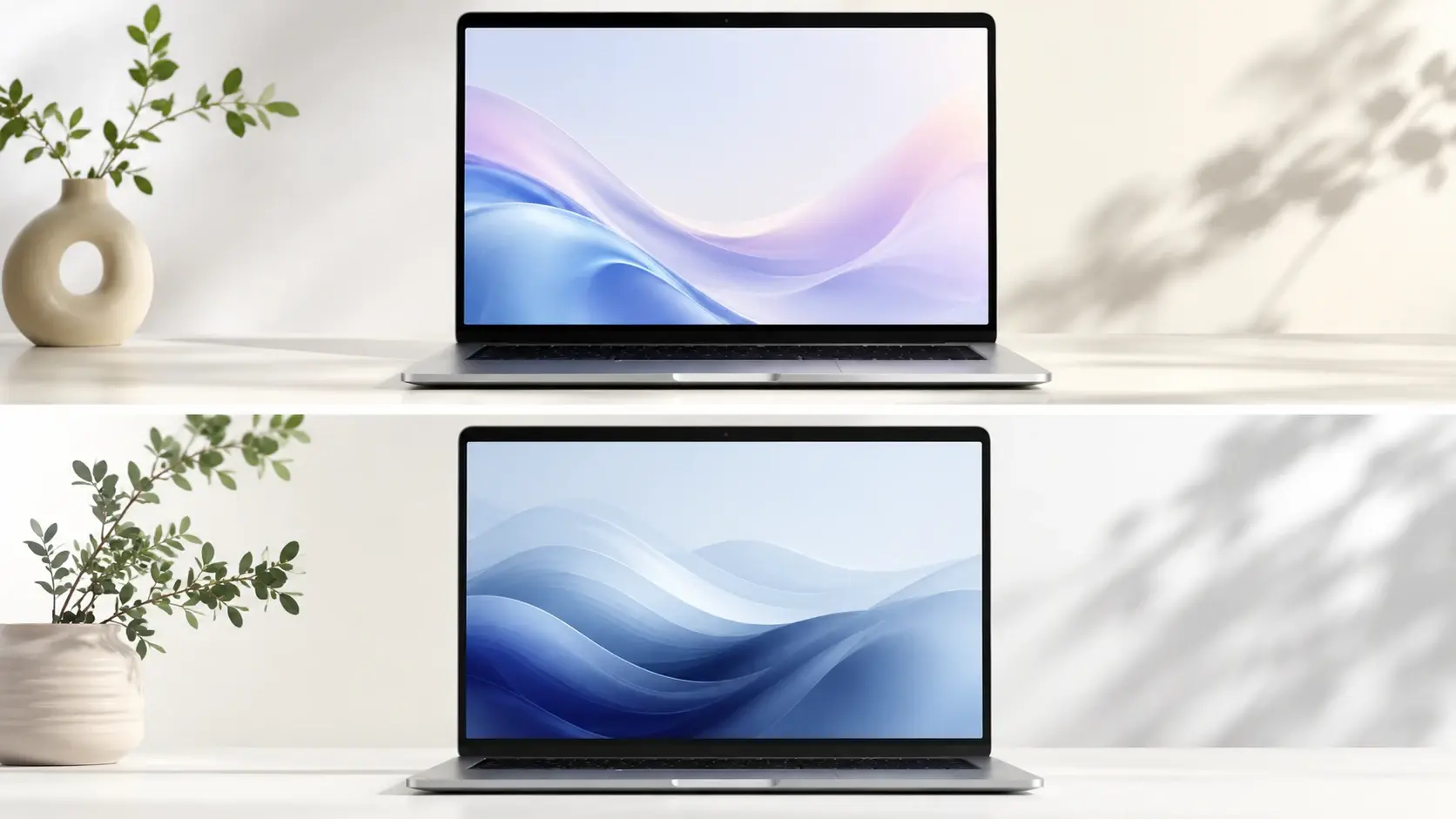
A high resolution banner design exported at 4K with a transparent background option

AI Banner Generator With 4K Export

This ai banner maker turns a written description into a finished design, works as a quick banner generator, exports up to 4K resolution, and can hand back a transparent PNG with no watermark. A starter allowance of 10 credits lets you test it, and finished designs are cleared for commercial use.

Banner Maker Questions, Answered

You can begin with a starter allowance of 10 credits, so there is room to generate and download real designs before choosing a plan. It is not unlimited, and VideoAI builds each design from the prompt you write, so treat the allowance as your space to test what the banner maker produces.

The banner maker workflow stays simple: describe the banner you want, generate a set of options, refine or edit them, and download the result. Sign in to your account to generate and save your work, and open the editor whenever you want to adjust the text or colors after generating.

People tend to mean a low cost way to make a banner without hiring a designer. You start with a starter allowance of 10 credits, describe the banner you want so the design is generated straight from your prompt, sign in to create and save your work, then download the result. It is a quick way to try the banner maker before committing to a paid plan.

Rather than promising an exact pixel size, the banner maker keeps the focus on the design itself, so plan the content for wherever it runs. Keep the key message and CTA large and high in contrast, leave a comfortable margin around the edges so nothing important gets cropped, and build a clear order between the headline and supporting lines.

Legible wording is the core strength here, since the headline, CTA, and brand name are rendered as clean type rather than the garbled characters AI images are known for. That reliability is why it works well as a web banner maker for visuals that lead with the message.

Upload your logo as a reference and the banner maker works it into the design while pulling your brand colors into the palette, which keeps the look consistent with the rest of your material. You keep that control while generating a custom design, though exact logo placement is not something you dial in by the pixel.

For now the output is a banner design image you can download, not an animated or HTML5 ad unit. If you need a still hero visual with clean text for a placement, that is exactly what VideoAI produces, and many teams run it as an event banner or promo graphic in image form.

After generating, open the visual editor to change the text, fonts, icons, colors, and layout, so you are not locked into the first result. As a flexible banner creator it also handles an email banner maker task, letting you adjust the headline for each placement and regenerate whenever the message shifts.
Start Your Banner Design Now result preview inspired by Describe the banner you need and let this banner maker generate your first design to refine and download.

Start Your Banner Design Now

Describe the banner you need and let this banner maker generate your first design to refine and download.

Get Started
Banner Maker - Custom Banner Design - VideoAI